Drop in spiritual components. Beautiful in 30 minutes.
Charts, tables, cards, and forms for Western and Vedic astrology, forecast, human design, and every other RoxyAPI domain. One key. One npm install or one script tag. Stateless components, typed responses, theming via CSS custom properties.
Not a developer? Copy-paste widgets
See every component live.
All 75 components rendered against real production responses, each with a Preview tab and a copy-paste Code tab. The demo theme follows this site.
Twelve colour tokens in light and dark, previewed live on every component. Copy the theme CSS, the embed snippet, or the shadcn install command.
Embedded from roxyapi.github.io/ui. Source on github.com/RoxyAPI/ui (MIT).
Every astrology UI component, natal wheel to bodygraph.
75 open source components across 21 categories, each rendering the typed response from its matching endpoint. The fallback <roxy-data> renders any future response shape without hand wiring.
Astrology
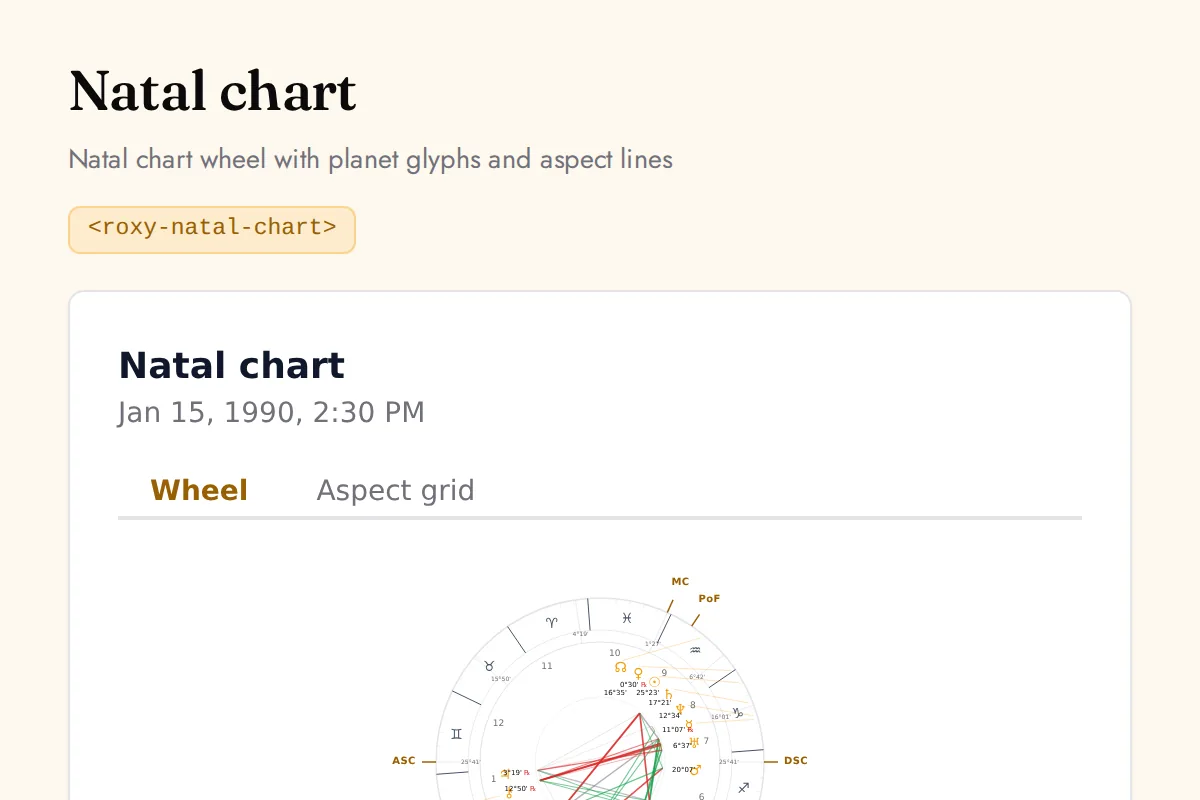
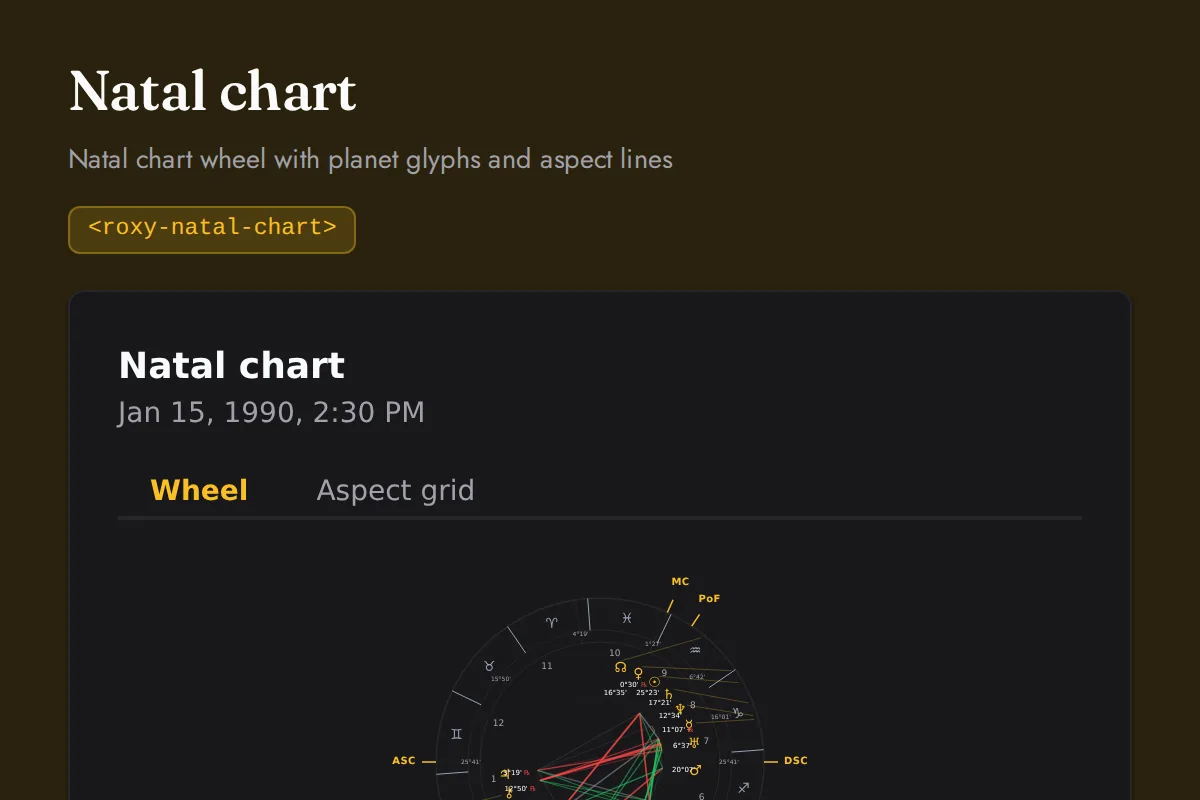
<roxy-natal-chart>Natal chart wheel with planet glyphs and aspect lines
POST /astrology/natal-chart
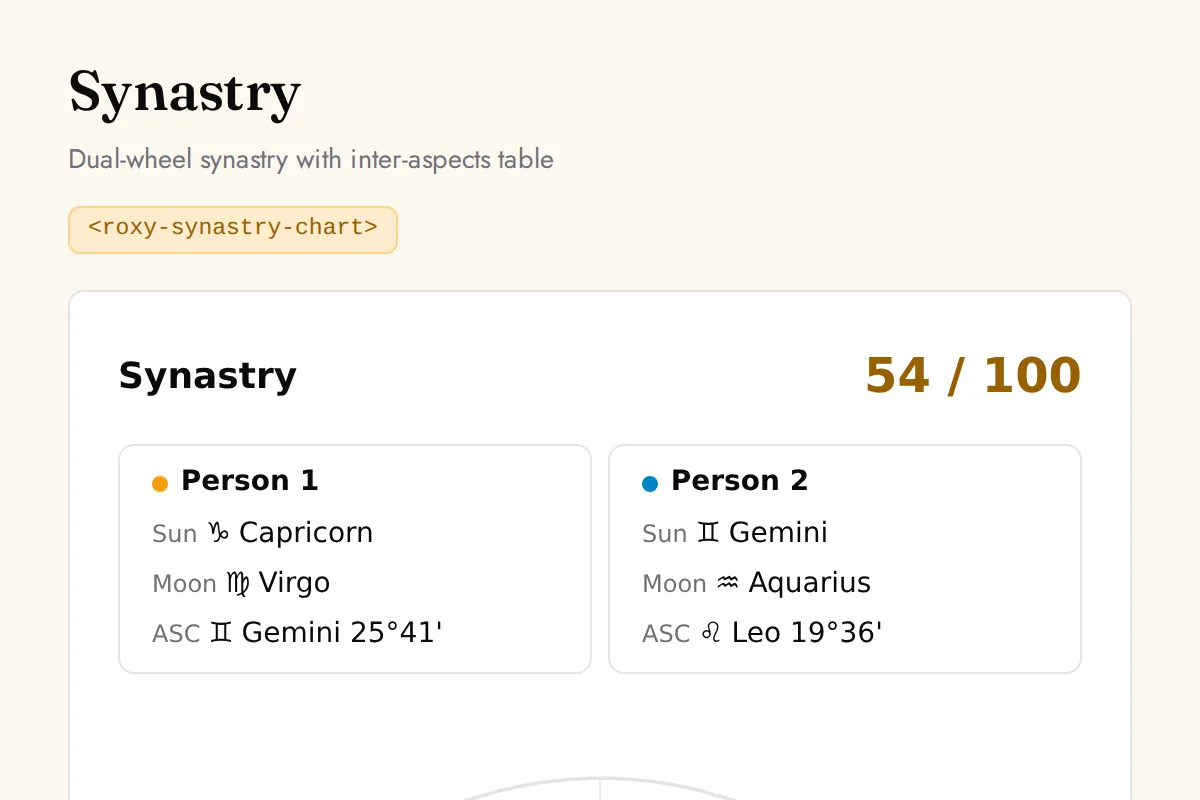
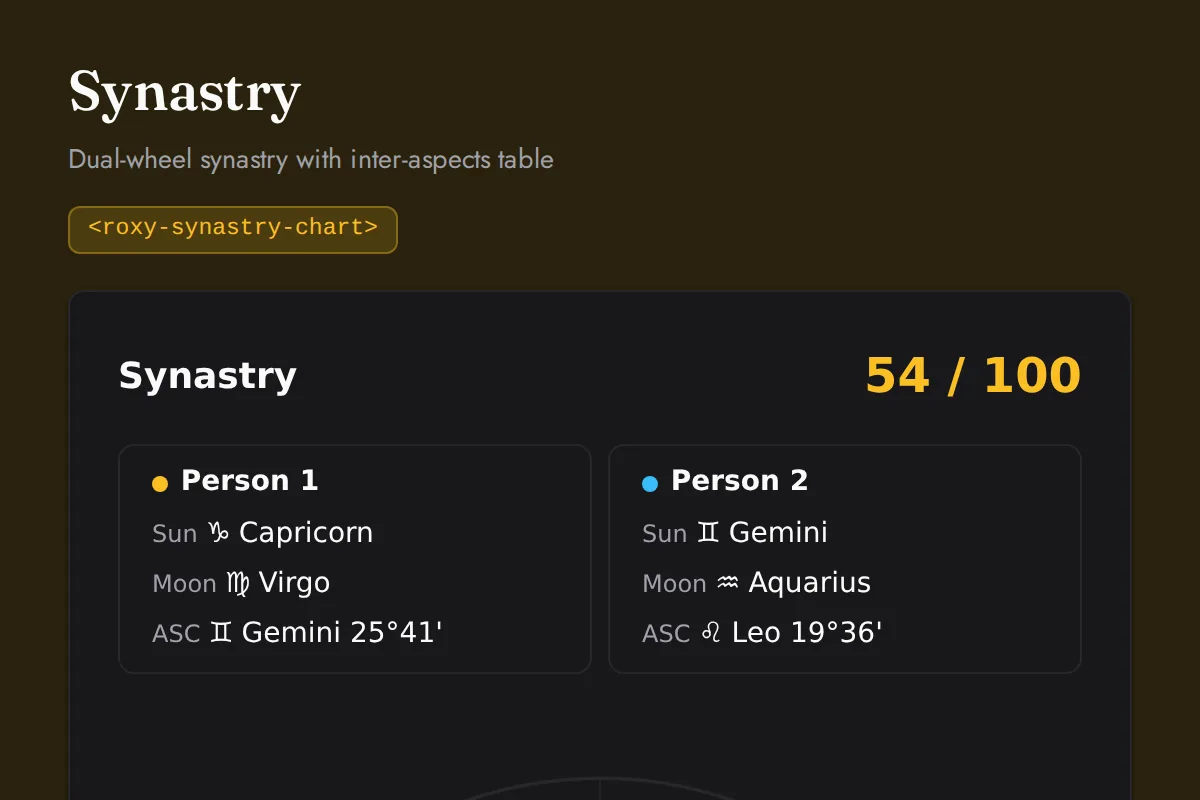
<roxy-synastry-chart>Dual-wheel synastry with inter-aspects table
POST /astrology/synastry
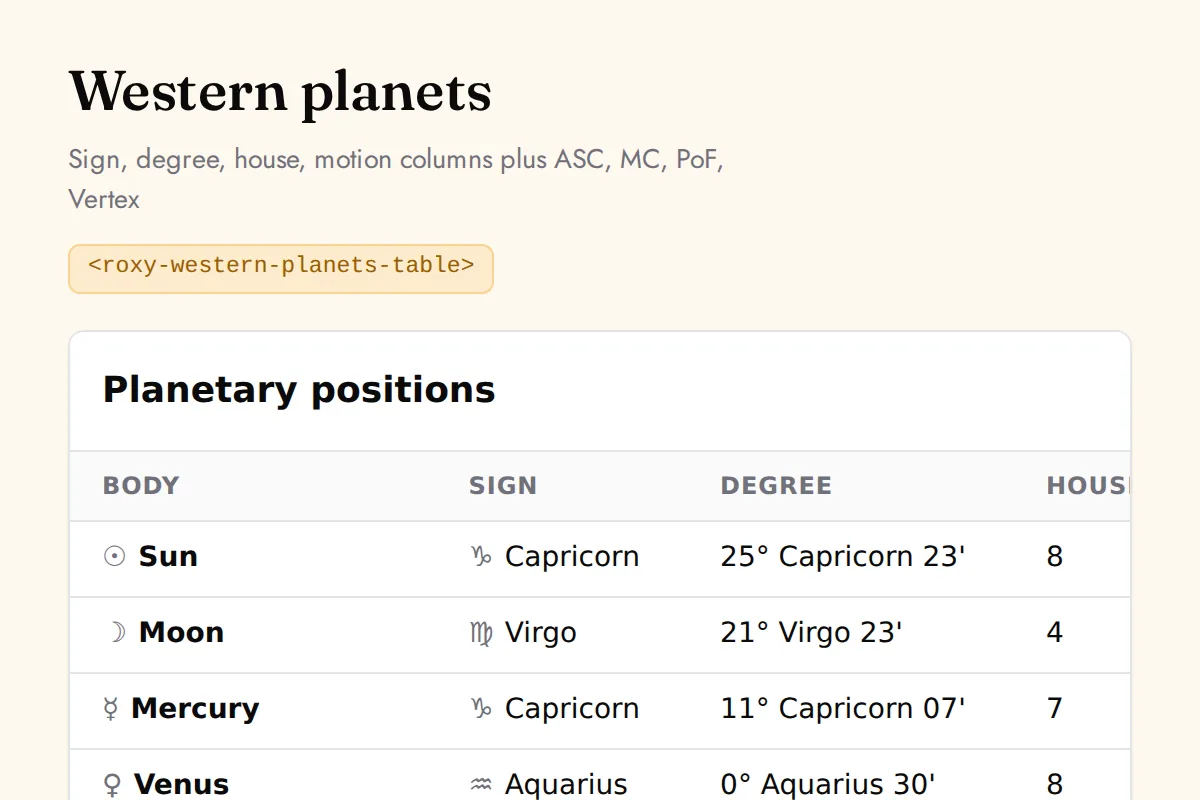
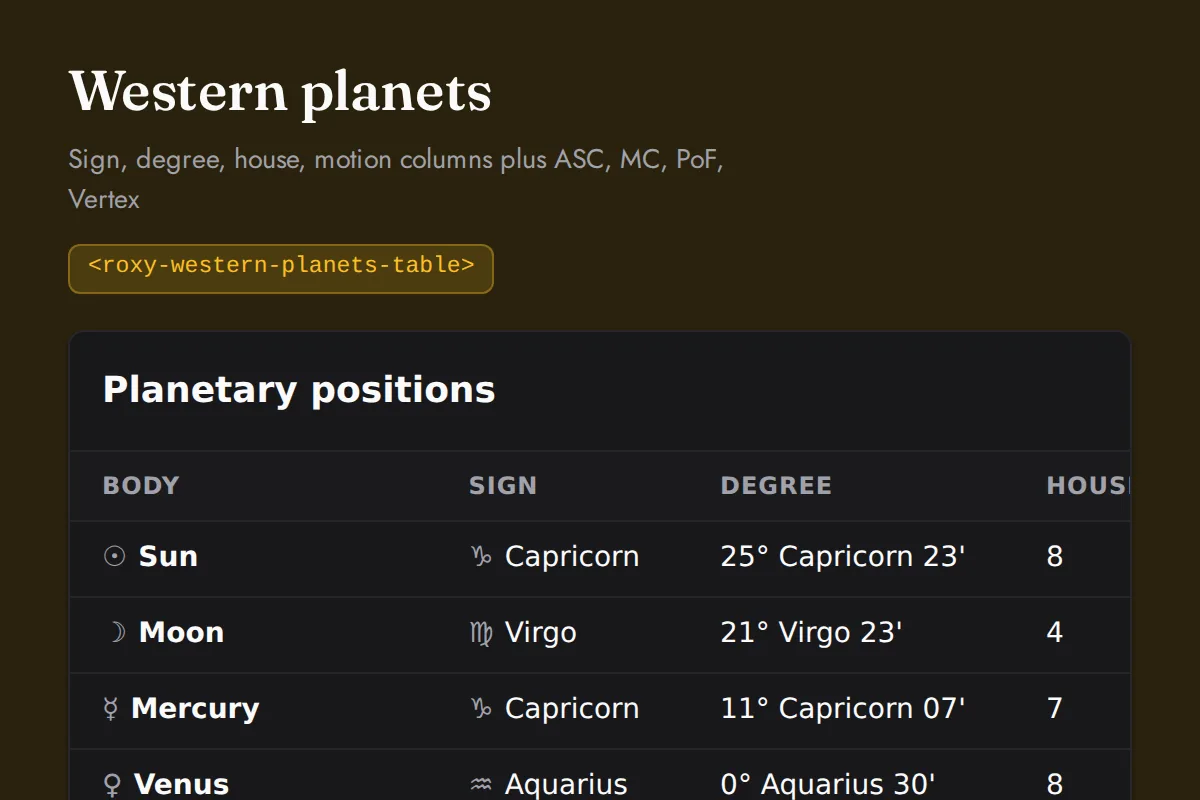
<roxy-western-planets-table>Sign, degree, house, motion columns plus ASC, MC, PoF, Vertex
POST /astrology/natal-chart
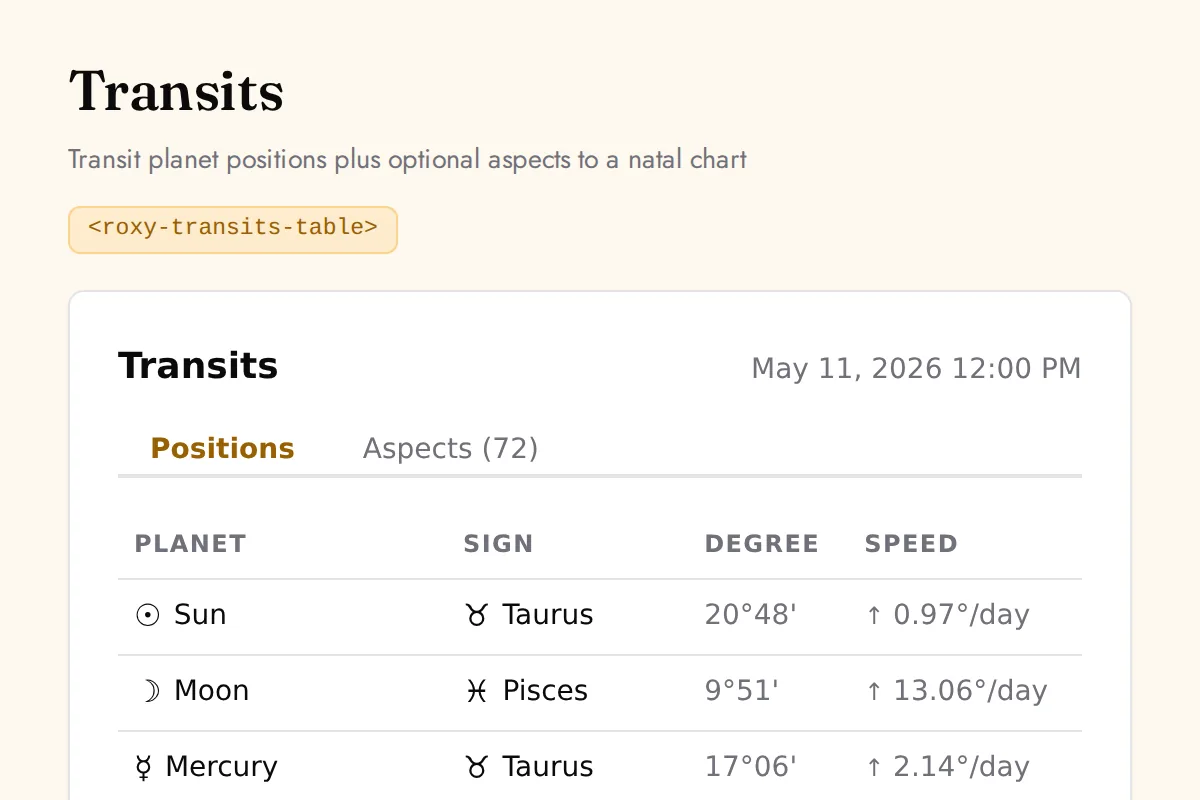
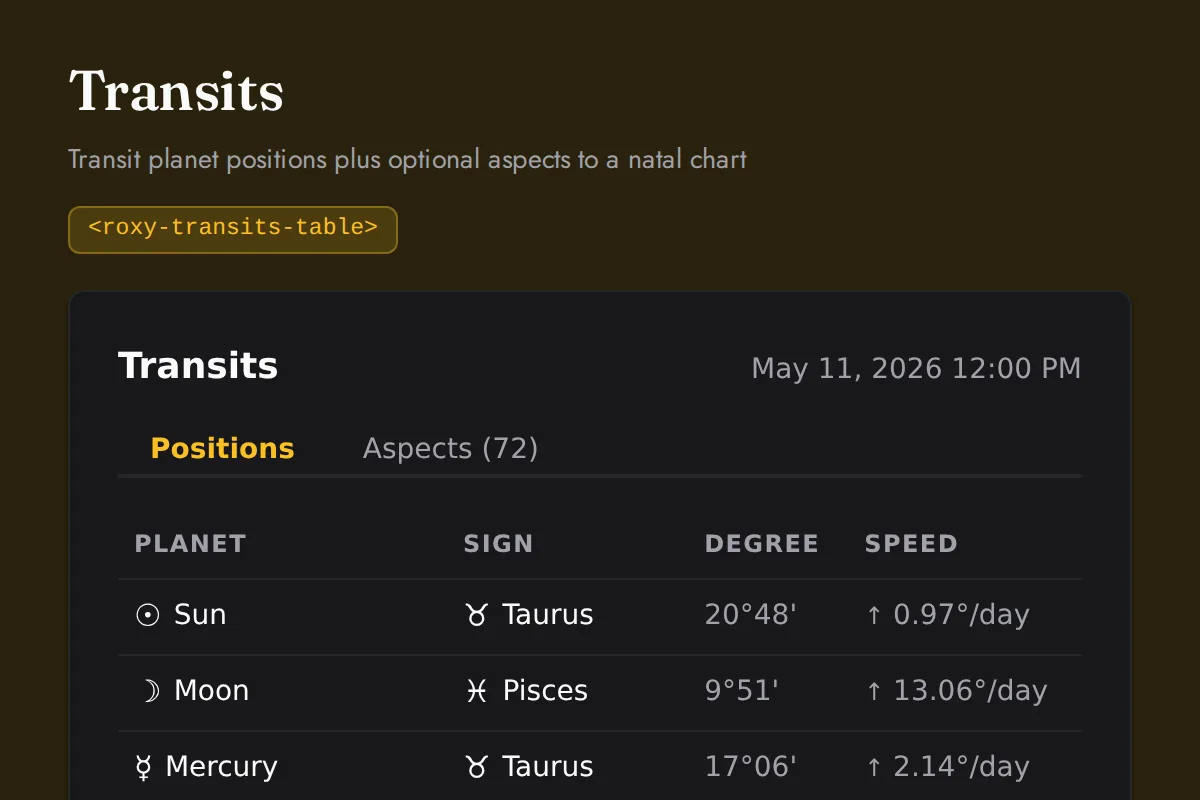
<roxy-transits-table>Transit planet positions plus optional aspects to a natal chart
POST /astrology/transits
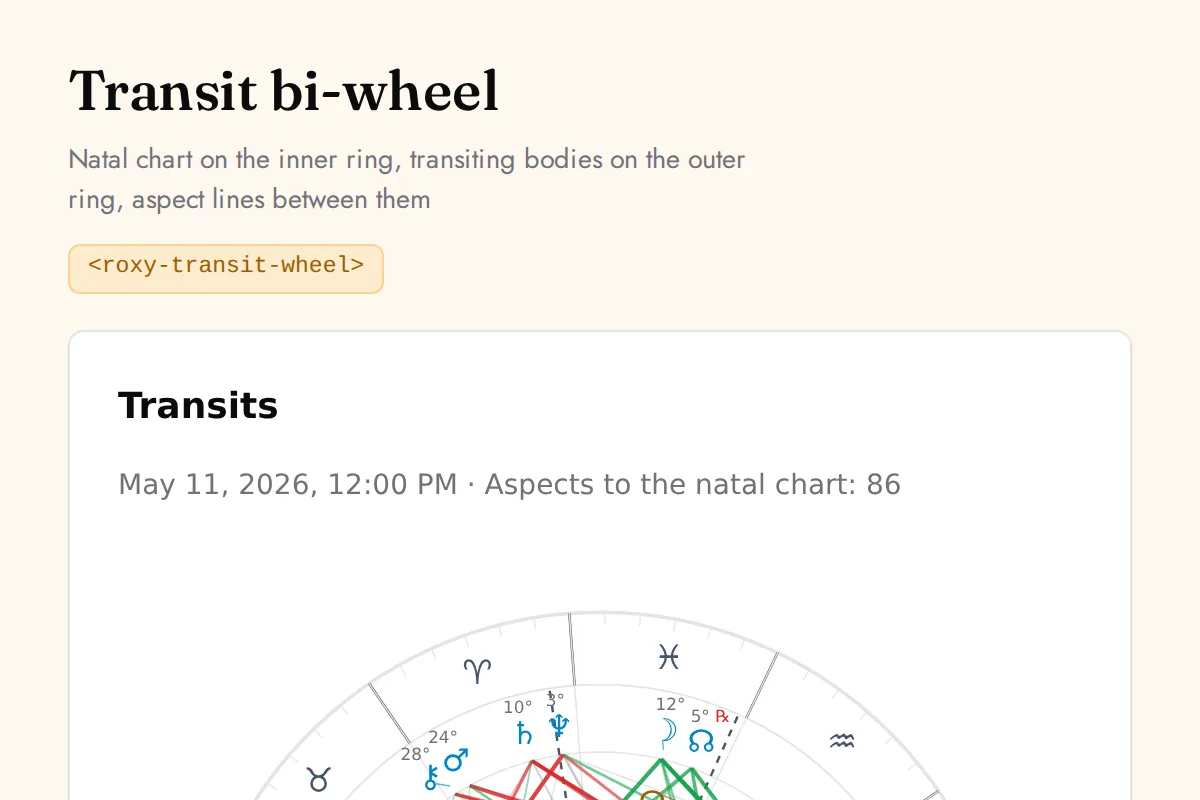
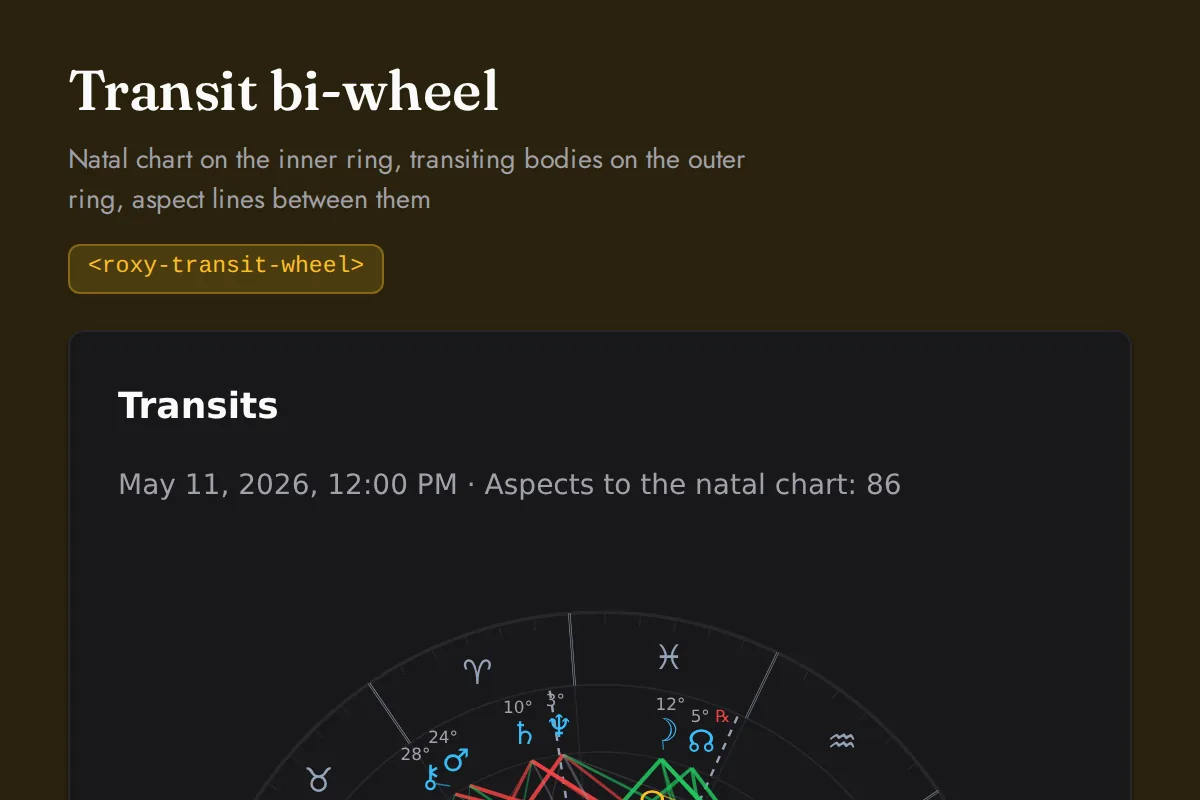
<roxy-transit-wheel>Natal chart on the inner ring, transiting bodies on the outer ring, aspect lines between them
POST /astrology/transit-aspects
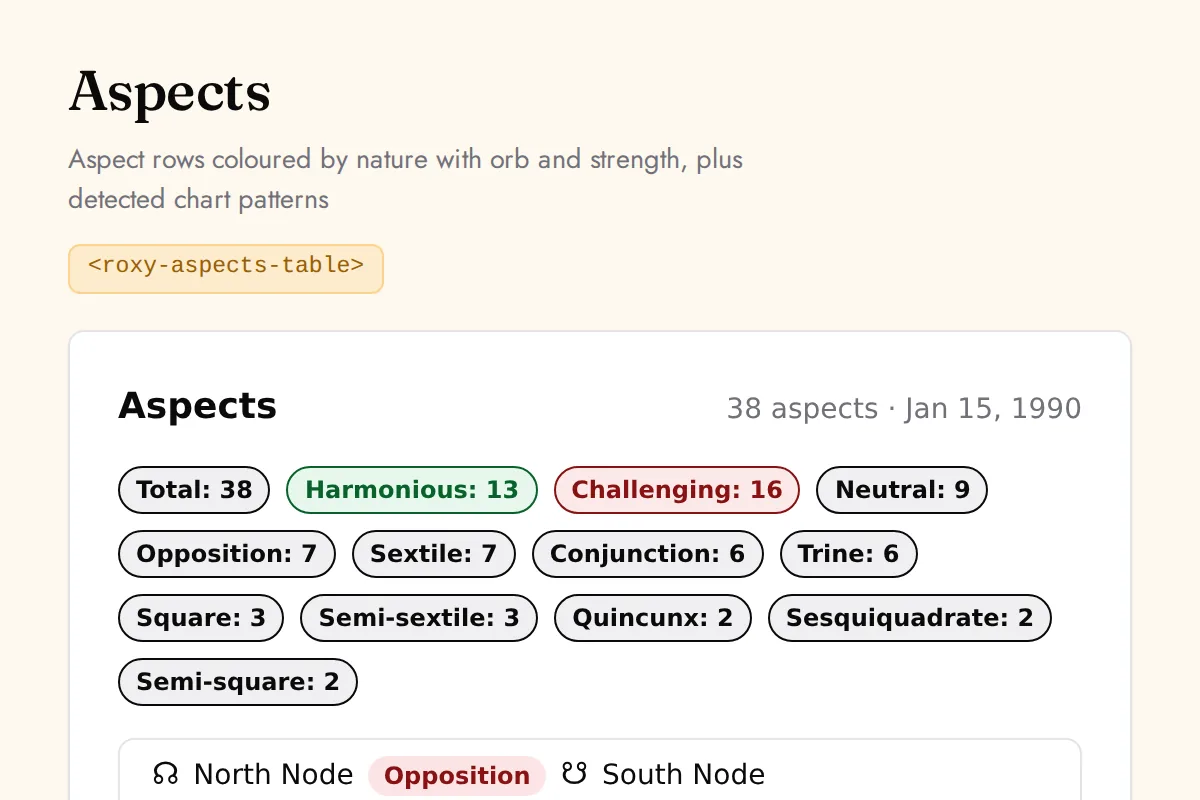
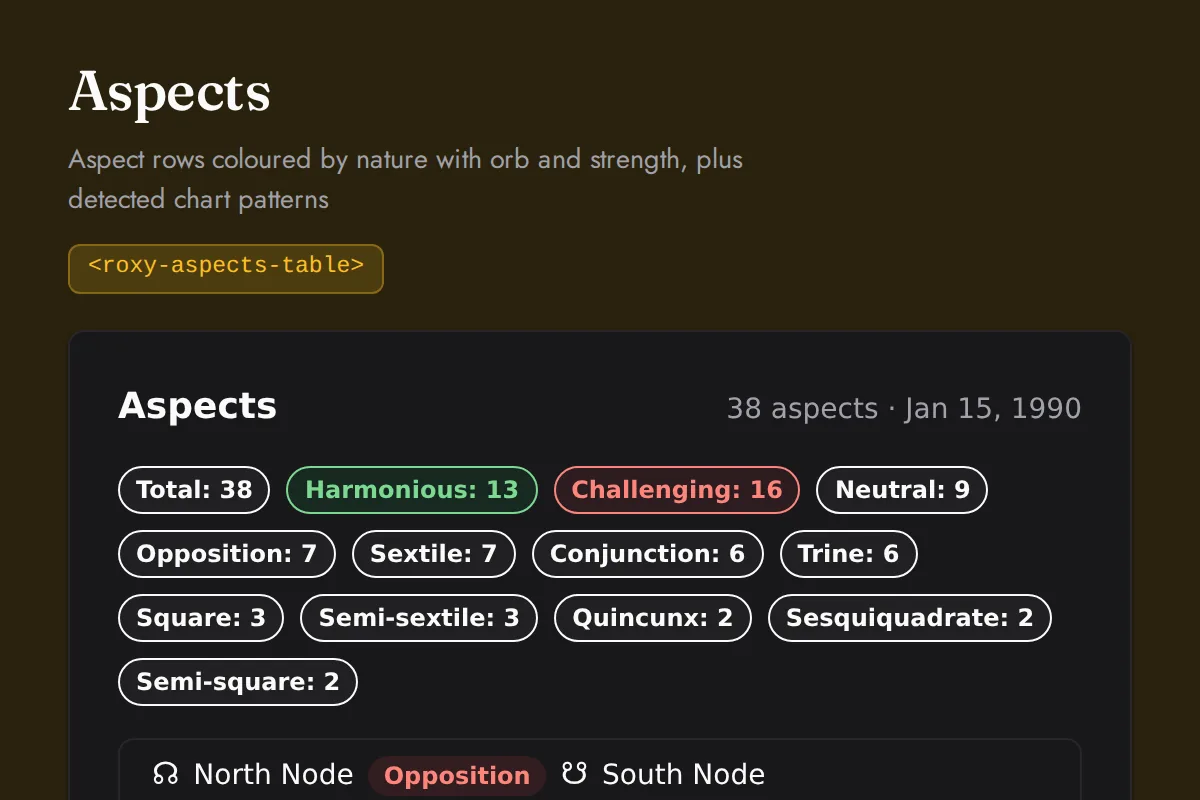
<roxy-aspects-table>Aspect rows coloured by nature with orb and strength, plus detected chart patterns
POST /astrology/aspects, /astrology/transit-aspects, /astrology/aspect-patterns
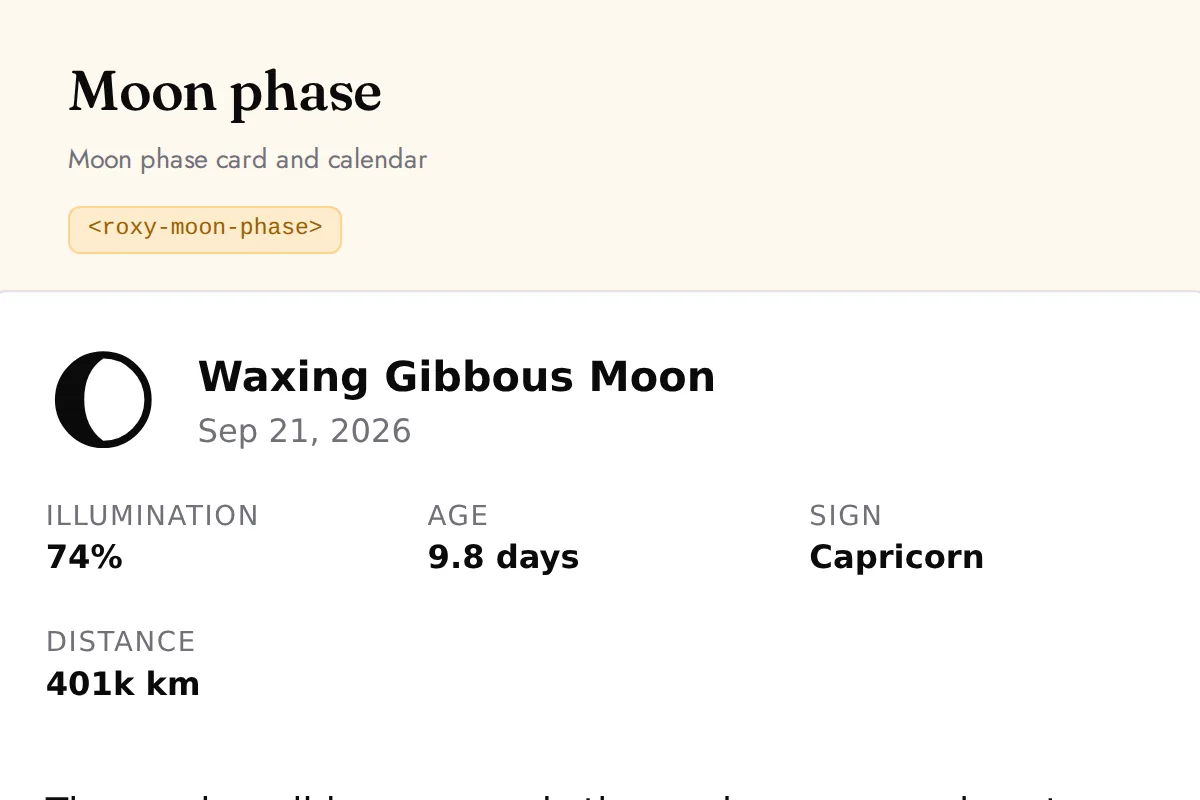
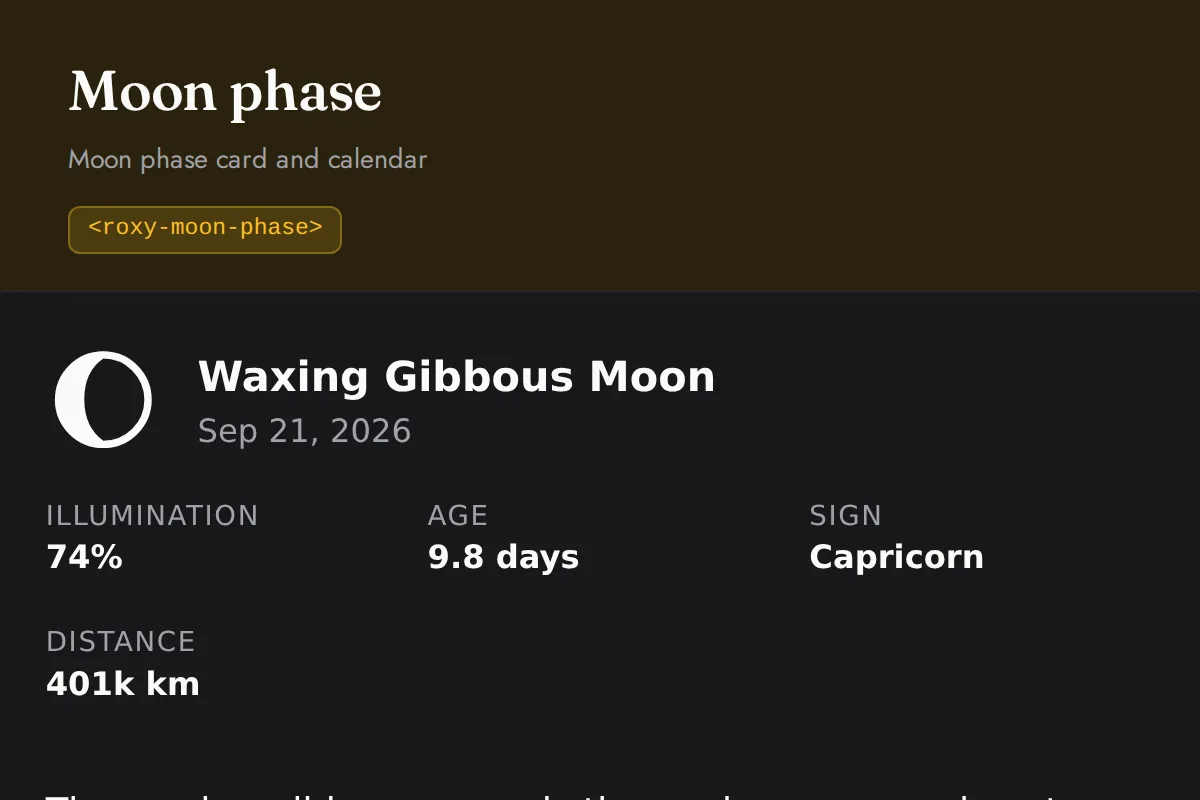
<roxy-moon-phase>Moon phase card and calendar
GET /astrology/moon-phase/{current,upcoming,calendar/...}
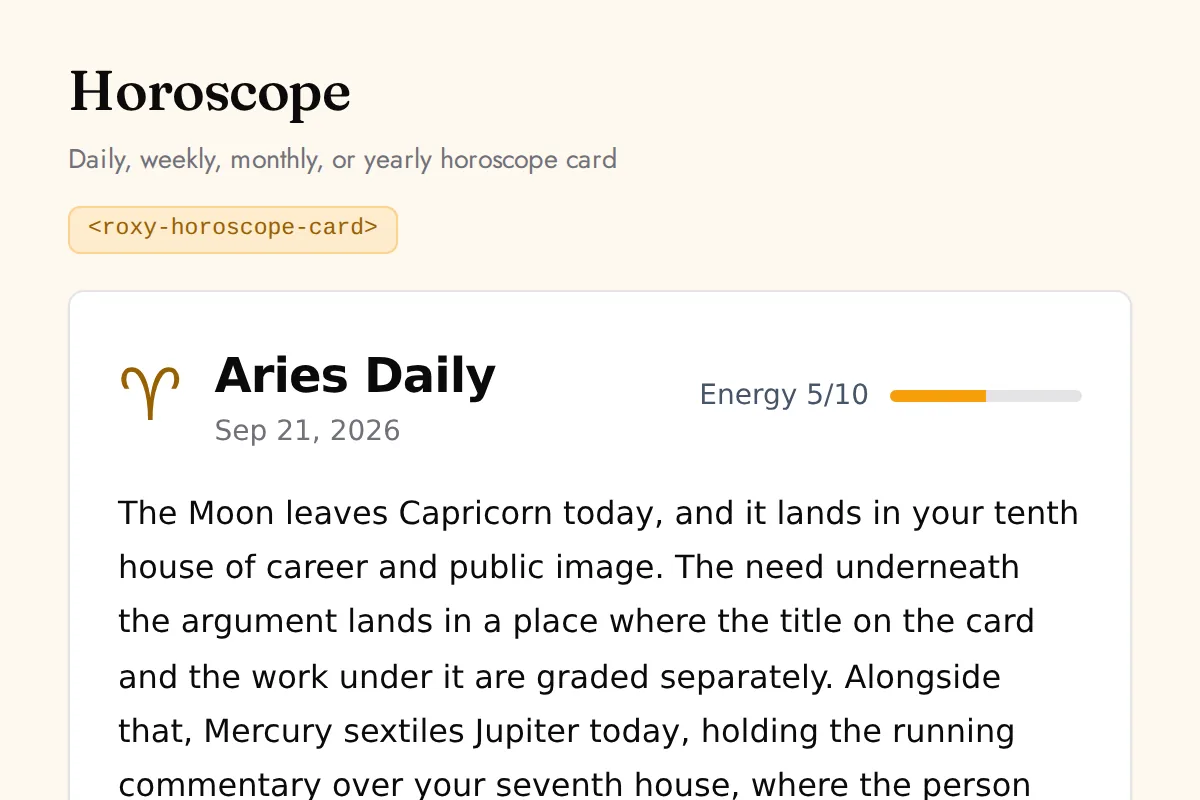
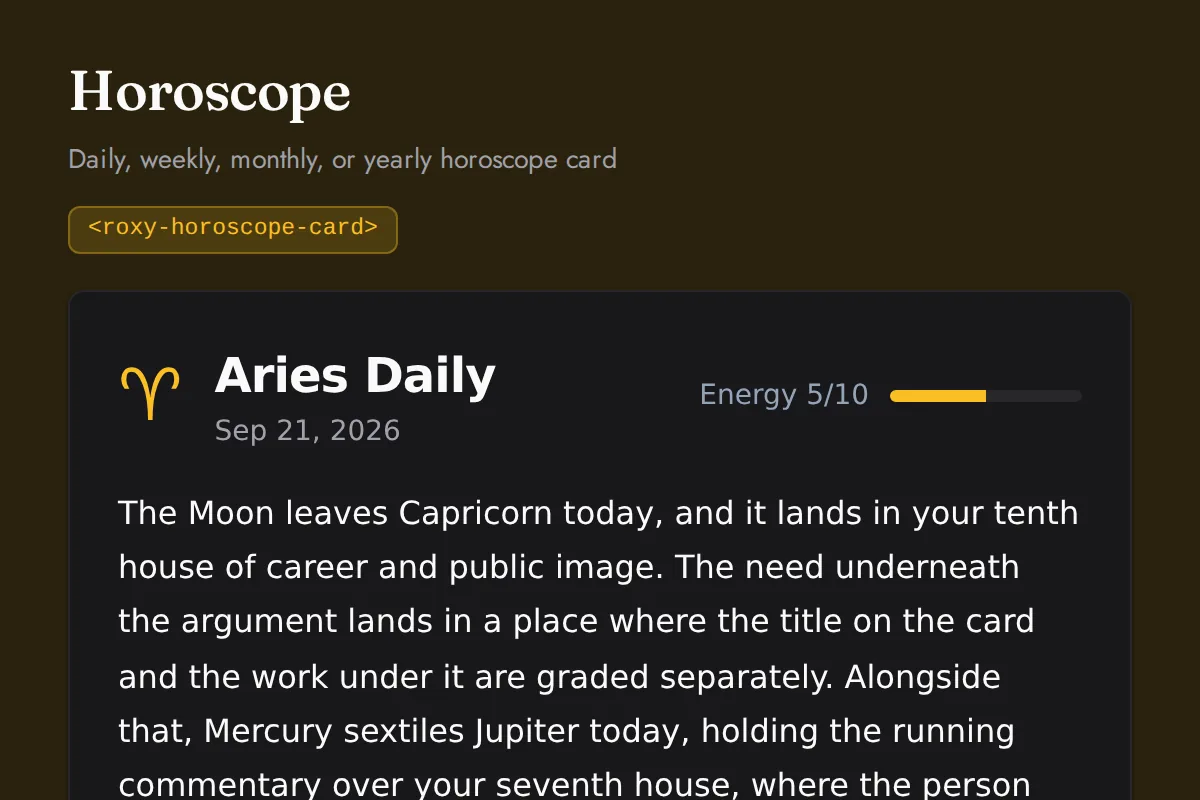
<roxy-horoscope-card>Daily, weekly, monthly, or yearly horoscope card
GET /astrology/horoscope/{sign}/{daily,weekly,monthly,yearly}
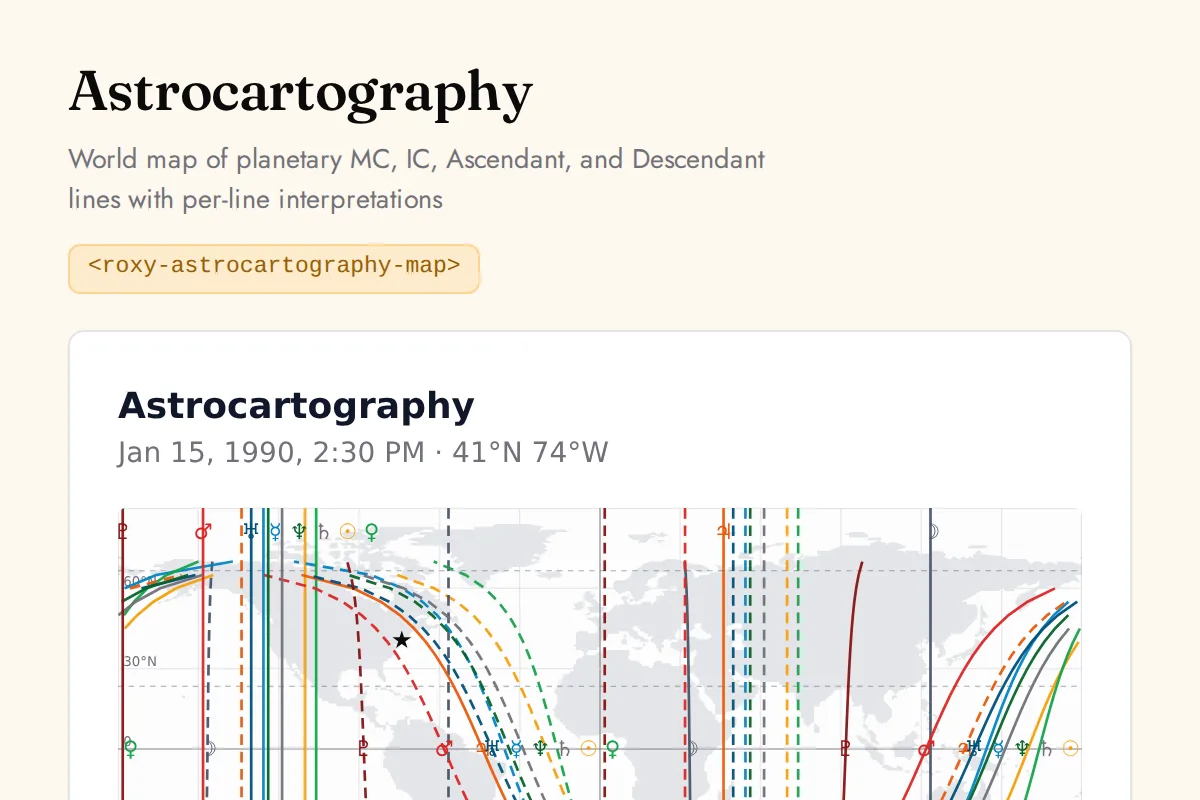
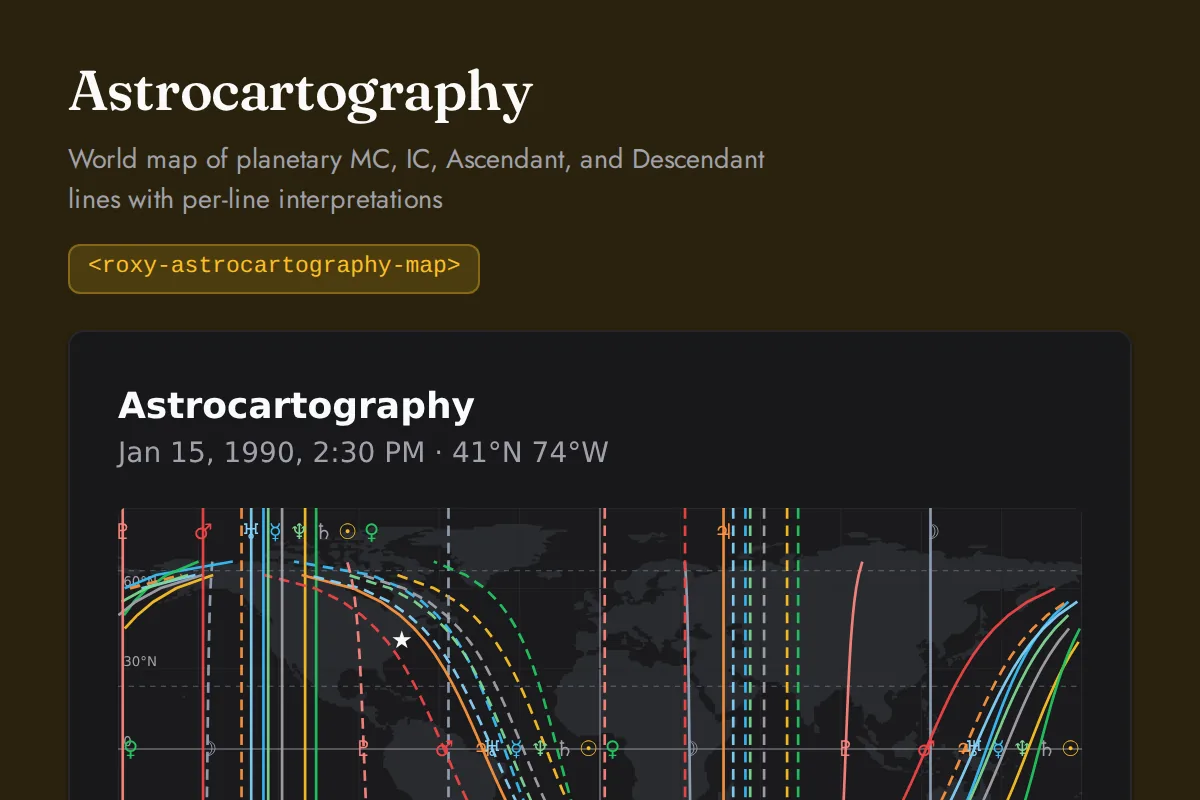
<roxy-astrocartography-map>World map of planetary MC, IC, Ascendant, and Descendant lines with per-line interpretations
POST /astrology/astrocartography
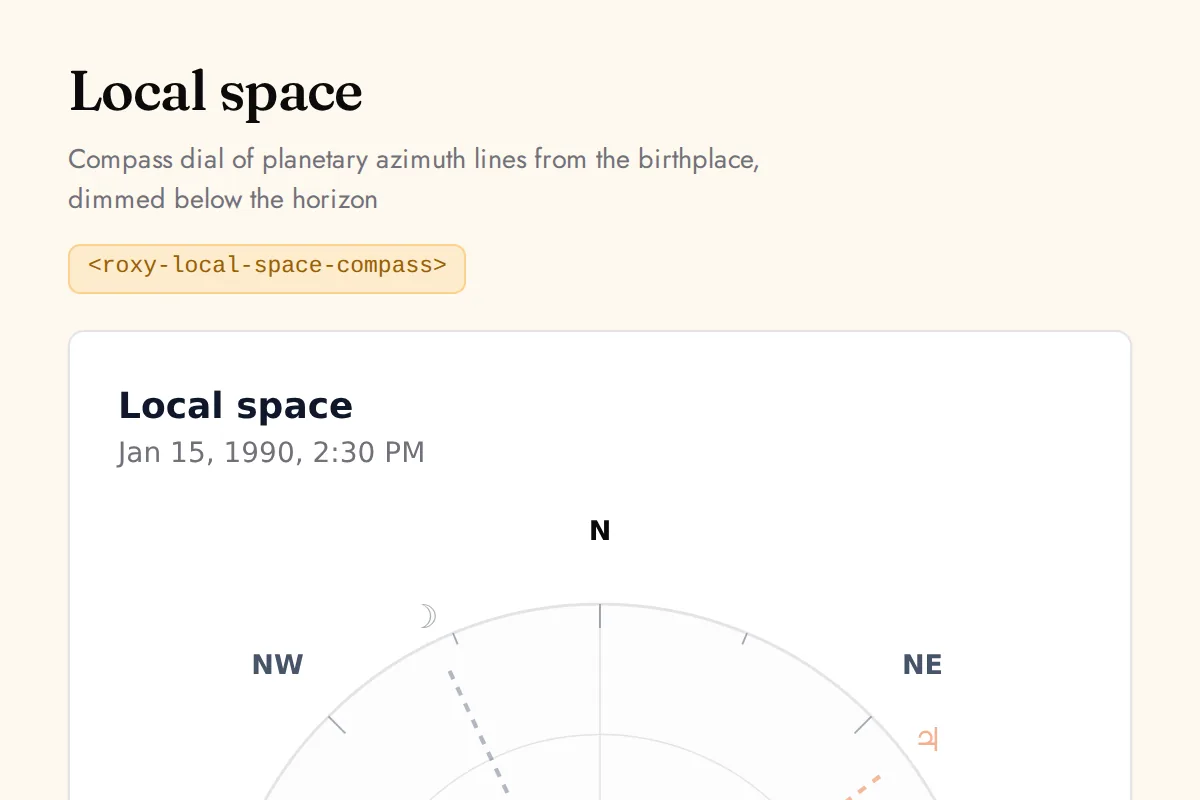
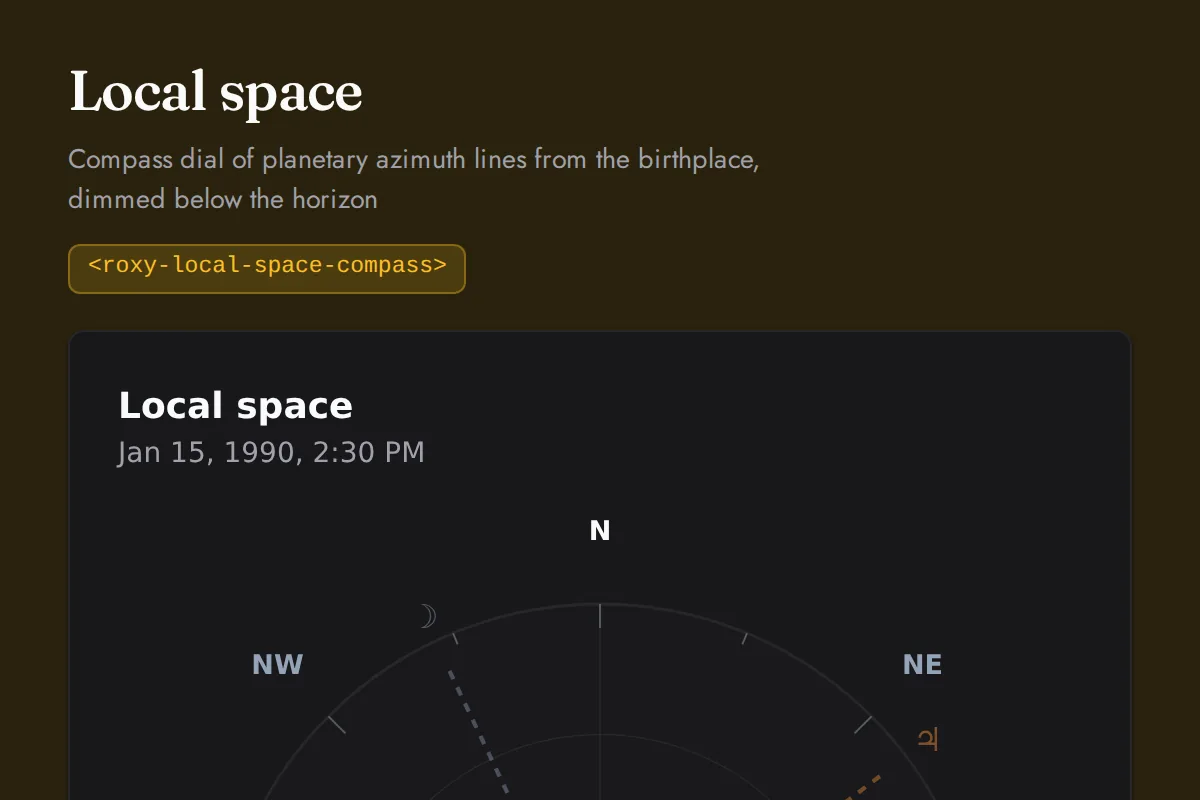
<roxy-local-space-compass>Compass dial of planetary azimuth lines from the birthplace, dimmed below the horizon
POST /astrology/local-space
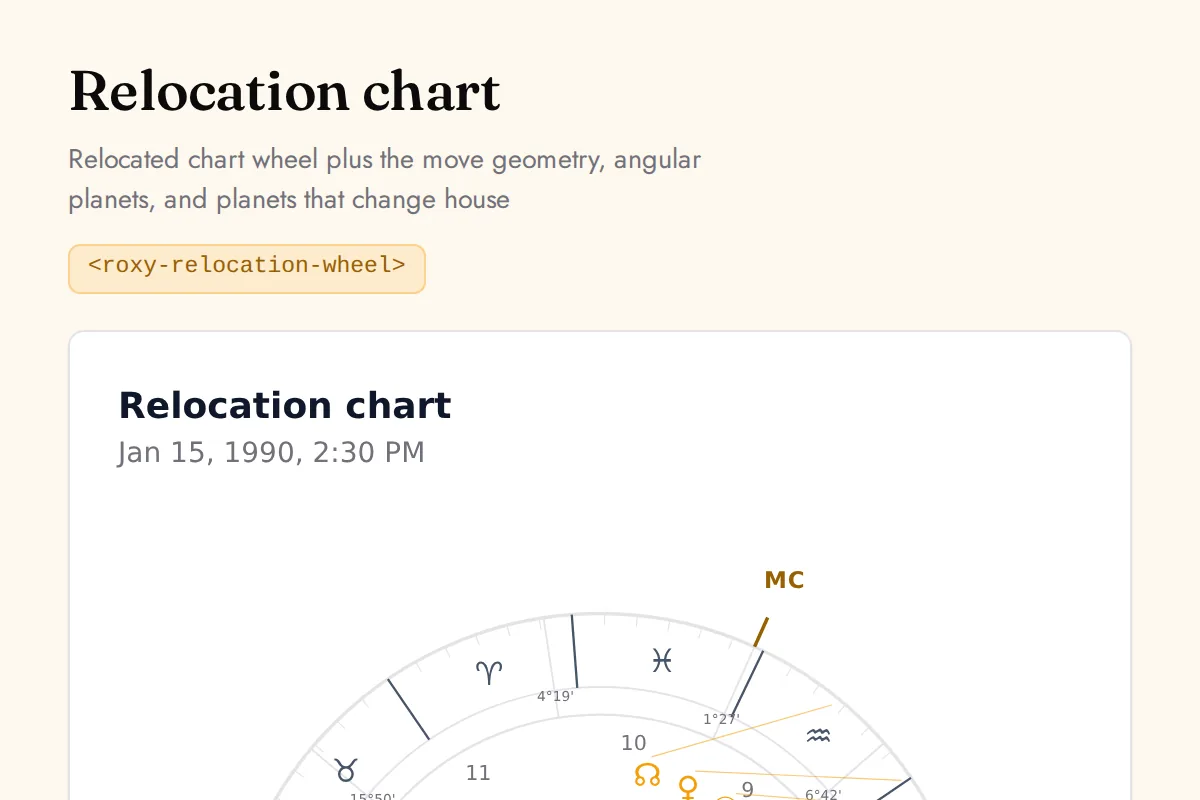
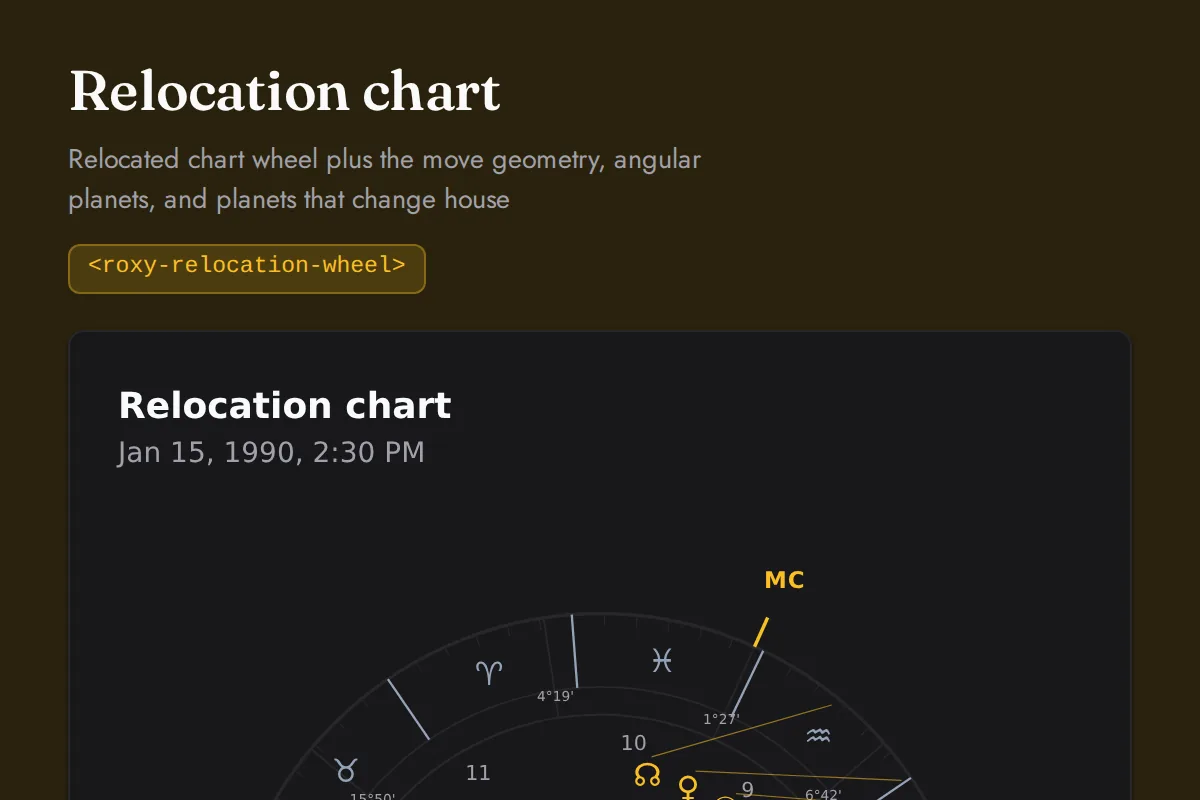
<roxy-relocation-wheel>Relocated chart wheel plus the move geometry, angular planets, and planets that change house
POST /astrology/relocation-chart
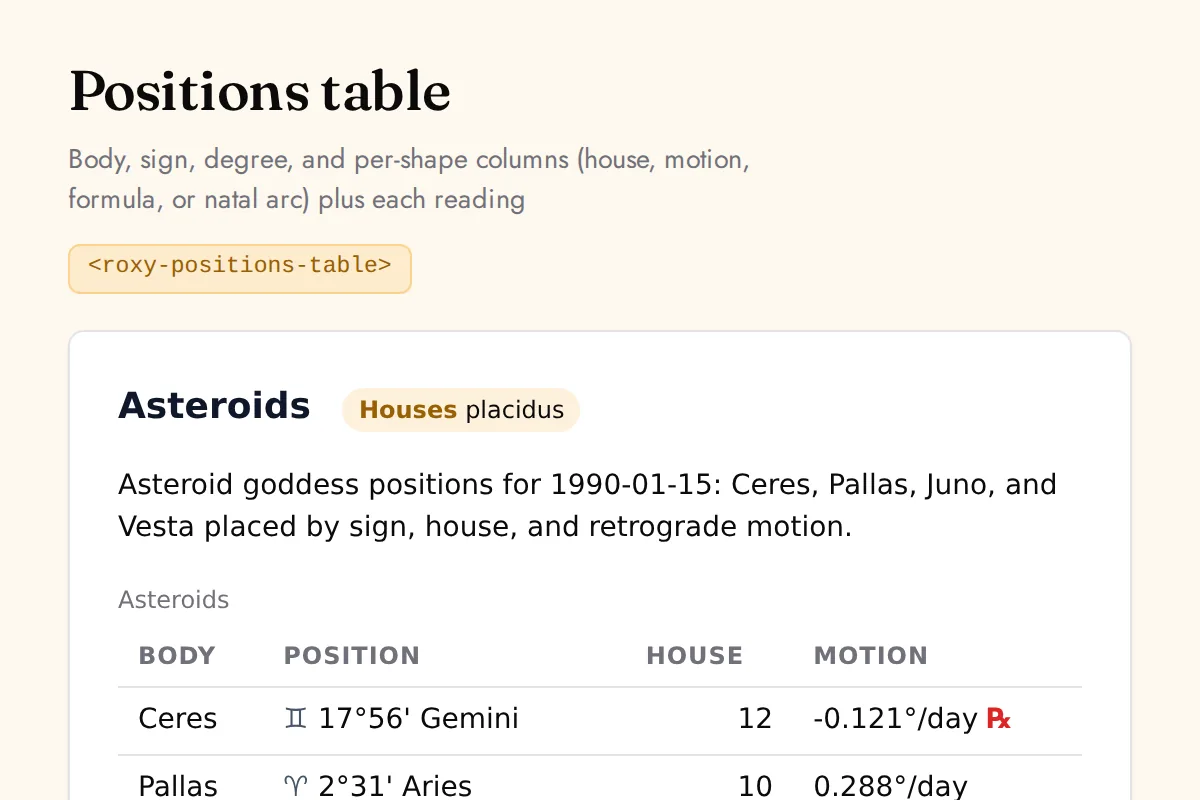
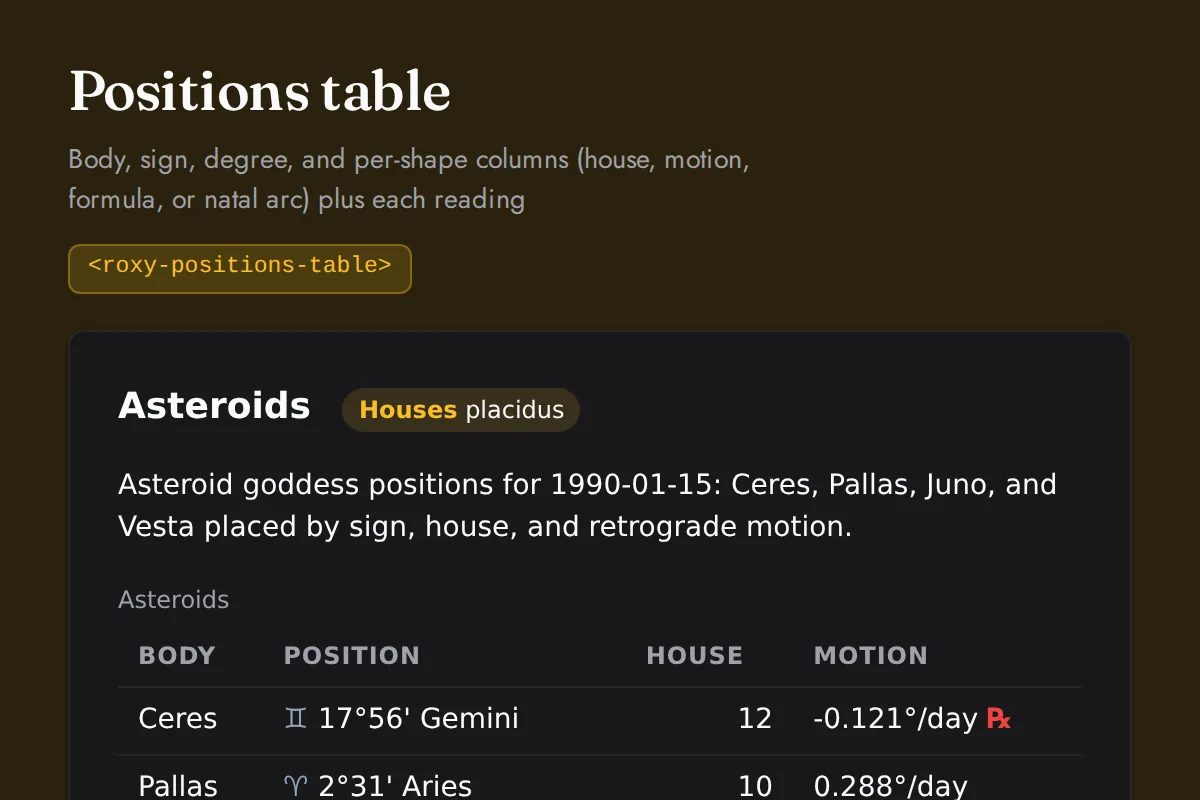
<roxy-positions-table>Body, sign, degree, and per-shape columns (house, motion, formula, or natal arc) plus each reading
POST /astrology/asteroids, /astrology/lilith, /astrology/progressions, /astrology/solar-arc, /astrology/arabic-lots
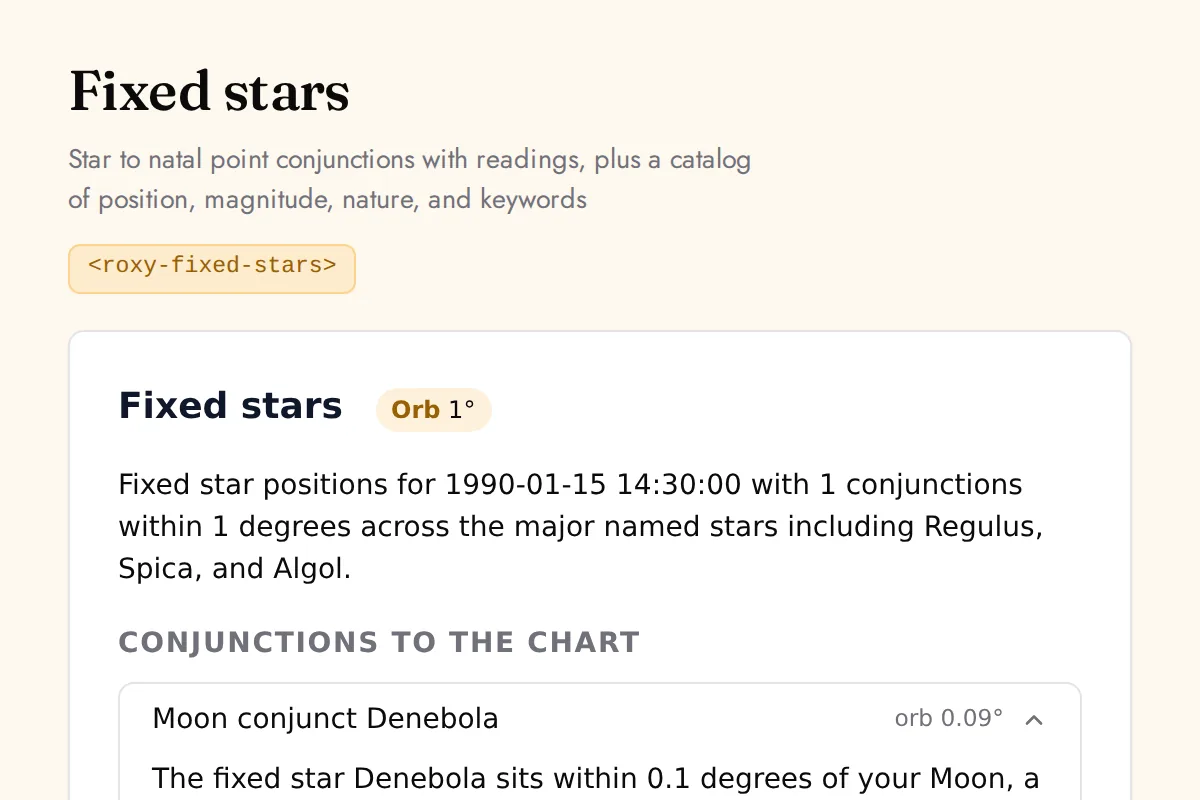
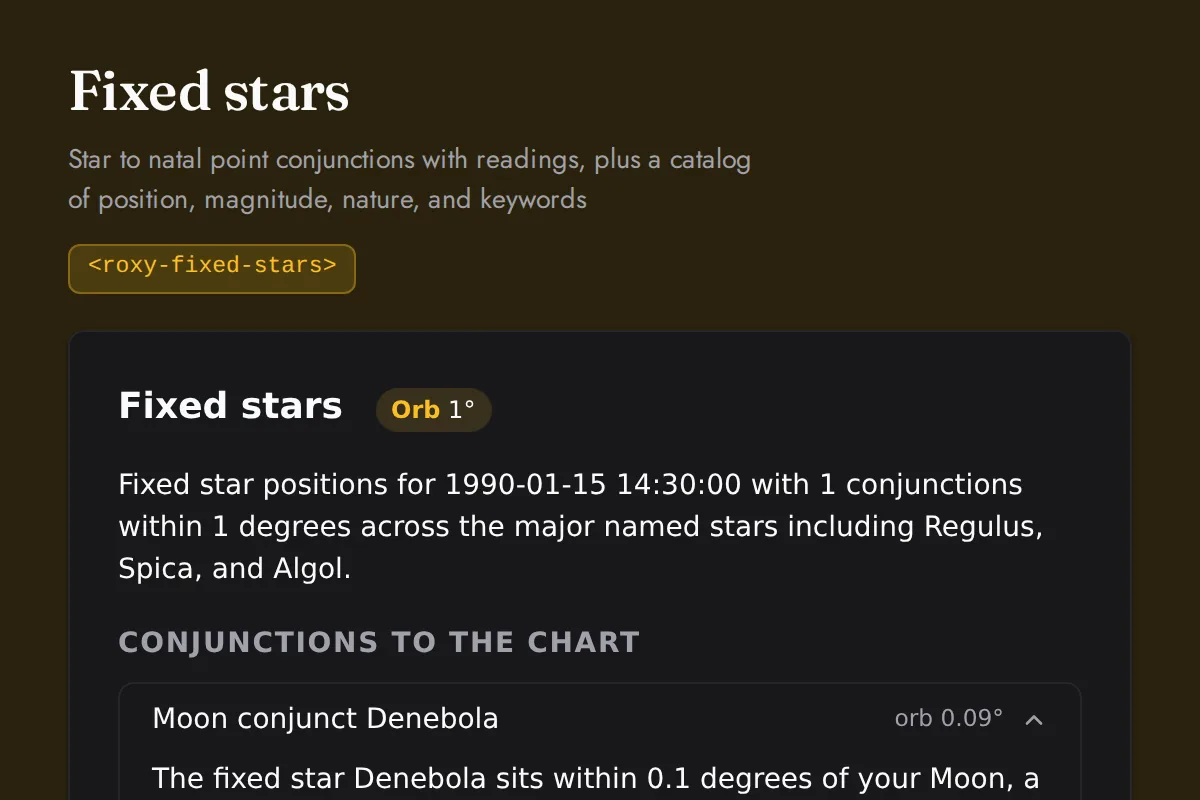
<roxy-fixed-stars>Star to natal point conjunctions with readings, plus a catalog of position, magnitude, nature, and keywords
POST /astrology/fixed-stars
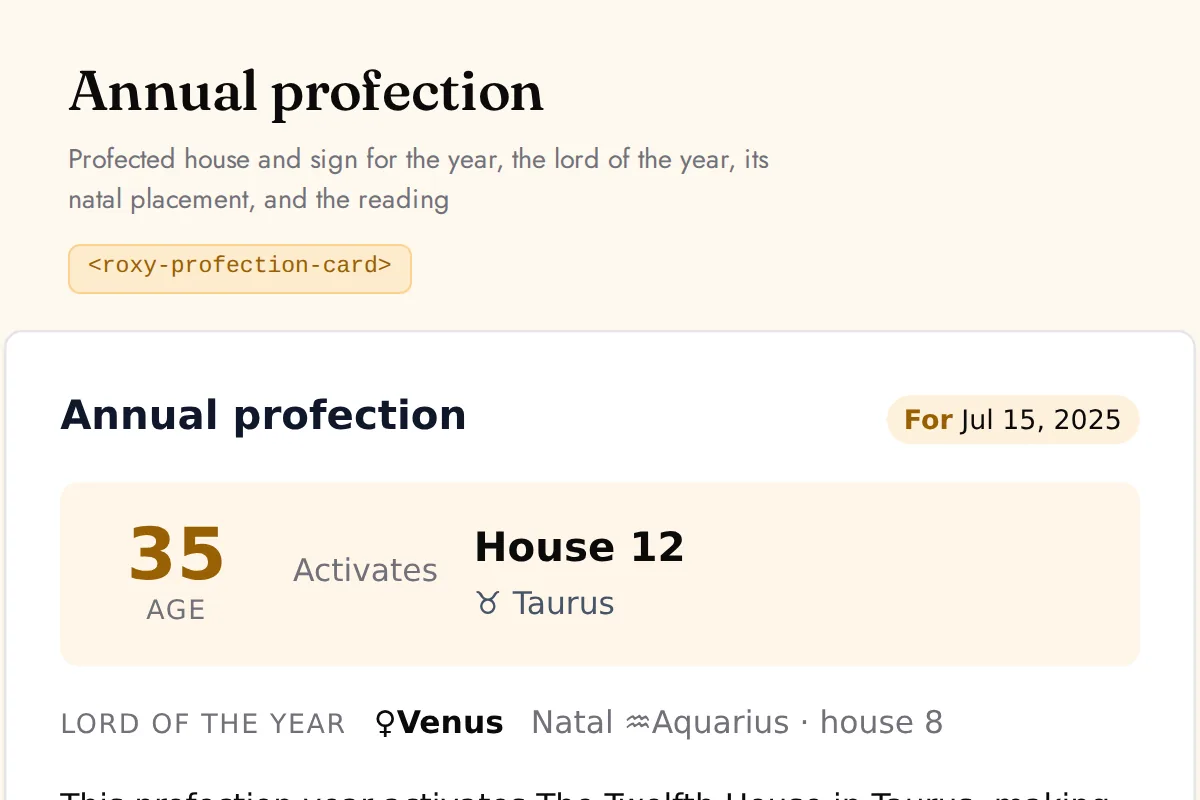
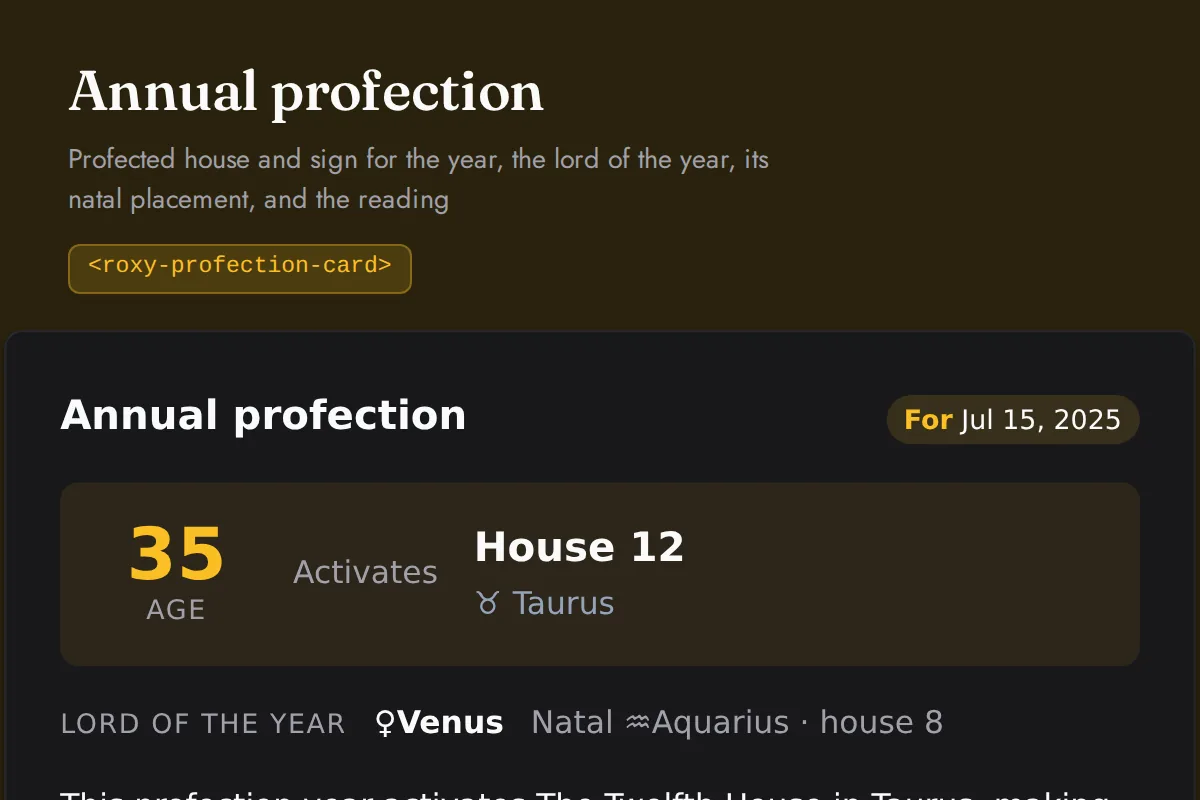
<roxy-profection-card>Profected house and sign for the year, the lord of the year, its natal placement, and the reading
POST /astrology/profections
Vedic
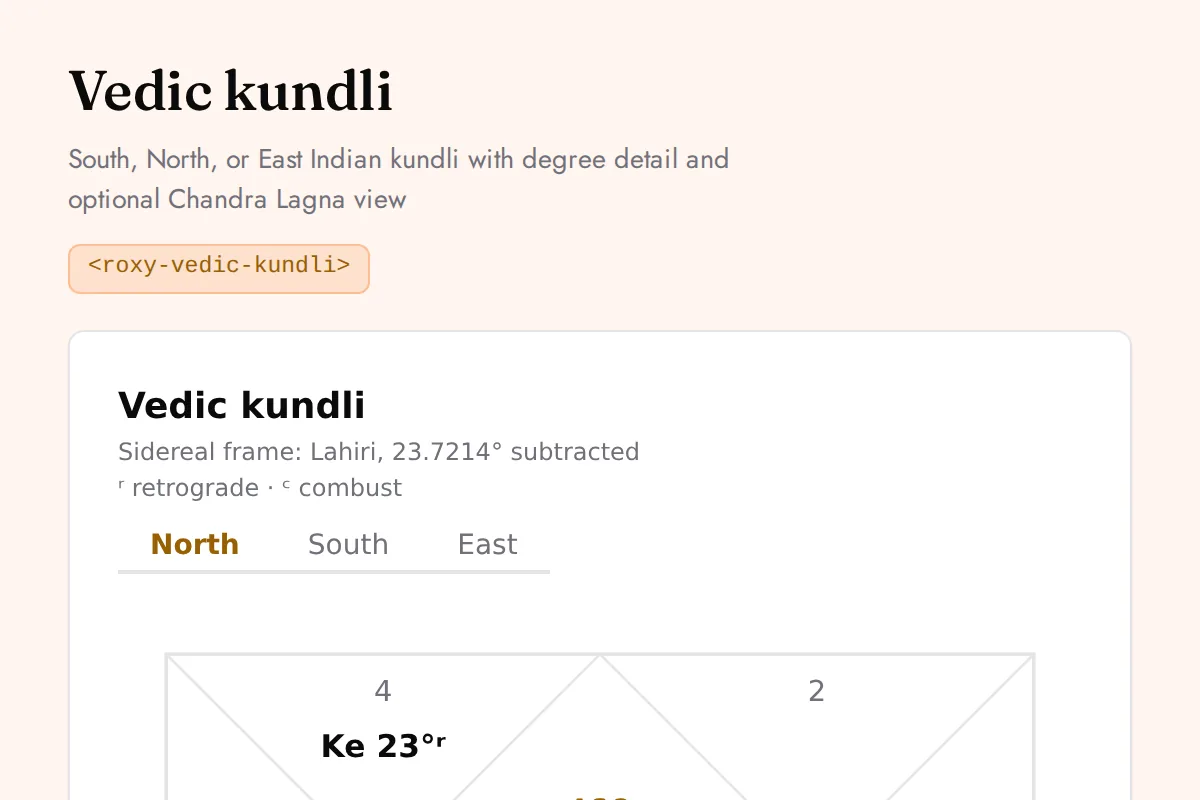
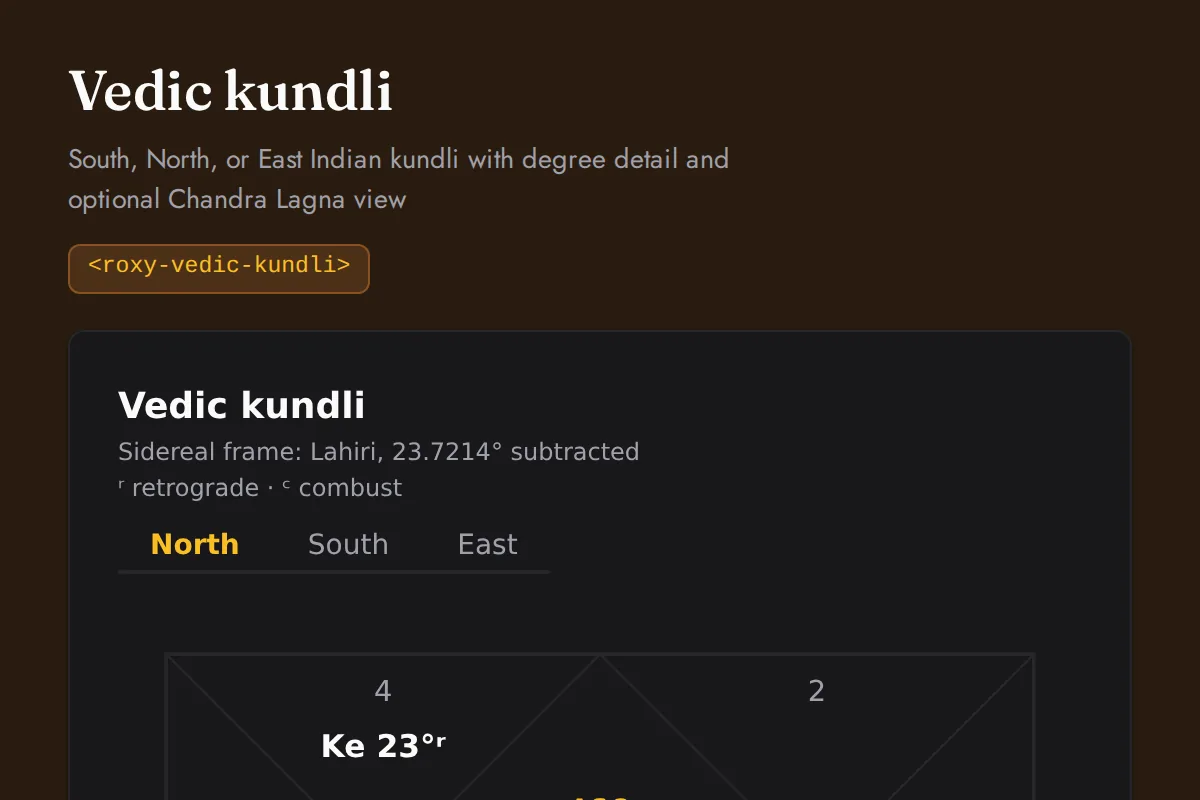
<roxy-vedic-kundli>South, North, or East Indian kundli with degree detail and optional Chandra Lagna view
POST /vedic-astrology/birth-chart
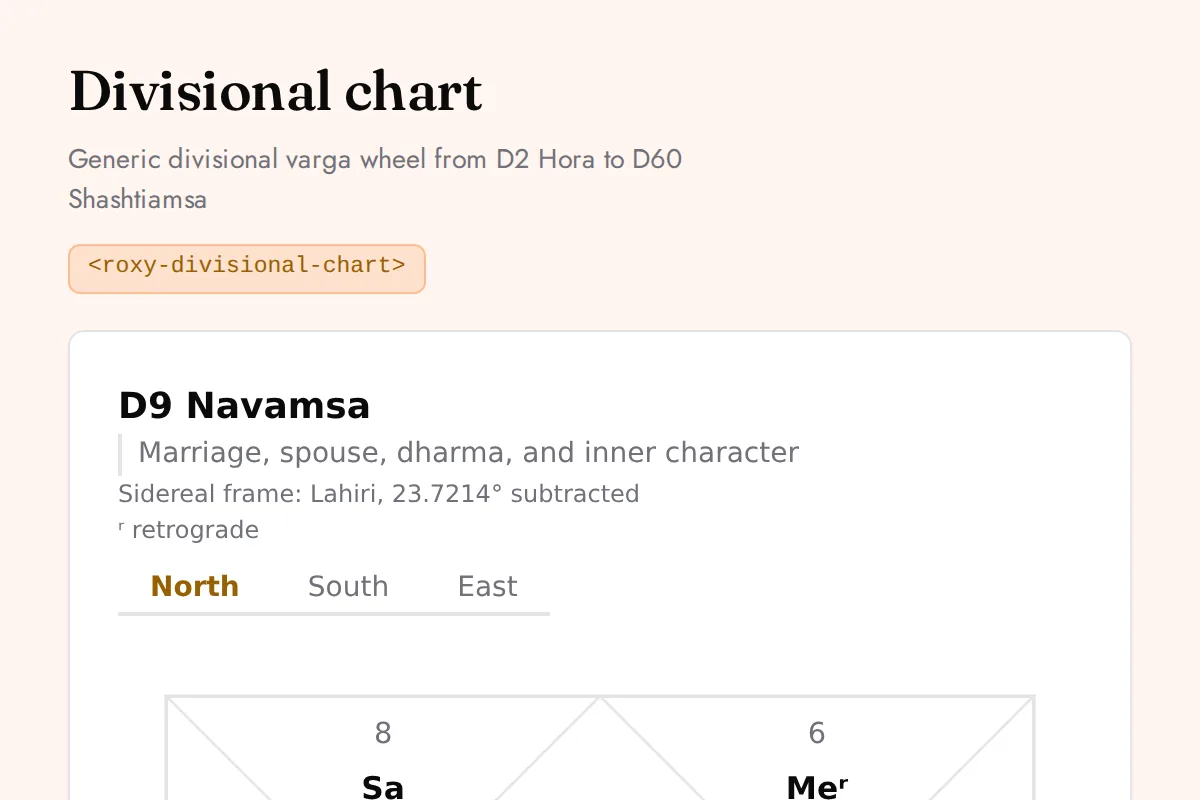
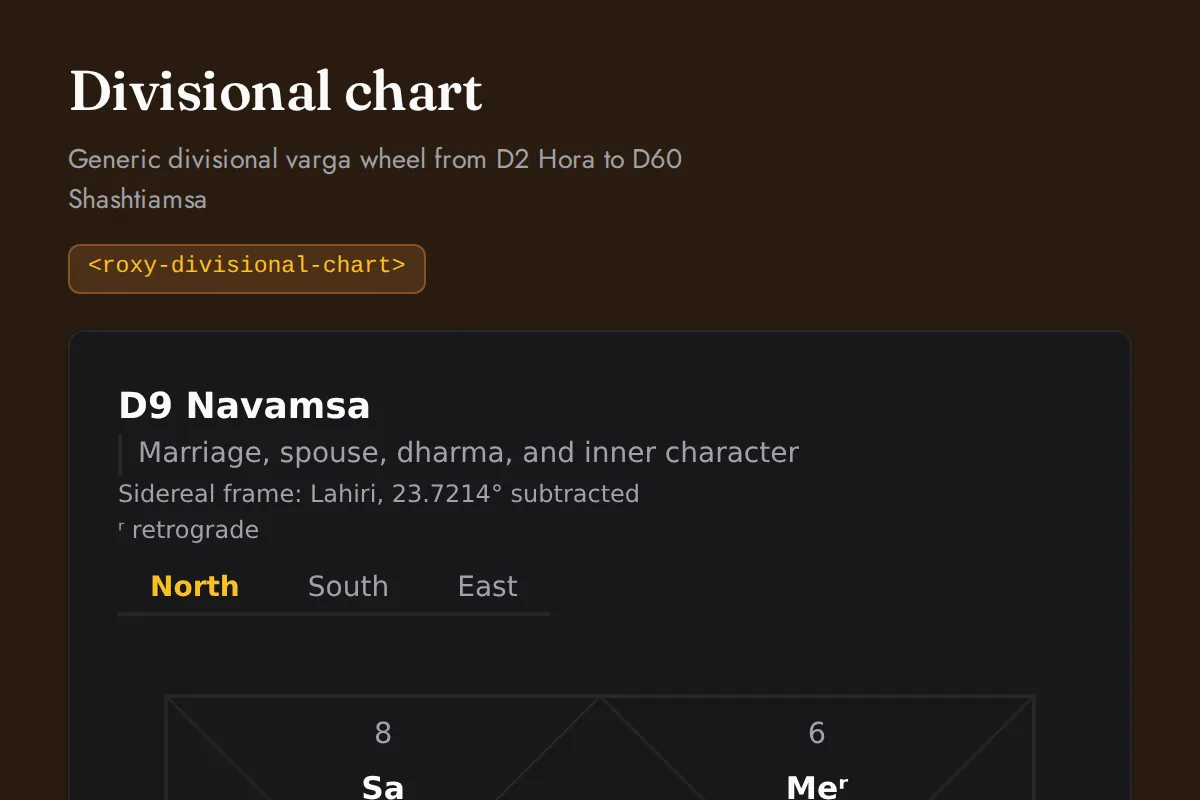
<roxy-divisional-chart>Generic divisional varga wheel from D2 Hora to D60 Shashtiamsa
POST /vedic-astrology/{divisional-chart,navamsa}
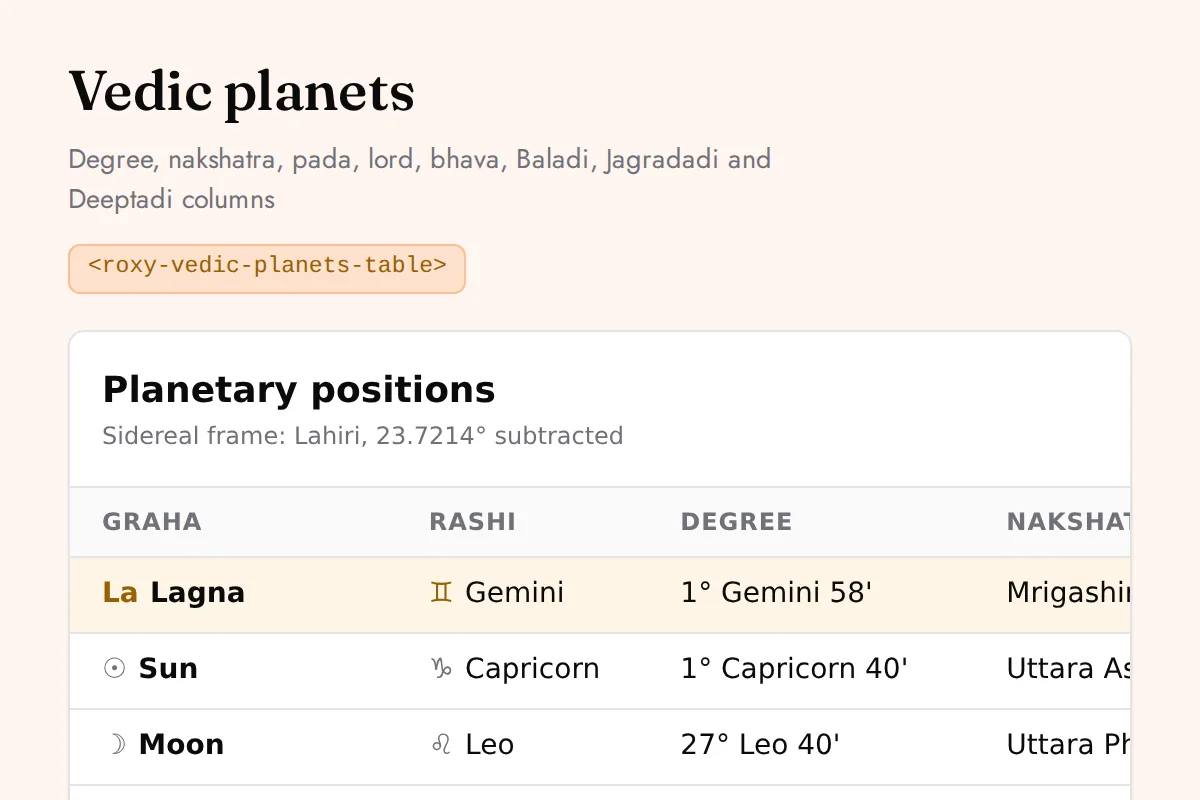
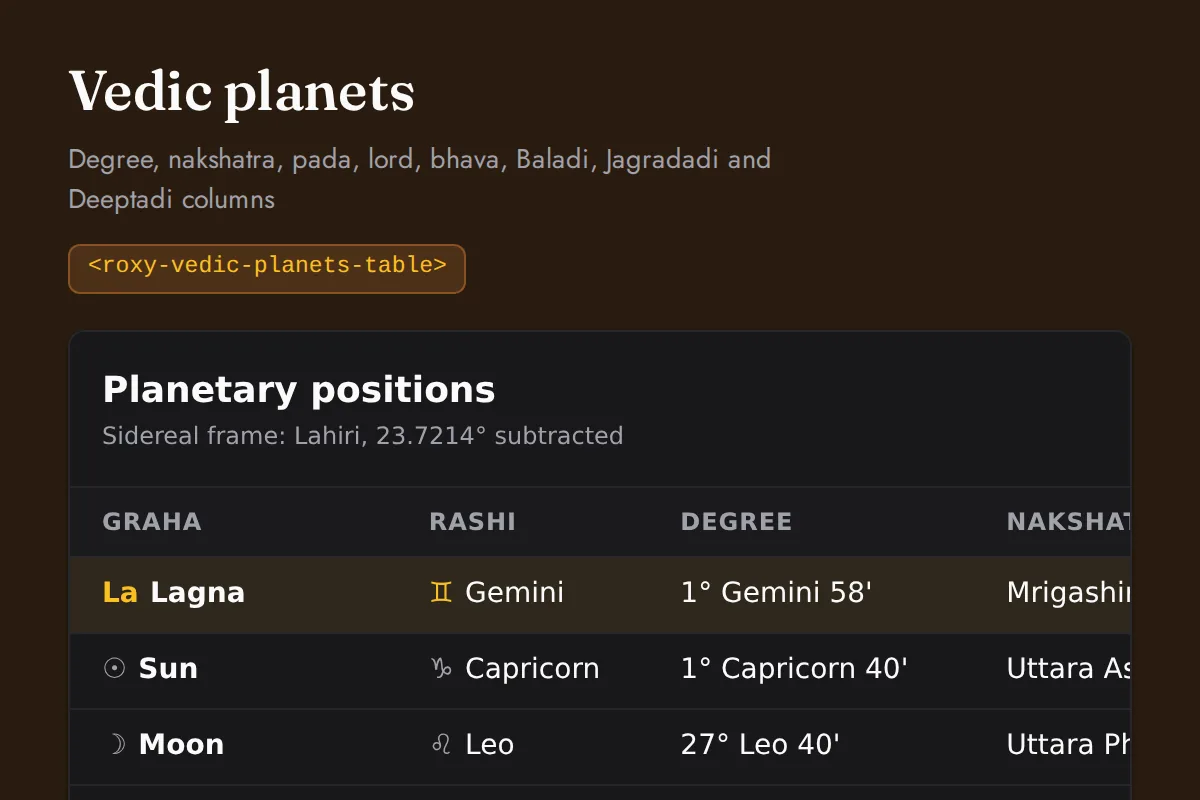
<roxy-vedic-planets-table>Degree, nakshatra, pada, lord, bhava, Baladi, Jagradadi and Deeptadi columns
POST /vedic-astrology/birth-chart
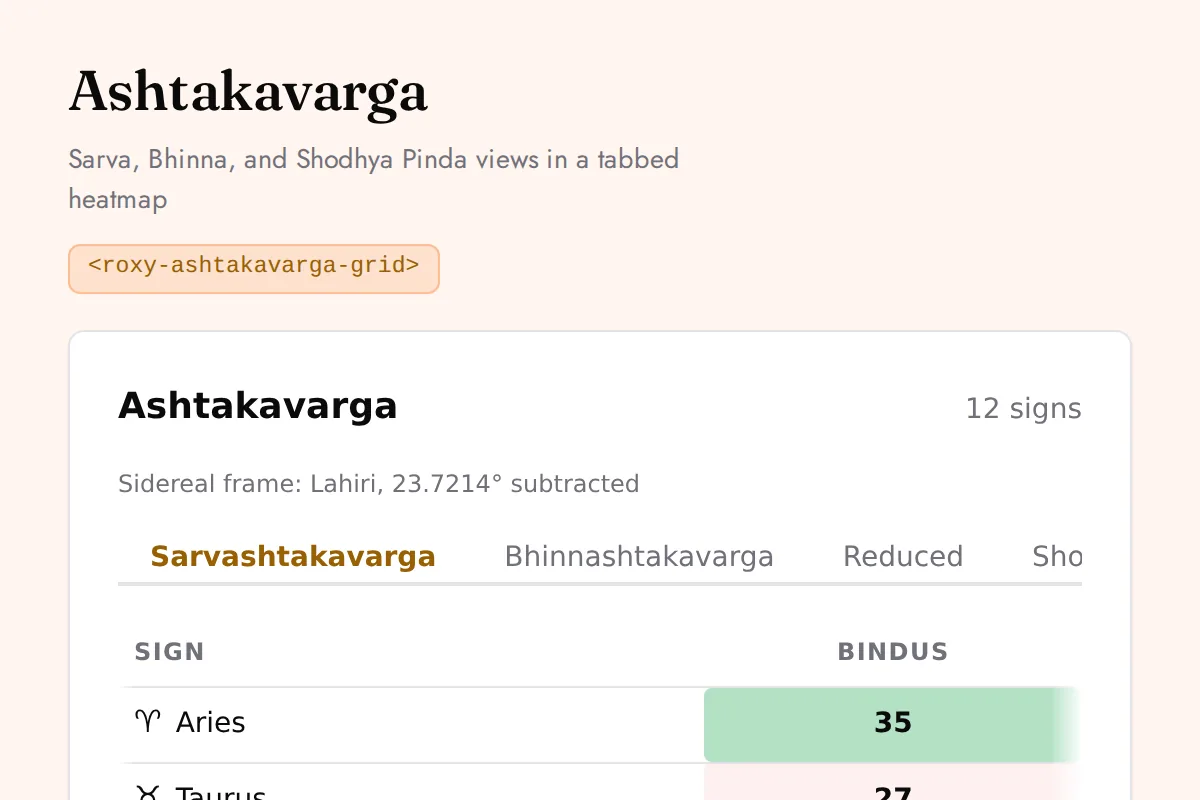
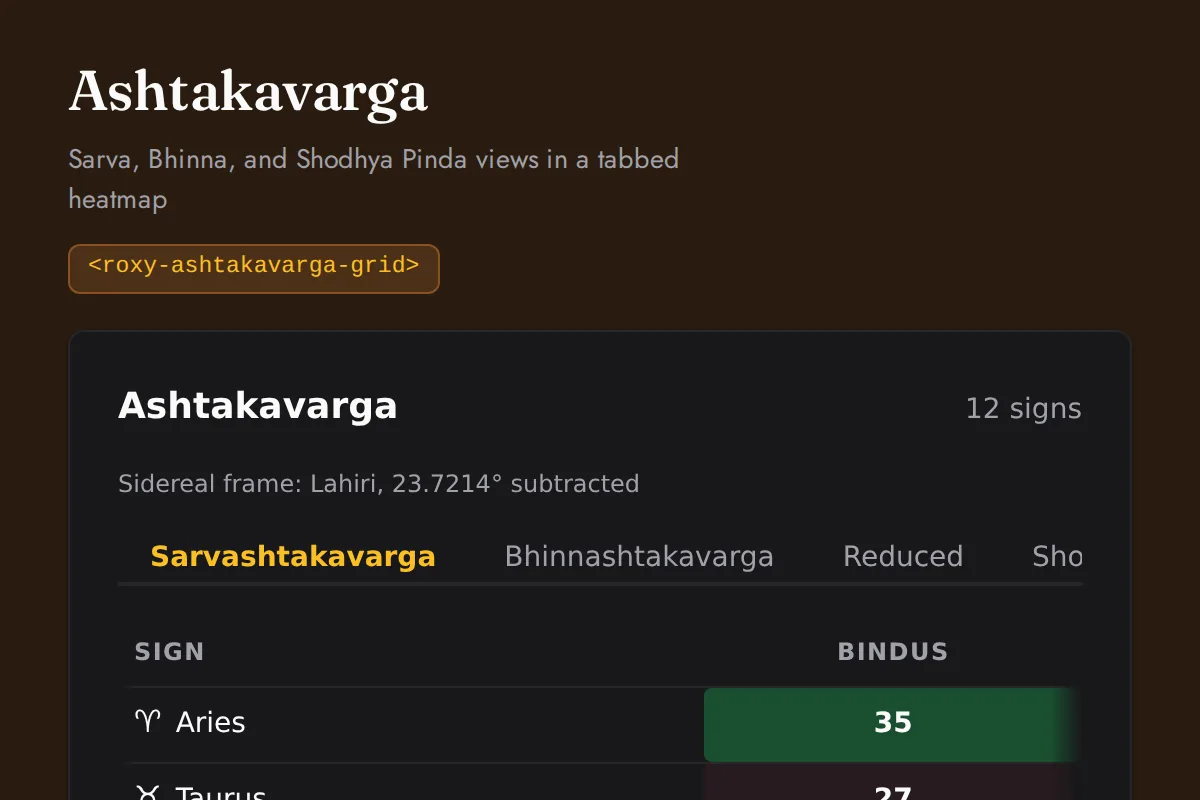
<roxy-ashtakavarga-grid>Sarva, Bhinna, and Shodhya Pinda views in a tabbed heatmap
POST /vedic-astrology/ashtakavarga
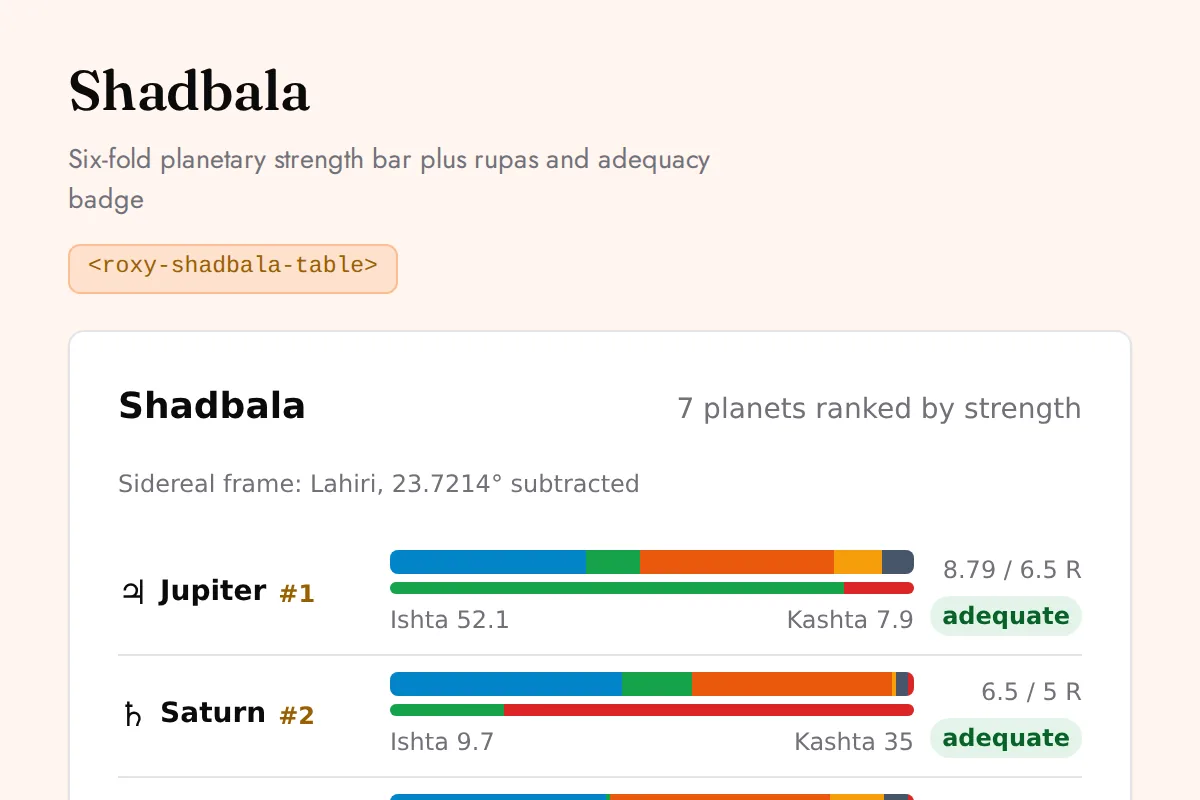
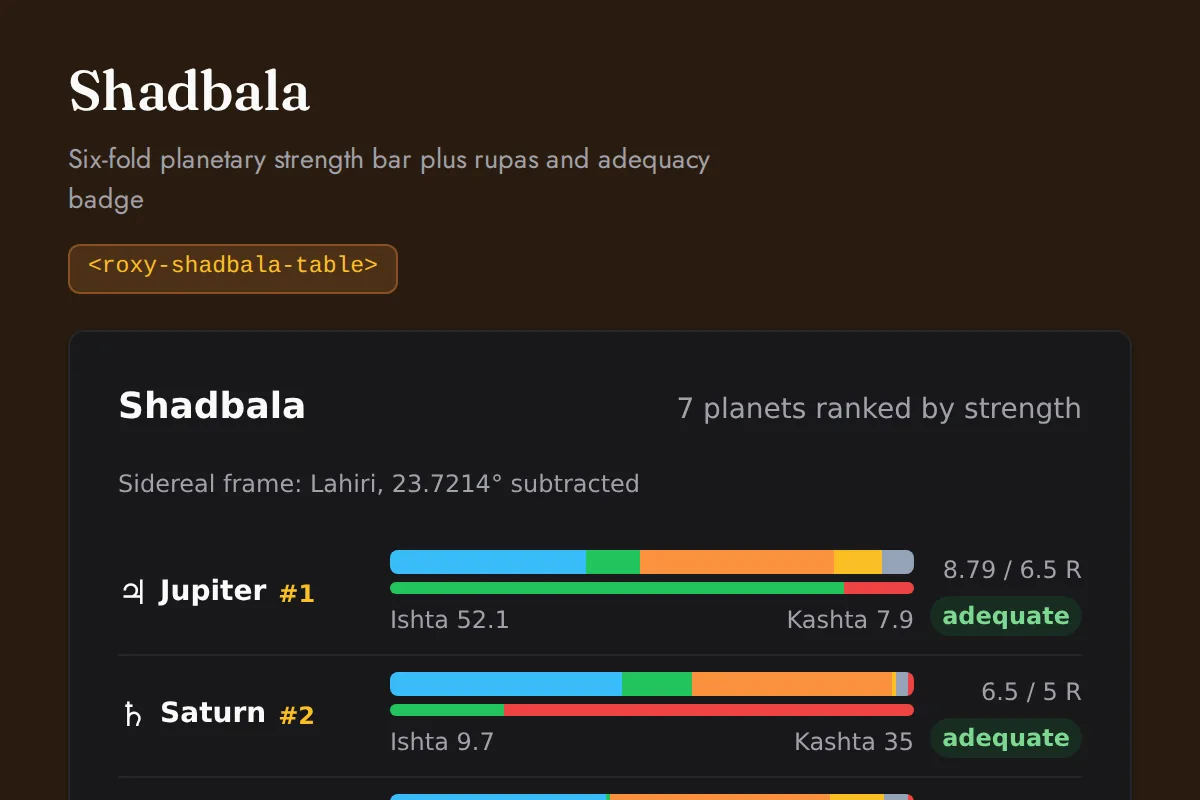
<roxy-shadbala-table>Six-fold planetary strength bar plus rupas and adequacy badge
POST /vedic-astrology/shadbala
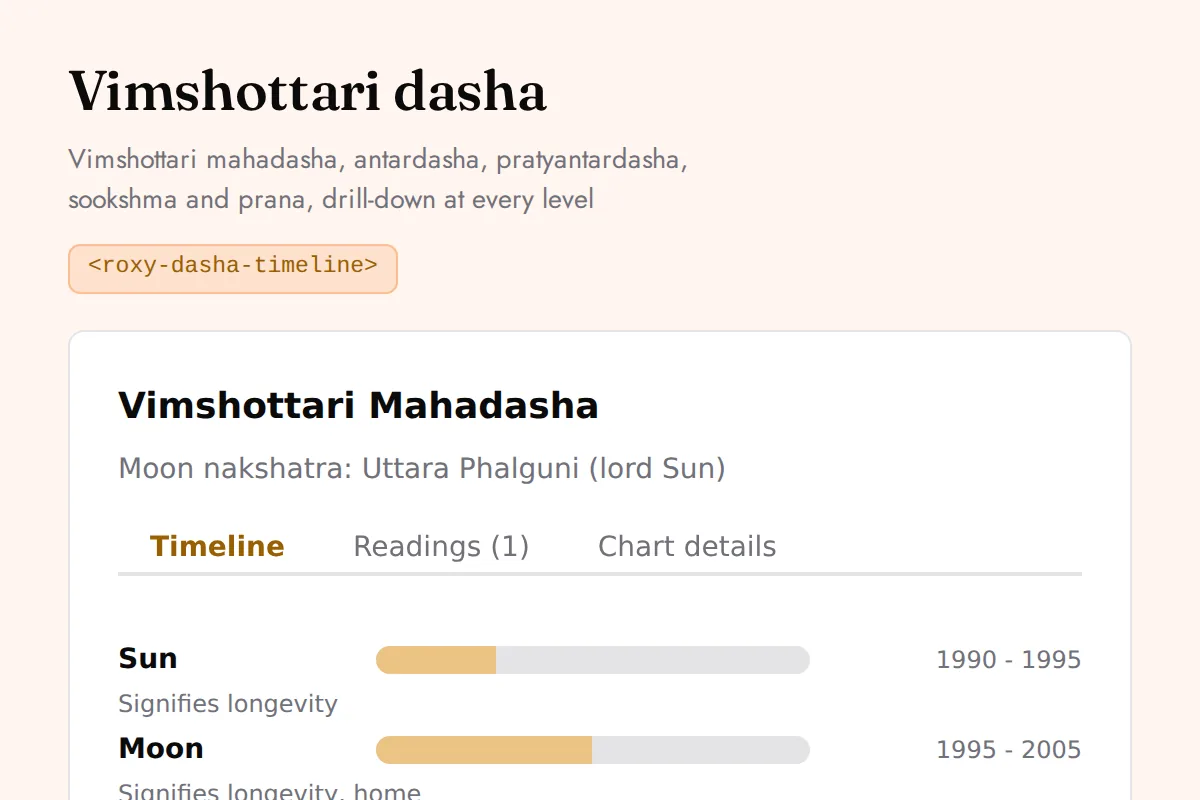
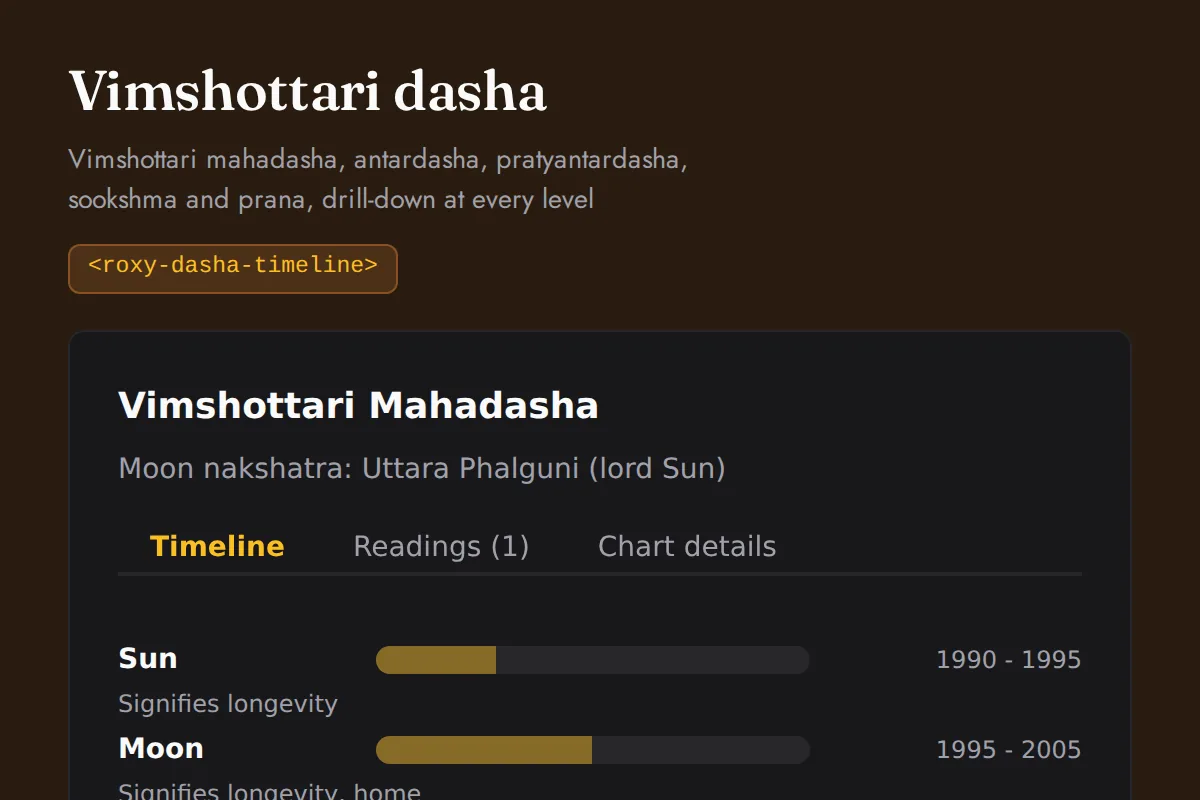
<roxy-dasha-timeline>Vimshottari mahadasha, antardasha, pratyantardasha, sookshma and prana, drill-down at every level
POST /vedic-astrology/dasha/{current,major,sub/...}
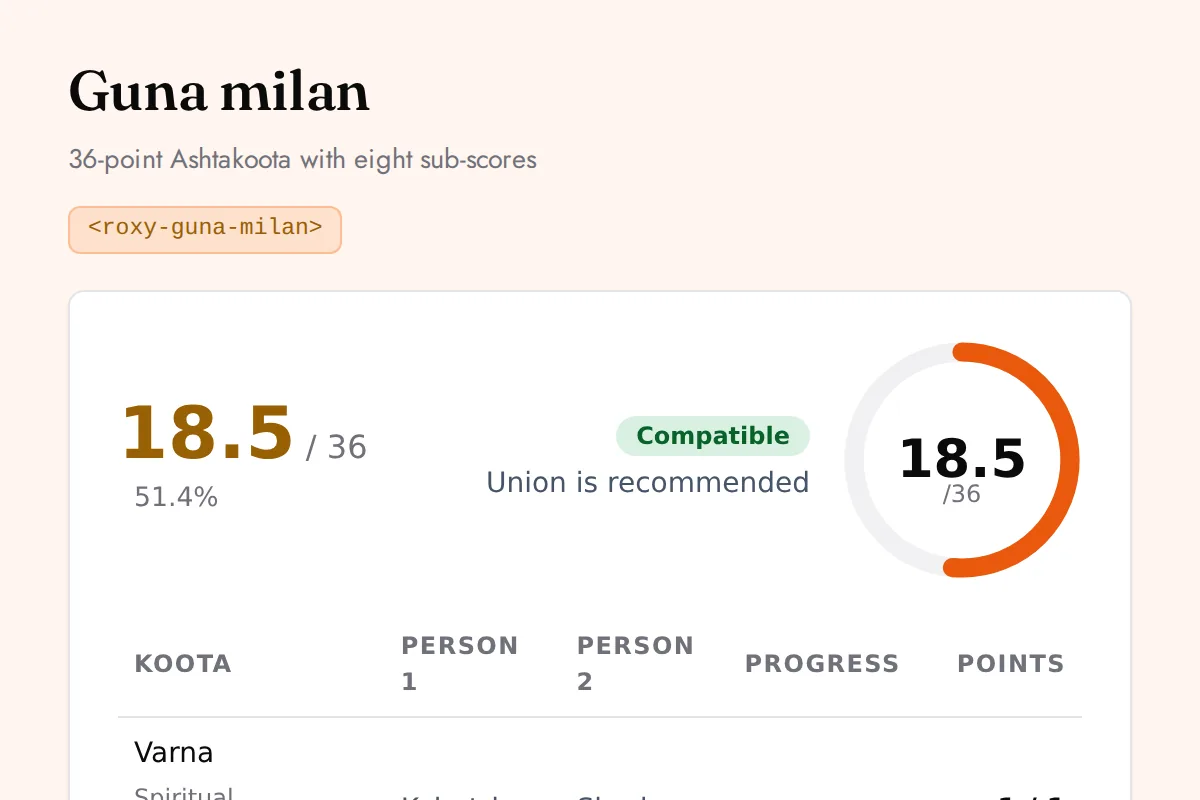
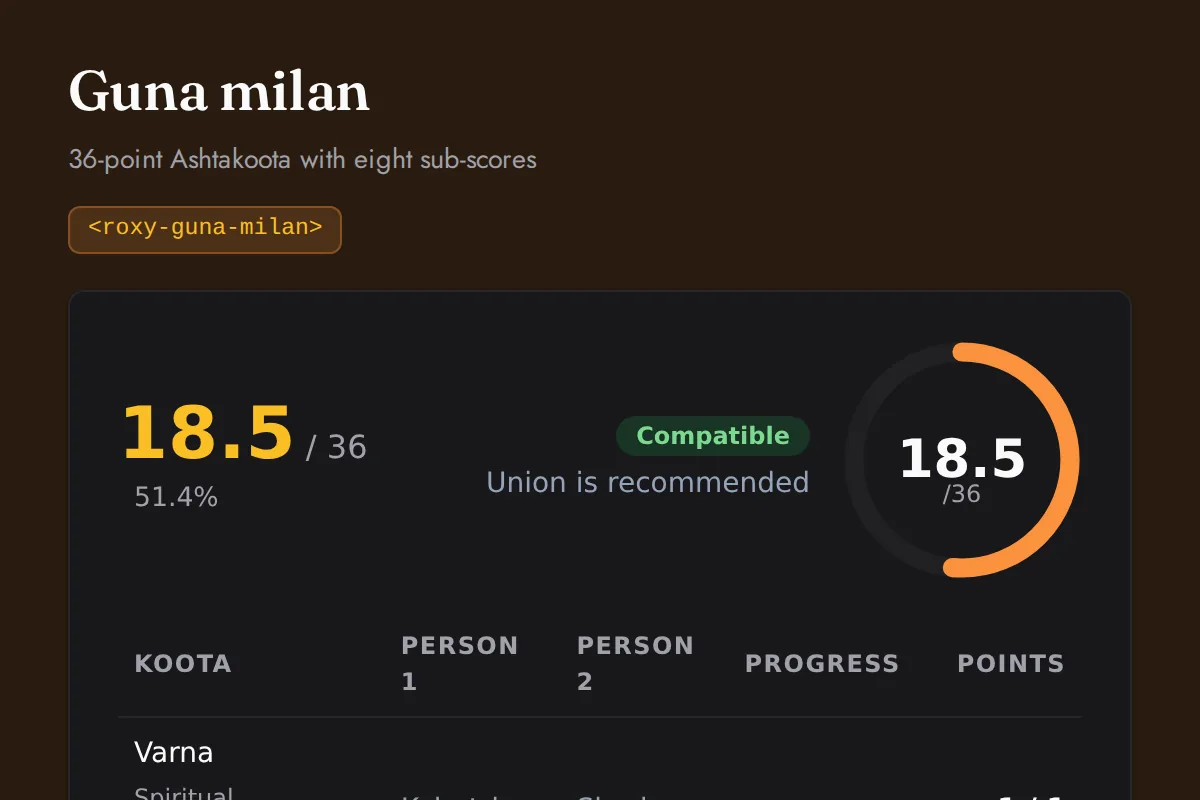
<roxy-guna-milan>36-point Ashtakoota with eight sub-scores
POST /vedic-astrology/compatibility
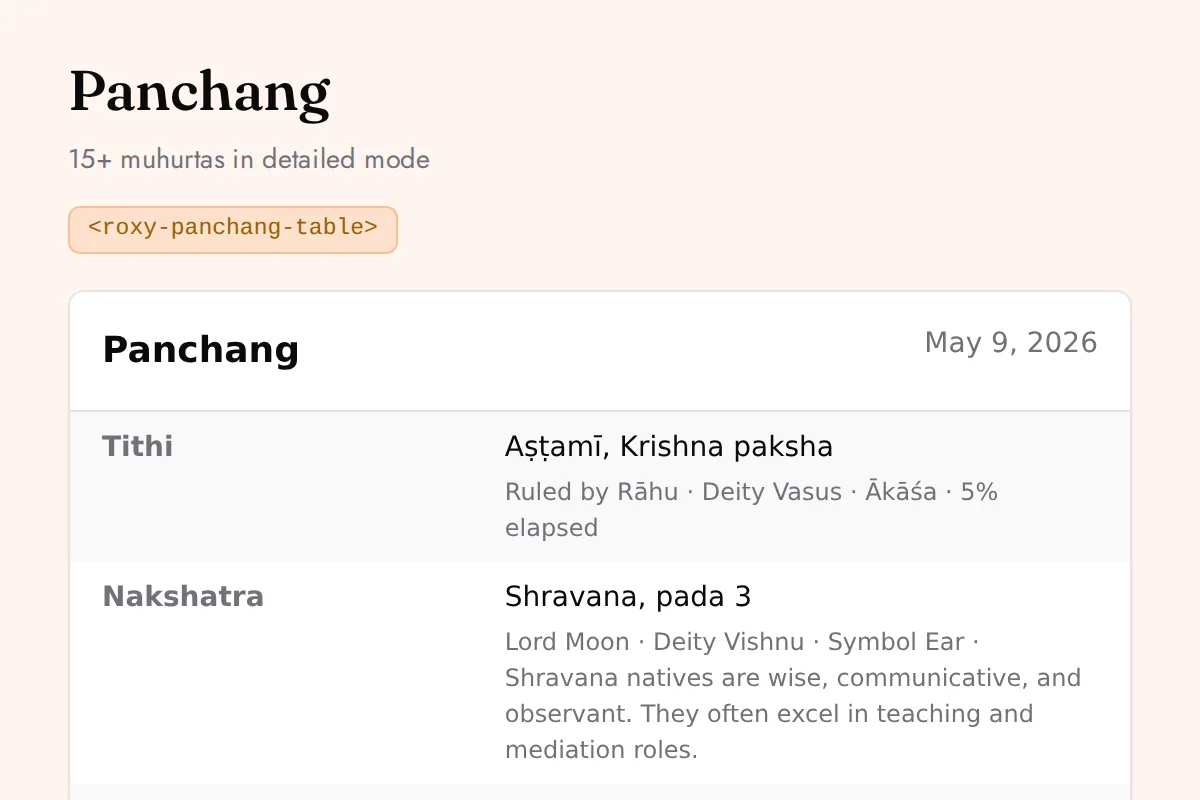
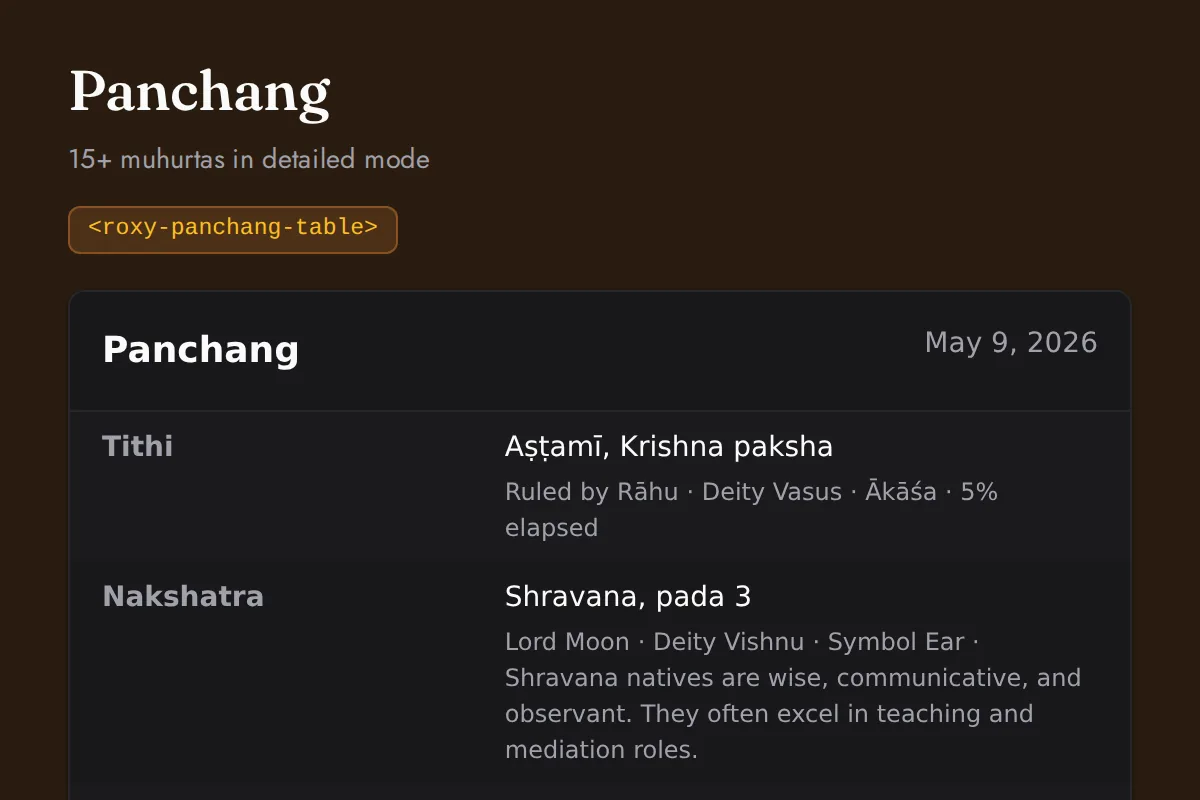
<roxy-panchang-table>15+ muhurtas in detailed mode
POST /vedic-astrology/panchang/{basic,detailed}
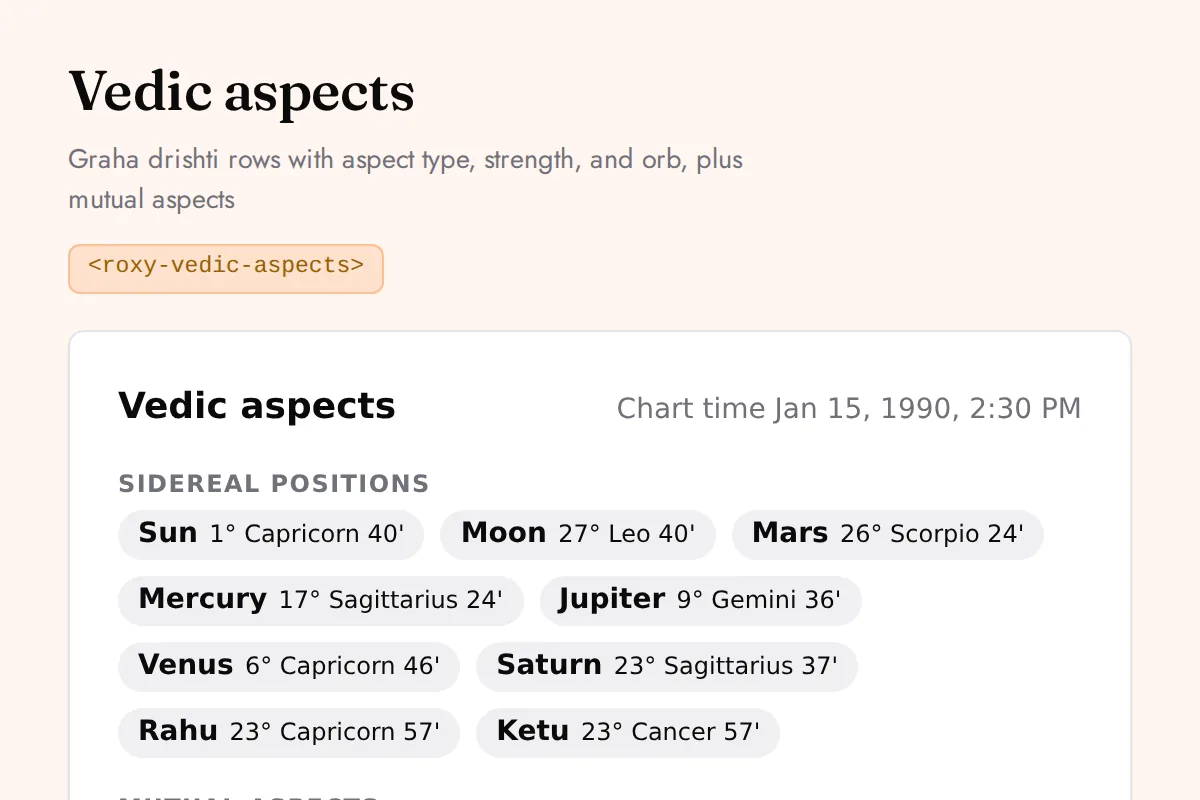
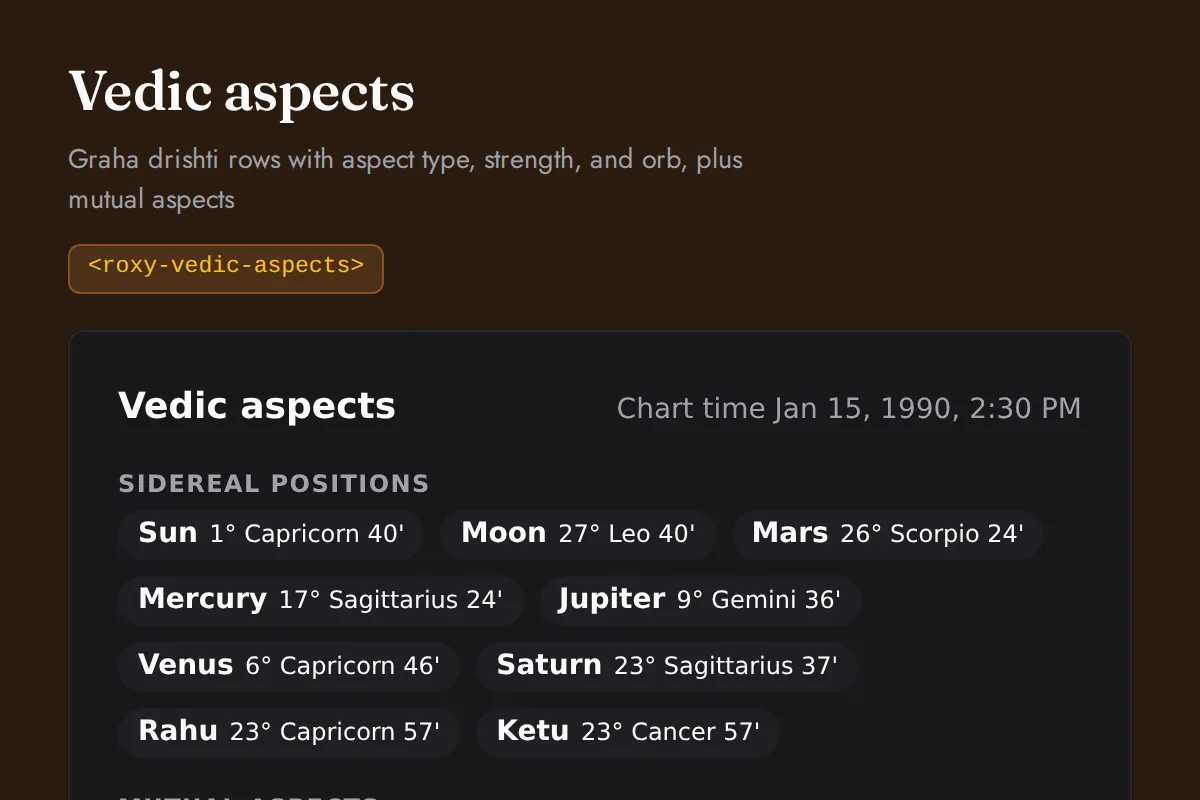
<roxy-vedic-aspects>Graha drishti rows with aspect type, strength, and orb, plus mutual aspects
POST /vedic-astrology/aspects
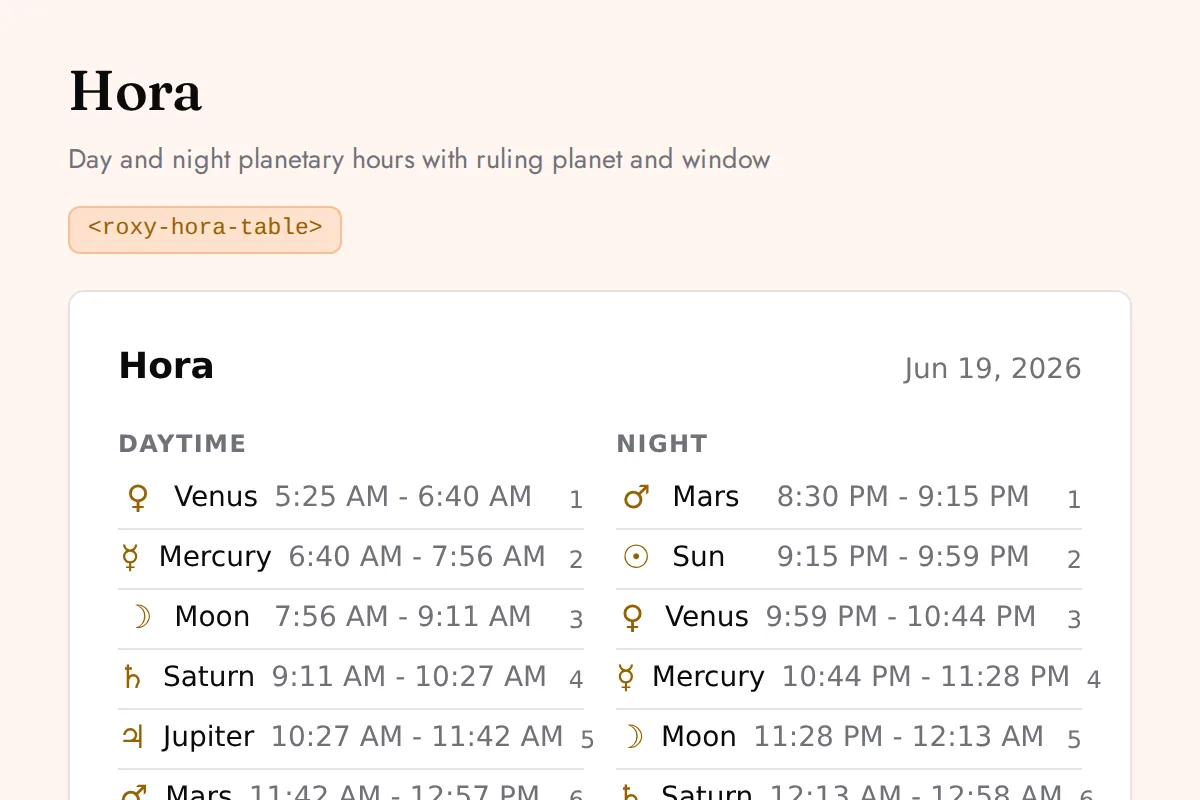
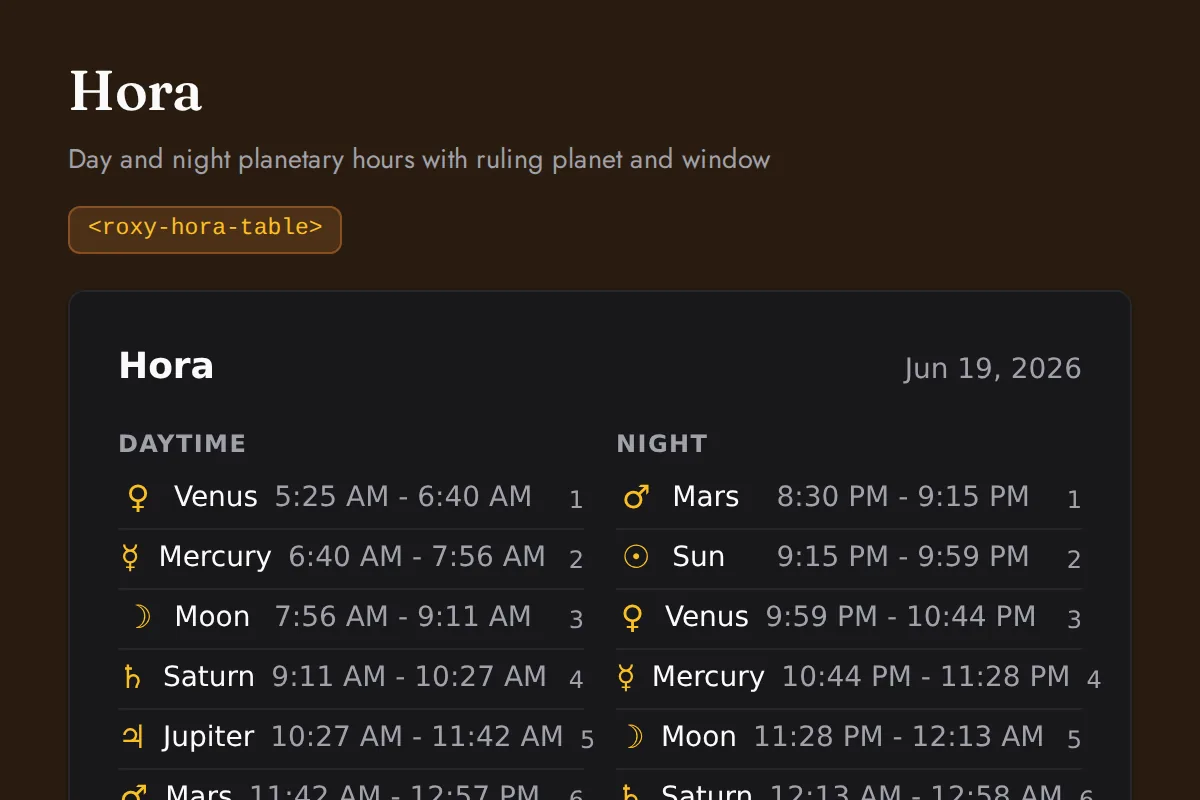
<roxy-hora-table>Day and night planetary hours with ruling planet and window
POST /vedic-astrology/panchang/hora
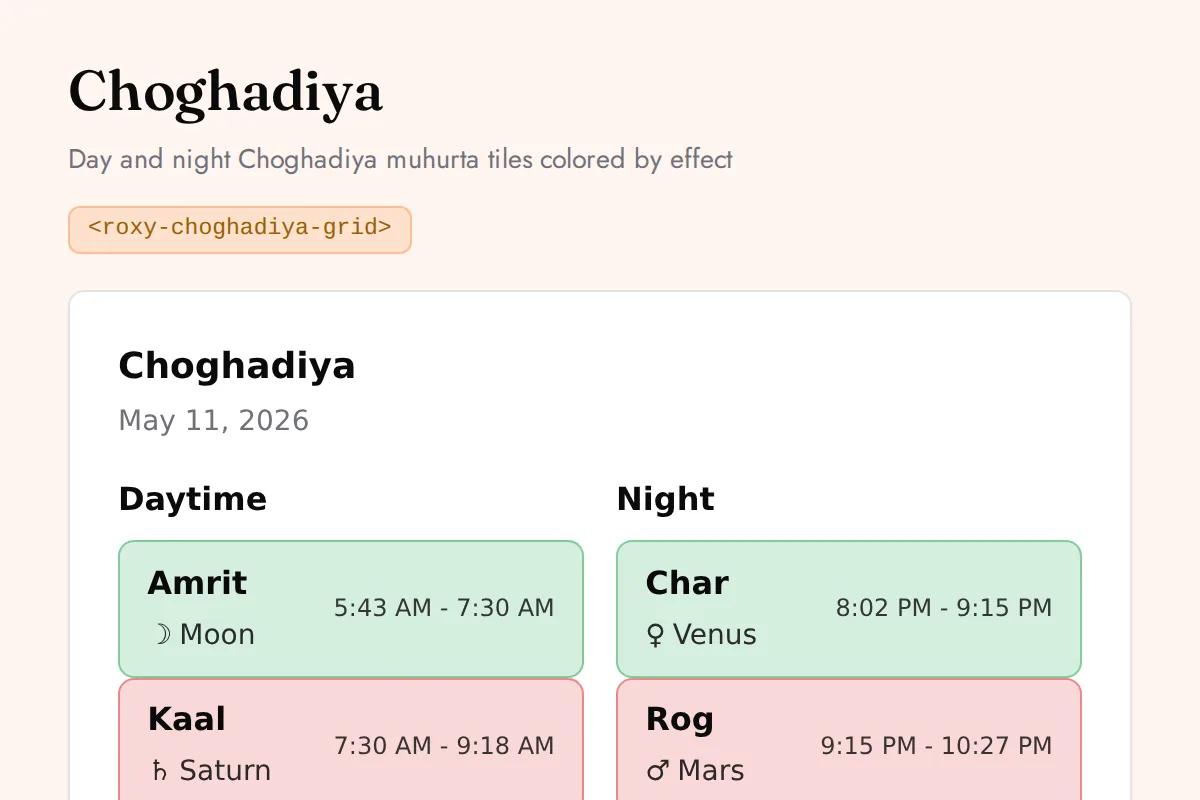
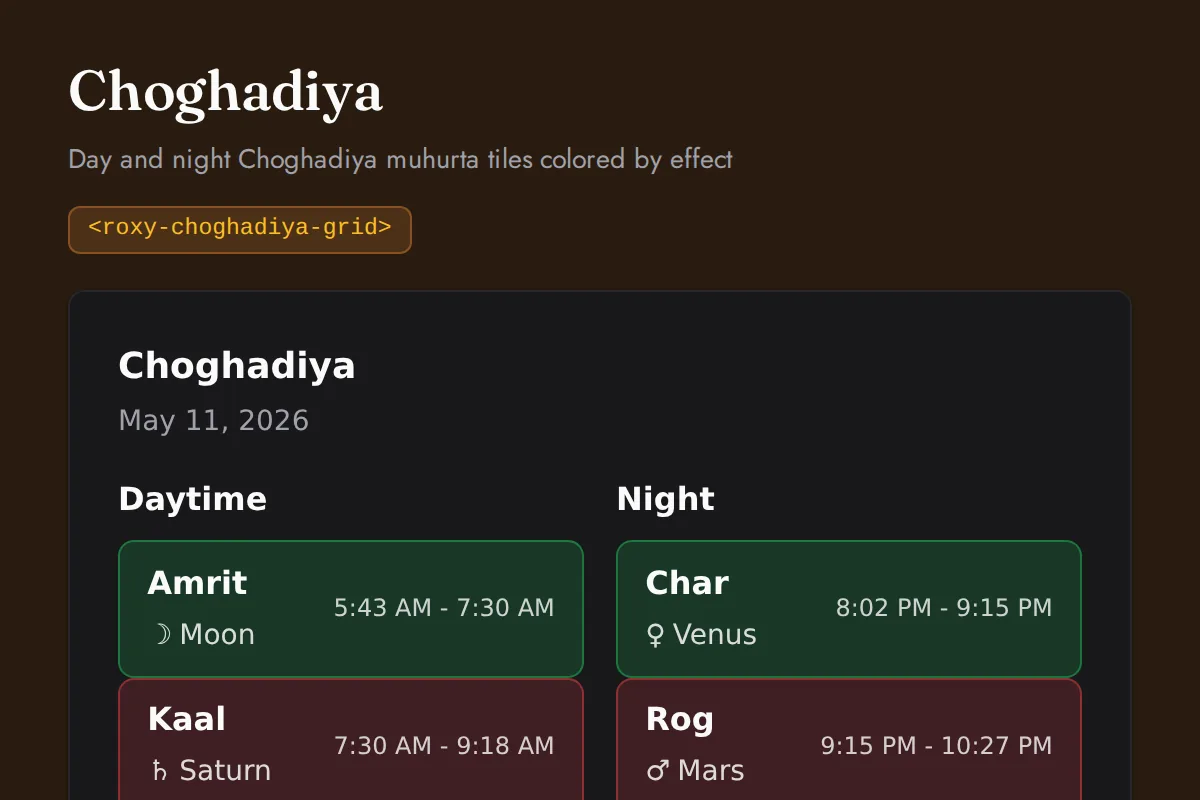
<roxy-choghadiya-grid>Day and night Choghadiya muhurta tiles colored by effect
POST /vedic-astrology/panchang/choghadiya
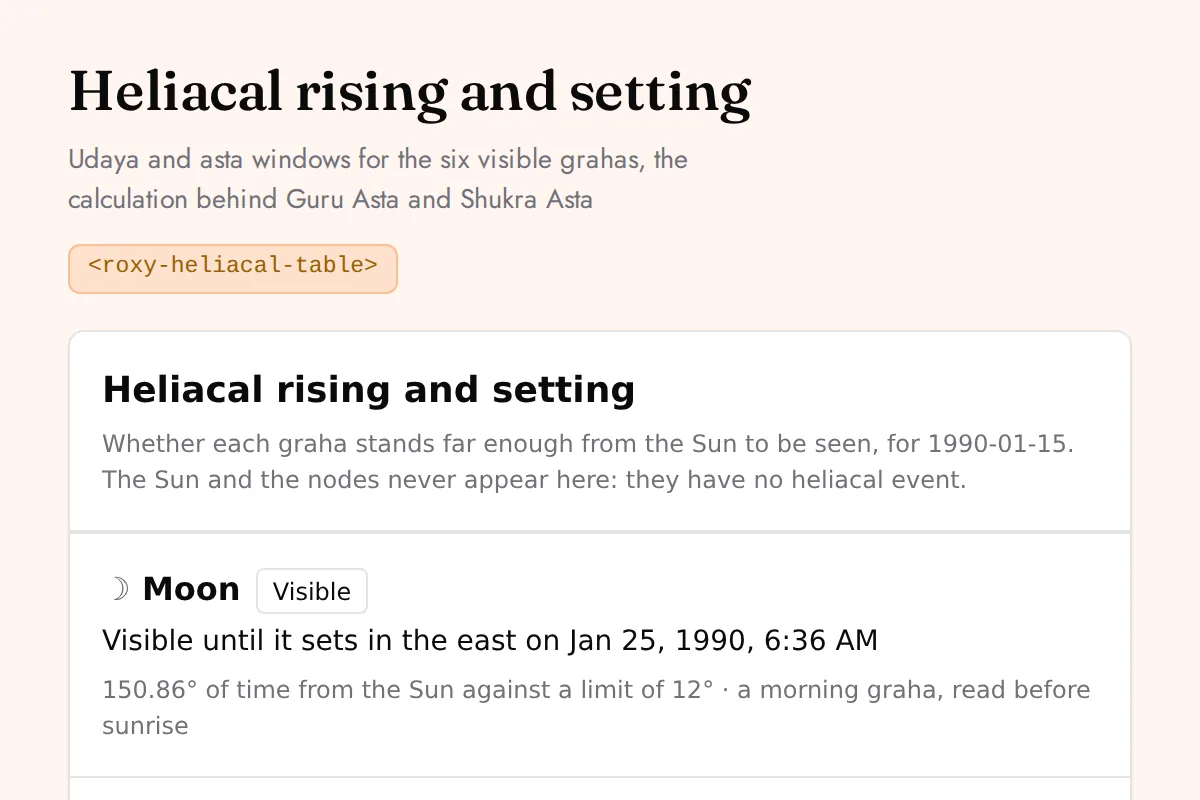
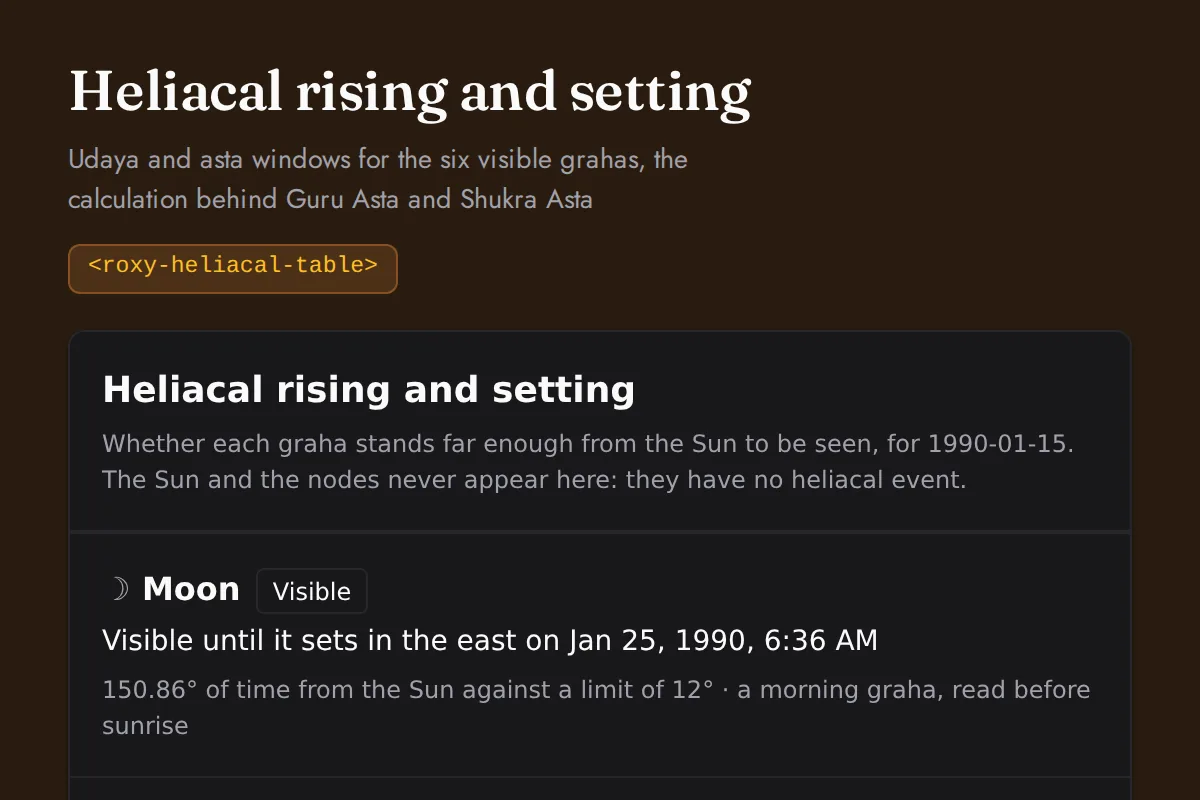
<roxy-heliacal-table>Udaya and asta windows for the six visible grahas, the calculation behind Guru Asta and Shukra Asta
POST /vedic-astrology/heliacal
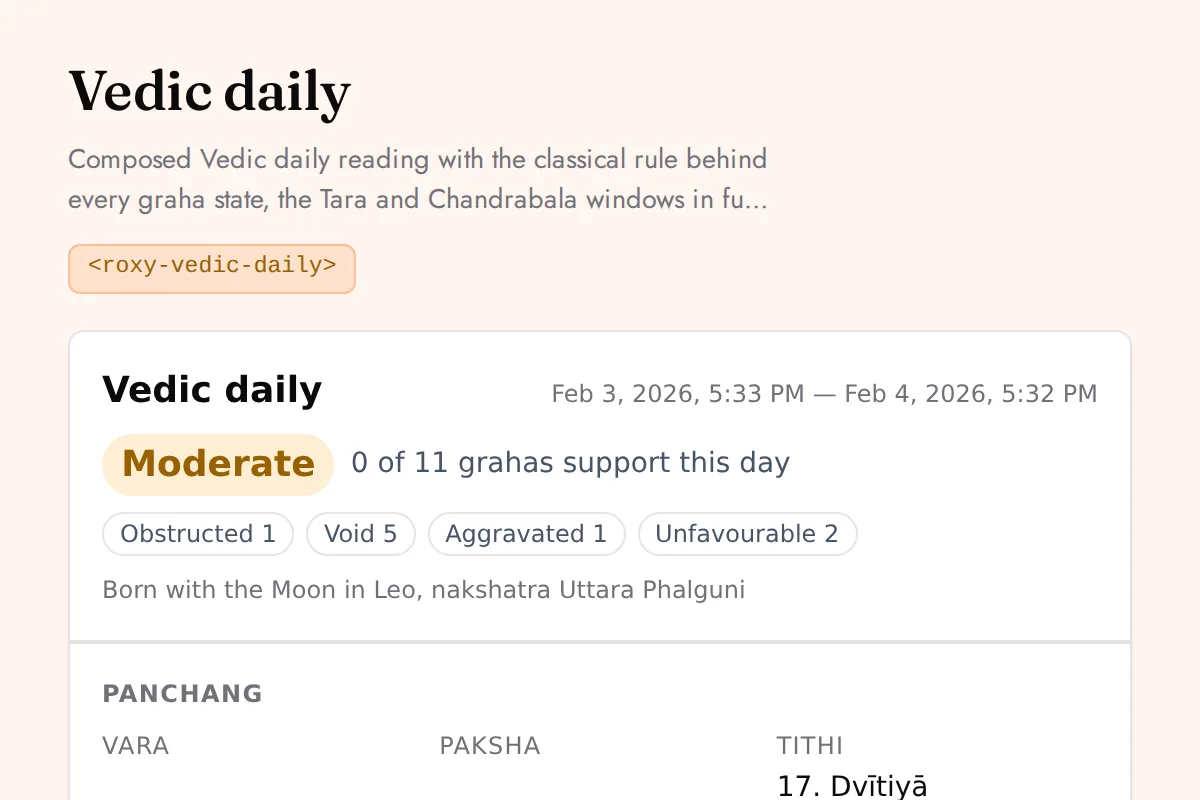
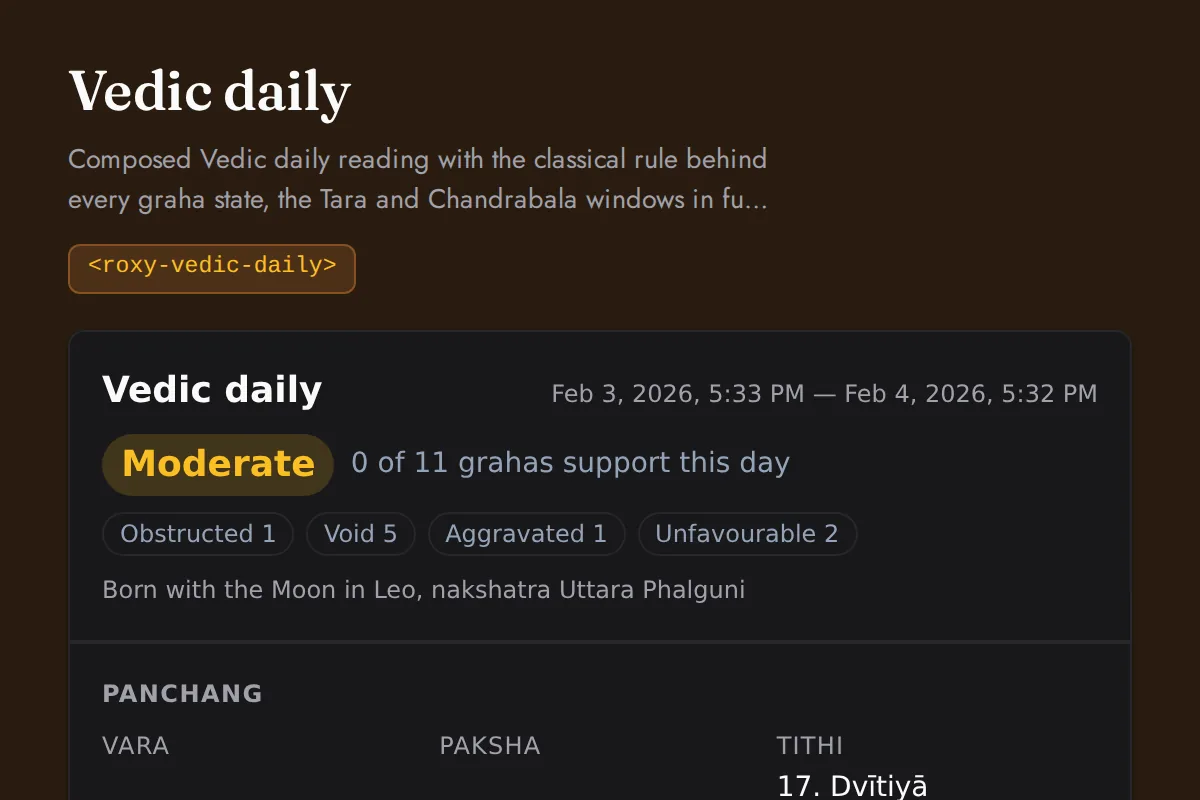
<roxy-vedic-daily>Composed Vedic daily reading with the classical rule behind every graha state, the Tara and Chandrabala windows in full, and all three sidereal frames named
POST /vedic-astrology/daily
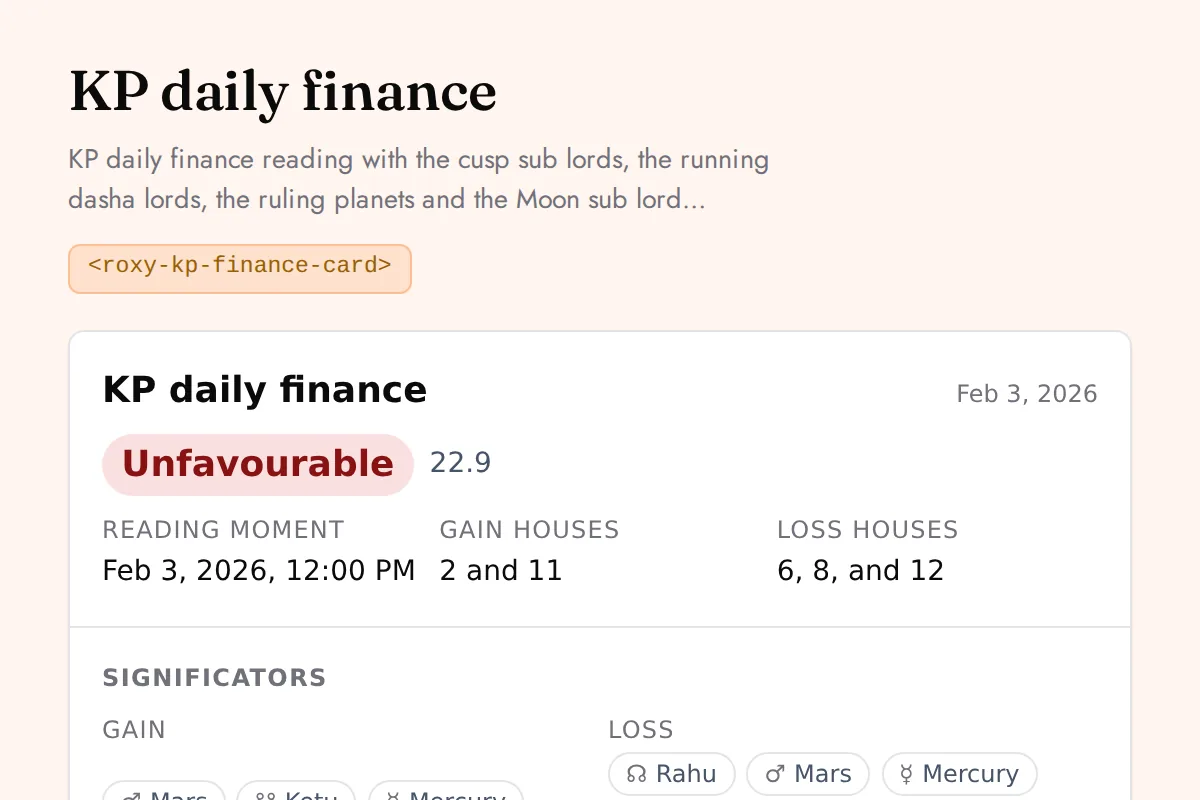
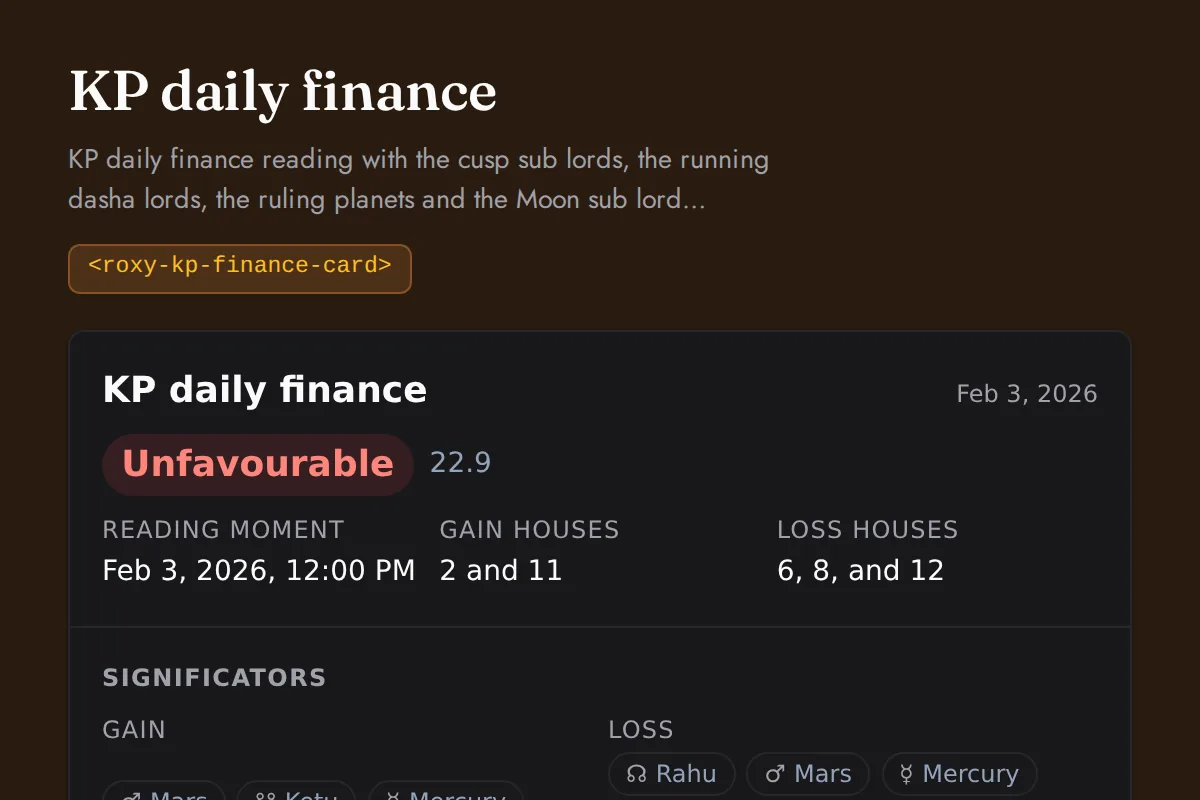
<roxy-kp-finance-card>KP daily finance reading with the cusp sub lords, the running dasha lords, the ruling planets and the Moon sub lord windows each scored against the gain and loss houses, weighed into one band for the day
POST /vedic-astrology/kp/daily-finance
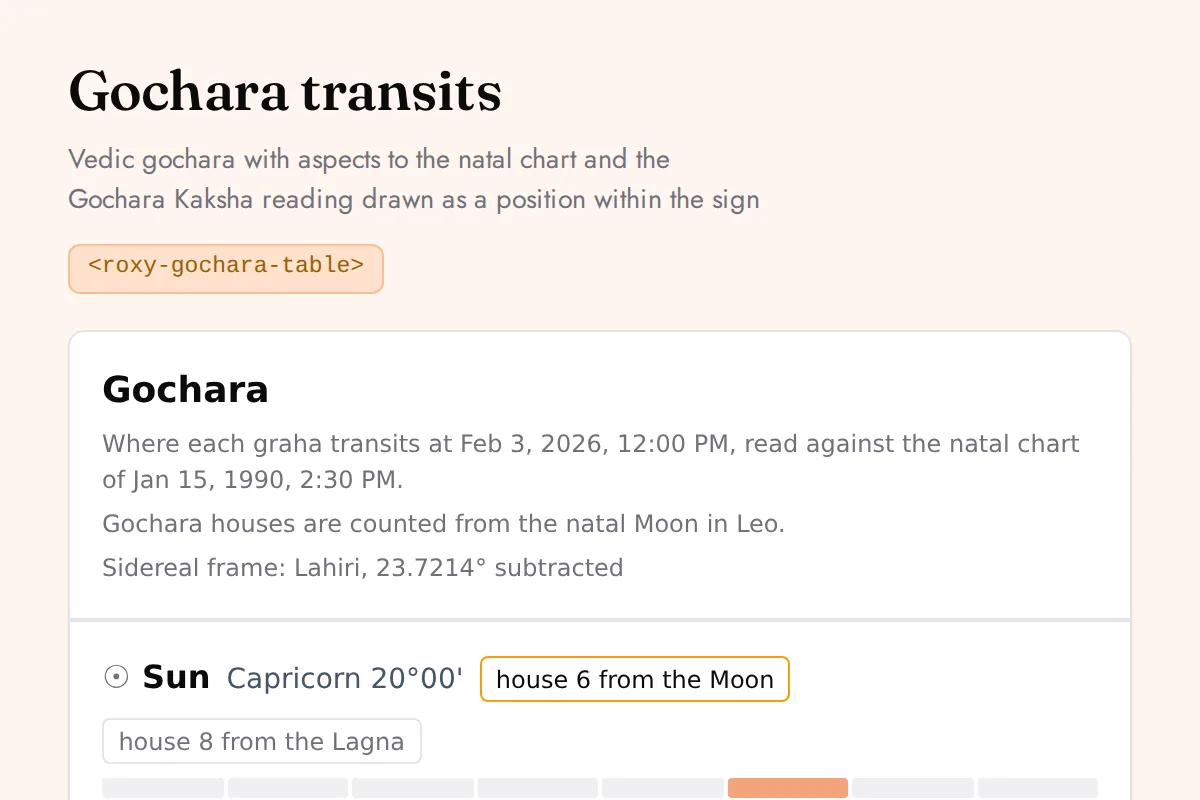
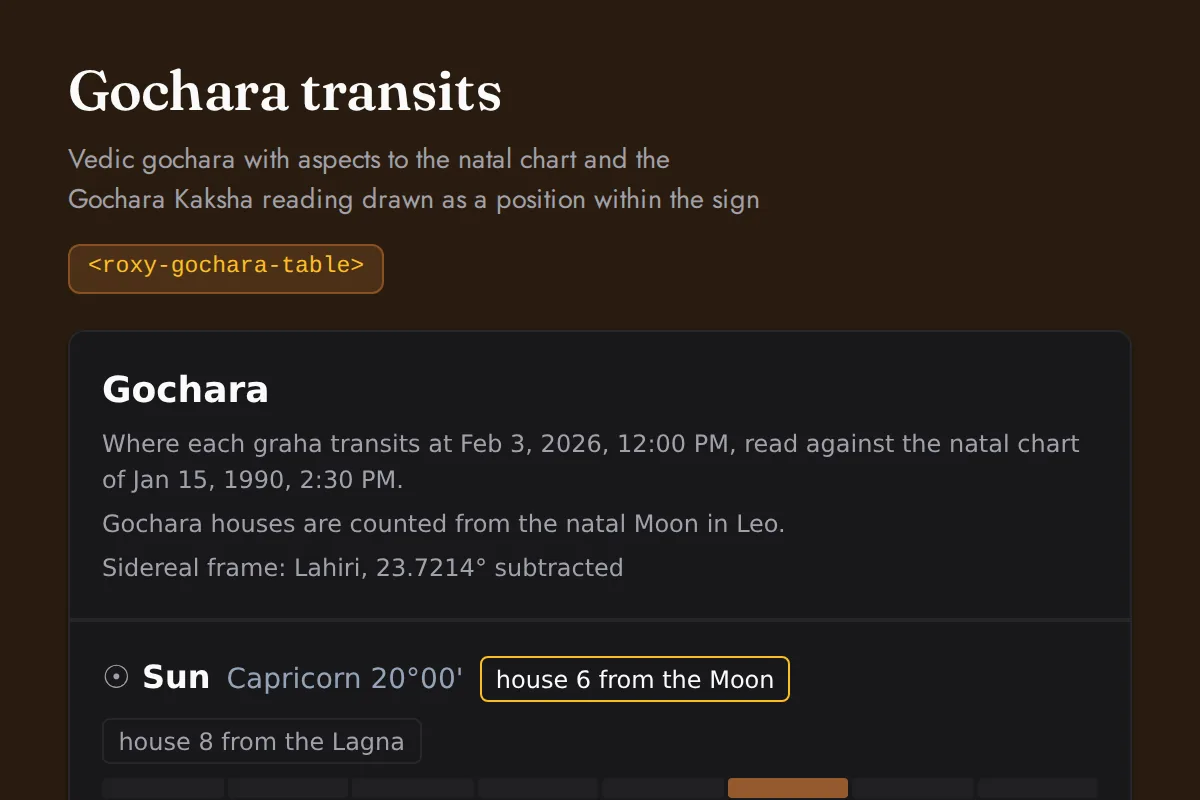
<roxy-gochara-table>Vedic gochara with aspects to the natal chart and the Gochara Kaksha reading drawn as a position within the sign
POST /vedic-astrology/transit
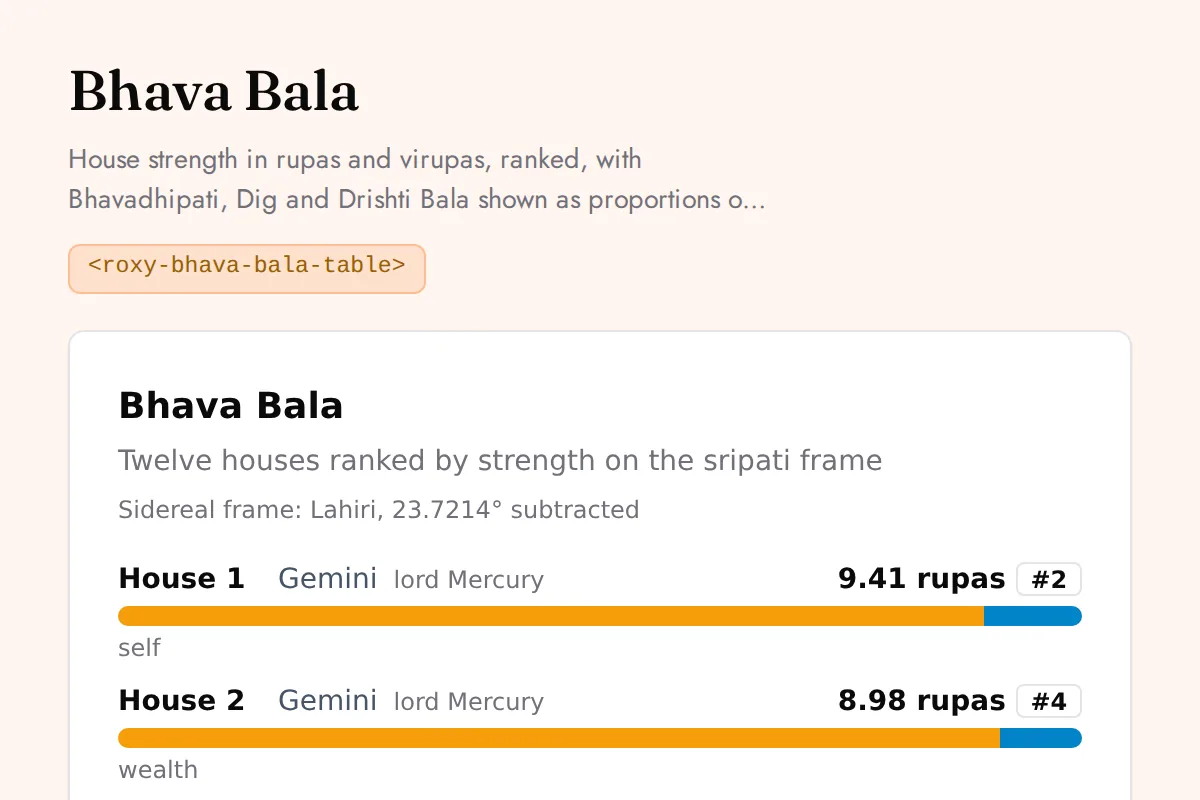
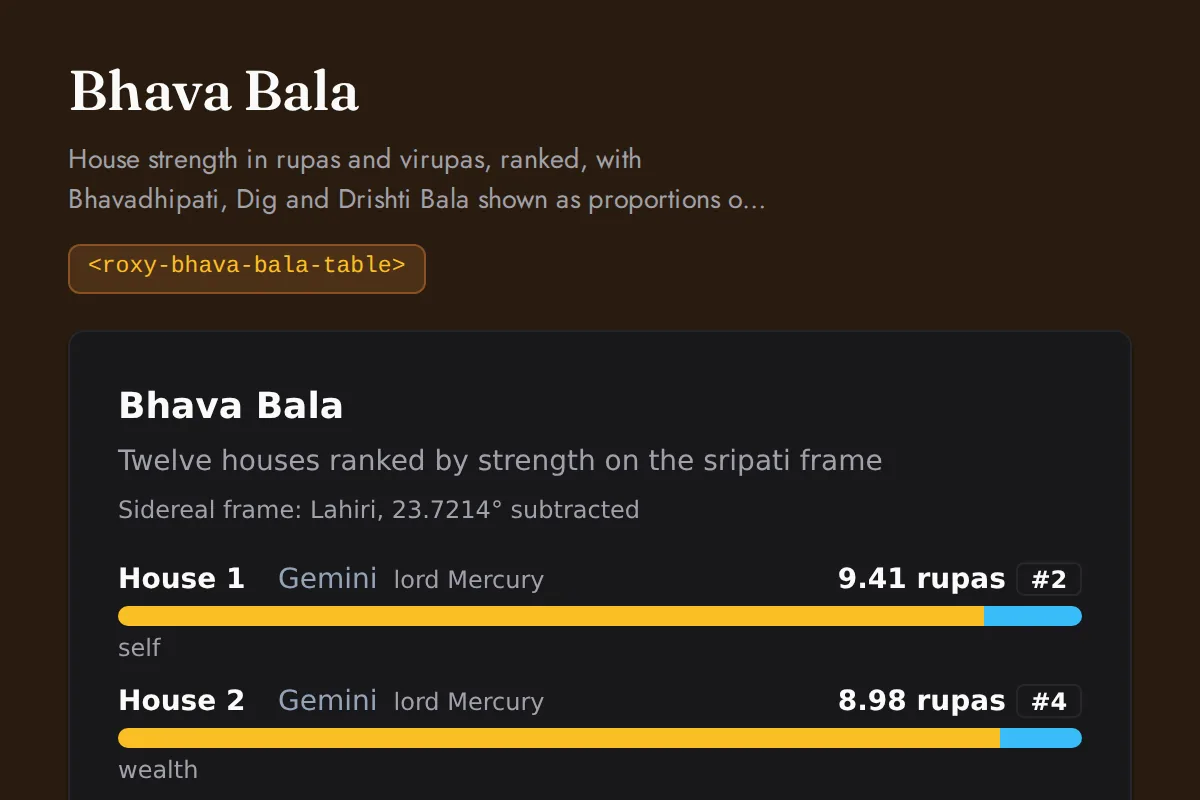
<roxy-bhava-bala-table>House strength in rupas and virupas, ranked, with Bhavadhipati, Dig and Drishti Bala shown as proportions of the total
POST /vedic-astrology/bhava-bala
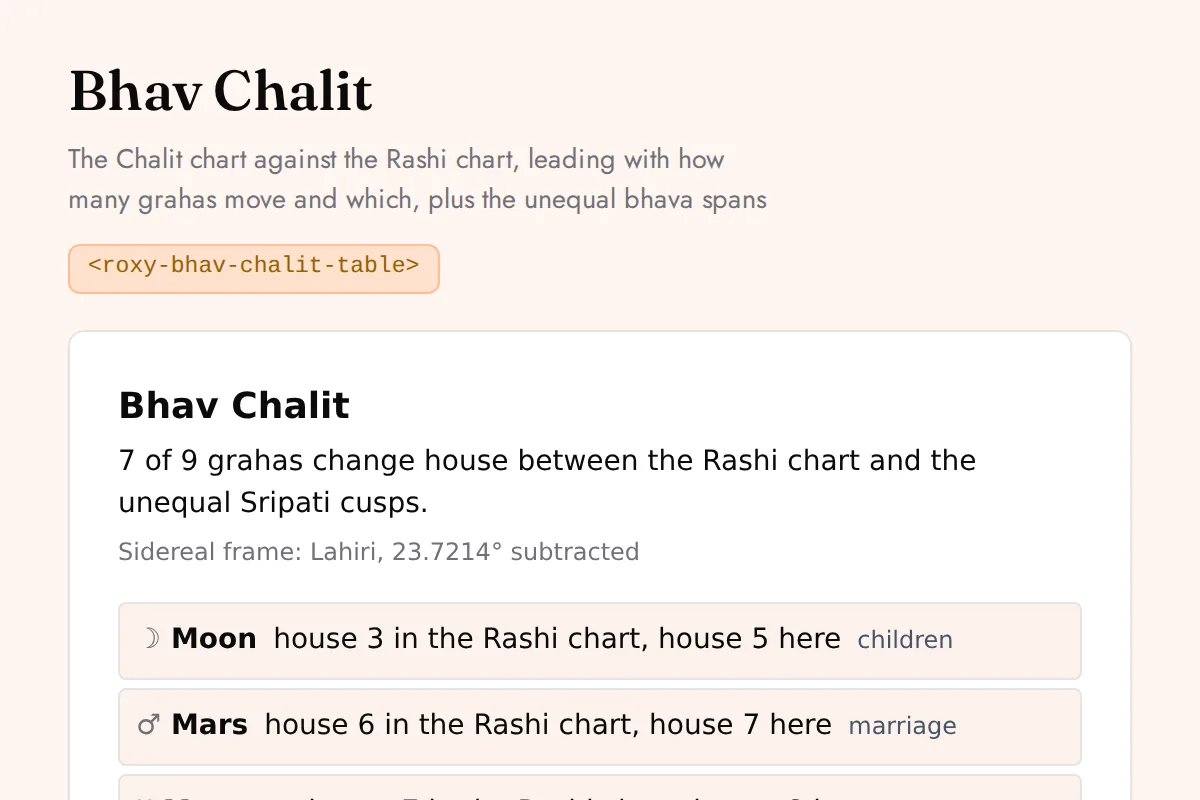
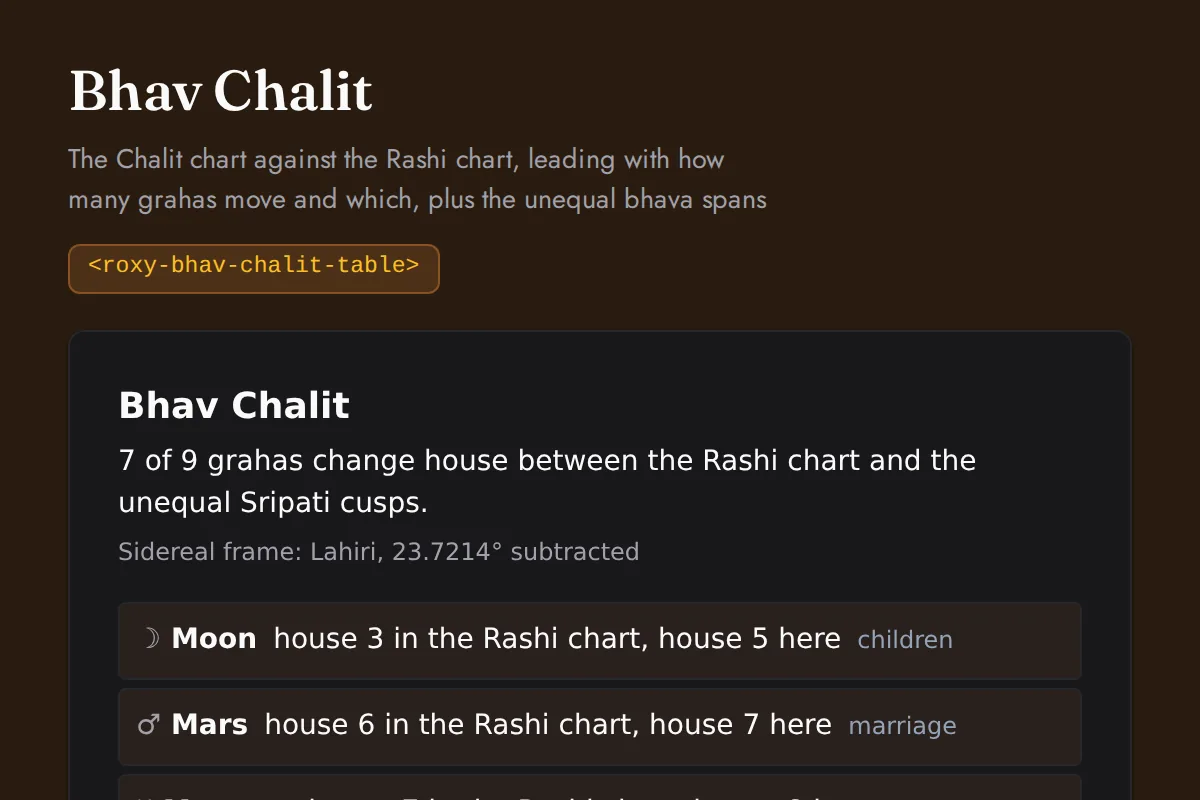
<roxy-bhav-chalit-table>The Chalit chart against the Rashi chart, leading with how many grahas move and which, plus the unequal bhava spans
POST /vedic-astrology/bhav-chalit
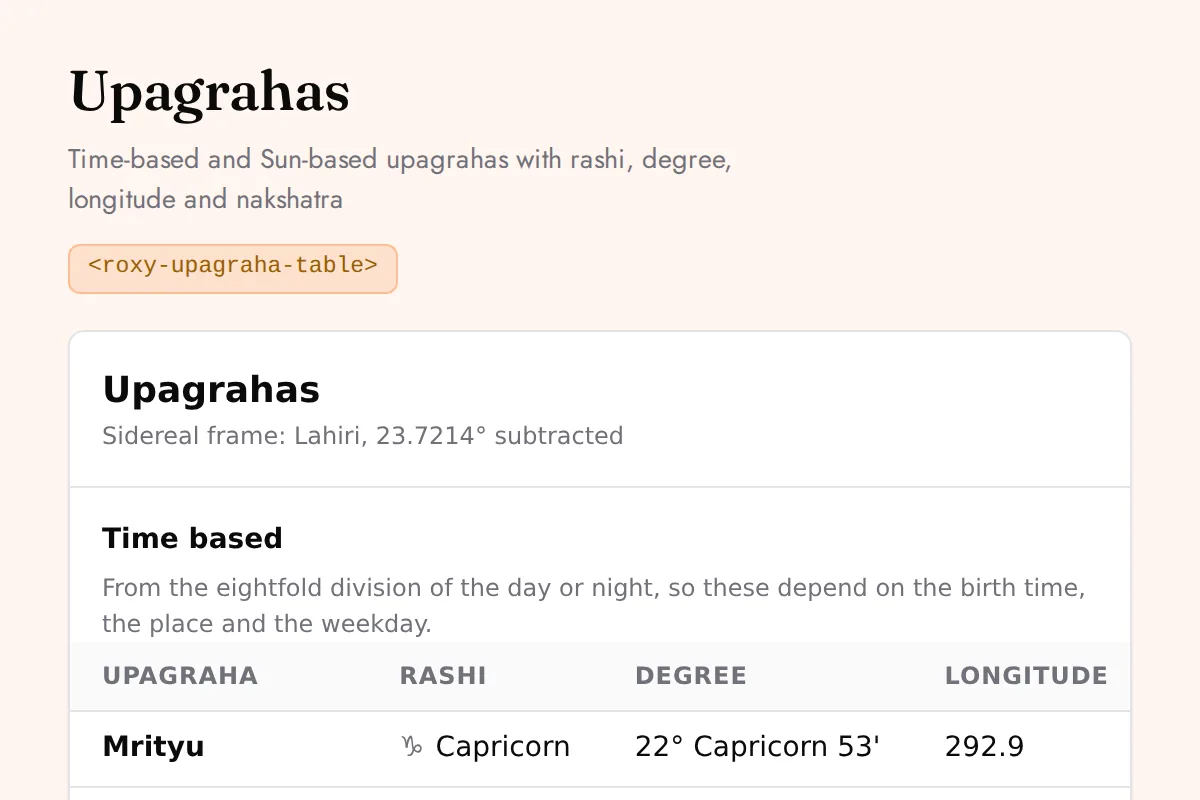
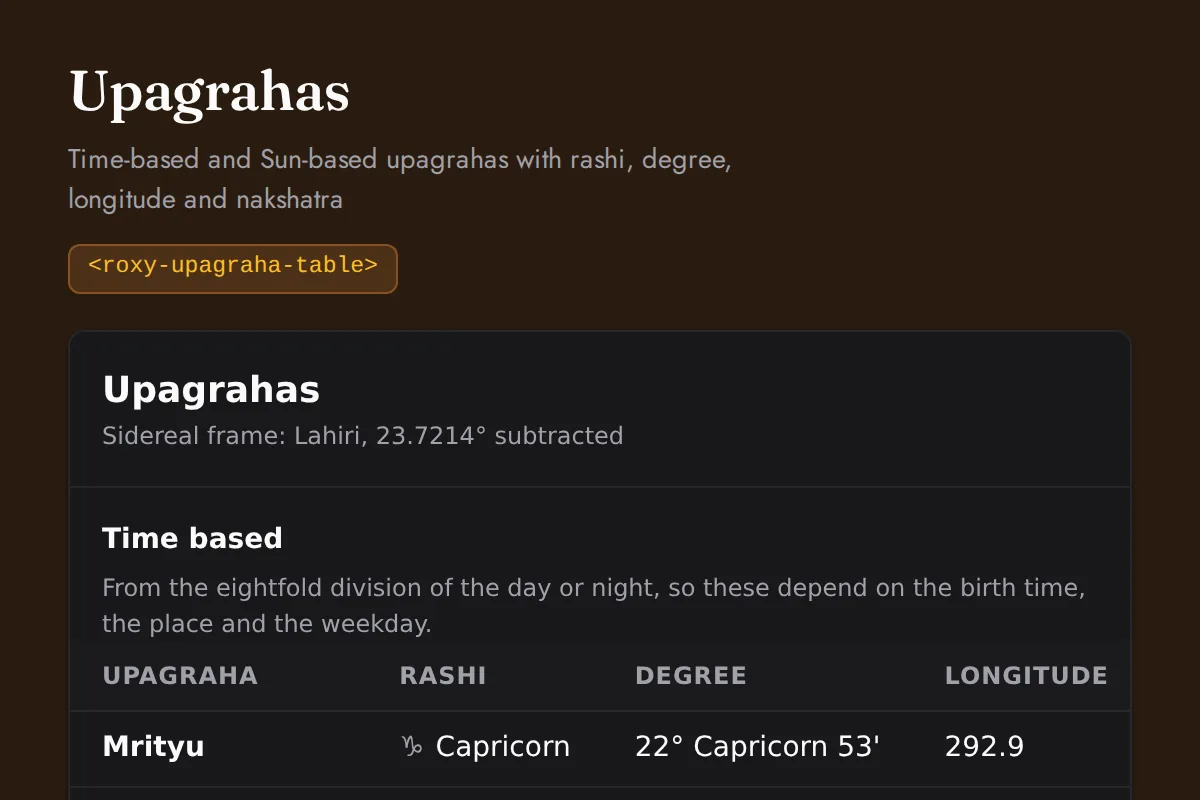
<roxy-upagraha-table>Time-based and Sun-based upagrahas with rashi, degree, longitude and nakshatra
POST /vedic-astrology/upagraha
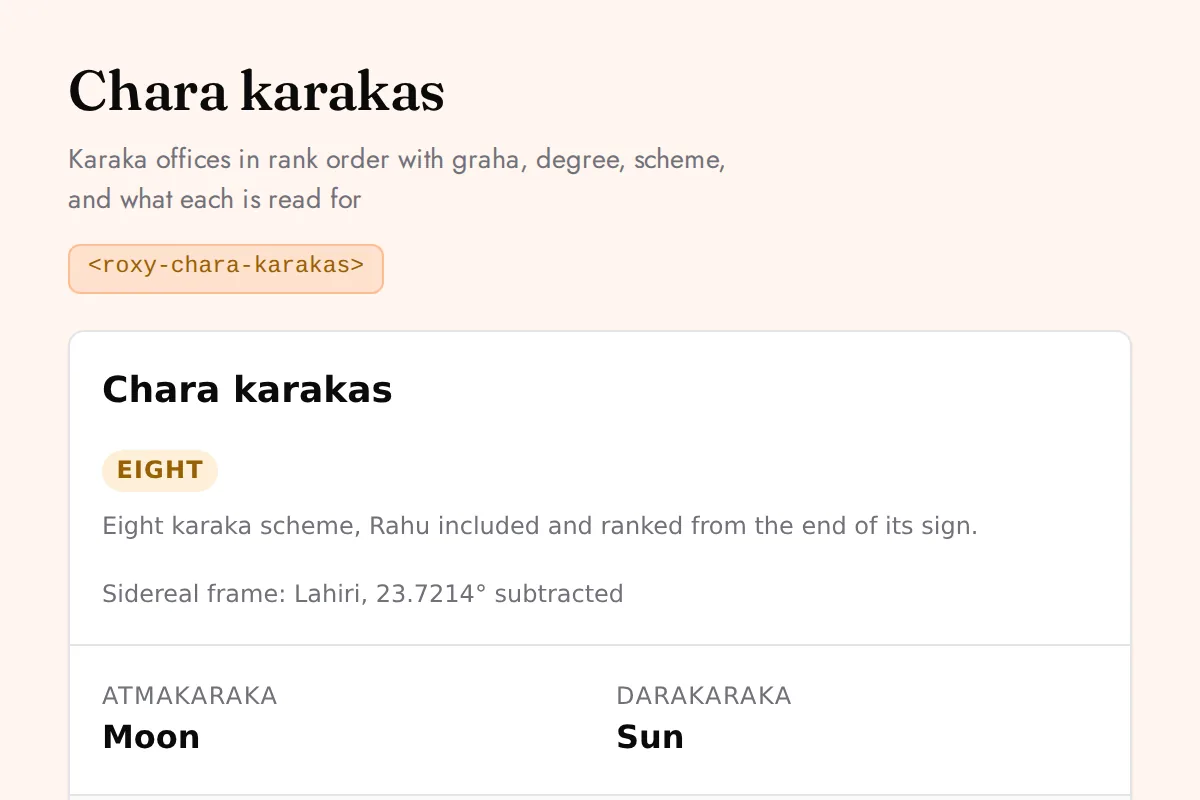
<roxy-chara-karakas>Karaka offices in rank order with graha, degree, scheme, and what each is read for
POST /vedic-astrology/chara-karakas
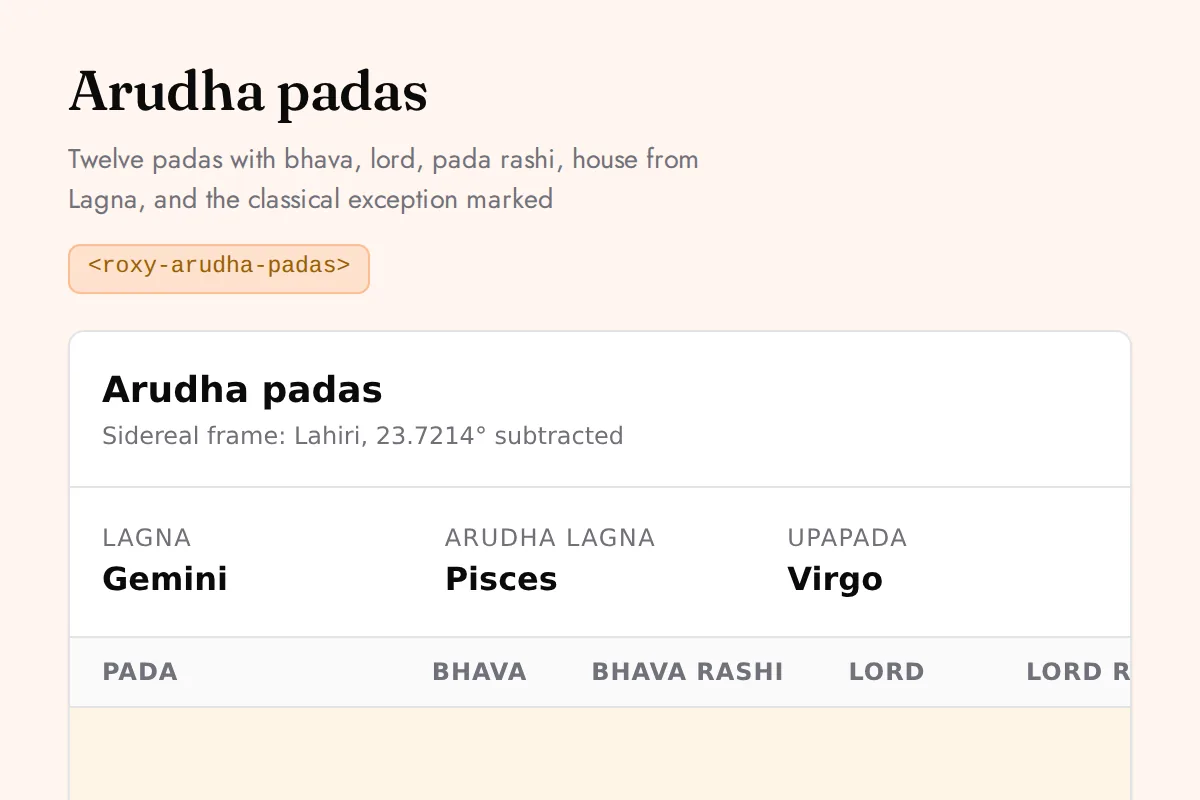
<roxy-arudha-padas>Twelve padas with bhava, lord, pada rashi, house from Lagna, and the classical exception marked
POST /vedic-astrology/arudha
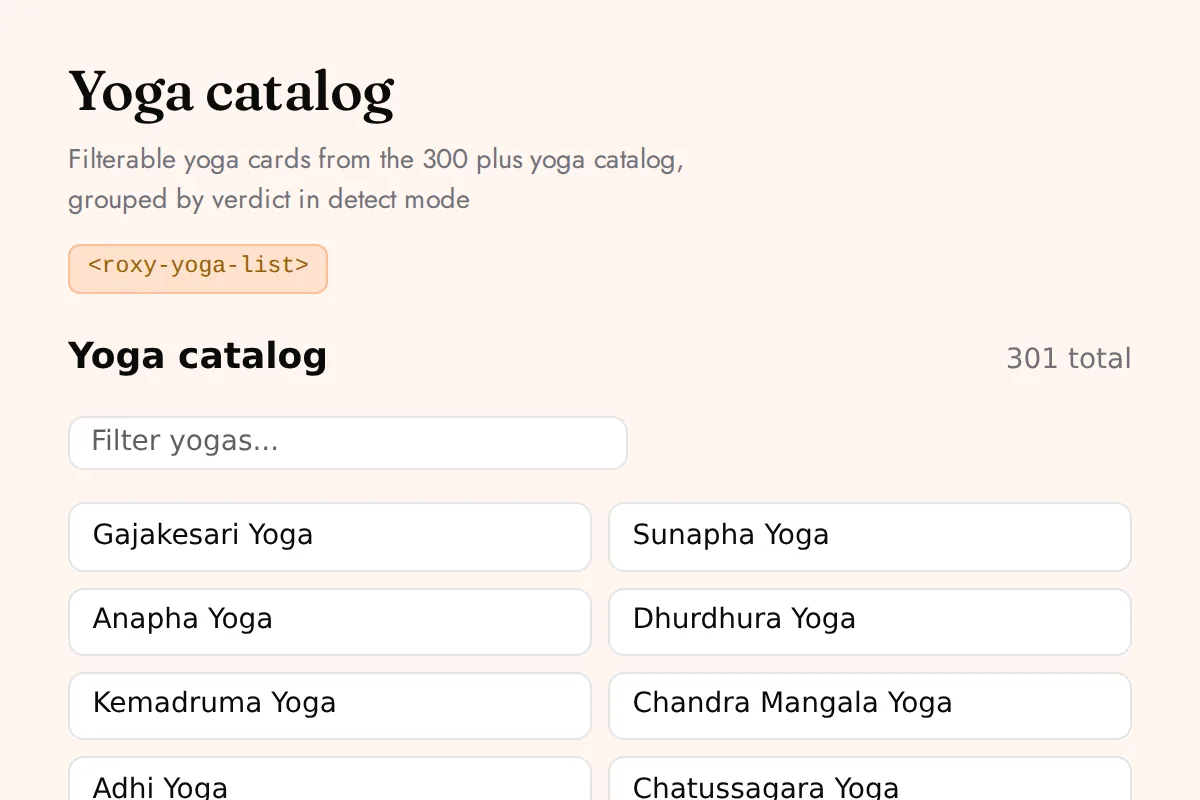
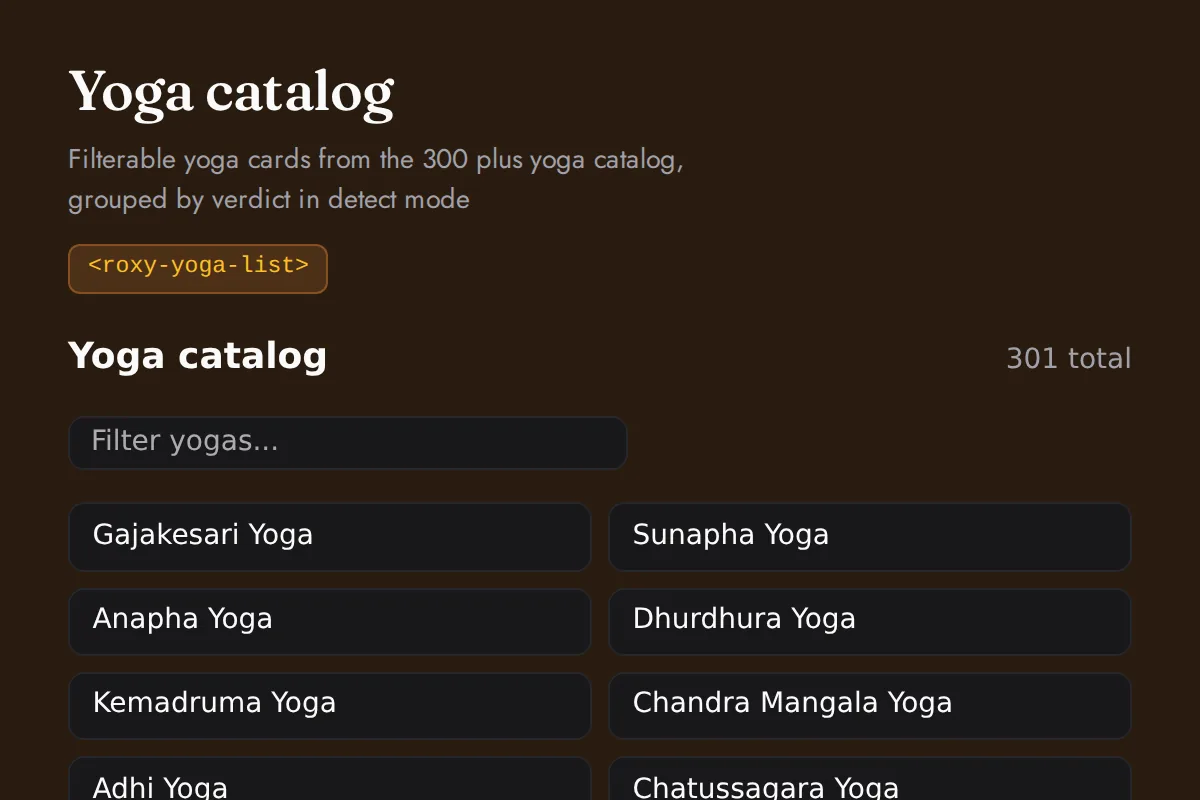
<roxy-yoga-list>Filterable yoga cards from the 300 plus yoga catalog, grouped by verdict in detect mode
GET /vedic-astrology/yoga, /vedic-astrology/yoga/{id}, POST /vedic-astrology/yoga/detect
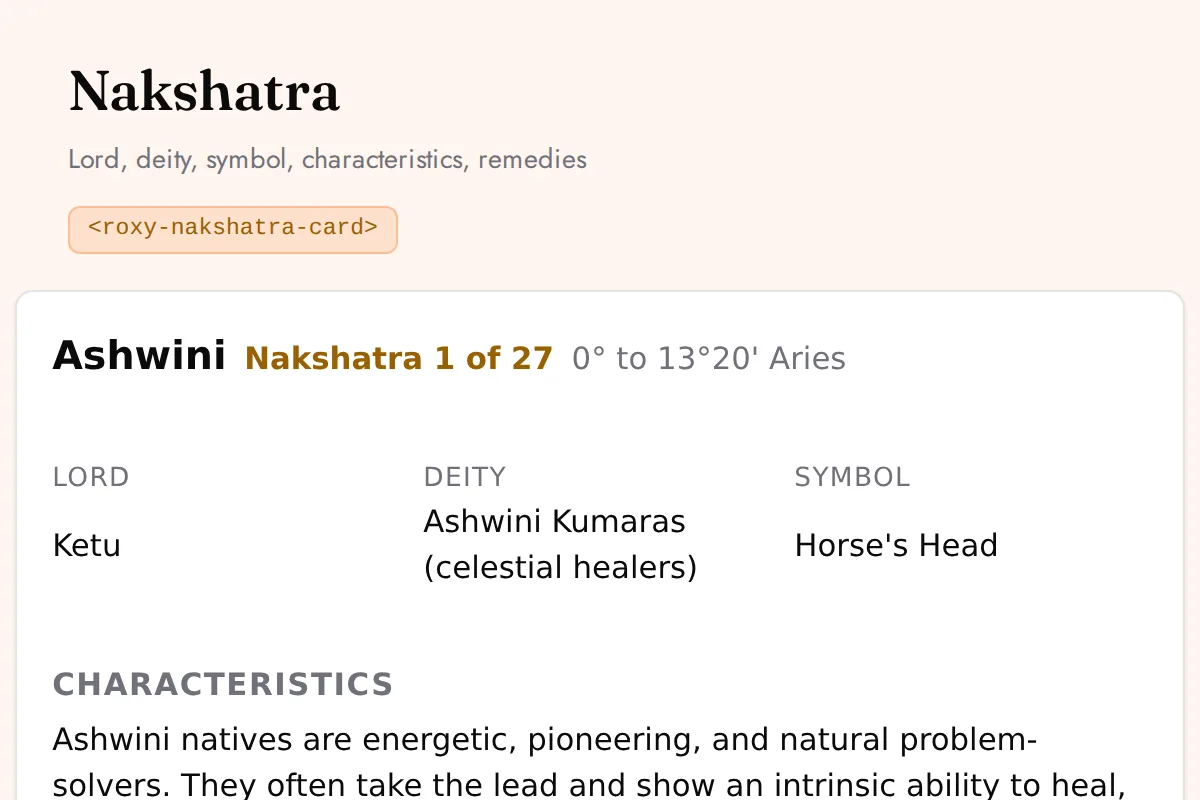
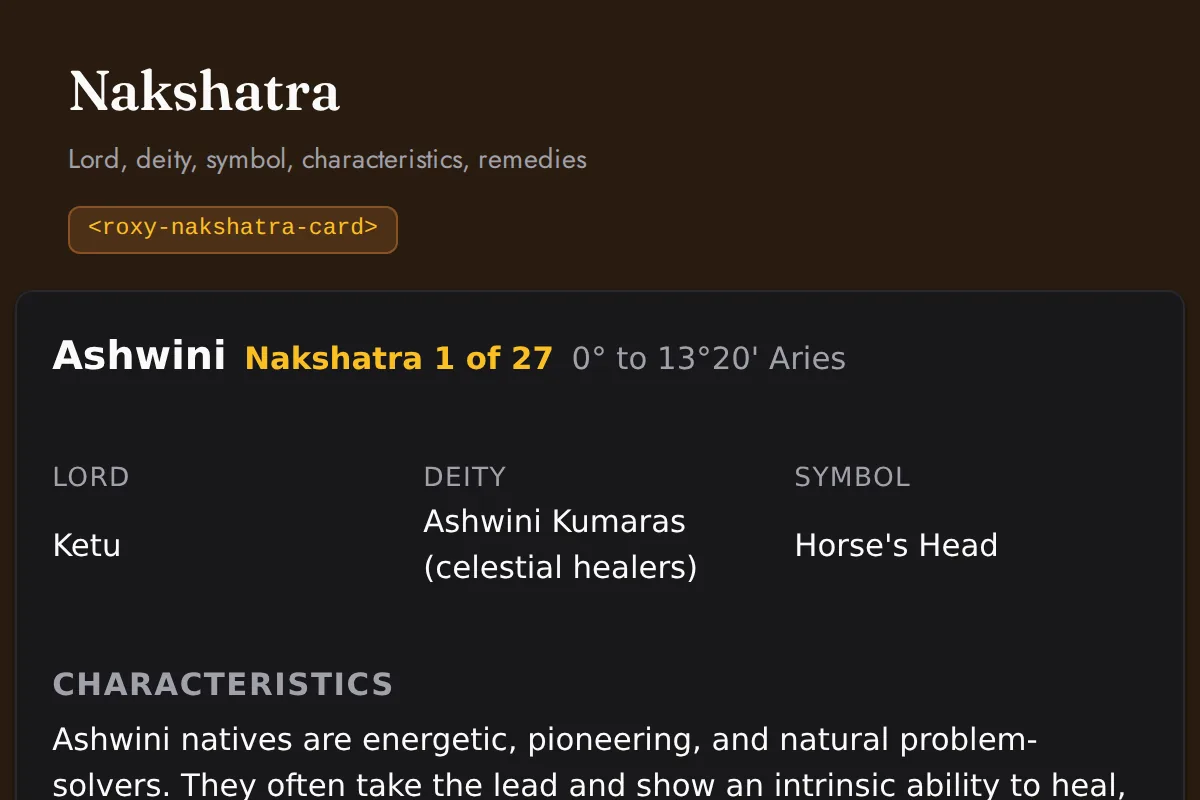
<roxy-nakshatra-card>Lord, deity, symbol, characteristics, remedies
GET /vedic-astrology/nakshatras/{id}
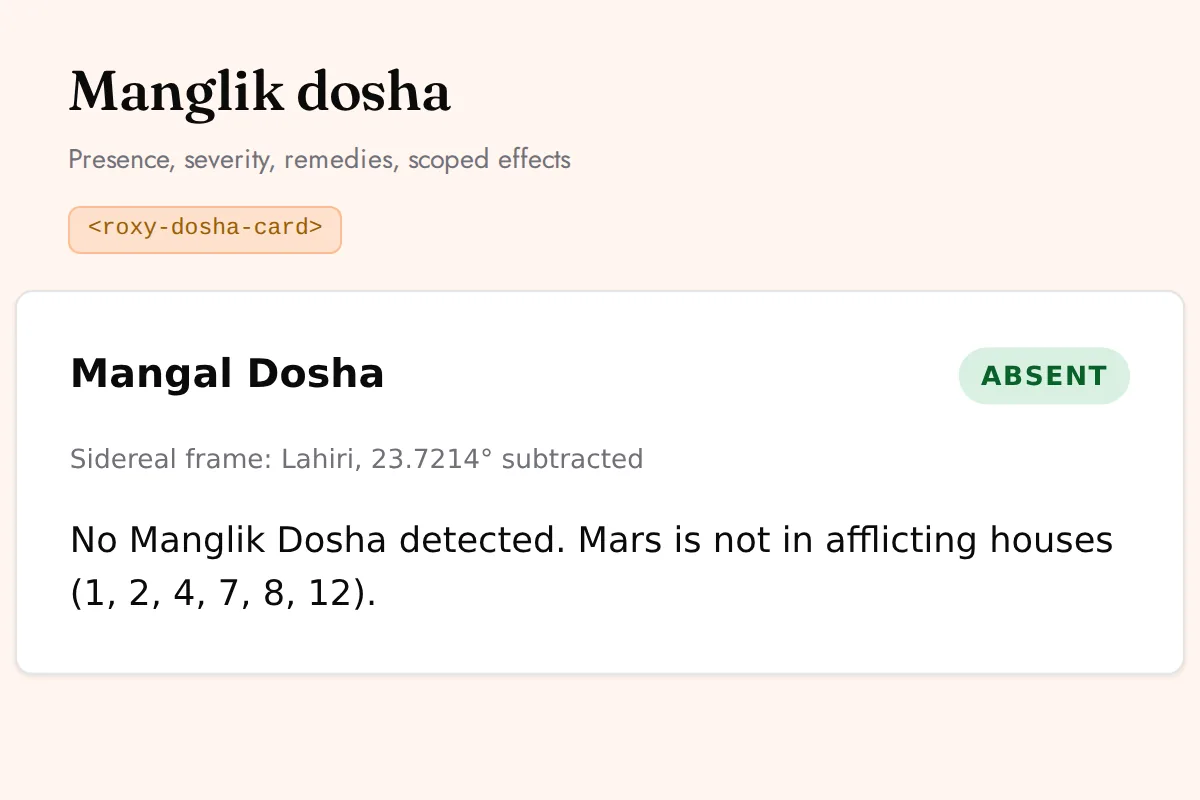
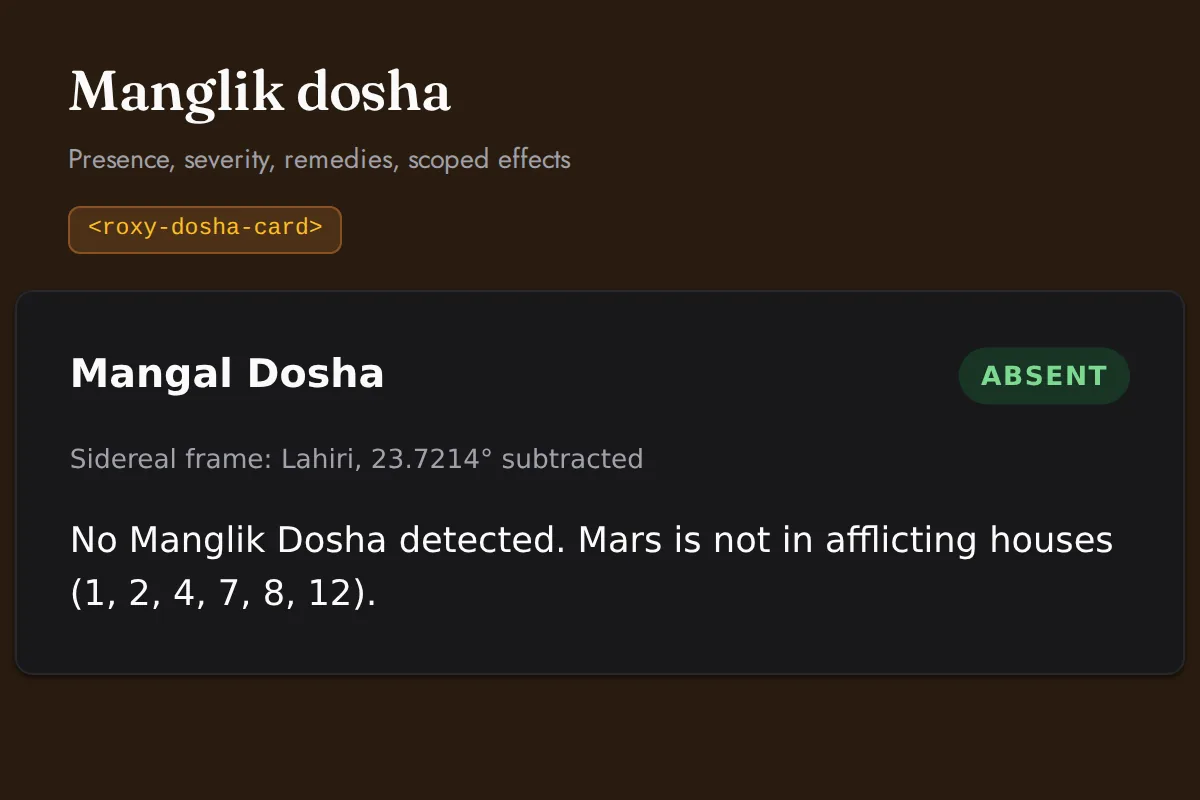
<roxy-dosha-card>Presence, severity, remedies, scoped effects
POST /vedic-astrology/dosha/{manglik,kalsarpa,sadhesati}
Vedic (KP)
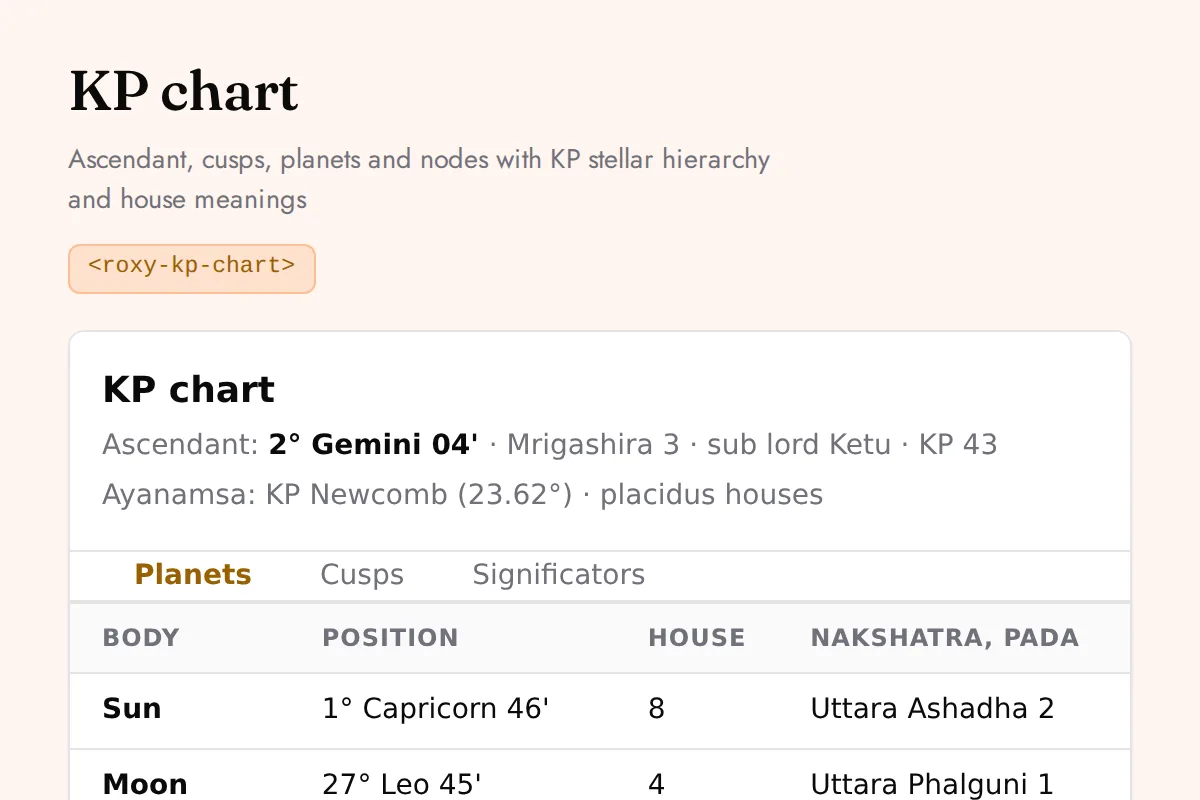
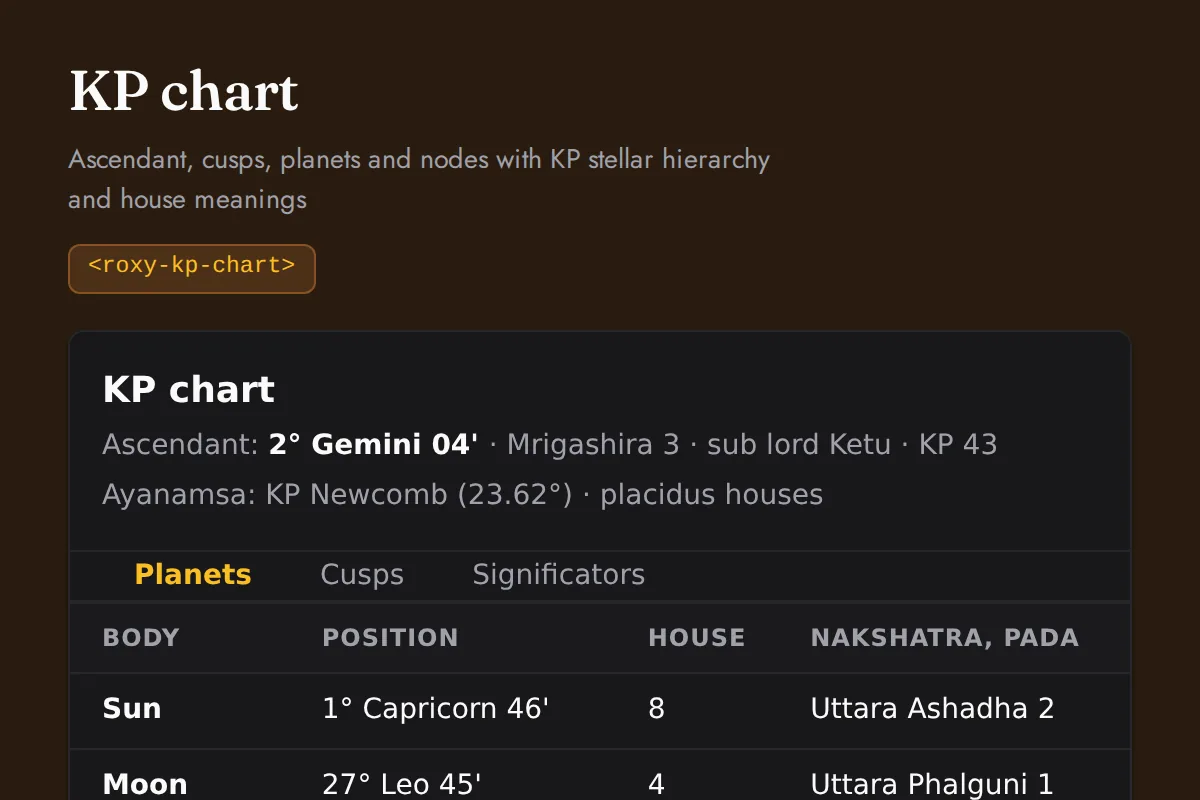
<roxy-kp-chart>Ascendant, cusps, planets and nodes with KP stellar hierarchy and house meanings
POST /vedic-astrology/kp/chart
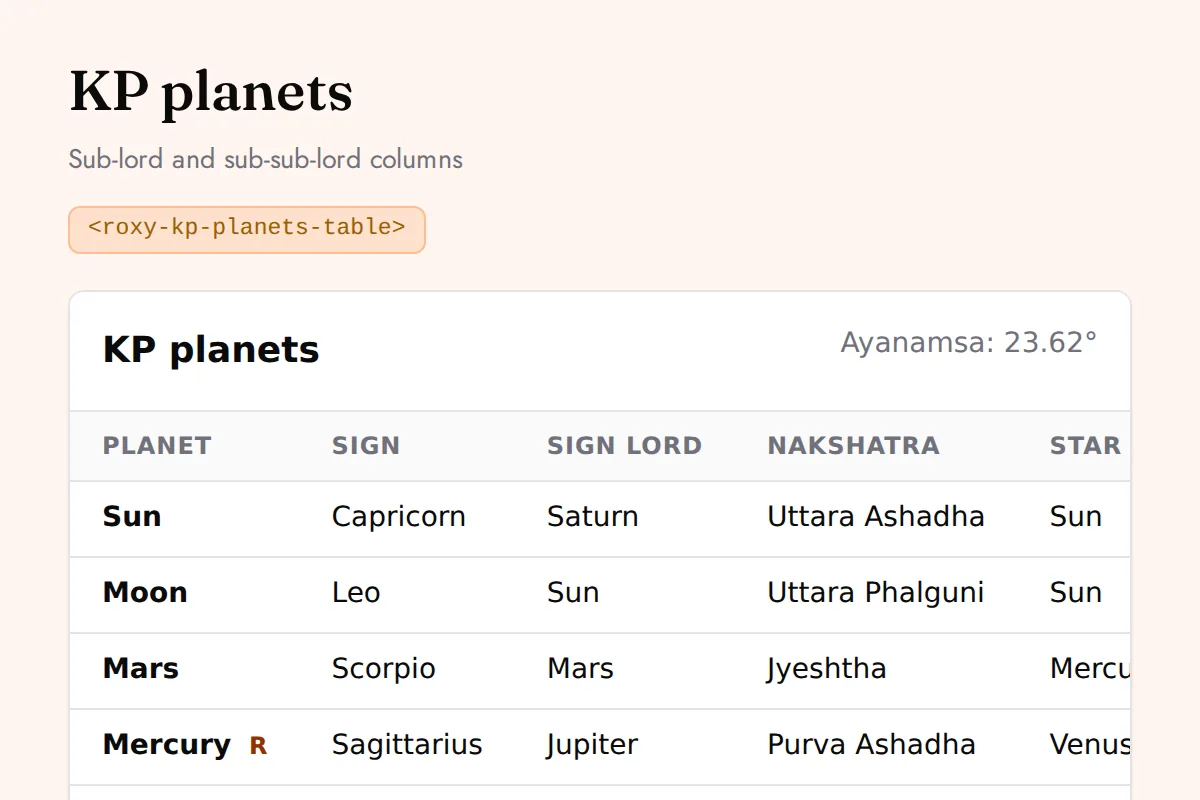
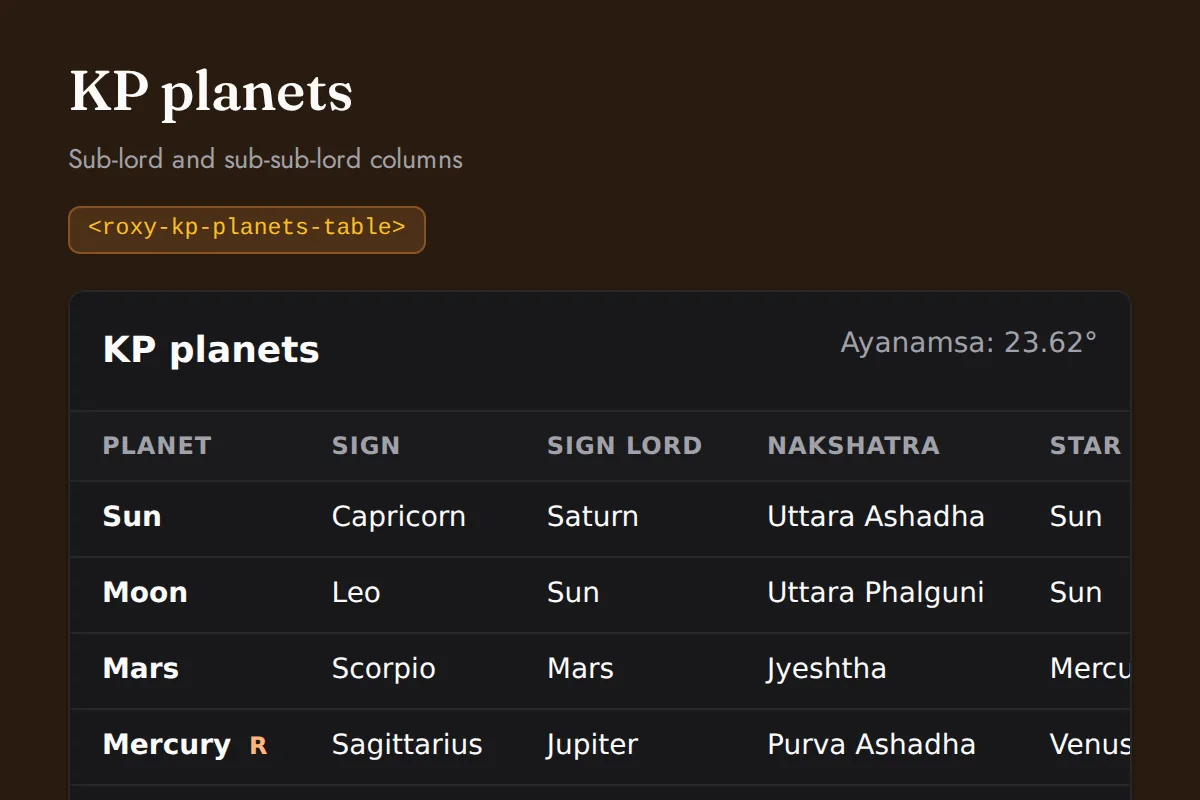
<roxy-kp-planets-table>Sub-lord and sub-sub-lord columns
POST /vedic-astrology/kp/planets
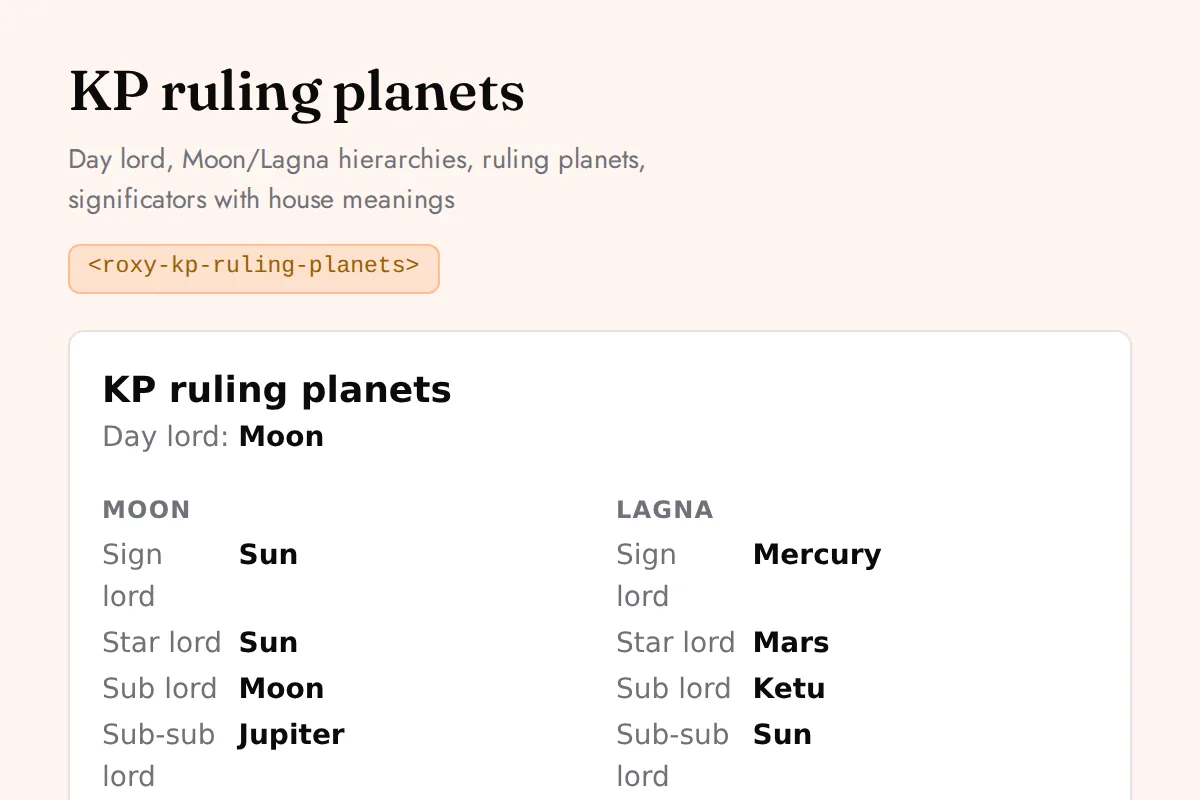
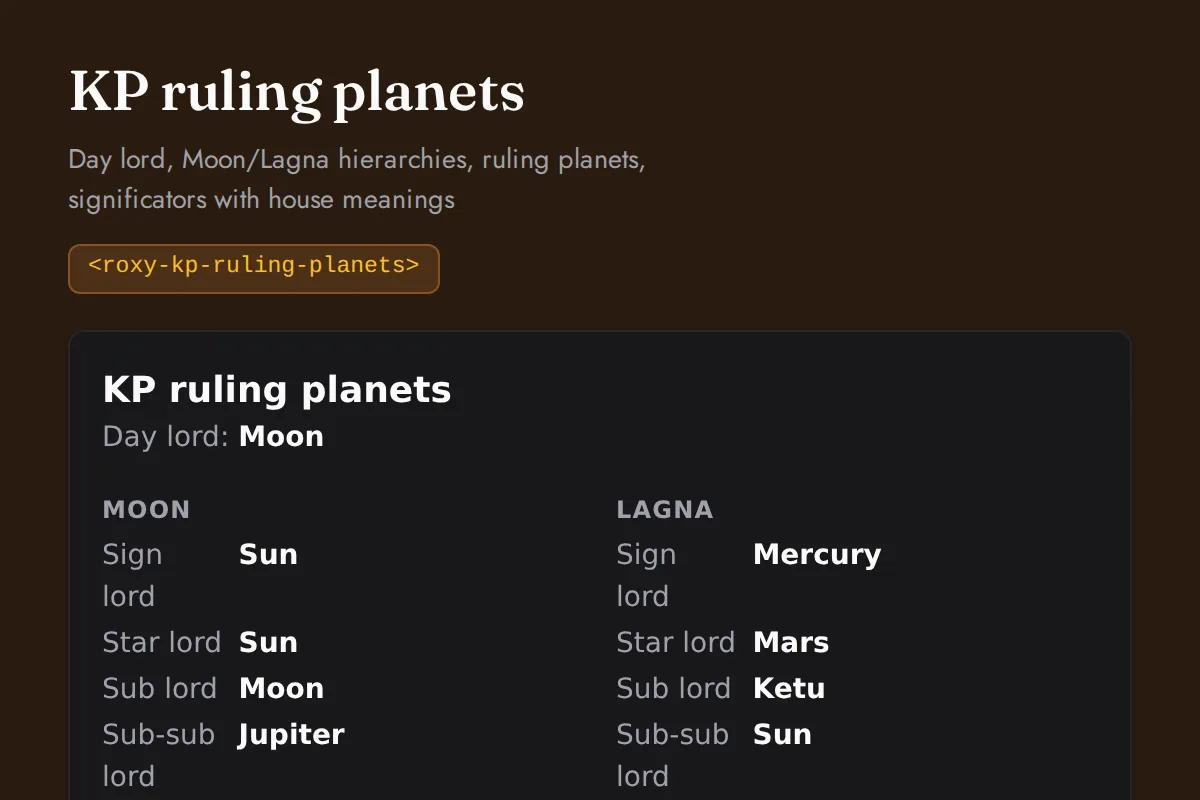
<roxy-kp-ruling-planets>Day lord, Moon/Lagna hierarchies, ruling planets, significators with house meanings
POST /vedic-astrology/kp/ruling-planets
Forecast
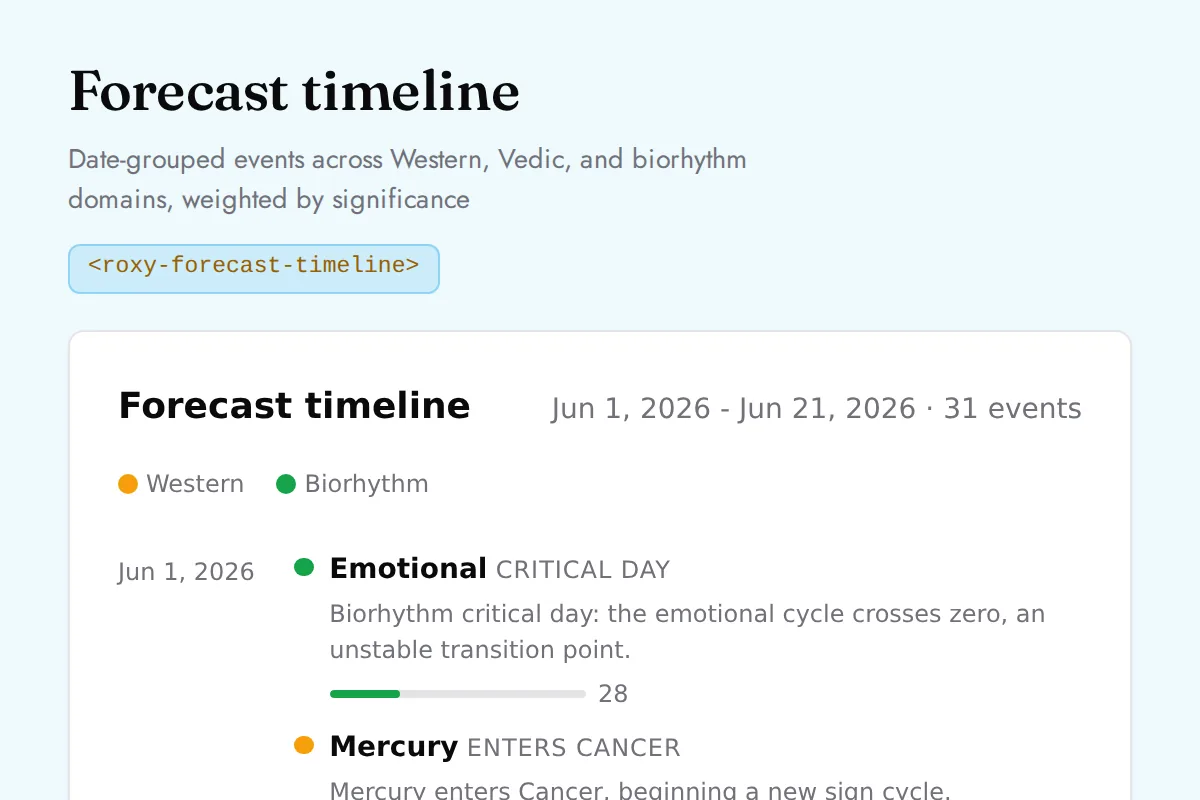
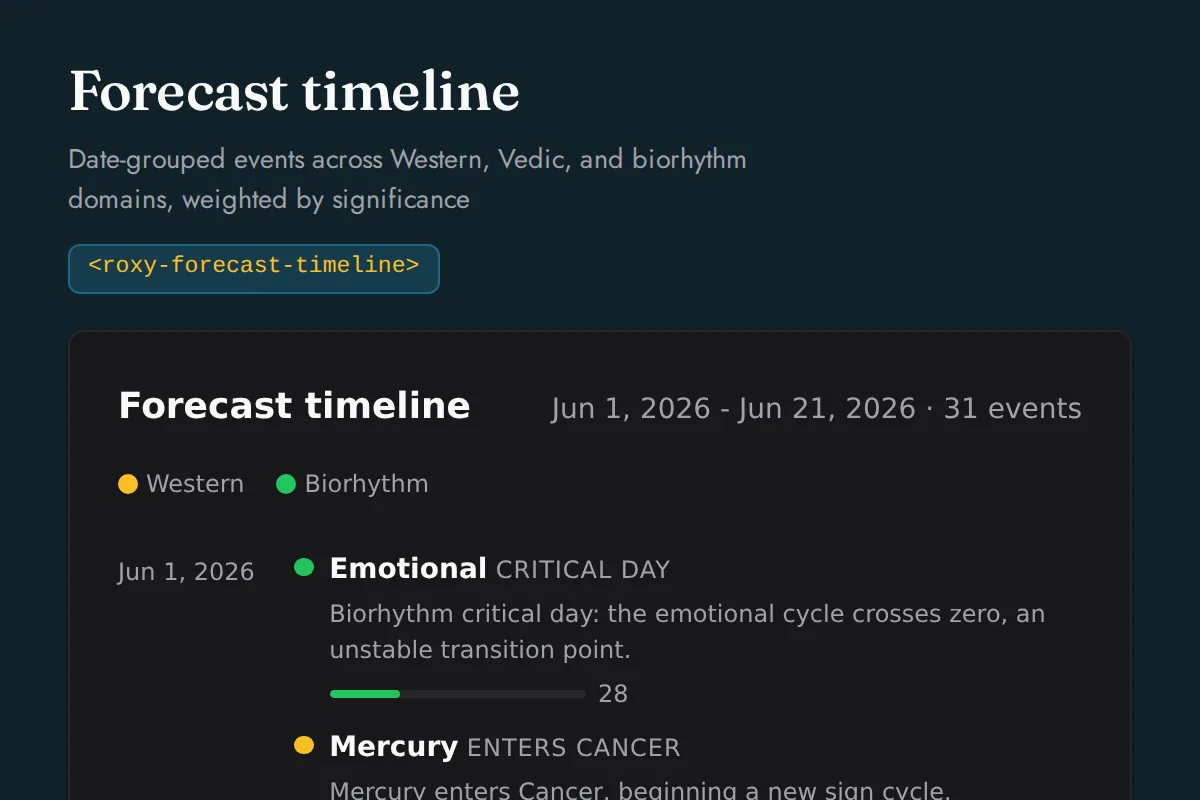
<roxy-forecast-timeline>Date-grouped events across Western, Vedic, and biorhythm domains, weighted by significance
POST /forecast/{timeline,significant-dates,transits}
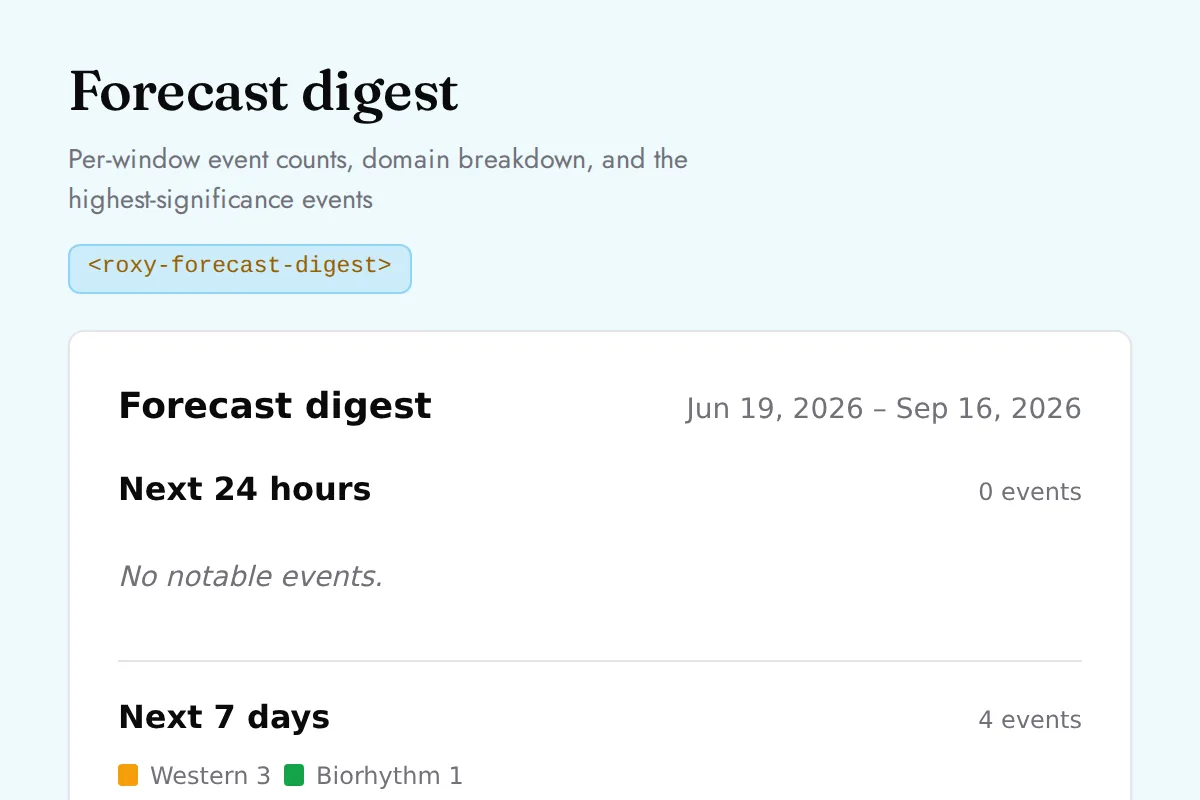
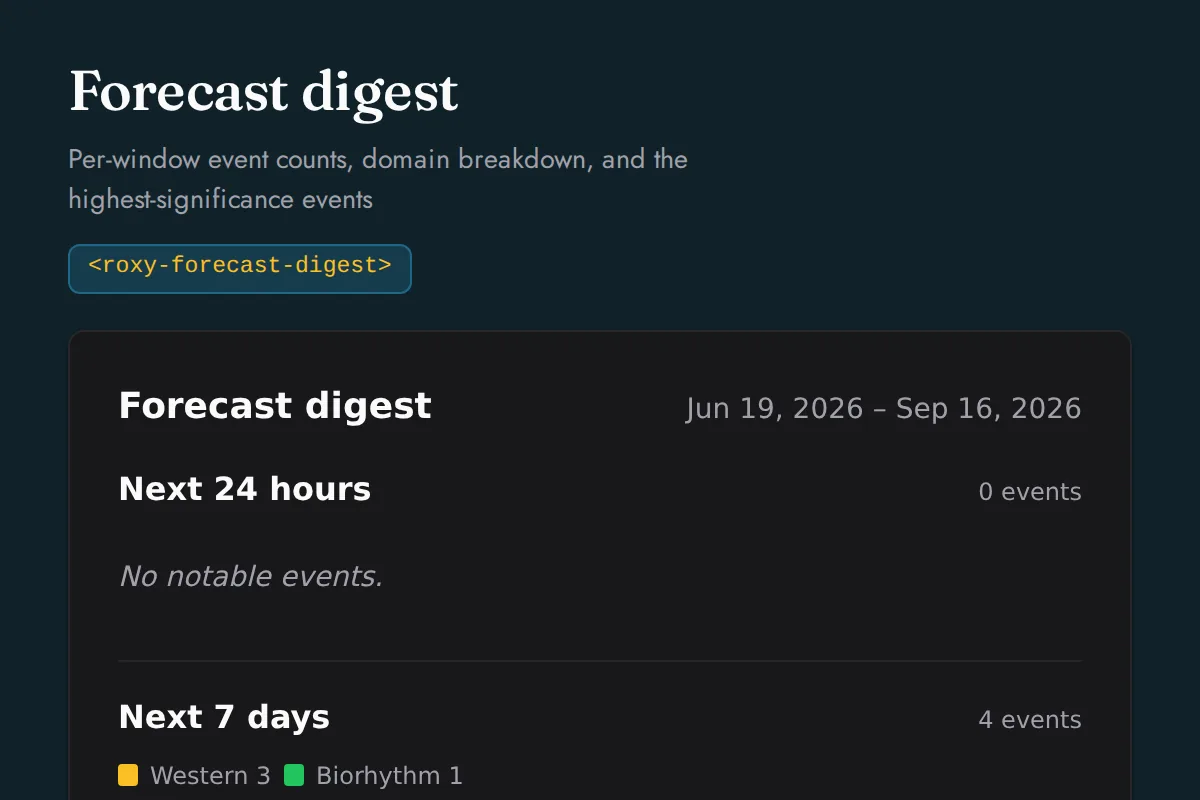
<roxy-forecast-digest>Per-window event counts, domain breakdown, and the highest-significance events
POST /forecast/digest
Human Design
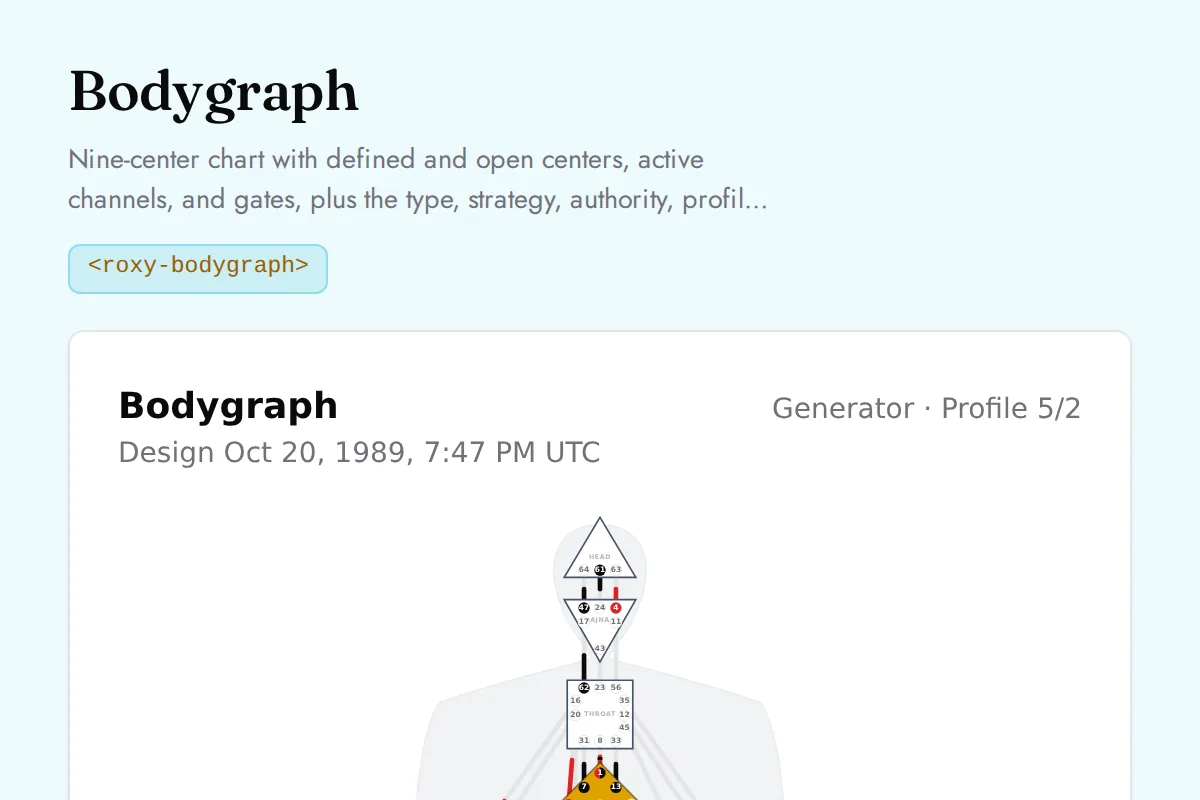
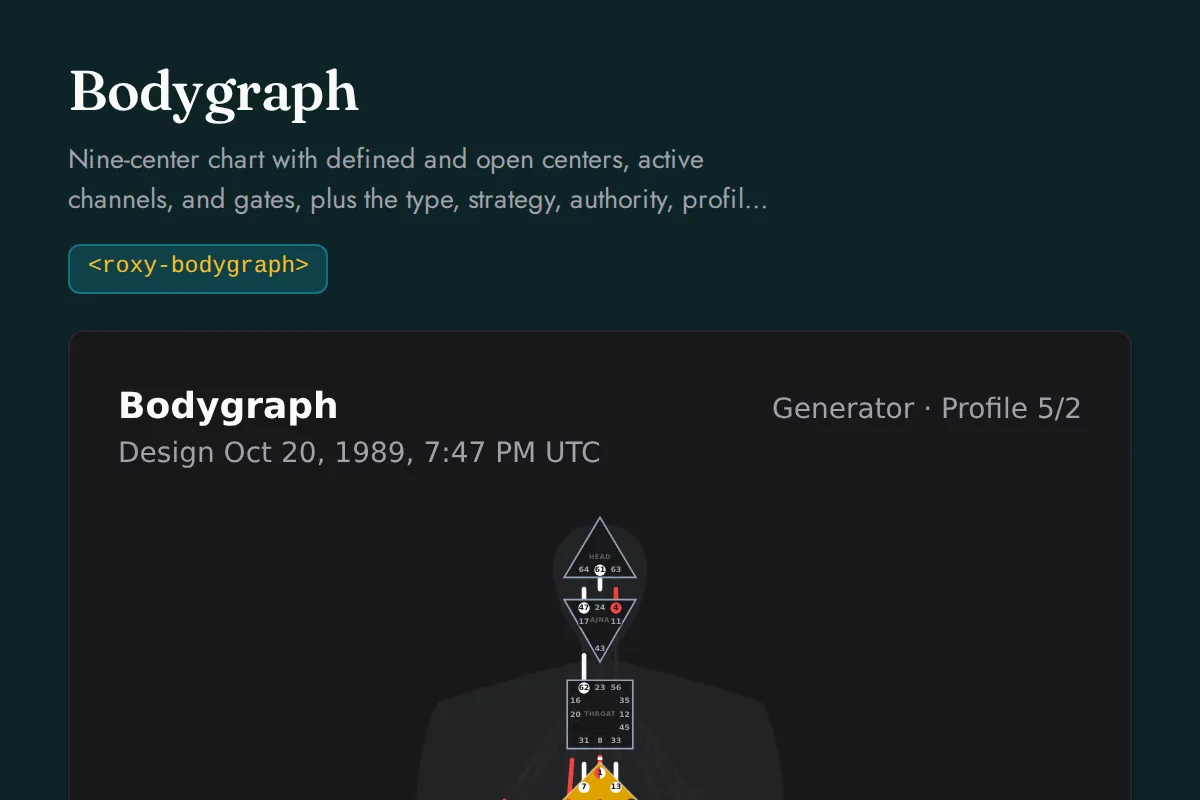
<roxy-bodygraph>Nine-center chart with defined and open centers, active channels, and gates, plus the type, strategy, authority, profile, and definition readings, the channels by circuit, the centers, and every activation with its gate and line meaning
POST /human-design/bodygraph
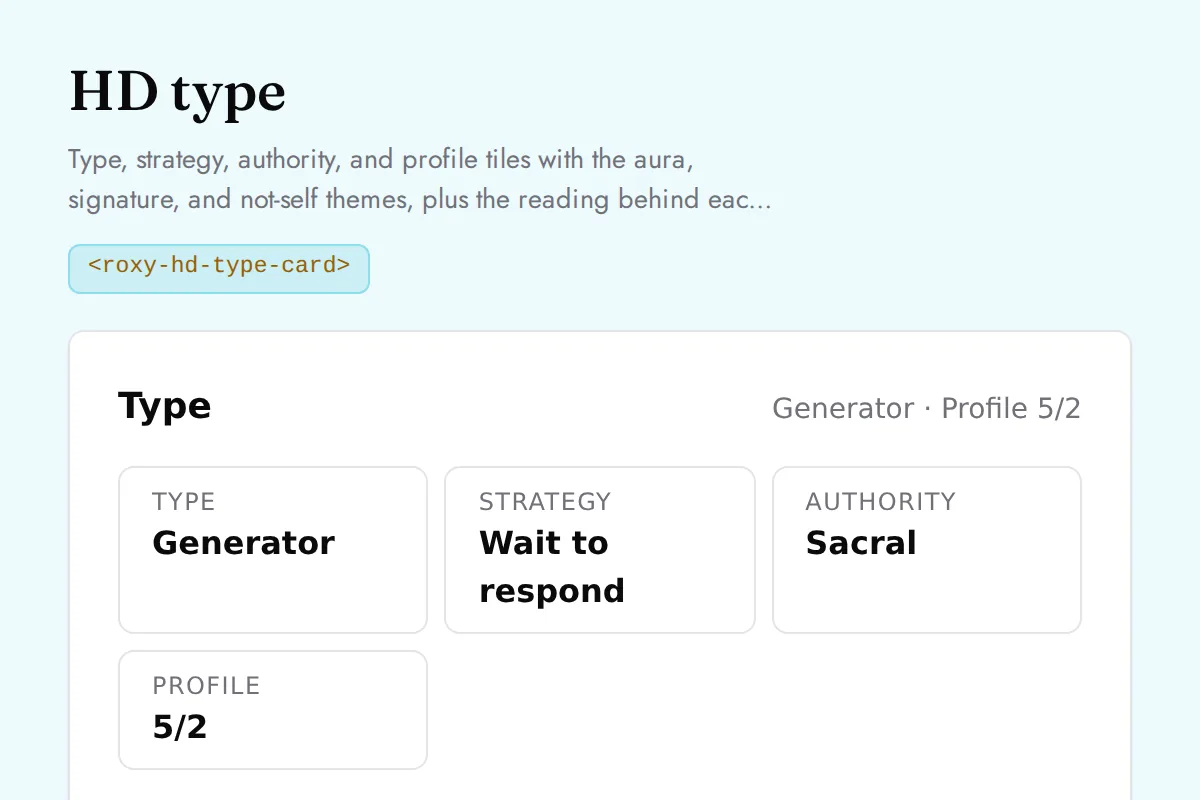
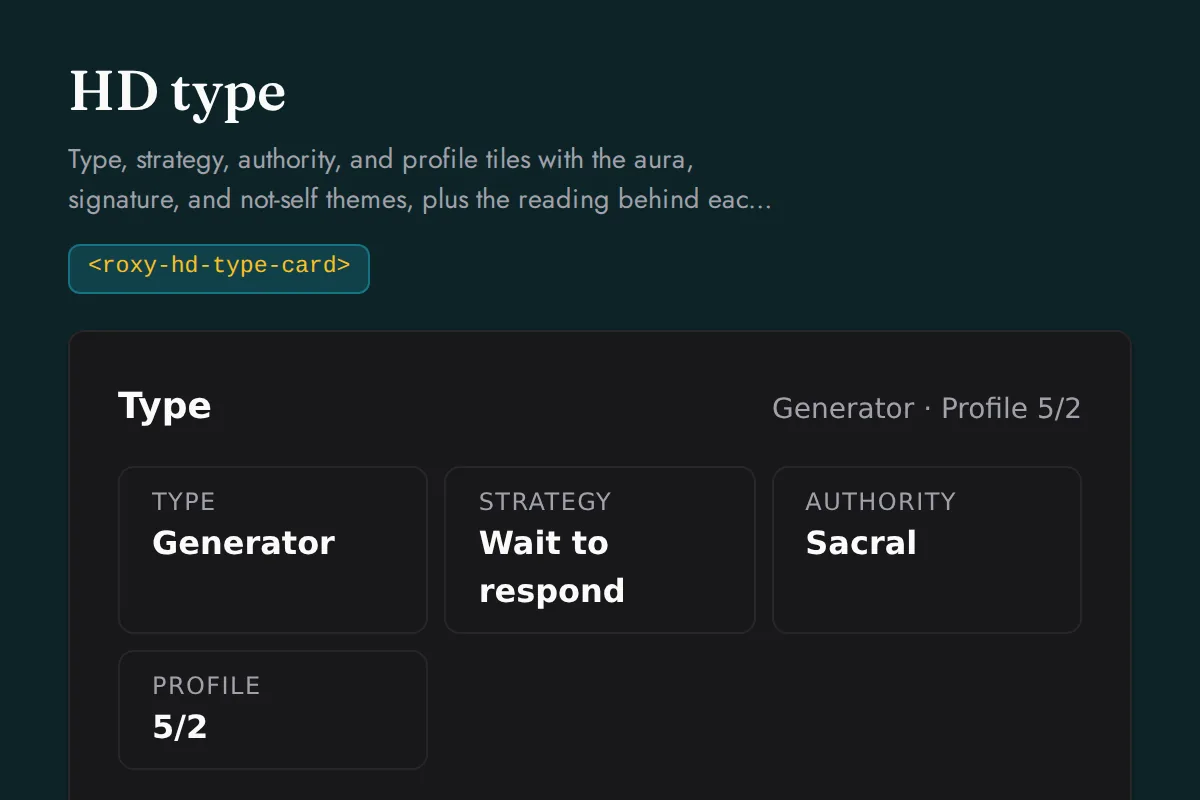
<roxy-hd-type-card>Type, strategy, authority, and profile tiles with the aura, signature, and not-self themes, plus the reading behind each label and the profile line keynotes
POST /human-design/type, /human-design/profile
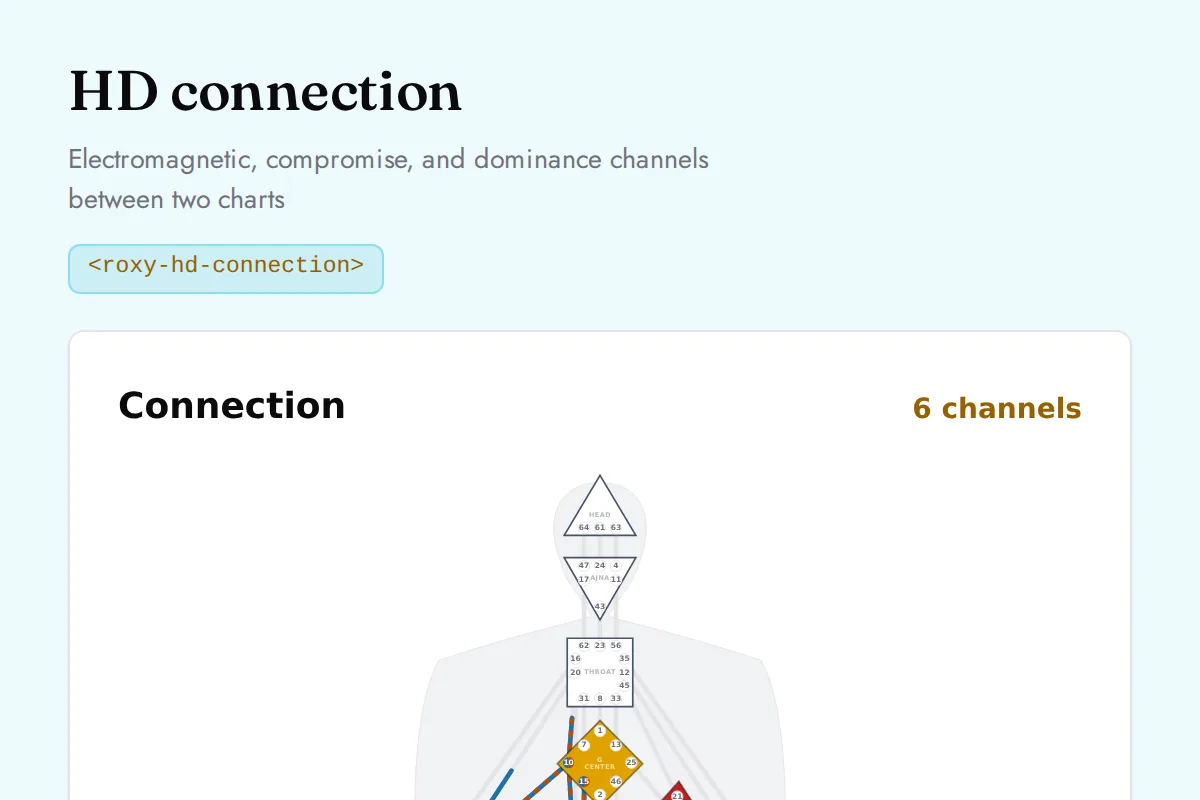
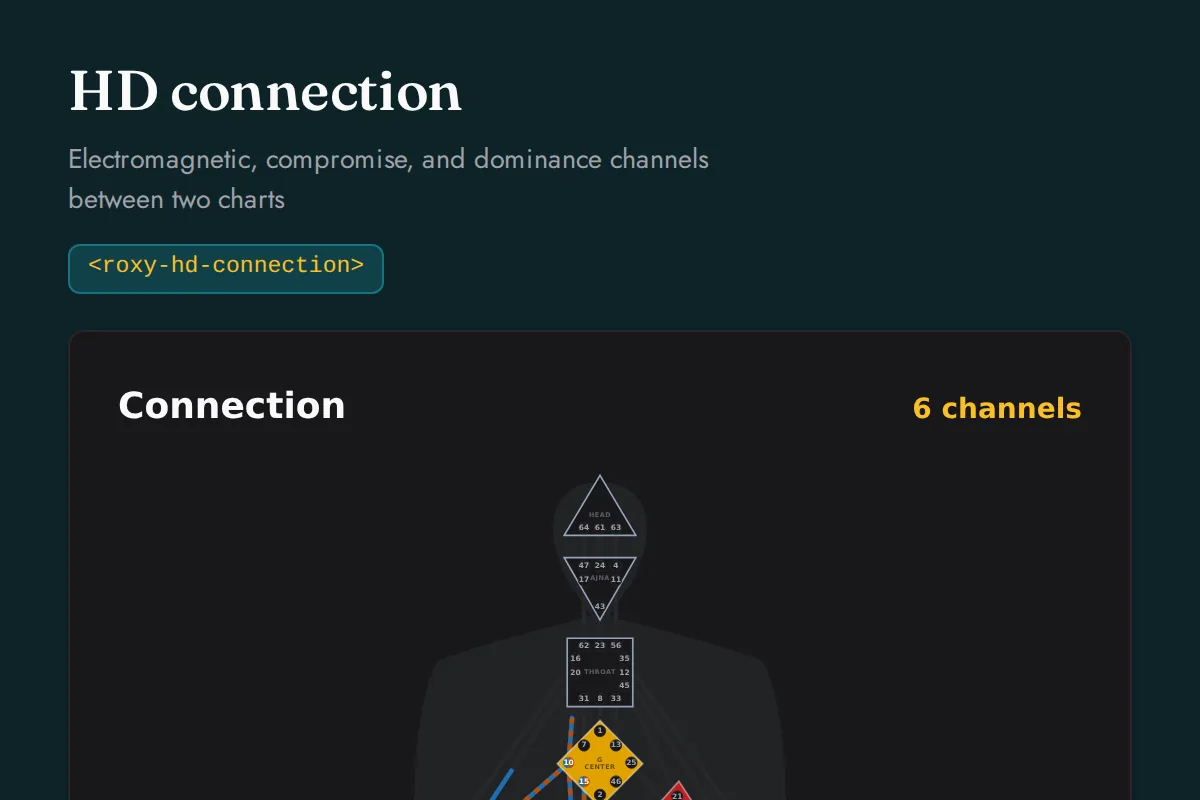
<roxy-hd-connection>Electromagnetic, compromise, and dominance channels between two charts
POST /human-design/connection
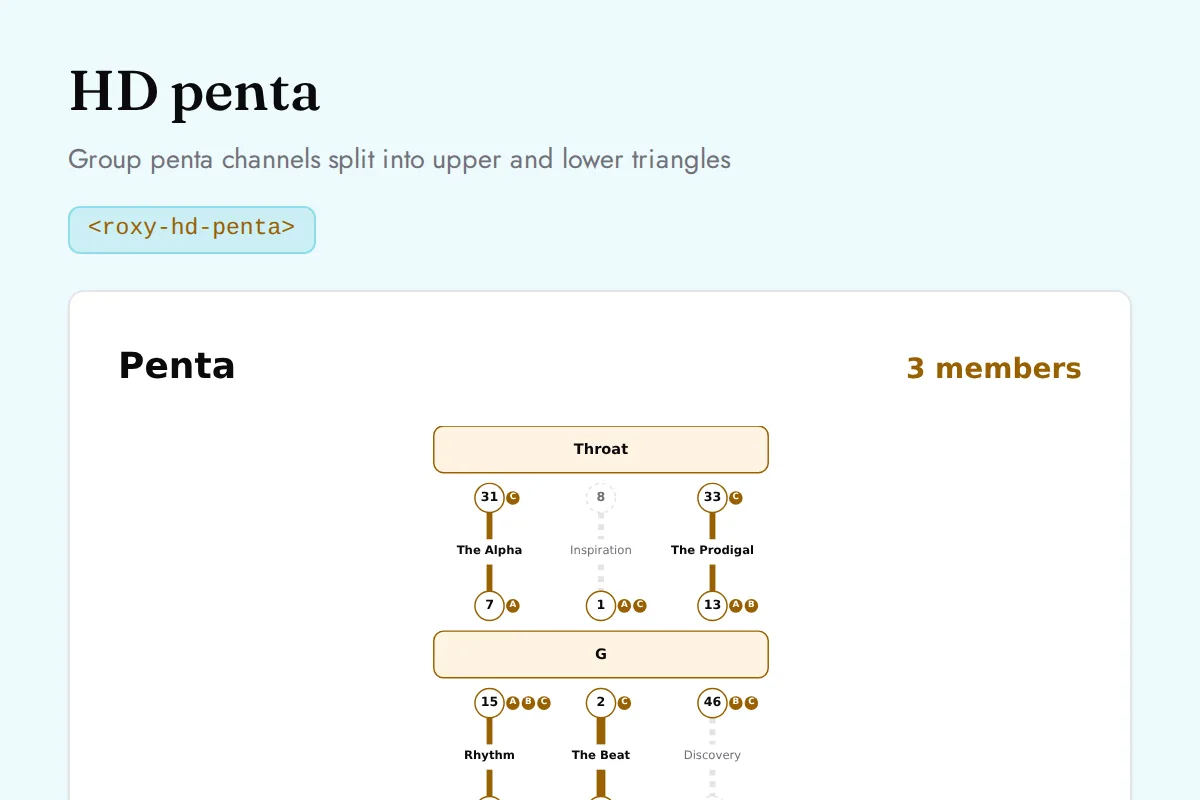
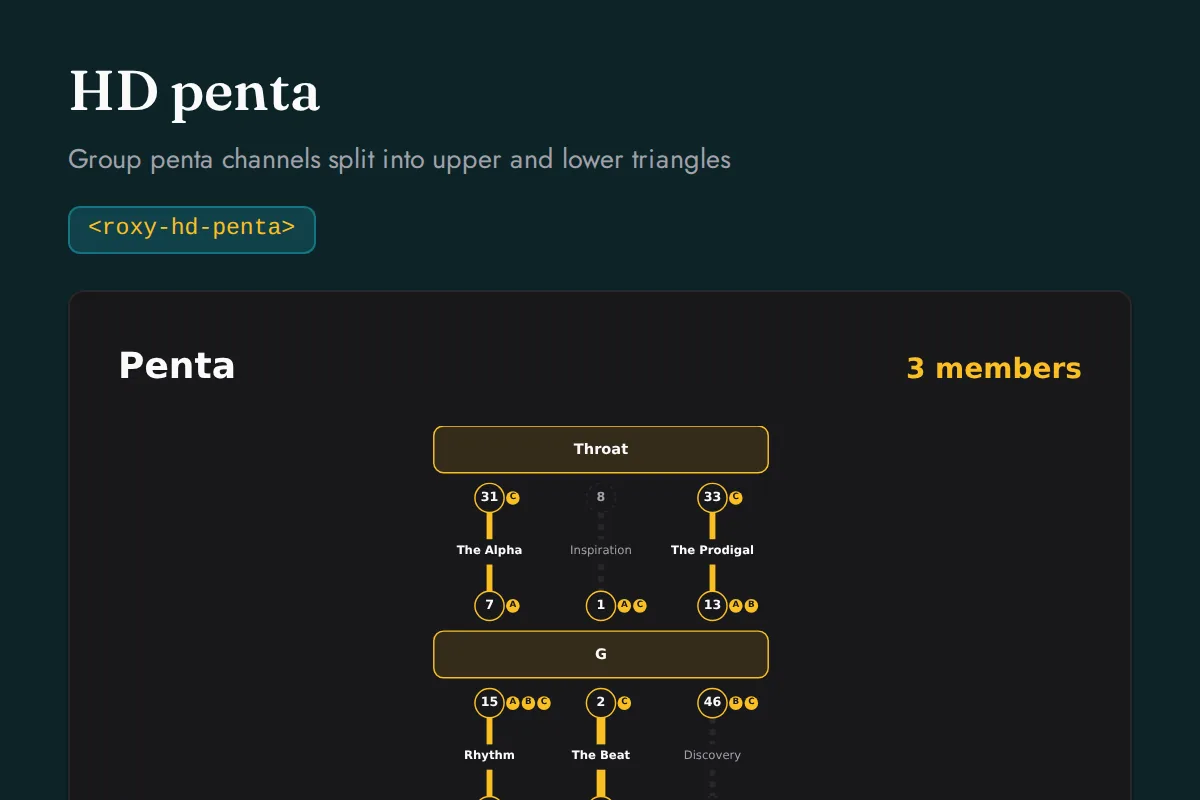
<roxy-hd-penta>Group penta channels split into upper and lower triangles
POST /human-design/penta
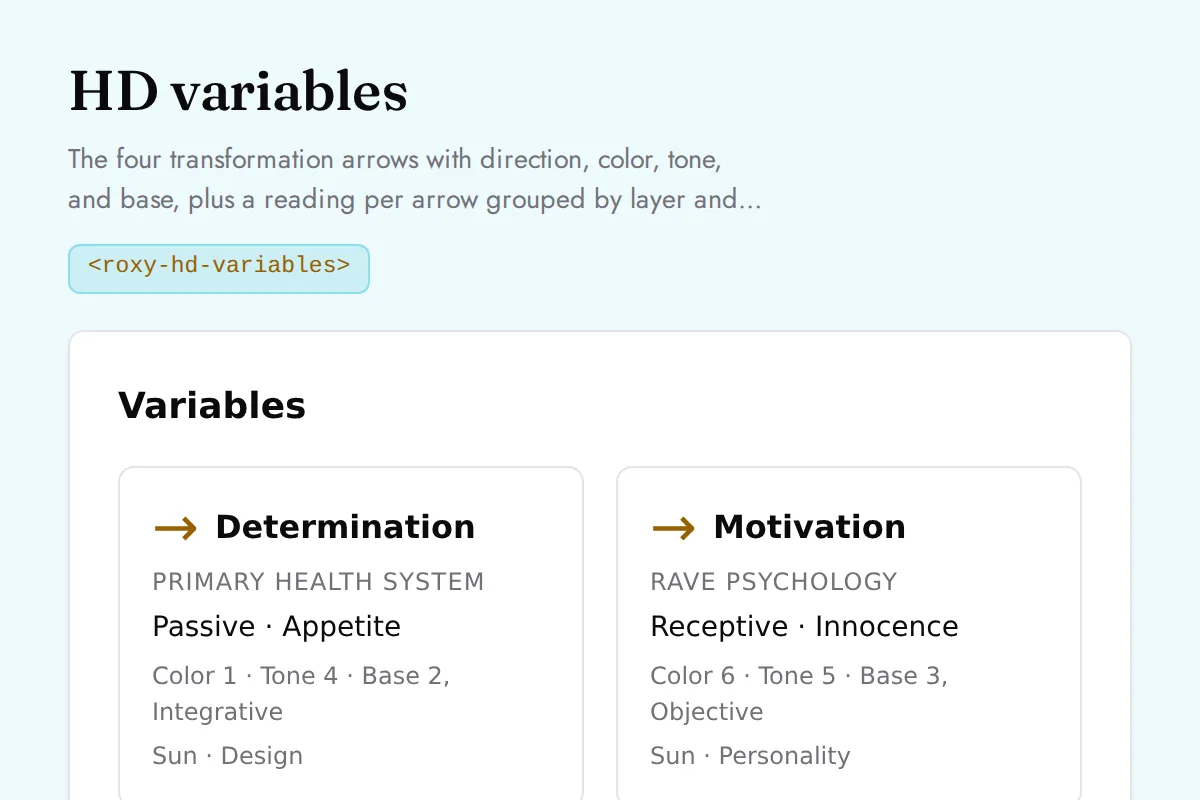
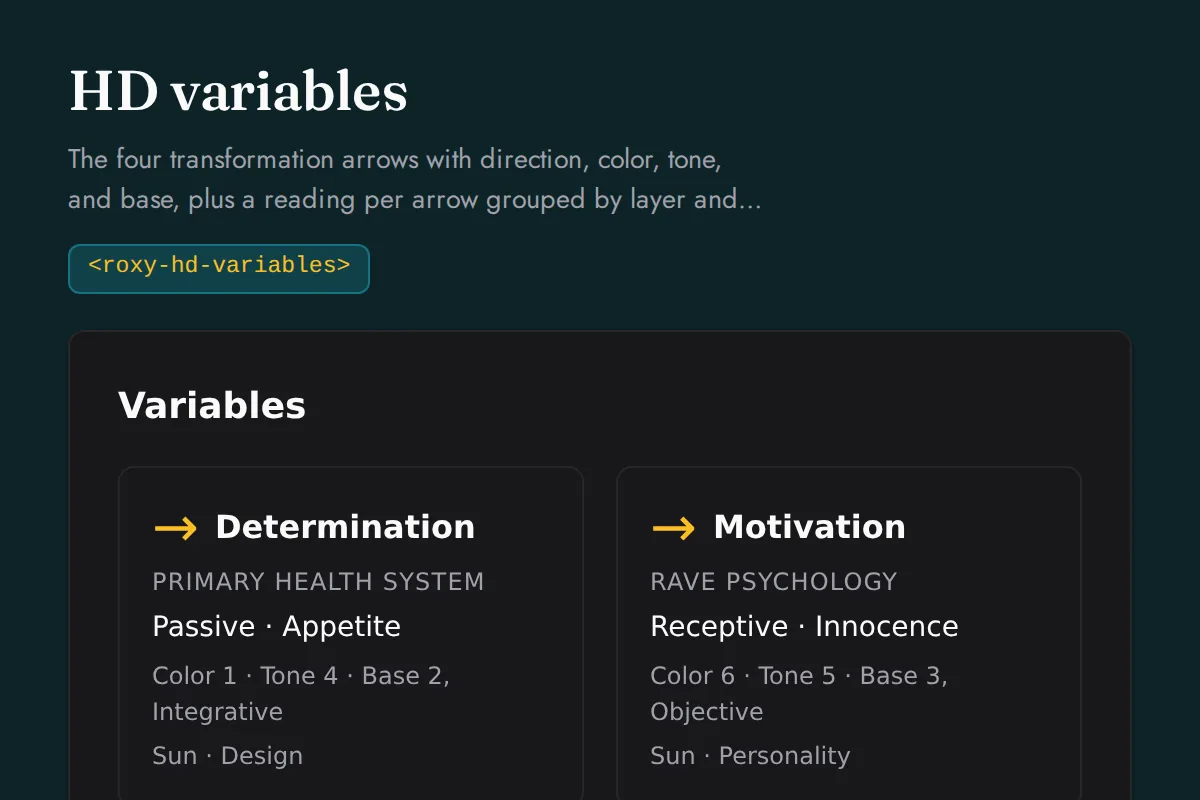
<roxy-hd-variables>The four transformation arrows with direction, color, tone, and base, plus a reading per arrow grouped by layer and the cognition
POST /human-design/variables
Chinese Astrology
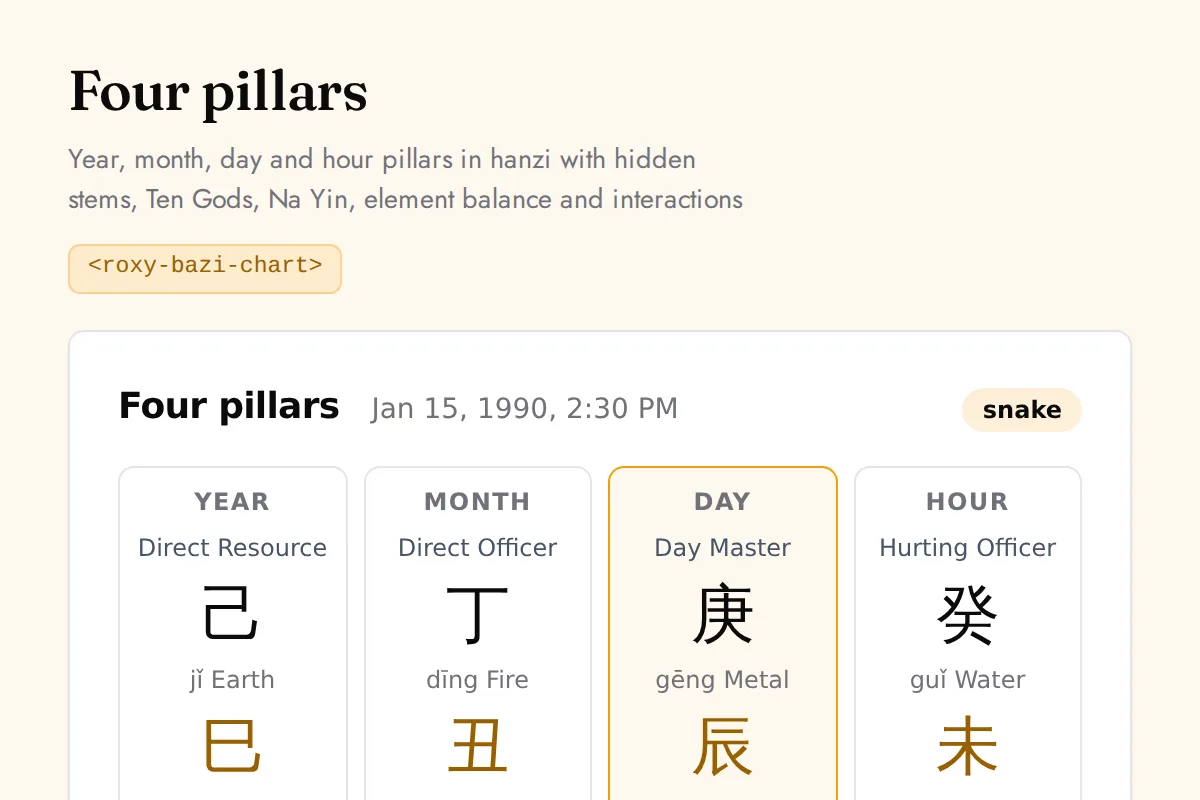
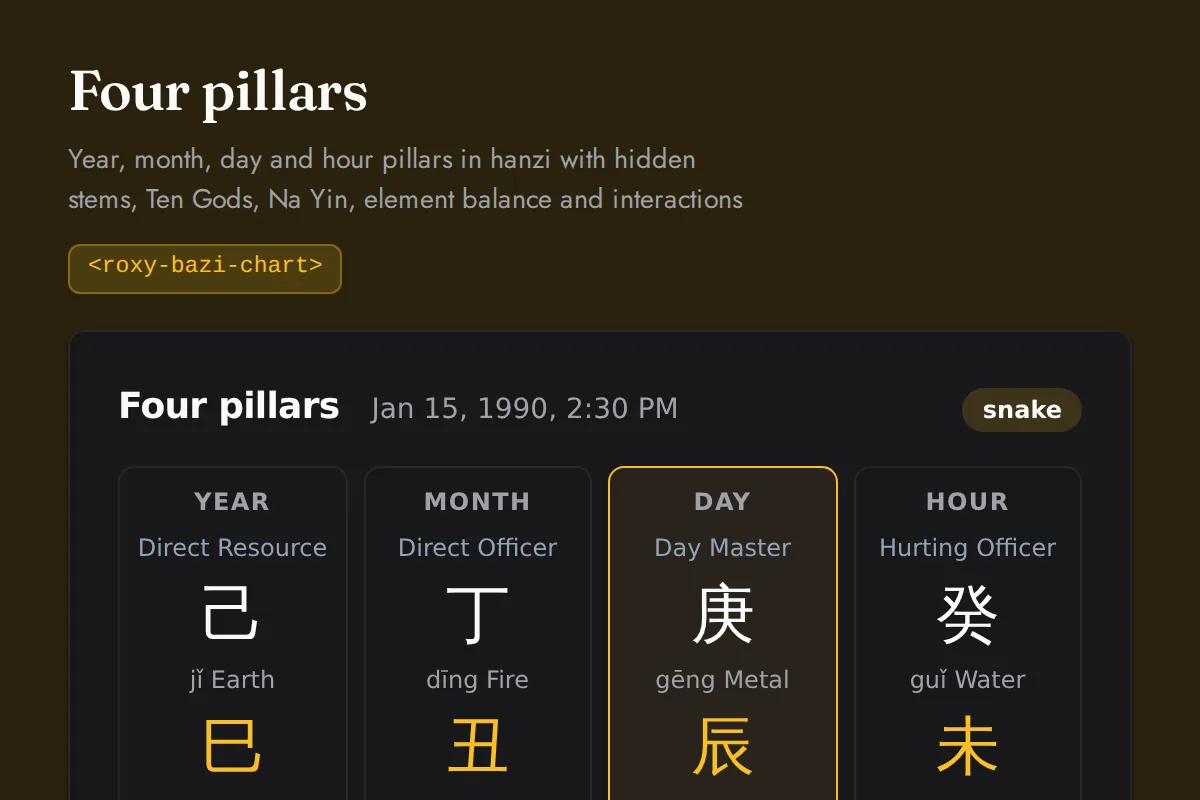
<roxy-bazi-chart>Year, month, day and hour pillars in hanzi with hidden stems, Ten Gods, Na Yin, element balance and interactions
POST /chinese-astrology/bazi/chart
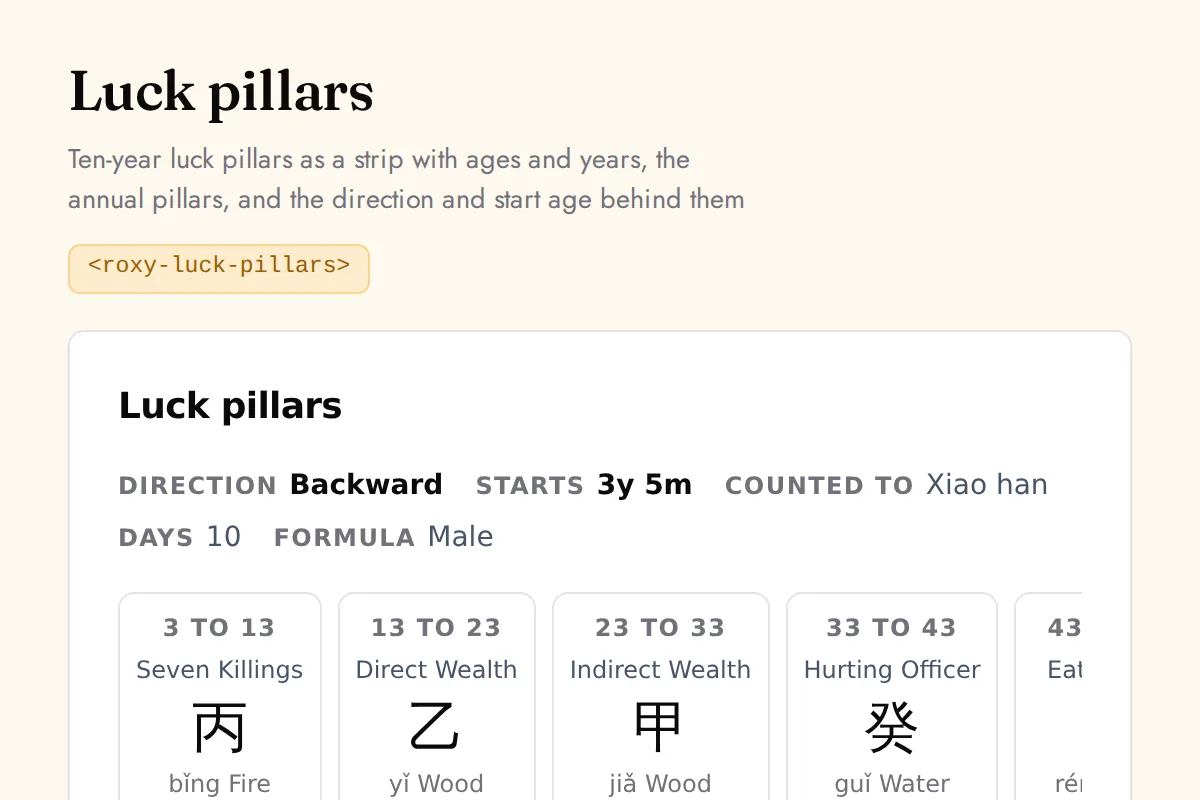
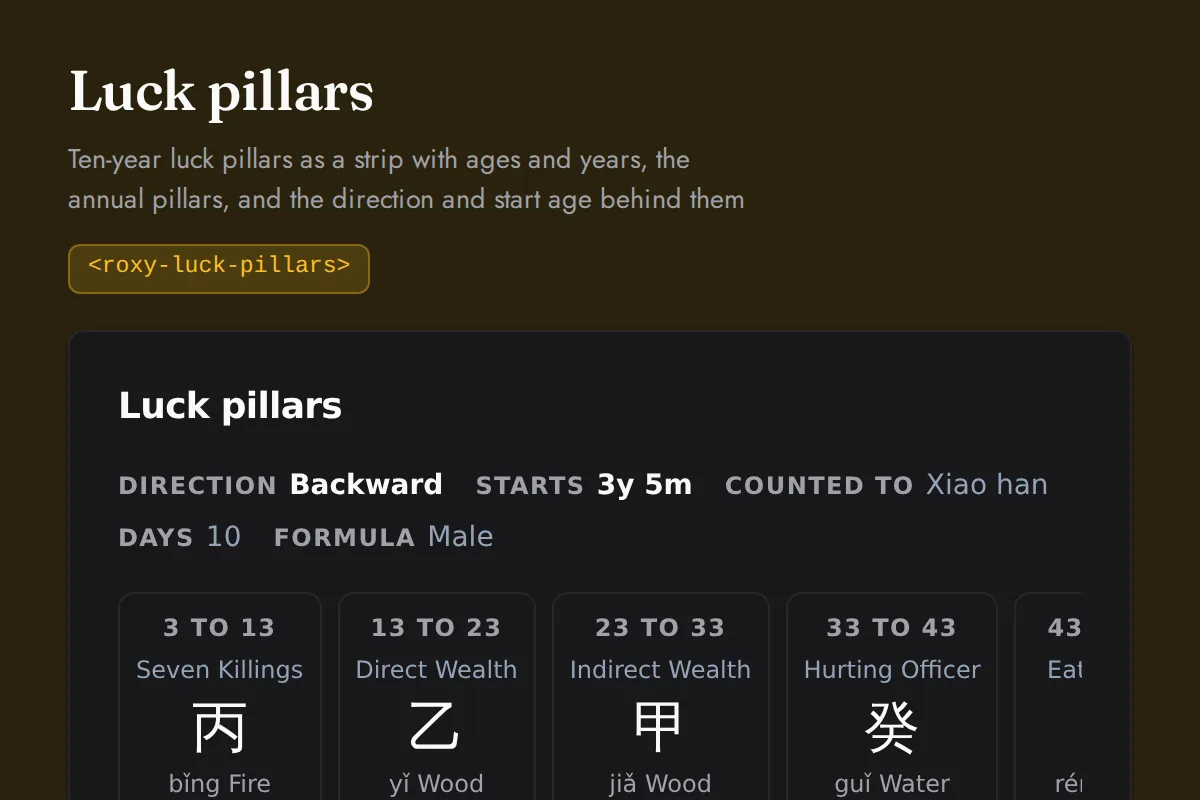
<roxy-luck-pillars>Ten-year luck pillars as a strip with ages and years, the annual pillars, and the direction and start age behind them
POST /chinese-astrology/bazi/luck-pillars
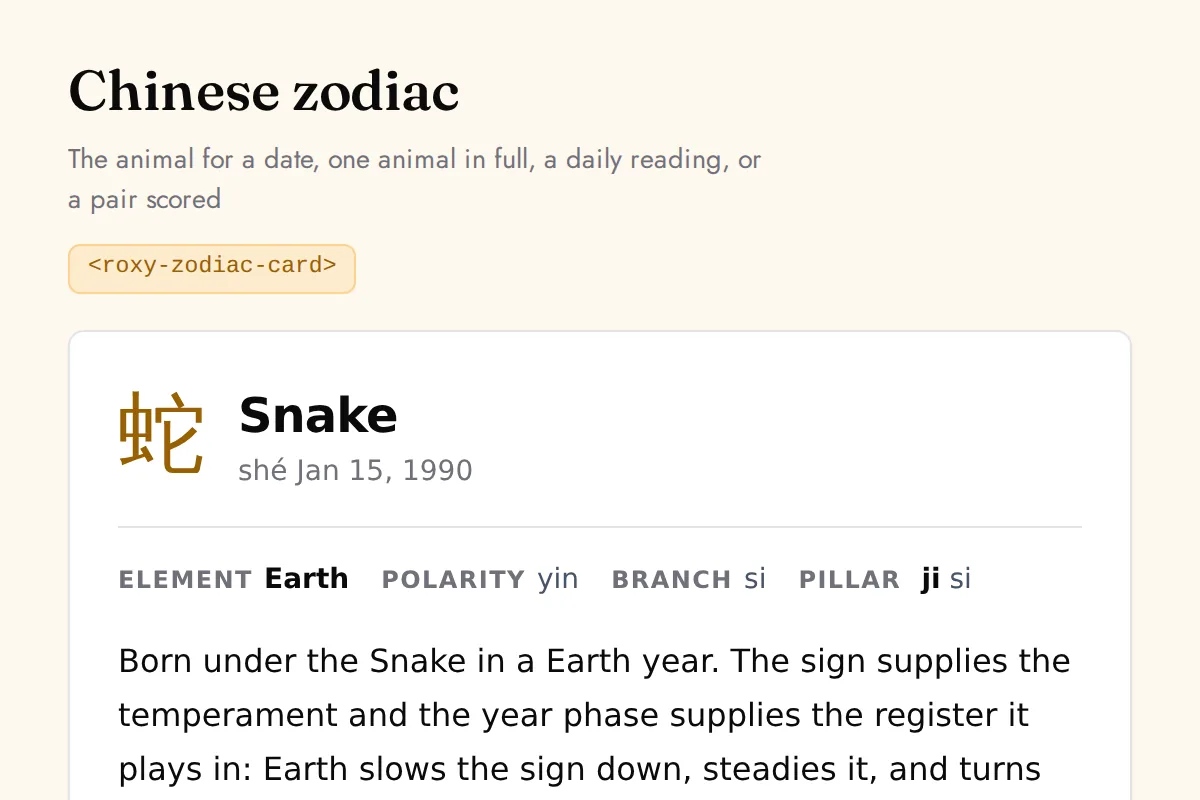
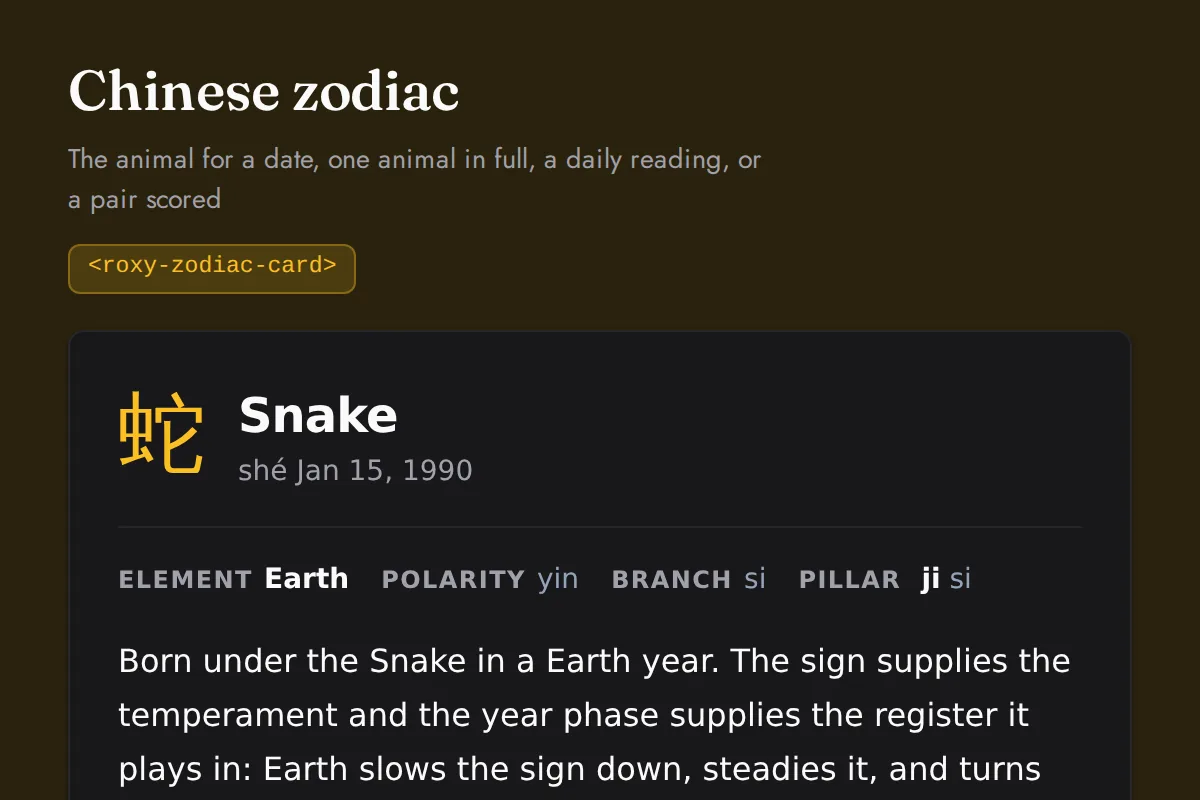
<roxy-zodiac-card>The animal for a date, one animal in full, a daily reading, or a pair scored
POST /chinese-astrology/zodiac/sign, GET /chinese-astrology/zodiac/{animals/{id},{id}/daily,compatibility/{sign1}/{sign2}}
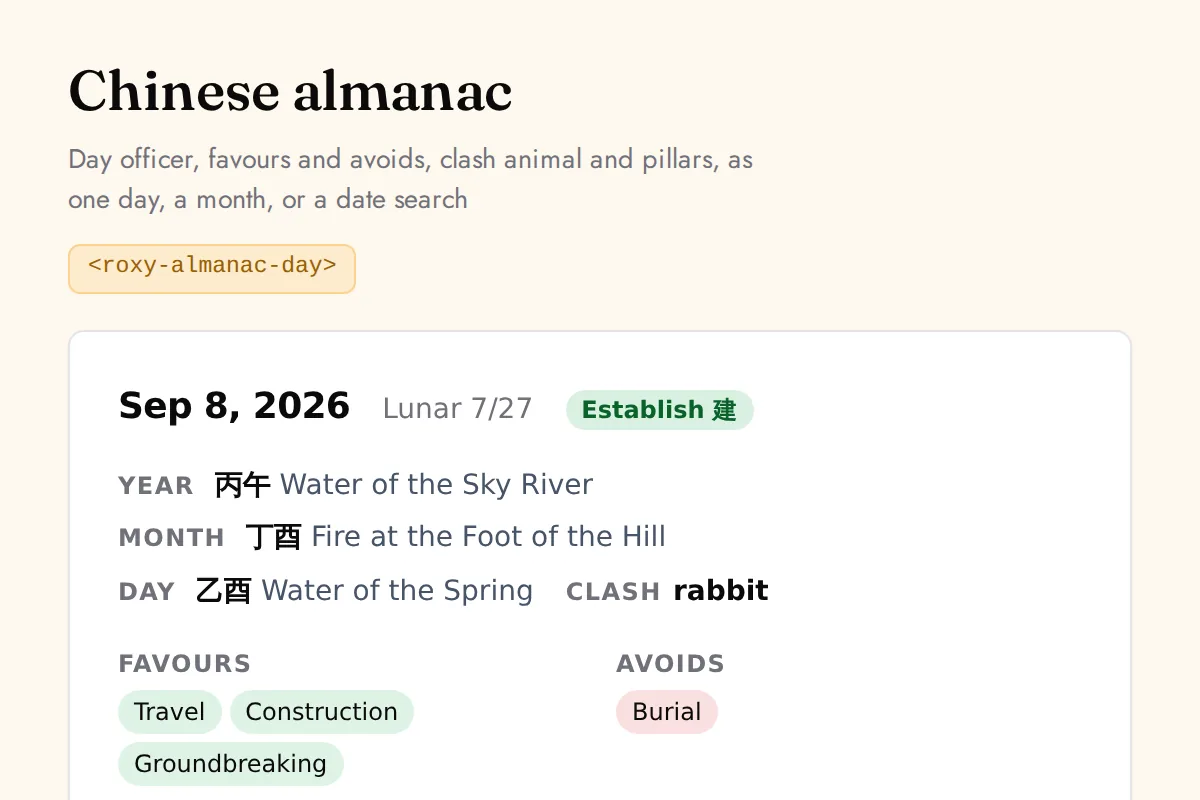
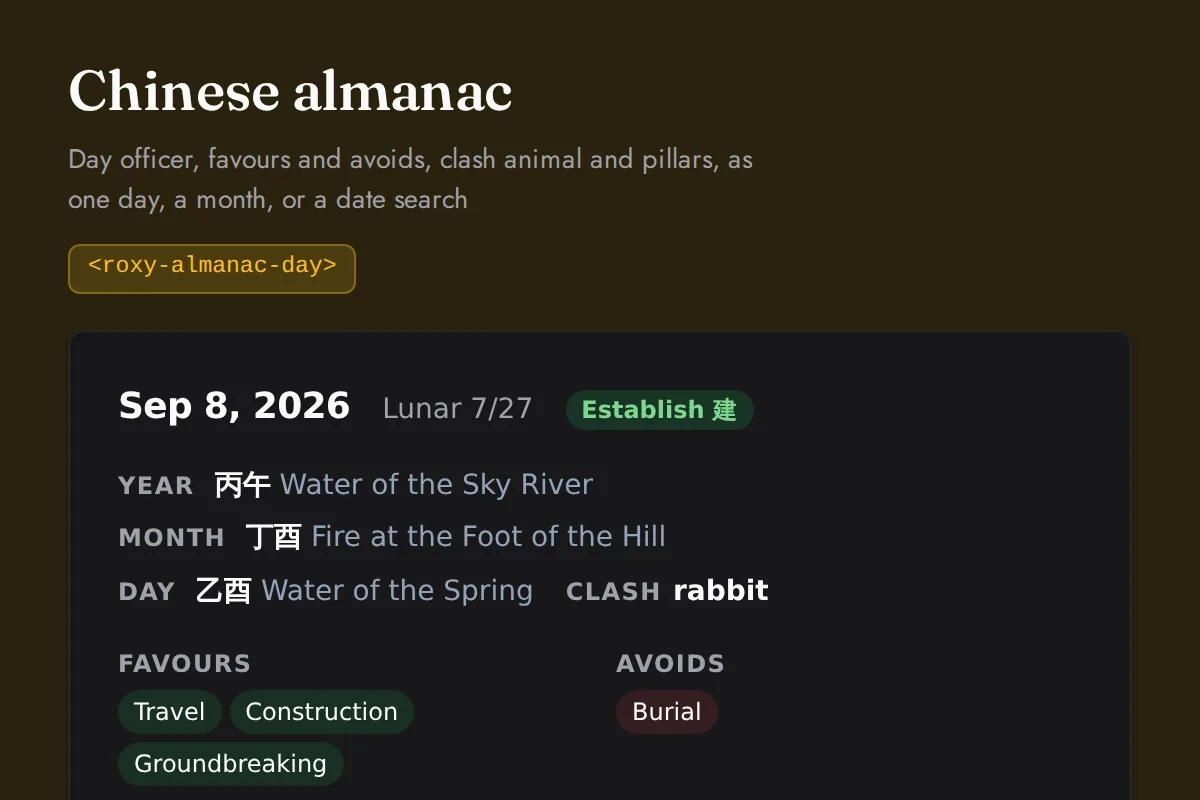
<roxy-almanac-day>Day officer, favours and avoids, clash animal and pillars, as one day, a month, or a date search
GET /chinese-astrology/calendar/{day/{date},monthly}, POST /chinese-astrology/calendar/auspicious-days
Feng Shui
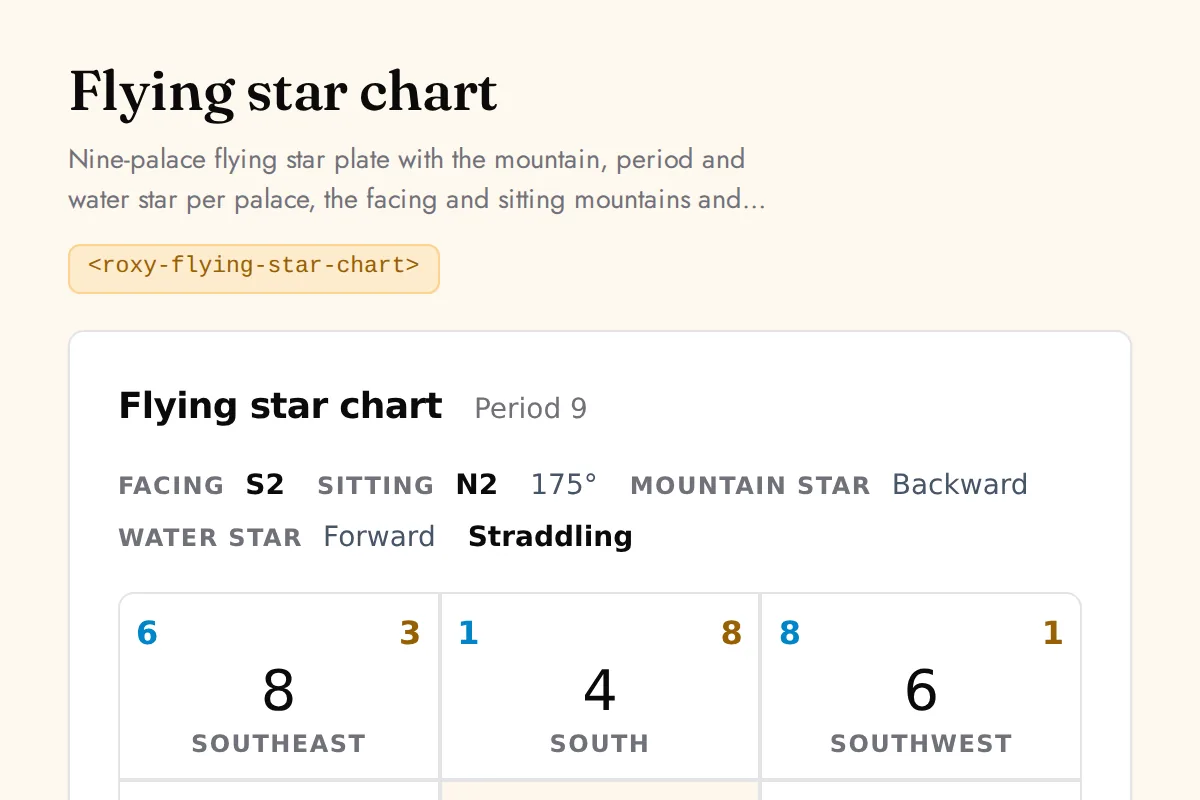
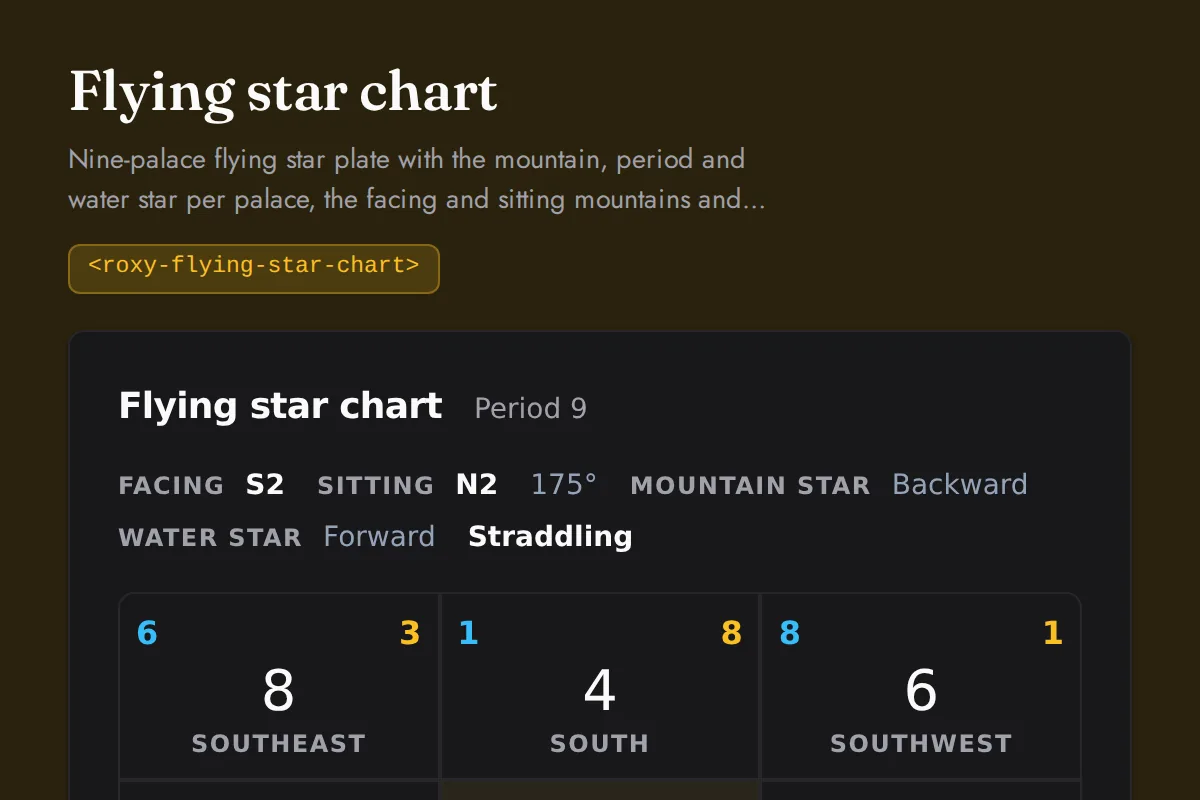
<roxy-flying-star-chart>Nine-palace flying star plate with the mountain, period and water star per palace, the facing and sitting mountains and the structure
POST /feng-shui/flying-stars/natal, GET /feng-shui/flying-stars/annual/{year}
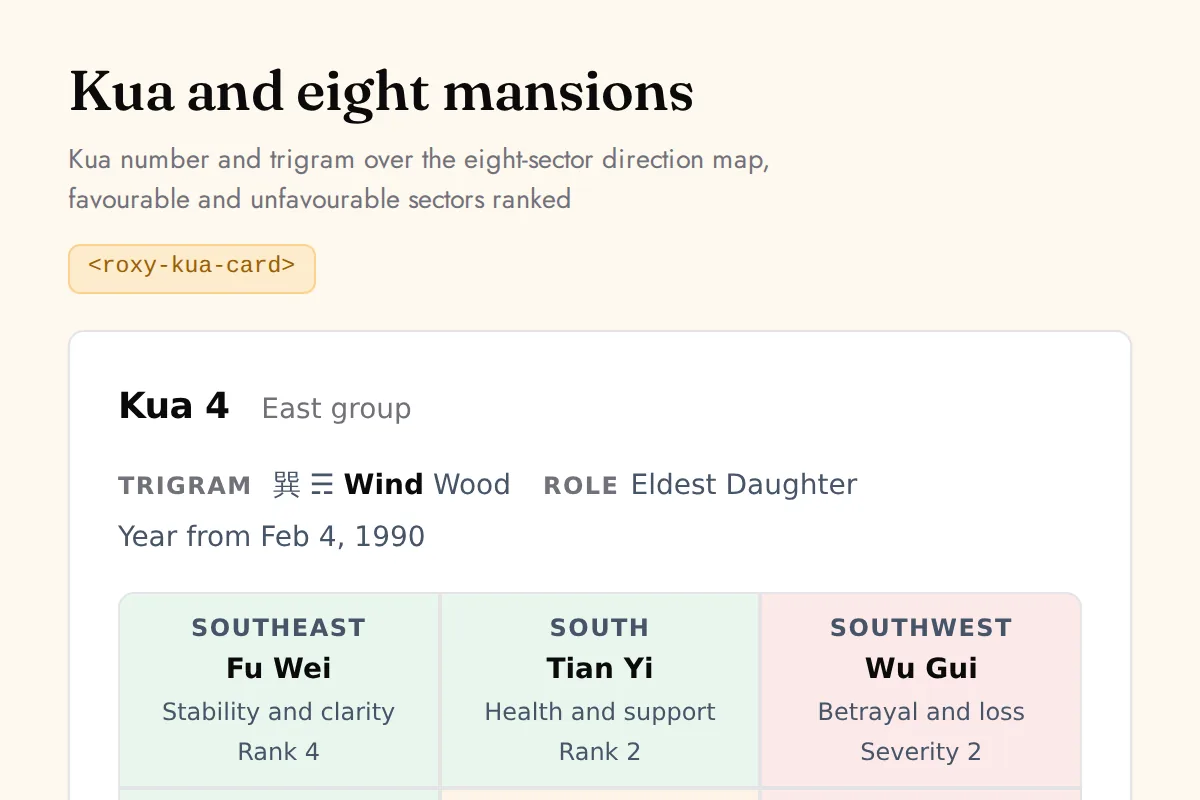
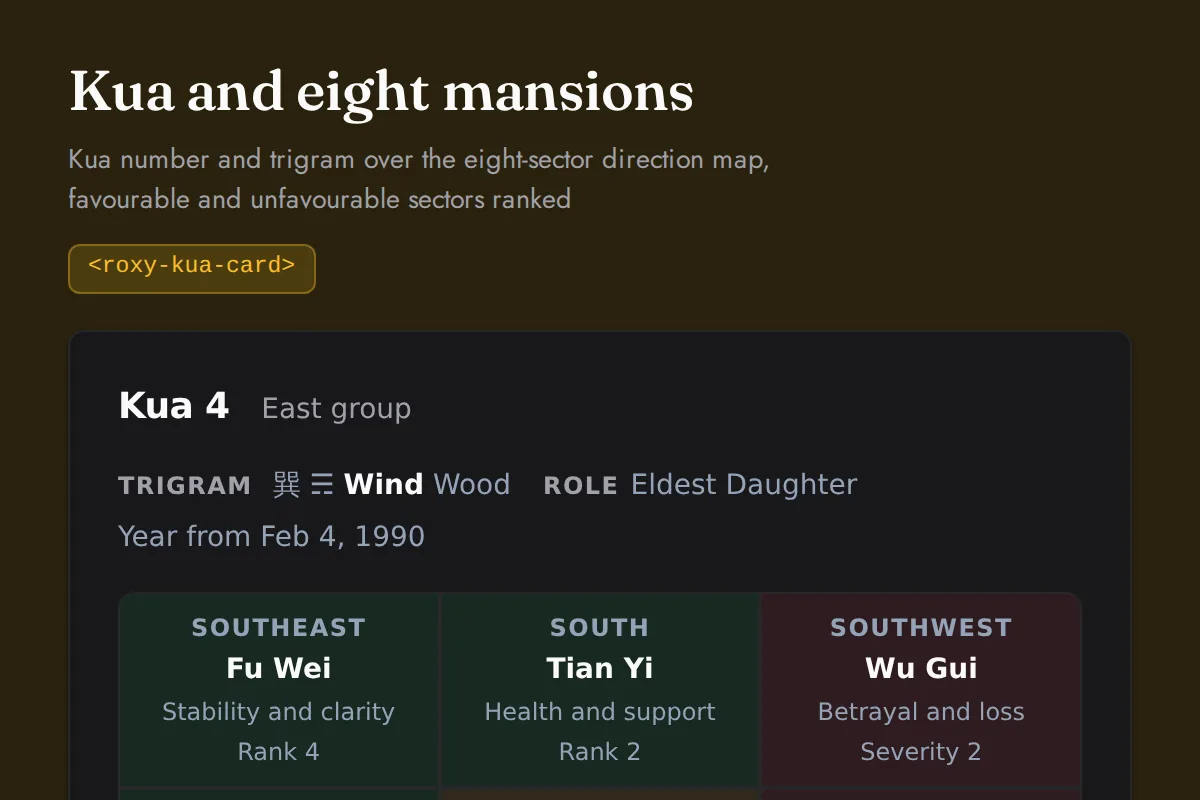
<roxy-kua-card>Kua number and trigram over the eight-sector direction map, favourable and unfavourable sectors ranked
POST /feng-shui/kua, POST /feng-shui/eight-mansions
Mesoamerican
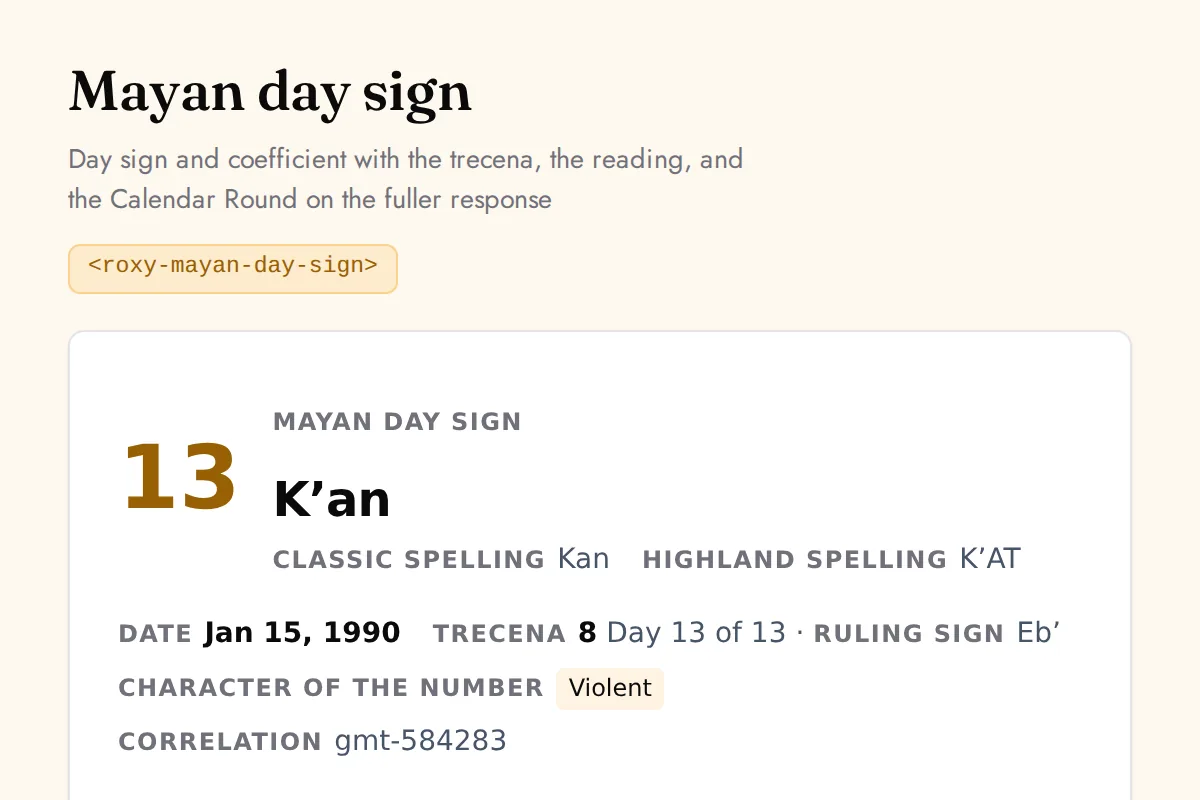
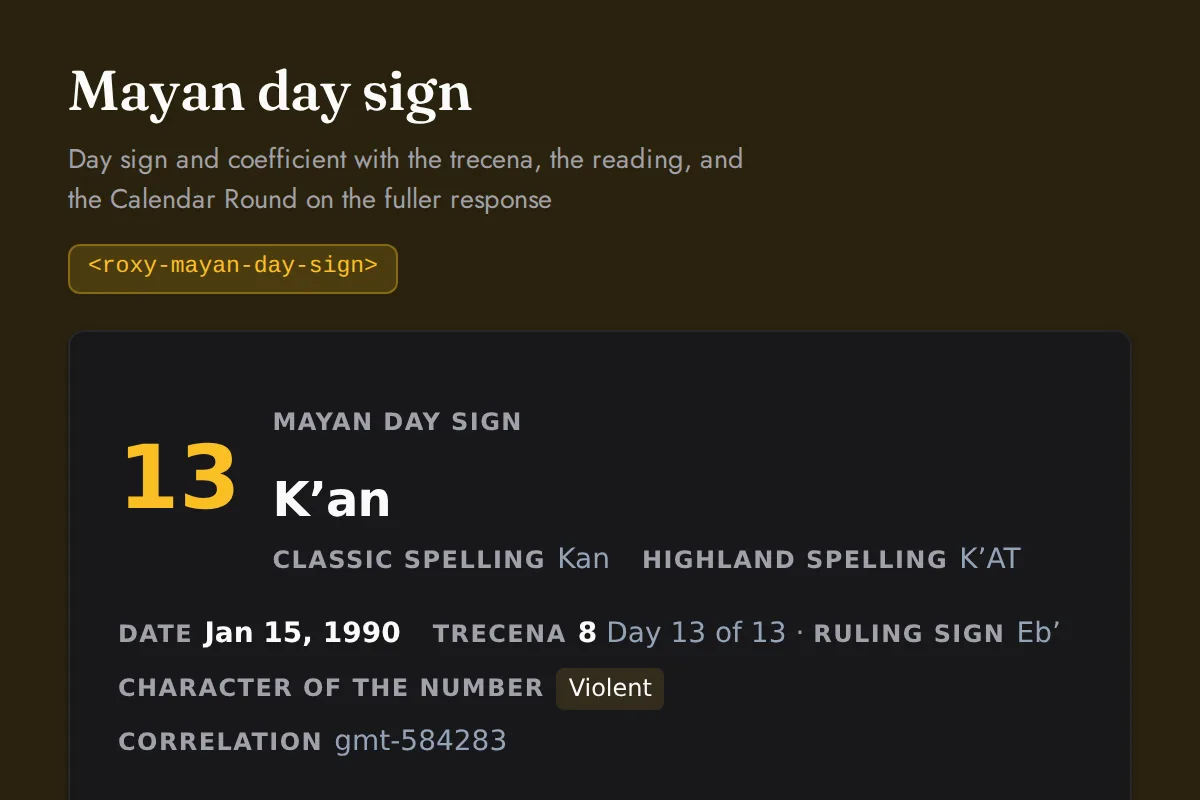
<roxy-mayan-day-sign>Day sign and coefficient with the trecena, the reading, and the Calendar Round on the fuller response
POST /mesoamerican-astrology/mayan/tzolkin, POST /mesoamerican-astrology/mayan/chart
Vastu
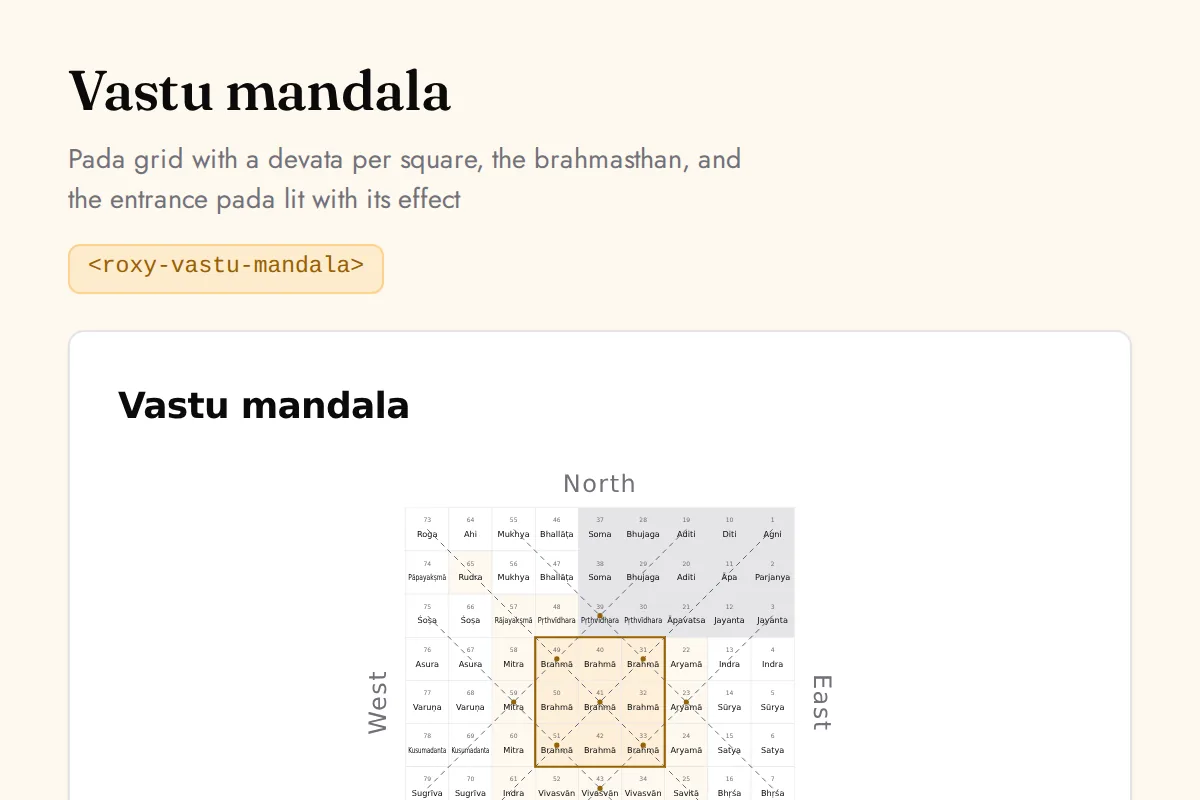
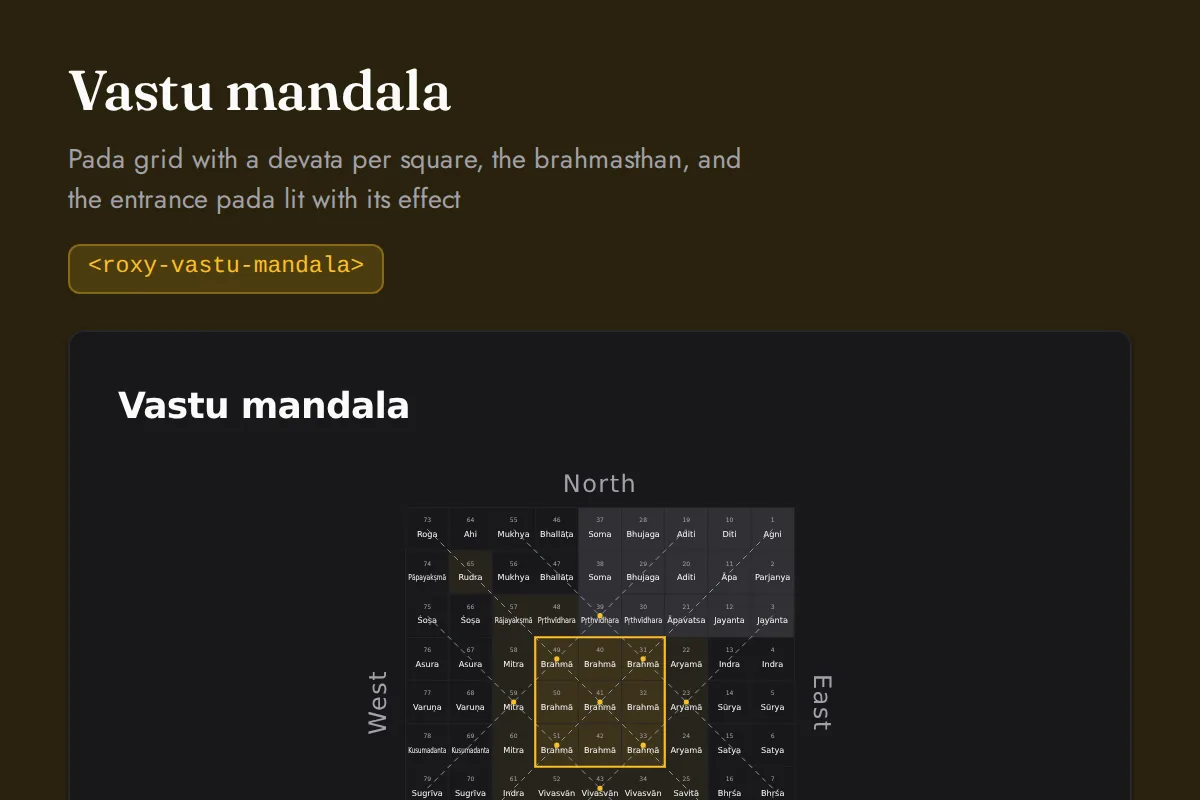
<roxy-vastu-mandala>Pada grid with a devata per square, the brahmasthan, and the entrance pada lit with its effect
POST /vastu/mandala, POST /vastu/entrance
Numerology
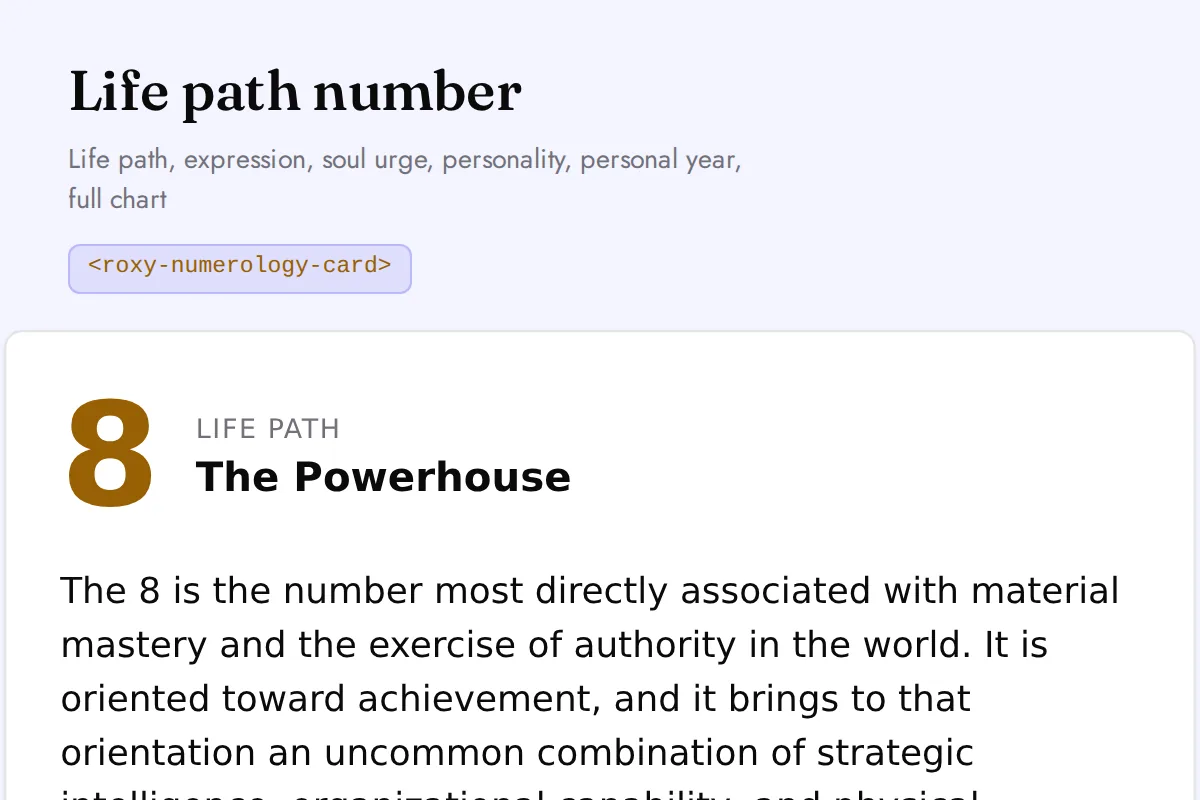
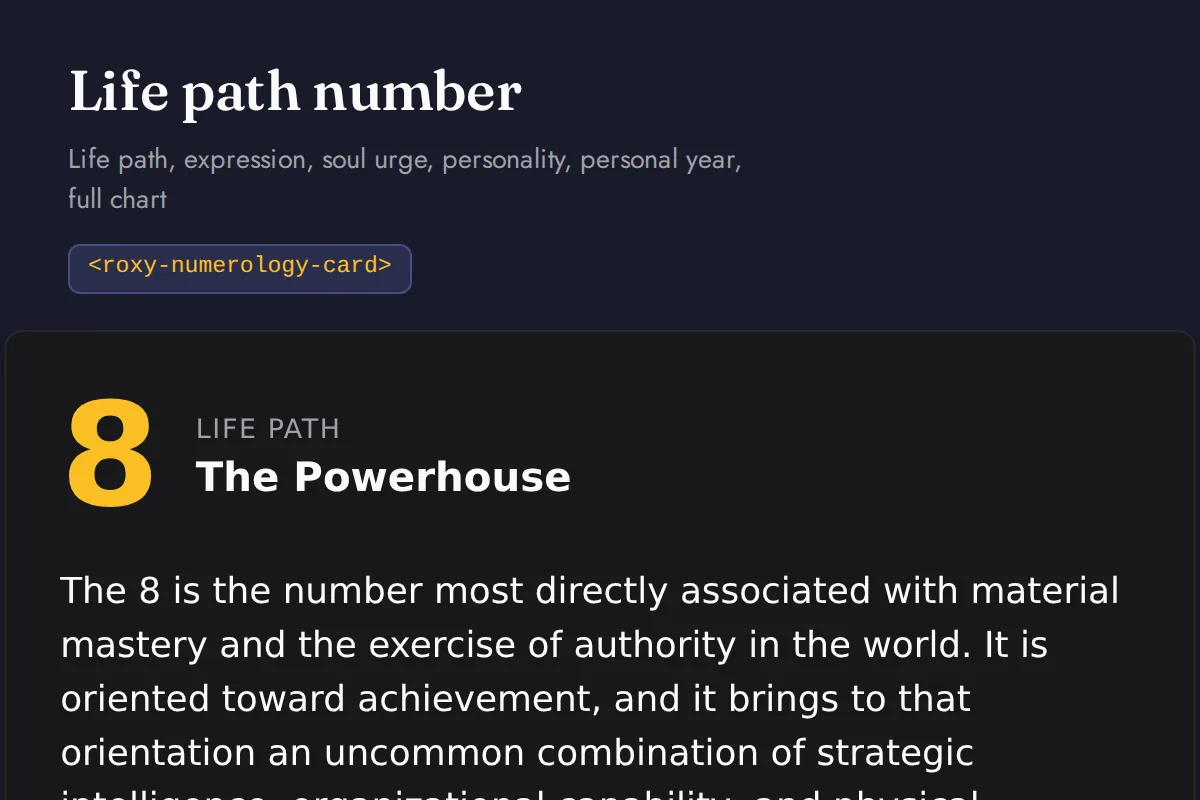
<roxy-numerology-card>Life path, expression, soul urge, personality, personal year, full chart
POST /numerology/{life-path,expression,soul-urge,personality,birth-day,maturity,daily,personal-day,personal-month,personal-year,chart}
Kabbalah
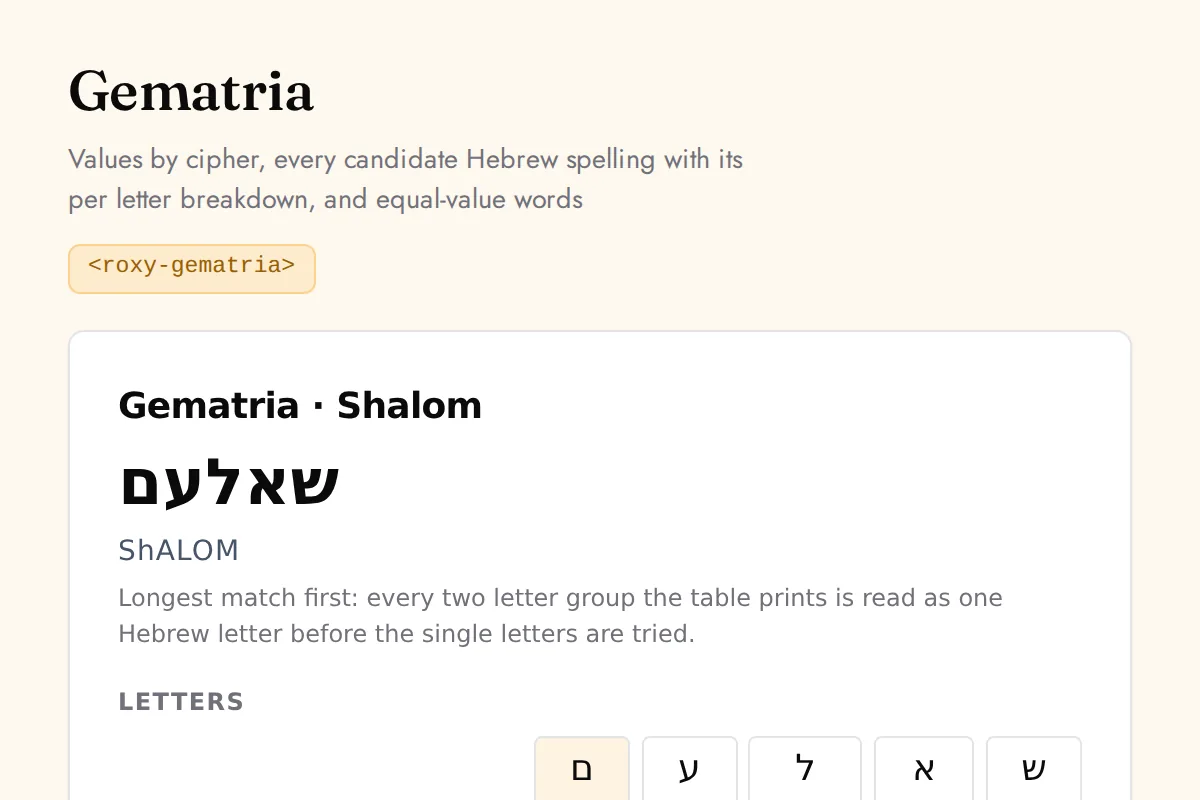
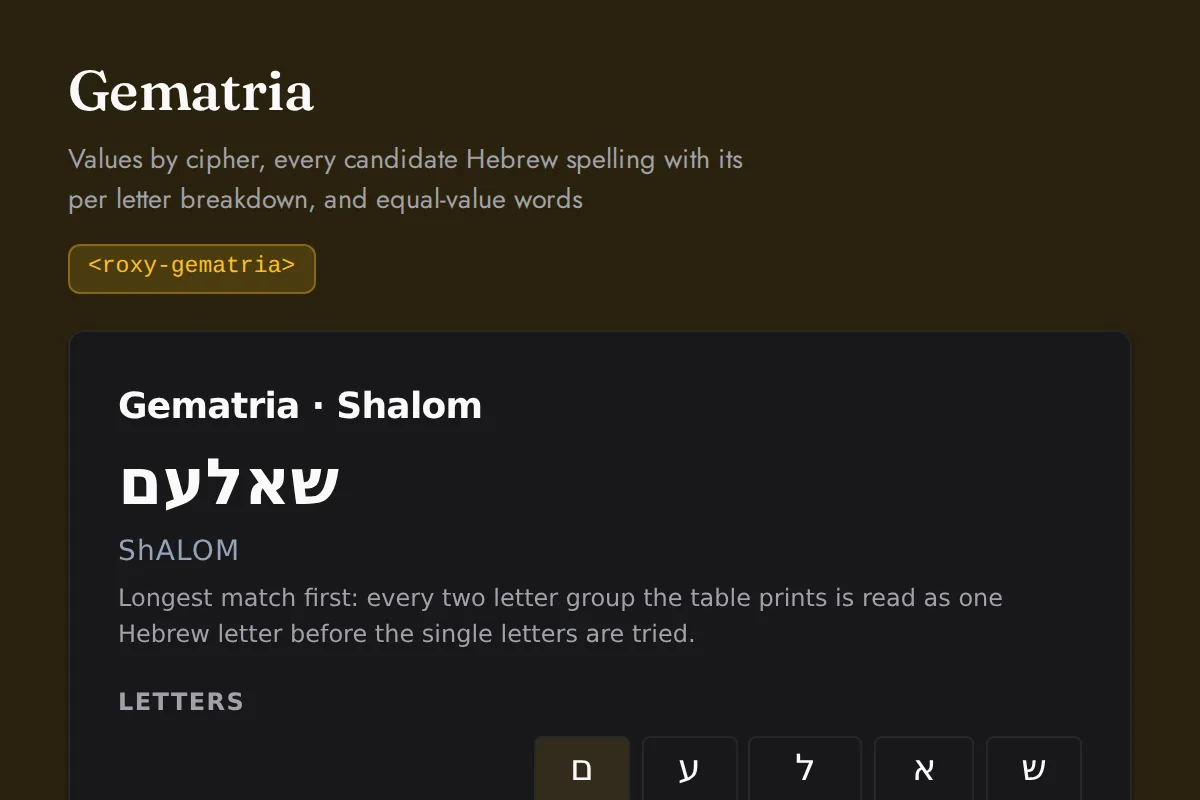
<roxy-gematria>Values by cipher, every candidate Hebrew spelling with its per letter breakdown, and equal-value words
POST /kabbalah/gematria
Tarot
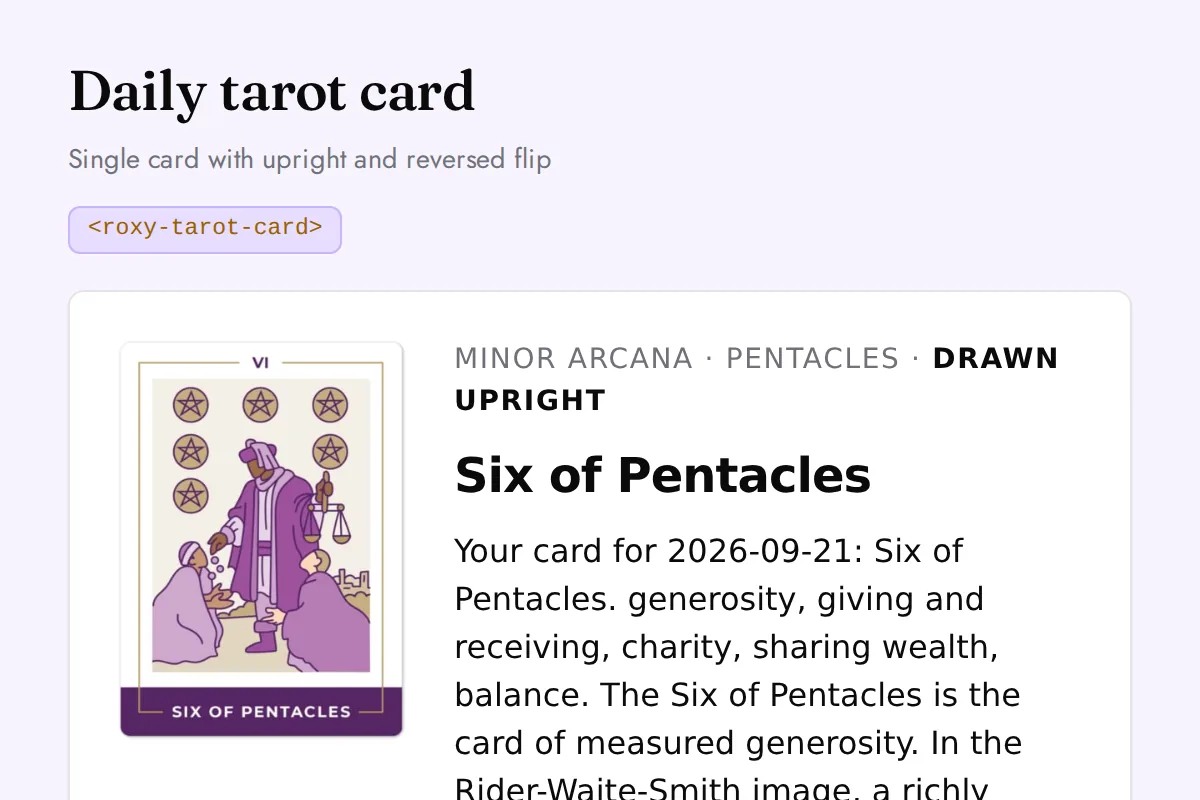
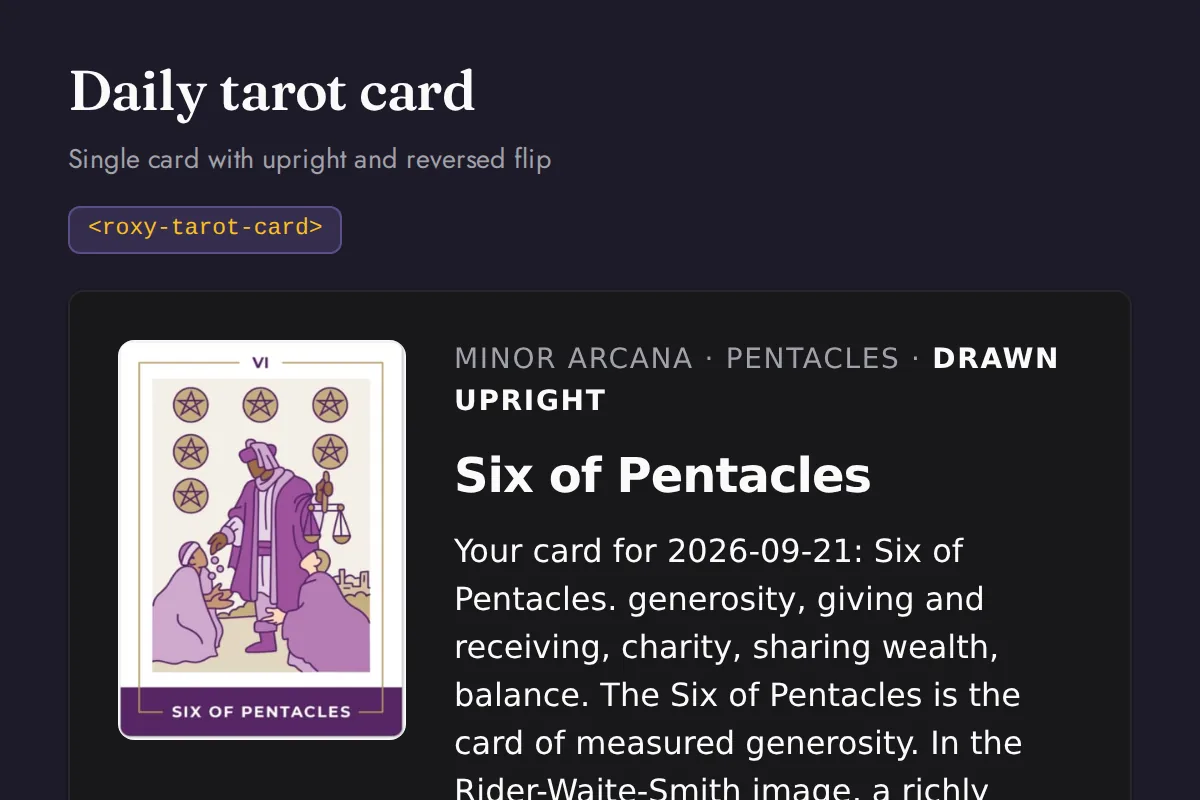
<roxy-tarot-card>Single card with upright and reversed flip
GET /tarot/cards/{id}, POST /tarot/daily
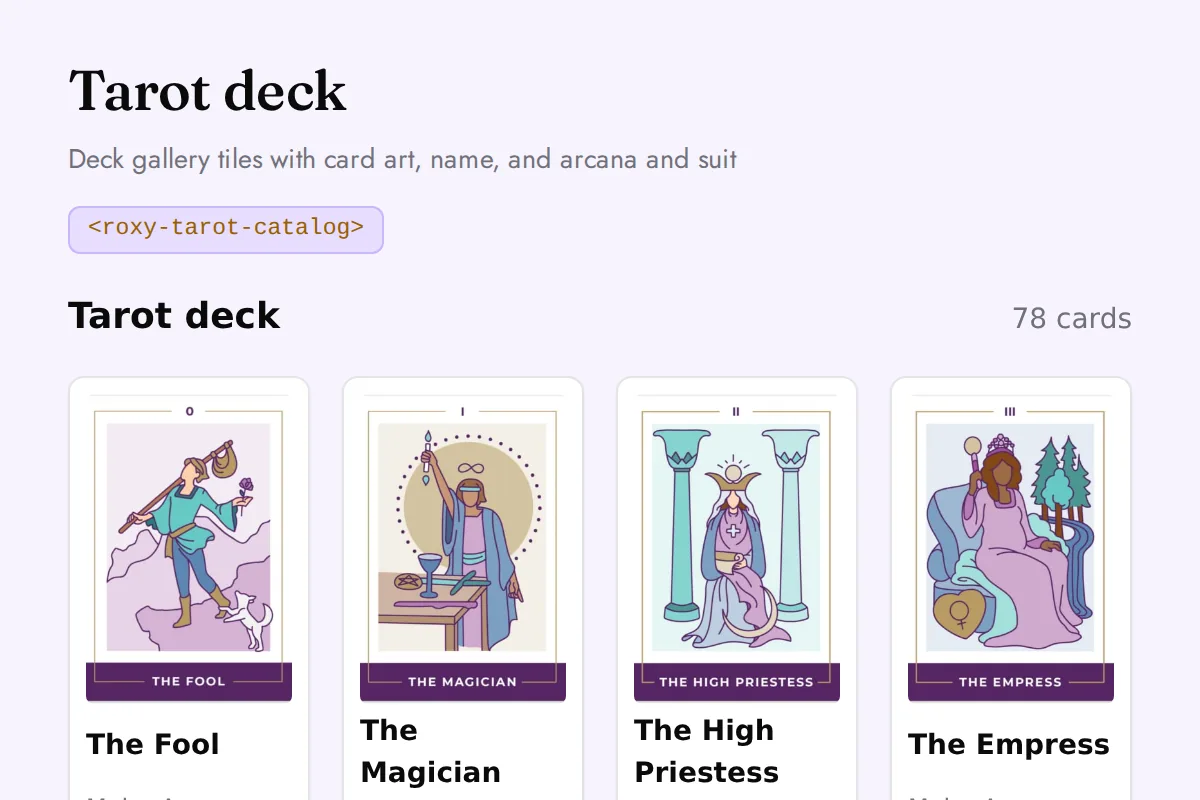
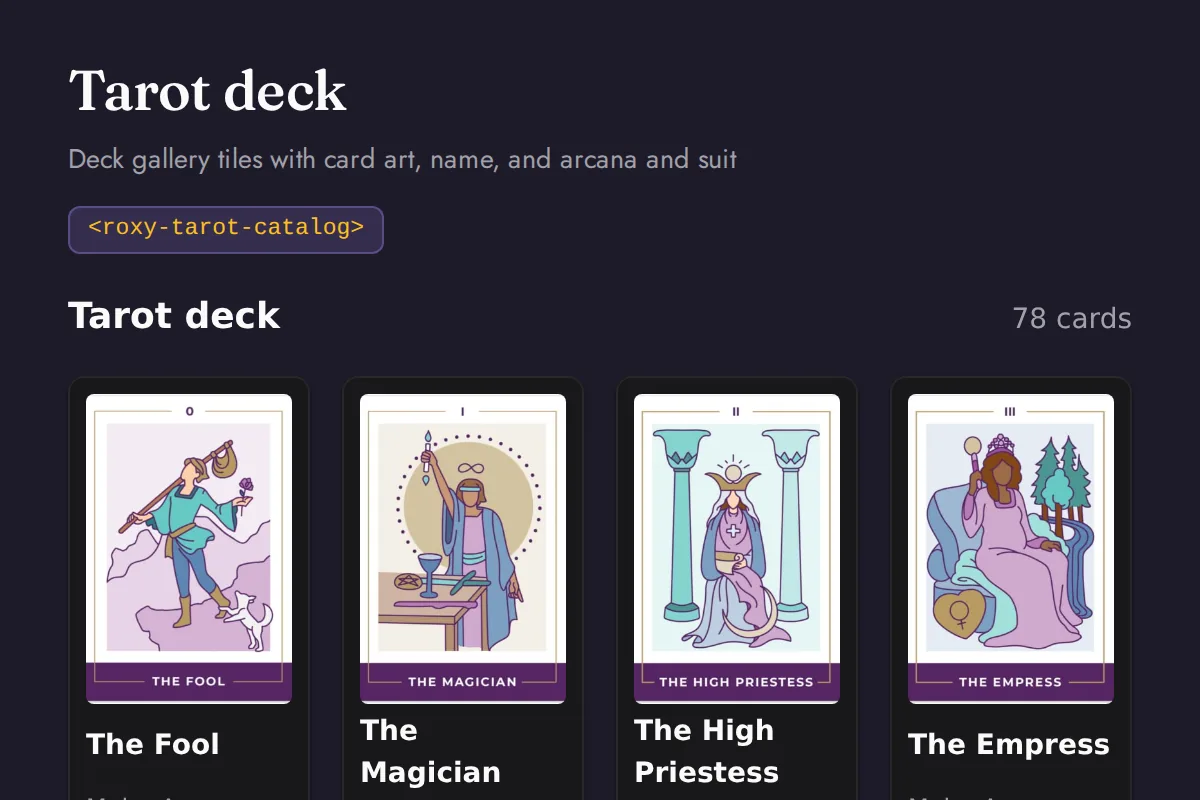
<roxy-tarot-catalog>Deck gallery tiles with card art, name, and arcana and suit
GET /tarot/cards
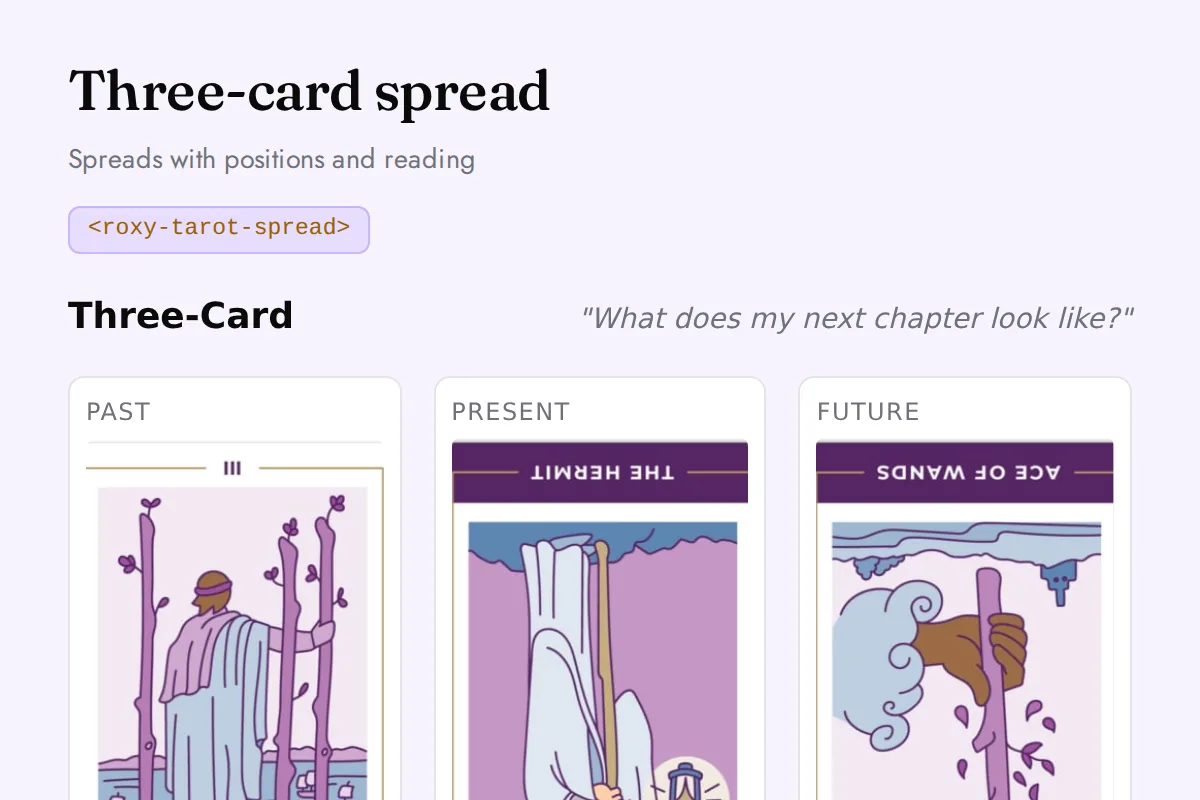
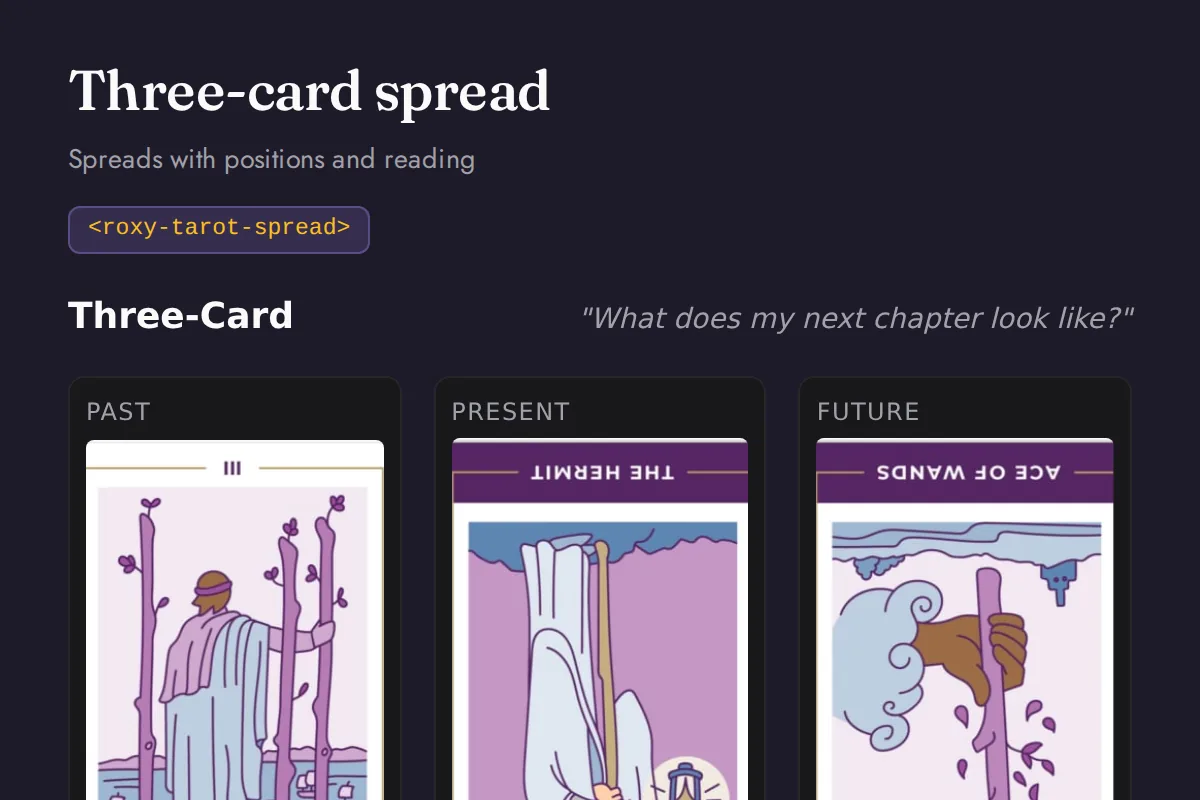
<roxy-tarot-spread>Spreads with positions and reading
POST /tarot/spreads/{three-card,celtic-cross,love,career,custom}, /tarot/yes-no, /tarot/draw
Biorhythm
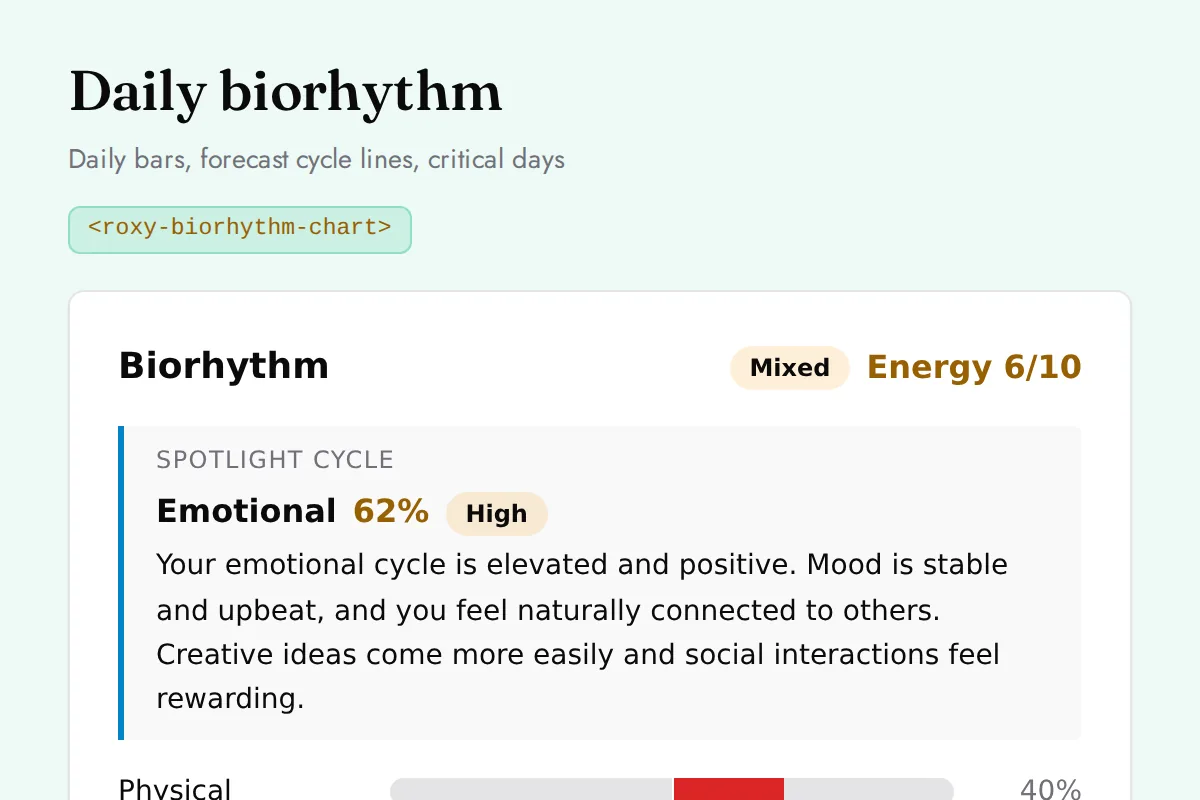
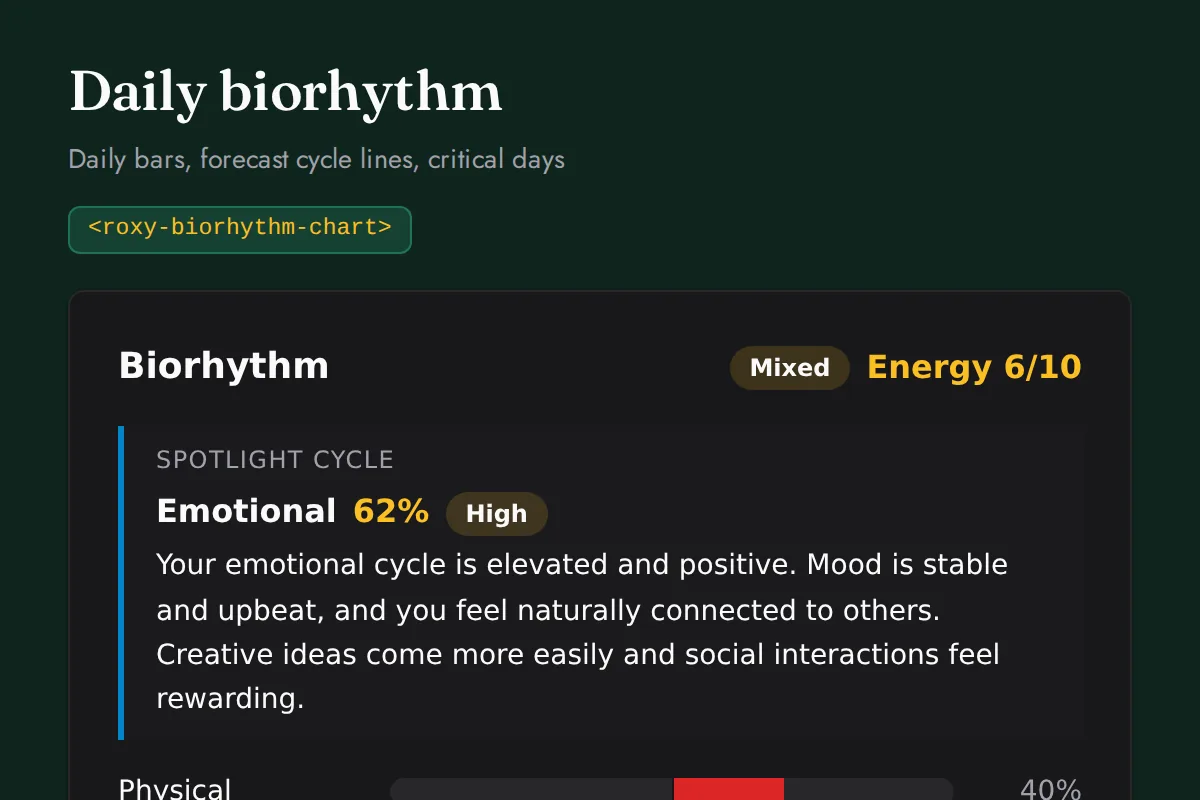
<roxy-biorhythm-chart>Daily bars, forecast cycle lines, critical days
POST /biorhythm/{daily,forecast,critical-days}
Ayurveda
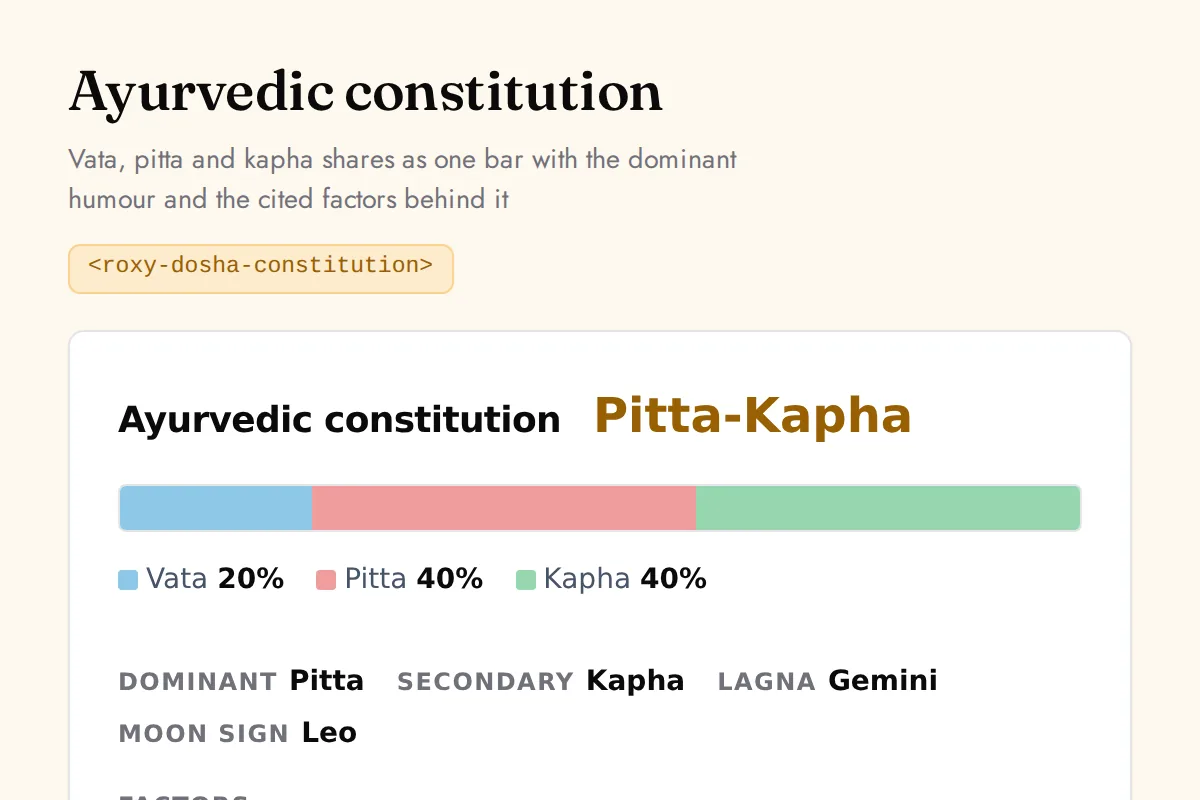
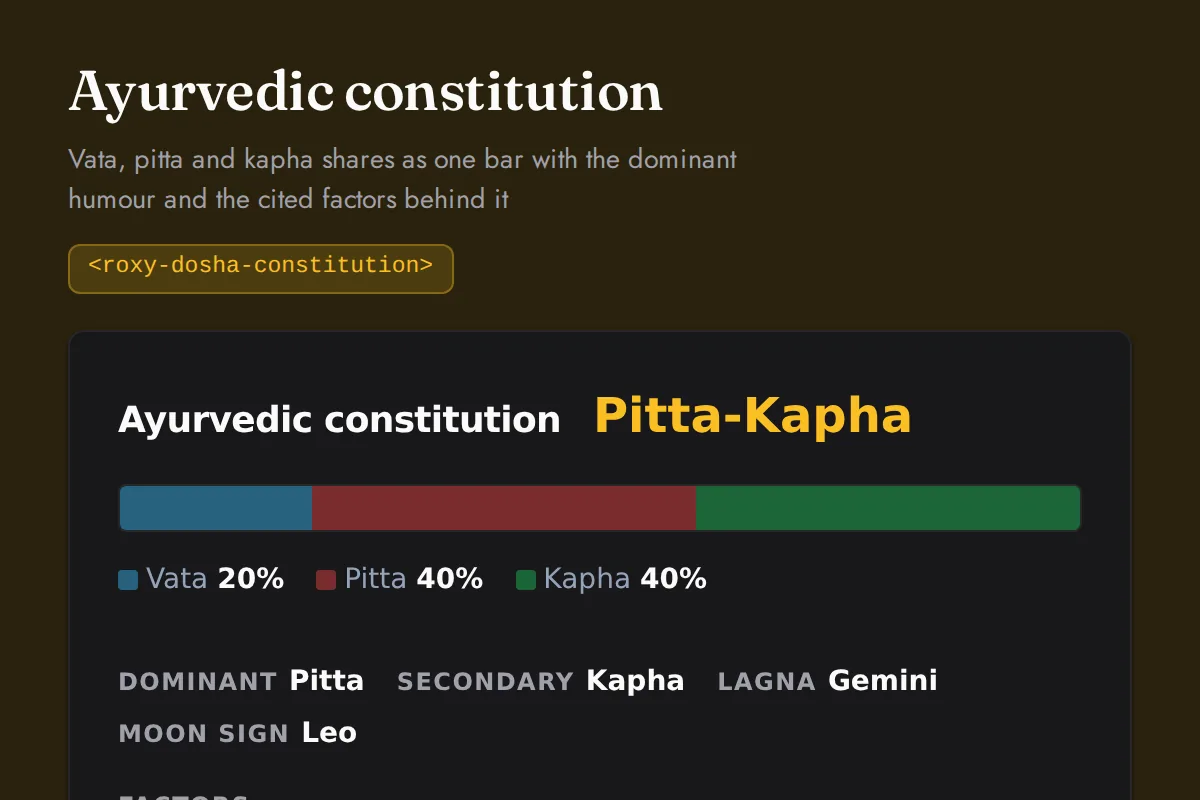
<roxy-dosha-constitution>Vata, pitta and kapha shares as one bar with the dominant humour and the cited factors behind it
POST /ayurveda/constitution
I-Ching
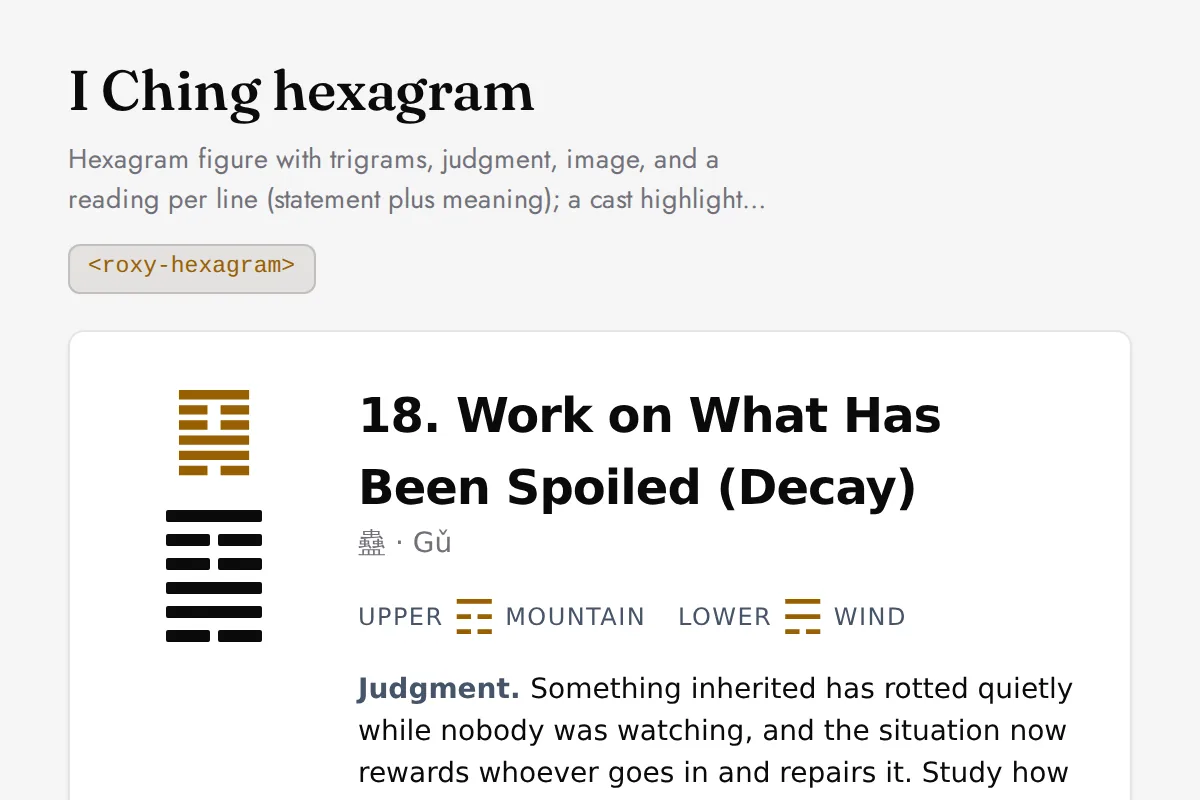
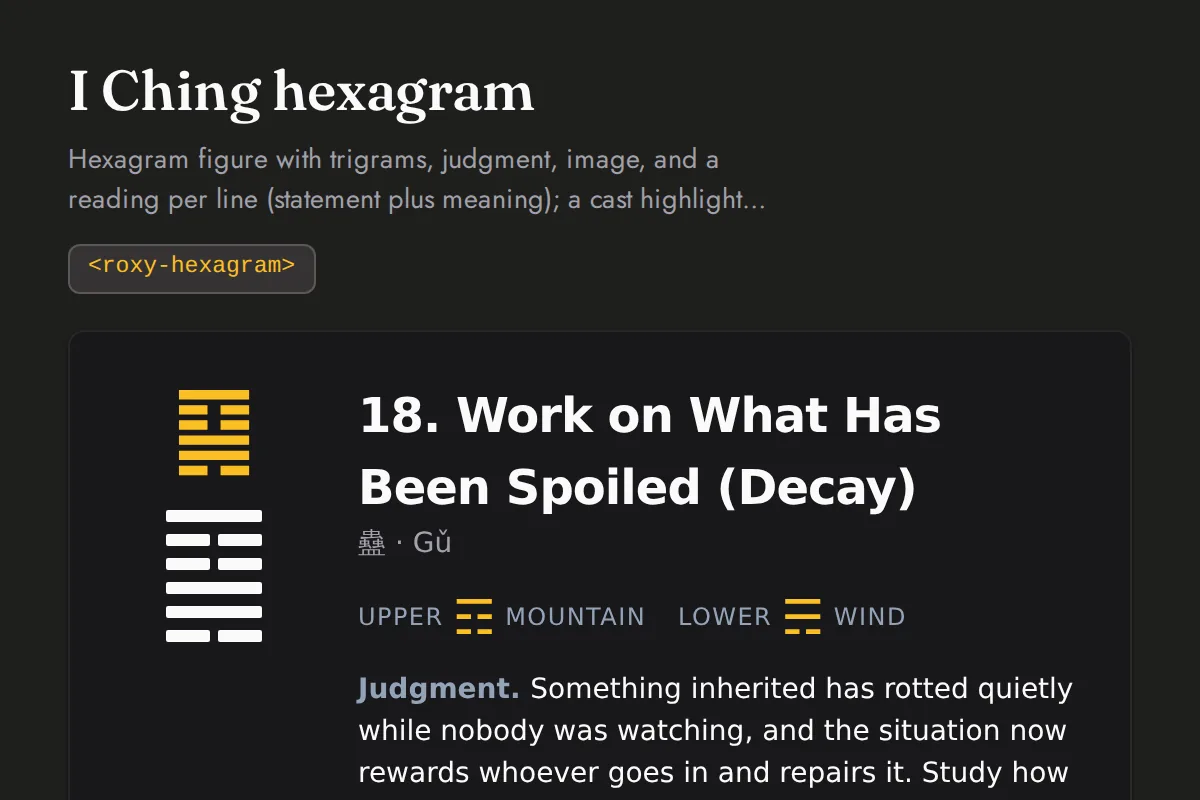
<roxy-hexagram>Hexagram figure with trigrams, judgment, image, and a reading per line (statement plus meaning); a cast highlights the moving lines and the resulting hexagram
GET /iching/hexagrams/{number}, /iching/hexagrams/random, /iching/hexagrams/lookup, /iching/cast, POST /iching/daily, /iching/daily/cast
Crystals
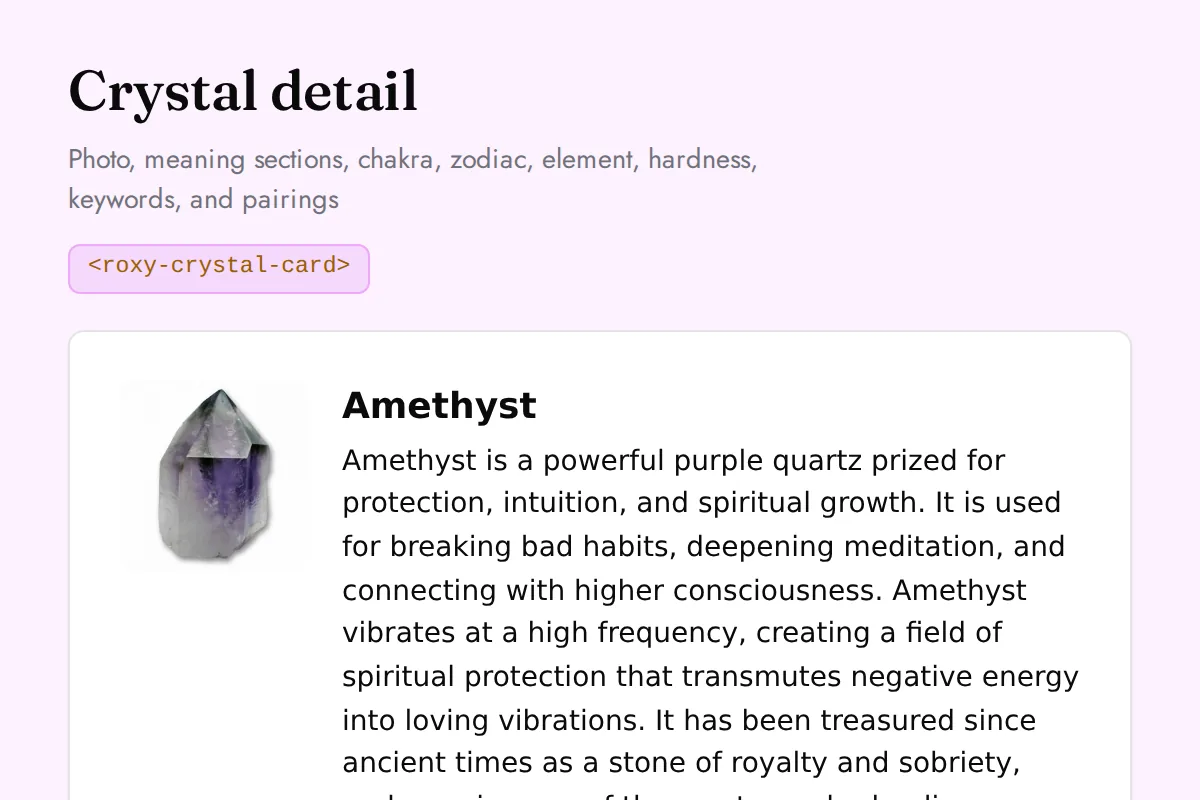
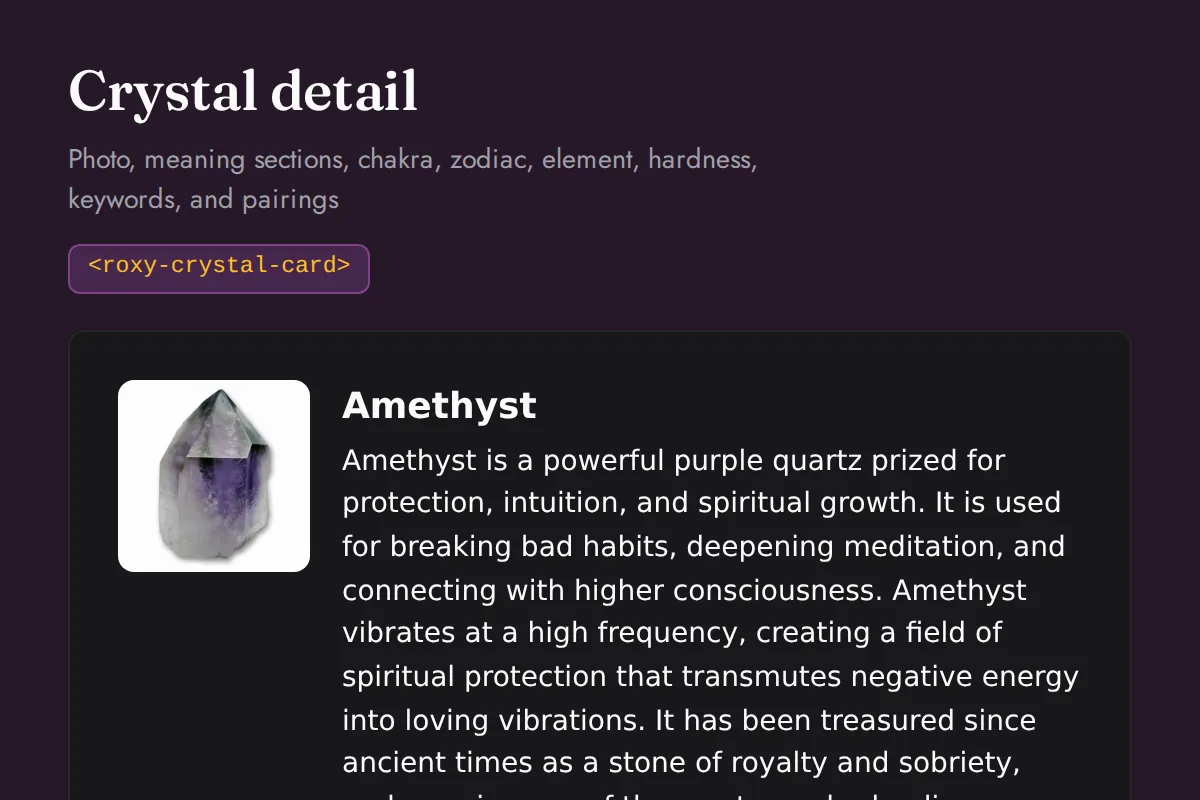
<roxy-crystal-card>Photo, meaning sections, chakra, zodiac, element, hardness, keywords, and pairings
GET /crystals/{id}
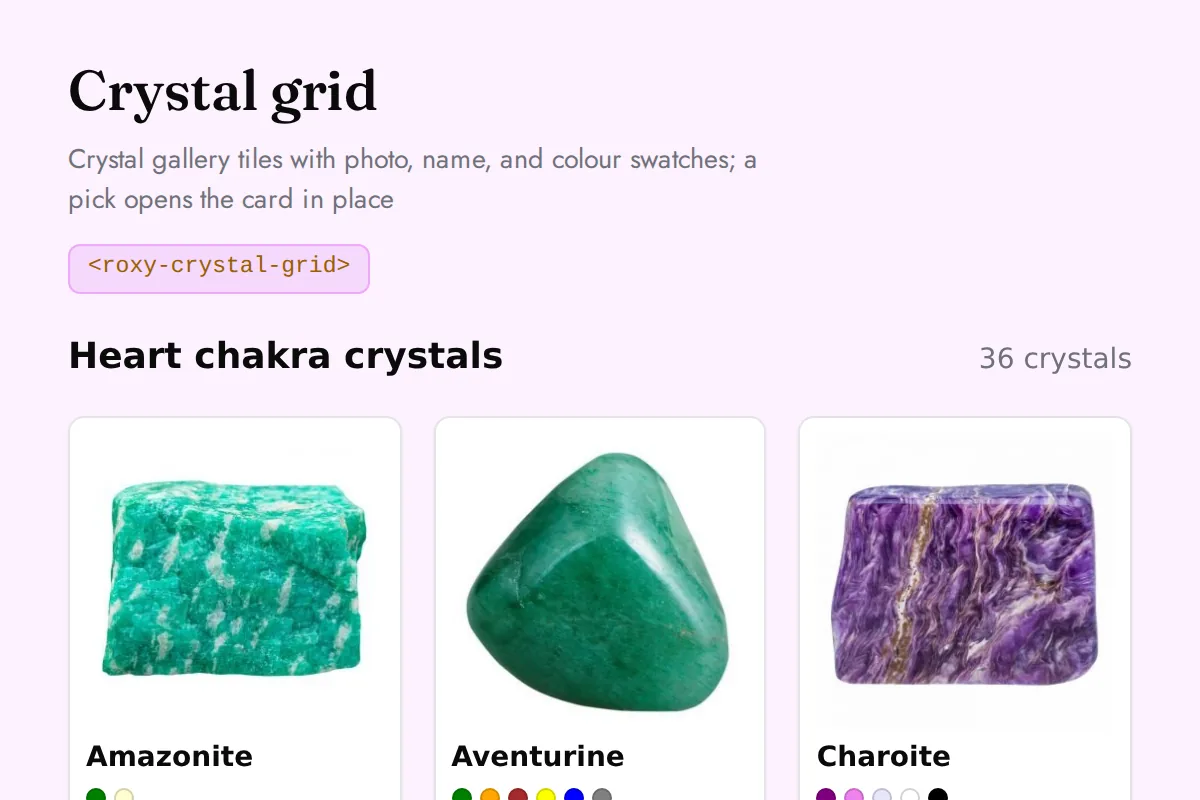
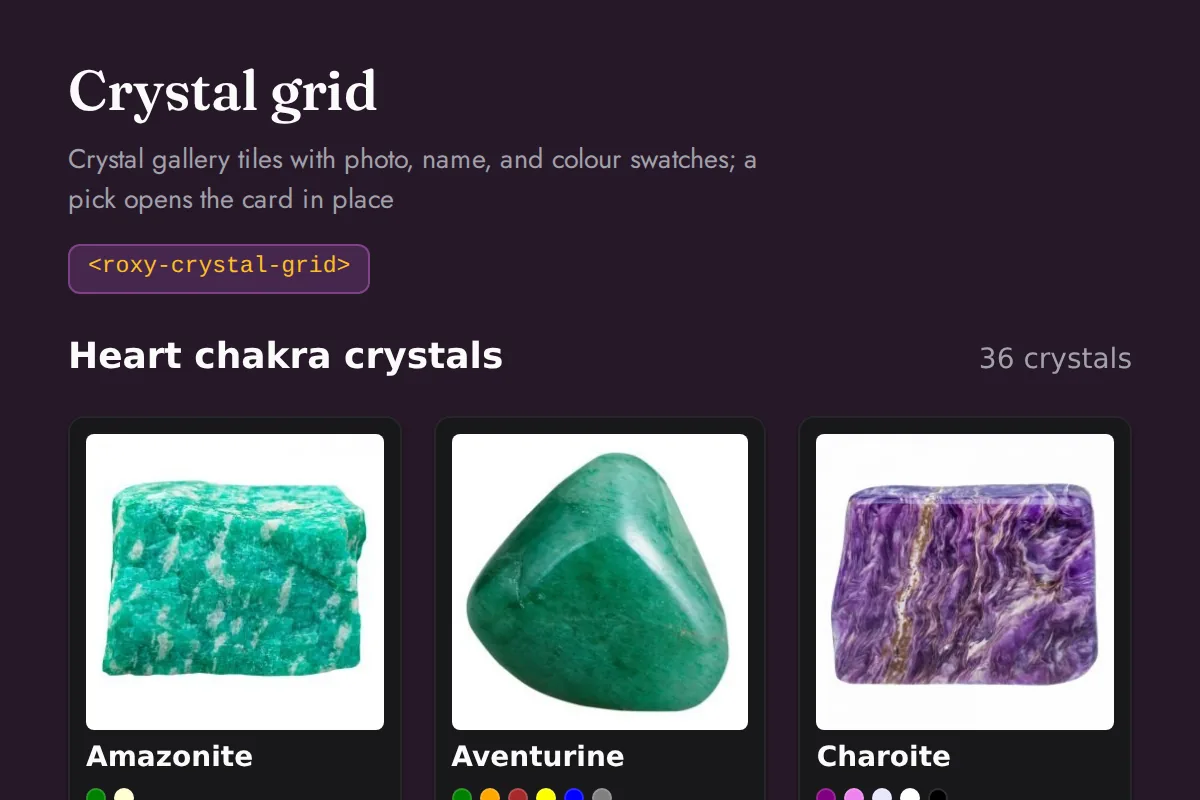
<roxy-crystal-grid>Crystal gallery tiles with photo, name, and colour swatches; a pick opens the card in place
GET /crystals, /crystals/chakra/{chakra}, /crystals/element/{element}, /crystals/zodiac/{sign}, /crystals/birthstone/{month}, /crystals/search
Dreams
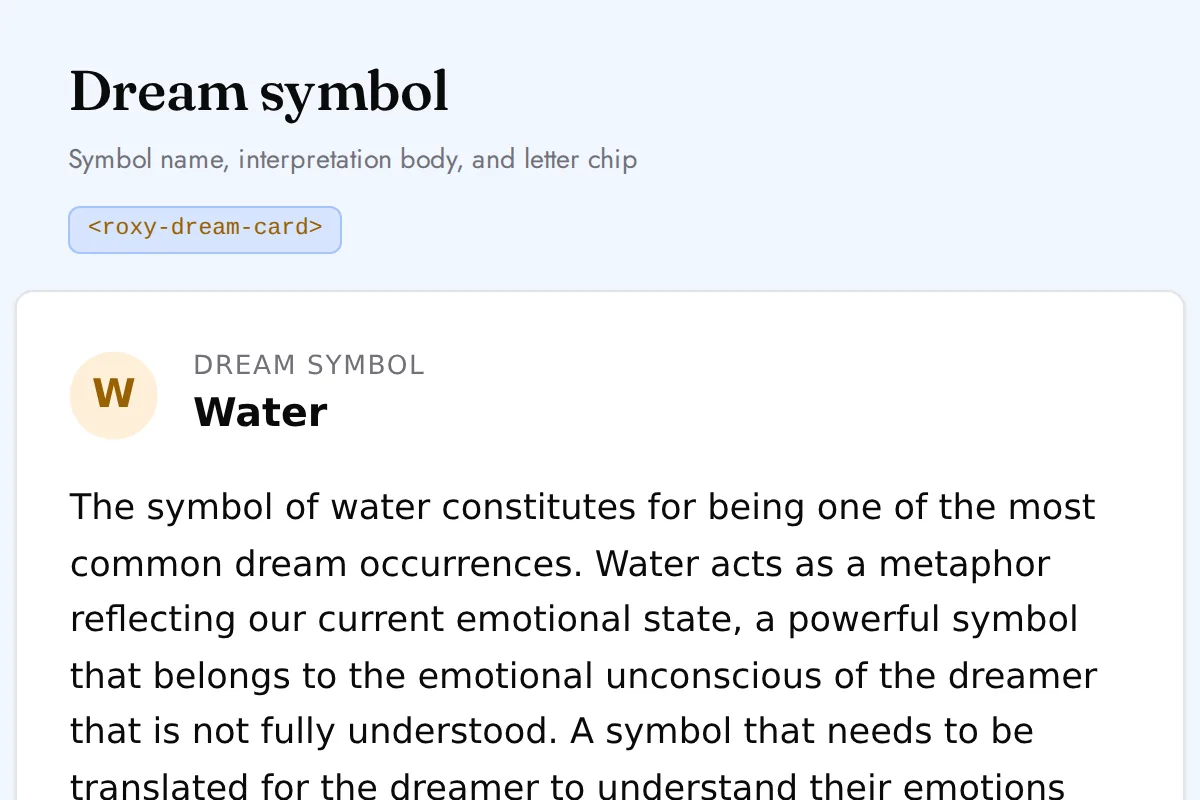
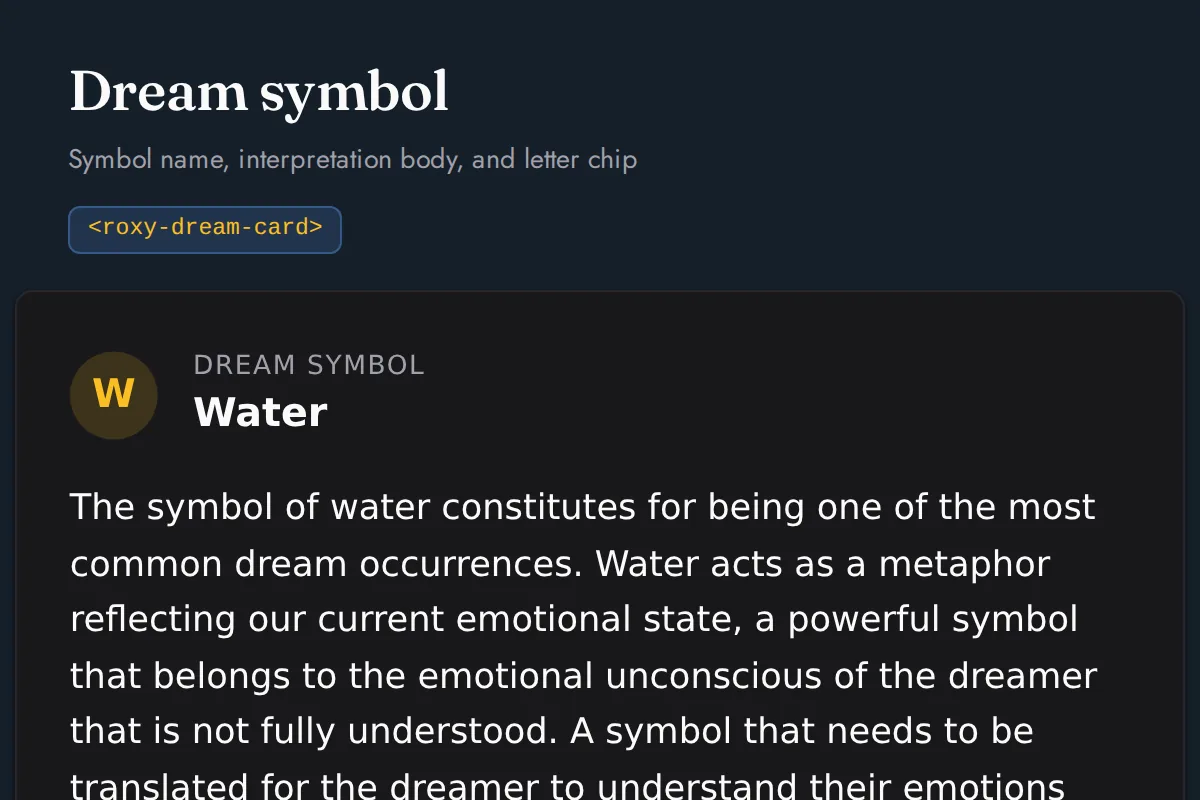
<roxy-dream-card>Symbol name, interpretation body, and letter chip
GET /dreams/symbols/{id}
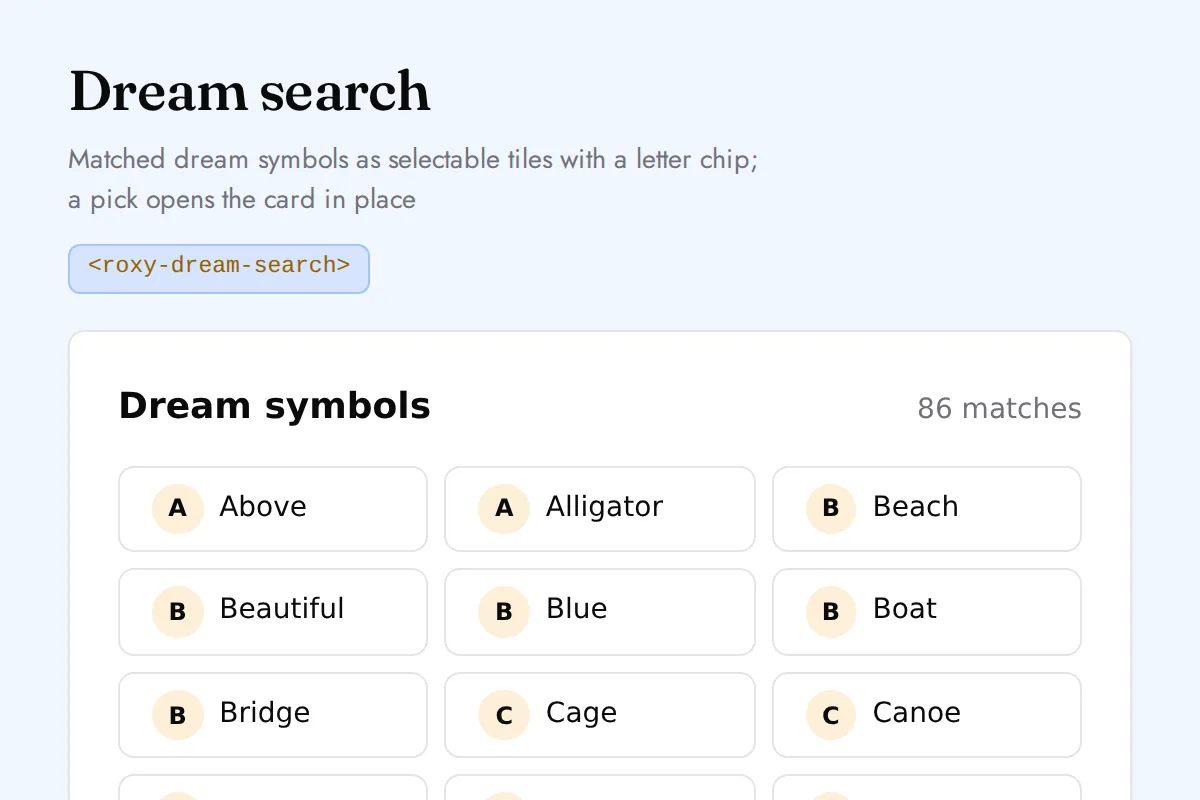
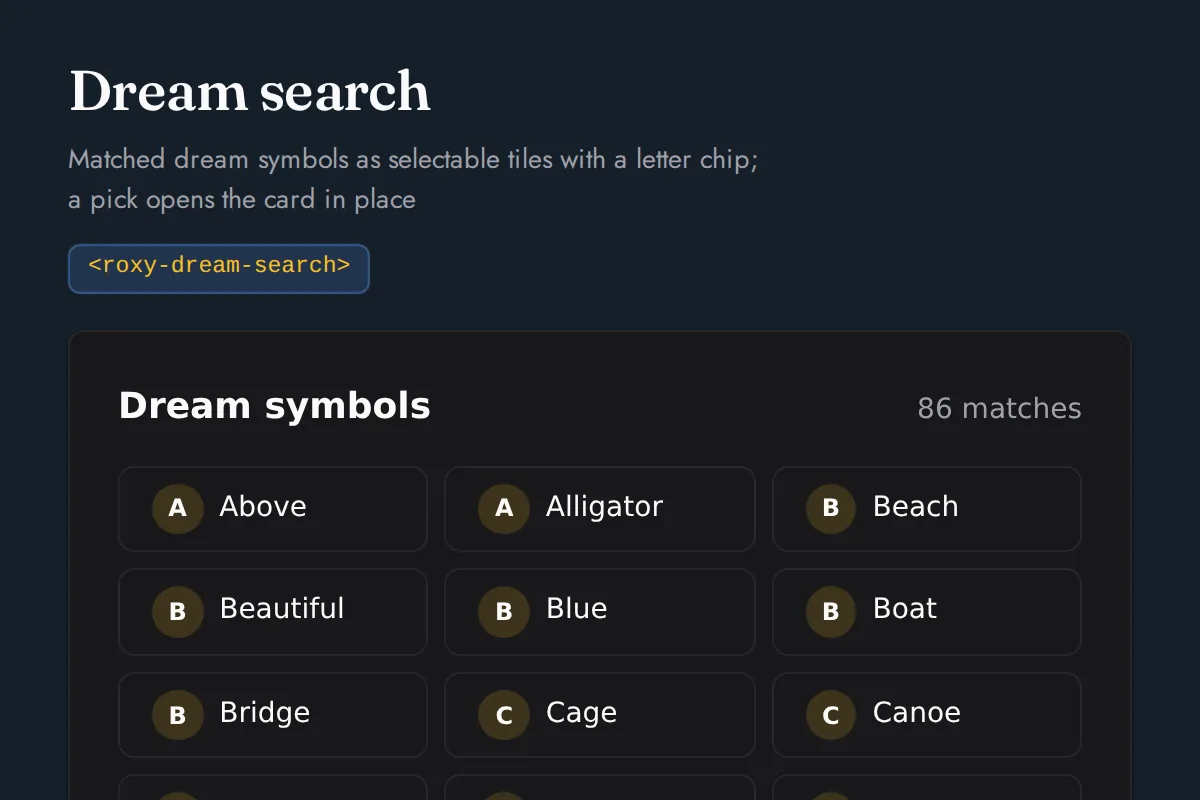
<roxy-dream-search>Matched dream symbols as selectable tiles with a letter chip; a pick opens the card in place
GET /dreams/symbols
Angel Numbers
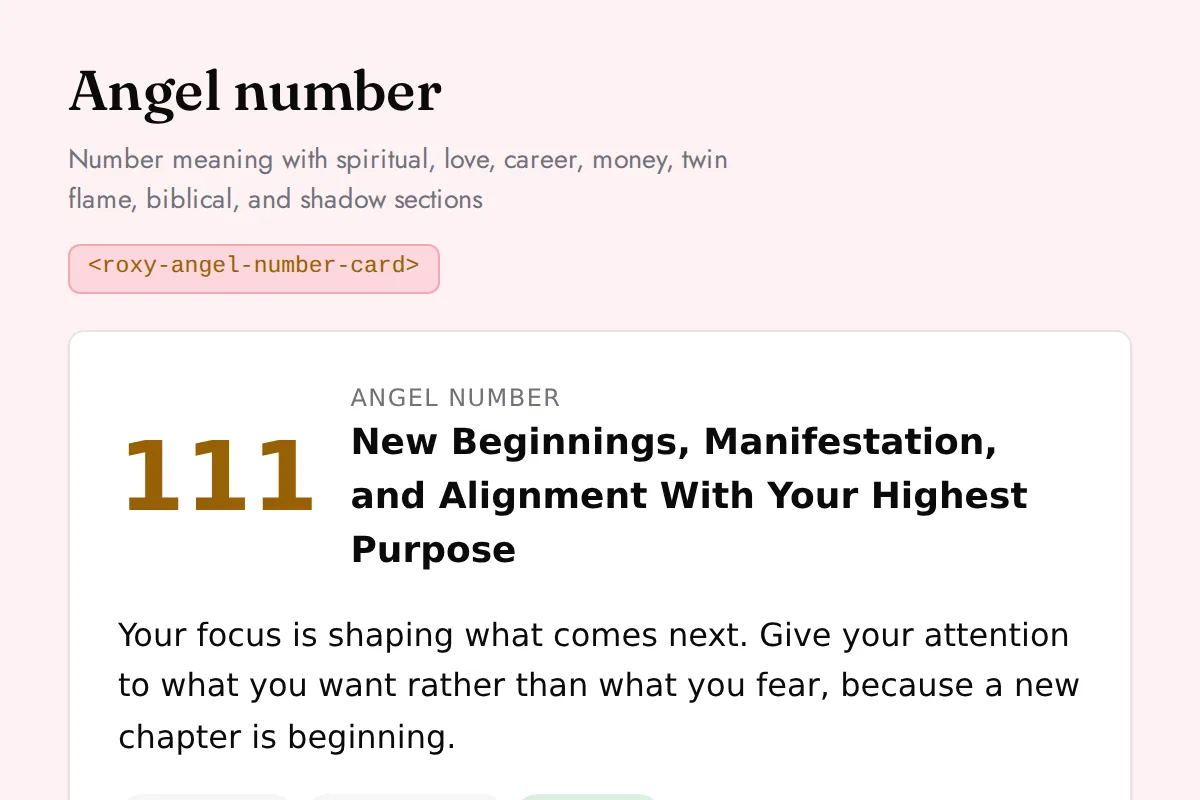
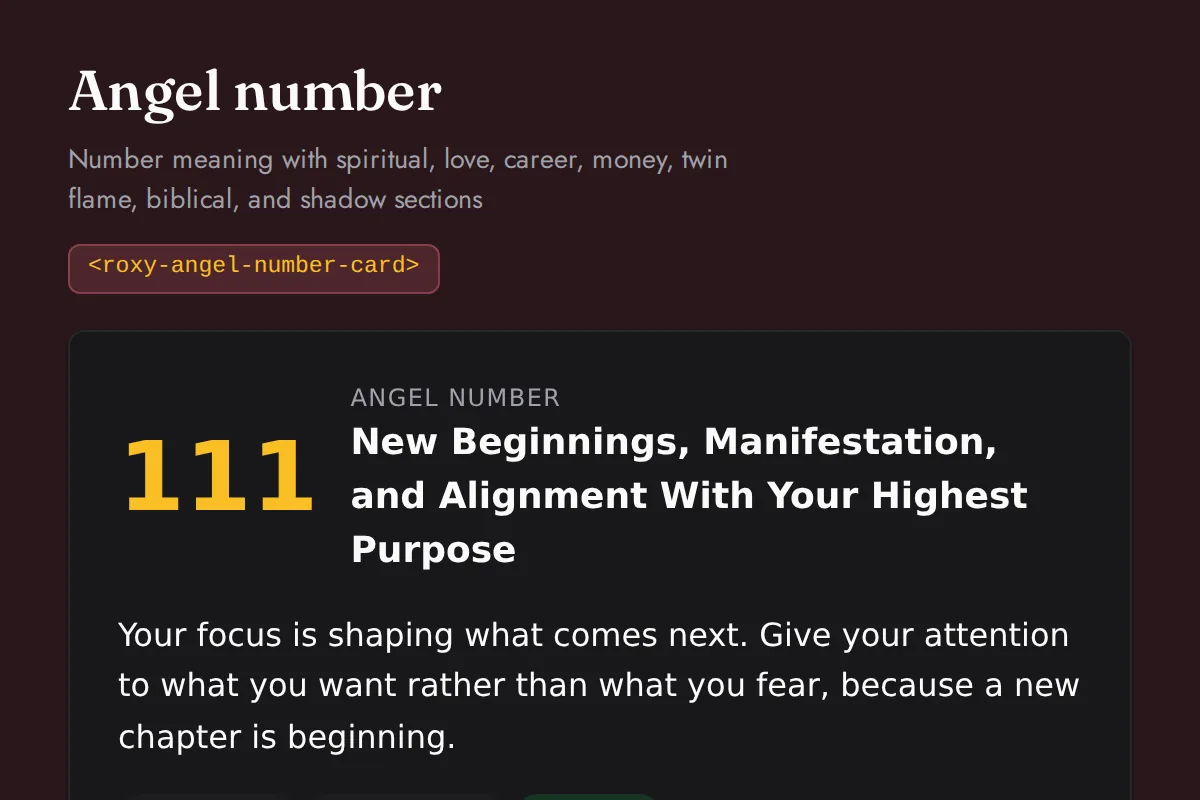
<roxy-angel-number-card>Number meaning with spiritual, love, career, money, twin flame, biblical, and shadow sections
GET /angel-numbers/numbers/{number}
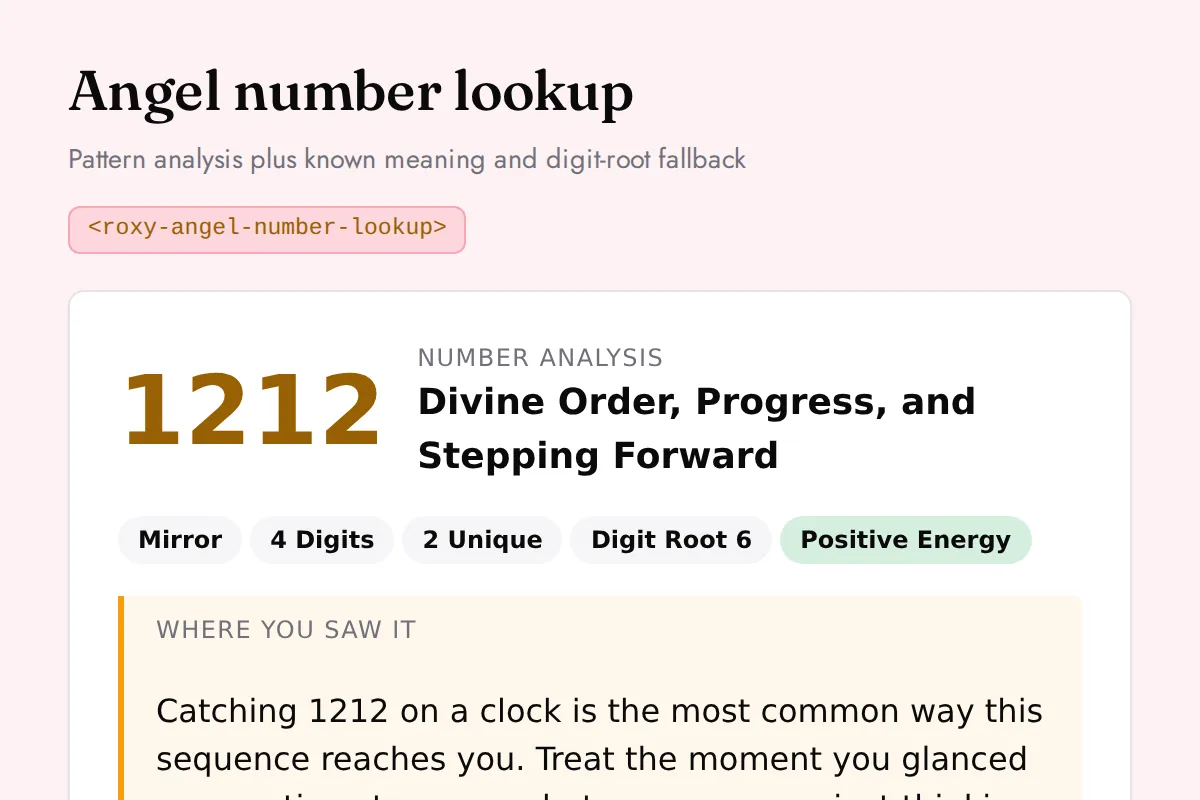
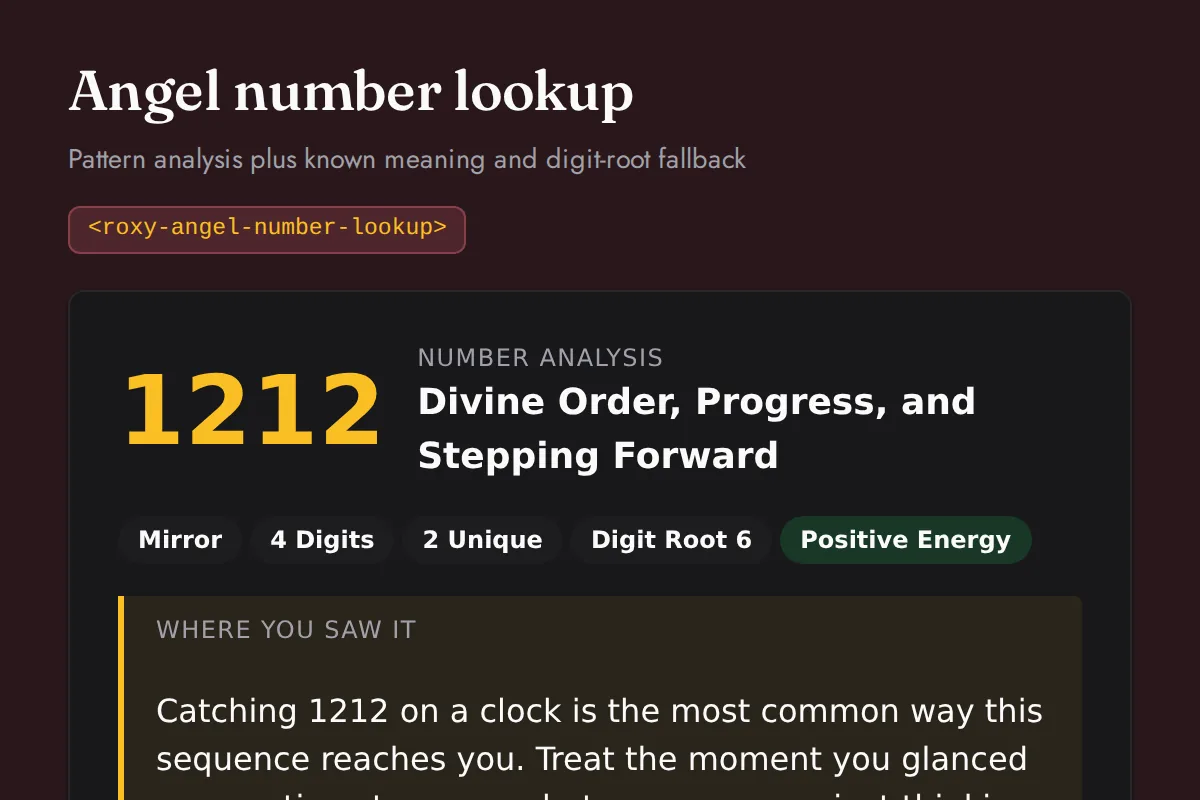
<roxy-angel-number-lookup>Pattern analysis plus known meaning and digit-root fallback
GET /angel-numbers/lookup
Cross
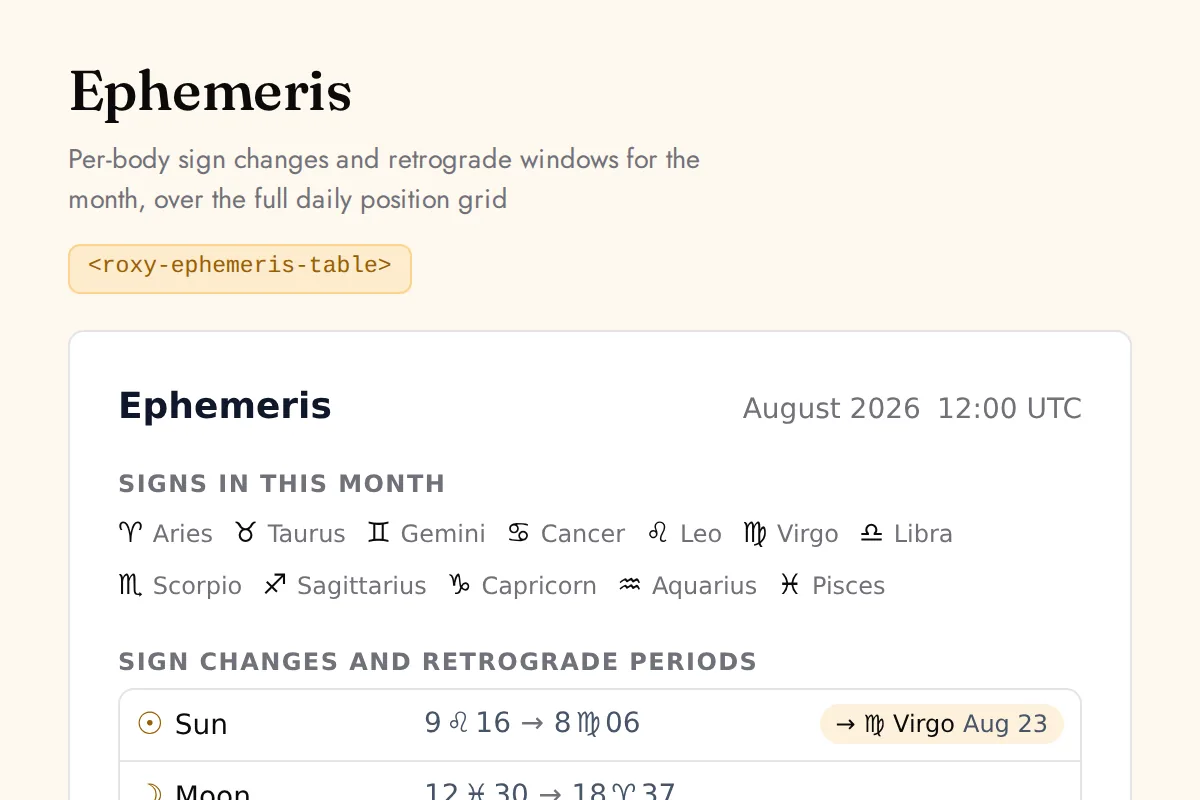
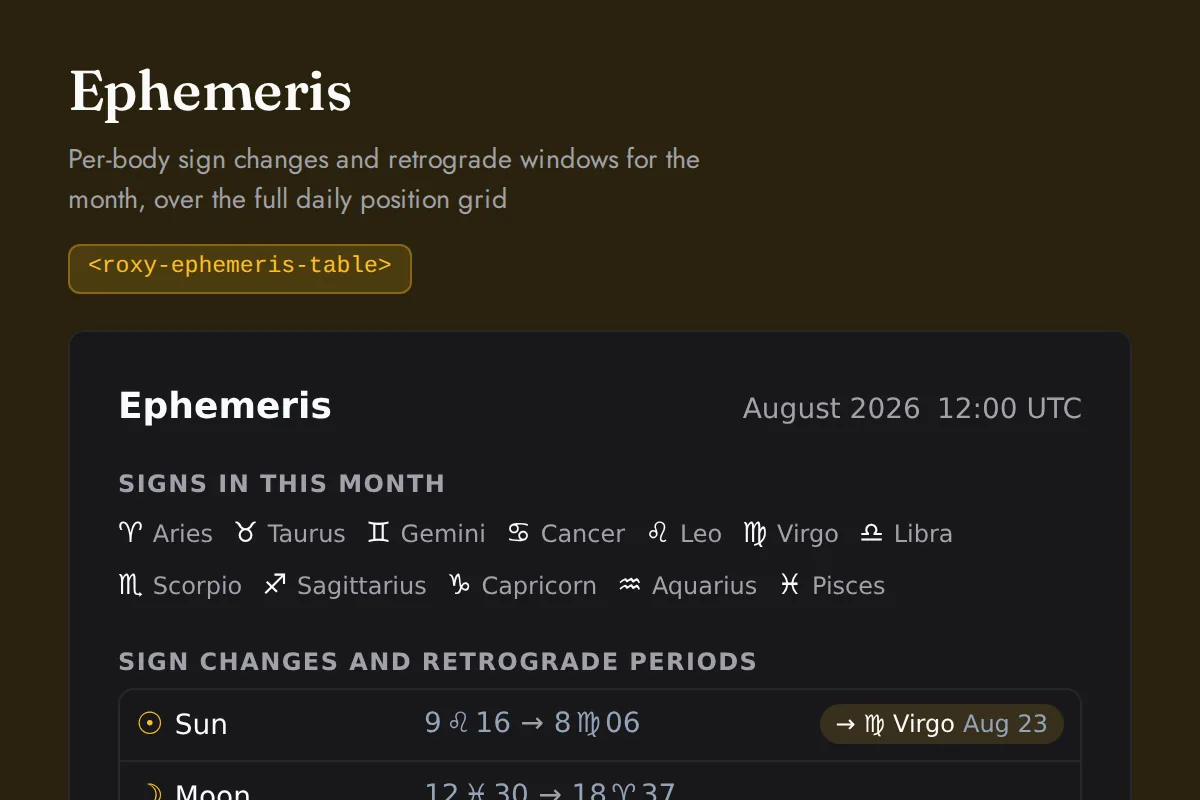
<roxy-ephemeris-table>Per-body sign changes and retrograde windows for the month, over the full daily position grid
POST /astrology/planets/monthly, /vedic-astrology/planetary-positions/monthly
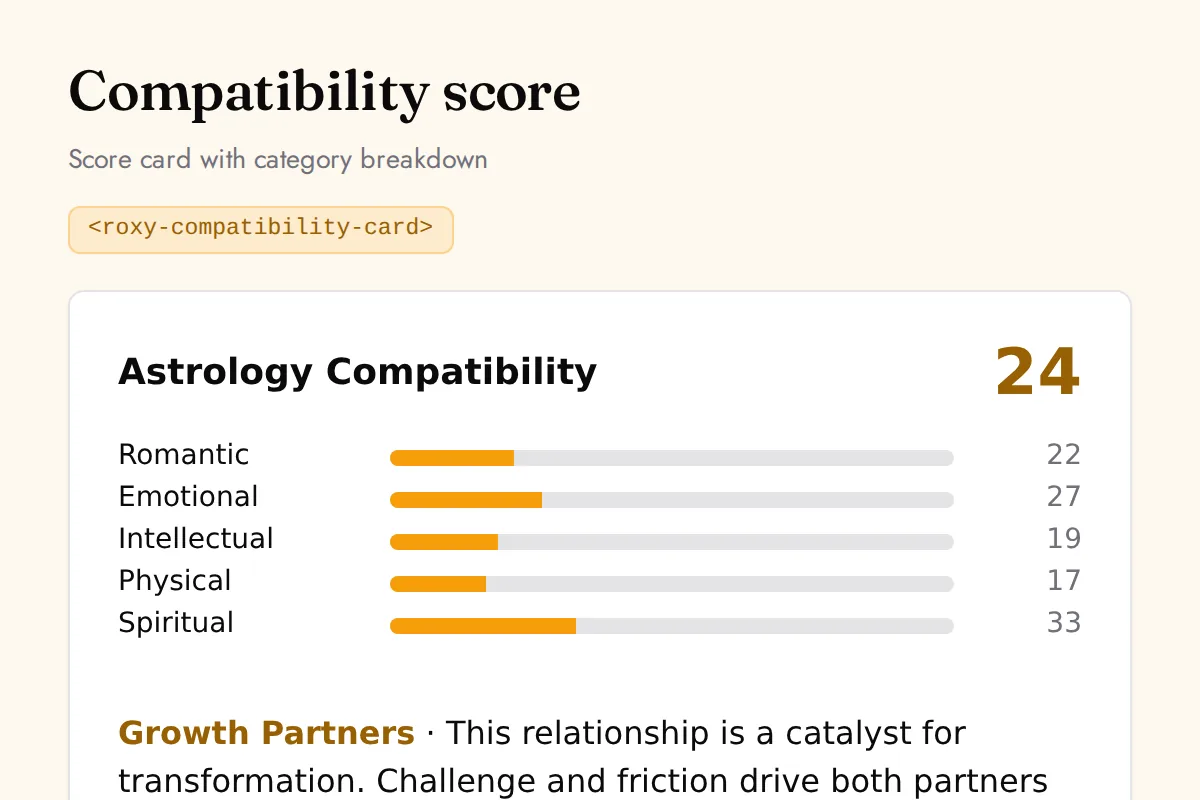
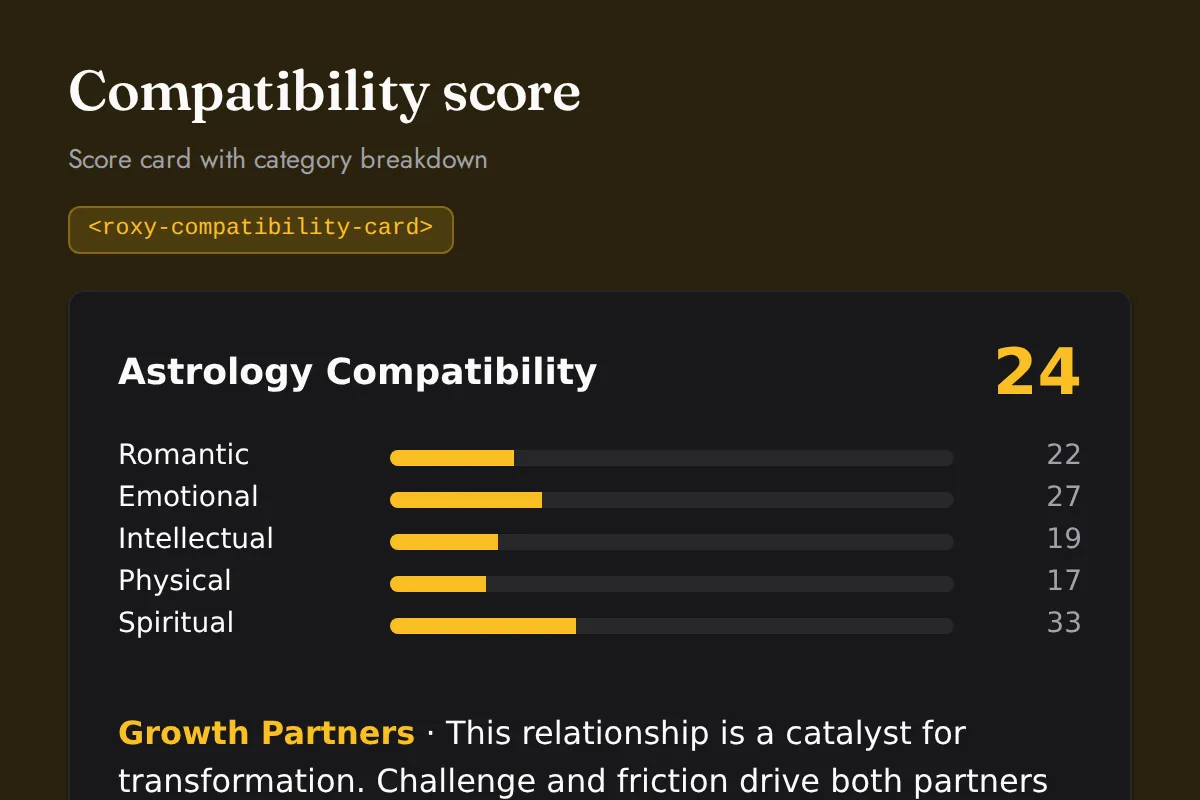
<roxy-compatibility-card>Score card with category breakdown
POST /astrology/compatibility-score, /numerology/compatibility, /biorhythm/compatibility
Reference
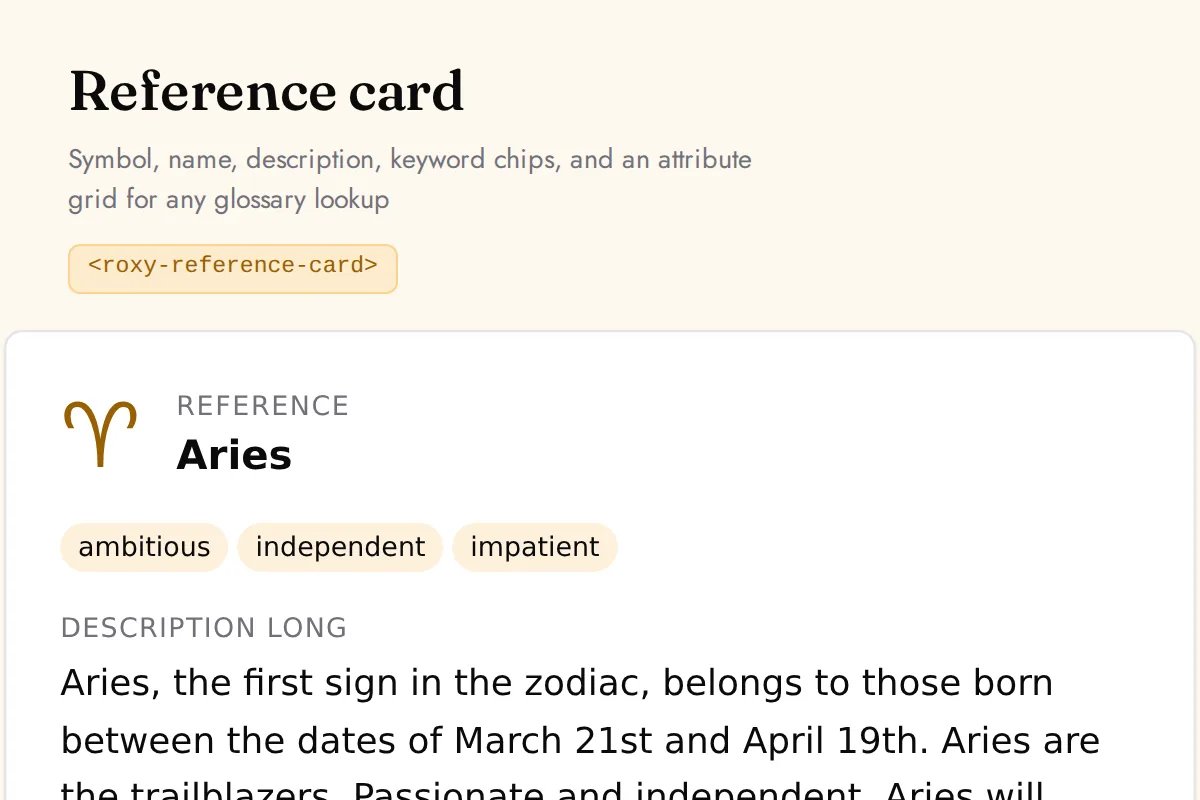
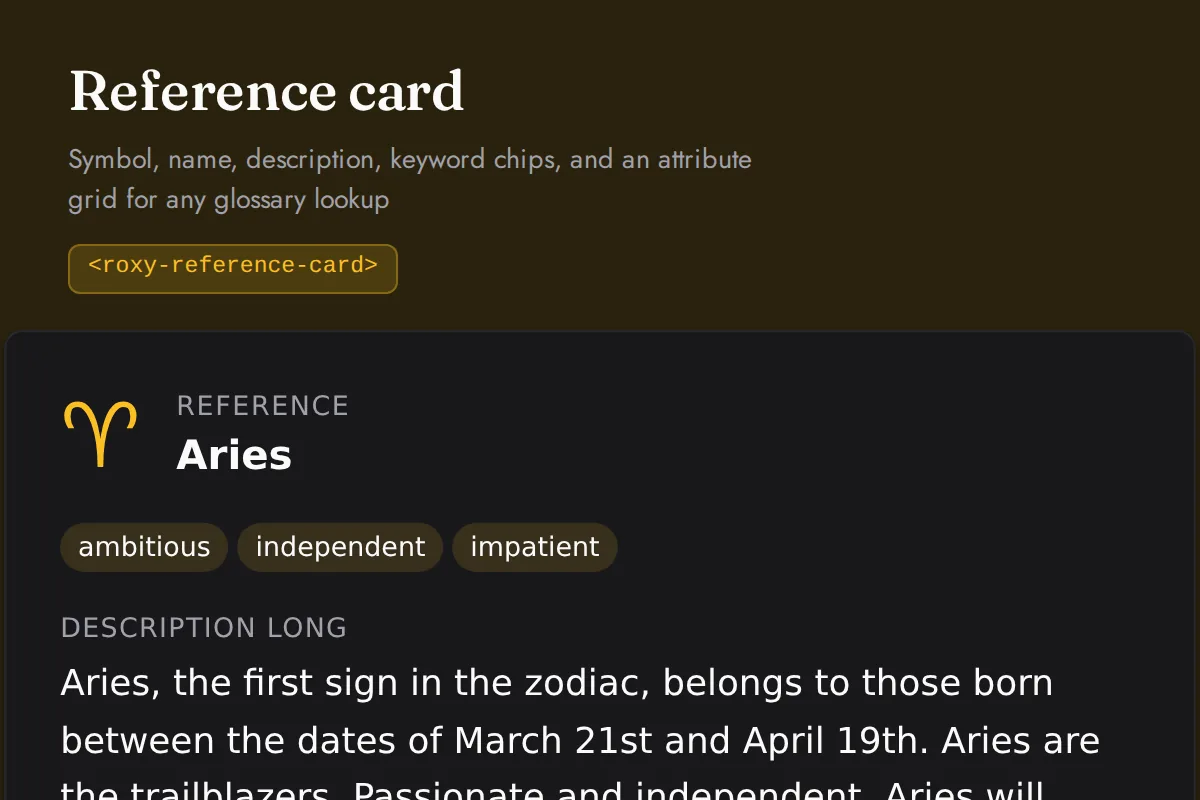
<roxy-reference-card>Symbol, name, description, keyword chips, and an attribute grid for any glossary lookup
GET /astrology/{signs,planet-meanings}/{id}, /vedic-astrology/{rashis,avasthas}/{id}, /iching/trigrams/{id}, /human-design/gates/{number}, /human-design/centers/{id}, /numerology/{meanings,compound-number}/{number}
Helper
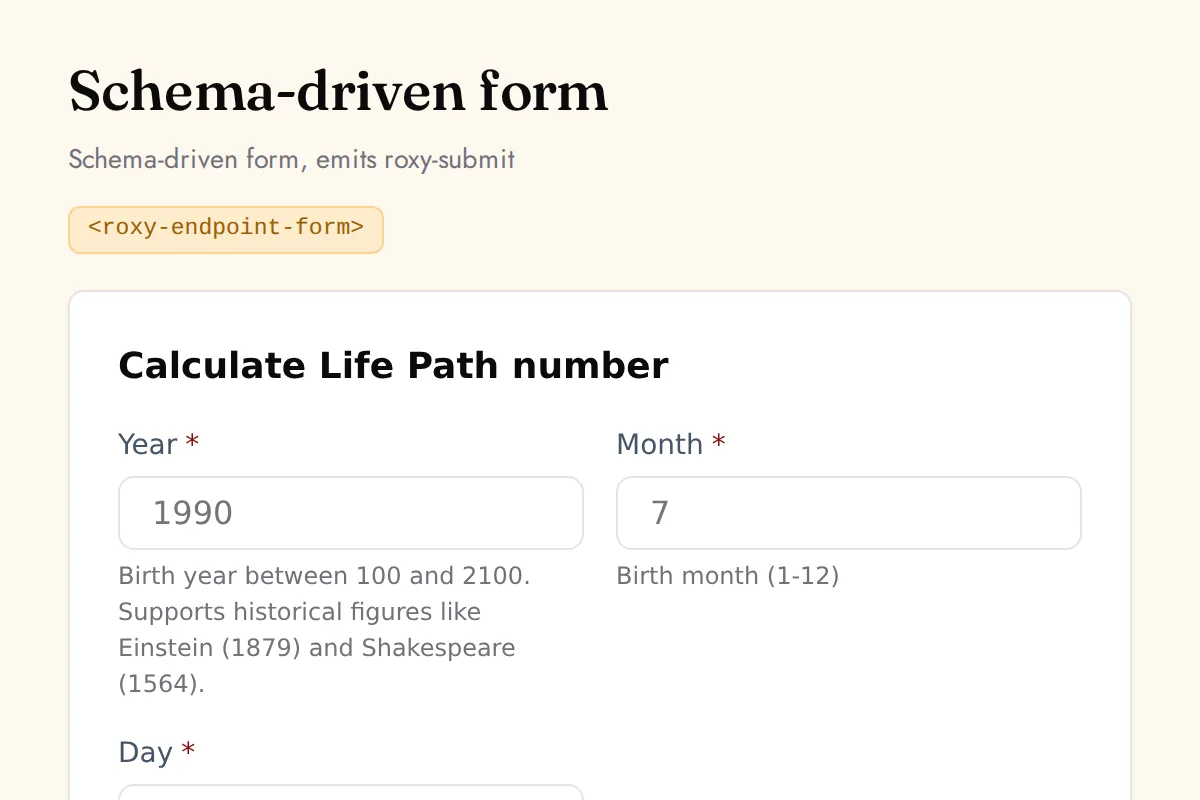
<roxy-endpoint-form>Schema-driven form, emits roxy-submit
Any endpoint, from the spec
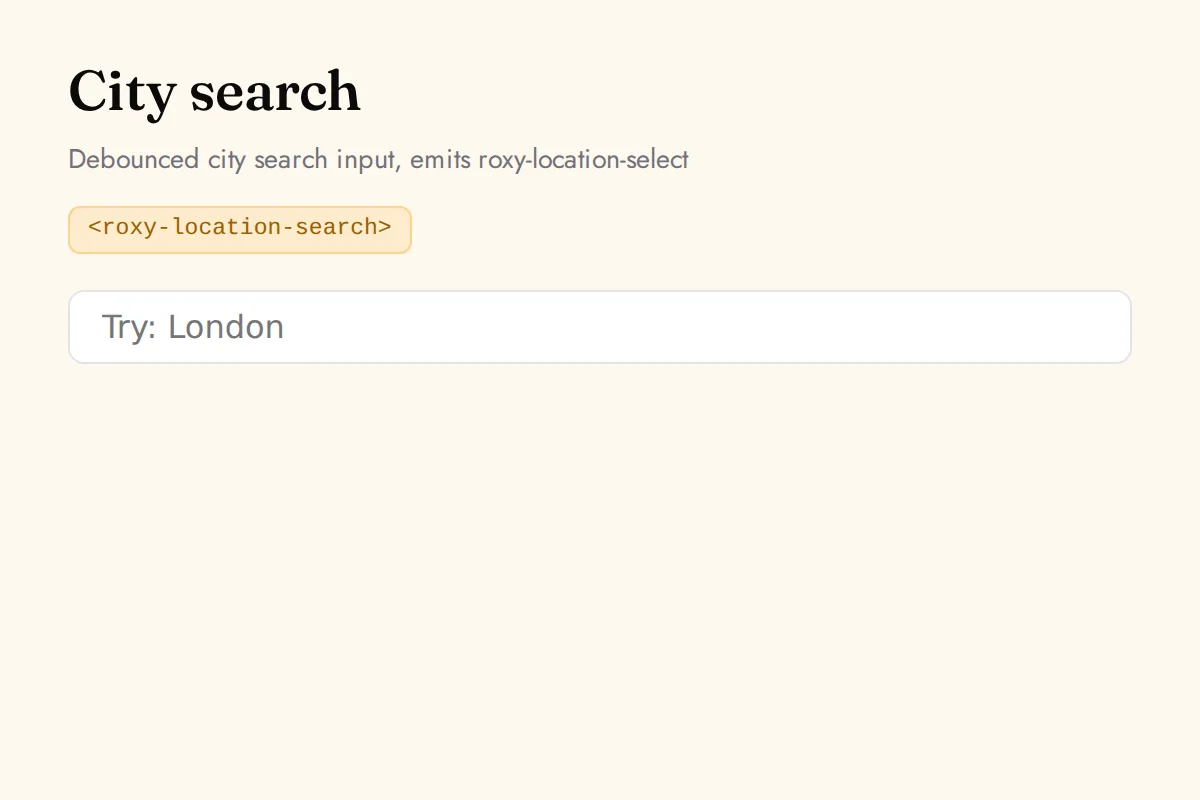
<roxy-location-search>Debounced city search input, emits roxy-location-select
GET /location/search
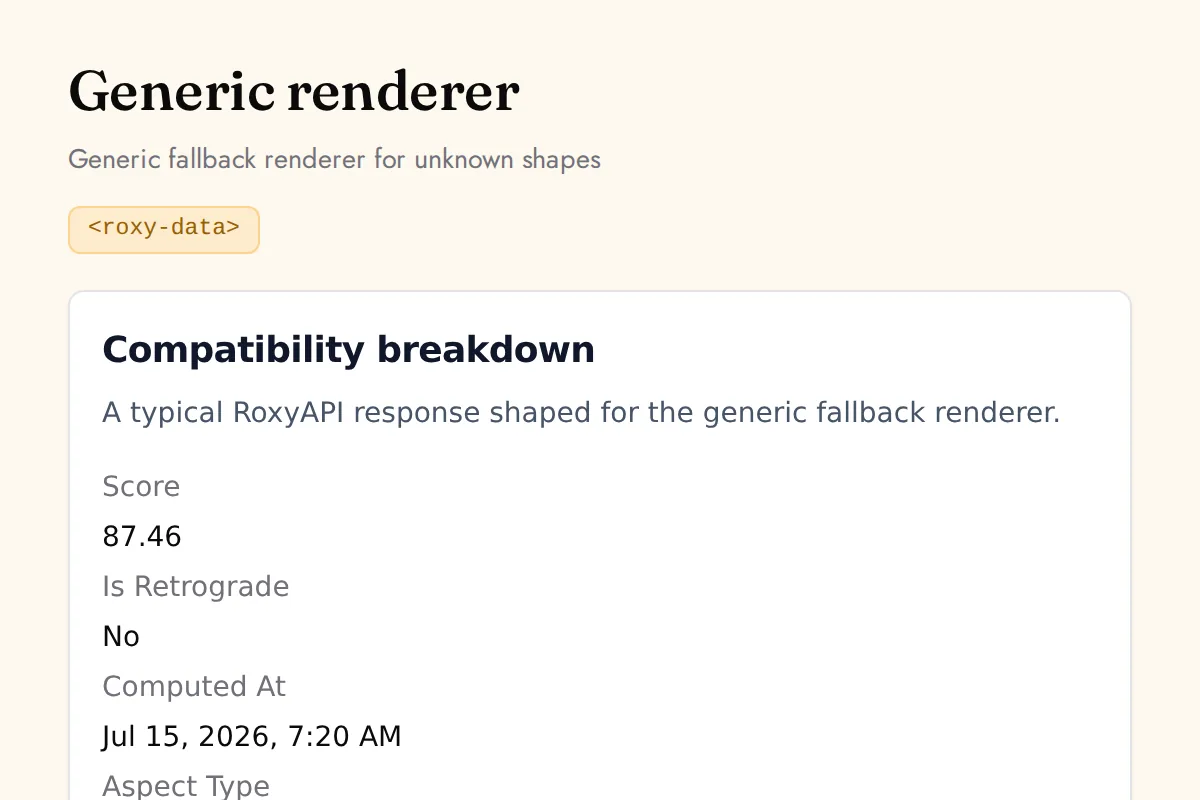
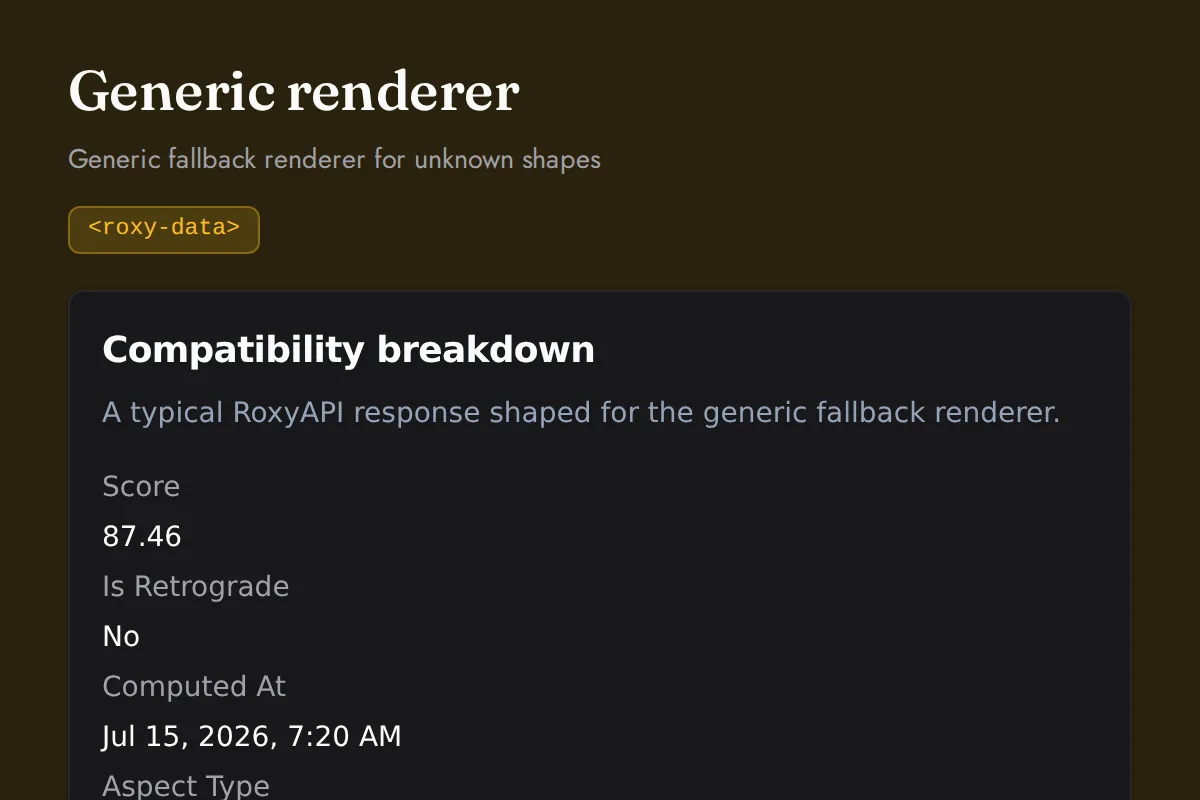
<roxy-data>Generic fallback renderer for unknown shapes
Any response shape
Every component, in the language your readers speak.
Readings and vocabulary come back in 10 languages: English, Turkish, German, Spanish, Hindi, Portuguese, French, Russian, Chinese (Simplified), Chinese (Traditional). A component reads the language off the page it is embedded in, so a site already published in Spanish or Hindi needs no change at all. Pick a language below to fix it instead, and the snippet updates with the one line that loads those labels.
Set it up once
The snippet below updates instantly. Your key stays in your browser, this page sends nothing to RoxyAPI.
No key yet? Create a publishable key in your account dashboard and list your site origin.
Match the page follows your site language. Pick one to fix it.
Off by default. Tick to add a small link back to RoxyAPI under every reading.
<!-- Optional: warm practitioner theme (drop this line for the default look) -->
<!-- <link rel="stylesheet" href="https://cdn.jsdelivr.net/npm/@roxyapi/ui@latest/dist/styles/themes/practitioner.css"> -->
<script src="https://cdn.jsdelivr.net/npm/@roxyapi/ui@latest/dist/cdn/roxy-ui.js" defer></script>
<roxy-natal-chart data-endpoint="astrology/natal-chart" publishable-key="pk_live_YOUR_KEY"></roxy-natal-chart>
Written readings and the vocabulary in the response follow the language everywhere. On-screen labels follow it on the charts that carry a translated label set today, and fall back to English elsewhere rather than breaking. Full language guide, including the npm import for bundled apps.
Why Roxy UI. Stateless, typed, themeable.
Built for builders shipping insight and prediction apps. Designed for AI agents that render structured responses. Themed for any brand.
Stateless by design
Components render the response you pass as the data property, from your server or from an MCP tool result in your own AI chat (generative UI). No internal fetches, no global stores. Predictable in every framework.
CSS custom properties
Override 30+ design tokens for color, typography, spacing, radius, shadow, motion. Match any brand without rebuilding the bundle.
A11y zero violations
WAI-ARIA 2.0 roles, keyboard navigation, focus rings, and reduced-motion gating. Verified with axe-core in CI on every release.
Schema driven forms
Components read the OpenAPI spec and render their own visitor-facing inputs: a zodiac tile picker, date and time fields, and city search. New endpoints get inputs automatically, with no form code.
Framework agnostic
Standard custom elements that render in React, Vue, Svelte, Angular, Solid, vanilla HTML, and WordPress. Shadow DOM scoping included.
Provenance attested
Both packages publish via OIDC trusted publisher with SLSA provenance. Verifiable supply chain on every release.
Typed end to end
Component prop shapes regenerate from the OpenAPI spec on every release. Your IDE catches schema drift before runtime.
Tree-shake friendly
Per component imports for bundlers. Lean prod bundle. Generous budgets enforced in CI on every release.
jsdelivr global CDN
Multi-CDN delivery from Cloudflare, Fastly, and Bunny. Every region, every browser. SRI hash auto-generated.
One library, every way you ship.
Pick the surface that fits your stack: npm, CDN, one-tag widgets, the shadcn registry, or source. Every surface ships the same components.
| Surface | URL |
|---|---|
| npm @roxyapi/ui | npmjs.com/package/@roxyapi/ui |
| npm @roxyapi/ui-react | npmjs.com/package/@roxyapi/ui-react |
| npm @roxyapi/ui-vue | npmjs.com/package/@roxyapi/ui-vue |
| jsdelivr full UMD | cdn.jsdelivr.net/npm/@roxyapi/ui@latest/dist/cdn/roxy-ui.js |
| jsdelivr per component | cdn.jsdelivr.net/npm/@roxyapi/ui@latest/dist/cdn/components/*.js |
| widgets.js one tag | cdn.jsdelivr.net/npm/@roxyapi/ui@latest/dist/cdn/widgets.js |
| practitioner theme | cdn.jsdelivr.net/npm/@roxyapi/ui@latest/dist/styles/themes/practitioner.css |
| shadcn registry | bunx shadcn add cdn.jsdelivr.net/gh/RoxyAPI/ui@main/registry/{name}.json |
| GitHub source | github.com/RoxyAPI/ui |
One platform behind the components
Roxy UI is one surface of the platform. The same key that feeds these components also powers the typed API, Remote MCP servers, typed SDKs, embeddable widgets, and Templates.
- Typed API: a complete result in one call, from a live typed OpenAPI spec
- Remote MCP: hosted agent tools over Streamable HTTP, no local setup
- Typed SDKs: TypeScript, Python, PHP, C#, and Go, generated from the spec
- UI components: natal wheels, kundli, bodygraphs, and spreads rendered from the response
- Embed widgets: paste one snippet on any site with a browser safe publishable key
- Templates: MIT licensed apps to clone, white label, and ship as your own
- Multilingual i18n: full interpretation text in 10+ languages, included in every plan
Every surface, across all 18 domains, under one flat subscription. No per-product fees, no per-request or token costs.
Common questions
Roxy UI is a stateless component library. It renders the typed response you pass as the data property. No internal fetches, no global stores. Predictable in every framework.
What is Roxy UI?
Roxy UI is the official open-source web component library for the RoxyAPI catalog. It ships drop-in charts, tables, cards, and forms for astrology, Vedic astrology, numerology, tarot, biorhythm, I Ching, crystals, dreams, and angel numbers. Components are stateless: caller fetches via the SDK and passes the response as a typed data prop. MIT licensed, published with SLSA provenance via OIDC.
How do I install Roxy UI?
Install exactly one package. React, Next.js or Remix: `npm install @roxyapi/ui-react`. Vue or Nuxt: `npm install @roxyapi/ui-vue`. Everything else, including Svelte, Angular, Solid and Astro: `npm install @roxyapi/ui`. Each package is self contained and carries its own response types, so nothing else is needed to be fully typed. For vanilla HTML, WordPress, Stan Store, or no-build sites, load the script tag from jsDelivr instead: `https://cdn.jsdelivr.net/npm/@roxyapi/ui@latest/dist/cdn/roxy-ui.js`.
Does Roxy UI work with Next.js 16 and React 19?
Yes. The @roxyapi/ui-react package is server-side-render safe in Next.js 16 with React 19. Mark the file containing the component as a client component with the use client directive. Components render a placeholder on the server and hydrate with the typed render on the client. For peak Next.js performance, add the jsDelivr script tag with strategy beforeInteractive in your app/layout.tsx.
Does Roxy UI work with Nuxt and Vue server-side rendering?
Yes. The @roxyapi/ui-vue package ships Vue 3 wrappers and is safe to import in a server rendered app. The components mount custom elements and need the DOM, so render them in a client context: wrap them in ClientOnly, or give the file a .client.vue suffix. This is the same constraint as the use client directive in the Next.js App Router. You do not need to configure compilerOptions.isCustomElement.
Is Roxy UI free?
Yes. Roxy UI is open source under the MIT license. The components themselves are free to use, modify, and redistribute. Rendering live data requires a RoxyAPI key, which starts at free for evaluation and standard subscription tiers for production usage.
How do I theme Roxy UI components?
Set one variable. Put --roxy-accent on :root and every chart, table and card follows: the text safe accent shade and the focus ring are derived from it, so one line rebrands the library. If you want a different accent in dark mode, set it in your dark block too. Dark mode itself needs no wiring and works via the system preference, a dark class, or a data-theme attribute on any ancestor. Beyond the accent there are 30 plus design tokens for color, typography, spacing, radius, shadow and motion, all CSS custom properties on the root or per element. No Tailwind, no rebuild, no class overrides.
Which frameworks does Roxy UI support?
Roxy UI ships standard Lit web components that render natively in React, Next.js, Vue, Nuxt, Svelte, SvelteKit, Angular, Solid, Qwik, Astro, vanilla HTML, and WordPress. The same components work in every framework. React and Vue users get typed companion packages at @roxyapi/ui-react and @roxyapi/ui-vue.
How does Roxy UI compare to shadcn or Material UI?
Roxy UI is purpose-built for spiritual data APIs. It renders specific RoxyAPI endpoint responses (natal charts, kundli wheels, panchang tables, dasha timelines, tarot spreads, biorhythm curves, hexagrams, numerology cards) out of the box. shadcn and Material UI are general-purpose UI primitives. Use Roxy UI alongside shadcn or Material UI: Roxy UI for the domain renderers, your existing library for the rest of the app.
Can I use Roxy UI without a backend or build step?
Yes. Load the bundle from the jsDelivr CDN with one script tag and give any component a publishable key that starts with pk_, and it fetches live data straight from the browser: no server, no npm, no build. The key is browser safe and locked to the site origins you list. For a ready-made copy-paste snippet per component, plus a hosted embed URL for hosts that cannot run scripts, see the widgets gallery at /widgets.
Can an AI chatbot render Roxy UI components from a tool call?
Yes, this is generative UI for AI chat. When your LLM calls a RoxyAPI tool over Remote MCP, the result is the same JSON the components take. componentForTool, exported from @roxyapi/ui, @roxyapi/ui-react and @roxyapi/ui-vue, maps the tool name the model used to the component that draws it, and the compact tool result is decoded inside the component, so a natal chart, kundli or tarot spread renders beside the model reply in any chat UI where you control the markup: the Vercel AI SDK, assistant-ui, CopilotKit or your own. The walkthrough, including the Anthropic, OpenAI and Gemini connectors, is at /docs/tutorials/ai-chat-widgets.
Does Roxy UI support other languages?
Yes, eight: English, Turkish, German, Spanish, Hindi, Portuguese, French, and Russian. A component picks its language up from the page it is embedded in, so a site already published in another language needs no per-component change. Add one small file for the language you want, or import it in a bundled app, and the on-screen labels follow too. Readings and the planet, sign, and aspect names are localized on every endpoint; labels are translated on the charts that carry a translated label set today and fall back to English elsewhere rather than breaking. Setup and the honest coverage list are at /docs/ui.
Where is the source code?
Source on GitHub at github.com/RoxyAPI/ui. MIT license. Published to npm as @roxyapi/ui, @roxyapi/ui-react, and @roxyapi/ui-vue with SLSA provenance attestation via OIDC trusted publisher. Globally served via jsDelivr CDN.
Get an API key. Render your first chart in 30 minutes.
Roxy UI is free and open source. The RoxyAPI catalog powers every render.