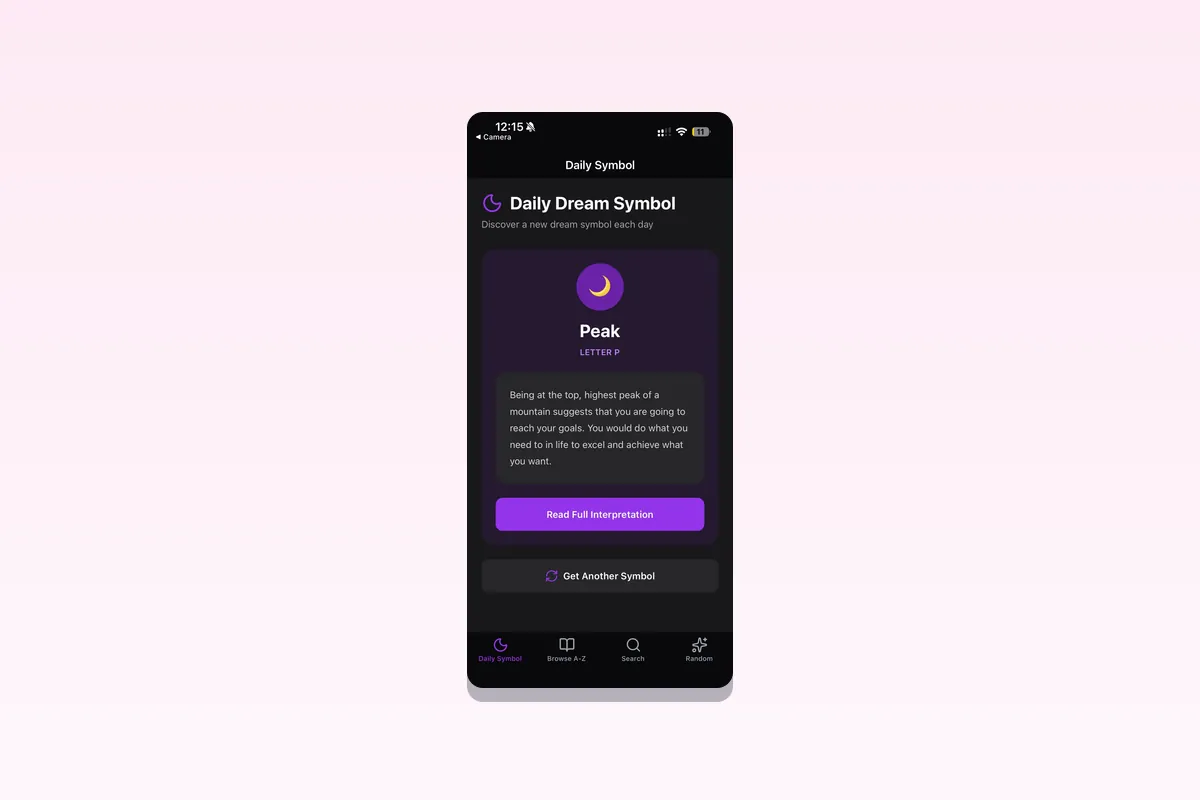



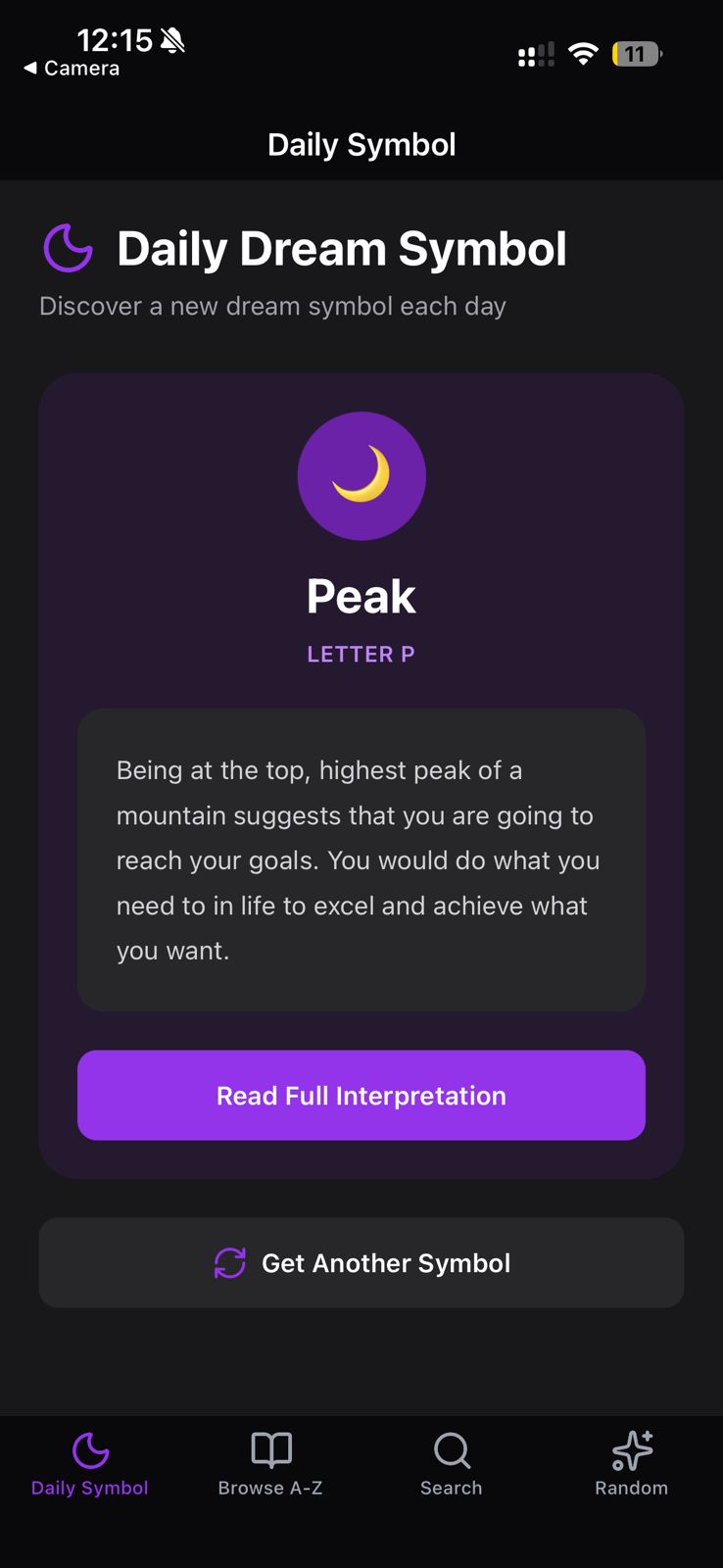
Open-source React Native (Expo) template for a dream interpretation app: a seeded daily dream symbol, an A to Z dream dictionary, keyword search across 2,000+ dream symbols, and random symbol discovery. Built on the Roxy Dreams API and the official @roxyapi/sdk. One API key, every dreams endpoint, full control over your native UI.
Fork it, set one environment variable, and ship.
Screenshots
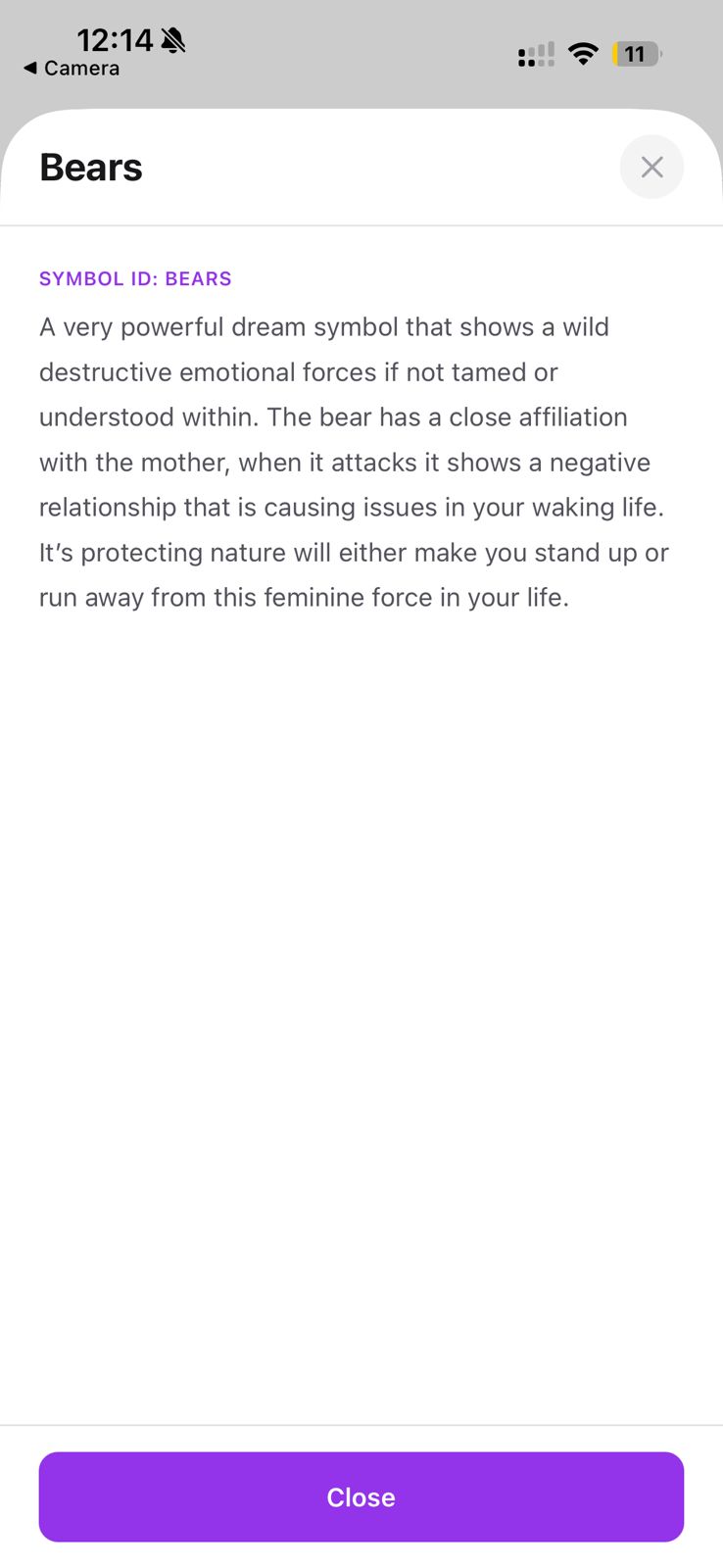
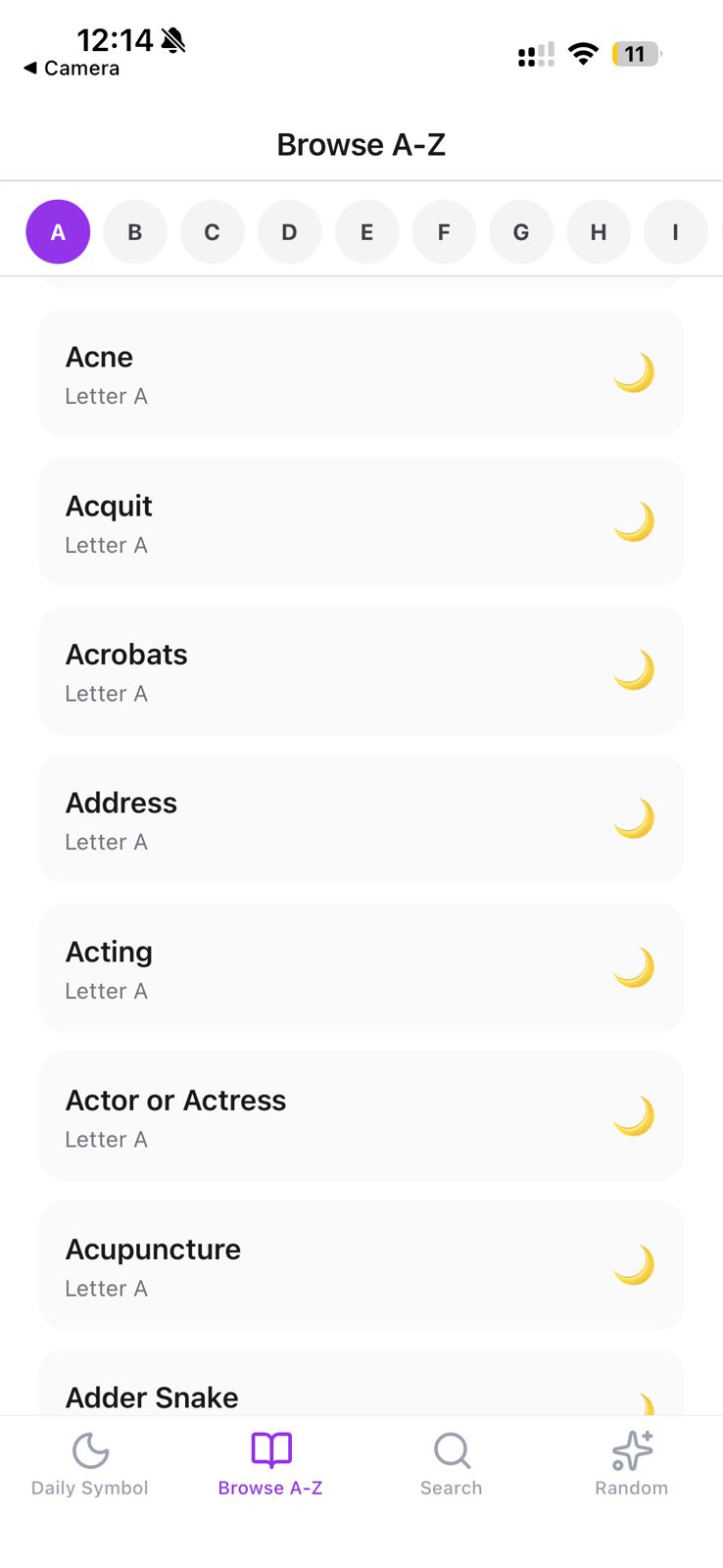
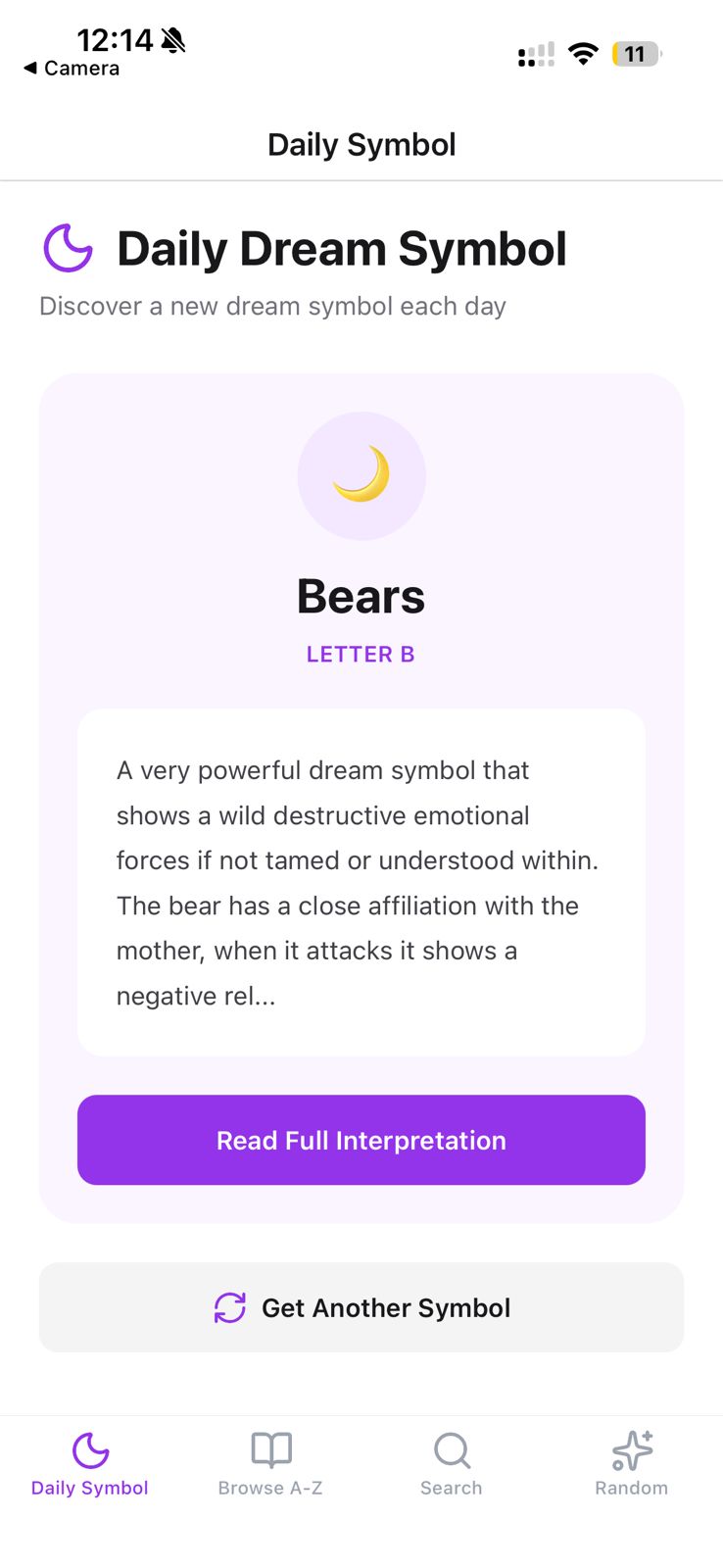
What you get
- Daily symbol seeded per device, so a user sees the same dream symbol all day, with a concise daily message and the full interpretation one tap away.
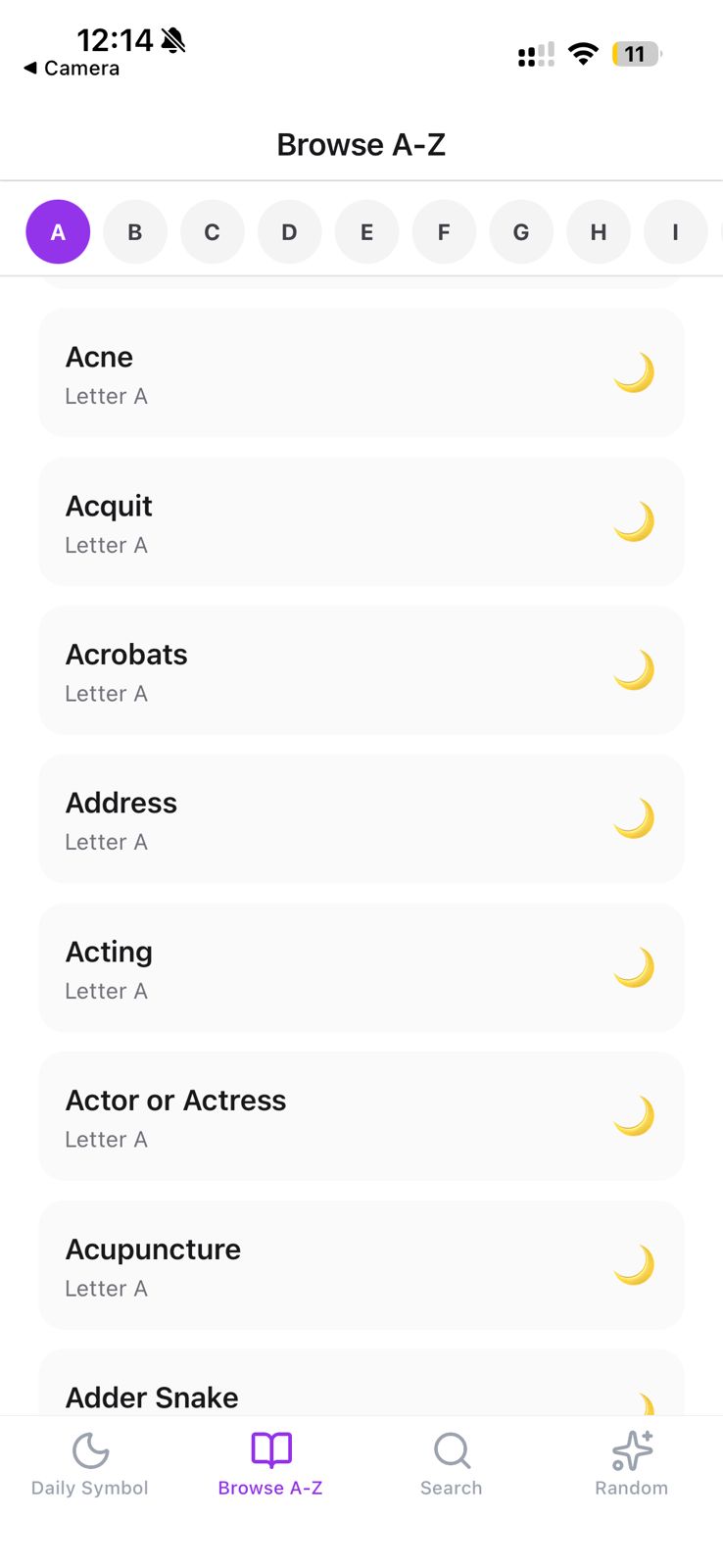
- A to Z dictionary that browses every dream symbol by starting letter, backed by live per-letter counts.
- Keyword search across 2,000+ dream meanings: flying dreams, teeth falling out, snake dreams, water dreams, being chased, and thousands more.
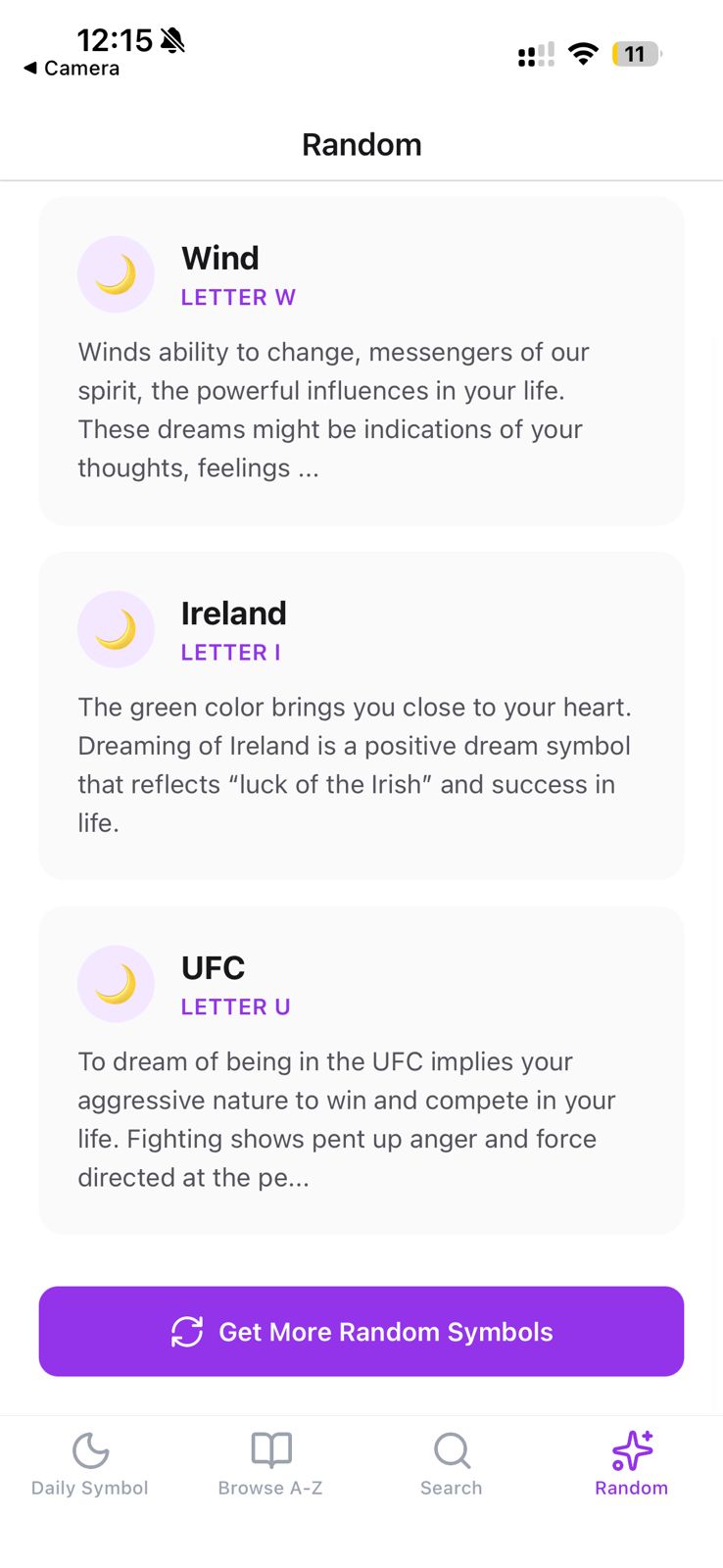
- Random discovery of multiple symbols for journaling prompts and meditation.
- Full interpretations covering subconscious symbolism, emotional significance, and connections to waking life.
- Dark mode with a purple dream theme that follows the device setting.
Stack
| Technology | Purpose |
|---|---|
| Expo SDK 57 | React Native runtime and build tooling |
| Expo Router | File-based navigation with bottom tabs |
| @roxyapi/sdk | Fully typed RoxyAPI client. One key, every domain. |
| NativeWind v4 | Tailwind CSS for React Native |
| Roxy Dreams API | 2,000+ dream symbols with psychological interpretations |
Quick start
1. Clone and install
git clone https://github.com/RoxyAPI/dreams-starter-app.git
cd dreams-starter-app
npm install
2. Get your API key
Get instant access at roxyapi.com/pricing. One key unlocks every dreams endpoint. Add it to .env:
EXPO_PUBLIC_ROXYAPI_KEY=your-api-key-hereBundled key caveat. A mobile app has no server, so any
EXPO_PUBLIC_*value is compiled into the build and can be read off a device. For production, use a key restricted to your bundle id in the dashboard, or route calls through a thin backend proxy that holds the real key. Never ship an unrestricted key.
3. Run
npm start          # dev server, then press i, a, or w
npm run ios        # iOS simulator (macOS only)
npm run android    # Android emulator
npm run web        # web
How it works
The SDK is the only data layer. There is no generated schema file to keep in sync: @roxyapi/sdk ships its own types from the same OpenAPI spec the API serves, so a response flows straight into a screen with no glue code.
One typed client
// src/api/client.ts
import { createRoxy } from '@roxyapi/sdk';

const key = process.env.EXPO_PUBLIC_ROXYAPI_KEY ?? '';
export const roxy = createRoxy(key);
export const hasApiKey = (): boolean => Boolean(key);
One data layer, screens stay thin
Every screen imports from src/api. The data layer wraps each roxy.dreams.* call and unwraps the SDK { data, error } result into either the response or one thrown error the screen can catch:
// src/api/dreams.ts
export const dreamsApi = {
  getDailySymbol: async (body) => unwrap(await roxy.dreams.getDailyDreamSymbol({ body }), 'Failed to get daily symbol'),
  // ...
};
// app/(tabs)/index.tsx
const data = await dreamsApi.getDailySymbol({ seed: deviceId });
// data.symbol.name, data.symbol.meaning, data.dailyMessageFeatured endpoints
The highest-demand dreams endpoints, in the order you are most likely to ship them. Every method name and field below comes from the OpenAPI spec.
import { createRoxy } from '@roxyapi/sdk';

const roxy = createRoxy(process.env.EXPO_PUBLIC_ROXYAPI_KEY!);

// 1. Symbol detail. Every "what does it mean to dream about X" page lands here.
const { data: symbol } = await roxy.dreams.getDreamSymbol({ path: { id: 'flying' } });
// symbol.id, symbol.name, symbol.letter, symbol.meaning

// 2. Symbol search. Keyword match across names and meanings, with pagination.
const { data: results } = await roxy.dreams.searchDreamSymbols({ query: { q: 'water', limit: 20 } });
// results.total, results.symbols[].id, results.symbols[].name

// 3. Symbol list by letter. Powers A to Z dream dictionary navigation.
const { data: page } = await roxy.dreams.searchDreamSymbols({ query: { letter: 's', limit: 50 } });

// 4. Daily symbol. Seed per device for the same symbol all day.
const { data: daily } = await roxy.dreams.getDailyDreamSymbol({ body: { seed: 'device-42' } });
// daily.date, daily.symbol.name, daily.dailyMessage

// 5. Letter counts. One call builds the whole A to Z navigation.
const { data: counts } = await roxy.dreams.getSymbolLetterCounts();
// counts.letters (map of letter to count), counts.total
This template uses 5 of the dreams endpoints. Browse the rest in the API reference.
Project structure
app/                          # Expo Router screens
├── _layout.tsx               # Root Stack
└── (tabs)/
    ├── _layout.tsx           # Bottom tabs
    ├── index.tsx             # Daily symbol
    ├── browse.tsx            # Browse A to Z with letter counts
    ├── search.tsx            # Keyword search
    └── random.tsx            # Random symbol discovery
src/
├── api/
│   ├── client.ts             # The one Roxy SDK client + hasApiKey guard
│   ├── dreams.ts             # Wraps roxy.dreams.*, unwraps { data, error }
│   ├── types.ts              # SDK response types under app-friendly names
│   └── index.ts              # Barrel export
├── components/
│   ├── RoxyBranding.tsx      # API key setup screen
│   └── SymbolDetailModal.tsx # Full interpretation modal
├── constants/colors.ts       # appColors for React Native props
└── hooks/useUserId.ts        # Stable device id in AsyncStorage, used as the daily seed
Customize
- Add a feature. Pick a dreams method, add a wrapper in
src/api/dreams.ts, call it from a screen. The SDK types come from the spec, so new endpoints flow through with no manual typing. - Change the theme. This app uses Tailwind colors through NativeWind. Swap
purple-600in the screenclassNamestrings for any Tailwind color, and updateappColors.primaryinsrc/constants/colors.tsfor the React Native props. - Add a journal. Save each dream with its date and the symbols a user tapped into using AsyncStorage, then track recurring patterns over time.
Why Roxy
- Breadth. Dreams plus Western astrology, Vedic astrology, forecast, human design, Chinese astrology, feng shui, numerology, tarot, biorhythm, I Ching, crystals, and angel numbers under one key.
- Type-safe. The SDK types come from one OpenAPI pipeline, so response shapes cannot drift from what the API returns.
- Remote MCP. Connect AI agents to every dreams endpoint at
roxyapi.com/mcp/dreams, no local setup.
Links
License
MIT