Add astrology to your site. One snippet, no backend.
Drop-in widgets for horoscopes, natal charts, Vedic kundli, forecast, human design, numerology, tarot, and every other RoxyAPI domain. Paste one snippet or one hosted URL, add your publishable key, and the widget renders its own inputs and fetches live readings on Squarespace, WordPress, Wix, or plain HTML.
Every widget, ready to paste.
73 widgets across 20 categories, each rendering live data from one endpoint. Pick a category to jump straight to it.
Set it up once
Every snippet below updates instantly. Your key stays in your browser, this page sends nothing to RoxyAPI.
No key yet? Create a publishable key in your account dashboard and list your site origin.
Match the page follows your site language. Pick one to fix it.
Off by default. Tick to add a small link back to RoxyAPI under every reading.
Astrology
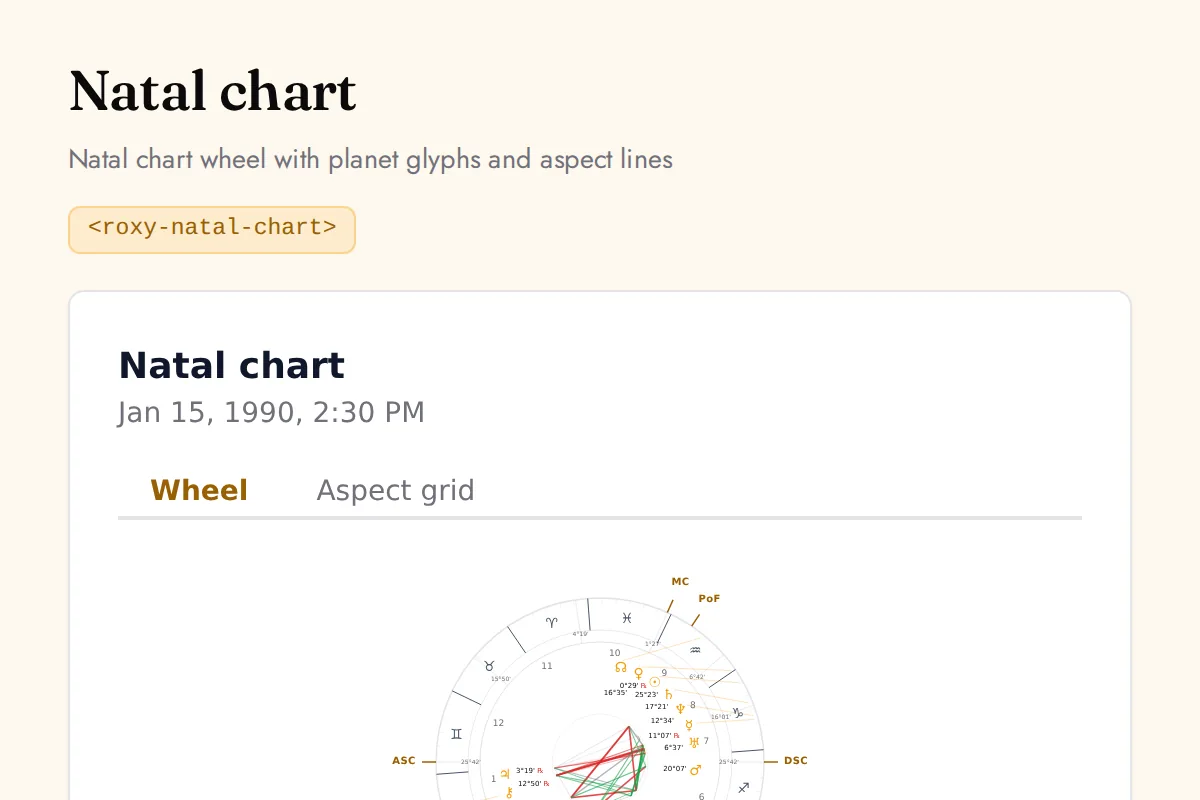
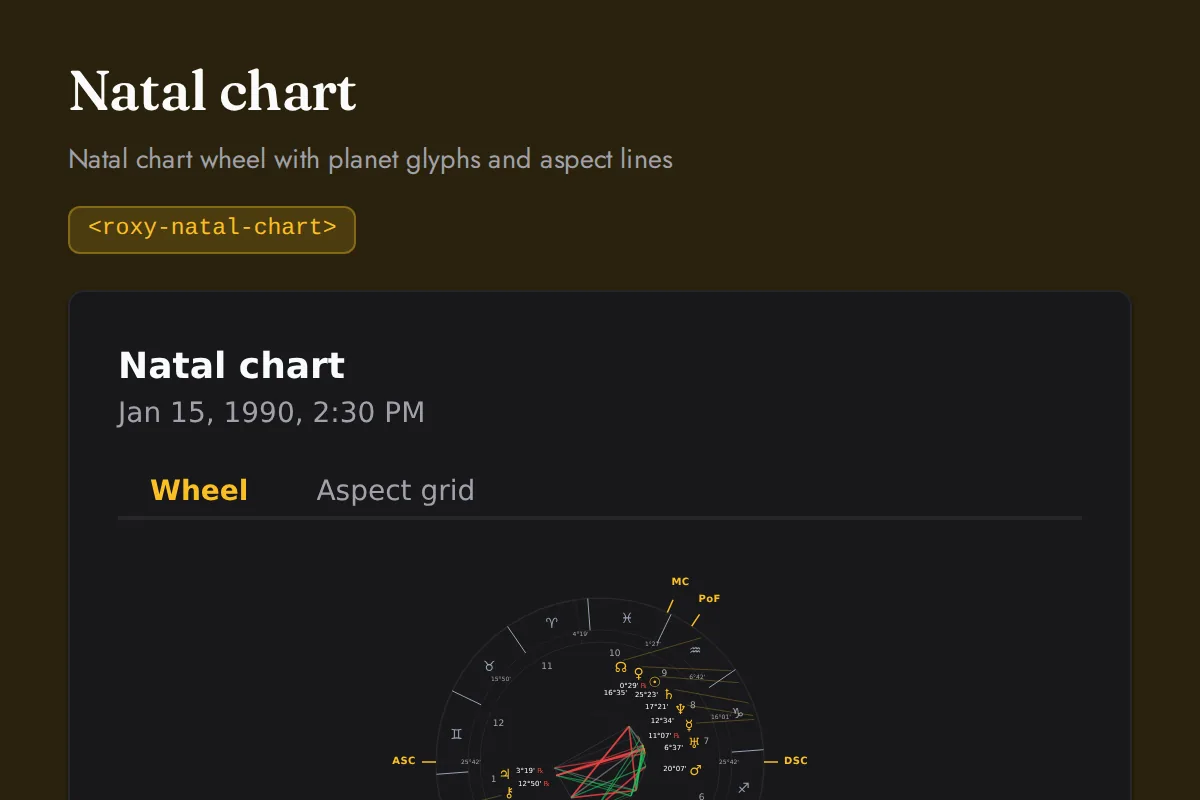
Natal chart
Natal chart wheel with planet glyphs and aspect lines
https://roxyapi.com/embed/natal-chart?pk=pk_live_YOUR_KEY<iframe src="https://roxyapi.com/embed/natal-chart?pk=pk_live_YOUR_KEY" title="Natal chart widget" style="border:0;width:100%;height:600px" loading="lazy"></iframe><!-- Optional: warm practitioner theme (drop this line for the default look) -->
<!-- <link rel="stylesheet" href="https://cdn.jsdelivr.net/npm/@roxyapi/ui@latest/dist/styles/themes/practitioner.css"> -->
<script src="https://cdn.jsdelivr.net/npm/@roxyapi/ui@latest/dist/cdn/roxy-ui.js" defer></script>
<roxy-natal-chart data-endpoint="astrology/natal-chart" publishable-key="pk_live_YOUR_KEY" hide-sections="hint"></roxy-natal-chart><script src="https://cdn.jsdelivr.net/npm/@roxyapi/ui@latest/dist/cdn/widgets.js" defer></script>
<div data-roxy-widget="natal-chart" data-publishable-key="pk_live_YOUR_KEY" data-hide-sections="hint"></div>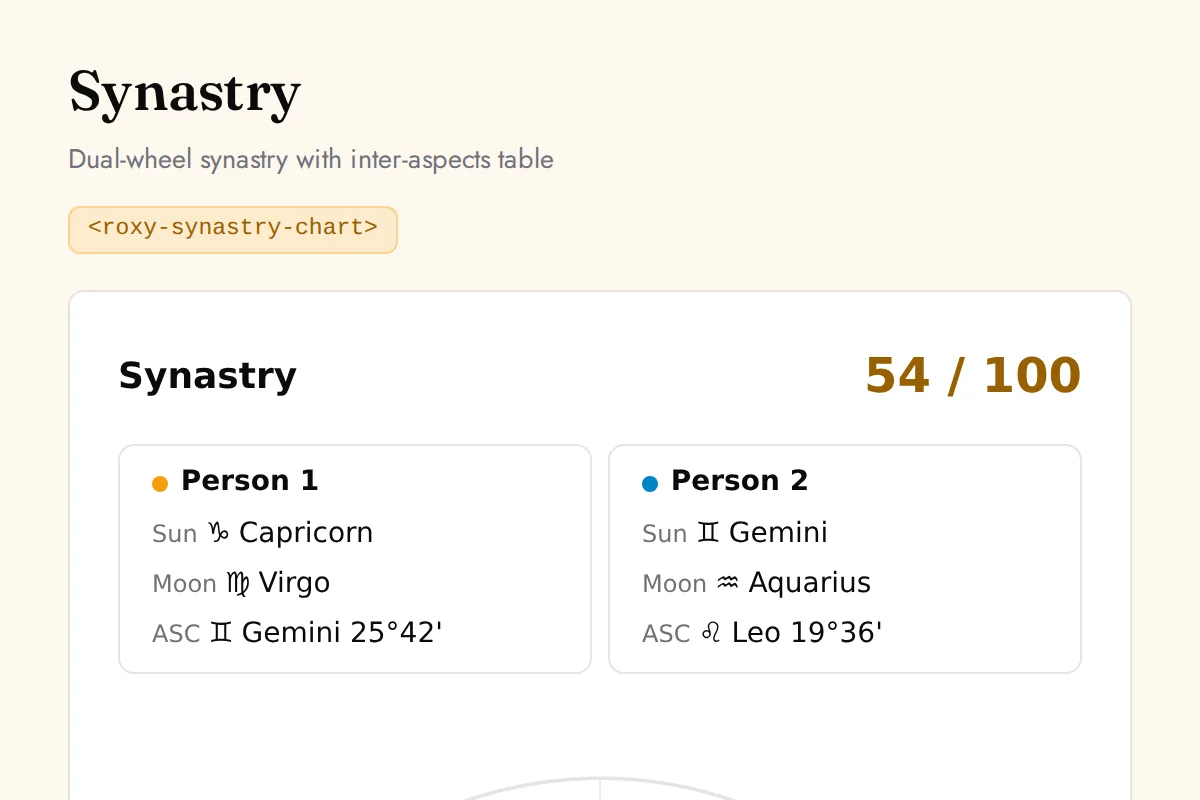
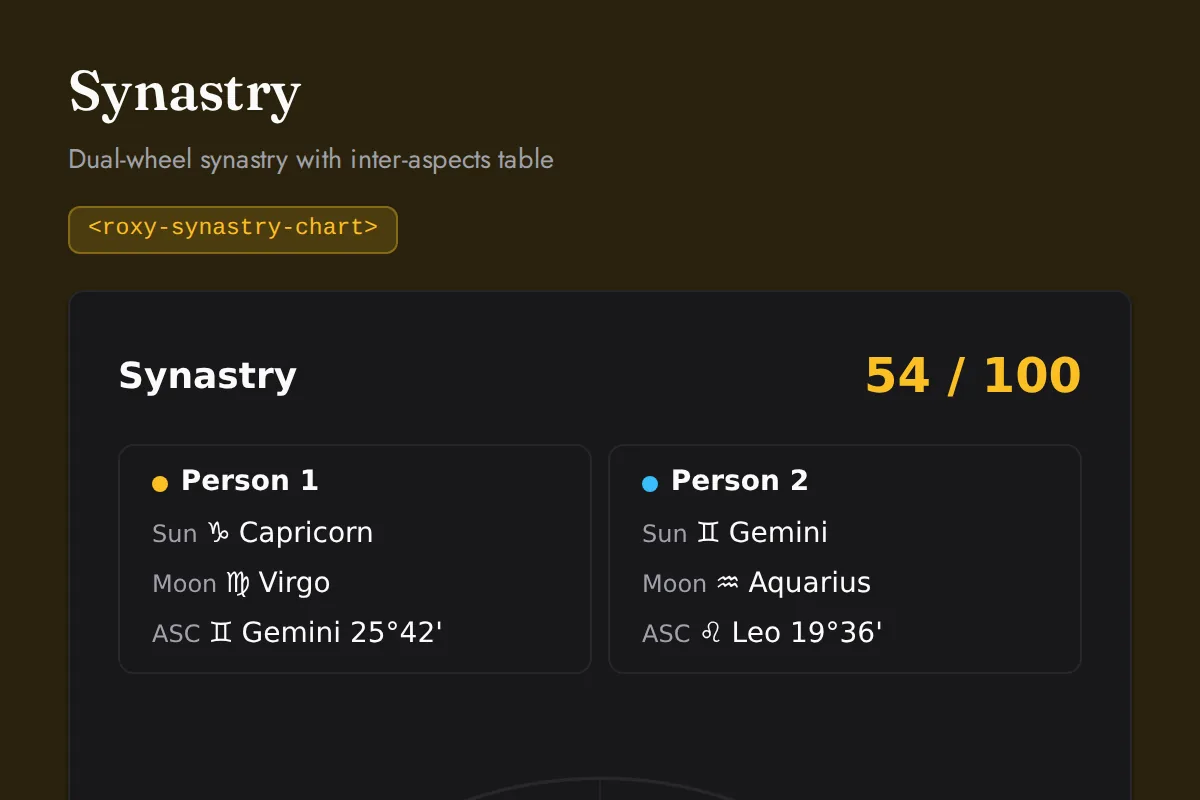
Synastry chart
Dual-wheel synastry with inter-aspects table
https://roxyapi.com/embed/synastry-chart?pk=pk_live_YOUR_KEY<iframe src="https://roxyapi.com/embed/synastry-chart?pk=pk_live_YOUR_KEY" title="Synastry chart widget" style="border:0;width:100%;height:600px" loading="lazy"></iframe><!-- Optional: warm practitioner theme (drop this line for the default look) -->
<!-- <link rel="stylesheet" href="https://cdn.jsdelivr.net/npm/@roxyapi/ui@latest/dist/styles/themes/practitioner.css"> -->
<script src="https://cdn.jsdelivr.net/npm/@roxyapi/ui@latest/dist/cdn/roxy-ui.js" defer></script>
<roxy-synastry-chart data-endpoint="astrology/synastry" publishable-key="pk_live_YOUR_KEY" hide-sections="hint"></roxy-synastry-chart><script src="https://cdn.jsdelivr.net/npm/@roxyapi/ui@latest/dist/cdn/widgets.js" defer></script>
<div data-roxy-widget="synastry-chart" data-publishable-key="pk_live_YOUR_KEY" data-hide-sections="hint"></div>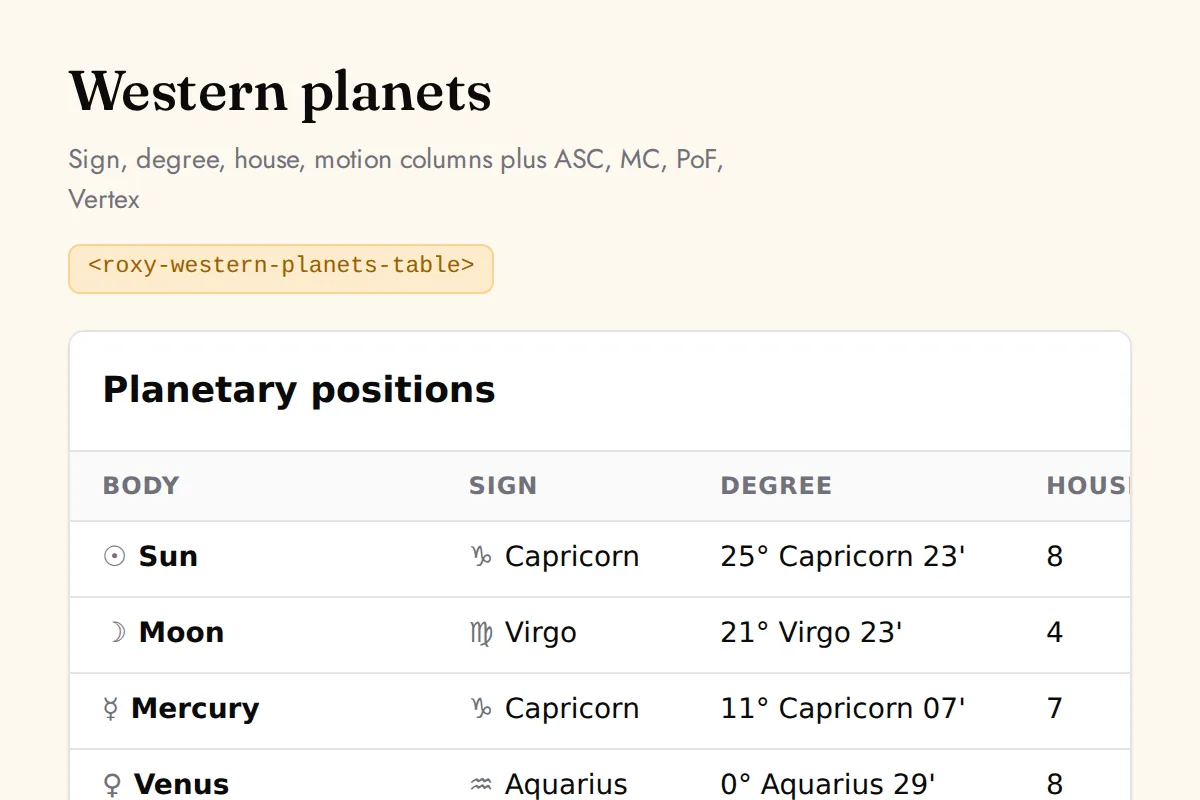
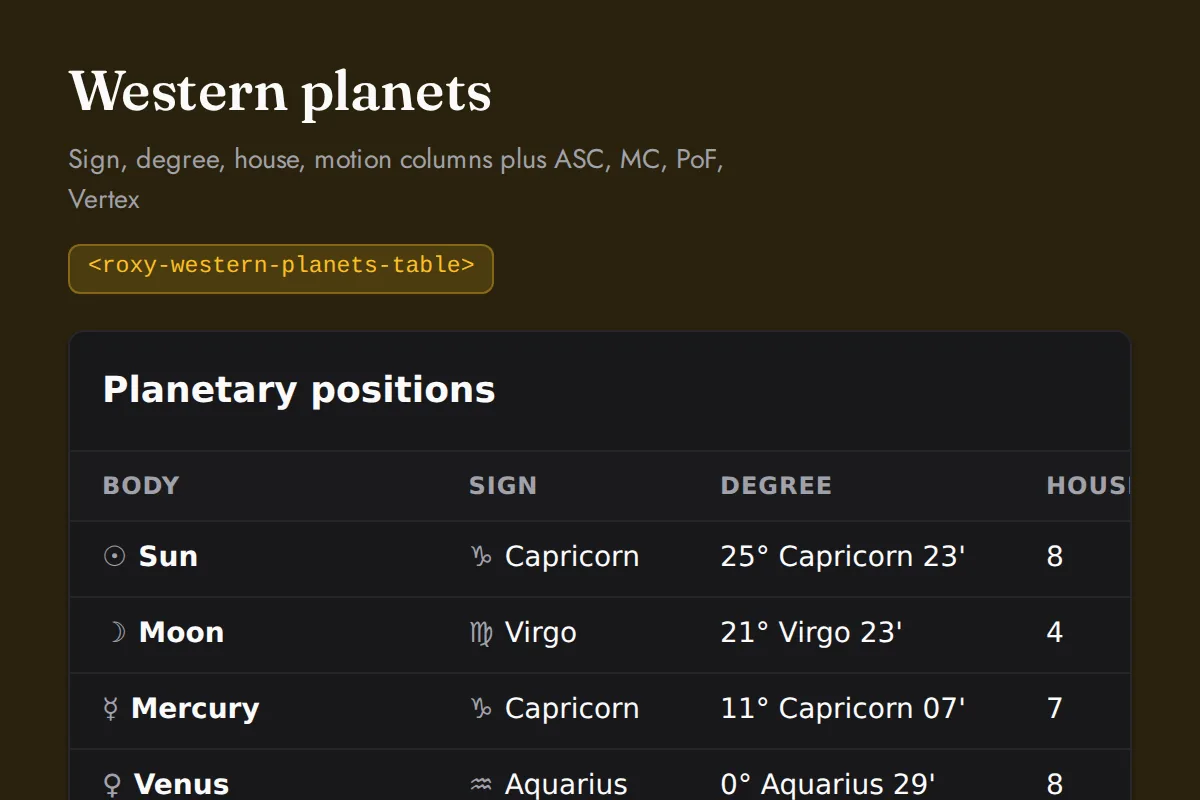
Western planets table
Sign, degree, house, motion columns plus ASC, MC, PoF, Vertex
https://roxyapi.com/embed/western-planets-table?pk=pk_live_YOUR_KEY<iframe src="https://roxyapi.com/embed/western-planets-table?pk=pk_live_YOUR_KEY" title="Western planets table widget" style="border:0;width:100%;height:600px" loading="lazy"></iframe><!-- Optional: warm practitioner theme (drop this line for the default look) -->
<!-- <link rel="stylesheet" href="https://cdn.jsdelivr.net/npm/@roxyapi/ui@latest/dist/styles/themes/practitioner.css"> -->
<script src="https://cdn.jsdelivr.net/npm/@roxyapi/ui@latest/dist/cdn/roxy-ui.js" defer></script>
<roxy-western-planets-table data-endpoint="astrology/natal-chart" publishable-key="pk_live_YOUR_KEY" hide-sections="hint"></roxy-western-planets-table><script src="https://cdn.jsdelivr.net/npm/@roxyapi/ui@latest/dist/cdn/widgets.js" defer></script>
<div data-roxy-widget="western-planets-table" data-publishable-key="pk_live_YOUR_KEY" data-hide-sections="hint"></div>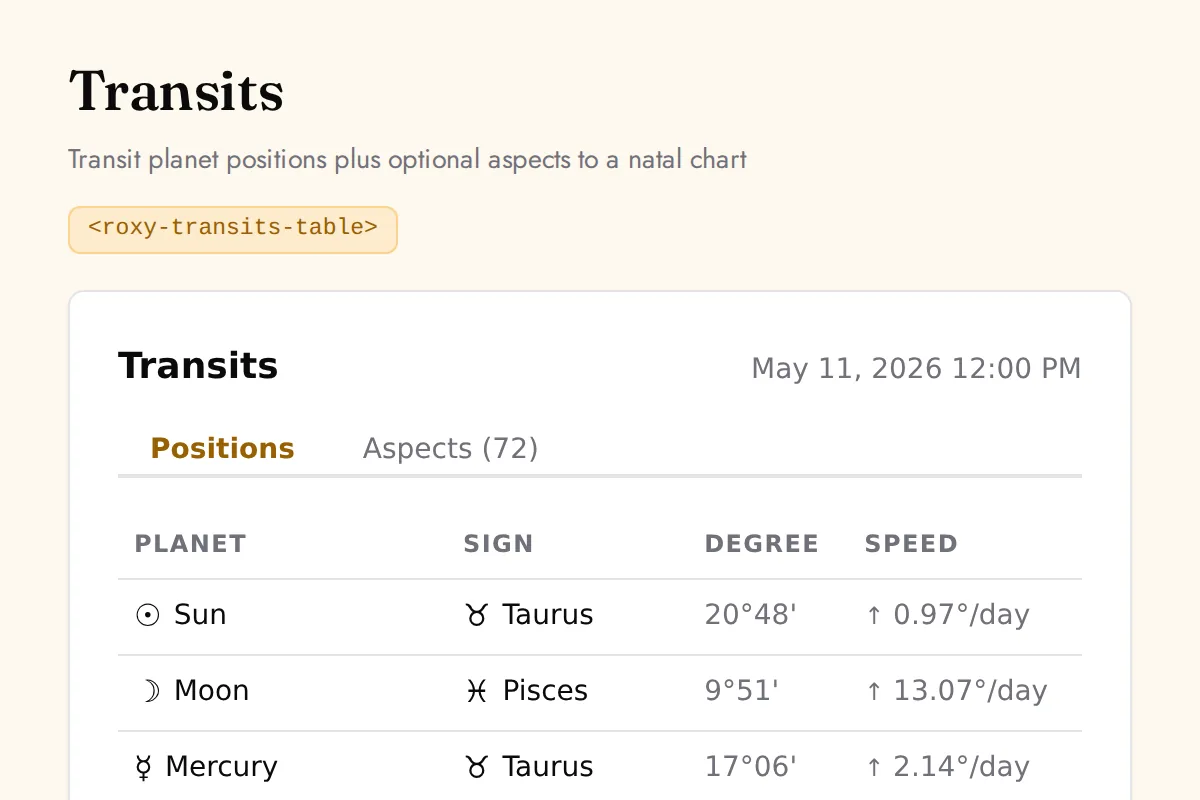
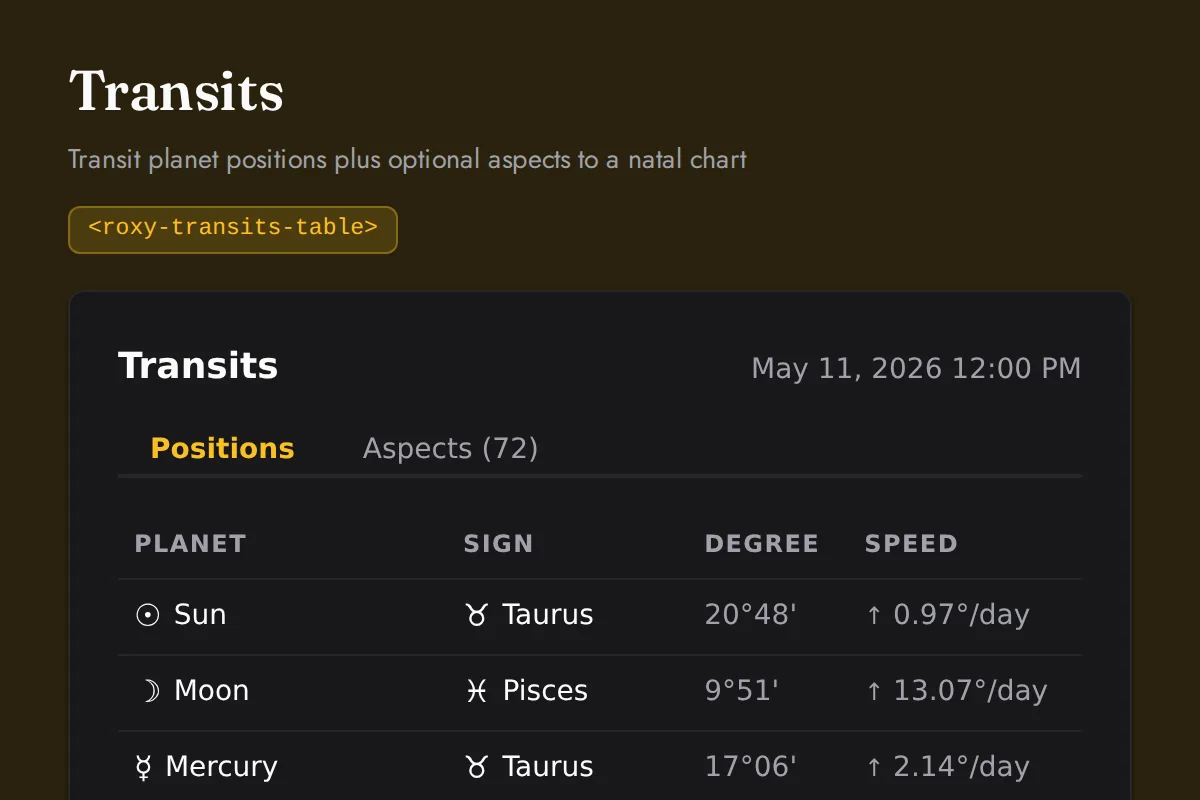
Transits table
Transit planet positions plus optional aspects to a natal chart
https://roxyapi.com/embed/transits-table?pk=pk_live_YOUR_KEY<iframe src="https://roxyapi.com/embed/transits-table?pk=pk_live_YOUR_KEY" title="Transits table widget" style="border:0;width:100%;height:600px" loading="lazy"></iframe><!-- Optional: warm practitioner theme (drop this line for the default look) -->
<!-- <link rel="stylesheet" href="https://cdn.jsdelivr.net/npm/@roxyapi/ui@latest/dist/styles/themes/practitioner.css"> -->
<script src="https://cdn.jsdelivr.net/npm/@roxyapi/ui@latest/dist/cdn/roxy-ui.js" defer></script>
<roxy-transits-table data-endpoint="astrology/transits" publishable-key="pk_live_YOUR_KEY" hide-sections="hint"></roxy-transits-table><script src="https://cdn.jsdelivr.net/npm/@roxyapi/ui@latest/dist/cdn/widgets.js" defer></script>
<div data-roxy-widget="transits-table" data-publishable-key="pk_live_YOUR_KEY" data-hide-sections="hint"></div>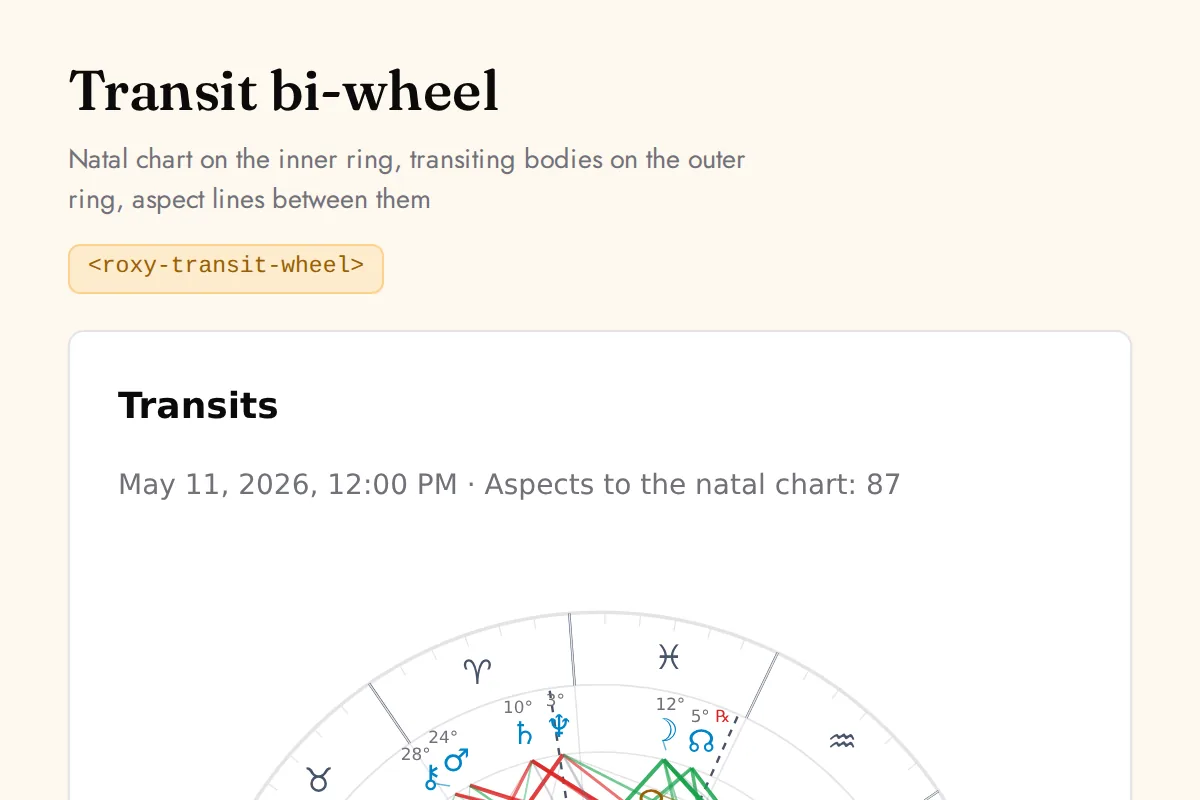
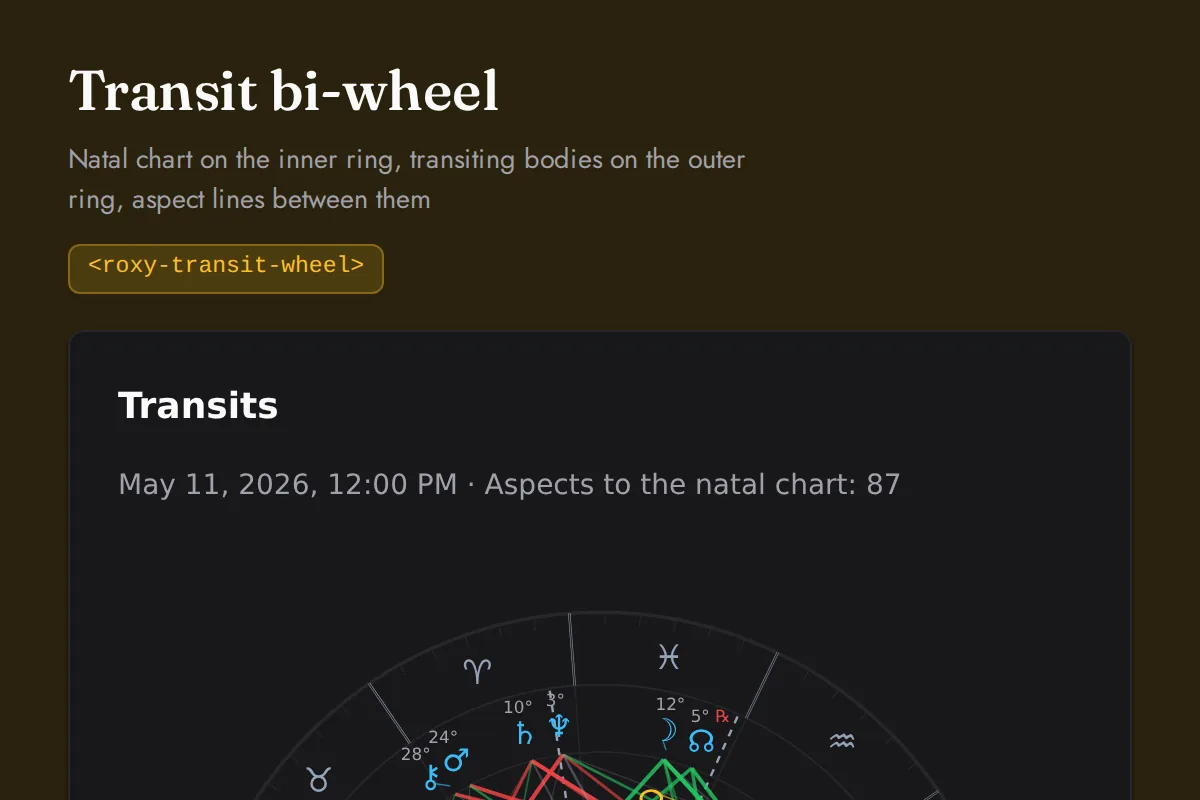
Transit wheel
Natal chart on the inner ring, transiting bodies on the outer ring, aspect lines between them
https://roxyapi.com/embed/transit-wheel?pk=pk_live_YOUR_KEY<iframe src="https://roxyapi.com/embed/transit-wheel?pk=pk_live_YOUR_KEY" title="Transit wheel widget" style="border:0;width:100%;height:600px" loading="lazy"></iframe><!-- Optional: warm practitioner theme (drop this line for the default look) -->
<!-- <link rel="stylesheet" href="https://cdn.jsdelivr.net/npm/@roxyapi/ui@latest/dist/styles/themes/practitioner.css"> -->
<script src="https://cdn.jsdelivr.net/npm/@roxyapi/ui@latest/dist/cdn/roxy-ui.js" defer></script>
<roxy-transit-wheel data-endpoint="astrology/transit-aspects" publishable-key="pk_live_YOUR_KEY" hide-sections="hint"></roxy-transit-wheel><script src="https://cdn.jsdelivr.net/npm/@roxyapi/ui@latest/dist/cdn/widgets.js" defer></script>
<div data-roxy-widget="transit-wheel" data-publishable-key="pk_live_YOUR_KEY" data-hide-sections="hint"></div>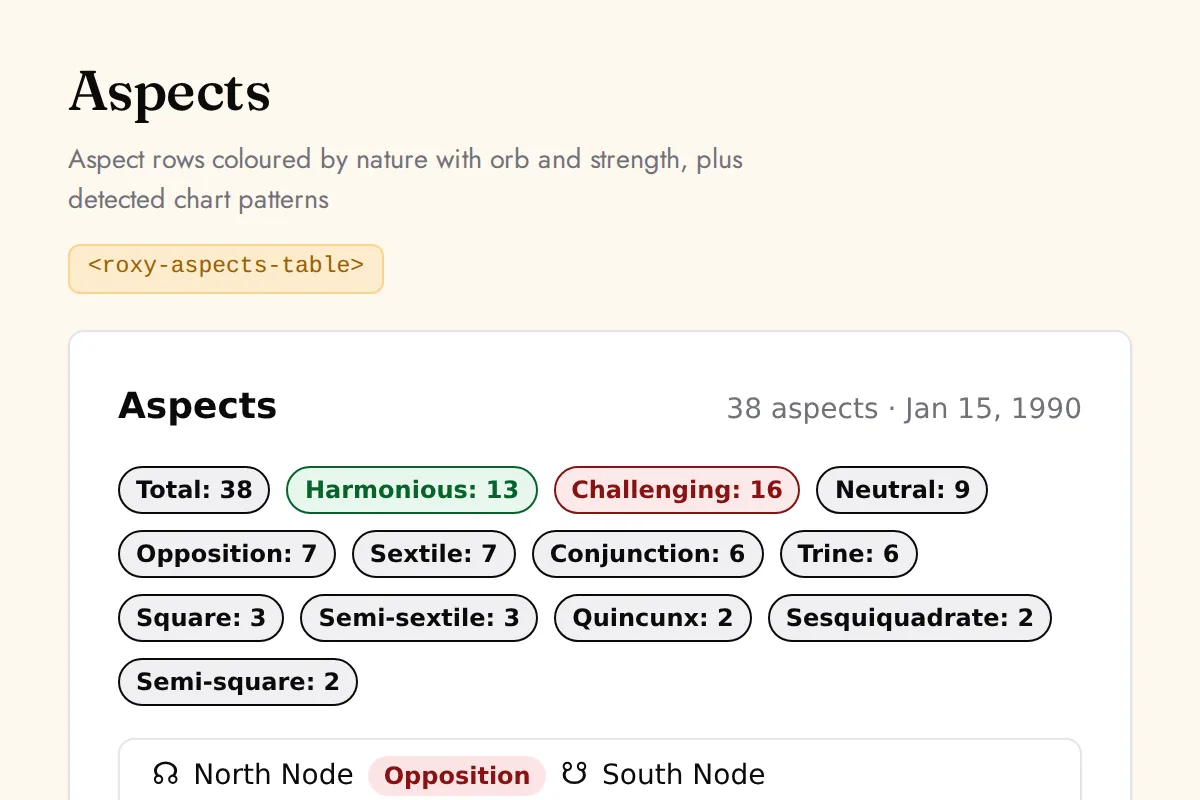
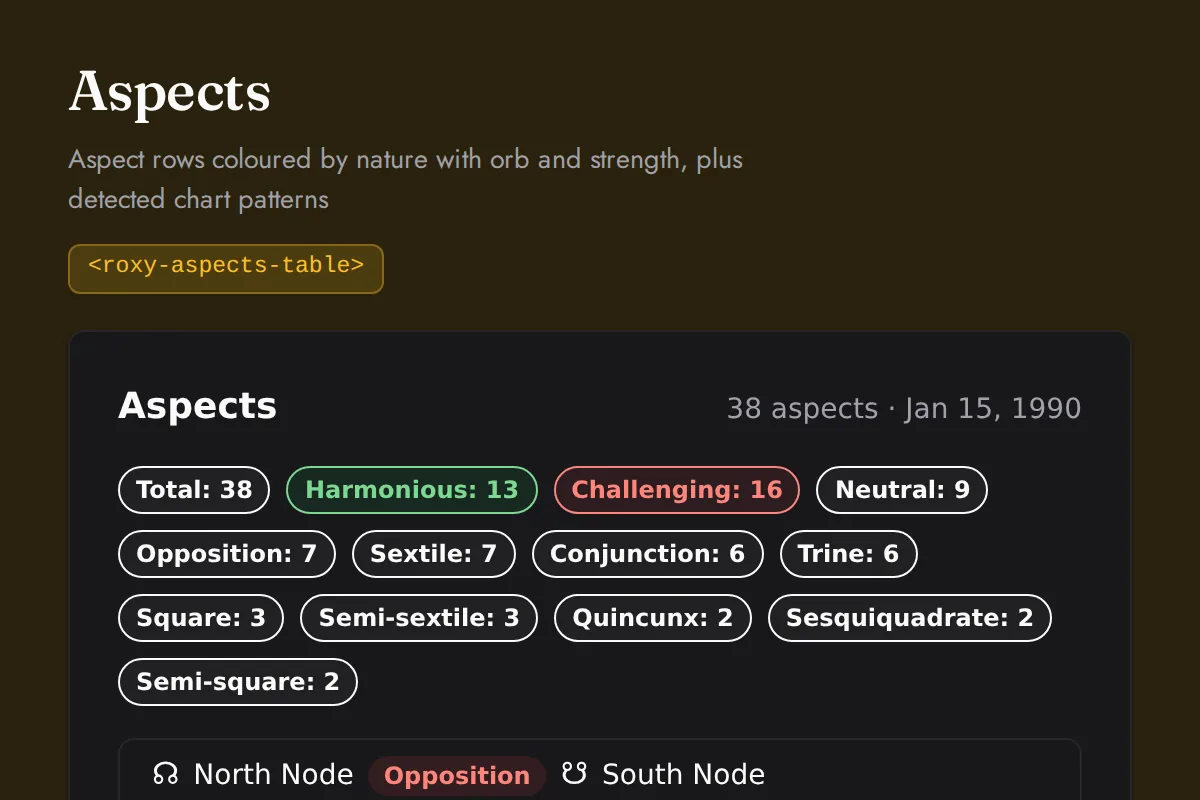
Aspects table
Aspect rows coloured by nature with orb and strength, plus detected chart patterns
https://roxyapi.com/embed/aspects-table?pk=pk_live_YOUR_KEY<iframe src="https://roxyapi.com/embed/aspects-table?pk=pk_live_YOUR_KEY" title="Aspects table widget" style="border:0;width:100%;height:600px" loading="lazy"></iframe><!-- Optional: warm practitioner theme (drop this line for the default look) -->
<!-- <link rel="stylesheet" href="https://cdn.jsdelivr.net/npm/@roxyapi/ui@latest/dist/styles/themes/practitioner.css"> -->
<script src="https://cdn.jsdelivr.net/npm/@roxyapi/ui@latest/dist/cdn/roxy-ui.js" defer></script>
<roxy-aspects-table data-endpoint="astrology/aspects" publishable-key="pk_live_YOUR_KEY" hide-sections="hint"></roxy-aspects-table><script src="https://cdn.jsdelivr.net/npm/@roxyapi/ui@latest/dist/cdn/widgets.js" defer></script>
<div data-roxy-widget="aspects-table" data-publishable-key="pk_live_YOUR_KEY" data-hide-sections="hint"></div>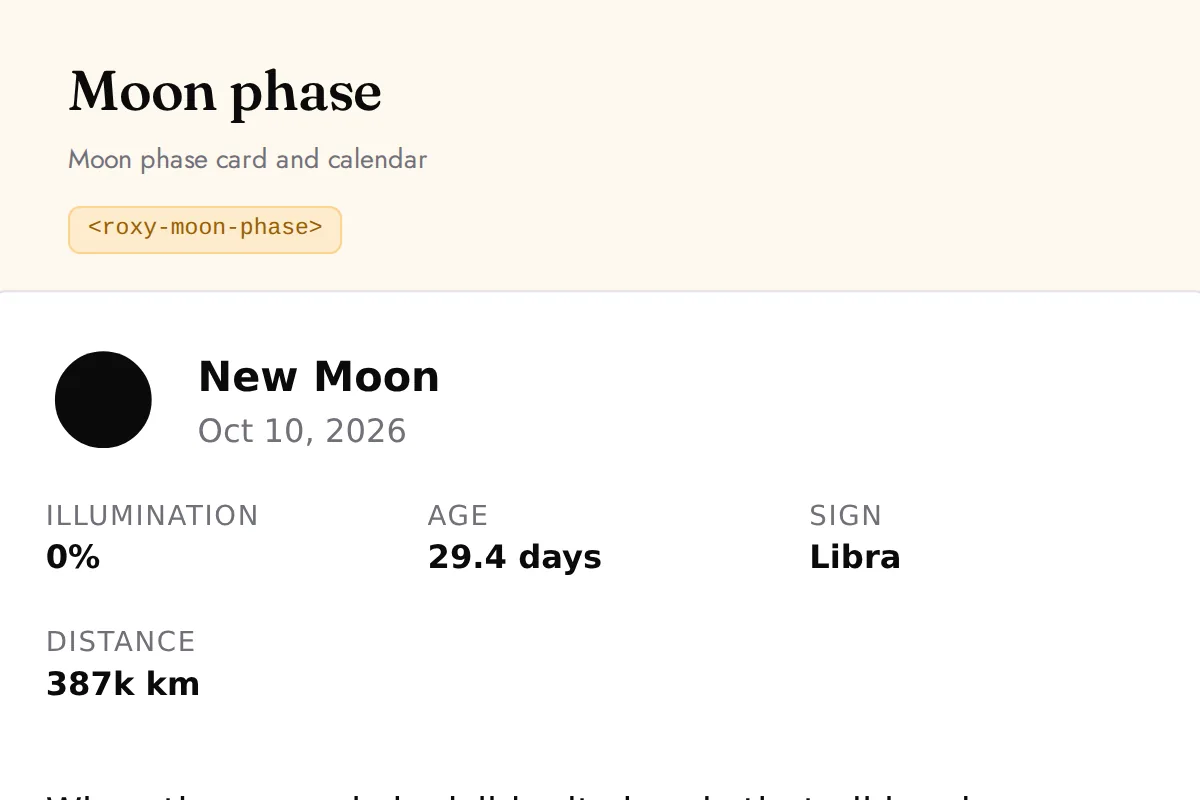
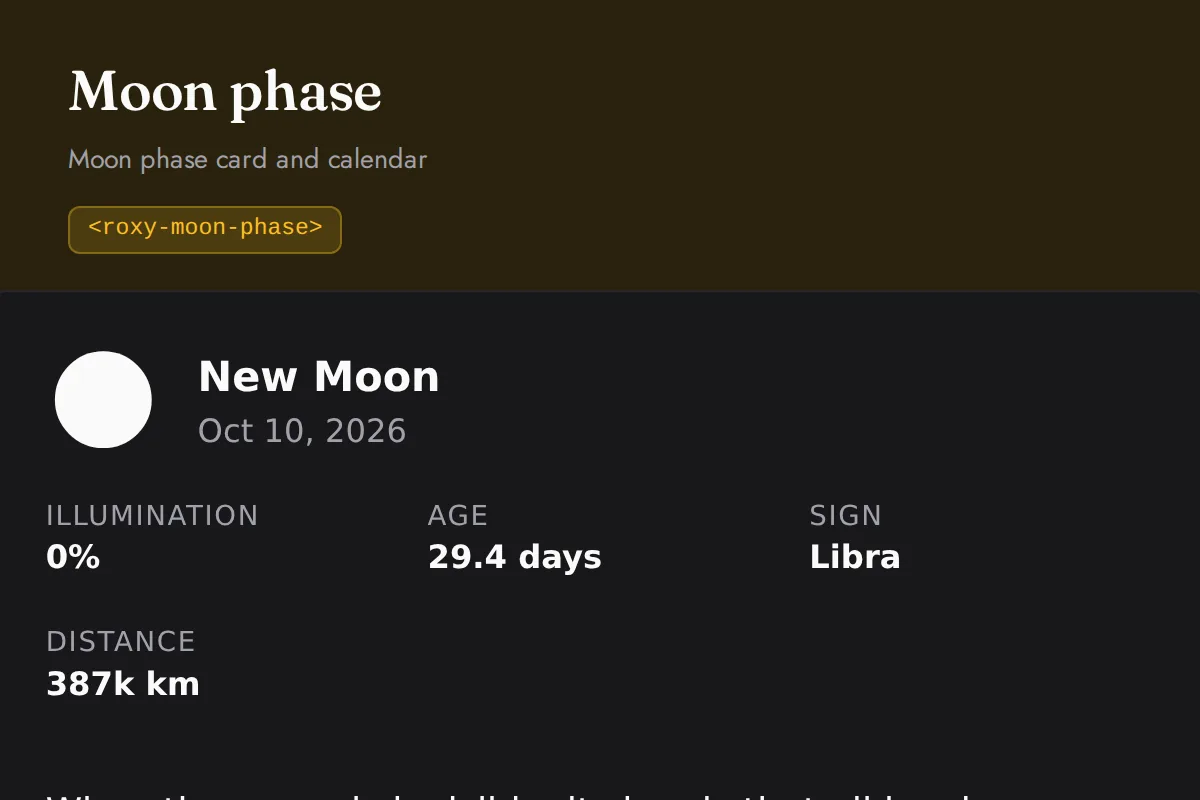
Moon phase
Moon phase card and calendar
https://roxyapi.com/embed/moon-phase?pk=pk_live_YOUR_KEY<iframe src="https://roxyapi.com/embed/moon-phase?pk=pk_live_YOUR_KEY" title="Moon phase widget" style="border:0;width:100%;height:600px" loading="lazy"></iframe><!-- Optional: warm practitioner theme (drop this line for the default look) -->
<!-- <link rel="stylesheet" href="https://cdn.jsdelivr.net/npm/@roxyapi/ui@latest/dist/styles/themes/practitioner.css"> -->
<script src="https://cdn.jsdelivr.net/npm/@roxyapi/ui@latest/dist/cdn/roxy-ui.js" defer></script>
<roxy-moon-phase mode="current" data-endpoint="astrology/moon-phase/current" method="GET" publishable-key="pk_live_YOUR_KEY" hide-sections="hint"></roxy-moon-phase><script src="https://cdn.jsdelivr.net/npm/@roxyapi/ui@latest/dist/cdn/widgets.js" defer></script>
<div data-roxy-widget="moon-phase" data-publishable-key="pk_live_YOUR_KEY" data-hide-sections="hint"></div>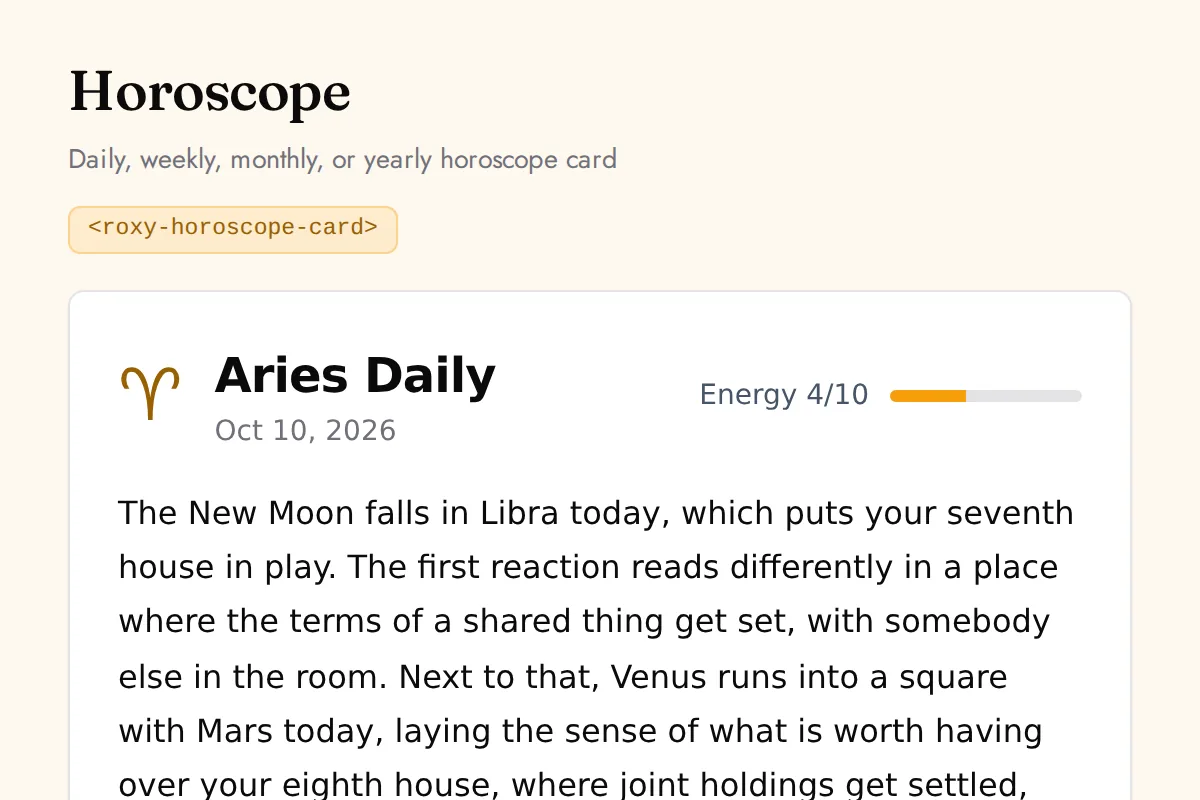
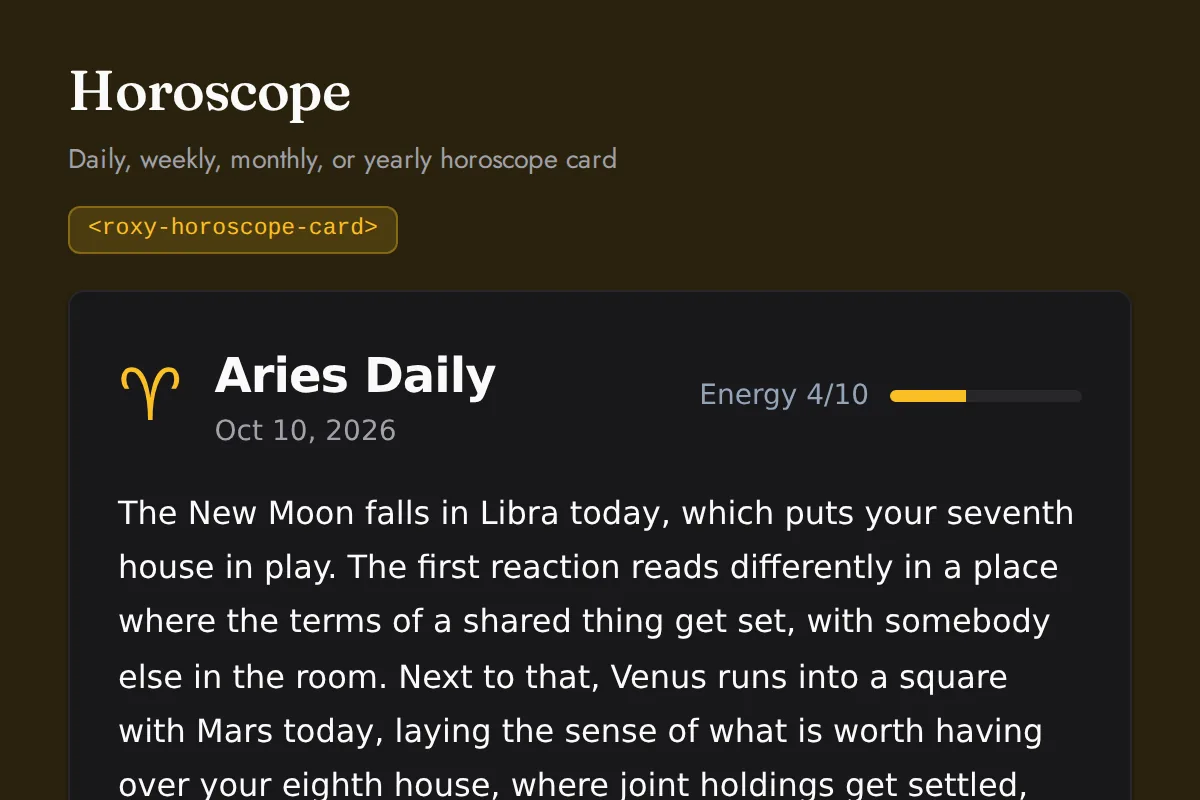
Horoscope card
Daily, weekly, monthly, or yearly horoscope card
https://roxyapi.com/embed/horoscope-card?pk=pk_live_YOUR_KEY<iframe src="https://roxyapi.com/embed/horoscope-card?pk=pk_live_YOUR_KEY" title="Horoscope card widget" style="border:0;width:100%;height:600px" loading="lazy"></iframe><!-- Optional: warm practitioner theme (drop this line for the default look) -->
<!-- <link rel="stylesheet" href="https://cdn.jsdelivr.net/npm/@roxyapi/ui@latest/dist/styles/themes/practitioner.css"> -->
<script src="https://cdn.jsdelivr.net/npm/@roxyapi/ui@latest/dist/cdn/roxy-ui.js" defer></script>
<roxy-horoscope-card period="daily" data-endpoint="astrology/horoscope/{sign}/daily" method="GET" publishable-key="pk_live_YOUR_KEY" hide-sections="hint"></roxy-horoscope-card><script src="https://cdn.jsdelivr.net/npm/@roxyapi/ui@latest/dist/cdn/widgets.js" defer></script>
<div data-roxy-widget="horoscope-card" data-publishable-key="pk_live_YOUR_KEY" data-hide-sections="hint"></div>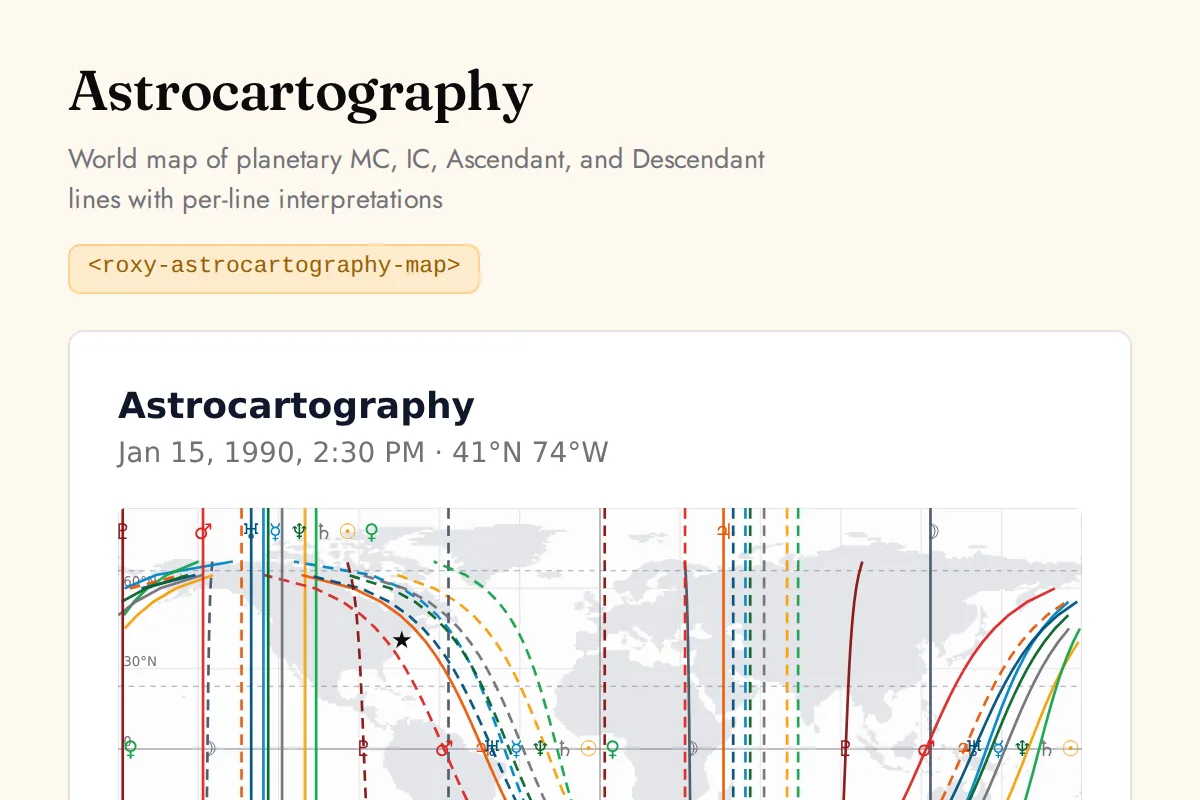
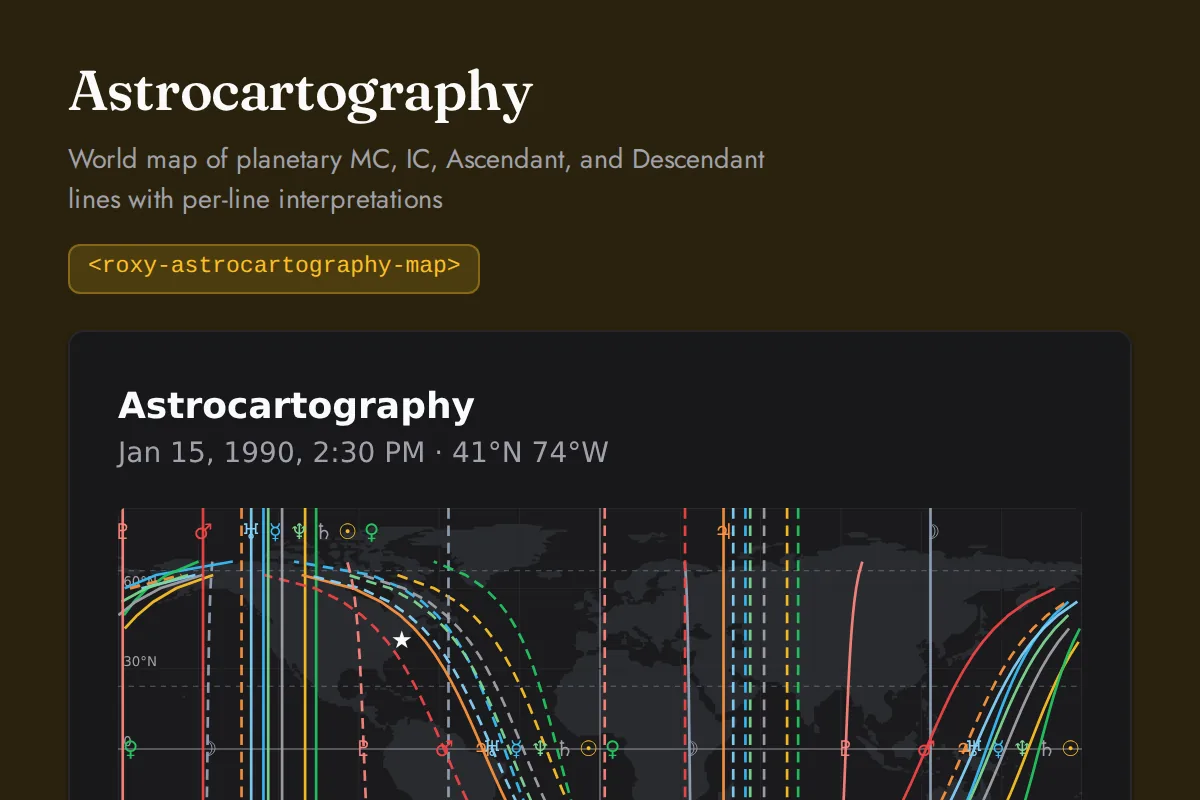
Astrocartography map
World map of planetary MC, IC, Ascendant, and Descendant lines with per-line interpretations
https://roxyapi.com/embed/astrocartography-map?pk=pk_live_YOUR_KEY<iframe src="https://roxyapi.com/embed/astrocartography-map?pk=pk_live_YOUR_KEY" title="Astrocartography map widget" style="border:0;width:100%;height:600px" loading="lazy"></iframe><!-- Optional: warm practitioner theme (drop this line for the default look) -->
<!-- <link rel="stylesheet" href="https://cdn.jsdelivr.net/npm/@roxyapi/ui@latest/dist/styles/themes/practitioner.css"> -->
<script src="https://cdn.jsdelivr.net/npm/@roxyapi/ui@latest/dist/cdn/roxy-ui.js" defer></script>
<roxy-astrocartography-map data-endpoint="astrology/astrocartography" publishable-key="pk_live_YOUR_KEY" hide-sections="hint"></roxy-astrocartography-map><script src="https://cdn.jsdelivr.net/npm/@roxyapi/ui@latest/dist/cdn/widgets.js" defer></script>
<div data-roxy-widget="astrocartography-map" data-publishable-key="pk_live_YOUR_KEY" data-hide-sections="hint"></div>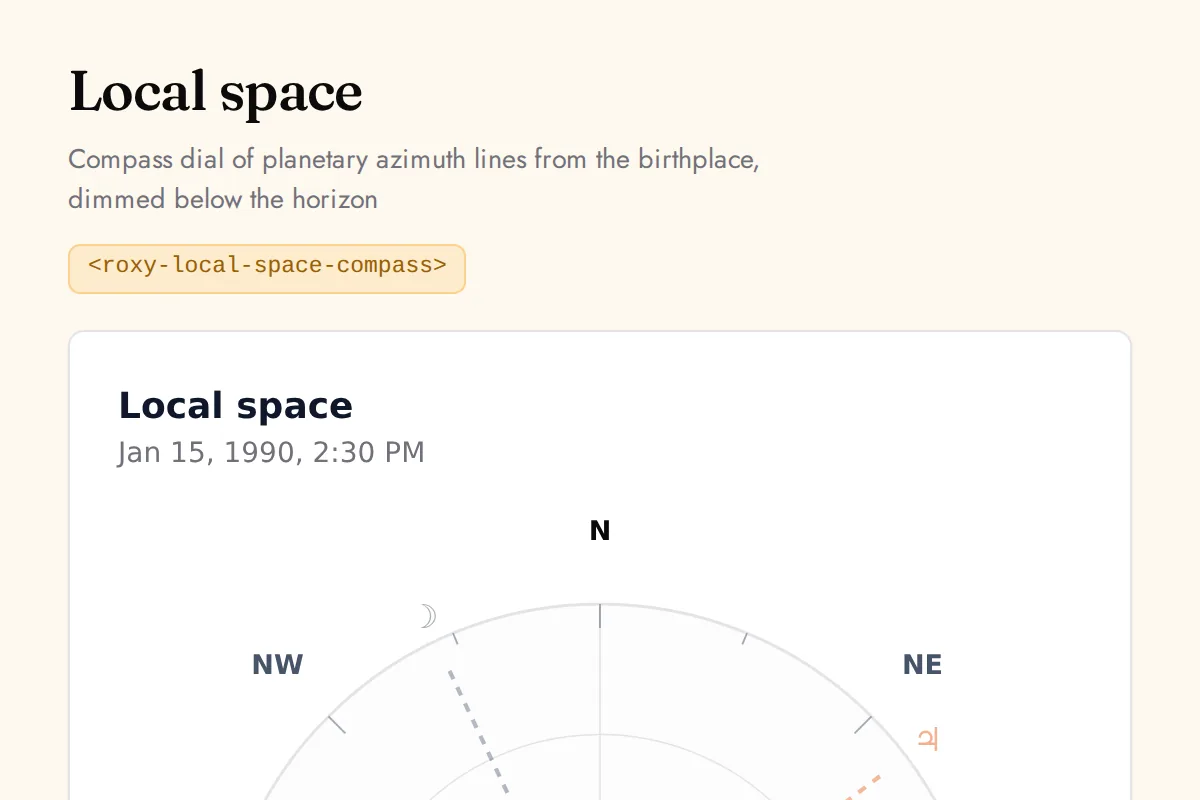
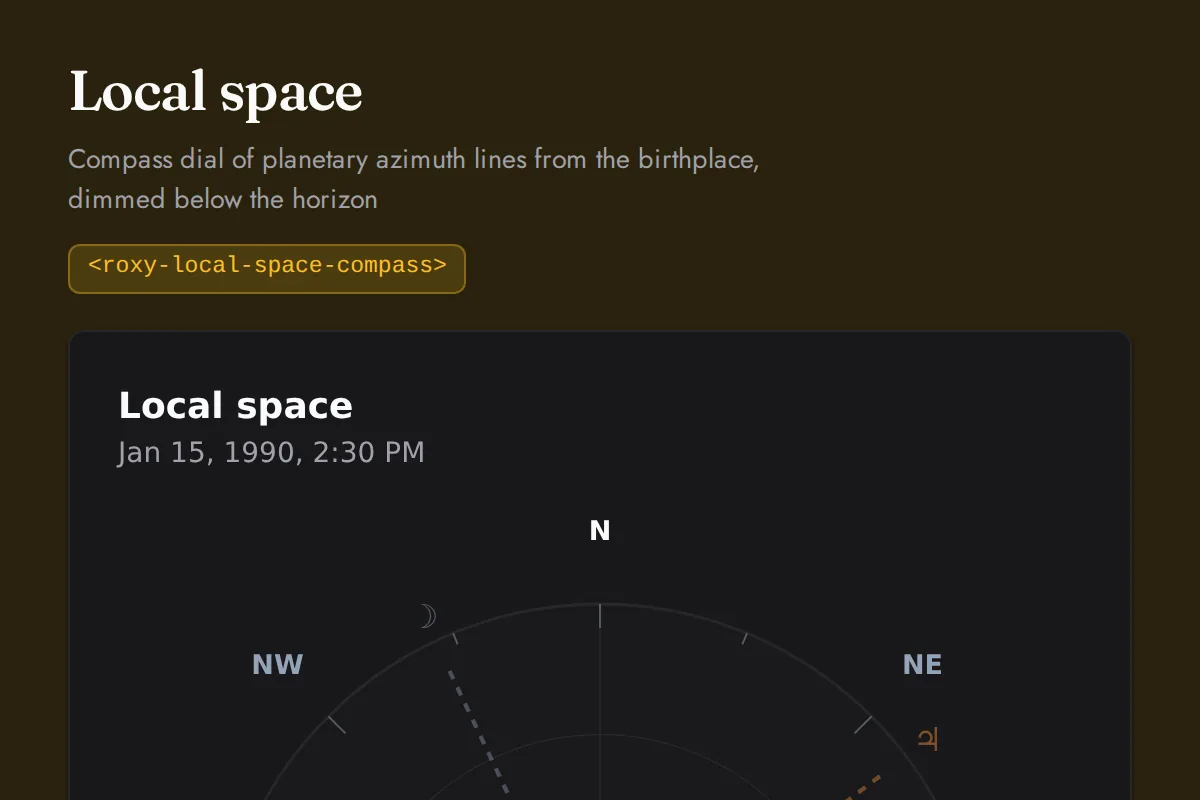
Local space compass
Compass dial of planetary azimuth lines from the birthplace, dimmed below the horizon
https://roxyapi.com/embed/local-space-compass?pk=pk_live_YOUR_KEY<iframe src="https://roxyapi.com/embed/local-space-compass?pk=pk_live_YOUR_KEY" title="Local space compass widget" style="border:0;width:100%;height:600px" loading="lazy"></iframe><!-- Optional: warm practitioner theme (drop this line for the default look) -->
<!-- <link rel="stylesheet" href="https://cdn.jsdelivr.net/npm/@roxyapi/ui@latest/dist/styles/themes/practitioner.css"> -->
<script src="https://cdn.jsdelivr.net/npm/@roxyapi/ui@latest/dist/cdn/roxy-ui.js" defer></script>
<roxy-local-space-compass data-endpoint="astrology/local-space" publishable-key="pk_live_YOUR_KEY" hide-sections="hint"></roxy-local-space-compass><script src="https://cdn.jsdelivr.net/npm/@roxyapi/ui@latest/dist/cdn/widgets.js" defer></script>
<div data-roxy-widget="local-space-compass" data-publishable-key="pk_live_YOUR_KEY" data-hide-sections="hint"></div>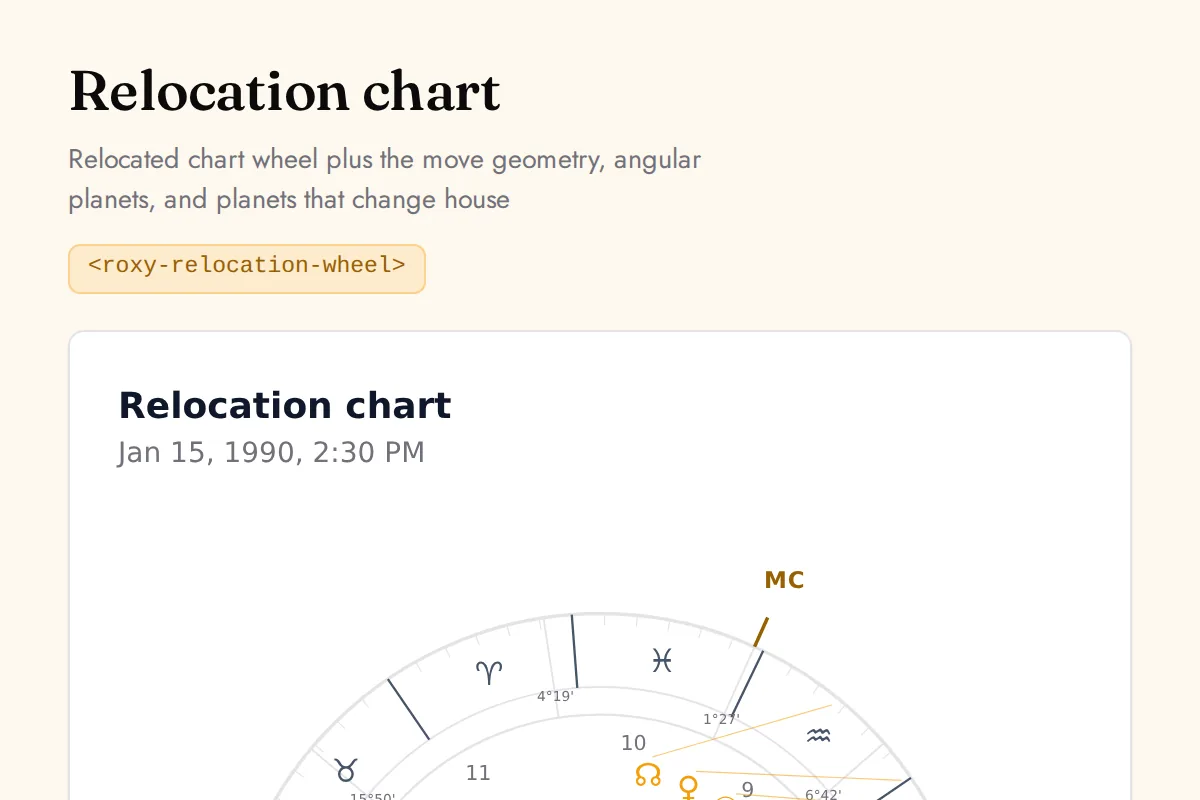
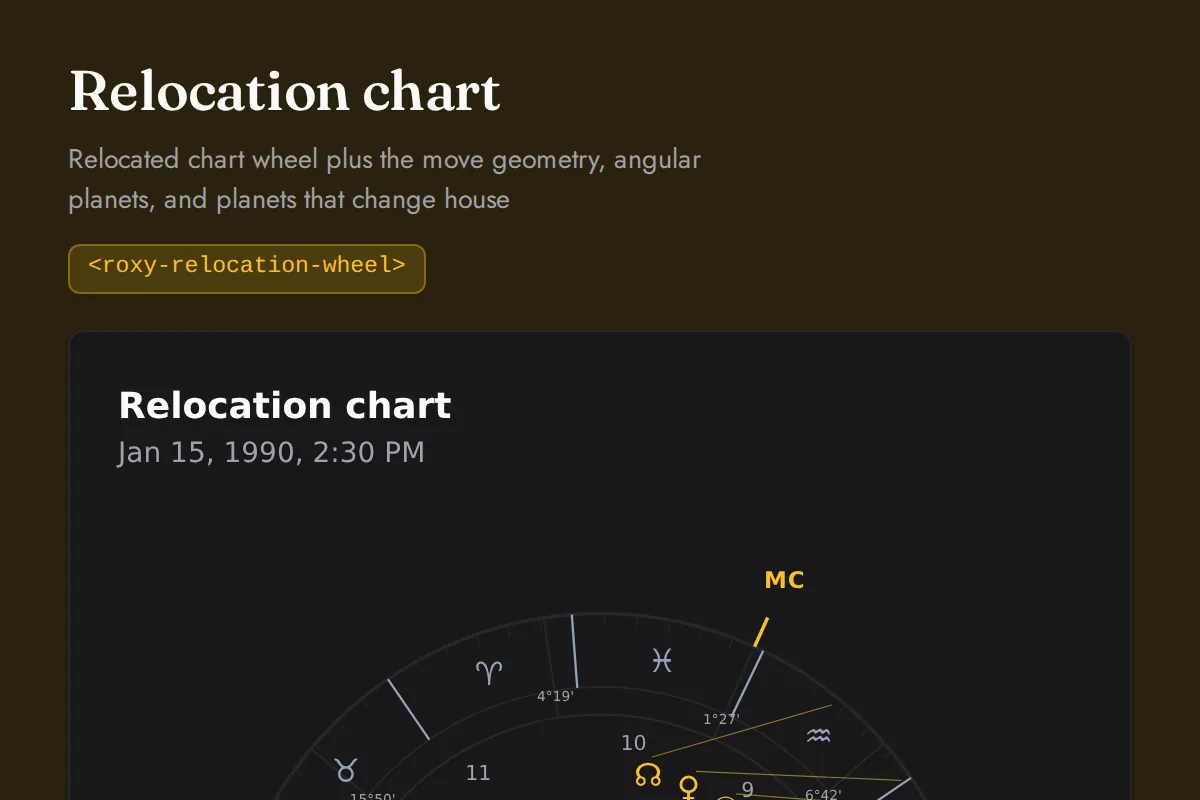
Relocation wheel
Relocated chart wheel plus the move geometry, angular planets, and planets that change house
https://roxyapi.com/embed/relocation-wheel?pk=pk_live_YOUR_KEY<iframe src="https://roxyapi.com/embed/relocation-wheel?pk=pk_live_YOUR_KEY" title="Relocation wheel widget" style="border:0;width:100%;height:600px" loading="lazy"></iframe><!-- Optional: warm practitioner theme (drop this line for the default look) -->
<!-- <link rel="stylesheet" href="https://cdn.jsdelivr.net/npm/@roxyapi/ui@latest/dist/styles/themes/practitioner.css"> -->
<script src="https://cdn.jsdelivr.net/npm/@roxyapi/ui@latest/dist/cdn/roxy-ui.js" defer></script>
<roxy-relocation-wheel data-endpoint="astrology/relocation-chart" publishable-key="pk_live_YOUR_KEY" hide-sections="hint"></roxy-relocation-wheel><script src="https://cdn.jsdelivr.net/npm/@roxyapi/ui@latest/dist/cdn/widgets.js" defer></script>
<div data-roxy-widget="relocation-wheel" data-publishable-key="pk_live_YOUR_KEY" data-hide-sections="hint"></div>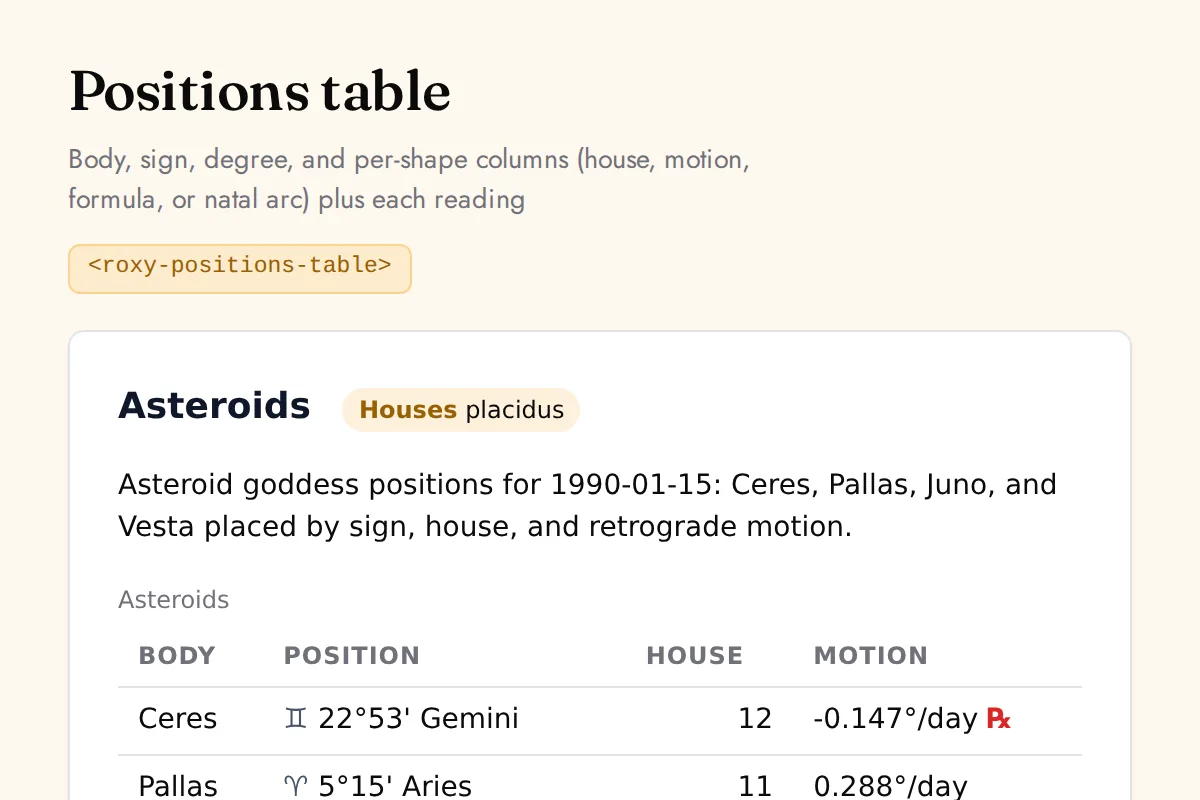
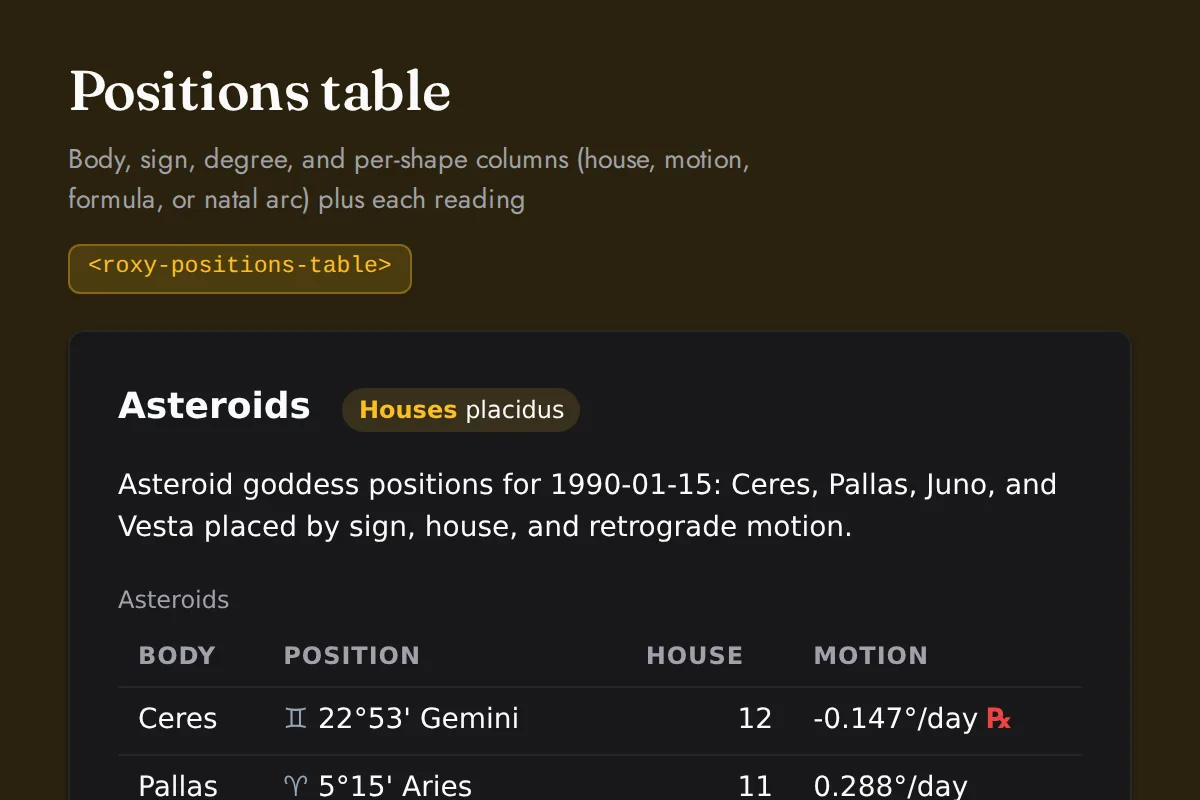
Positions table
Body, sign, degree, and per-shape columns (house, motion, formula, or natal arc) plus each reading
https://roxyapi.com/embed/positions-table?pk=pk_live_YOUR_KEY<iframe src="https://roxyapi.com/embed/positions-table?pk=pk_live_YOUR_KEY" title="Positions table widget" style="border:0;width:100%;height:600px" loading="lazy"></iframe><!-- Optional: warm practitioner theme (drop this line for the default look) -->
<!-- <link rel="stylesheet" href="https://cdn.jsdelivr.net/npm/@roxyapi/ui@latest/dist/styles/themes/practitioner.css"> -->
<script src="https://cdn.jsdelivr.net/npm/@roxyapi/ui@latest/dist/cdn/roxy-ui.js" defer></script>
<roxy-positions-table data-endpoint="astrology/asteroids" publishable-key="pk_live_YOUR_KEY" hide-sections="hint"></roxy-positions-table><script src="https://cdn.jsdelivr.net/npm/@roxyapi/ui@latest/dist/cdn/widgets.js" defer></script>
<div data-roxy-widget="positions-table" data-publishable-key="pk_live_YOUR_KEY" data-hide-sections="hint"></div>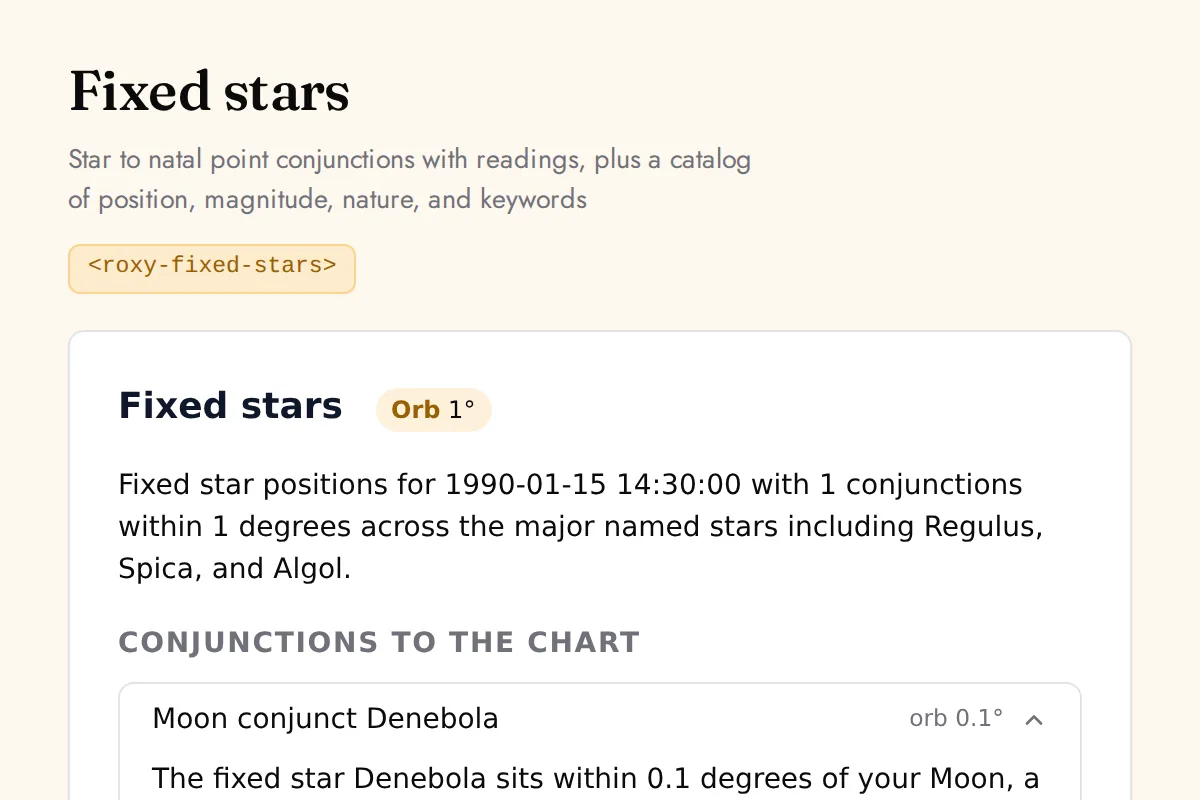
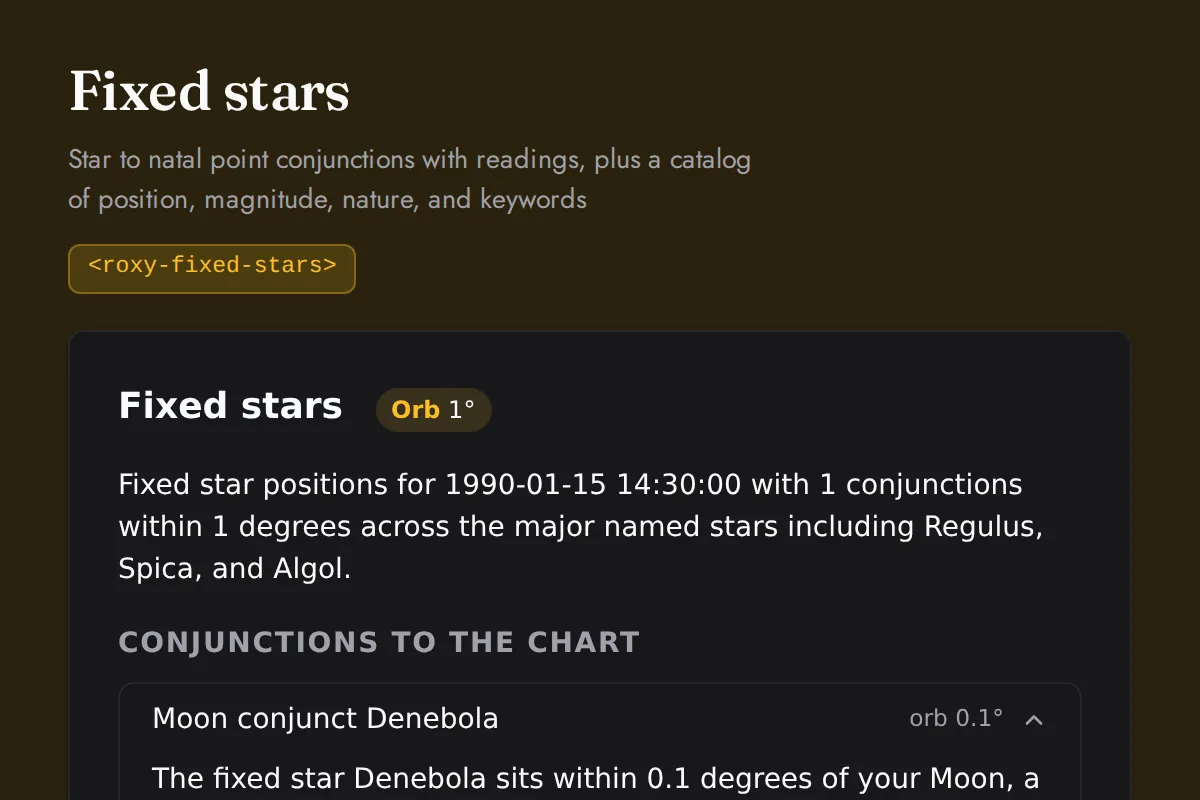
Fixed stars
Star to natal point conjunctions with readings, plus a catalog of position, magnitude, nature, and keywords
https://roxyapi.com/embed/fixed-stars?pk=pk_live_YOUR_KEY<iframe src="https://roxyapi.com/embed/fixed-stars?pk=pk_live_YOUR_KEY" title="Fixed stars widget" style="border:0;width:100%;height:600px" loading="lazy"></iframe><!-- Optional: warm practitioner theme (drop this line for the default look) -->
<!-- <link rel="stylesheet" href="https://cdn.jsdelivr.net/npm/@roxyapi/ui@latest/dist/styles/themes/practitioner.css"> -->
<script src="https://cdn.jsdelivr.net/npm/@roxyapi/ui@latest/dist/cdn/roxy-ui.js" defer></script>
<roxy-fixed-stars data-endpoint="astrology/fixed-stars" publishable-key="pk_live_YOUR_KEY" hide-sections="hint"></roxy-fixed-stars><script src="https://cdn.jsdelivr.net/npm/@roxyapi/ui@latest/dist/cdn/widgets.js" defer></script>
<div data-roxy-widget="fixed-stars" data-publishable-key="pk_live_YOUR_KEY" data-hide-sections="hint"></div>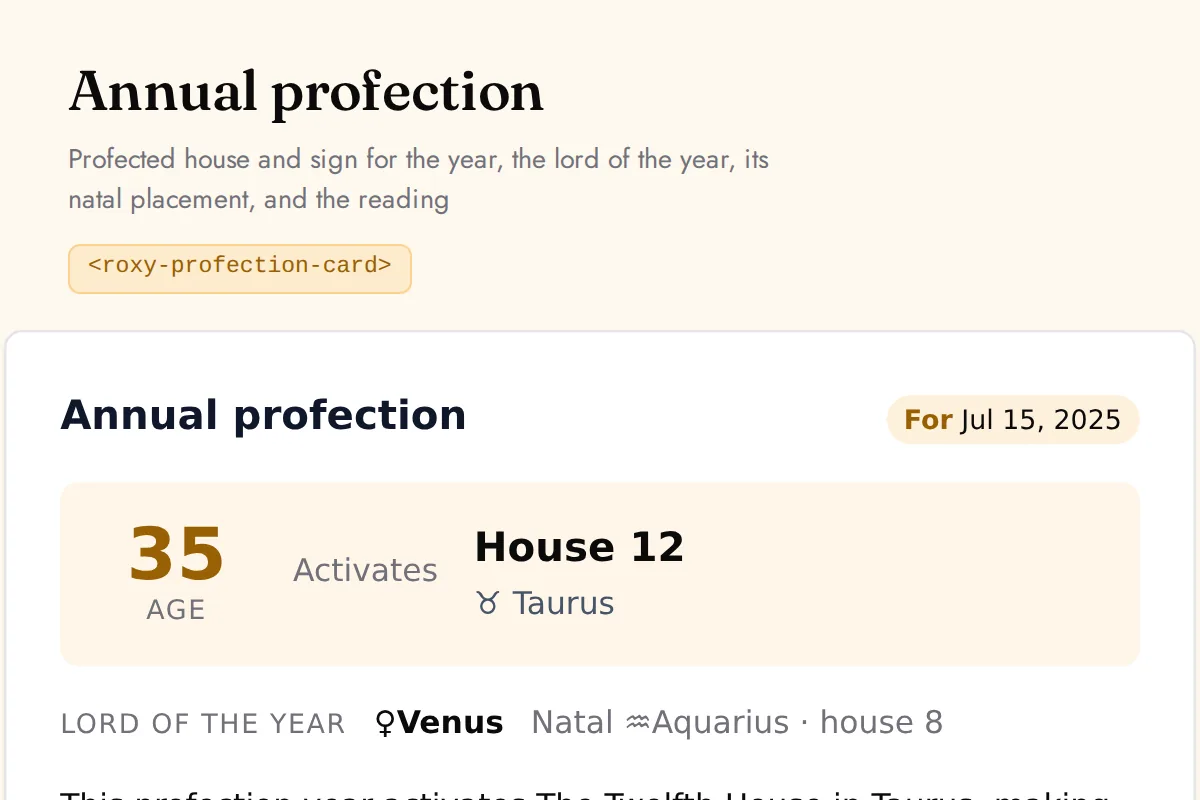
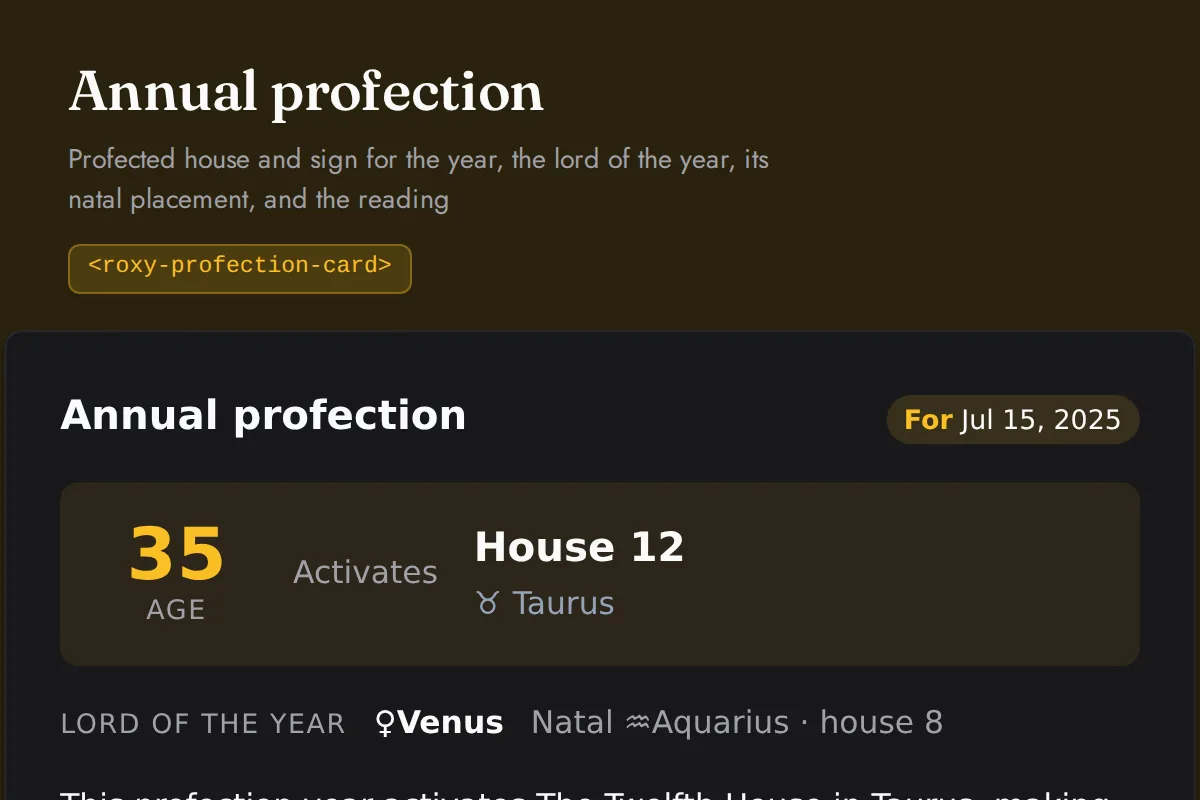
Profection card
Profected house and sign for the year, the lord of the year, its natal placement, and the reading
https://roxyapi.com/embed/profection-card?pk=pk_live_YOUR_KEY<iframe src="https://roxyapi.com/embed/profection-card?pk=pk_live_YOUR_KEY" title="Profection card widget" style="border:0;width:100%;height:600px" loading="lazy"></iframe><!-- Optional: warm practitioner theme (drop this line for the default look) -->
<!-- <link rel="stylesheet" href="https://cdn.jsdelivr.net/npm/@roxyapi/ui@latest/dist/styles/themes/practitioner.css"> -->
<script src="https://cdn.jsdelivr.net/npm/@roxyapi/ui@latest/dist/cdn/roxy-ui.js" defer></script>
<roxy-profection-card data-endpoint="astrology/profections" publishable-key="pk_live_YOUR_KEY" hide-sections="hint"></roxy-profection-card><script src="https://cdn.jsdelivr.net/npm/@roxyapi/ui@latest/dist/cdn/widgets.js" defer></script>
<div data-roxy-widget="profection-card" data-publishable-key="pk_live_YOUR_KEY" data-hide-sections="hint"></div>Vedic
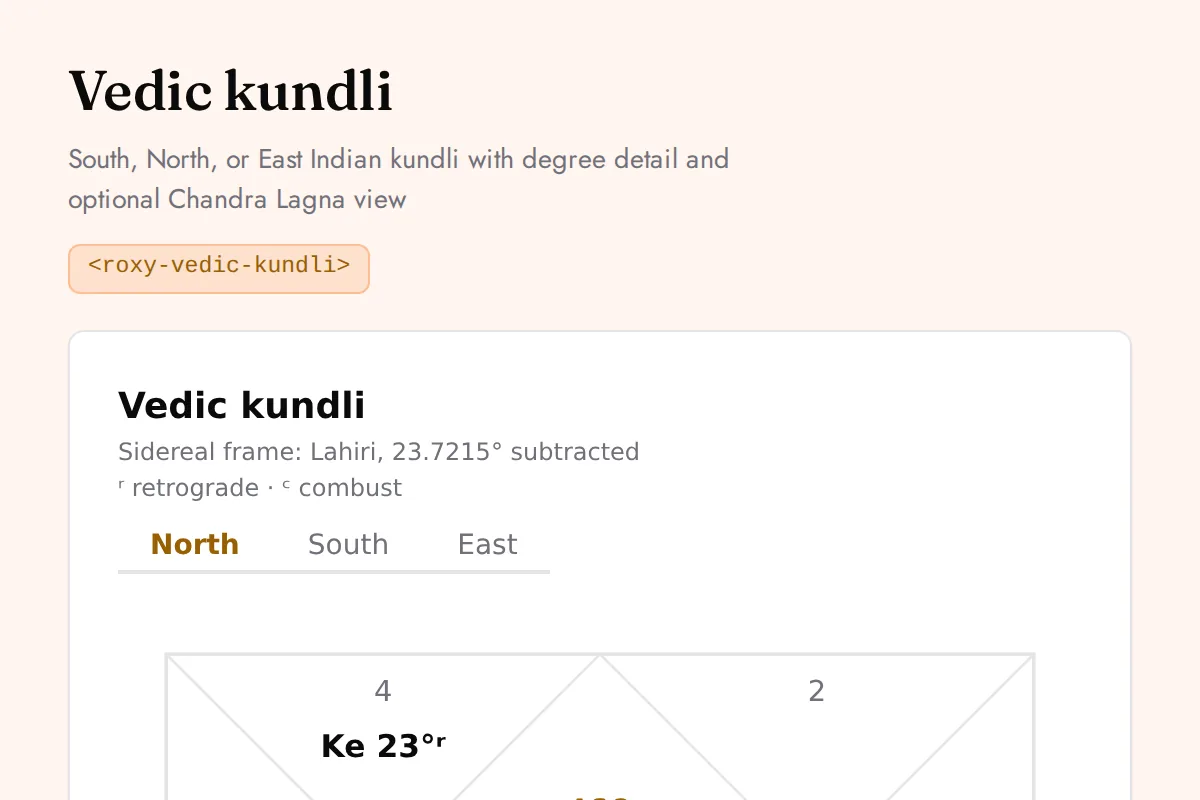
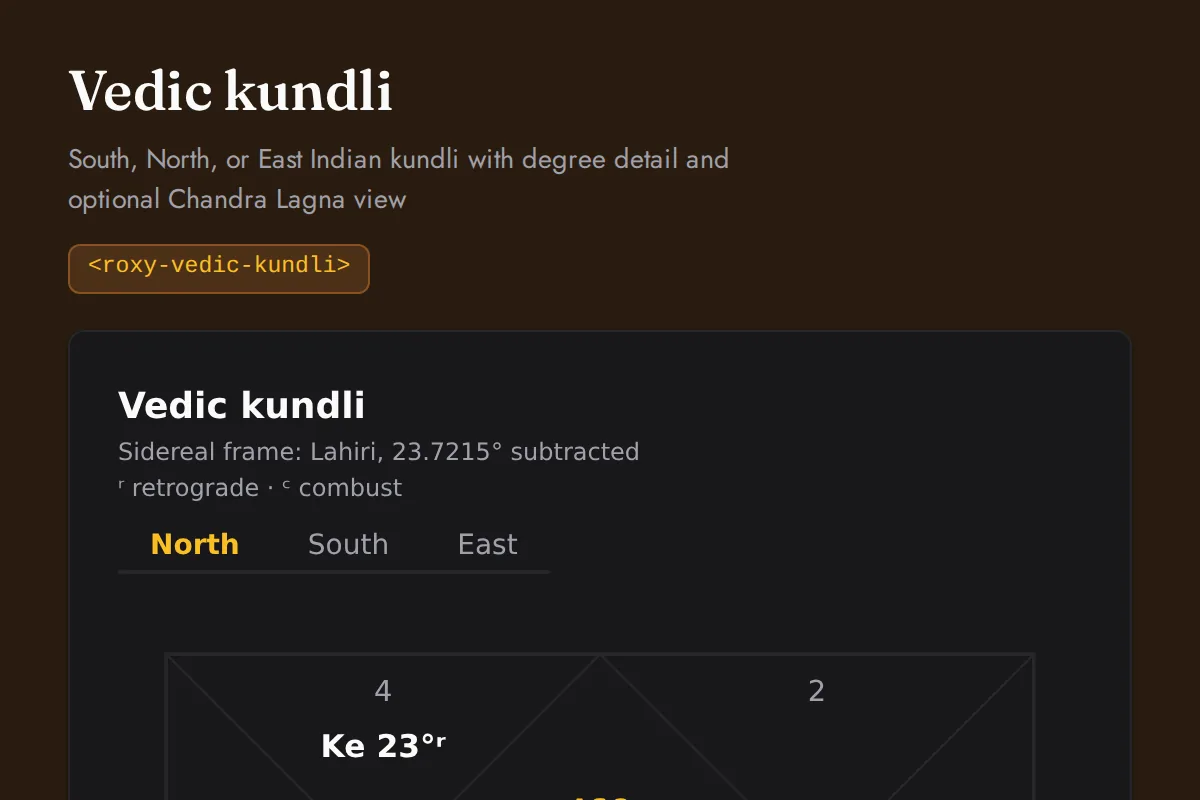
Vedic kundli
South, North, or East Indian kundli with degree detail and optional Chandra Lagna view
https://roxyapi.com/embed/vedic-kundli?pk=pk_live_YOUR_KEY<iframe src="https://roxyapi.com/embed/vedic-kundli?pk=pk_live_YOUR_KEY" title="Vedic kundli widget" style="border:0;width:100%;height:600px" loading="lazy"></iframe><!-- Optional: warm practitioner theme (drop this line for the default look) -->
<!-- <link rel="stylesheet" href="https://cdn.jsdelivr.net/npm/@roxyapi/ui@latest/dist/styles/themes/practitioner.css"> -->
<script src="https://cdn.jsdelivr.net/npm/@roxyapi/ui@latest/dist/cdn/roxy-ui.js" defer></script>
<roxy-vedic-kundli data-endpoint="vedic-astrology/birth-chart" publishable-key="pk_live_YOUR_KEY" hide-sections="hint"></roxy-vedic-kundli><script src="https://cdn.jsdelivr.net/npm/@roxyapi/ui@latest/dist/cdn/widgets.js" defer></script>
<div data-roxy-widget="vedic-kundli" data-publishable-key="pk_live_YOUR_KEY" data-hide-sections="hint"></div>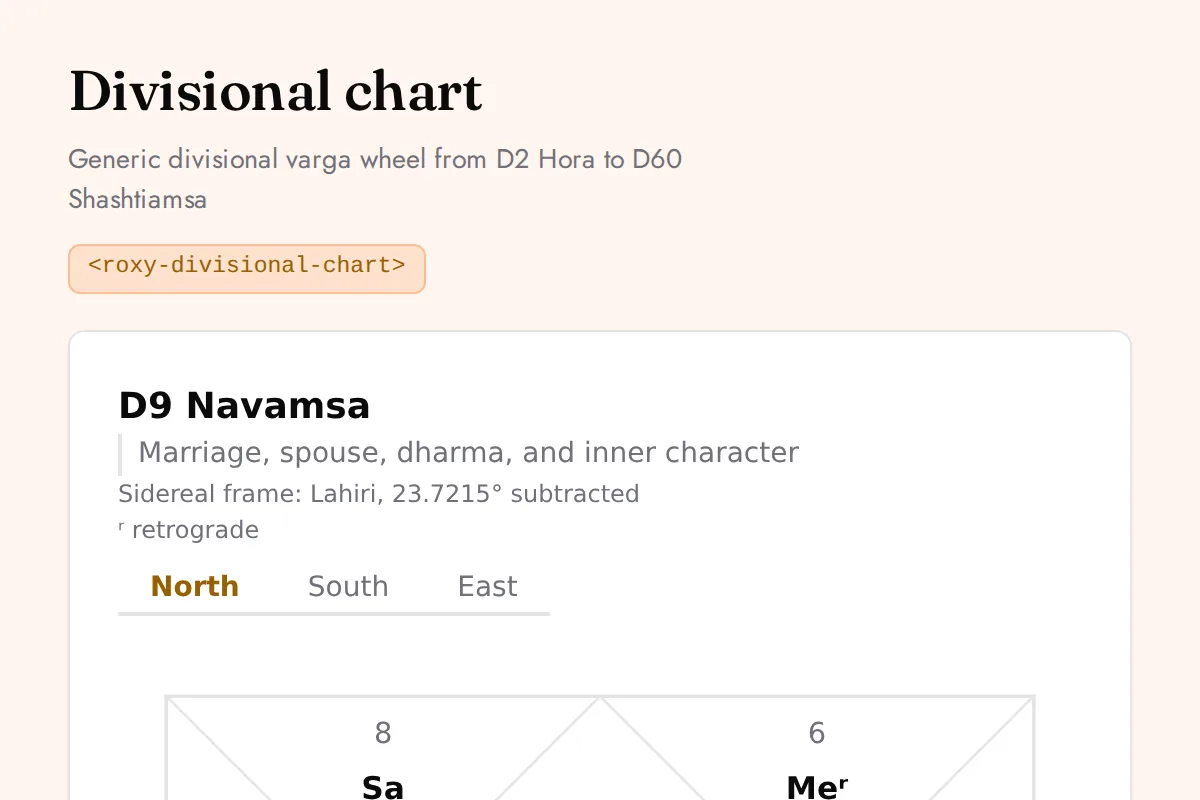
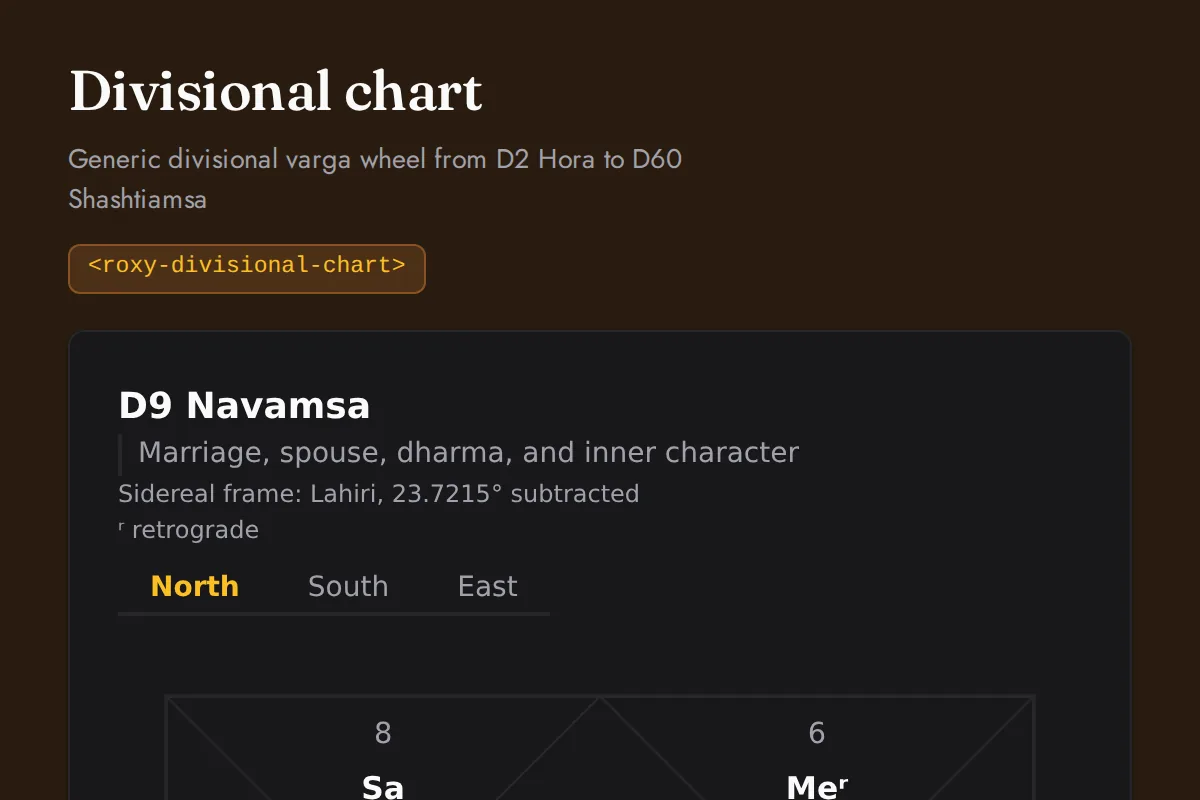
Divisional chart
Generic divisional varga wheel from D2 Hora to D60 Shashtiamsa
https://roxyapi.com/embed/divisional-chart?pk=pk_live_YOUR_KEY<iframe src="https://roxyapi.com/embed/divisional-chart?pk=pk_live_YOUR_KEY" title="Divisional chart widget" style="border:0;width:100%;height:600px" loading="lazy"></iframe><!-- Optional: warm practitioner theme (drop this line for the default look) -->
<!-- <link rel="stylesheet" href="https://cdn.jsdelivr.net/npm/@roxyapi/ui@latest/dist/styles/themes/practitioner.css"> -->
<script src="https://cdn.jsdelivr.net/npm/@roxyapi/ui@latest/dist/cdn/roxy-ui.js" defer></script>
<roxy-divisional-chart data-endpoint="vedic-astrology/divisional-chart" publishable-key="pk_live_YOUR_KEY" hide-sections="hint"></roxy-divisional-chart><script src="https://cdn.jsdelivr.net/npm/@roxyapi/ui@latest/dist/cdn/widgets.js" defer></script>
<div data-roxy-widget="divisional-chart" data-publishable-key="pk_live_YOUR_KEY" data-hide-sections="hint"></div>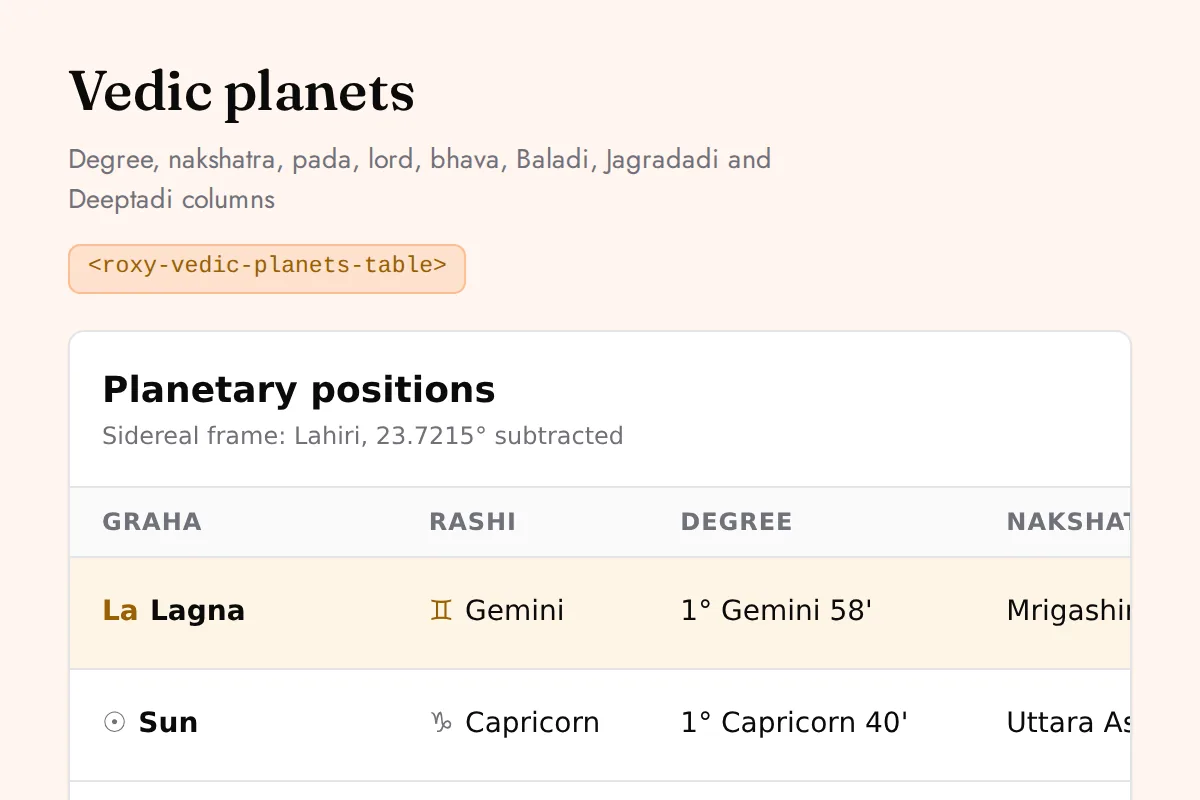
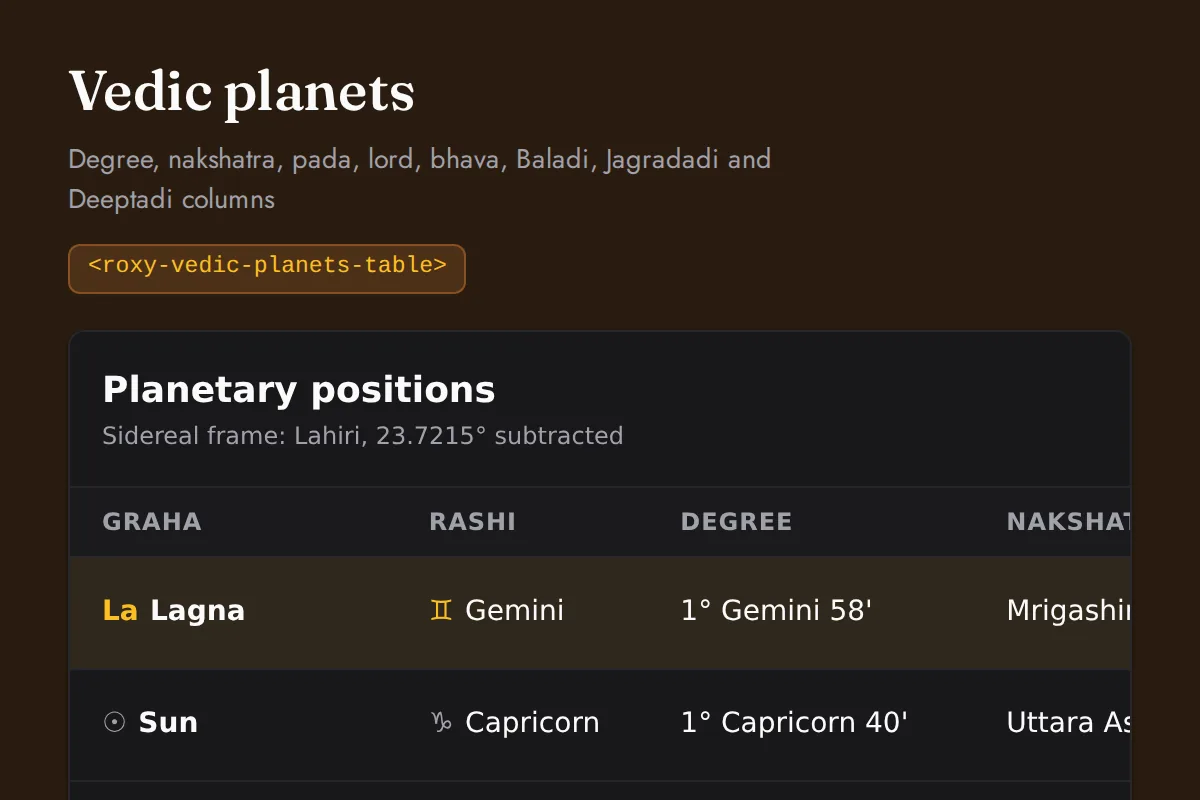
Vedic planets table
Degree, nakshatra, pada, lord, bhava, Baladi, Jagradadi and Deeptadi columns
https://roxyapi.com/embed/vedic-planets-table?pk=pk_live_YOUR_KEY<iframe src="https://roxyapi.com/embed/vedic-planets-table?pk=pk_live_YOUR_KEY" title="Vedic planets table widget" style="border:0;width:100%;height:600px" loading="lazy"></iframe><!-- Optional: warm practitioner theme (drop this line for the default look) -->
<!-- <link rel="stylesheet" href="https://cdn.jsdelivr.net/npm/@roxyapi/ui@latest/dist/styles/themes/practitioner.css"> -->
<script src="https://cdn.jsdelivr.net/npm/@roxyapi/ui@latest/dist/cdn/roxy-ui.js" defer></script>
<roxy-vedic-planets-table data-endpoint="vedic-astrology/birth-chart" publishable-key="pk_live_YOUR_KEY" hide-sections="hint"></roxy-vedic-planets-table><script src="https://cdn.jsdelivr.net/npm/@roxyapi/ui@latest/dist/cdn/widgets.js" defer></script>
<div data-roxy-widget="vedic-planets-table" data-publishable-key="pk_live_YOUR_KEY" data-hide-sections="hint"></div>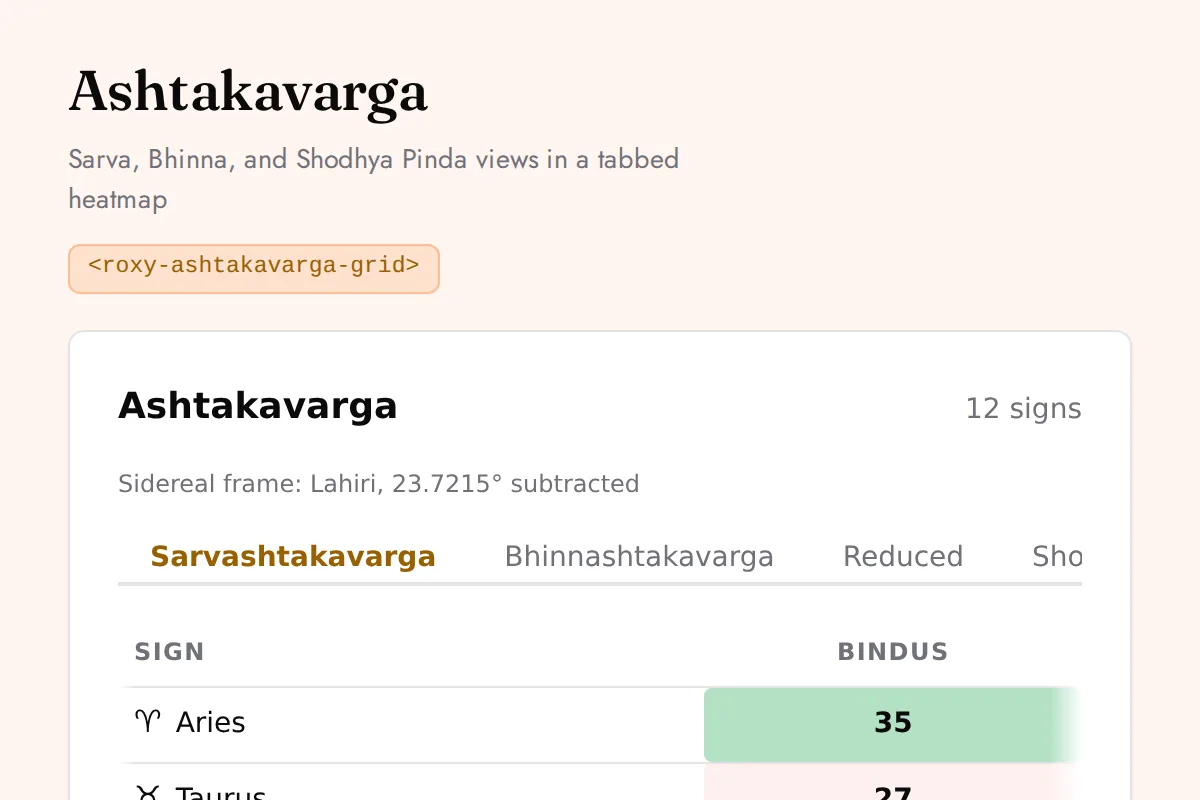
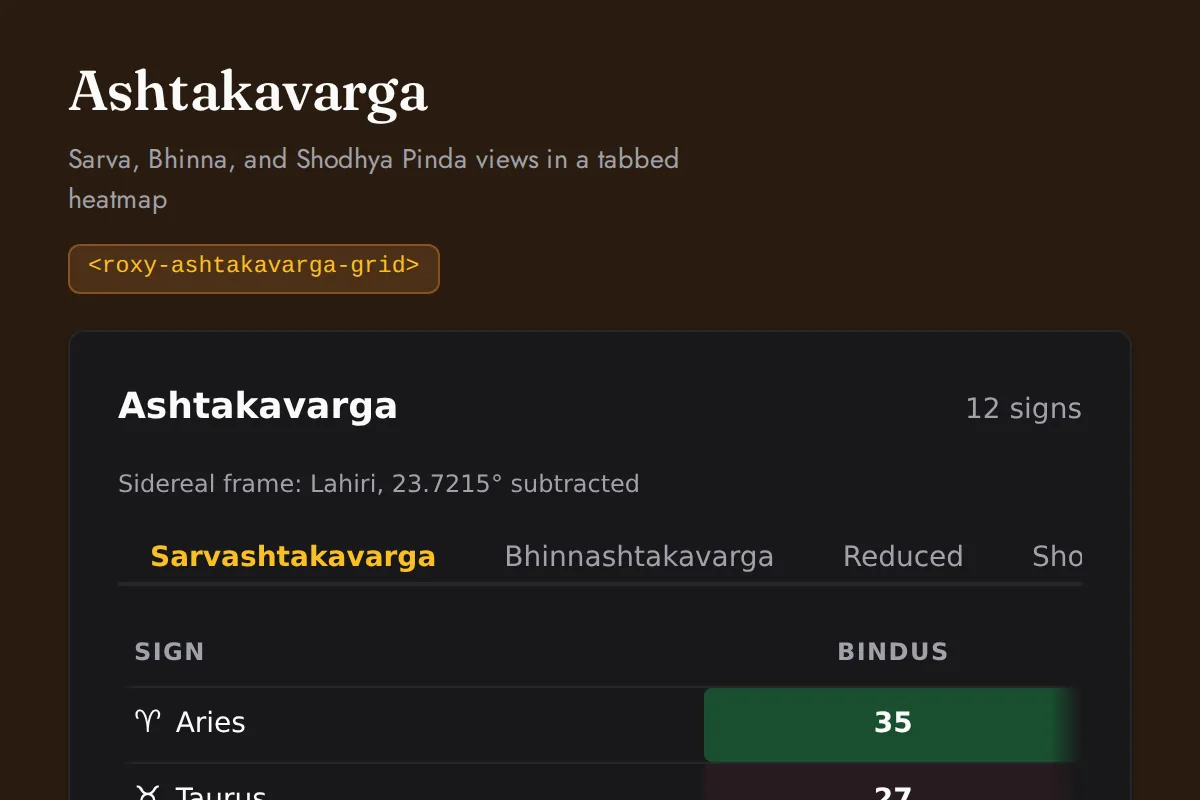
Ashtakavarga grid
Sarva, Bhinna, and Shodhya Pinda views in a tabbed heatmap
https://roxyapi.com/embed/ashtakavarga-grid?pk=pk_live_YOUR_KEY<iframe src="https://roxyapi.com/embed/ashtakavarga-grid?pk=pk_live_YOUR_KEY" title="Ashtakavarga grid widget" style="border:0;width:100%;height:600px" loading="lazy"></iframe><!-- Optional: warm practitioner theme (drop this line for the default look) -->
<!-- <link rel="stylesheet" href="https://cdn.jsdelivr.net/npm/@roxyapi/ui@latest/dist/styles/themes/practitioner.css"> -->
<script src="https://cdn.jsdelivr.net/npm/@roxyapi/ui@latest/dist/cdn/roxy-ui.js" defer></script>
<roxy-ashtakavarga-grid data-endpoint="vedic-astrology/ashtakavarga" publishable-key="pk_live_YOUR_KEY" hide-sections="hint"></roxy-ashtakavarga-grid><script src="https://cdn.jsdelivr.net/npm/@roxyapi/ui@latest/dist/cdn/widgets.js" defer></script>
<div data-roxy-widget="ashtakavarga-grid" data-publishable-key="pk_live_YOUR_KEY" data-hide-sections="hint"></div>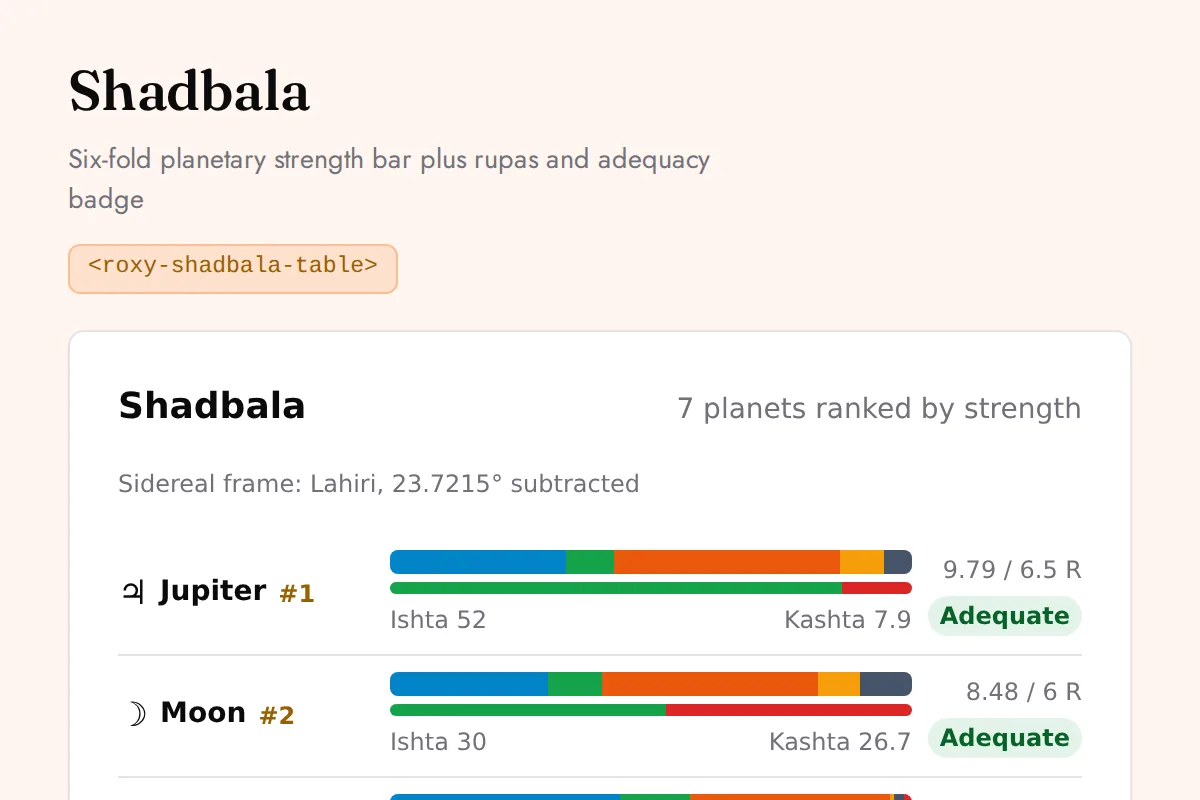
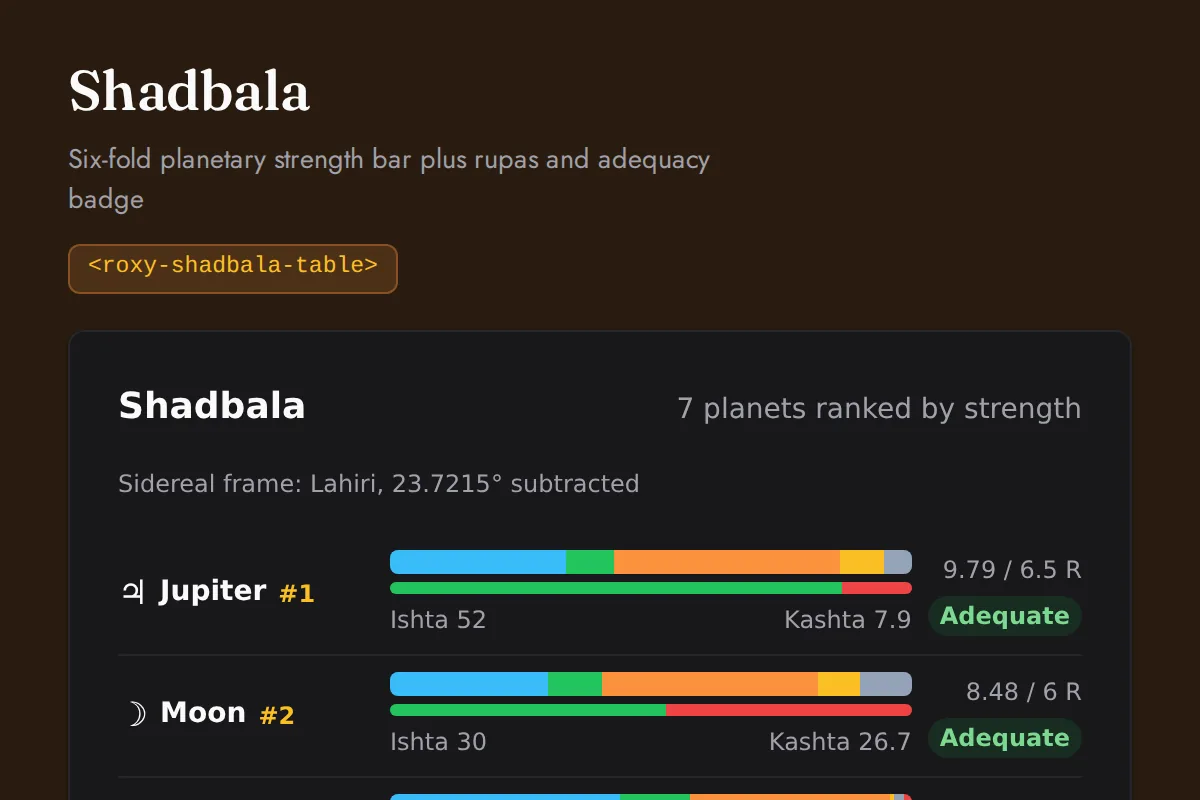
Shadbala table
Six-fold planetary strength bar plus rupas and adequacy badge
https://roxyapi.com/embed/shadbala-table?pk=pk_live_YOUR_KEY<iframe src="https://roxyapi.com/embed/shadbala-table?pk=pk_live_YOUR_KEY" title="Shadbala table widget" style="border:0;width:100%;height:600px" loading="lazy"></iframe><!-- Optional: warm practitioner theme (drop this line for the default look) -->
<!-- <link rel="stylesheet" href="https://cdn.jsdelivr.net/npm/@roxyapi/ui@latest/dist/styles/themes/practitioner.css"> -->
<script src="https://cdn.jsdelivr.net/npm/@roxyapi/ui@latest/dist/cdn/roxy-ui.js" defer></script>
<roxy-shadbala-table data-endpoint="vedic-astrology/shadbala" publishable-key="pk_live_YOUR_KEY" hide-sections="hint"></roxy-shadbala-table><script src="https://cdn.jsdelivr.net/npm/@roxyapi/ui@latest/dist/cdn/widgets.js" defer></script>
<div data-roxy-widget="shadbala-table" data-publishable-key="pk_live_YOUR_KEY" data-hide-sections="hint"></div>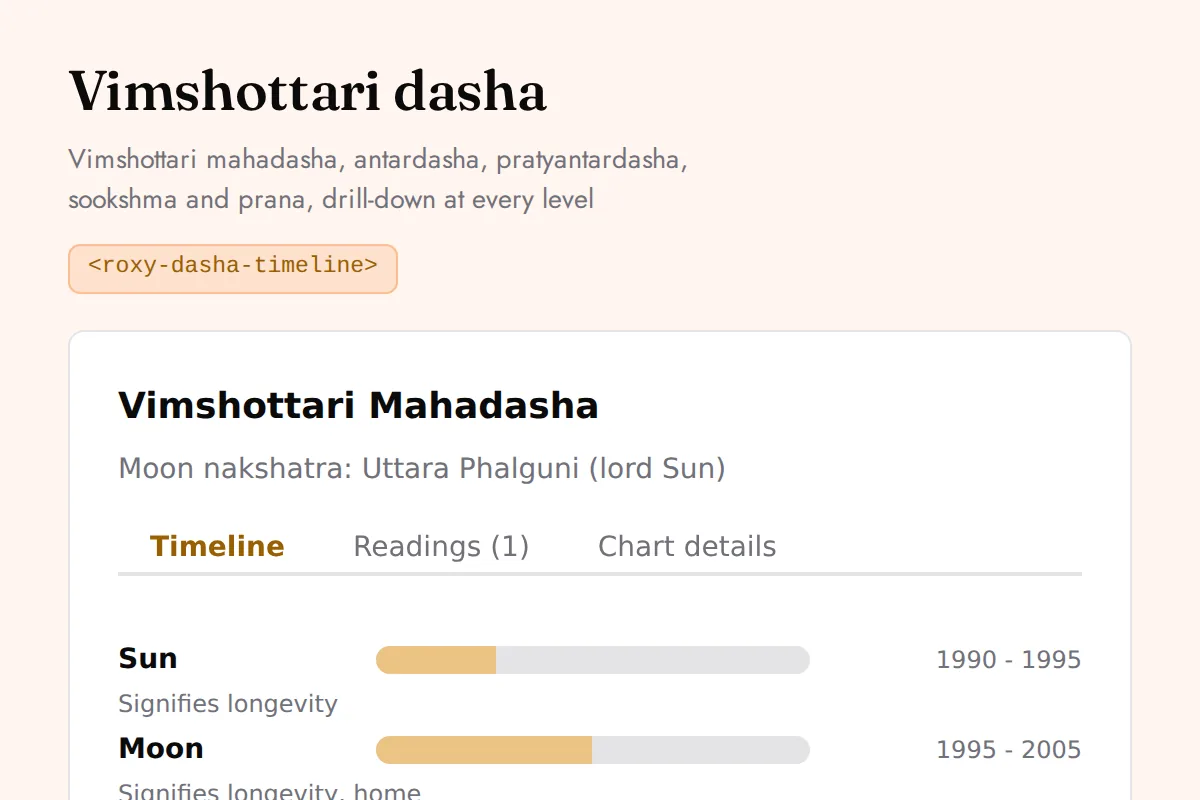
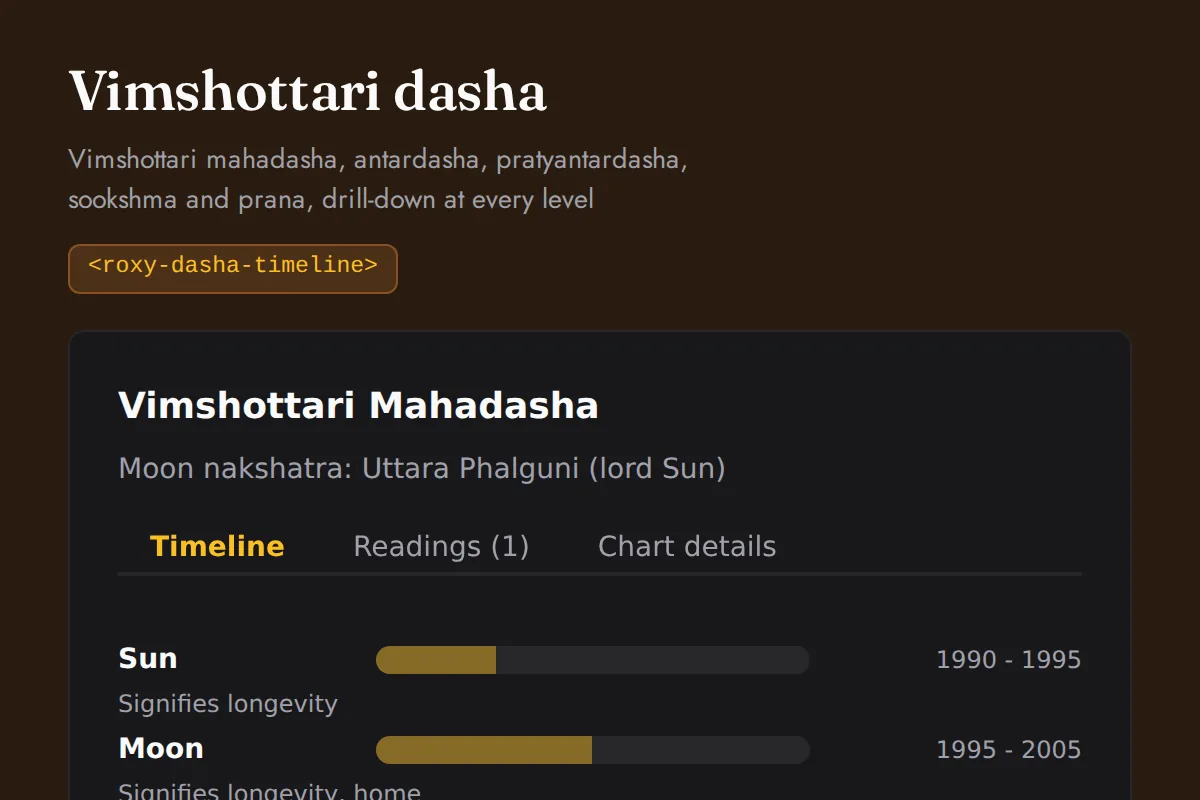
Dasha timeline
Vimshottari mahadasha, antardasha, pratyantardasha, sookshma and prana, drill-down at every level
https://roxyapi.com/embed/dasha-timeline?pk=pk_live_YOUR_KEY<iframe src="https://roxyapi.com/embed/dasha-timeline?pk=pk_live_YOUR_KEY" title="Dasha timeline widget" style="border:0;width:100%;height:600px" loading="lazy"></iframe><!-- Optional: warm practitioner theme (drop this line for the default look) -->
<!-- <link rel="stylesheet" href="https://cdn.jsdelivr.net/npm/@roxyapi/ui@latest/dist/styles/themes/practitioner.css"> -->
<script src="https://cdn.jsdelivr.net/npm/@roxyapi/ui@latest/dist/cdn/roxy-ui.js" defer></script>
<roxy-dasha-timeline period="major" data-endpoint="vedic-astrology/dasha/major" publishable-key="pk_live_YOUR_KEY" hide-sections="hint"></roxy-dasha-timeline><script src="https://cdn.jsdelivr.net/npm/@roxyapi/ui@latest/dist/cdn/widgets.js" defer></script>
<div data-roxy-widget="dasha-timeline" data-publishable-key="pk_live_YOUR_KEY" data-hide-sections="hint"></div>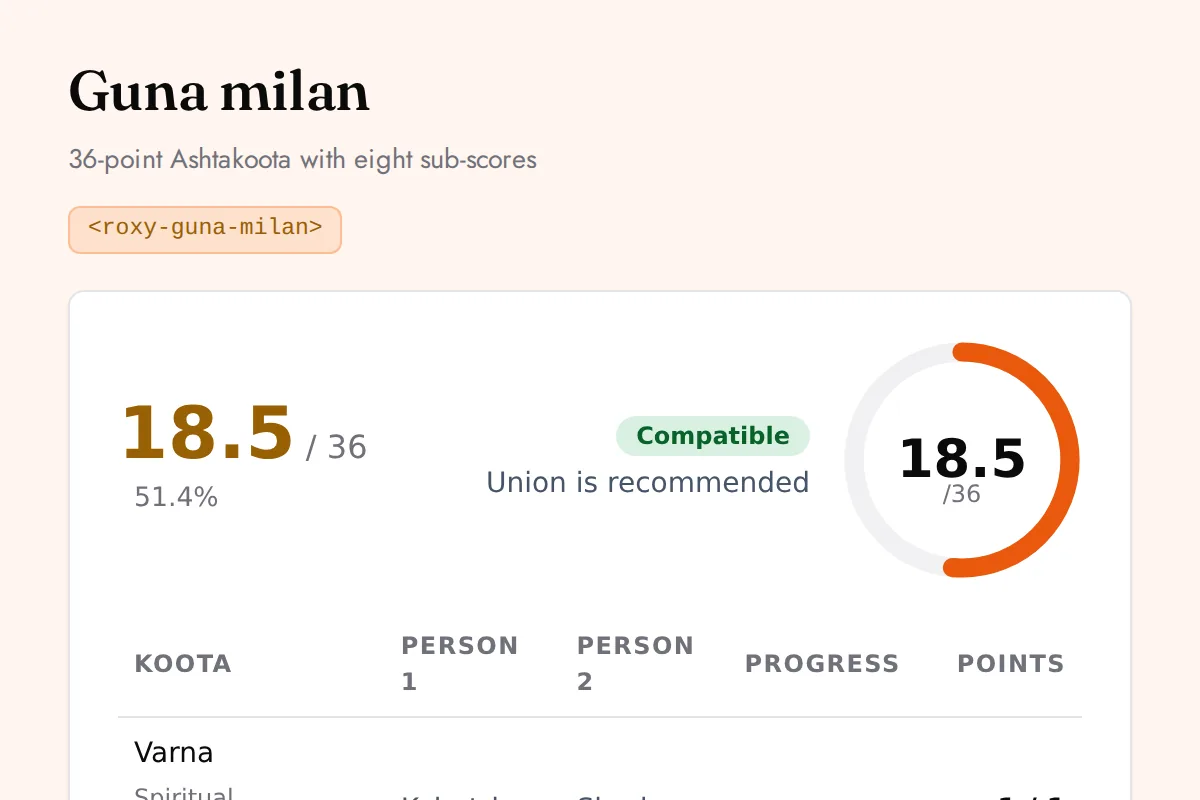
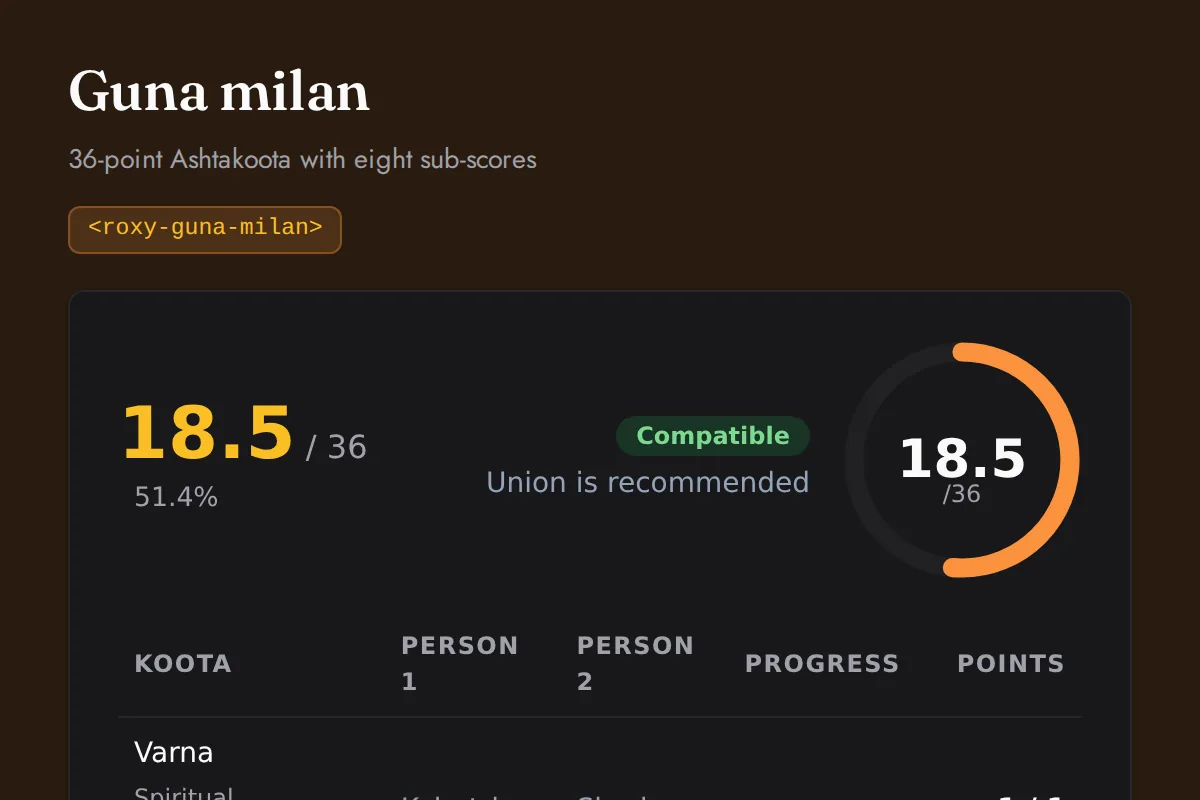
Guna milan
36-point Ashtakoota with eight sub-scores
https://roxyapi.com/embed/guna-milan?pk=pk_live_YOUR_KEY<iframe src="https://roxyapi.com/embed/guna-milan?pk=pk_live_YOUR_KEY" title="Guna milan widget" style="border:0;width:100%;height:600px" loading="lazy"></iframe><!-- Optional: warm practitioner theme (drop this line for the default look) -->
<!-- <link rel="stylesheet" href="https://cdn.jsdelivr.net/npm/@roxyapi/ui@latest/dist/styles/themes/practitioner.css"> -->
<script src="https://cdn.jsdelivr.net/npm/@roxyapi/ui@latest/dist/cdn/roxy-ui.js" defer></script>
<roxy-guna-milan data-endpoint="vedic-astrology/compatibility" publishable-key="pk_live_YOUR_KEY" hide-sections="hint"></roxy-guna-milan><script src="https://cdn.jsdelivr.net/npm/@roxyapi/ui@latest/dist/cdn/widgets.js" defer></script>
<div data-roxy-widget="guna-milan" data-publishable-key="pk_live_YOUR_KEY" data-hide-sections="hint"></div>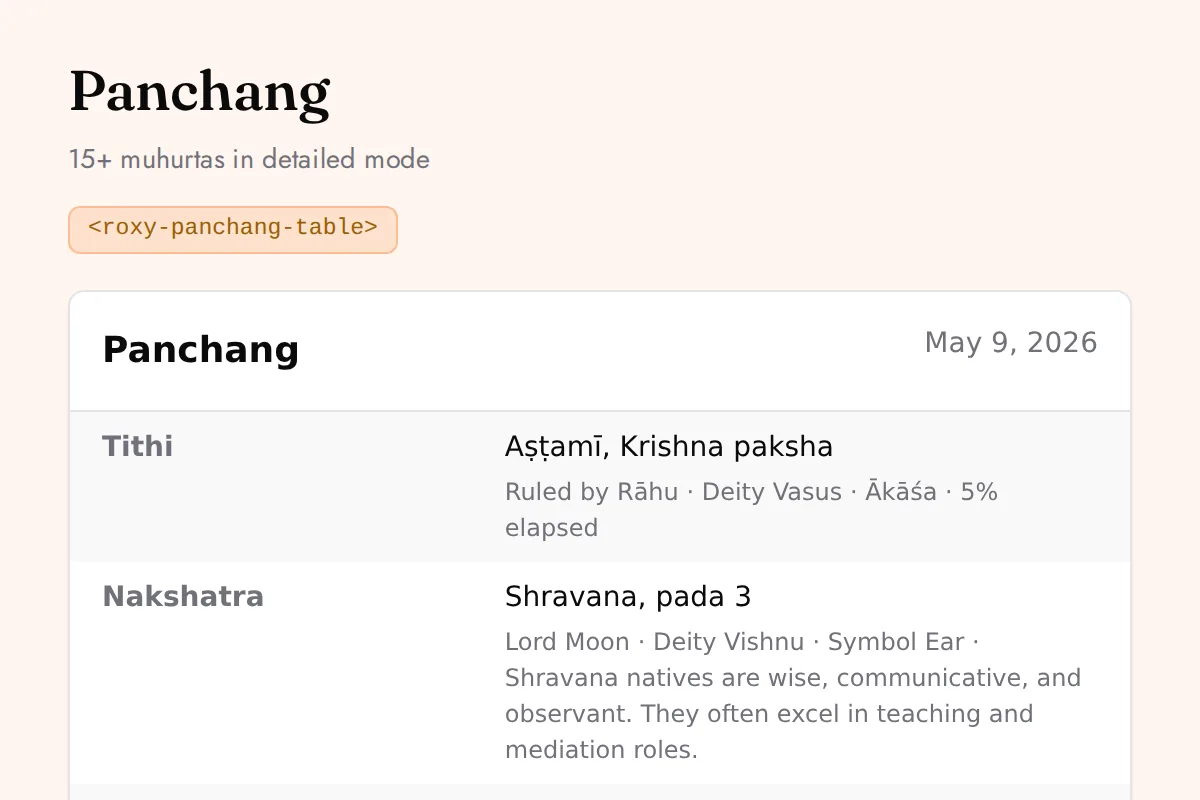
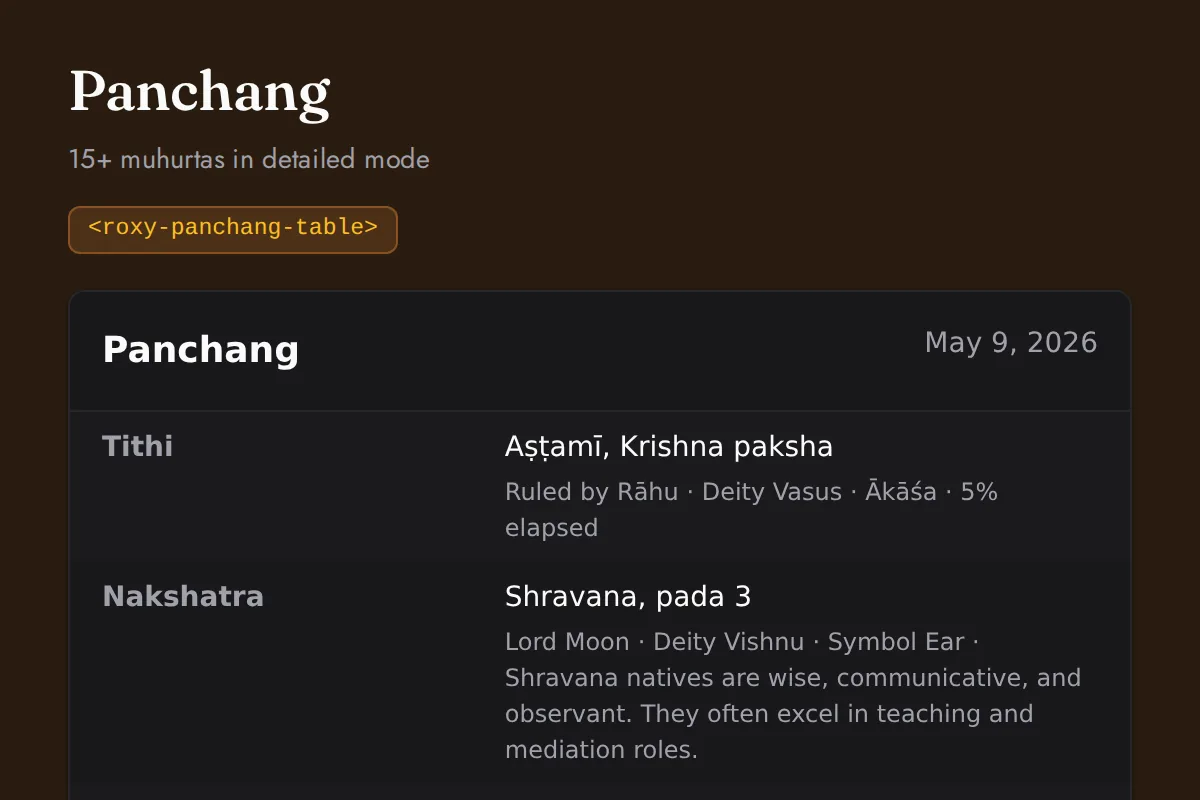
Panchang table
15+ muhurtas in detailed mode
https://roxyapi.com/embed/panchang-table?pk=pk_live_YOUR_KEY<iframe src="https://roxyapi.com/embed/panchang-table?pk=pk_live_YOUR_KEY" title="Panchang table widget" style="border:0;width:100%;height:600px" loading="lazy"></iframe><!-- Optional: warm practitioner theme (drop this line for the default look) -->
<!-- <link rel="stylesheet" href="https://cdn.jsdelivr.net/npm/@roxyapi/ui@latest/dist/styles/themes/practitioner.css"> -->
<script src="https://cdn.jsdelivr.net/npm/@roxyapi/ui@latest/dist/cdn/roxy-ui.js" defer></script>
<roxy-panchang-table detail="detailed" data-endpoint="vedic-astrology/panchang/detailed" publishable-key="pk_live_YOUR_KEY" hide-sections="hint"></roxy-panchang-table><script src="https://cdn.jsdelivr.net/npm/@roxyapi/ui@latest/dist/cdn/widgets.js" defer></script>
<div data-roxy-widget="panchang-table" data-publishable-key="pk_live_YOUR_KEY" data-hide-sections="hint"></div>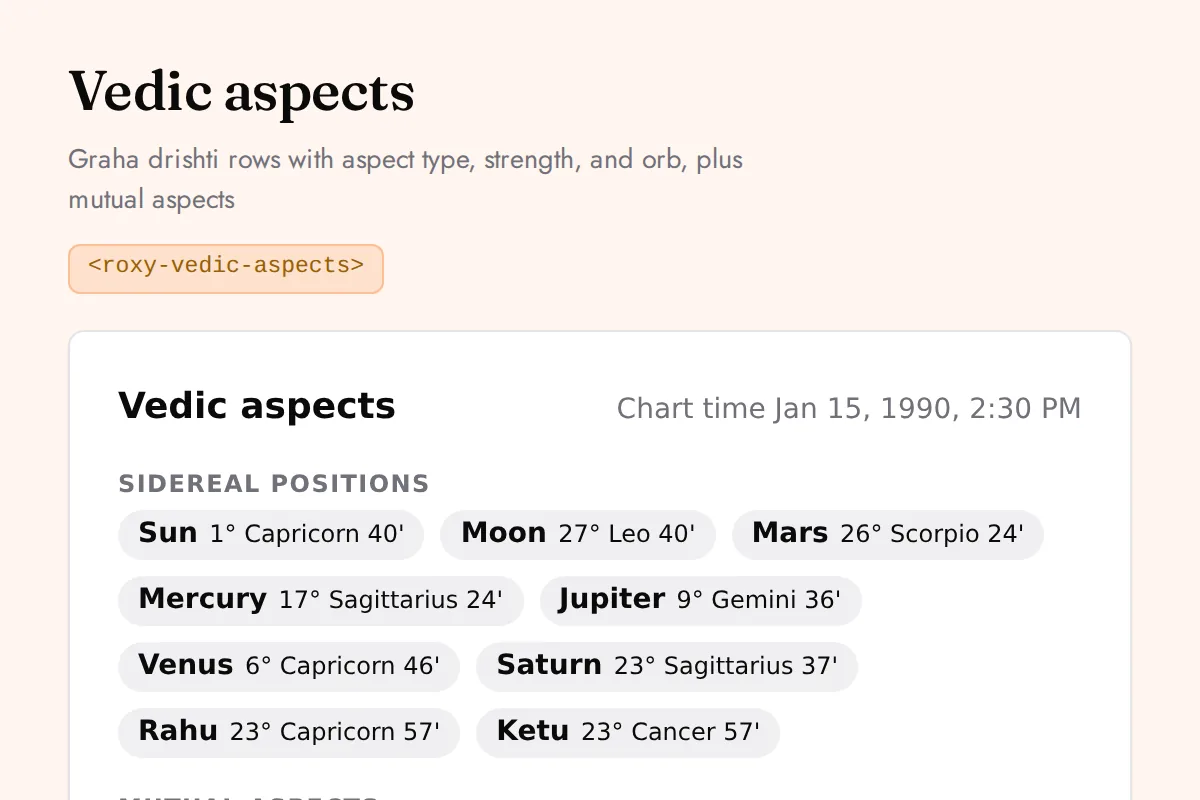
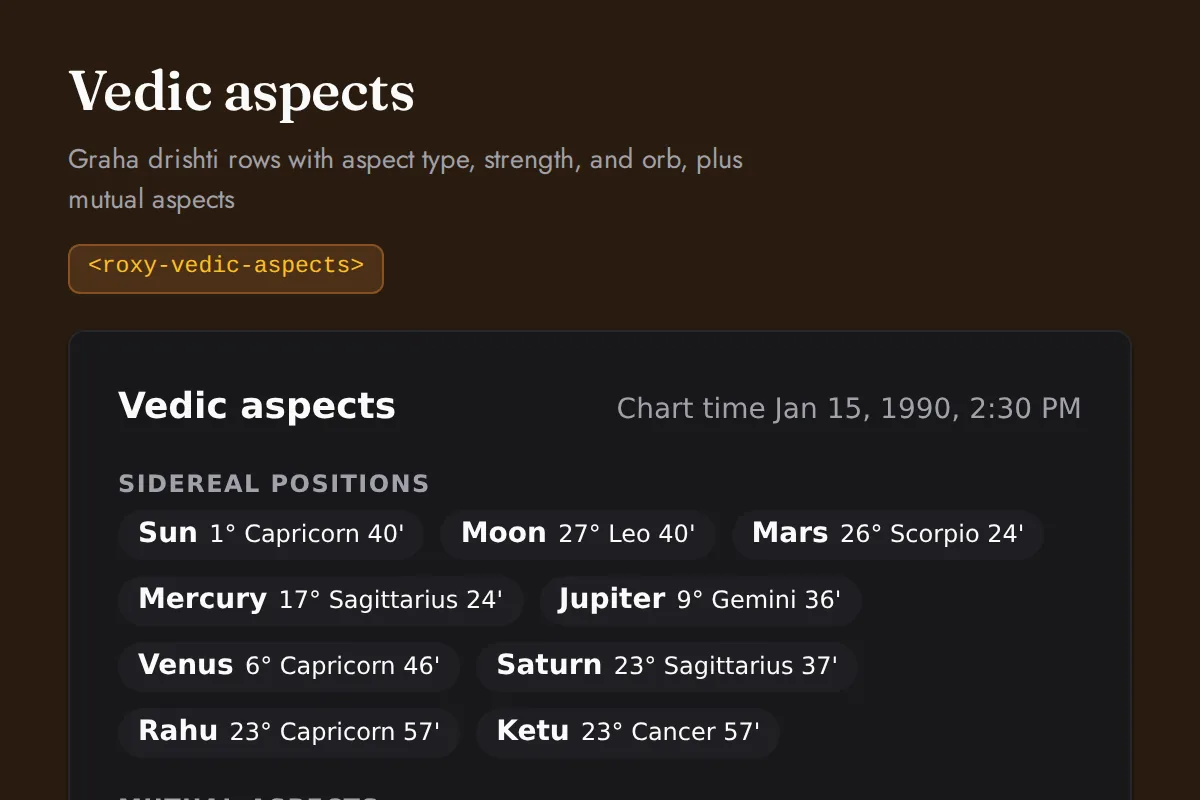
Vedic aspects
Graha drishti rows with aspect type, strength, and orb, plus mutual aspects
https://roxyapi.com/embed/vedic-aspects?pk=pk_live_YOUR_KEY<iframe src="https://roxyapi.com/embed/vedic-aspects?pk=pk_live_YOUR_KEY" title="Vedic aspects widget" style="border:0;width:100%;height:600px" loading="lazy"></iframe><!-- Optional: warm practitioner theme (drop this line for the default look) -->
<!-- <link rel="stylesheet" href="https://cdn.jsdelivr.net/npm/@roxyapi/ui@latest/dist/styles/themes/practitioner.css"> -->
<script src="https://cdn.jsdelivr.net/npm/@roxyapi/ui@latest/dist/cdn/roxy-ui.js" defer></script>
<roxy-vedic-aspects data-endpoint="vedic-astrology/aspects" publishable-key="pk_live_YOUR_KEY" hide-sections="hint"></roxy-vedic-aspects><script src="https://cdn.jsdelivr.net/npm/@roxyapi/ui@latest/dist/cdn/widgets.js" defer></script>
<div data-roxy-widget="vedic-aspects" data-publishable-key="pk_live_YOUR_KEY" data-hide-sections="hint"></div>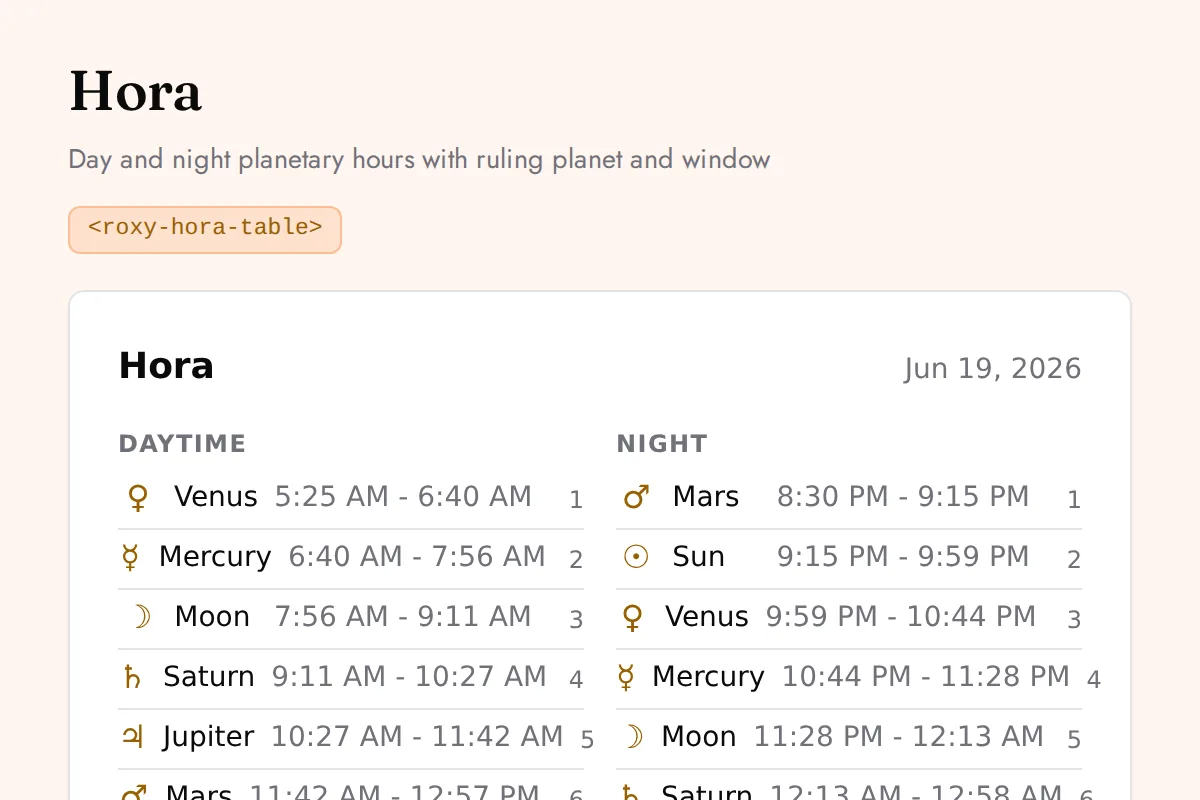
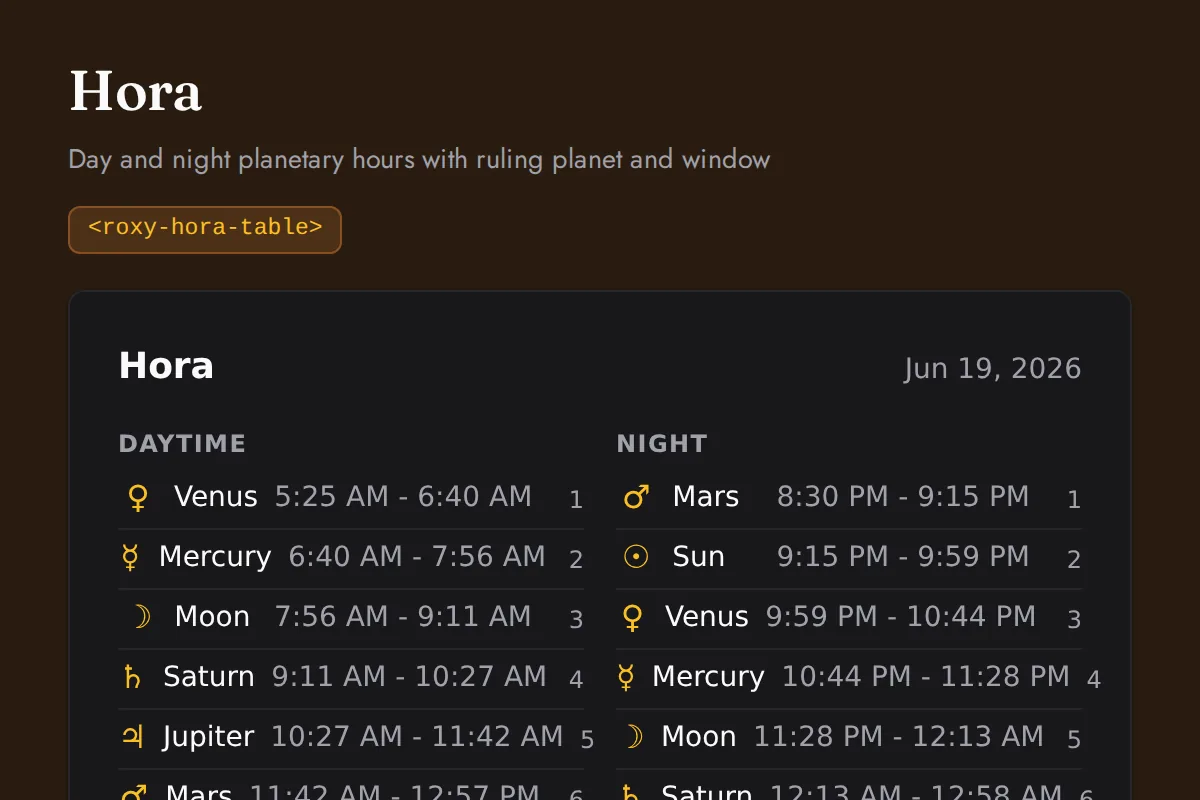
Hora table
Day and night planetary hours with ruling planet and window
https://roxyapi.com/embed/hora-table?pk=pk_live_YOUR_KEY<iframe src="https://roxyapi.com/embed/hora-table?pk=pk_live_YOUR_KEY" title="Hora table widget" style="border:0;width:100%;height:600px" loading="lazy"></iframe><!-- Optional: warm practitioner theme (drop this line for the default look) -->
<!-- <link rel="stylesheet" href="https://cdn.jsdelivr.net/npm/@roxyapi/ui@latest/dist/styles/themes/practitioner.css"> -->
<script src="https://cdn.jsdelivr.net/npm/@roxyapi/ui@latest/dist/cdn/roxy-ui.js" defer></script>
<roxy-hora-table data-endpoint="vedic-astrology/panchang/hora" publishable-key="pk_live_YOUR_KEY" hide-sections="hint"></roxy-hora-table><script src="https://cdn.jsdelivr.net/npm/@roxyapi/ui@latest/dist/cdn/widgets.js" defer></script>
<div data-roxy-widget="hora-table" data-publishable-key="pk_live_YOUR_KEY" data-hide-sections="hint"></div>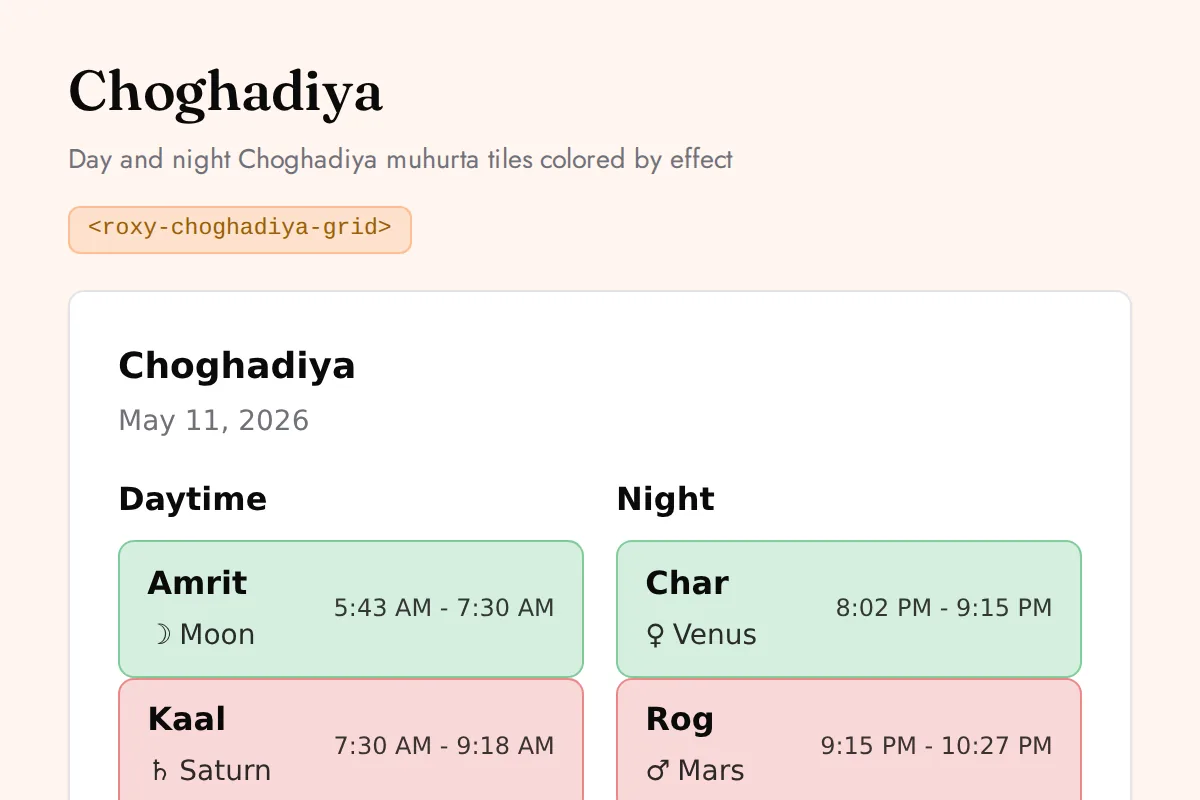
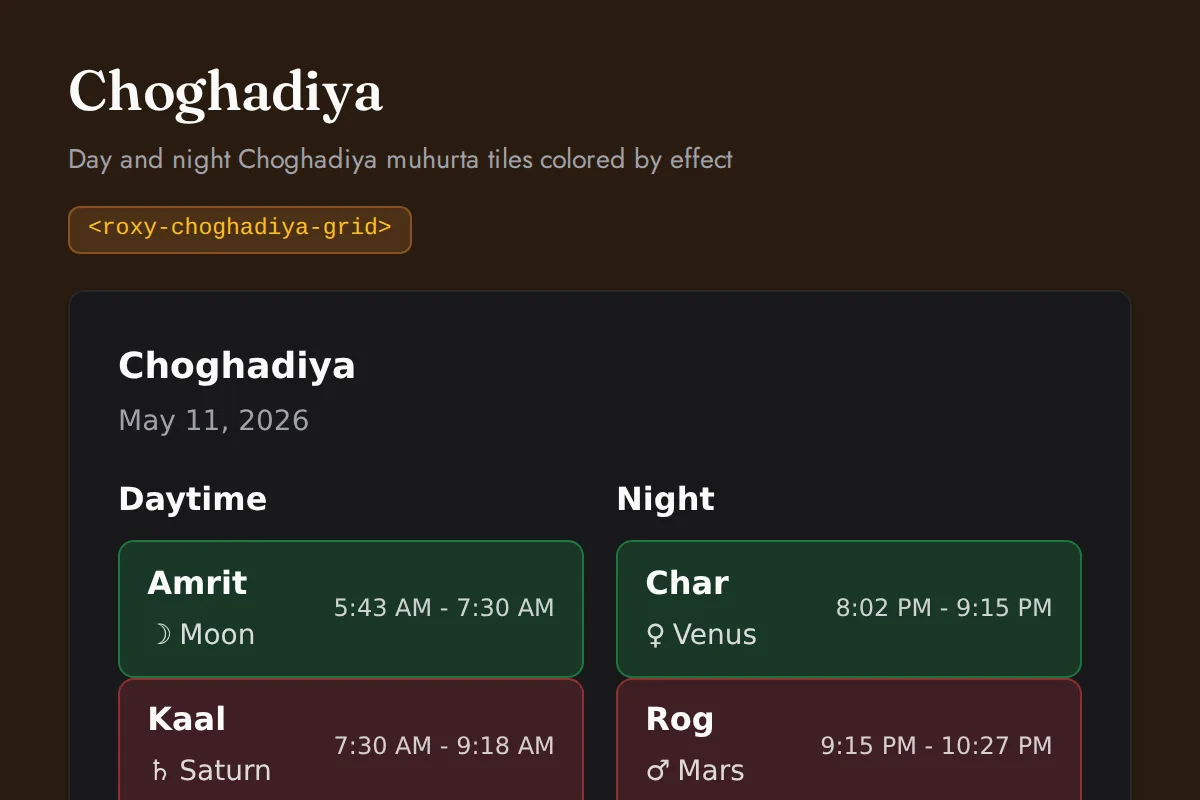
Choghadiya grid
Day and night Choghadiya muhurta tiles colored by effect
https://roxyapi.com/embed/choghadiya-grid?pk=pk_live_YOUR_KEY<iframe src="https://roxyapi.com/embed/choghadiya-grid?pk=pk_live_YOUR_KEY" title="Choghadiya grid widget" style="border:0;width:100%;height:600px" loading="lazy"></iframe><!-- Optional: warm practitioner theme (drop this line for the default look) -->
<!-- <link rel="stylesheet" href="https://cdn.jsdelivr.net/npm/@roxyapi/ui@latest/dist/styles/themes/practitioner.css"> -->
<script src="https://cdn.jsdelivr.net/npm/@roxyapi/ui@latest/dist/cdn/roxy-ui.js" defer></script>
<roxy-choghadiya-grid data-endpoint="vedic-astrology/panchang/choghadiya" publishable-key="pk_live_YOUR_KEY" hide-sections="hint"></roxy-choghadiya-grid><script src="https://cdn.jsdelivr.net/npm/@roxyapi/ui@latest/dist/cdn/widgets.js" defer></script>
<div data-roxy-widget="choghadiya-grid" data-publishable-key="pk_live_YOUR_KEY" data-hide-sections="hint"></div>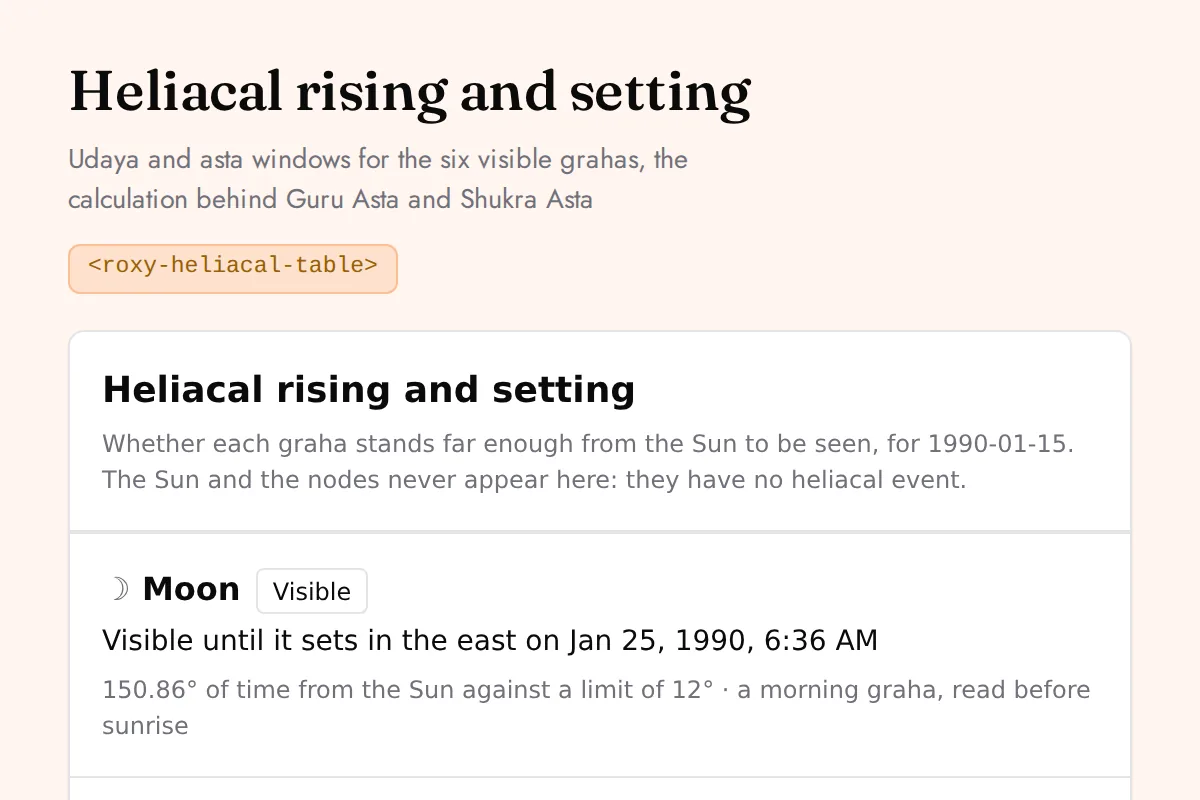
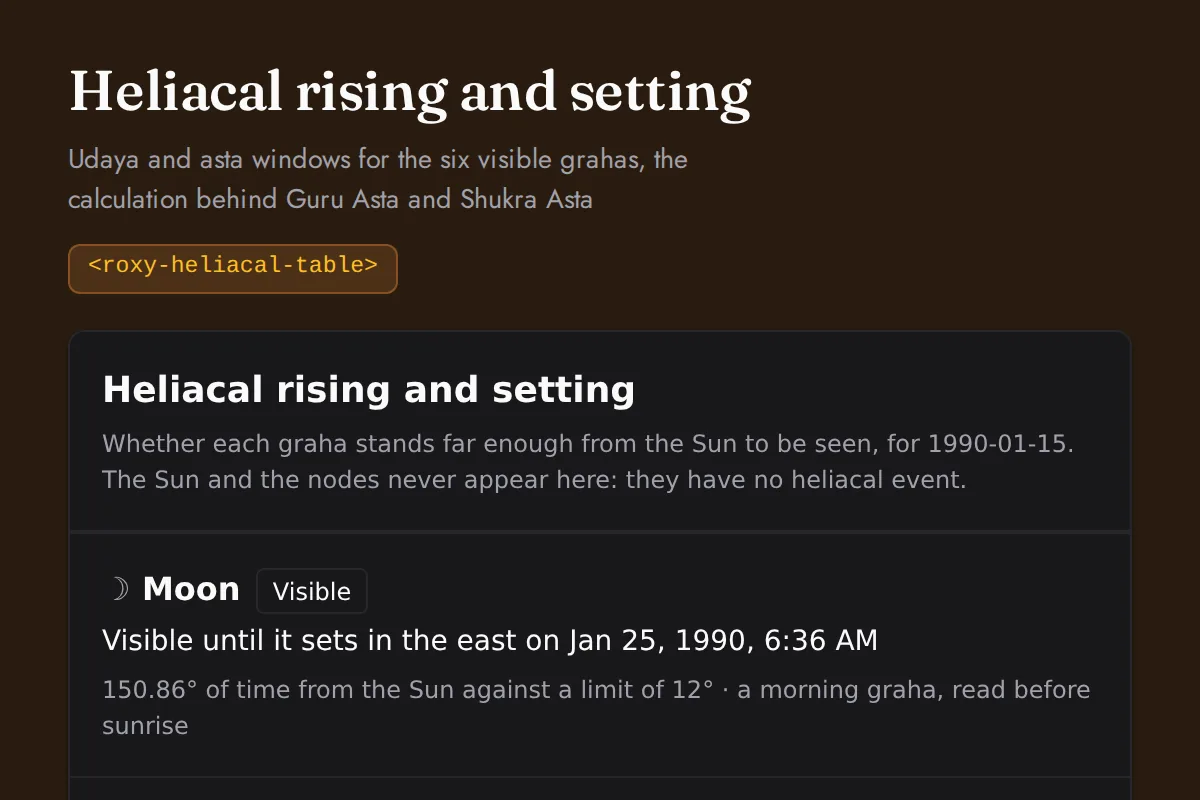
Heliacal table
Udaya and asta windows for the six visible grahas, the calculation behind Guru Asta and Shukra Asta
https://roxyapi.com/embed/heliacal-table?pk=pk_live_YOUR_KEY<iframe src="https://roxyapi.com/embed/heliacal-table?pk=pk_live_YOUR_KEY" title="Heliacal table widget" style="border:0;width:100%;height:600px" loading="lazy"></iframe><!-- Optional: warm practitioner theme (drop this line for the default look) -->
<!-- <link rel="stylesheet" href="https://cdn.jsdelivr.net/npm/@roxyapi/ui@latest/dist/styles/themes/practitioner.css"> -->
<script src="https://cdn.jsdelivr.net/npm/@roxyapi/ui@latest/dist/cdn/roxy-ui.js" defer></script>
<roxy-heliacal-table data-endpoint="vedic-astrology/heliacal" publishable-key="pk_live_YOUR_KEY" hide-sections="hint"></roxy-heliacal-table><script src="https://cdn.jsdelivr.net/npm/@roxyapi/ui@latest/dist/cdn/widgets.js" defer></script>
<div data-roxy-widget="heliacal-table" data-publishable-key="pk_live_YOUR_KEY" data-hide-sections="hint"></div>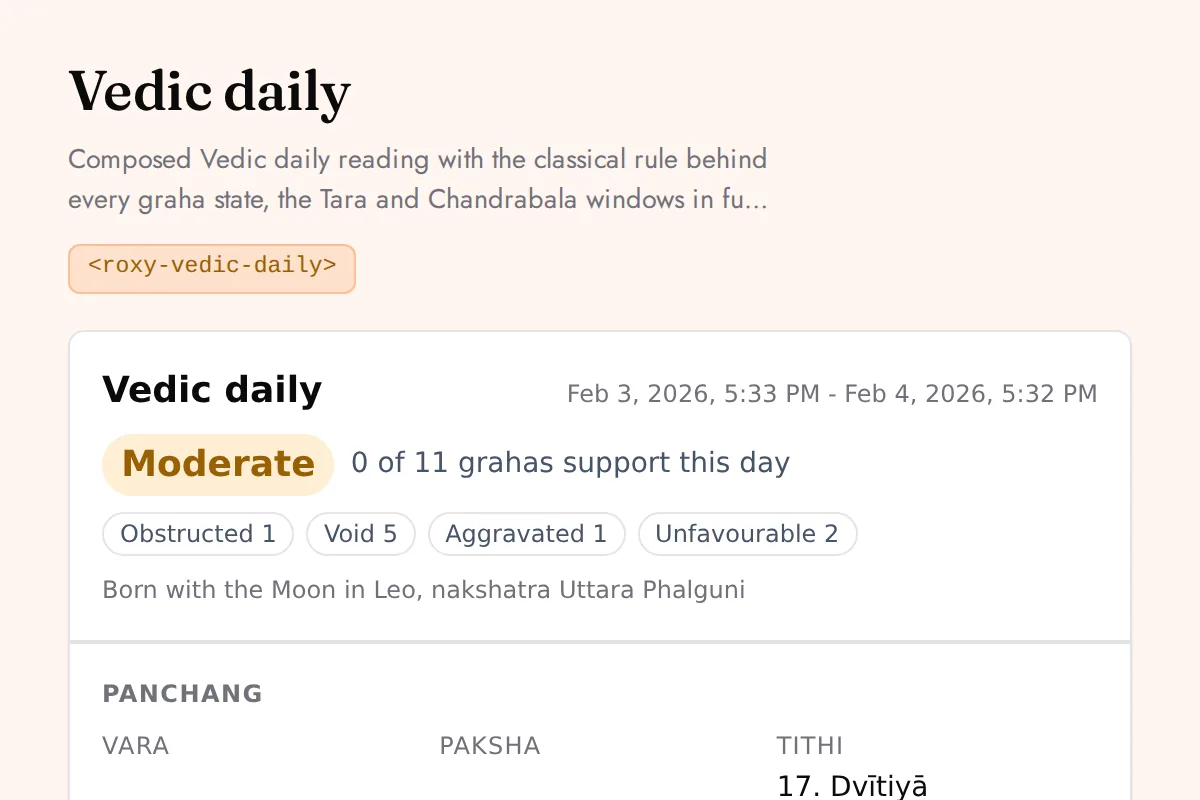
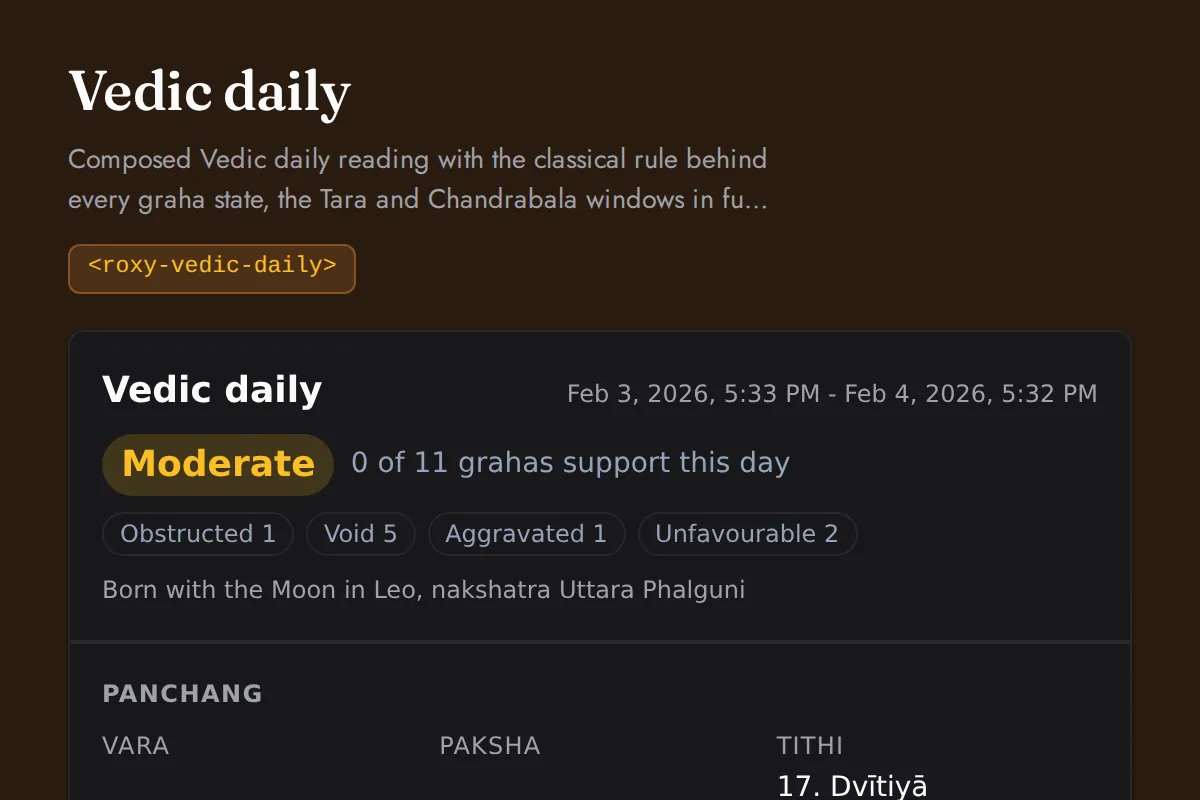
Vedic daily
Composed Vedic daily reading with the classical rule behind every graha state, the Tara and Chandrabala windows in full, and all three sidereal frames named
https://roxyapi.com/embed/vedic-daily?pk=pk_live_YOUR_KEY<iframe src="https://roxyapi.com/embed/vedic-daily?pk=pk_live_YOUR_KEY" title="Vedic daily widget" style="border:0;width:100%;height:600px" loading="lazy"></iframe><!-- Optional: warm practitioner theme (drop this line for the default look) -->
<!-- <link rel="stylesheet" href="https://cdn.jsdelivr.net/npm/@roxyapi/ui@latest/dist/styles/themes/practitioner.css"> -->
<script src="https://cdn.jsdelivr.net/npm/@roxyapi/ui@latest/dist/cdn/roxy-ui.js" defer></script>
<roxy-vedic-daily data-endpoint="vedic-astrology/daily" publishable-key="pk_live_YOUR_KEY" hide-sections="hint"></roxy-vedic-daily><script src="https://cdn.jsdelivr.net/npm/@roxyapi/ui@latest/dist/cdn/widgets.js" defer></script>
<div data-roxy-widget="vedic-daily" data-publishable-key="pk_live_YOUR_KEY" data-hide-sections="hint"></div>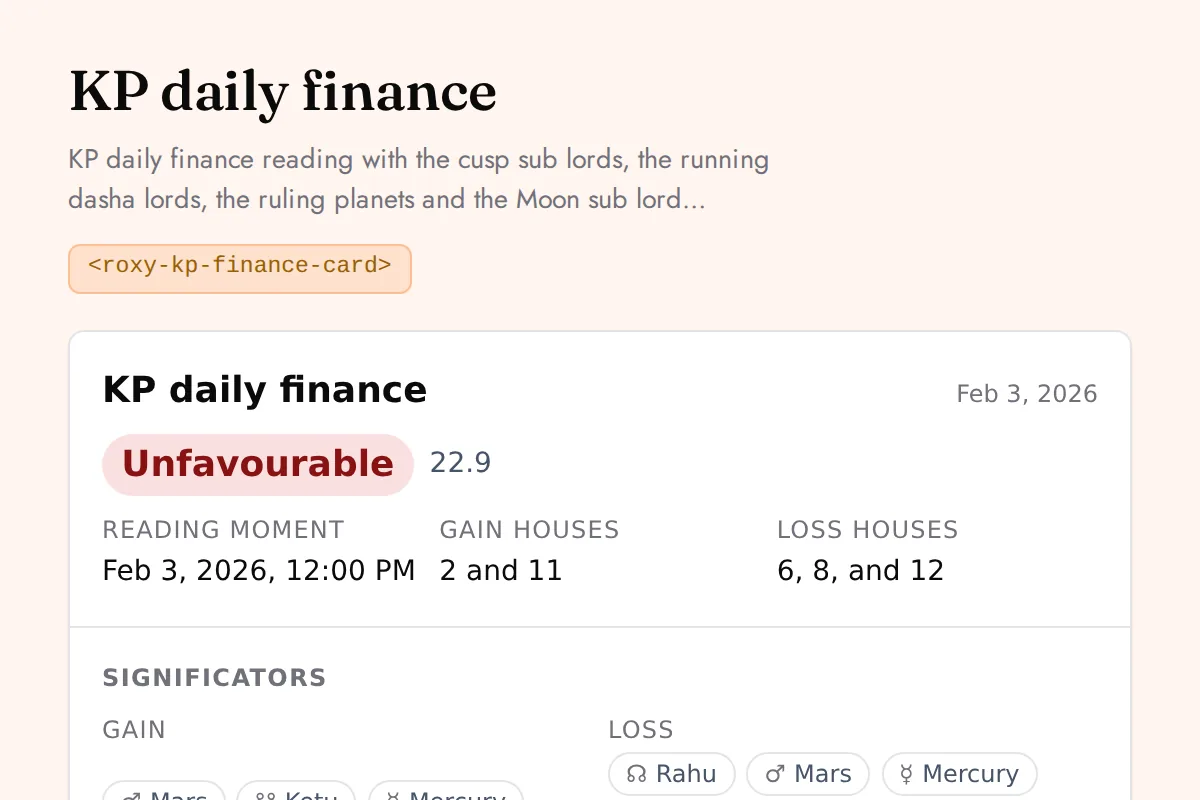
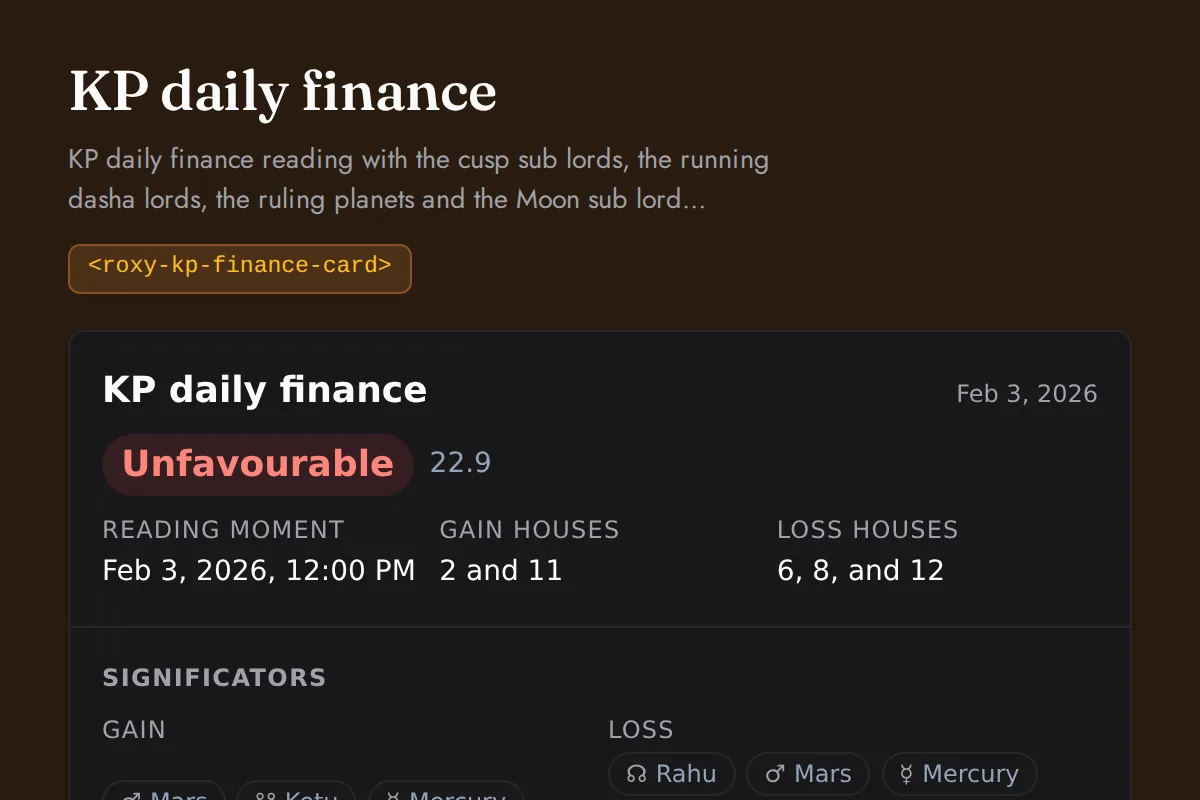
KP finance card
KP daily finance reading with the cusp sub lords, the running dasha lords, the ruling planets and the Moon sub lord windows each scored against the gain and loss houses, weighed into one band for the day
https://roxyapi.com/embed/kp-finance-card?pk=pk_live_YOUR_KEY<iframe src="https://roxyapi.com/embed/kp-finance-card?pk=pk_live_YOUR_KEY" title="KP finance card widget" style="border:0;width:100%;height:600px" loading="lazy"></iframe><!-- Optional: warm practitioner theme (drop this line for the default look) -->
<!-- <link rel="stylesheet" href="https://cdn.jsdelivr.net/npm/@roxyapi/ui@latest/dist/styles/themes/practitioner.css"> -->
<script src="https://cdn.jsdelivr.net/npm/@roxyapi/ui@latest/dist/cdn/roxy-ui.js" defer></script>
<roxy-kp-finance-card data-endpoint="vedic-astrology/kp/daily-finance" publishable-key="pk_live_YOUR_KEY" hide-sections="hint"></roxy-kp-finance-card><script src="https://cdn.jsdelivr.net/npm/@roxyapi/ui@latest/dist/cdn/widgets.js" defer></script>
<div data-roxy-widget="kp-finance-card" data-publishable-key="pk_live_YOUR_KEY" data-hide-sections="hint"></div>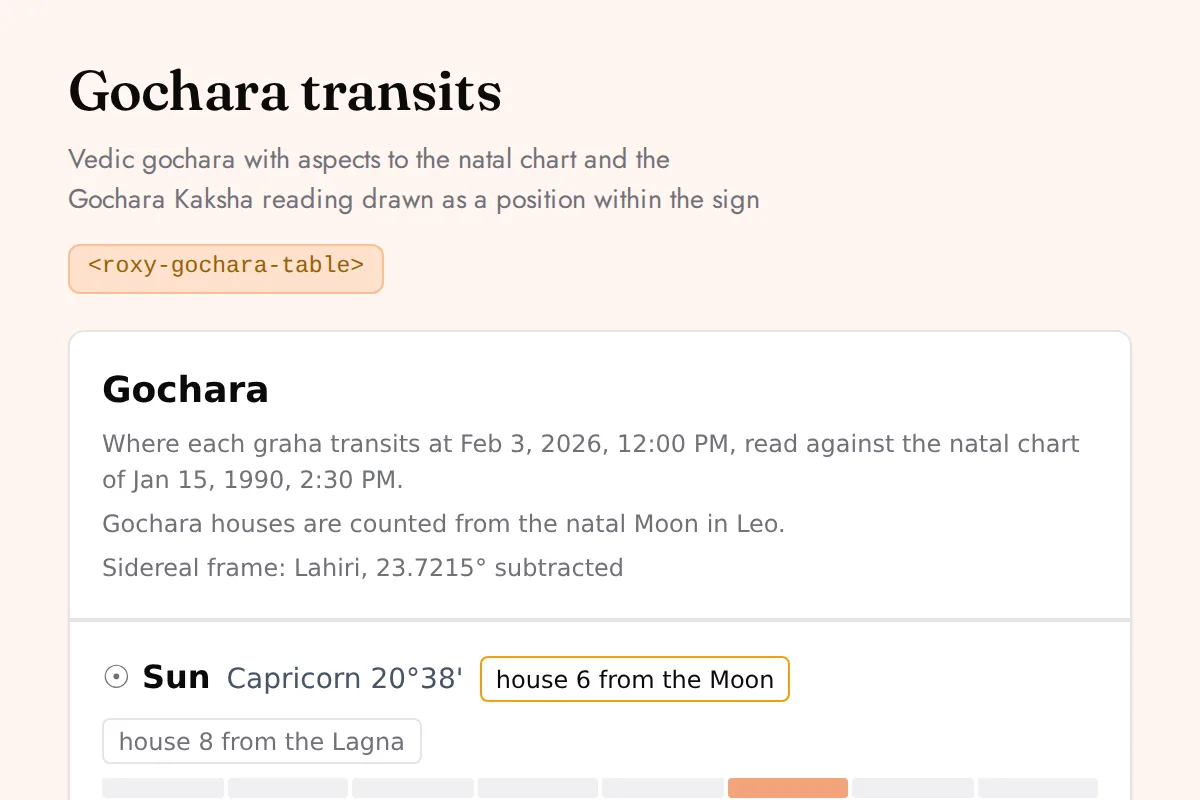
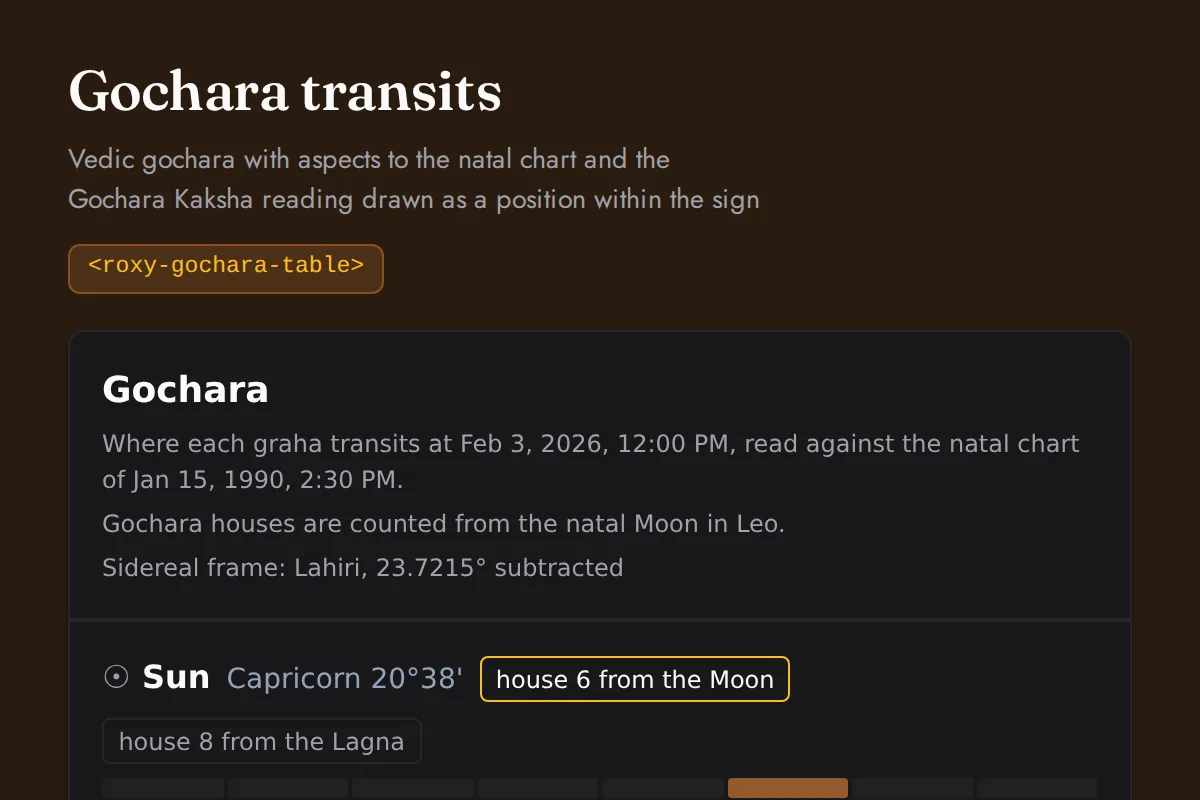
Gochara table
Vedic gochara with aspects to the natal chart and the Gochara Kaksha reading drawn as a position within the sign
https://roxyapi.com/embed/gochara-table?pk=pk_live_YOUR_KEY<iframe src="https://roxyapi.com/embed/gochara-table?pk=pk_live_YOUR_KEY" title="Gochara table widget" style="border:0;width:100%;height:600px" loading="lazy"></iframe><!-- Optional: warm practitioner theme (drop this line for the default look) -->
<!-- <link rel="stylesheet" href="https://cdn.jsdelivr.net/npm/@roxyapi/ui@latest/dist/styles/themes/practitioner.css"> -->
<script src="https://cdn.jsdelivr.net/npm/@roxyapi/ui@latest/dist/cdn/roxy-ui.js" defer></script>
<roxy-gochara-table data-endpoint="vedic-astrology/transit" publishable-key="pk_live_YOUR_KEY" hide-sections="hint"></roxy-gochara-table><script src="https://cdn.jsdelivr.net/npm/@roxyapi/ui@latest/dist/cdn/widgets.js" defer></script>
<div data-roxy-widget="gochara-table" data-publishable-key="pk_live_YOUR_KEY" data-hide-sections="hint"></div>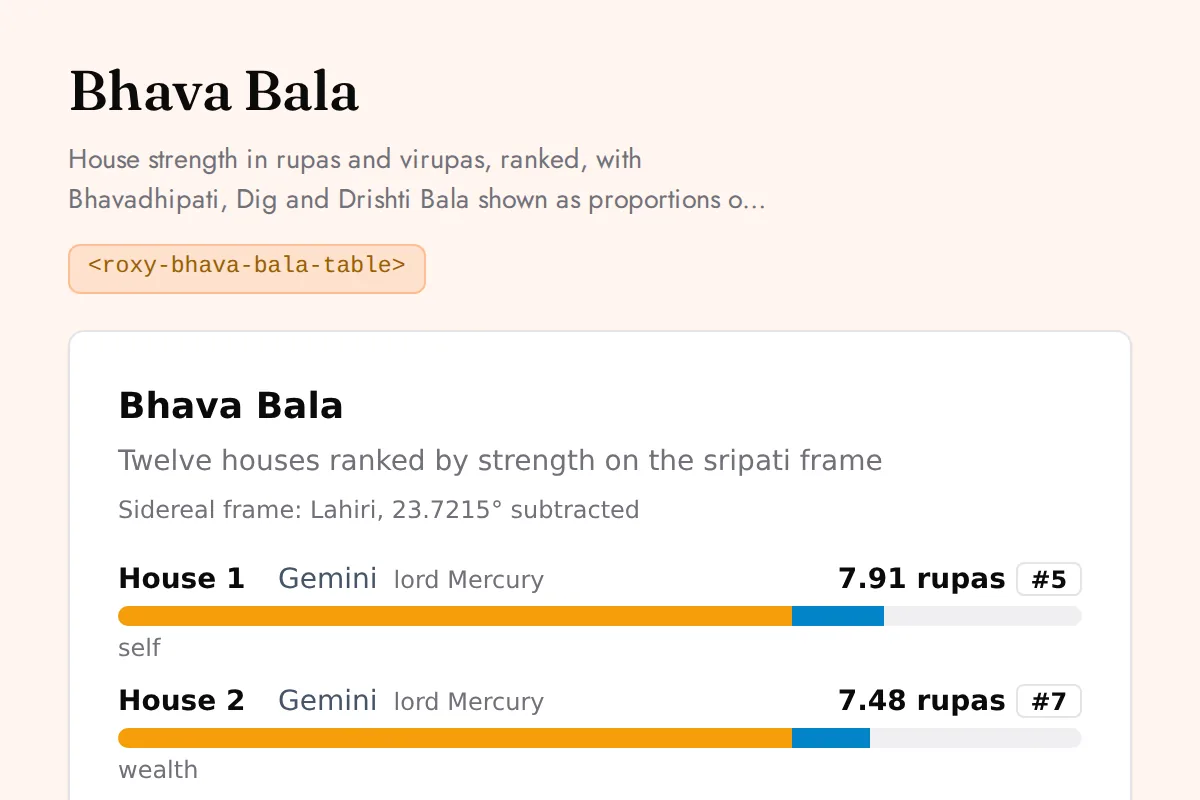
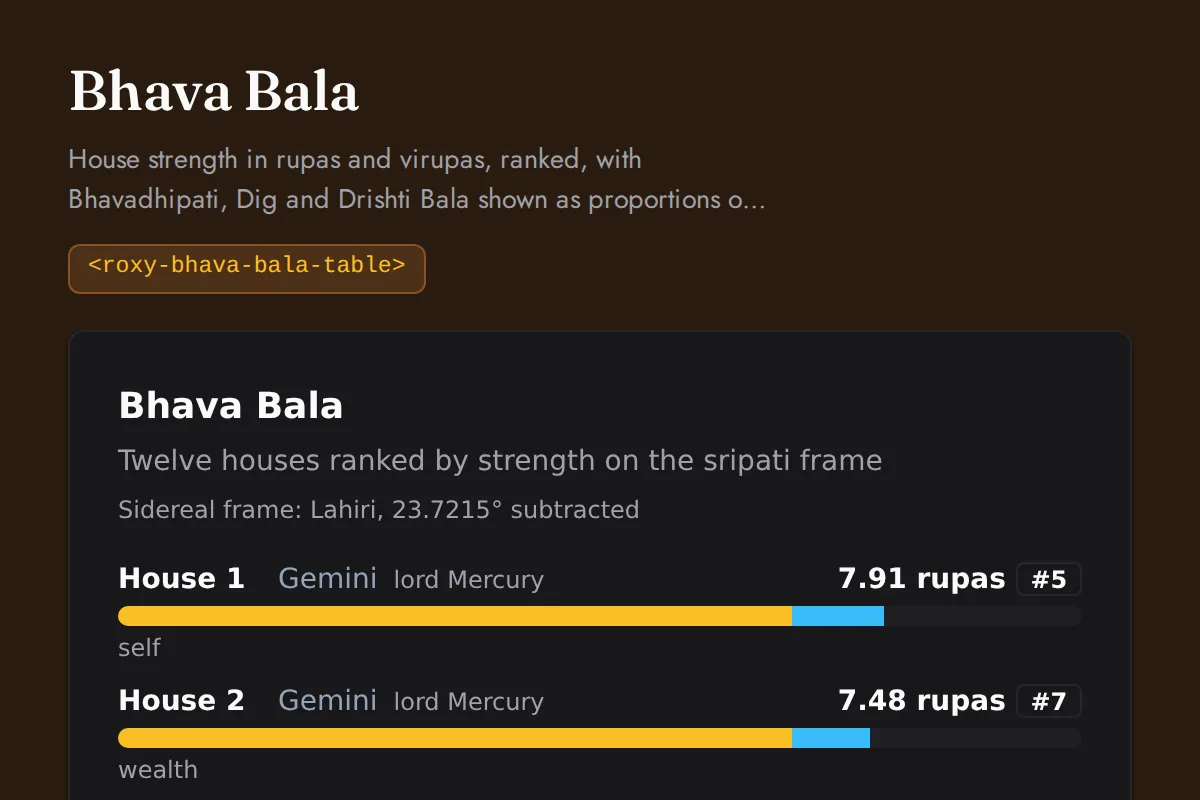
Bhava bala table
House strength in rupas and virupas, ranked, with Bhavadhipati, Dig and Drishti Bala shown as proportions of the total
https://roxyapi.com/embed/bhava-bala-table?pk=pk_live_YOUR_KEY<iframe src="https://roxyapi.com/embed/bhava-bala-table?pk=pk_live_YOUR_KEY" title="Bhava bala table widget" style="border:0;width:100%;height:600px" loading="lazy"></iframe><!-- Optional: warm practitioner theme (drop this line for the default look) -->
<!-- <link rel="stylesheet" href="https://cdn.jsdelivr.net/npm/@roxyapi/ui@latest/dist/styles/themes/practitioner.css"> -->
<script src="https://cdn.jsdelivr.net/npm/@roxyapi/ui@latest/dist/cdn/roxy-ui.js" defer></script>
<roxy-bhava-bala-table data-endpoint="vedic-astrology/bhava-bala" publishable-key="pk_live_YOUR_KEY" hide-sections="hint"></roxy-bhava-bala-table><script src="https://cdn.jsdelivr.net/npm/@roxyapi/ui@latest/dist/cdn/widgets.js" defer></script>
<div data-roxy-widget="bhava-bala-table" data-publishable-key="pk_live_YOUR_KEY" data-hide-sections="hint"></div>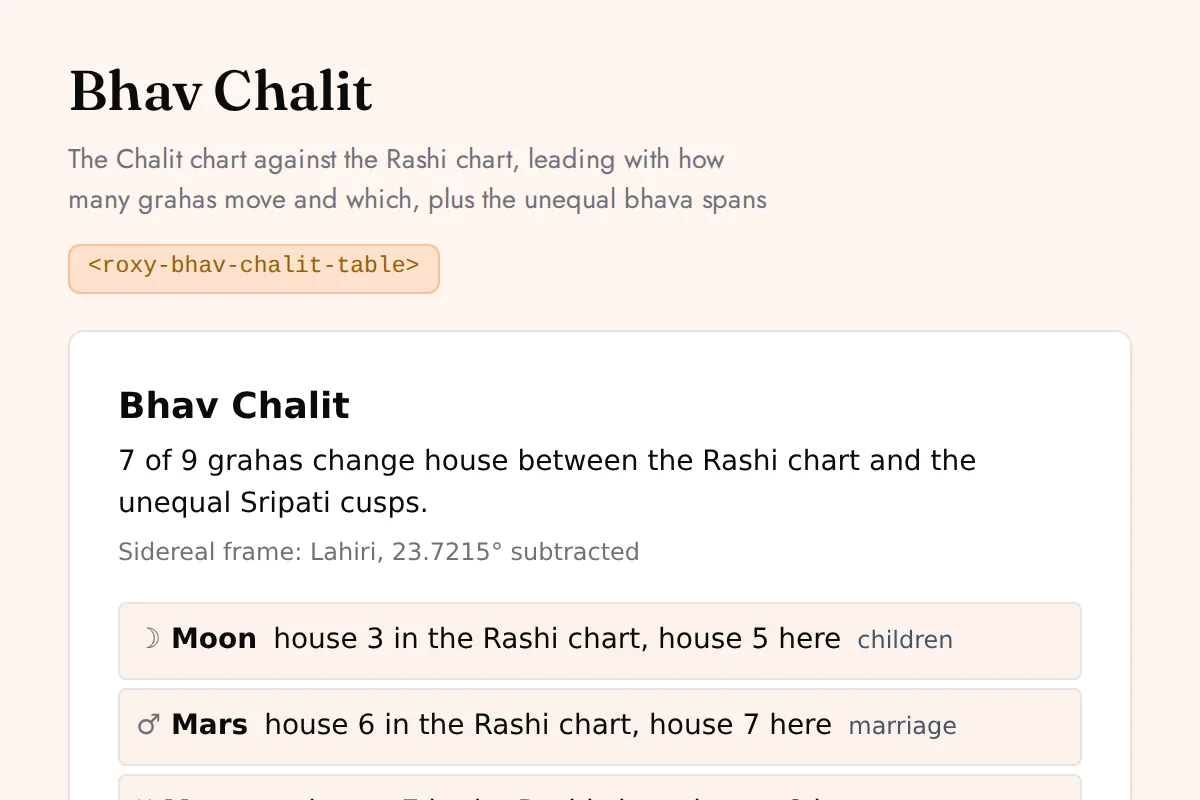
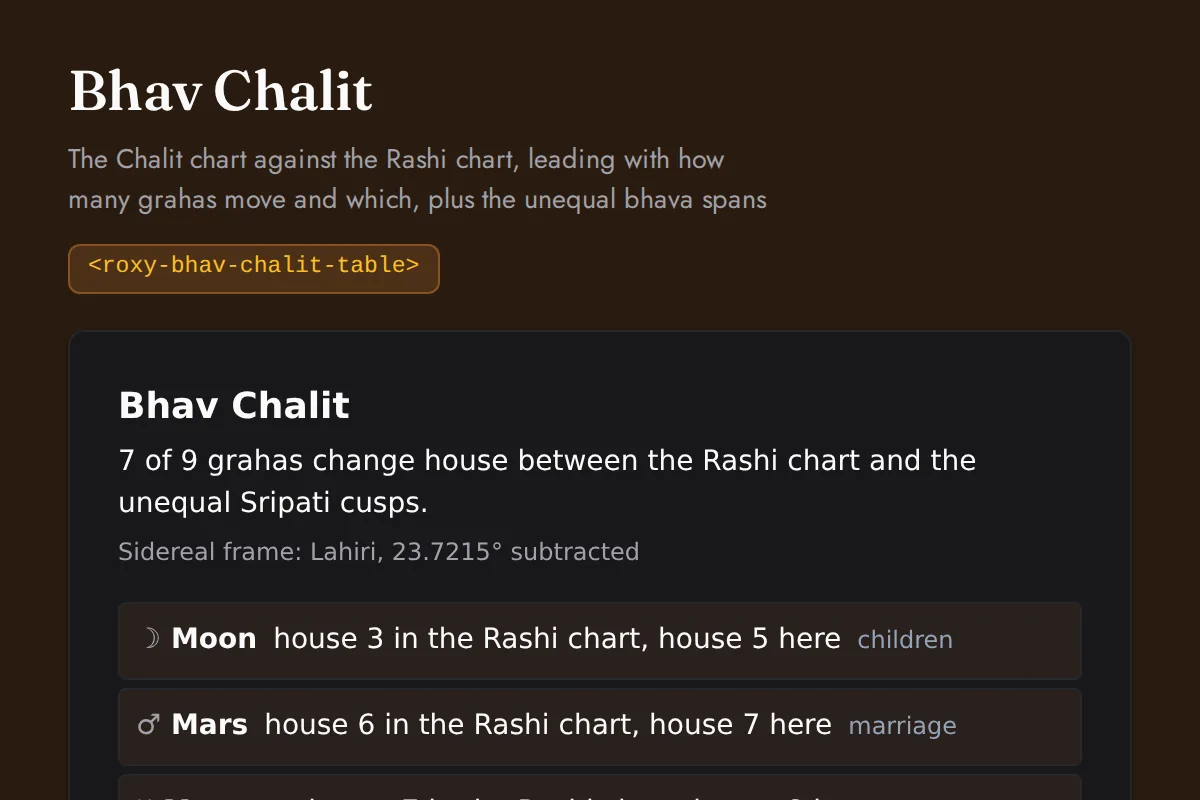
Bhav chalit table
The Chalit chart against the Rashi chart, leading with how many grahas move and which, plus the unequal bhava spans
https://roxyapi.com/embed/bhav-chalit-table?pk=pk_live_YOUR_KEY<iframe src="https://roxyapi.com/embed/bhav-chalit-table?pk=pk_live_YOUR_KEY" title="Bhav chalit table widget" style="border:0;width:100%;height:600px" loading="lazy"></iframe><!-- Optional: warm practitioner theme (drop this line for the default look) -->
<!-- <link rel="stylesheet" href="https://cdn.jsdelivr.net/npm/@roxyapi/ui@latest/dist/styles/themes/practitioner.css"> -->
<script src="https://cdn.jsdelivr.net/npm/@roxyapi/ui@latest/dist/cdn/roxy-ui.js" defer></script>
<roxy-bhav-chalit-table data-endpoint="vedic-astrology/bhav-chalit" publishable-key="pk_live_YOUR_KEY" hide-sections="hint"></roxy-bhav-chalit-table><script src="https://cdn.jsdelivr.net/npm/@roxyapi/ui@latest/dist/cdn/widgets.js" defer></script>
<div data-roxy-widget="bhav-chalit-table" data-publishable-key="pk_live_YOUR_KEY" data-hide-sections="hint"></div>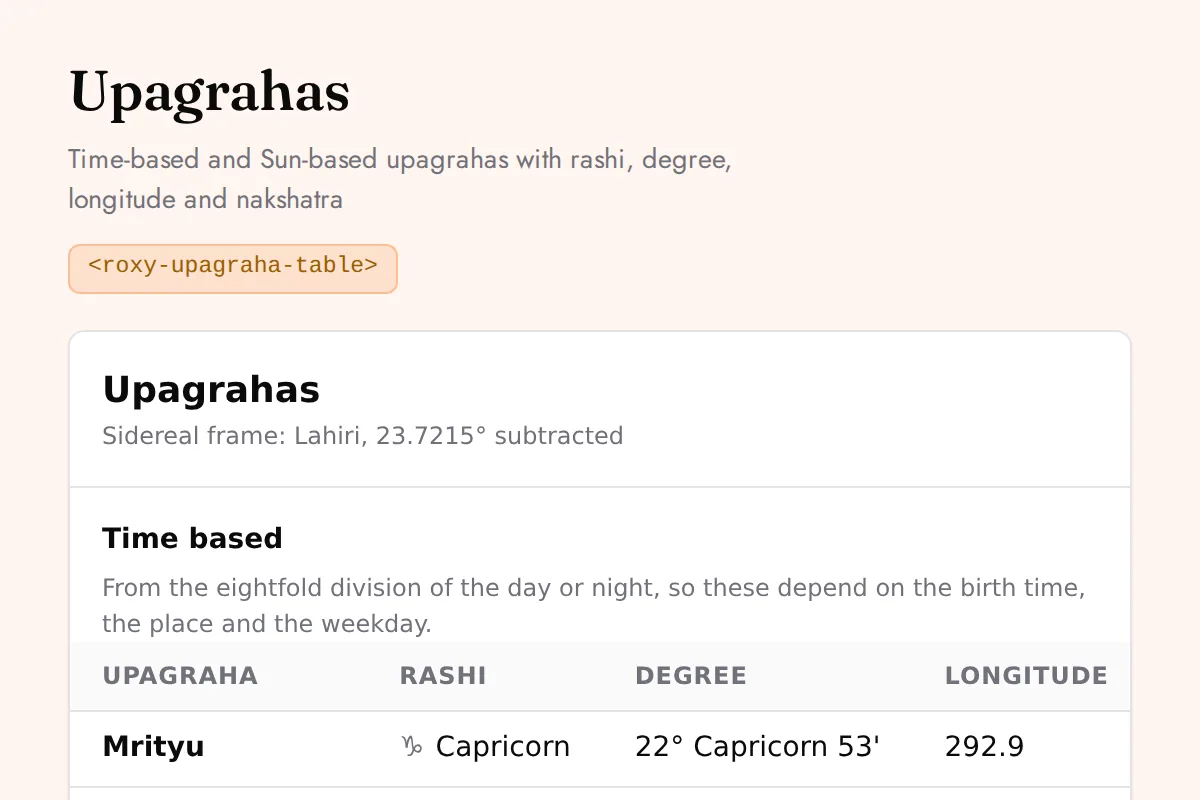
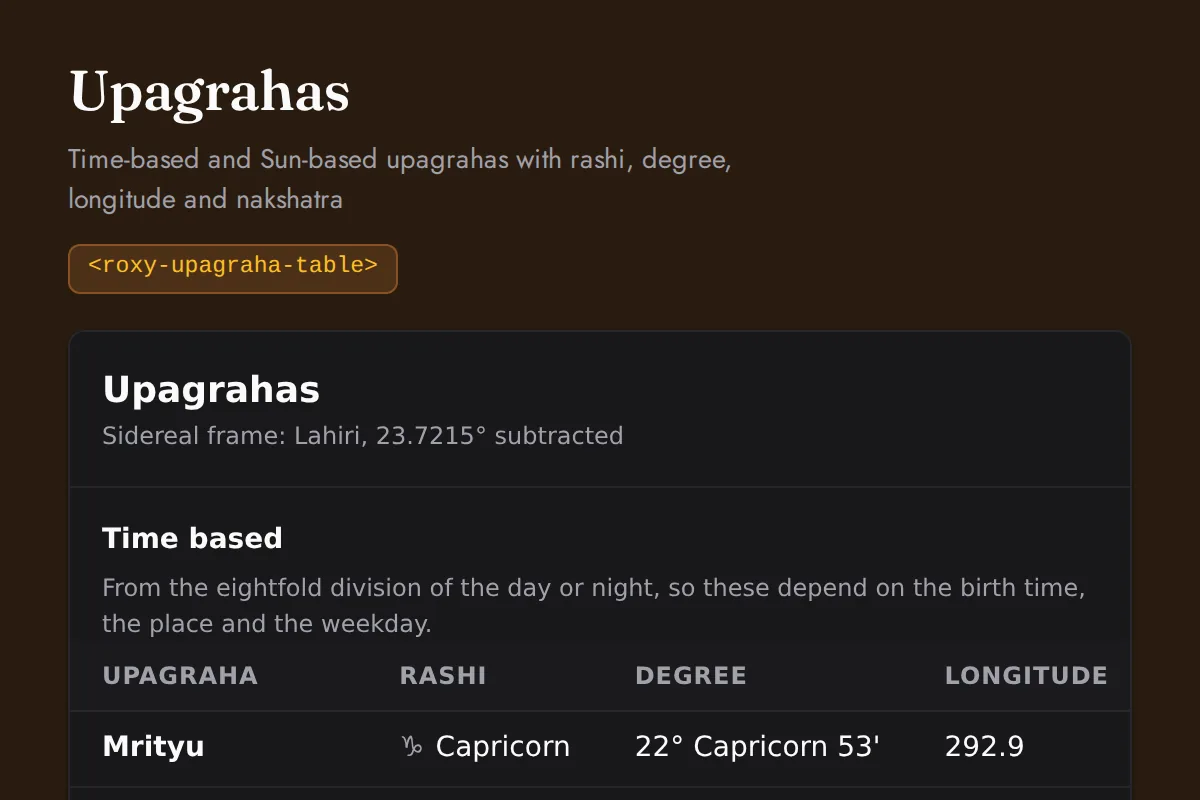
Upagraha table
Time-based and Sun-based upagrahas with rashi, degree, longitude and nakshatra
https://roxyapi.com/embed/upagraha-table?pk=pk_live_YOUR_KEY<iframe src="https://roxyapi.com/embed/upagraha-table?pk=pk_live_YOUR_KEY" title="Upagraha table widget" style="border:0;width:100%;height:600px" loading="lazy"></iframe><!-- Optional: warm practitioner theme (drop this line for the default look) -->
<!-- <link rel="stylesheet" href="https://cdn.jsdelivr.net/npm/@roxyapi/ui@latest/dist/styles/themes/practitioner.css"> -->
<script src="https://cdn.jsdelivr.net/npm/@roxyapi/ui@latest/dist/cdn/roxy-ui.js" defer></script>
<roxy-upagraha-table data-endpoint="vedic-astrology/upagraha" publishable-key="pk_live_YOUR_KEY" hide-sections="hint"></roxy-upagraha-table><script src="https://cdn.jsdelivr.net/npm/@roxyapi/ui@latest/dist/cdn/widgets.js" defer></script>
<div data-roxy-widget="upagraha-table" data-publishable-key="pk_live_YOUR_KEY" data-hide-sections="hint"></div>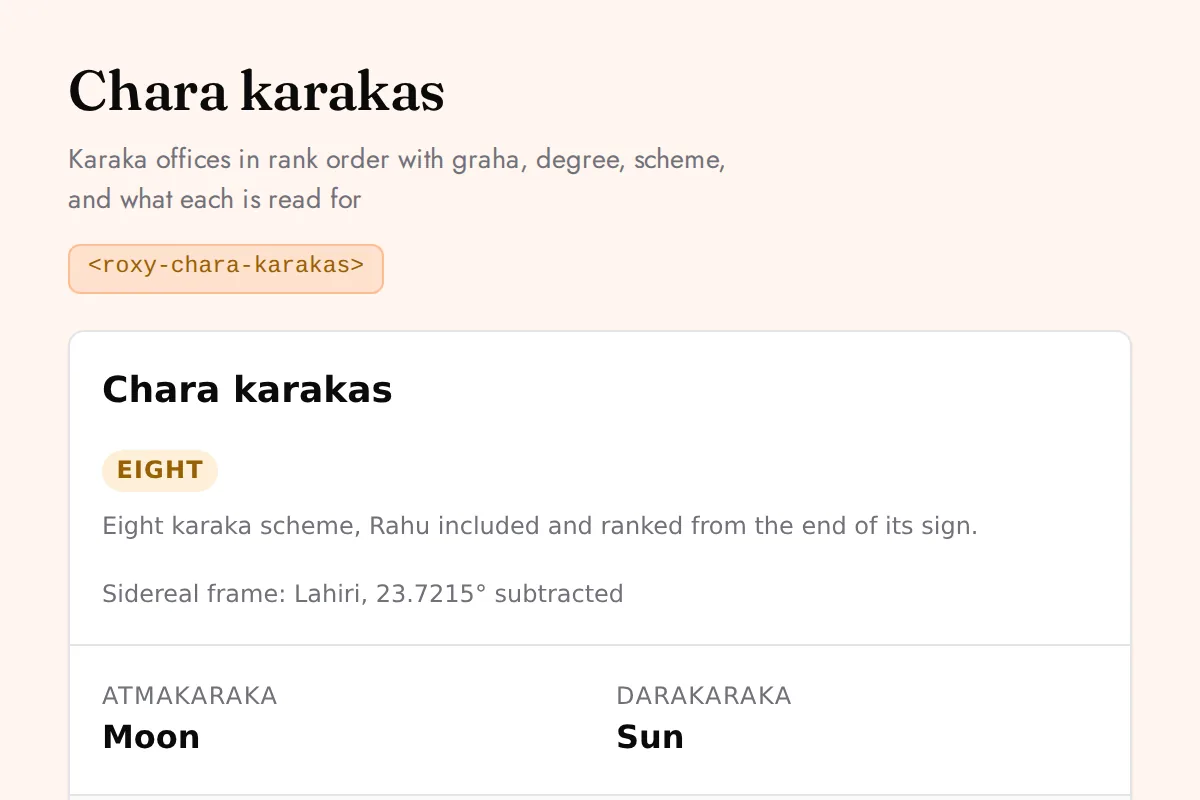
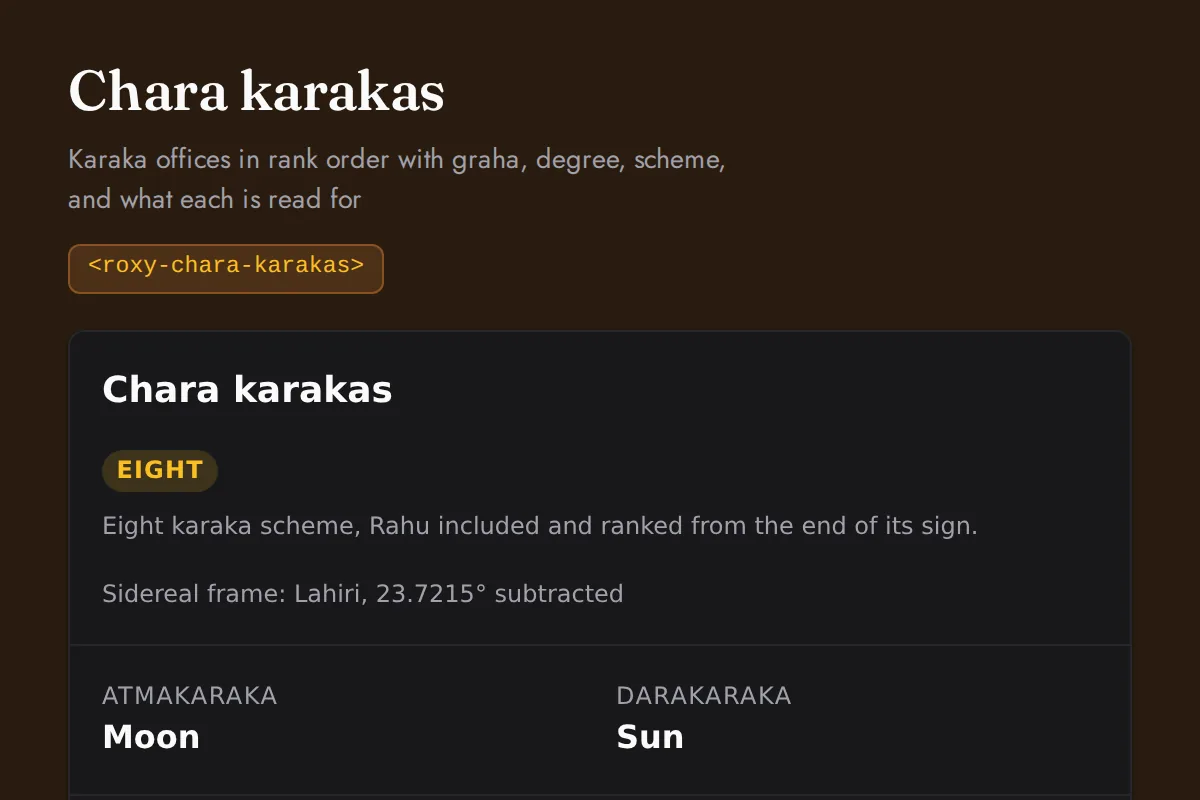
Chara karakas
Karaka offices in rank order with graha, degree, scheme, and what each is read for
https://roxyapi.com/embed/chara-karakas?pk=pk_live_YOUR_KEY<iframe src="https://roxyapi.com/embed/chara-karakas?pk=pk_live_YOUR_KEY" title="Chara karakas widget" style="border:0;width:100%;height:600px" loading="lazy"></iframe><!-- Optional: warm practitioner theme (drop this line for the default look) -->
<!-- <link rel="stylesheet" href="https://cdn.jsdelivr.net/npm/@roxyapi/ui@latest/dist/styles/themes/practitioner.css"> -->
<script src="https://cdn.jsdelivr.net/npm/@roxyapi/ui@latest/dist/cdn/roxy-ui.js" defer></script>
<roxy-chara-karakas data-endpoint="vedic-astrology/chara-karakas" publishable-key="pk_live_YOUR_KEY" hide-sections="hint"></roxy-chara-karakas><script src="https://cdn.jsdelivr.net/npm/@roxyapi/ui@latest/dist/cdn/widgets.js" defer></script>
<div data-roxy-widget="chara-karakas" data-publishable-key="pk_live_YOUR_KEY" data-hide-sections="hint"></div>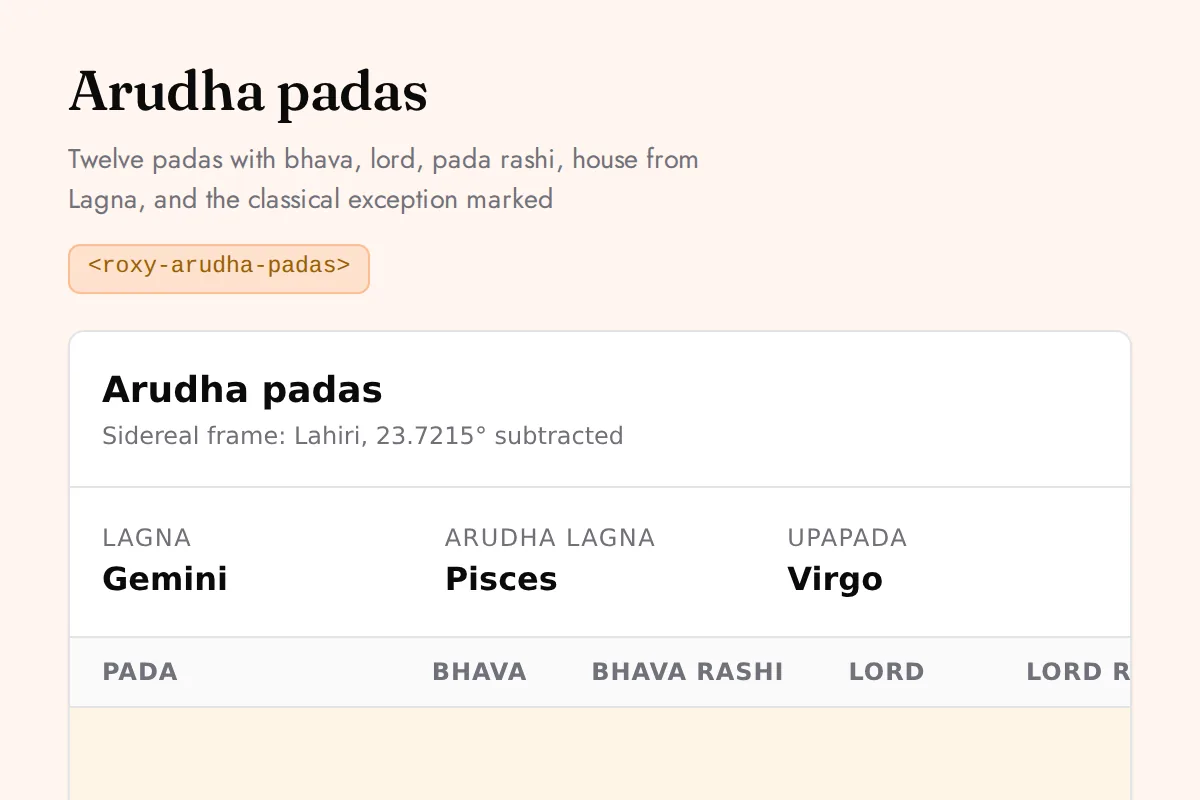
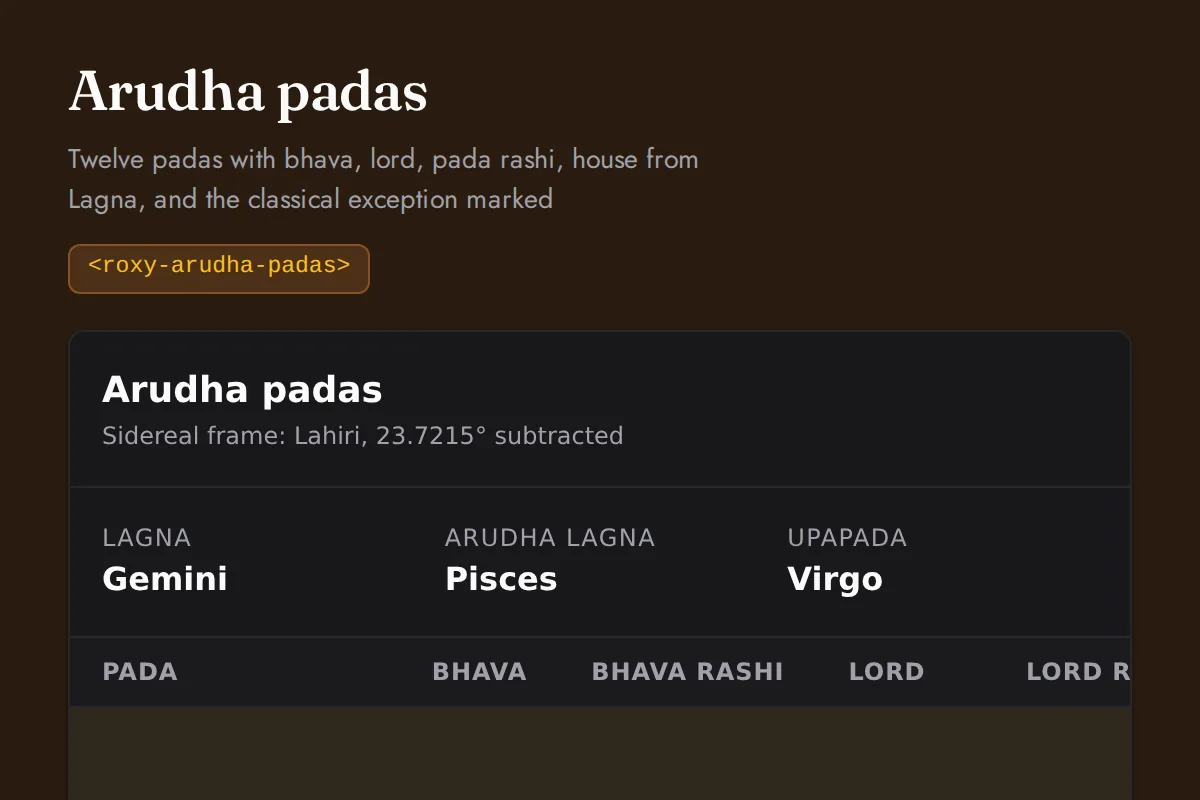
Arudha padas
Twelve padas with bhava, lord, pada rashi, house from Lagna, and the classical exception marked
https://roxyapi.com/embed/arudha-padas?pk=pk_live_YOUR_KEY<iframe src="https://roxyapi.com/embed/arudha-padas?pk=pk_live_YOUR_KEY" title="Arudha padas widget" style="border:0;width:100%;height:600px" loading="lazy"></iframe><!-- Optional: warm practitioner theme (drop this line for the default look) -->
<!-- <link rel="stylesheet" href="https://cdn.jsdelivr.net/npm/@roxyapi/ui@latest/dist/styles/themes/practitioner.css"> -->
<script src="https://cdn.jsdelivr.net/npm/@roxyapi/ui@latest/dist/cdn/roxy-ui.js" defer></script>
<roxy-arudha-padas data-endpoint="vedic-astrology/arudha" publishable-key="pk_live_YOUR_KEY" hide-sections="hint"></roxy-arudha-padas><script src="https://cdn.jsdelivr.net/npm/@roxyapi/ui@latest/dist/cdn/widgets.js" defer></script>
<div data-roxy-widget="arudha-padas" data-publishable-key="pk_live_YOUR_KEY" data-hide-sections="hint"></div>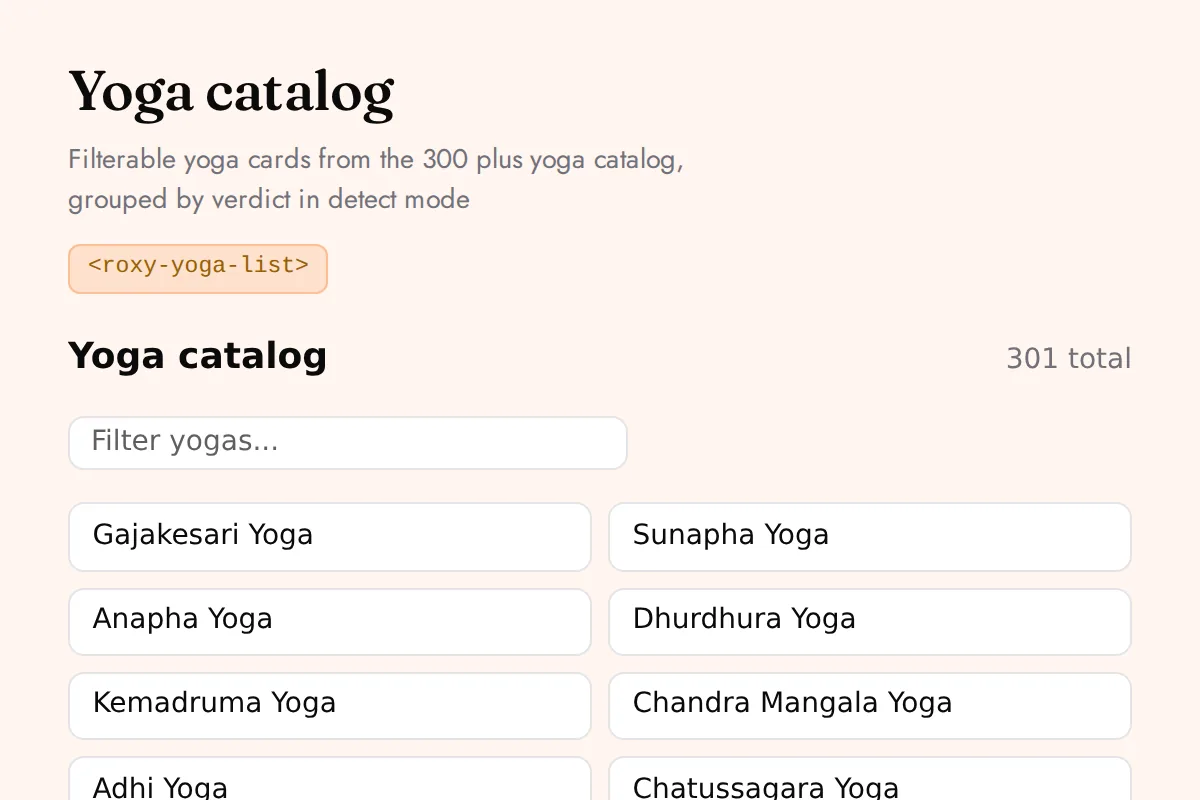
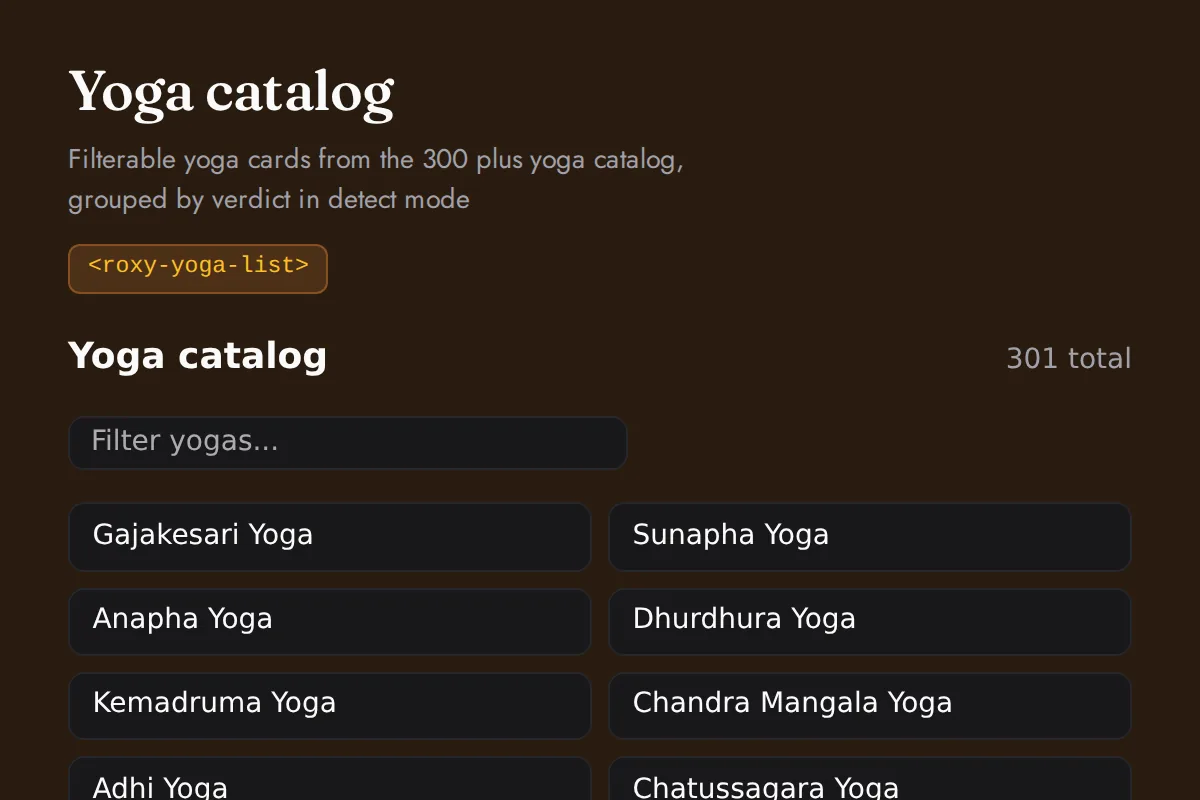
Yoga list
Filterable yoga cards from the 300 plus yoga catalog, grouped by verdict in detect mode
https://roxyapi.com/embed/yoga-list?pk=pk_live_YOUR_KEY<iframe src="https://roxyapi.com/embed/yoga-list?pk=pk_live_YOUR_KEY" title="Yoga list widget" style="border:0;width:100%;height:600px" loading="lazy"></iframe><!-- Optional: warm practitioner theme (drop this line for the default look) -->
<!-- <link rel="stylesheet" href="https://cdn.jsdelivr.net/npm/@roxyapi/ui@latest/dist/styles/themes/practitioner.css"> -->
<script src="https://cdn.jsdelivr.net/npm/@roxyapi/ui@latest/dist/cdn/roxy-ui.js" defer></script>
<roxy-yoga-list data-endpoint="vedic-astrology/yoga" method="GET" publishable-key="pk_live_YOUR_KEY" hide-sections="hint"></roxy-yoga-list><script src="https://cdn.jsdelivr.net/npm/@roxyapi/ui@latest/dist/cdn/widgets.js" defer></script>
<div data-roxy-widget="yoga-list" data-publishable-key="pk_live_YOUR_KEY" data-hide-sections="hint"></div>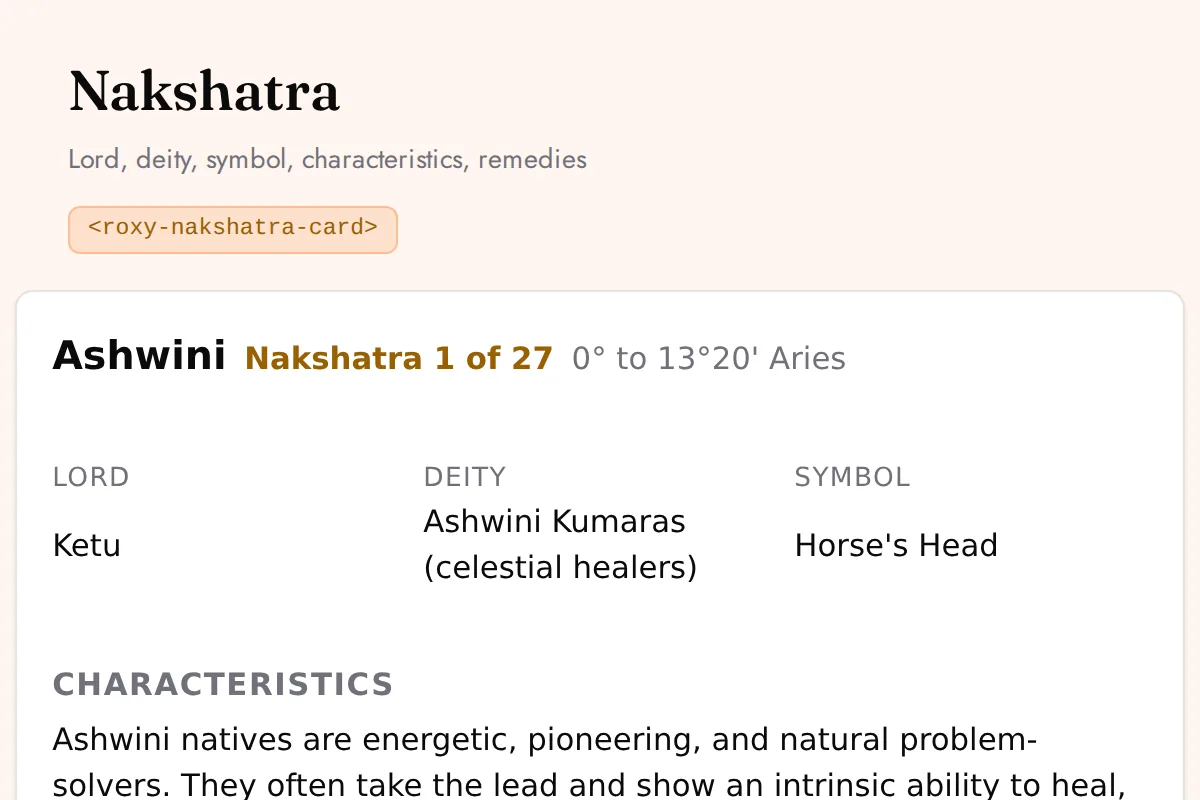
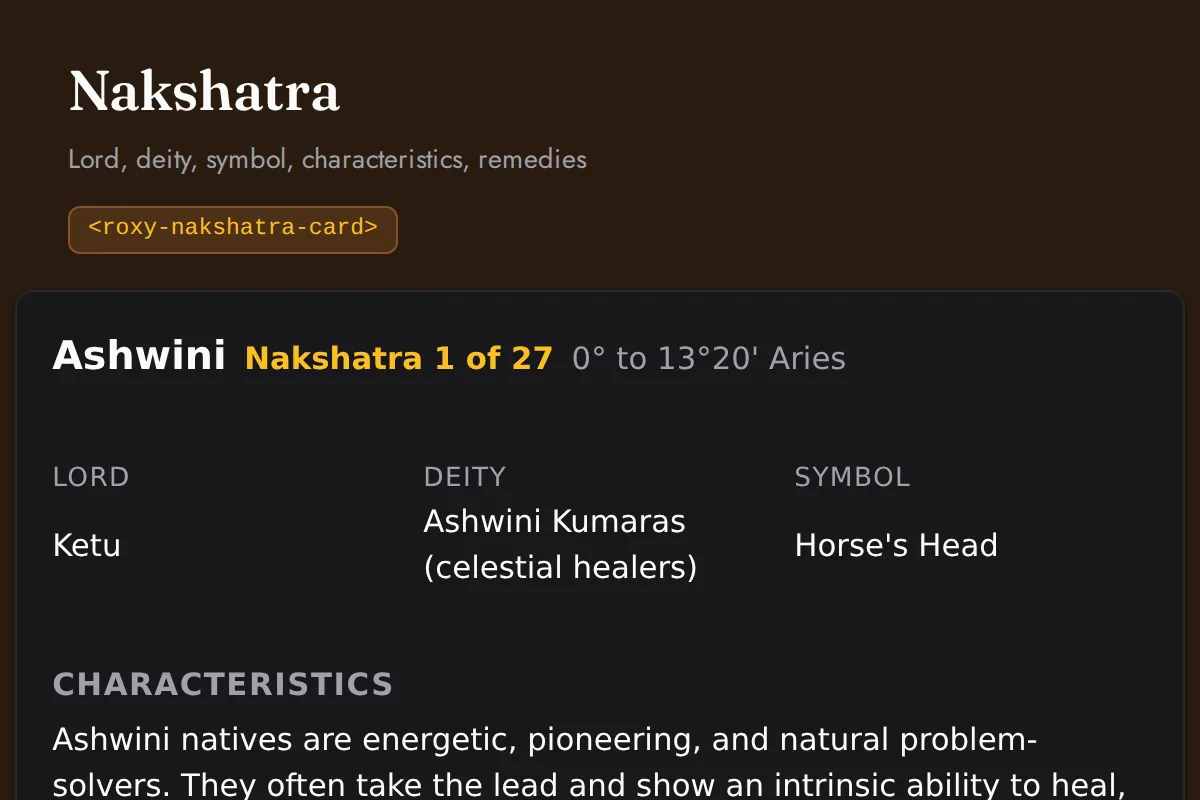
Nakshatra card
Lord, deity, symbol, characteristics, remedies
https://roxyapi.com/embed/nakshatra-card?pk=pk_live_YOUR_KEY<iframe src="https://roxyapi.com/embed/nakshatra-card?pk=pk_live_YOUR_KEY" title="Nakshatra card widget" style="border:0;width:100%;height:600px" loading="lazy"></iframe><!-- Optional: warm practitioner theme (drop this line for the default look) -->
<!-- <link rel="stylesheet" href="https://cdn.jsdelivr.net/npm/@roxyapi/ui@latest/dist/styles/themes/practitioner.css"> -->
<script src="https://cdn.jsdelivr.net/npm/@roxyapi/ui@latest/dist/cdn/roxy-ui.js" defer></script>
<roxy-nakshatra-card data-endpoint="vedic-astrology/nakshatras/{id}" method="GET" publishable-key="pk_live_YOUR_KEY" hide-sections="hint"></roxy-nakshatra-card><script src="https://cdn.jsdelivr.net/npm/@roxyapi/ui@latest/dist/cdn/widgets.js" defer></script>
<div data-roxy-widget="nakshatra-card" data-publishable-key="pk_live_YOUR_KEY" data-hide-sections="hint"></div>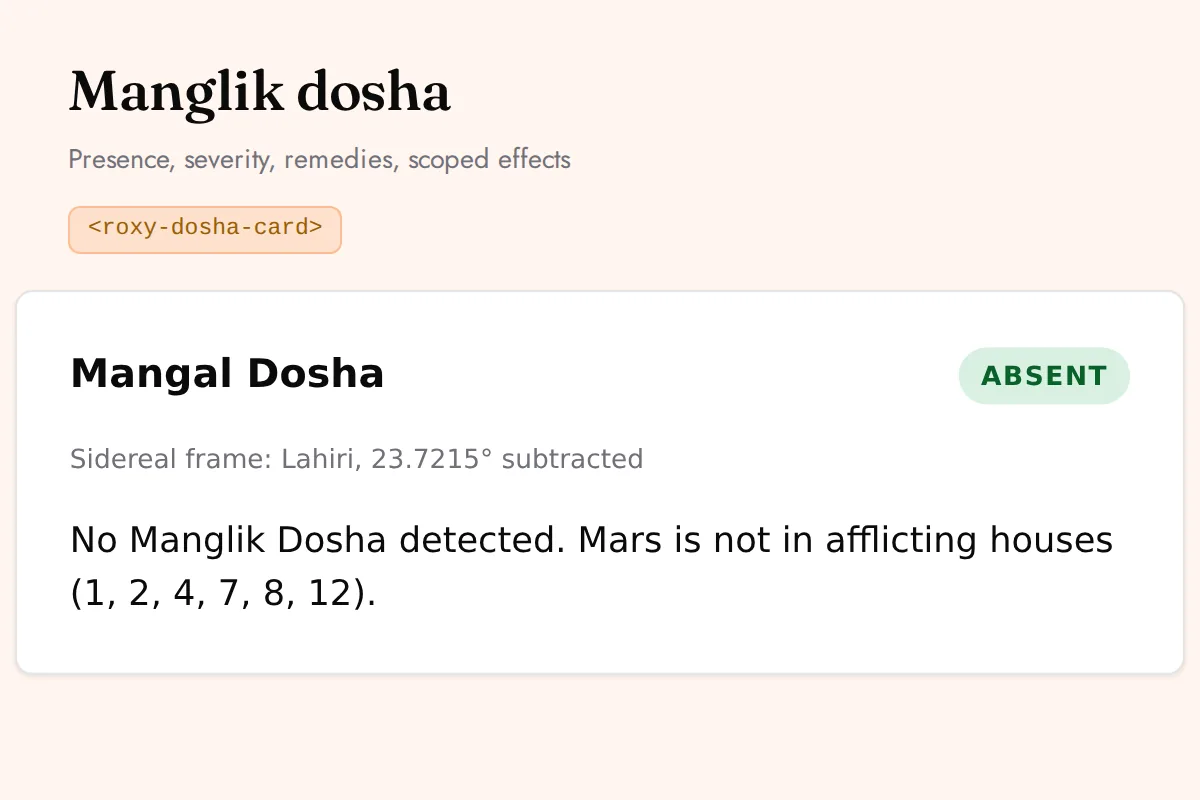
Dosha card
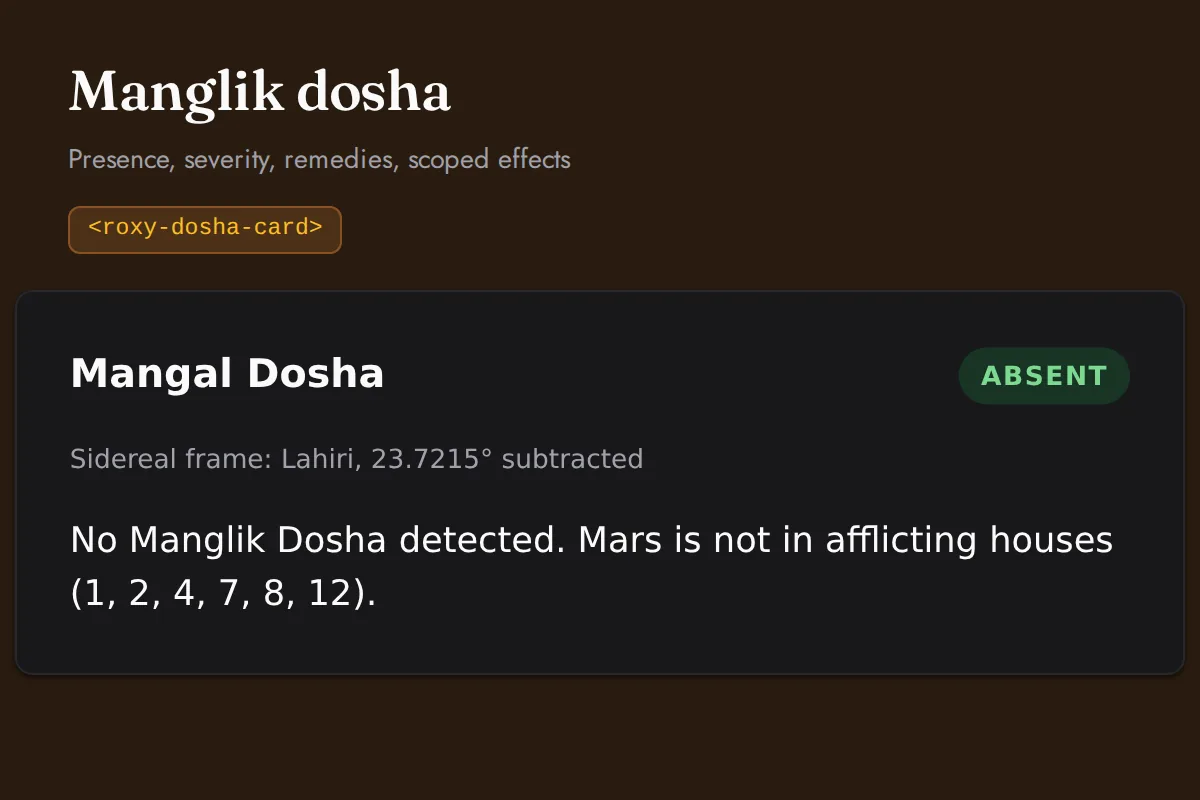
Presence, severity, remedies, scoped effects
https://roxyapi.com/embed/dosha-card?pk=pk_live_YOUR_KEY<iframe src="https://roxyapi.com/embed/dosha-card?pk=pk_live_YOUR_KEY" title="Dosha card widget" style="border:0;width:100%;height:600px" loading="lazy"></iframe><!-- Optional: warm practitioner theme (drop this line for the default look) -->
<!-- <link rel="stylesheet" href="https://cdn.jsdelivr.net/npm/@roxyapi/ui@latest/dist/styles/themes/practitioner.css"> -->
<script src="https://cdn.jsdelivr.net/npm/@roxyapi/ui@latest/dist/cdn/roxy-ui.js" defer></script>
<roxy-dosha-card type="manglik" data-endpoint="vedic-astrology/dosha/manglik" publishable-key="pk_live_YOUR_KEY" hide-sections="hint"></roxy-dosha-card><script src="https://cdn.jsdelivr.net/npm/@roxyapi/ui@latest/dist/cdn/widgets.js" defer></script>
<div data-roxy-widget="dosha-card" data-publishable-key="pk_live_YOUR_KEY" data-hide-sections="hint"></div>Vedic (KP)
KP chart
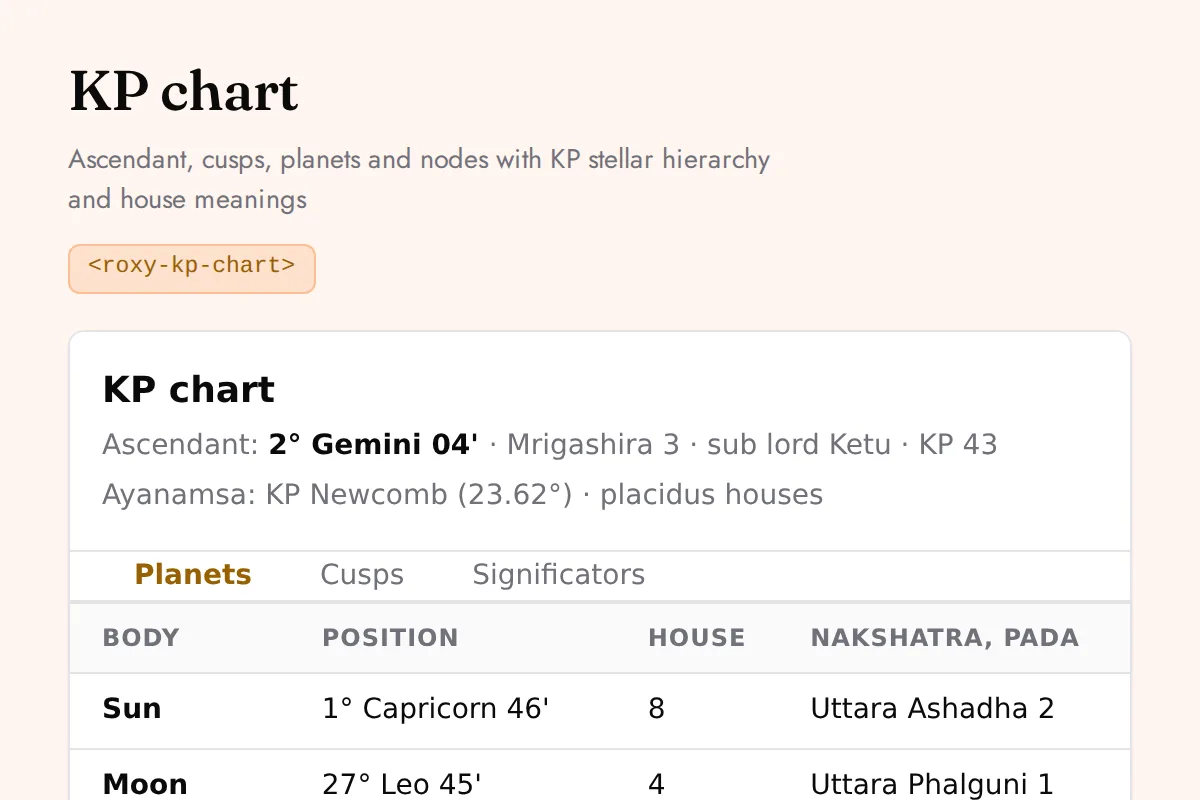
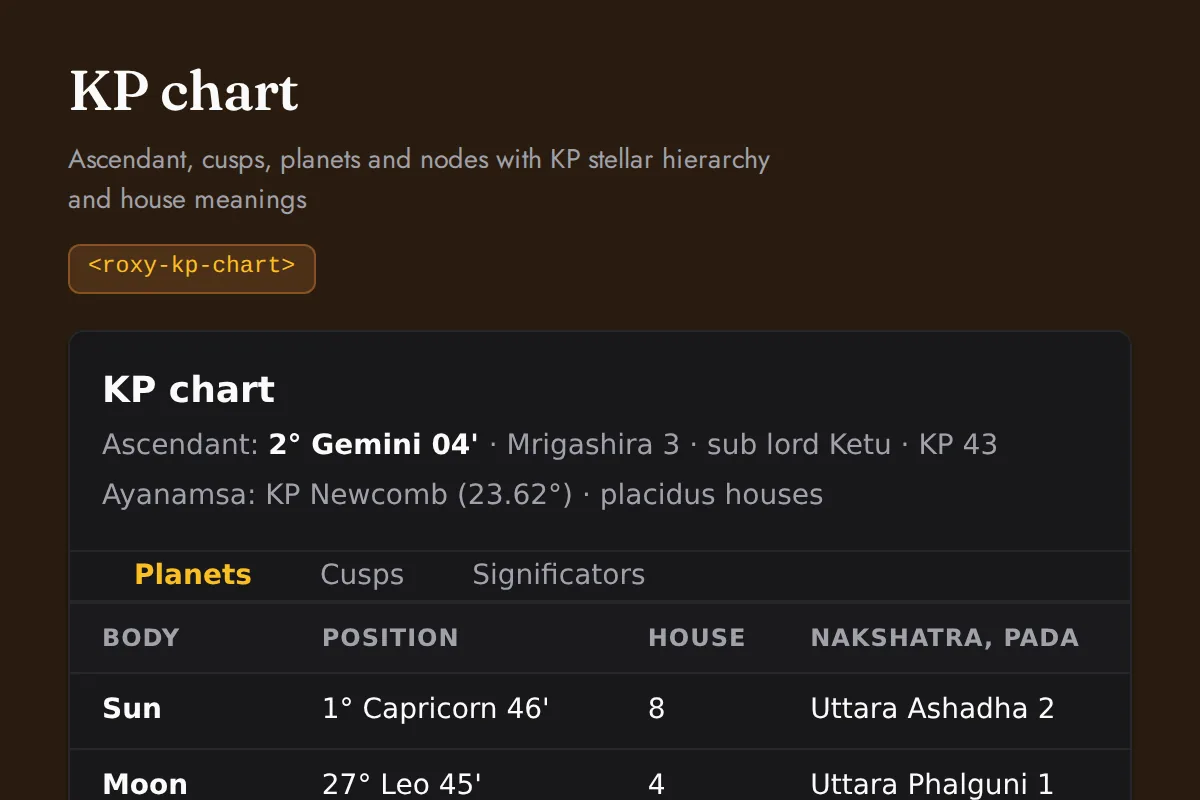
Ascendant, cusps, planets and nodes with KP stellar hierarchy and house meanings
https://roxyapi.com/embed/kp-chart?pk=pk_live_YOUR_KEY<iframe src="https://roxyapi.com/embed/kp-chart?pk=pk_live_YOUR_KEY" title="KP chart widget" style="border:0;width:100%;height:600px" loading="lazy"></iframe><!-- Optional: warm practitioner theme (drop this line for the default look) -->
<!-- <link rel="stylesheet" href="https://cdn.jsdelivr.net/npm/@roxyapi/ui@latest/dist/styles/themes/practitioner.css"> -->
<script src="https://cdn.jsdelivr.net/npm/@roxyapi/ui@latest/dist/cdn/roxy-ui.js" defer></script>
<roxy-kp-chart data-endpoint="vedic-astrology/kp/chart" publishable-key="pk_live_YOUR_KEY" hide-sections="hint"></roxy-kp-chart><script src="https://cdn.jsdelivr.net/npm/@roxyapi/ui@latest/dist/cdn/widgets.js" defer></script>
<div data-roxy-widget="kp-chart" data-publishable-key="pk_live_YOUR_KEY" data-hide-sections="hint"></div>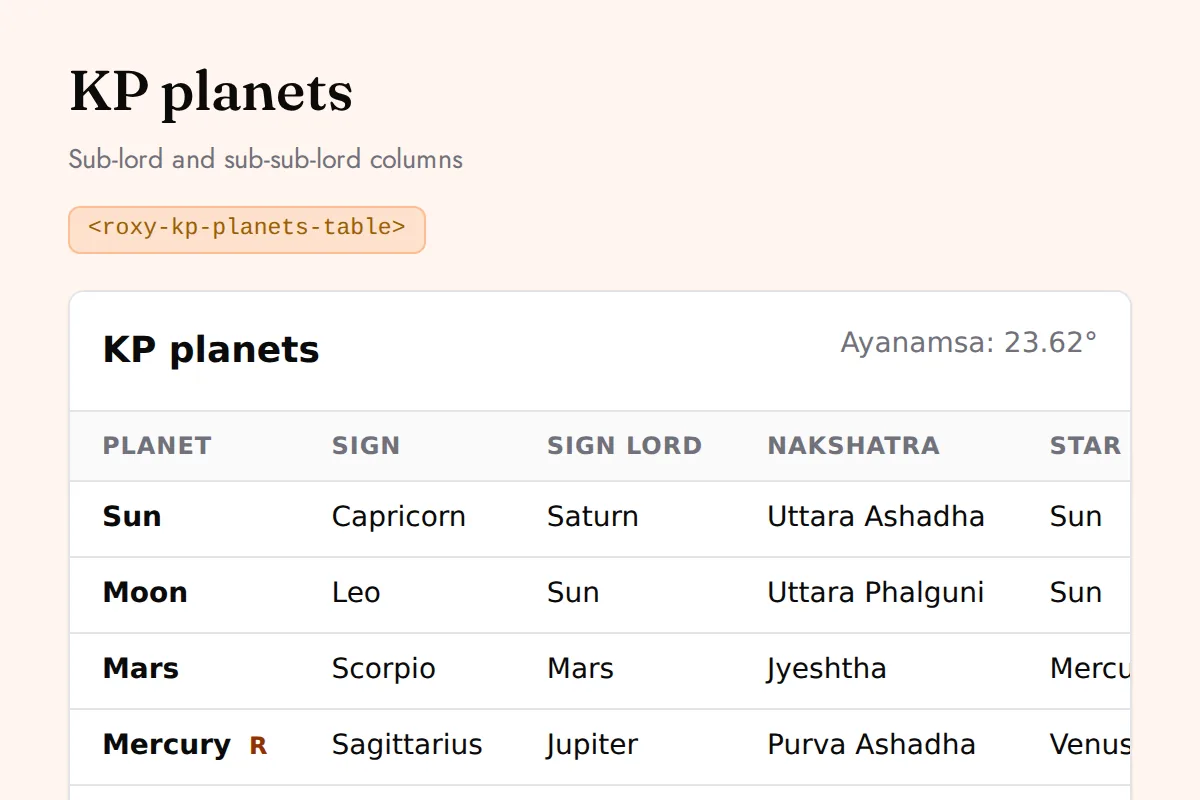
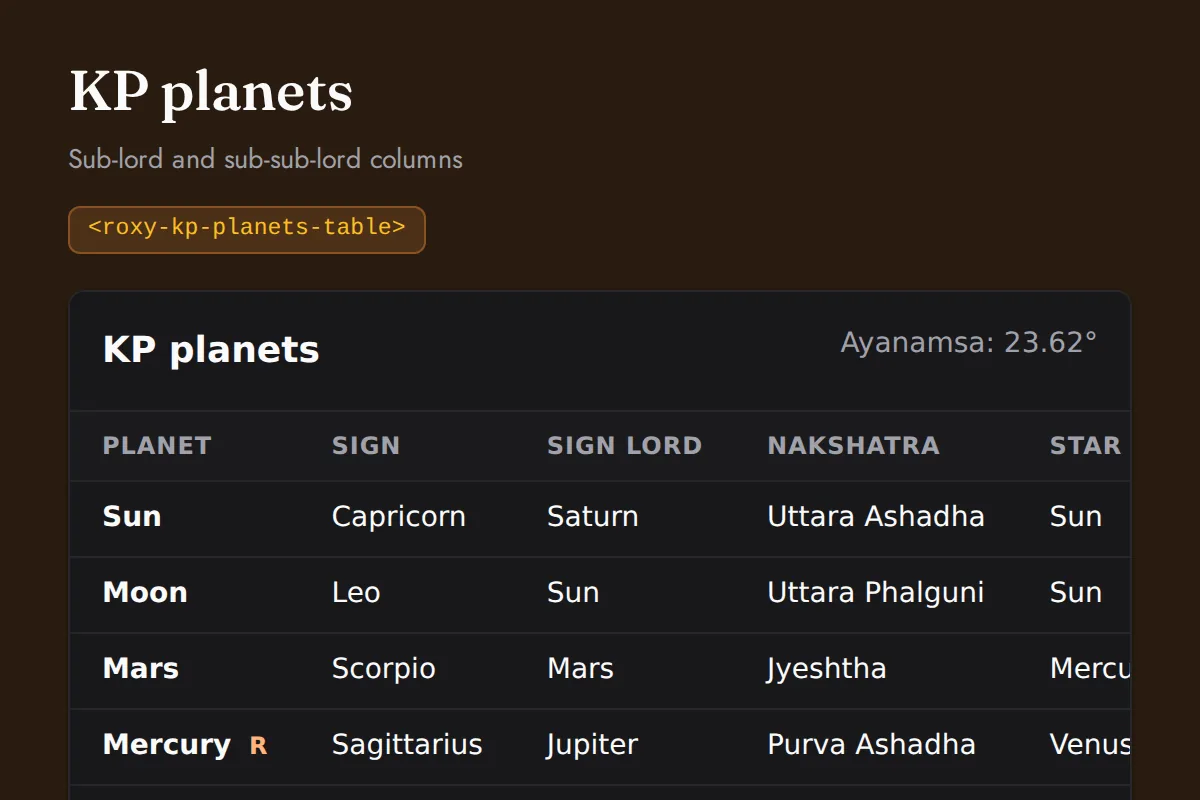
KP planets table
Sub-lord and sub-sub-lord columns
https://roxyapi.com/embed/kp-planets-table?pk=pk_live_YOUR_KEY<iframe src="https://roxyapi.com/embed/kp-planets-table?pk=pk_live_YOUR_KEY" title="KP planets table widget" style="border:0;width:100%;height:600px" loading="lazy"></iframe><!-- Optional: warm practitioner theme (drop this line for the default look) -->
<!-- <link rel="stylesheet" href="https://cdn.jsdelivr.net/npm/@roxyapi/ui@latest/dist/styles/themes/practitioner.css"> -->
<script src="https://cdn.jsdelivr.net/npm/@roxyapi/ui@latest/dist/cdn/roxy-ui.js" defer></script>
<roxy-kp-planets-table data-endpoint="vedic-astrology/kp/planets" publishable-key="pk_live_YOUR_KEY" hide-sections="hint"></roxy-kp-planets-table><script src="https://cdn.jsdelivr.net/npm/@roxyapi/ui@latest/dist/cdn/widgets.js" defer></script>
<div data-roxy-widget="kp-planets-table" data-publishable-key="pk_live_YOUR_KEY" data-hide-sections="hint"></div>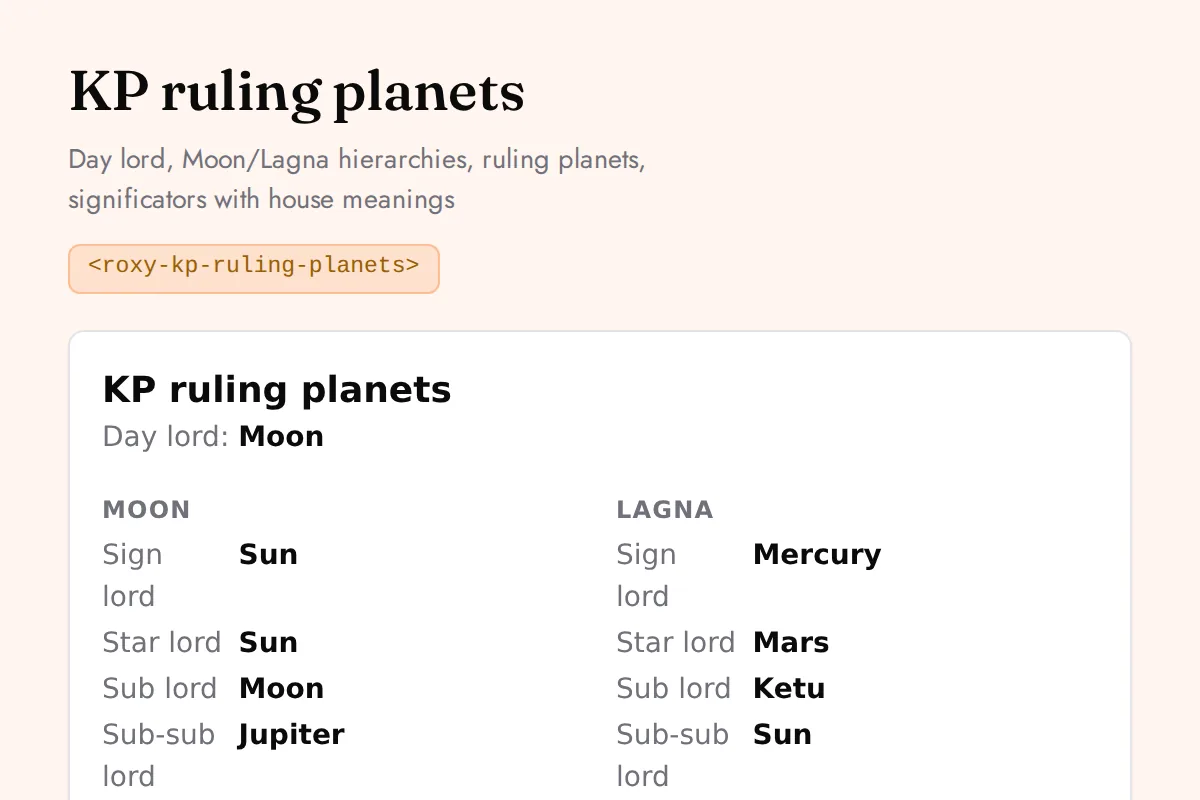
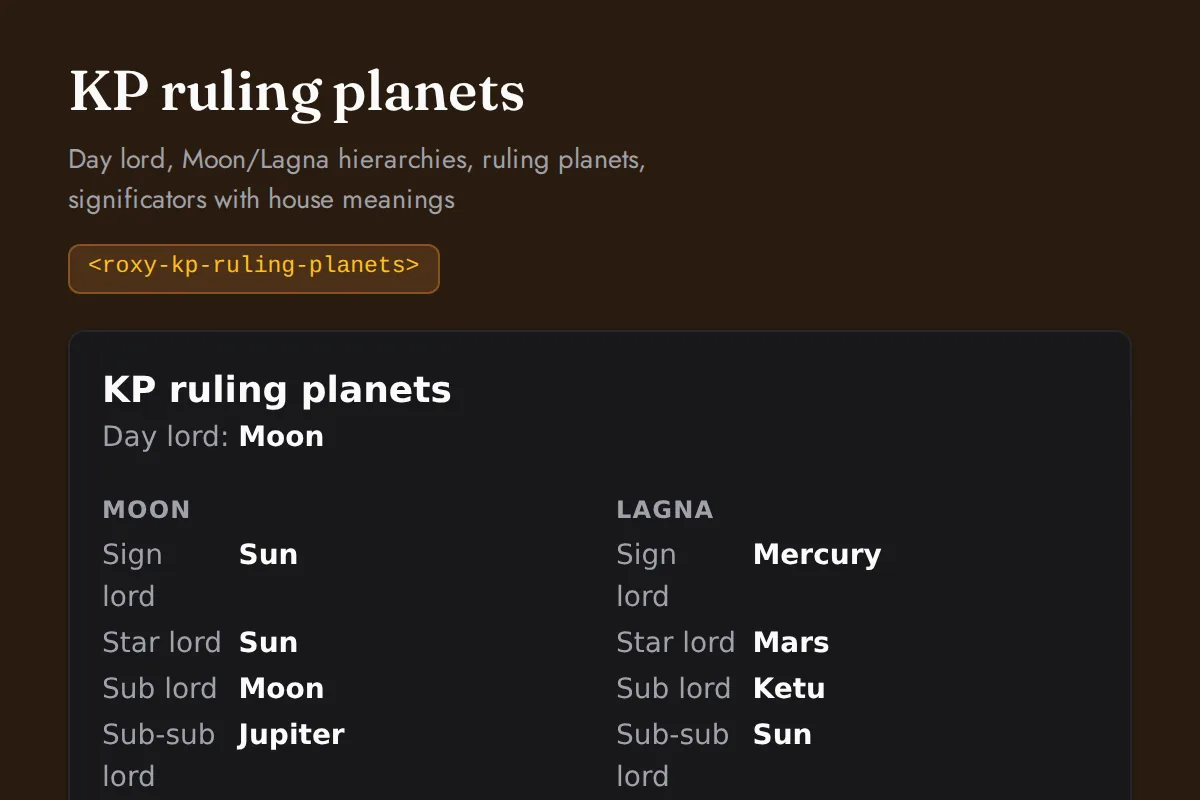
KP ruling planets
Day lord, Moon/Lagna hierarchies, ruling planets, significators with house meanings
https://roxyapi.com/embed/kp-ruling-planets?pk=pk_live_YOUR_KEY<iframe src="https://roxyapi.com/embed/kp-ruling-planets?pk=pk_live_YOUR_KEY" title="KP ruling planets widget" style="border:0;width:100%;height:600px" loading="lazy"></iframe><!-- Optional: warm practitioner theme (drop this line for the default look) -->
<!-- <link rel="stylesheet" href="https://cdn.jsdelivr.net/npm/@roxyapi/ui@latest/dist/styles/themes/practitioner.css"> -->
<script src="https://cdn.jsdelivr.net/npm/@roxyapi/ui@latest/dist/cdn/roxy-ui.js" defer></script>
<roxy-kp-ruling-planets data-endpoint="vedic-astrology/kp/ruling-planets" publishable-key="pk_live_YOUR_KEY" hide-sections="hint"></roxy-kp-ruling-planets><script src="https://cdn.jsdelivr.net/npm/@roxyapi/ui@latest/dist/cdn/widgets.js" defer></script>
<div data-roxy-widget="kp-ruling-planets" data-publishable-key="pk_live_YOUR_KEY" data-hide-sections="hint"></div>Forecast
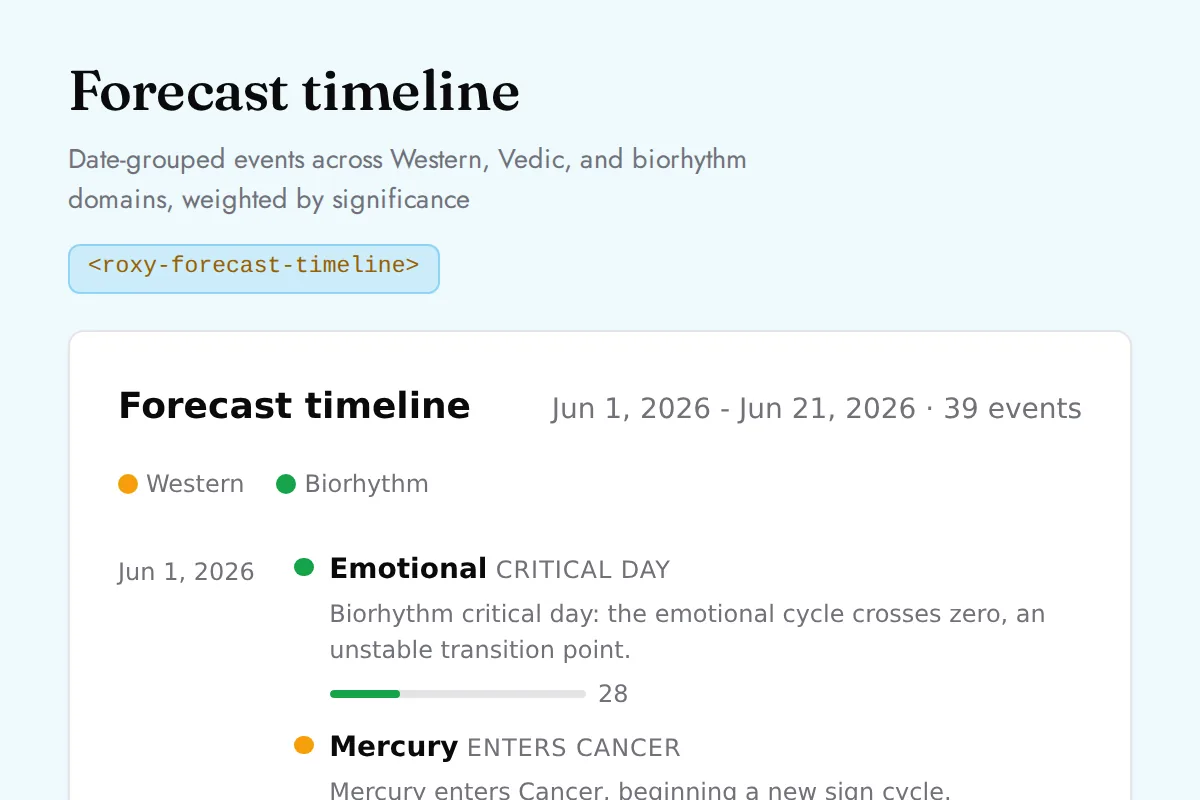
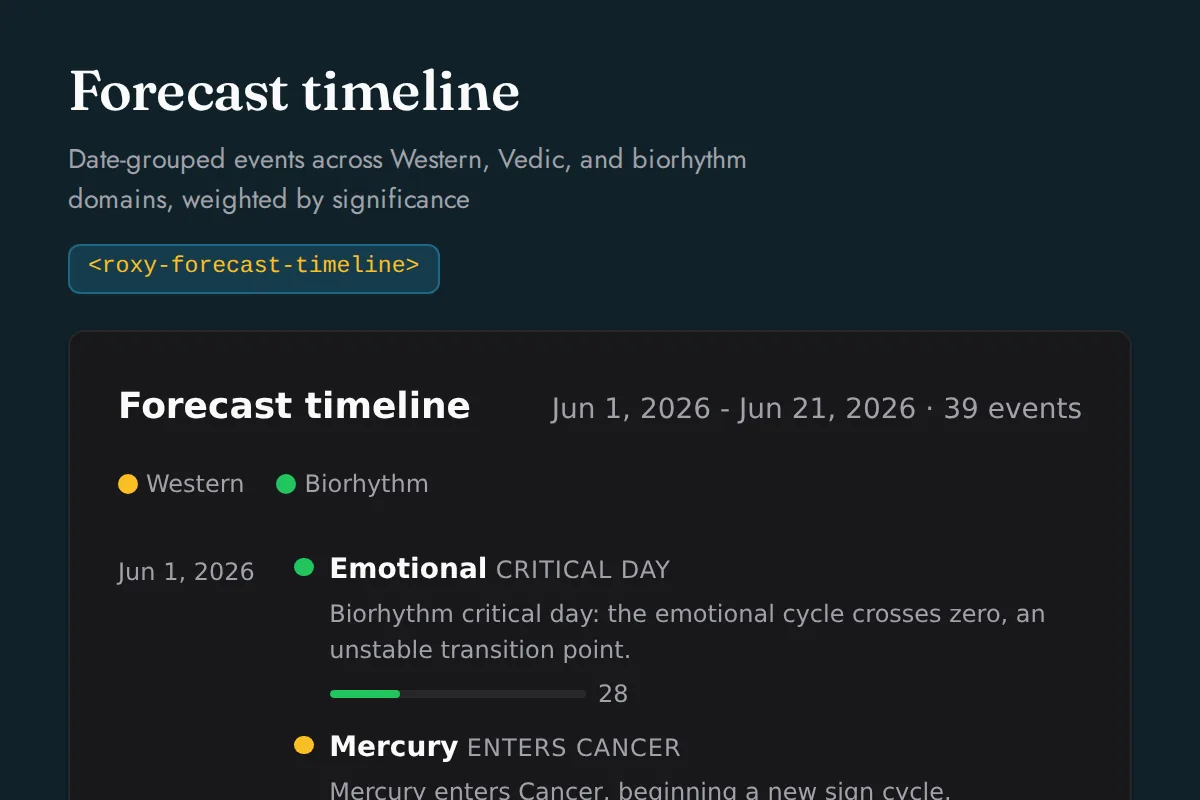
Forecast timeline
Date-grouped events across Western, Vedic, and biorhythm domains, weighted by significance
https://roxyapi.com/embed/forecast-timeline?pk=pk_live_YOUR_KEY<iframe src="https://roxyapi.com/embed/forecast-timeline?pk=pk_live_YOUR_KEY" title="Forecast timeline widget" style="border:0;width:100%;height:600px" loading="lazy"></iframe><!-- Optional: warm practitioner theme (drop this line for the default look) -->
<!-- <link rel="stylesheet" href="https://cdn.jsdelivr.net/npm/@roxyapi/ui@latest/dist/styles/themes/practitioner.css"> -->
<script src="https://cdn.jsdelivr.net/npm/@roxyapi/ui@latest/dist/cdn/roxy-ui.js" defer></script>
<roxy-forecast-timeline data-endpoint="forecast/timeline" publishable-key="pk_live_YOUR_KEY" hide-sections="hint"></roxy-forecast-timeline><script src="https://cdn.jsdelivr.net/npm/@roxyapi/ui@latest/dist/cdn/widgets.js" defer></script>
<div data-roxy-widget="forecast-timeline" data-publishable-key="pk_live_YOUR_KEY" data-hide-sections="hint"></div>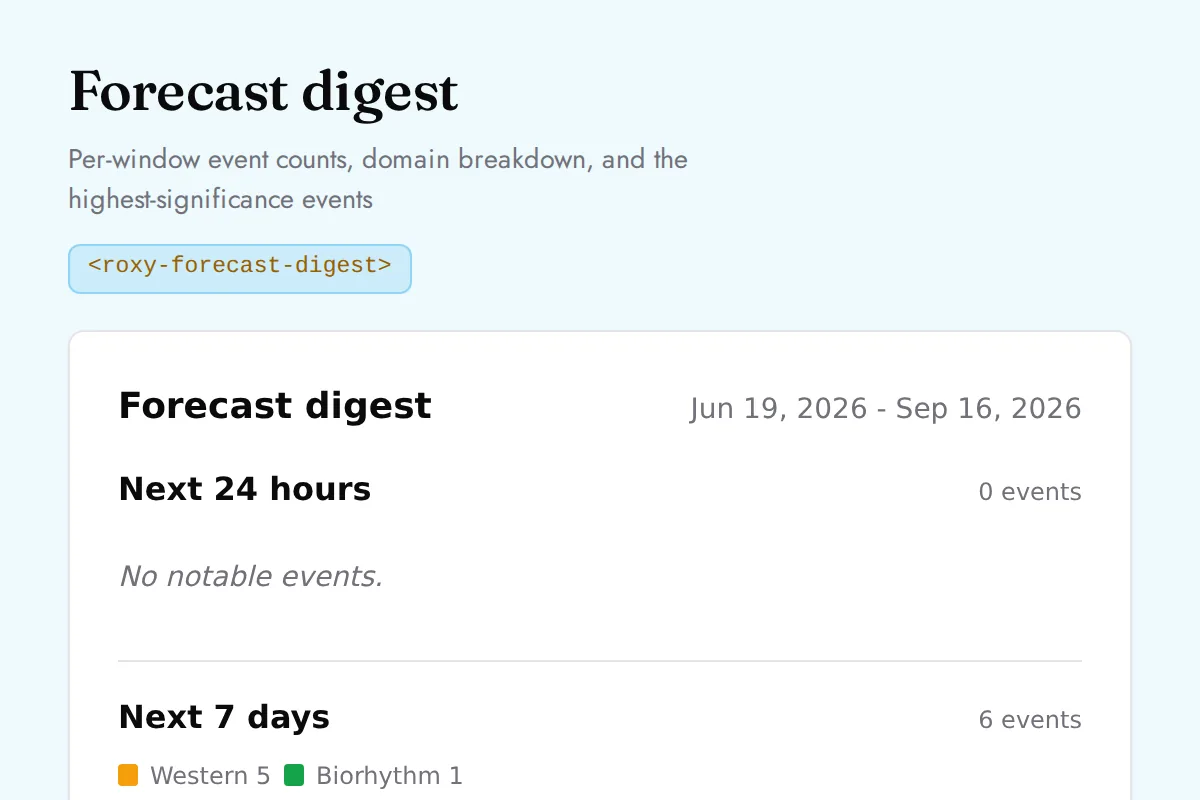
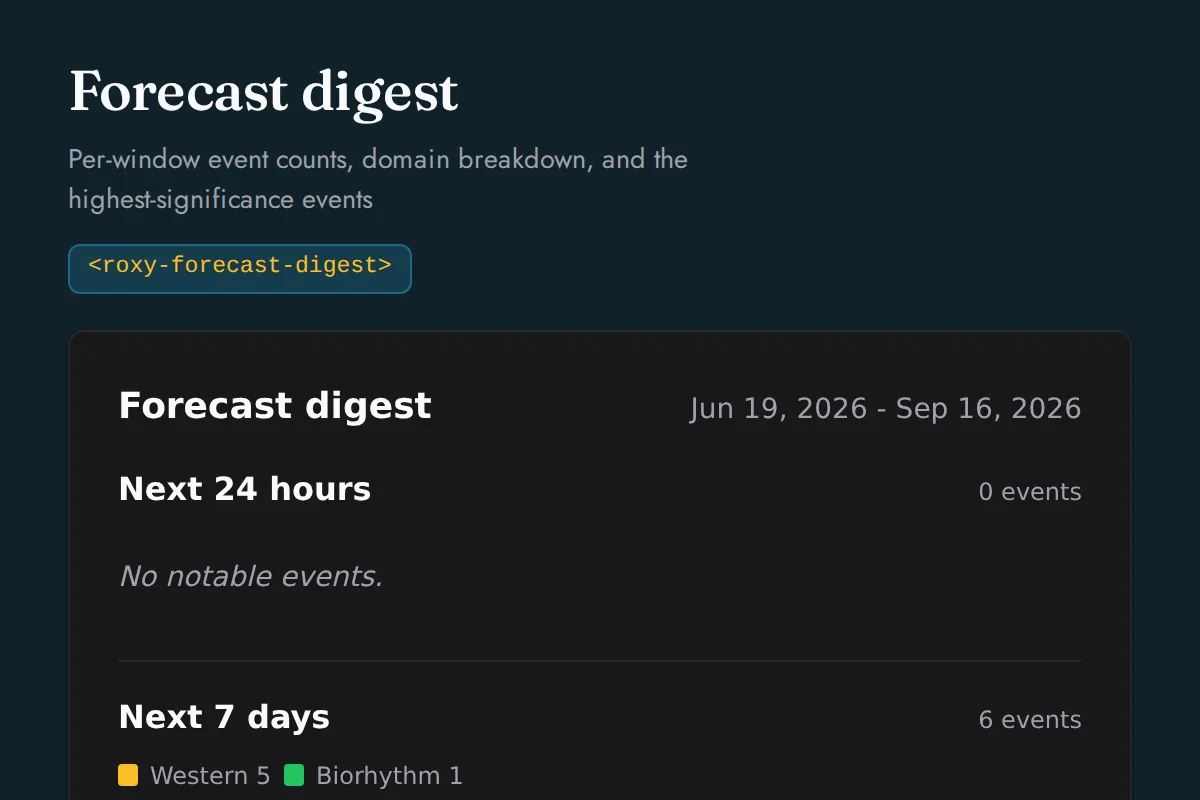
Forecast digest
Per-window event counts, domain breakdown, and the highest-significance events
https://roxyapi.com/embed/forecast-digest?pk=pk_live_YOUR_KEY<iframe src="https://roxyapi.com/embed/forecast-digest?pk=pk_live_YOUR_KEY" title="Forecast digest widget" style="border:0;width:100%;height:600px" loading="lazy"></iframe><!-- Optional: warm practitioner theme (drop this line for the default look) -->
<!-- <link rel="stylesheet" href="https://cdn.jsdelivr.net/npm/@roxyapi/ui@latest/dist/styles/themes/practitioner.css"> -->
<script src="https://cdn.jsdelivr.net/npm/@roxyapi/ui@latest/dist/cdn/roxy-ui.js" defer></script>
<roxy-forecast-digest data-endpoint="forecast/digest" publishable-key="pk_live_YOUR_KEY" hide-sections="hint"></roxy-forecast-digest><script src="https://cdn.jsdelivr.net/npm/@roxyapi/ui@latest/dist/cdn/widgets.js" defer></script>
<div data-roxy-widget="forecast-digest" data-publishable-key="pk_live_YOUR_KEY" data-hide-sections="hint"></div>Human Design
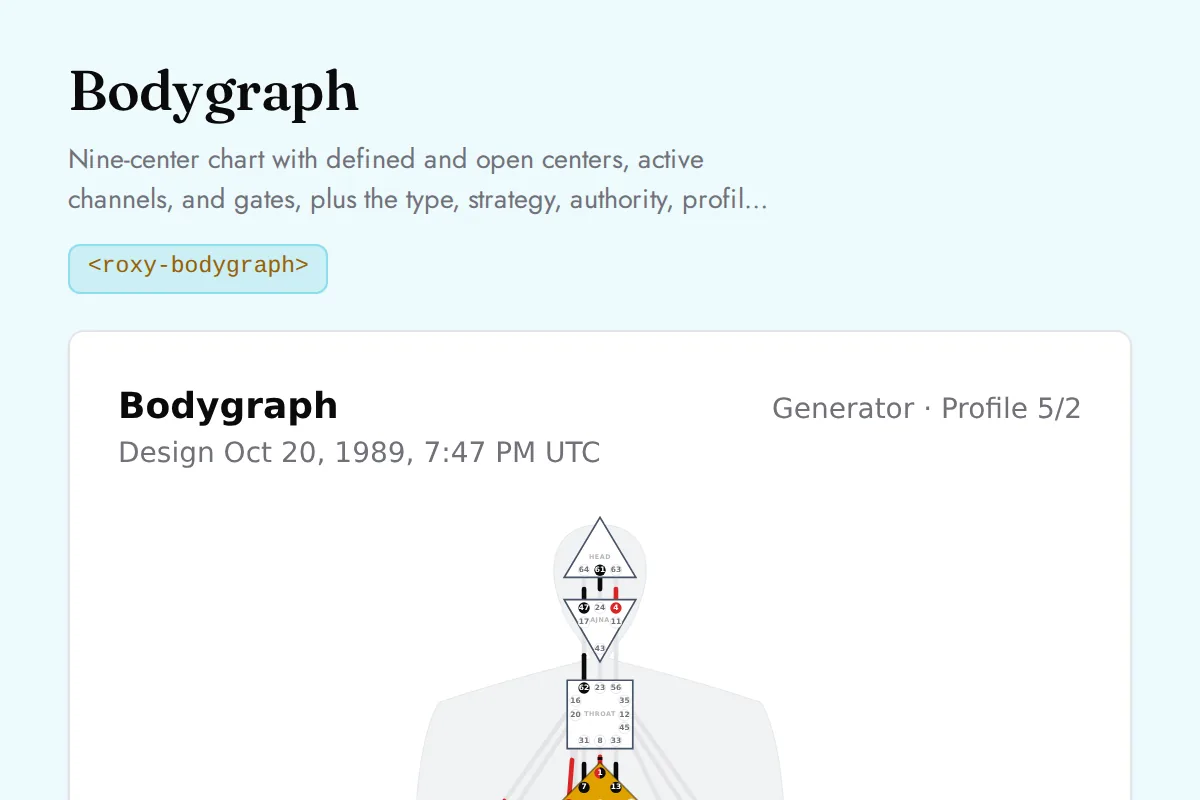
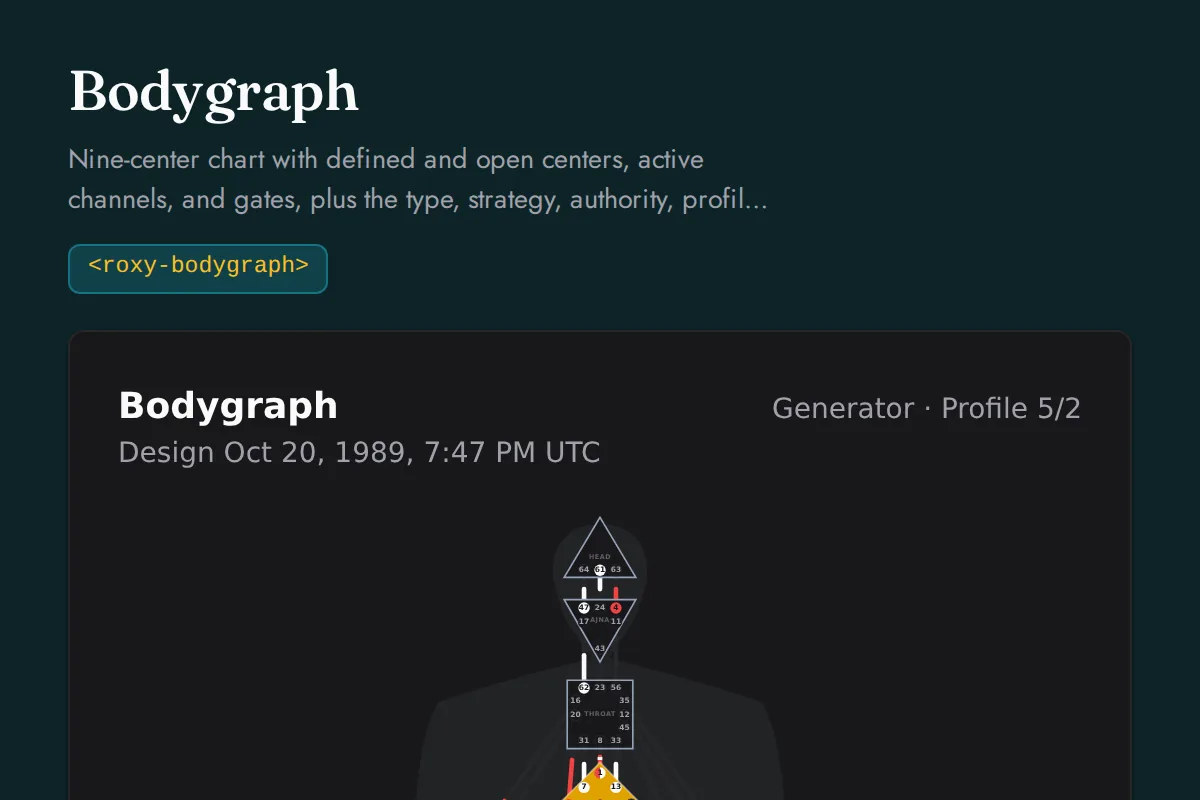
Bodygraph
Nine-center chart with defined and open centers, active channels, and gates, plus the type, strategy, authority, profile, and definition readings, the channels by circuit, the centers, and every activation with its gate and line meaning
https://roxyapi.com/embed/bodygraph?pk=pk_live_YOUR_KEY<iframe src="https://roxyapi.com/embed/bodygraph?pk=pk_live_YOUR_KEY" title="Bodygraph widget" style="border:0;width:100%;height:600px" loading="lazy"></iframe><!-- Optional: warm practitioner theme (drop this line for the default look) -->
<!-- <link rel="stylesheet" href="https://cdn.jsdelivr.net/npm/@roxyapi/ui@latest/dist/styles/themes/practitioner.css"> -->
<script src="https://cdn.jsdelivr.net/npm/@roxyapi/ui@latest/dist/cdn/roxy-ui.js" defer></script>
<roxy-bodygraph data-endpoint="human-design/bodygraph" publishable-key="pk_live_YOUR_KEY" hide-sections="hint"></roxy-bodygraph><script src="https://cdn.jsdelivr.net/npm/@roxyapi/ui@latest/dist/cdn/widgets.js" defer></script>
<div data-roxy-widget="bodygraph" data-publishable-key="pk_live_YOUR_KEY" data-hide-sections="hint"></div>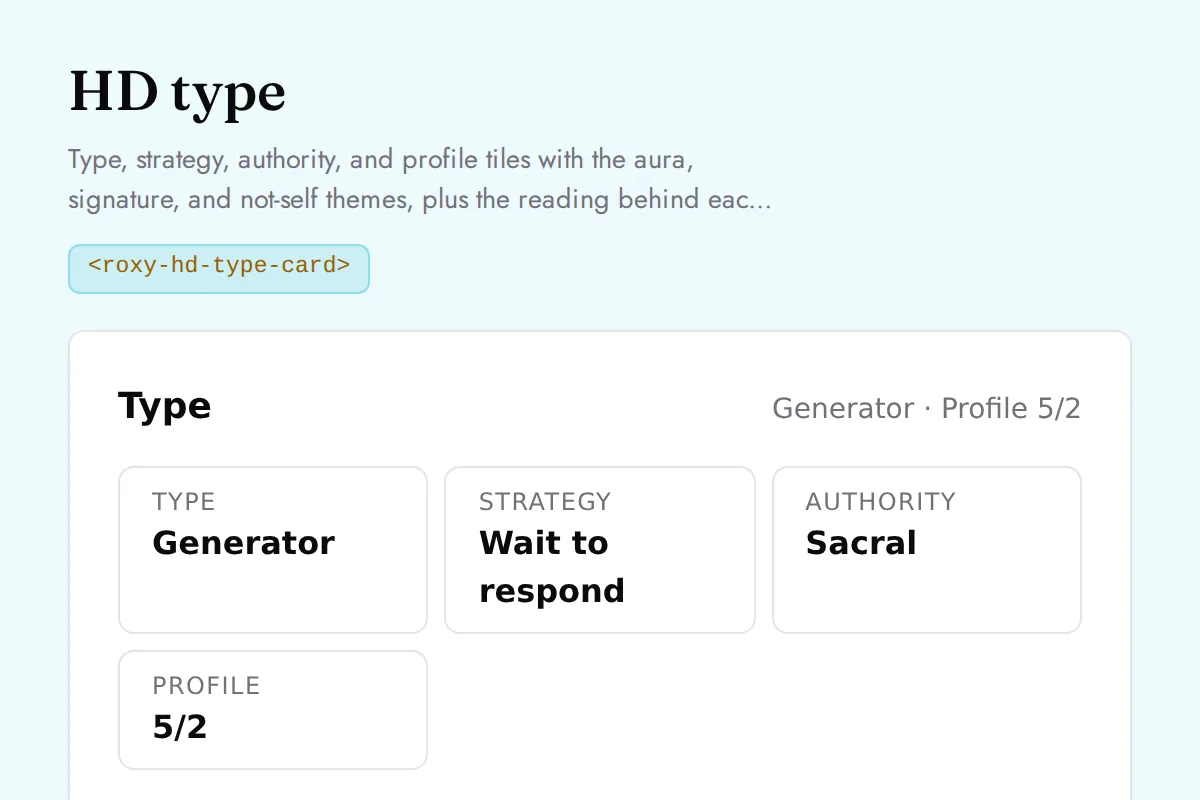
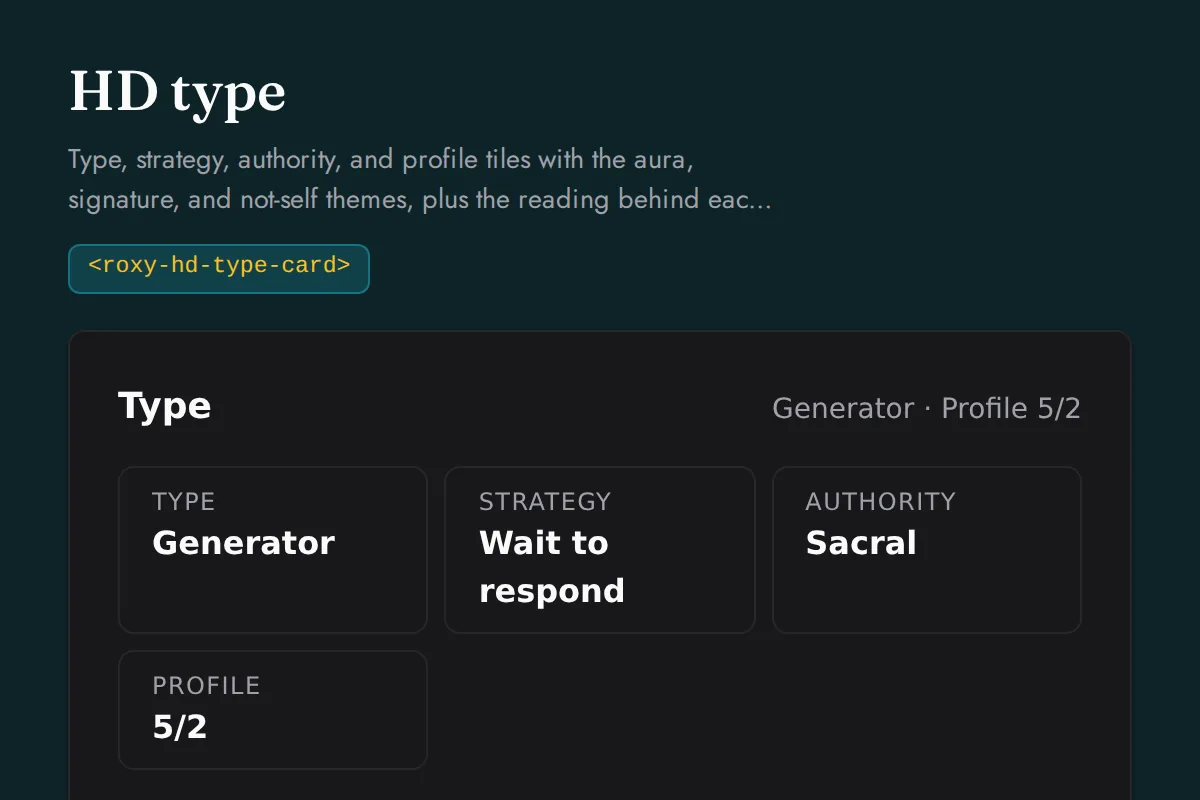
HD type card
Type, strategy, authority, and profile tiles with the aura, signature, and not-self themes, plus the reading behind each label and the profile line keynotes
https://roxyapi.com/embed/hd-type-card?pk=pk_live_YOUR_KEY<iframe src="https://roxyapi.com/embed/hd-type-card?pk=pk_live_YOUR_KEY" title="HD type card widget" style="border:0;width:100%;height:600px" loading="lazy"></iframe><!-- Optional: warm practitioner theme (drop this line for the default look) -->
<!-- <link rel="stylesheet" href="https://cdn.jsdelivr.net/npm/@roxyapi/ui@latest/dist/styles/themes/practitioner.css"> -->
<script src="https://cdn.jsdelivr.net/npm/@roxyapi/ui@latest/dist/cdn/roxy-ui.js" defer></script>
<roxy-hd-type-card data-endpoint="human-design/type" publishable-key="pk_live_YOUR_KEY" hide-sections="hint"></roxy-hd-type-card><script src="https://cdn.jsdelivr.net/npm/@roxyapi/ui@latest/dist/cdn/widgets.js" defer></script>
<div data-roxy-widget="hd-type-card" data-publishable-key="pk_live_YOUR_KEY" data-hide-sections="hint"></div>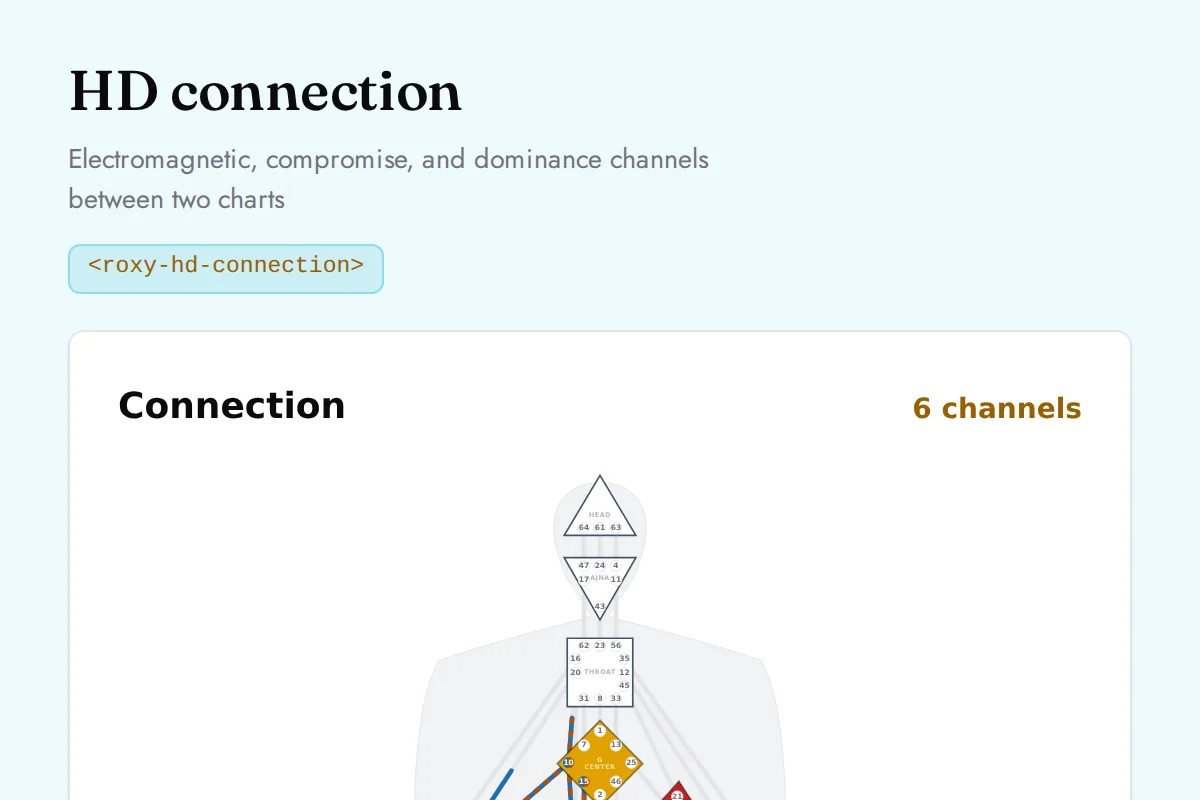
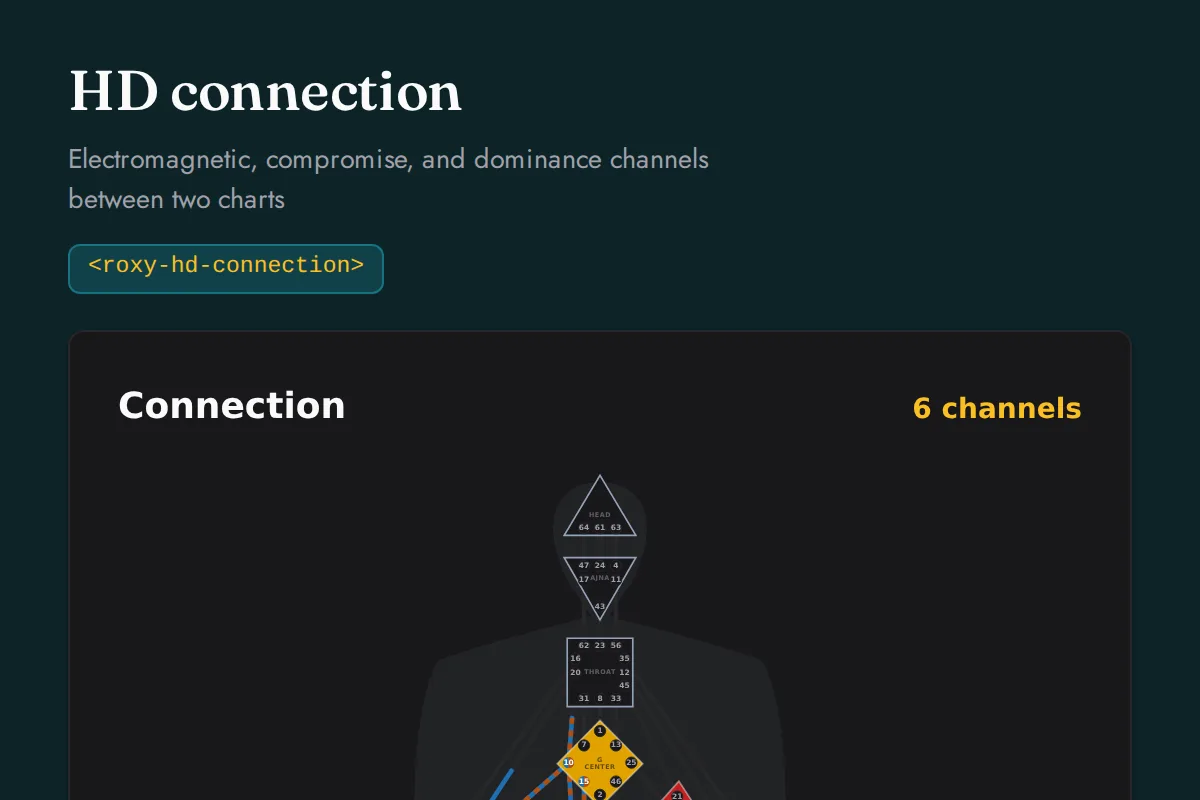
HD connection
Electromagnetic, compromise, and dominance channels between two charts
https://roxyapi.com/embed/hd-connection?pk=pk_live_YOUR_KEY<iframe src="https://roxyapi.com/embed/hd-connection?pk=pk_live_YOUR_KEY" title="HD connection widget" style="border:0;width:100%;height:600px" loading="lazy"></iframe><!-- Optional: warm practitioner theme (drop this line for the default look) -->
<!-- <link rel="stylesheet" href="https://cdn.jsdelivr.net/npm/@roxyapi/ui@latest/dist/styles/themes/practitioner.css"> -->
<script src="https://cdn.jsdelivr.net/npm/@roxyapi/ui@latest/dist/cdn/roxy-ui.js" defer></script>
<roxy-hd-connection data-endpoint="human-design/connection" publishable-key="pk_live_YOUR_KEY" hide-sections="hint"></roxy-hd-connection><script src="https://cdn.jsdelivr.net/npm/@roxyapi/ui@latest/dist/cdn/widgets.js" defer></script>
<div data-roxy-widget="hd-connection" data-publishable-key="pk_live_YOUR_KEY" data-hide-sections="hint"></div>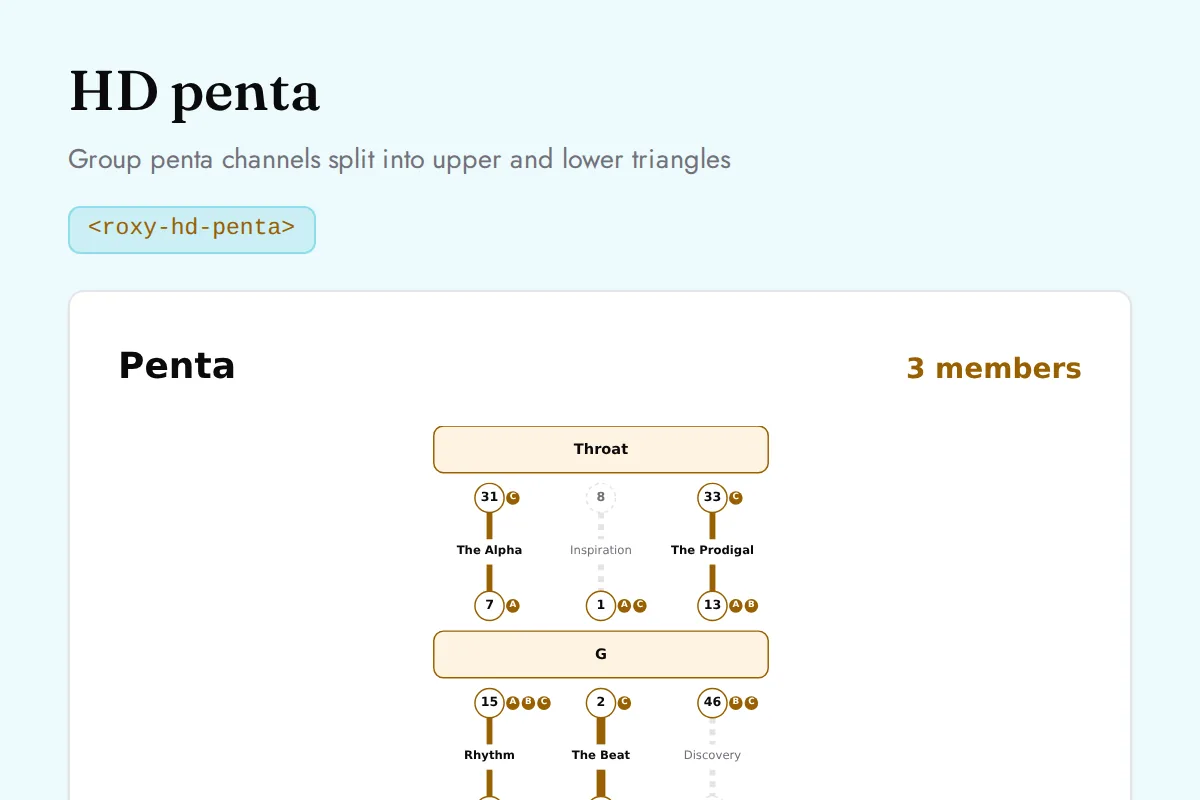
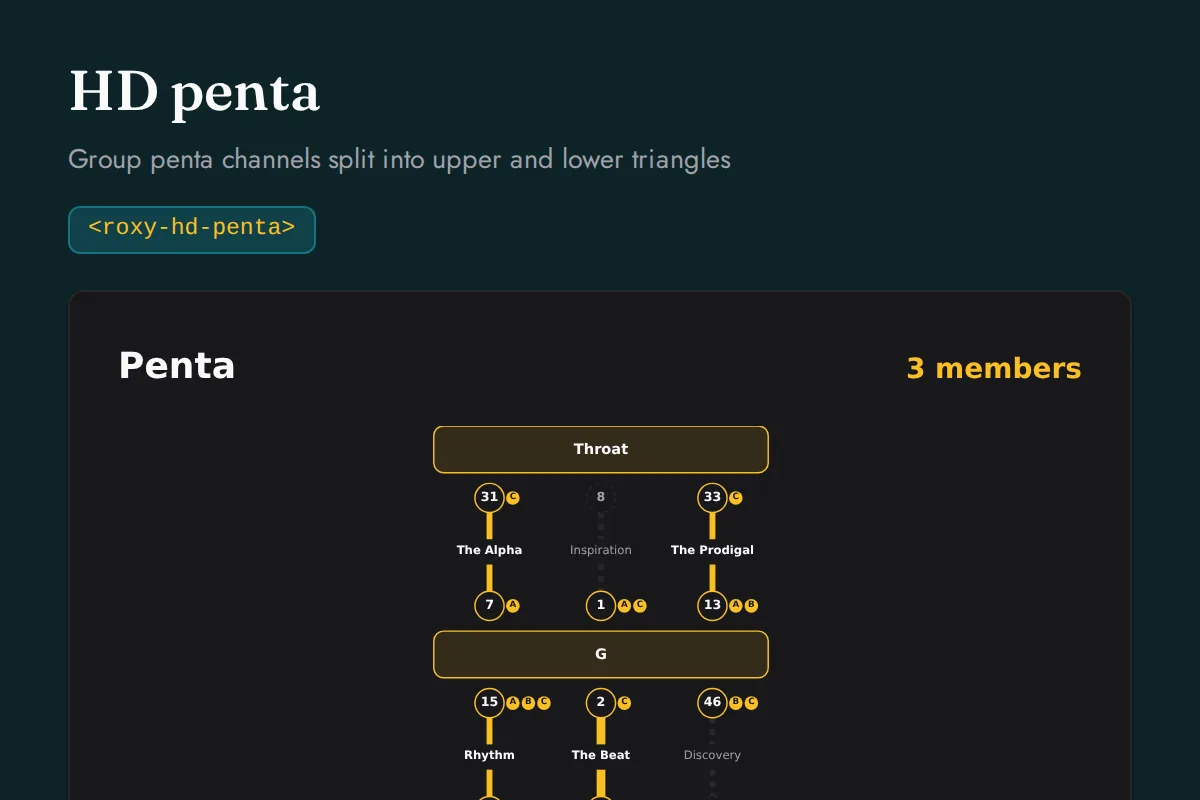
HD penta
Group penta channels split into upper and lower triangles
https://roxyapi.com/embed/hd-penta?pk=pk_live_YOUR_KEY<iframe src="https://roxyapi.com/embed/hd-penta?pk=pk_live_YOUR_KEY" title="HD penta widget" style="border:0;width:100%;height:600px" loading="lazy"></iframe><!-- Optional: warm practitioner theme (drop this line for the default look) -->
<!-- <link rel="stylesheet" href="https://cdn.jsdelivr.net/npm/@roxyapi/ui@latest/dist/styles/themes/practitioner.css"> -->
<script src="https://cdn.jsdelivr.net/npm/@roxyapi/ui@latest/dist/cdn/roxy-ui.js" defer></script>
<roxy-hd-penta data-endpoint="human-design/penta" publishable-key="pk_live_YOUR_KEY" hide-sections="hint"></roxy-hd-penta><script src="https://cdn.jsdelivr.net/npm/@roxyapi/ui@latest/dist/cdn/widgets.js" defer></script>
<div data-roxy-widget="hd-penta" data-publishable-key="pk_live_YOUR_KEY" data-hide-sections="hint"></div>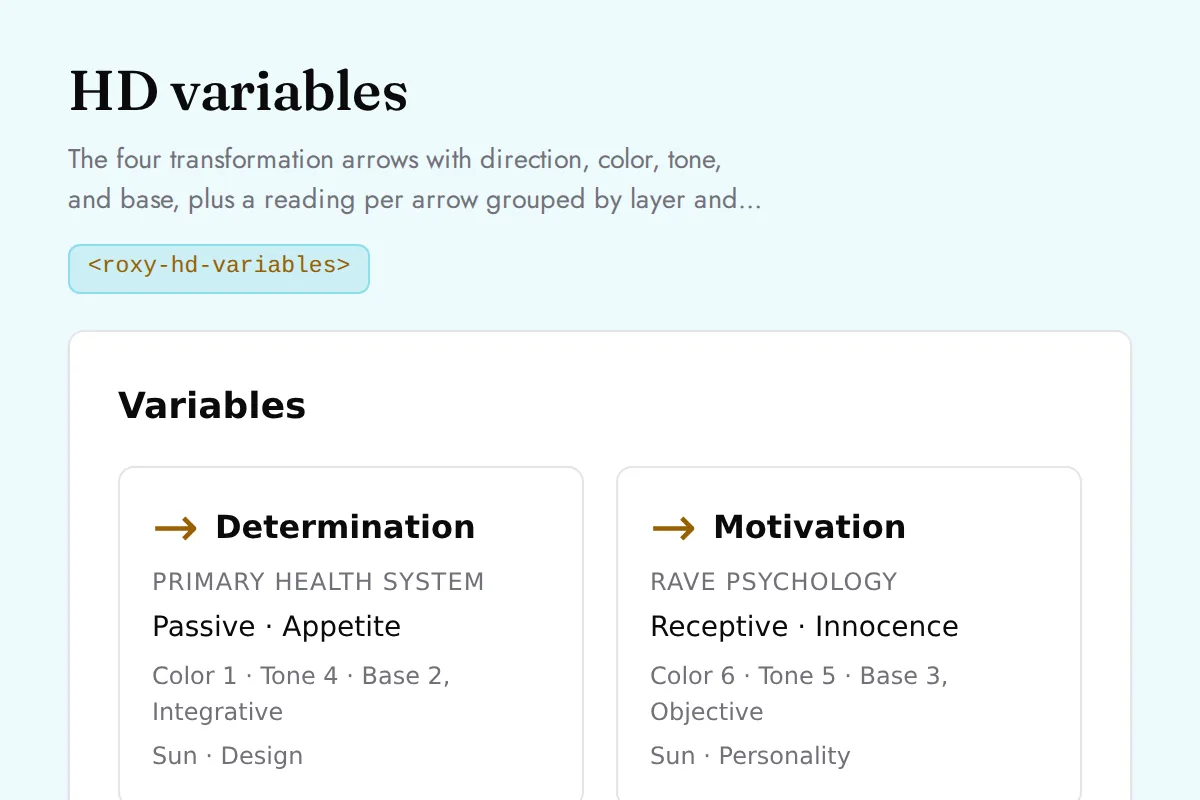
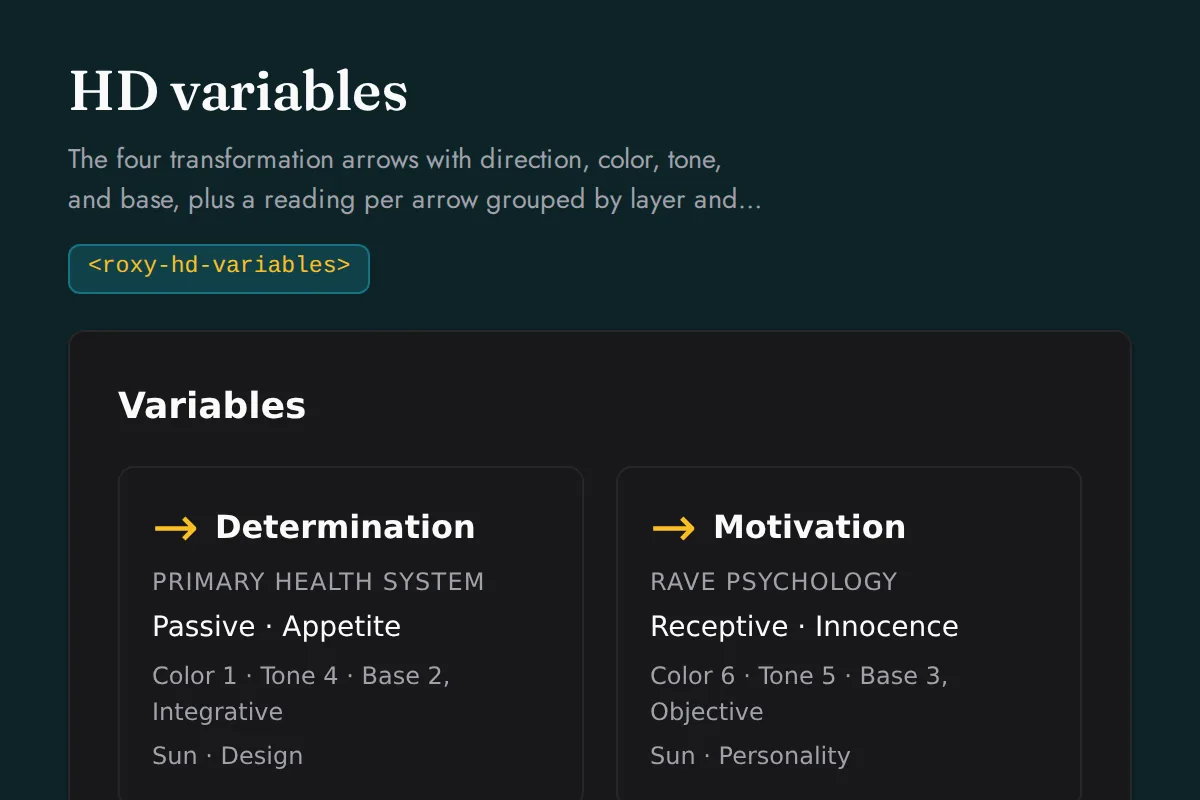
HD variables
The four transformation arrows with direction, color, tone, and base, plus a reading per arrow grouped by layer and the cognition
https://roxyapi.com/embed/hd-variables?pk=pk_live_YOUR_KEY<iframe src="https://roxyapi.com/embed/hd-variables?pk=pk_live_YOUR_KEY" title="HD variables widget" style="border:0;width:100%;height:600px" loading="lazy"></iframe><!-- Optional: warm practitioner theme (drop this line for the default look) -->
<!-- <link rel="stylesheet" href="https://cdn.jsdelivr.net/npm/@roxyapi/ui@latest/dist/styles/themes/practitioner.css"> -->
<script src="https://cdn.jsdelivr.net/npm/@roxyapi/ui@latest/dist/cdn/roxy-ui.js" defer></script>
<roxy-hd-variables data-endpoint="human-design/variables" publishable-key="pk_live_YOUR_KEY" hide-sections="hint"></roxy-hd-variables><script src="https://cdn.jsdelivr.net/npm/@roxyapi/ui@latest/dist/cdn/widgets.js" defer></script>
<div data-roxy-widget="hd-variables" data-publishable-key="pk_live_YOUR_KEY" data-hide-sections="hint"></div>Chinese Astrology
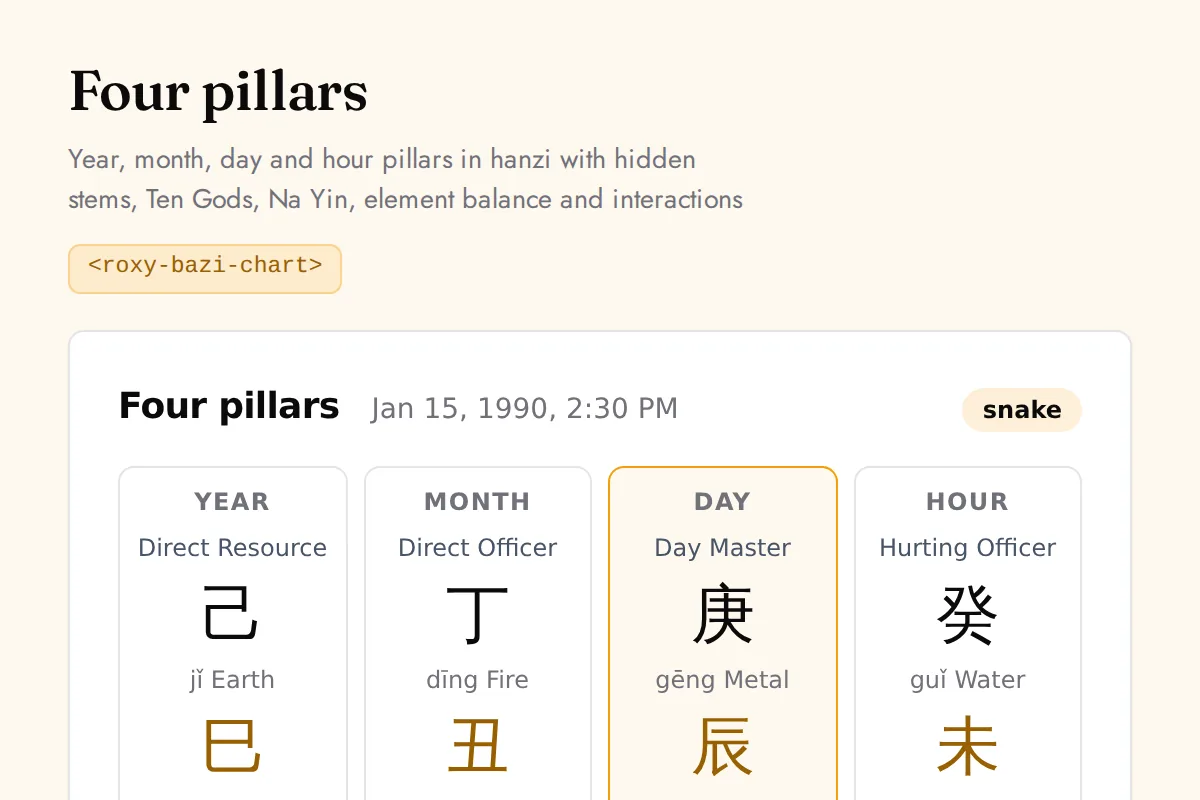
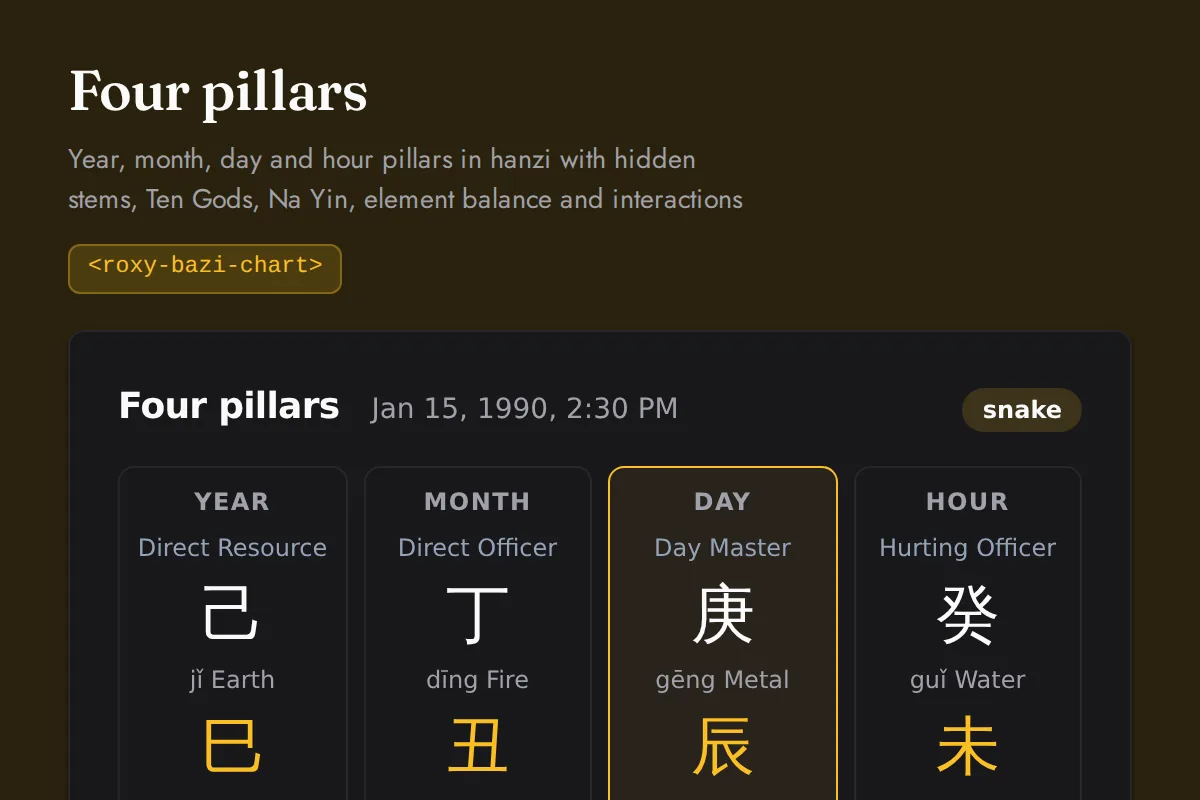
Bazi chart
Year, month, day and hour pillars in hanzi with hidden stems, Ten Gods, Na Yin, element balance and interactions
https://roxyapi.com/embed/bazi-chart?pk=pk_live_YOUR_KEY<iframe src="https://roxyapi.com/embed/bazi-chart?pk=pk_live_YOUR_KEY" title="Bazi chart widget" style="border:0;width:100%;height:600px" loading="lazy"></iframe><!-- Optional: warm practitioner theme (drop this line for the default look) -->
<!-- <link rel="stylesheet" href="https://cdn.jsdelivr.net/npm/@roxyapi/ui@latest/dist/styles/themes/practitioner.css"> -->
<script src="https://cdn.jsdelivr.net/npm/@roxyapi/ui@latest/dist/cdn/roxy-ui.js" defer></script>
<roxy-bazi-chart data-endpoint="chinese-astrology/bazi/chart" publishable-key="pk_live_YOUR_KEY" hide-sections="hint"></roxy-bazi-chart><script src="https://cdn.jsdelivr.net/npm/@roxyapi/ui@latest/dist/cdn/widgets.js" defer></script>
<div data-roxy-widget="bazi-chart" data-publishable-key="pk_live_YOUR_KEY" data-hide-sections="hint"></div>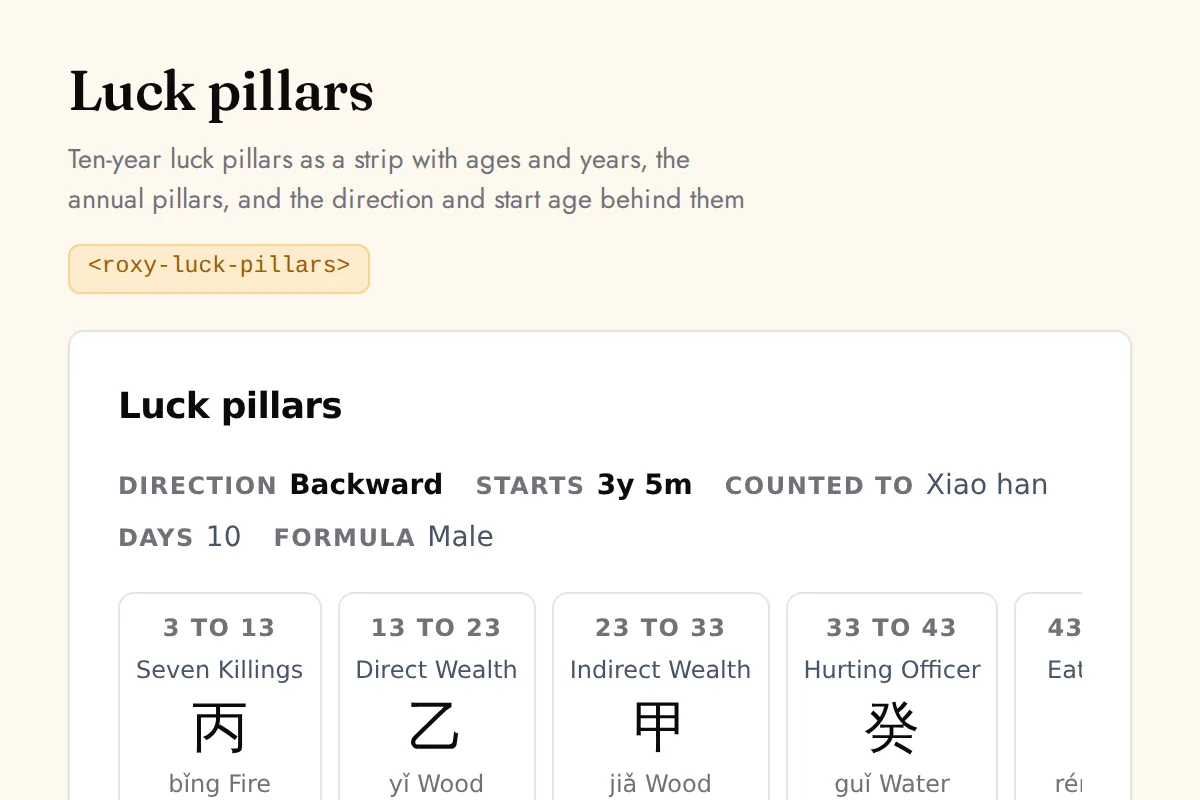
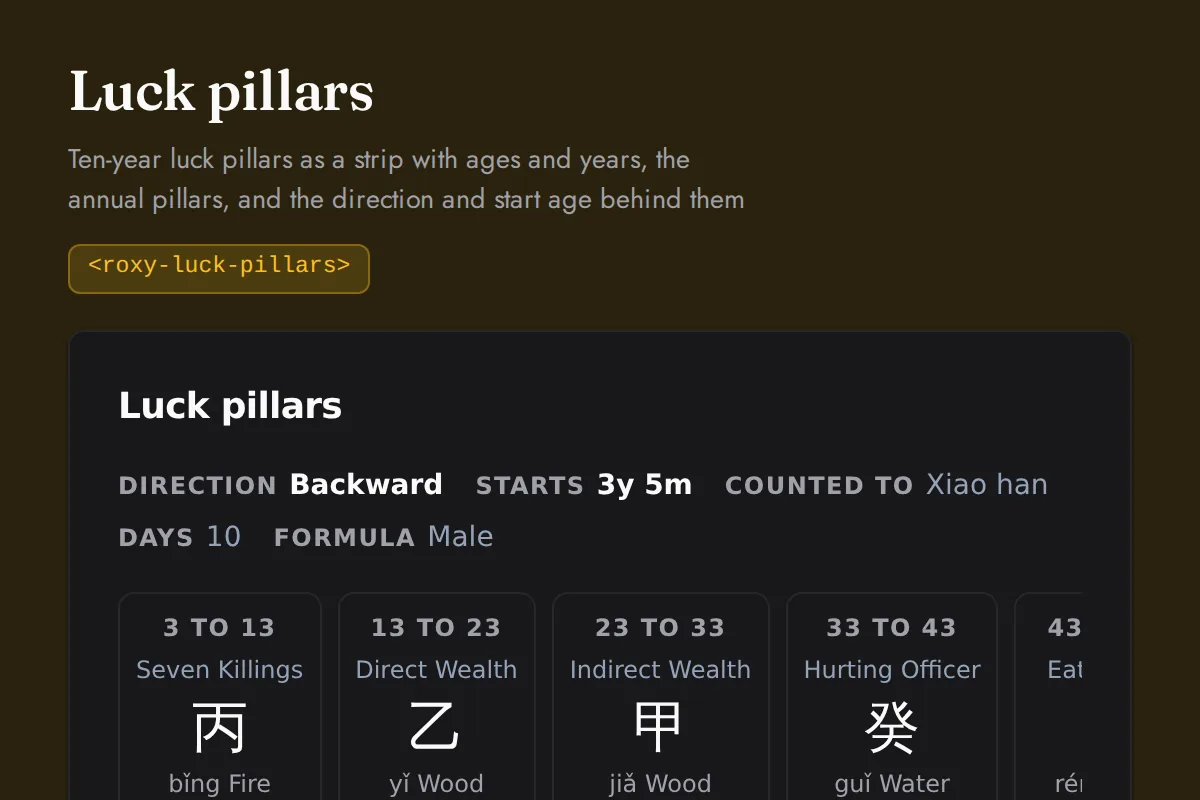
Luck pillars
Ten-year luck pillars as a strip with ages and years, the annual pillars, and the direction and start age behind them
https://roxyapi.com/embed/luck-pillars?pk=pk_live_YOUR_KEY<iframe src="https://roxyapi.com/embed/luck-pillars?pk=pk_live_YOUR_KEY" title="Luck pillars widget" style="border:0;width:100%;height:600px" loading="lazy"></iframe><!-- Optional: warm practitioner theme (drop this line for the default look) -->
<!-- <link rel="stylesheet" href="https://cdn.jsdelivr.net/npm/@roxyapi/ui@latest/dist/styles/themes/practitioner.css"> -->
<script src="https://cdn.jsdelivr.net/npm/@roxyapi/ui@latest/dist/cdn/roxy-ui.js" defer></script>
<roxy-luck-pillars data-endpoint="chinese-astrology/bazi/luck-pillars" publishable-key="pk_live_YOUR_KEY" hide-sections="hint"></roxy-luck-pillars><script src="https://cdn.jsdelivr.net/npm/@roxyapi/ui@latest/dist/cdn/widgets.js" defer></script>
<div data-roxy-widget="luck-pillars" data-publishable-key="pk_live_YOUR_KEY" data-hide-sections="hint"></div>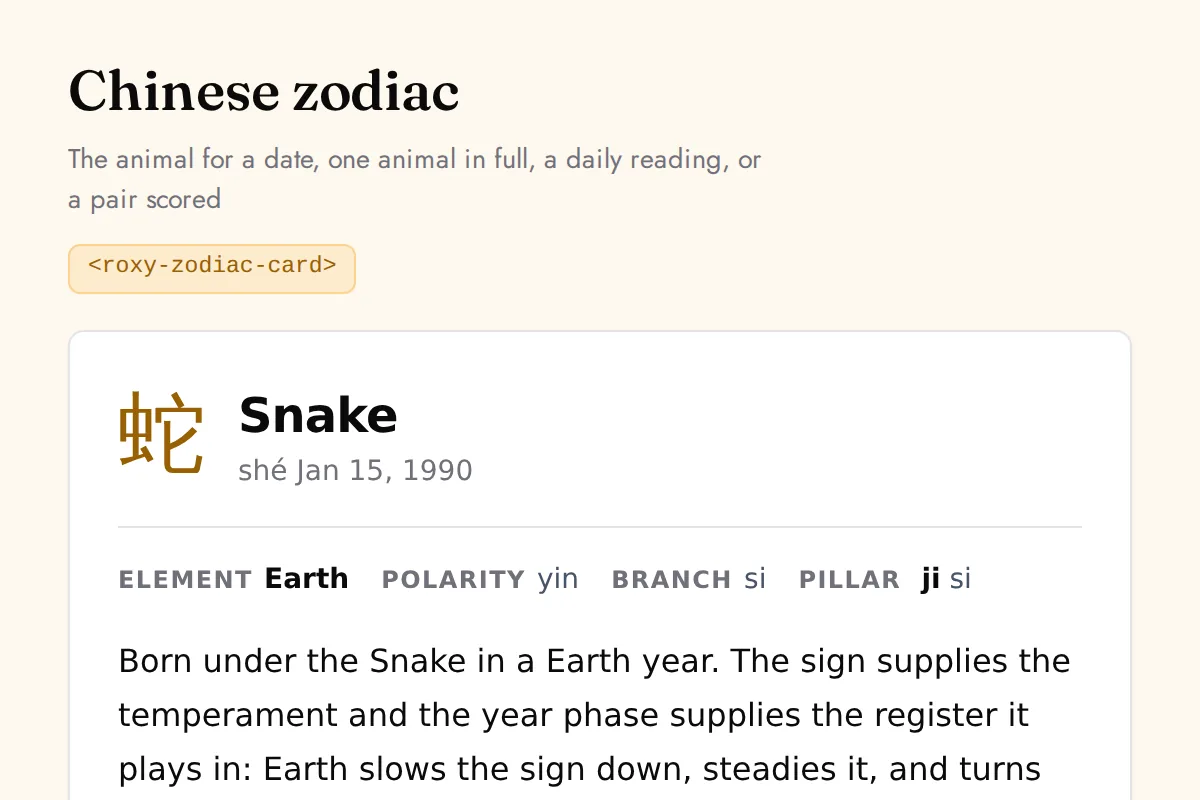
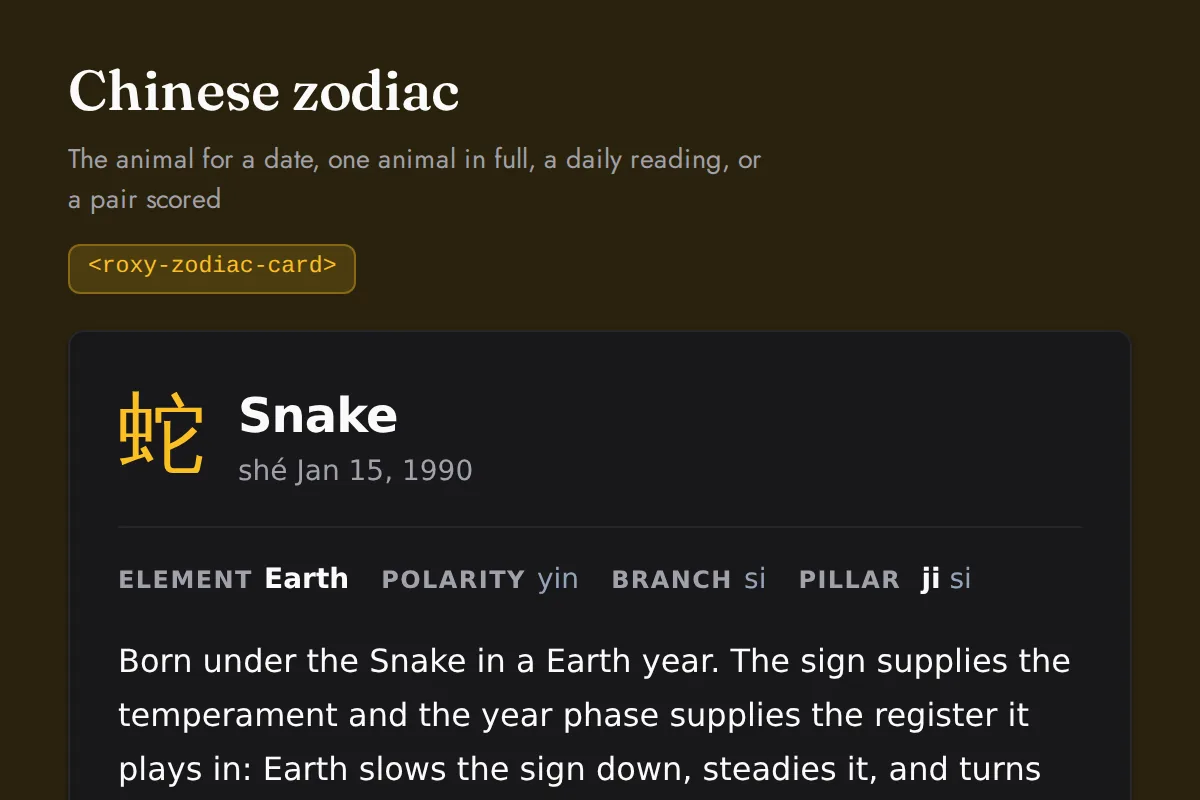
Zodiac card
The animal for a date, one animal in full, a daily reading, or a pair scored
https://roxyapi.com/embed/zodiac-card?pk=pk_live_YOUR_KEY<iframe src="https://roxyapi.com/embed/zodiac-card?pk=pk_live_YOUR_KEY" title="Zodiac card widget" style="border:0;width:100%;height:600px" loading="lazy"></iframe><!-- Optional: warm practitioner theme (drop this line for the default look) -->
<!-- <link rel="stylesheet" href="https://cdn.jsdelivr.net/npm/@roxyapi/ui@latest/dist/styles/themes/practitioner.css"> -->
<script src="https://cdn.jsdelivr.net/npm/@roxyapi/ui@latest/dist/cdn/roxy-ui.js" defer></script>
<roxy-zodiac-card mode="sign" data-endpoint="chinese-astrology/zodiac/sign" publishable-key="pk_live_YOUR_KEY" hide-sections="hint"></roxy-zodiac-card><script src="https://cdn.jsdelivr.net/npm/@roxyapi/ui@latest/dist/cdn/widgets.js" defer></script>
<div data-roxy-widget="zodiac-card" data-publishable-key="pk_live_YOUR_KEY" data-hide-sections="hint"></div>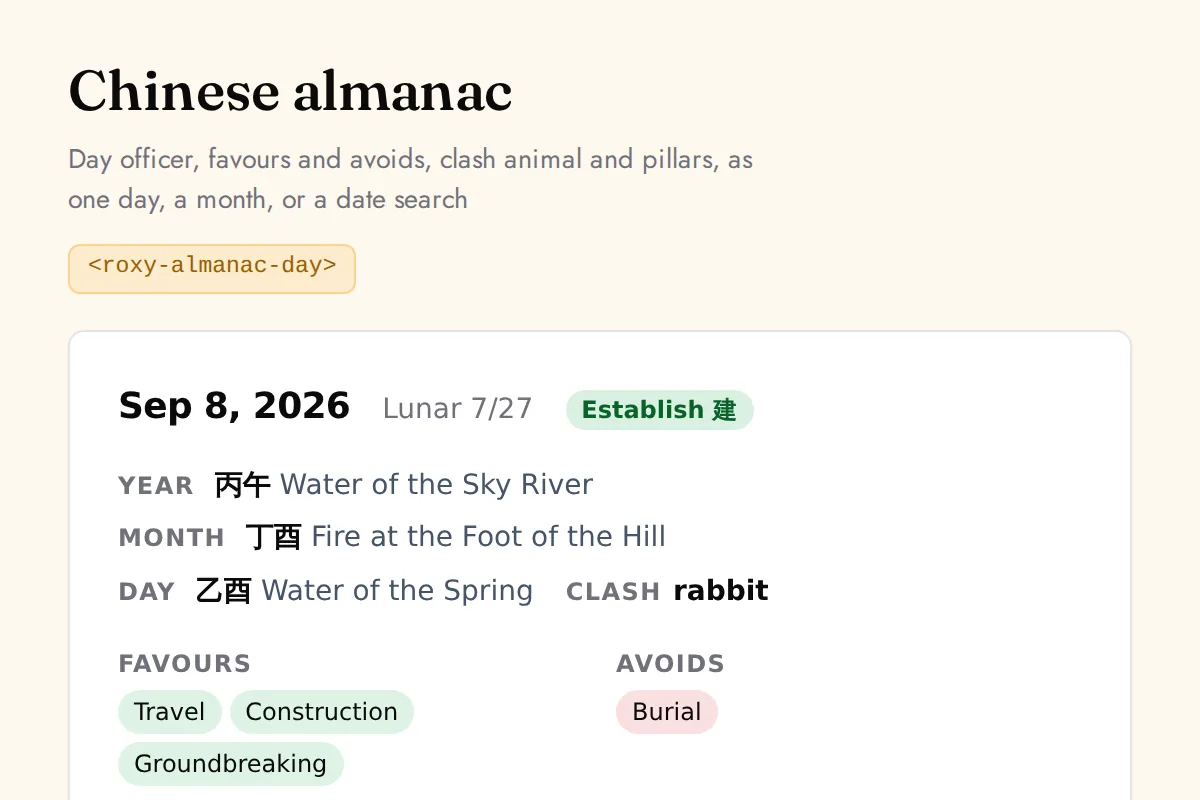
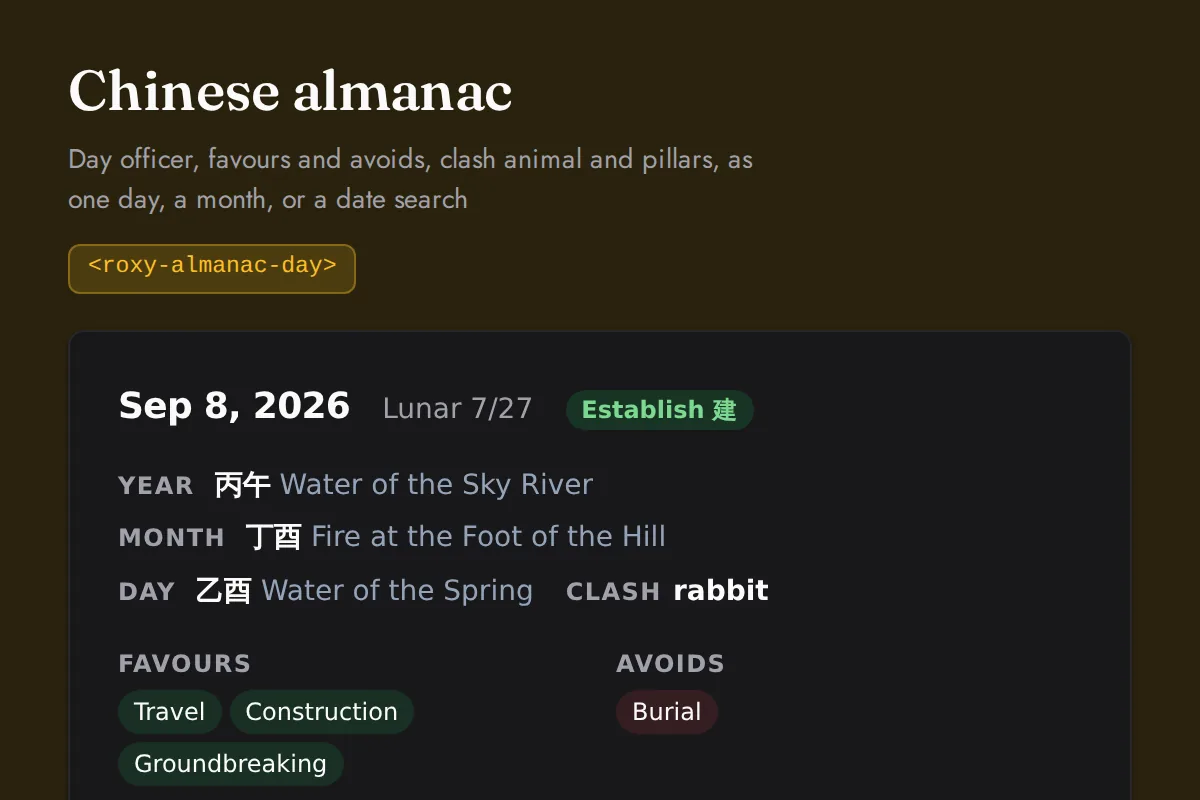
Almanac day
Day officer, favours and avoids, clash animal and pillars, as one day, a month, or a date search
https://roxyapi.com/embed/almanac-day?pk=pk_live_YOUR_KEY<iframe src="https://roxyapi.com/embed/almanac-day?pk=pk_live_YOUR_KEY" title="Almanac day widget" style="border:0;width:100%;height:600px" loading="lazy"></iframe><!-- Optional: warm practitioner theme (drop this line for the default look) -->
<!-- <link rel="stylesheet" href="https://cdn.jsdelivr.net/npm/@roxyapi/ui@latest/dist/styles/themes/practitioner.css"> -->
<script src="https://cdn.jsdelivr.net/npm/@roxyapi/ui@latest/dist/cdn/roxy-ui.js" defer></script>
<roxy-almanac-day mode="day" data-endpoint="chinese-astrology/calendar/day/{date}" method="GET" publishable-key="pk_live_YOUR_KEY" hide-sections="hint"></roxy-almanac-day><script src="https://cdn.jsdelivr.net/npm/@roxyapi/ui@latest/dist/cdn/widgets.js" defer></script>
<div data-roxy-widget="almanac-day" data-publishable-key="pk_live_YOUR_KEY" data-hide-sections="hint"></div>Feng Shui
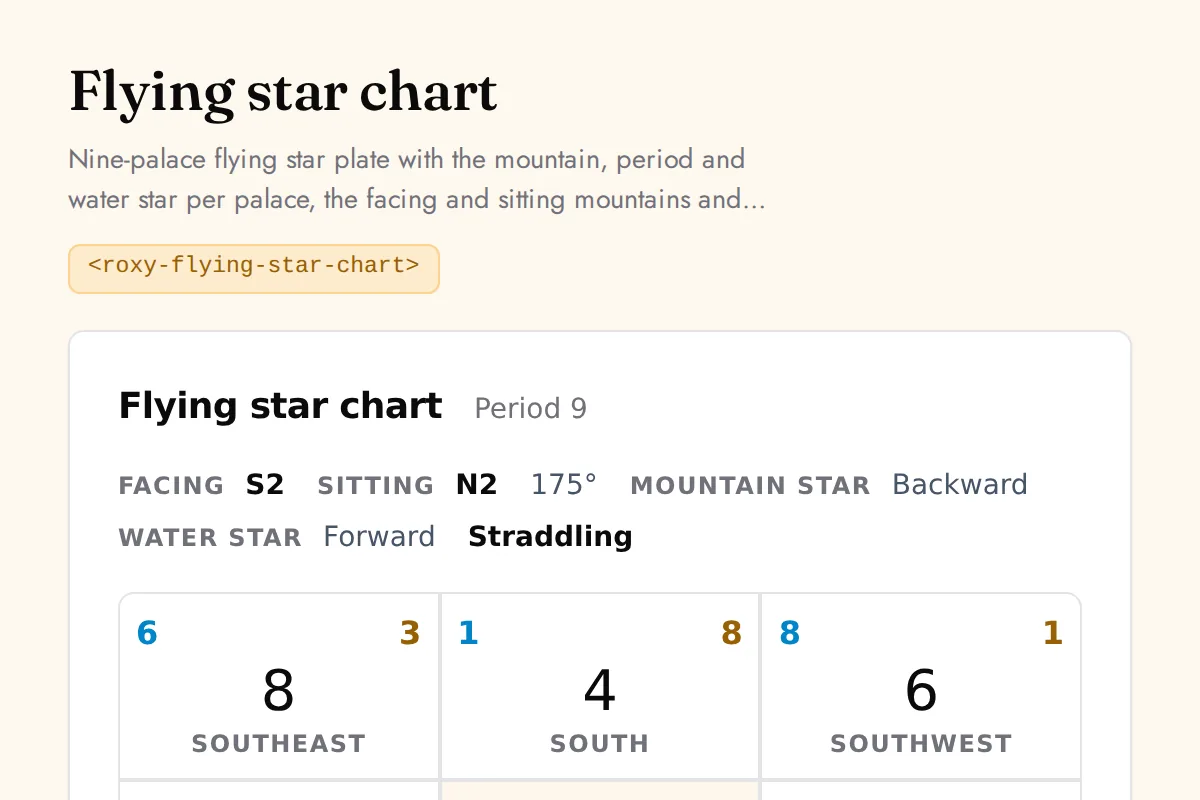
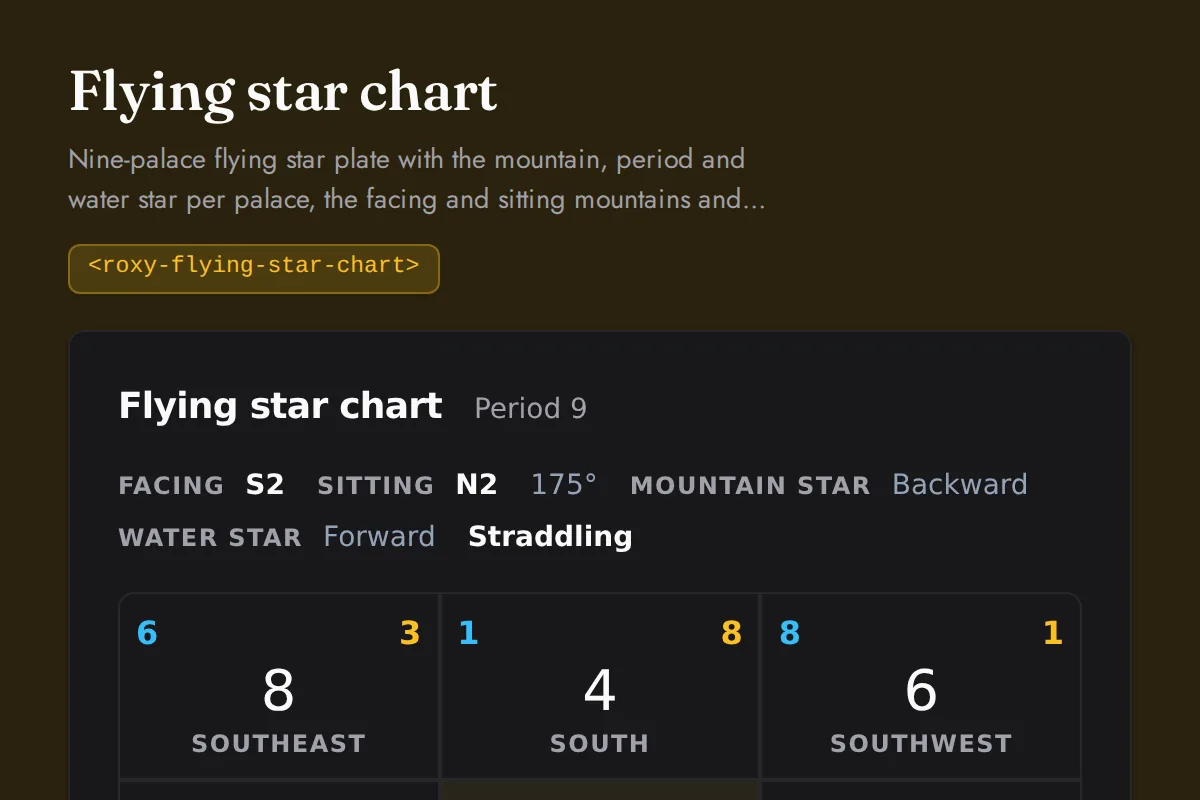
Flying star chart
Nine-palace flying star plate with the mountain, period and water star per palace, the facing and sitting mountains and the structure
https://roxyapi.com/embed/flying-star-chart?pk=pk_live_YOUR_KEY<iframe src="https://roxyapi.com/embed/flying-star-chart?pk=pk_live_YOUR_KEY" title="Flying star chart widget" style="border:0;width:100%;height:600px" loading="lazy"></iframe><!-- Optional: warm practitioner theme (drop this line for the default look) -->
<!-- <link rel="stylesheet" href="https://cdn.jsdelivr.net/npm/@roxyapi/ui@latest/dist/styles/themes/practitioner.css"> -->
<script src="https://cdn.jsdelivr.net/npm/@roxyapi/ui@latest/dist/cdn/roxy-ui.js" defer></script>
<roxy-flying-star-chart mode="natal" data-endpoint="feng-shui/flying-stars/natal" publishable-key="pk_live_YOUR_KEY" hide-sections="hint"></roxy-flying-star-chart><script src="https://cdn.jsdelivr.net/npm/@roxyapi/ui@latest/dist/cdn/widgets.js" defer></script>
<div data-roxy-widget="flying-star-chart" data-publishable-key="pk_live_YOUR_KEY" data-hide-sections="hint"></div>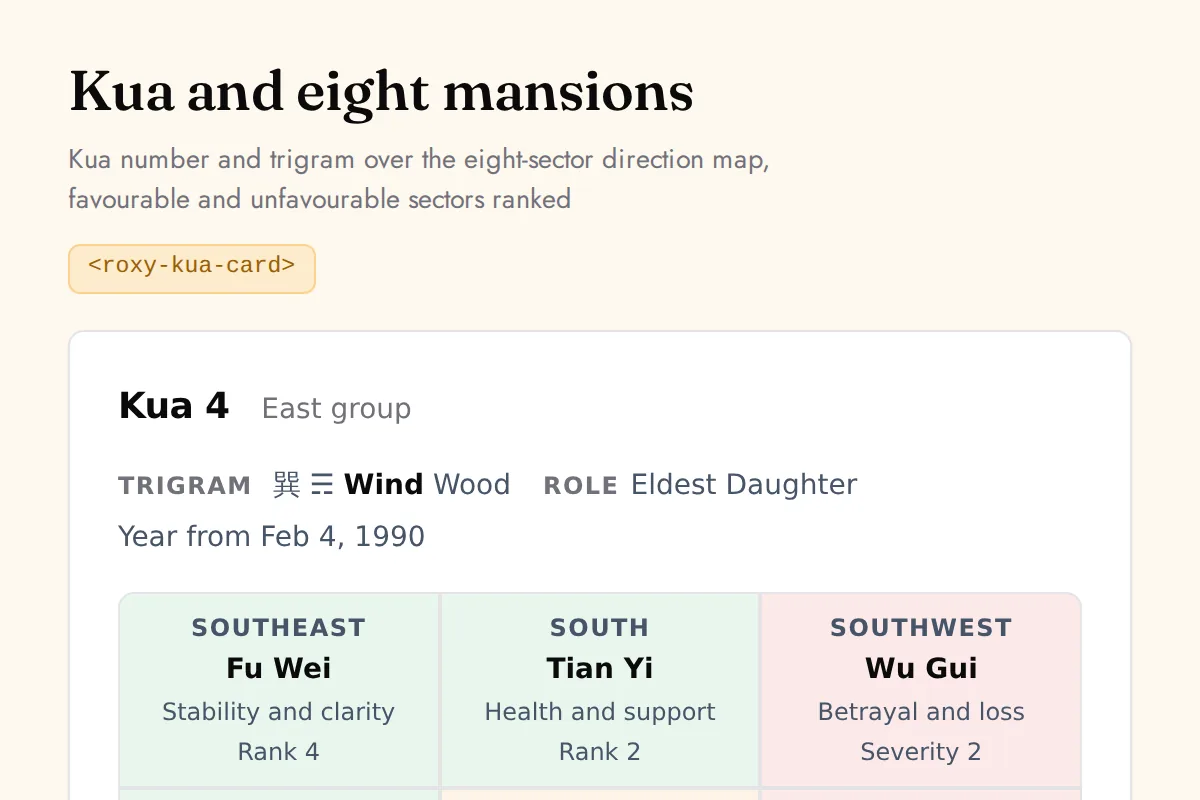
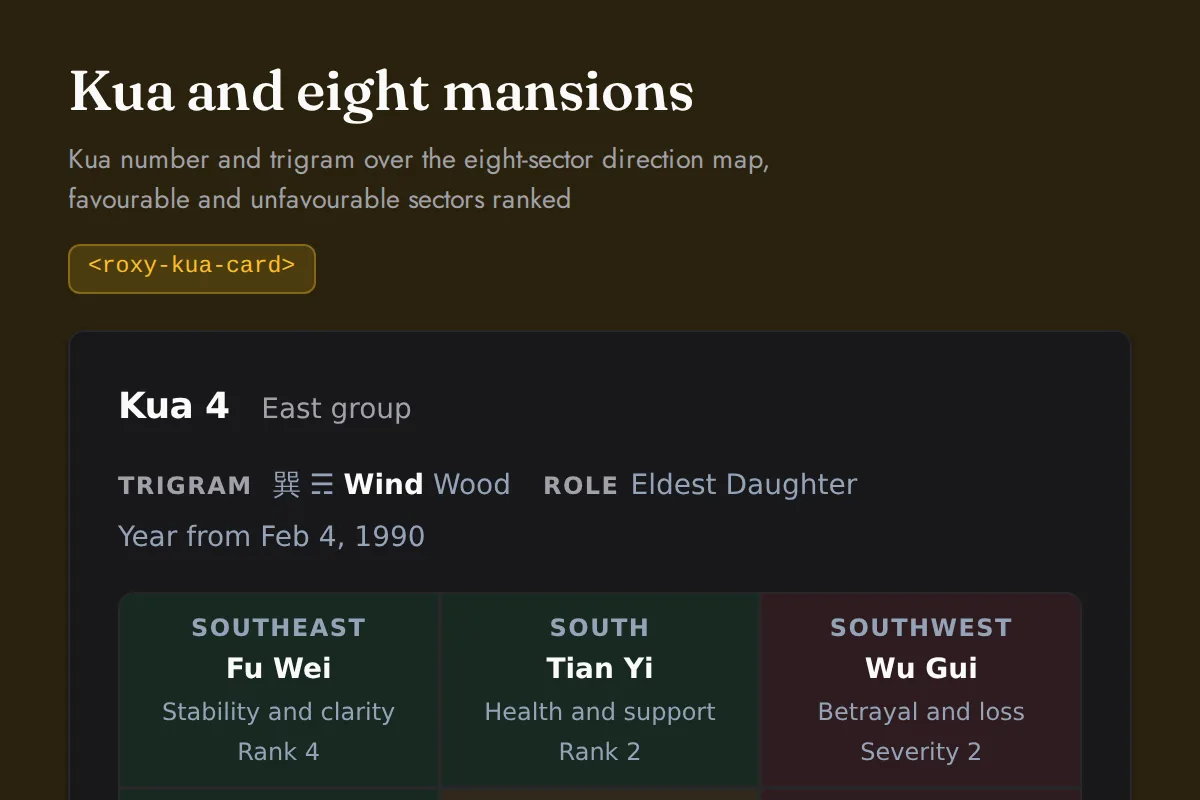
Kua card
Kua number and trigram over the eight-sector direction map, favourable and unfavourable sectors ranked
https://roxyapi.com/embed/kua-card?pk=pk_live_YOUR_KEY<iframe src="https://roxyapi.com/embed/kua-card?pk=pk_live_YOUR_KEY" title="Kua card widget" style="border:0;width:100%;height:600px" loading="lazy"></iframe><!-- Optional: warm practitioner theme (drop this line for the default look) -->
<!-- <link rel="stylesheet" href="https://cdn.jsdelivr.net/npm/@roxyapi/ui@latest/dist/styles/themes/practitioner.css"> -->
<script src="https://cdn.jsdelivr.net/npm/@roxyapi/ui@latest/dist/cdn/roxy-ui.js" defer></script>
<roxy-kua-card mode="kua" data-endpoint="feng-shui/kua" publishable-key="pk_live_YOUR_KEY" hide-sections="hint"></roxy-kua-card><script src="https://cdn.jsdelivr.net/npm/@roxyapi/ui@latest/dist/cdn/widgets.js" defer></script>
<div data-roxy-widget="kua-card" data-publishable-key="pk_live_YOUR_KEY" data-hide-sections="hint"></div>Mesoamerican
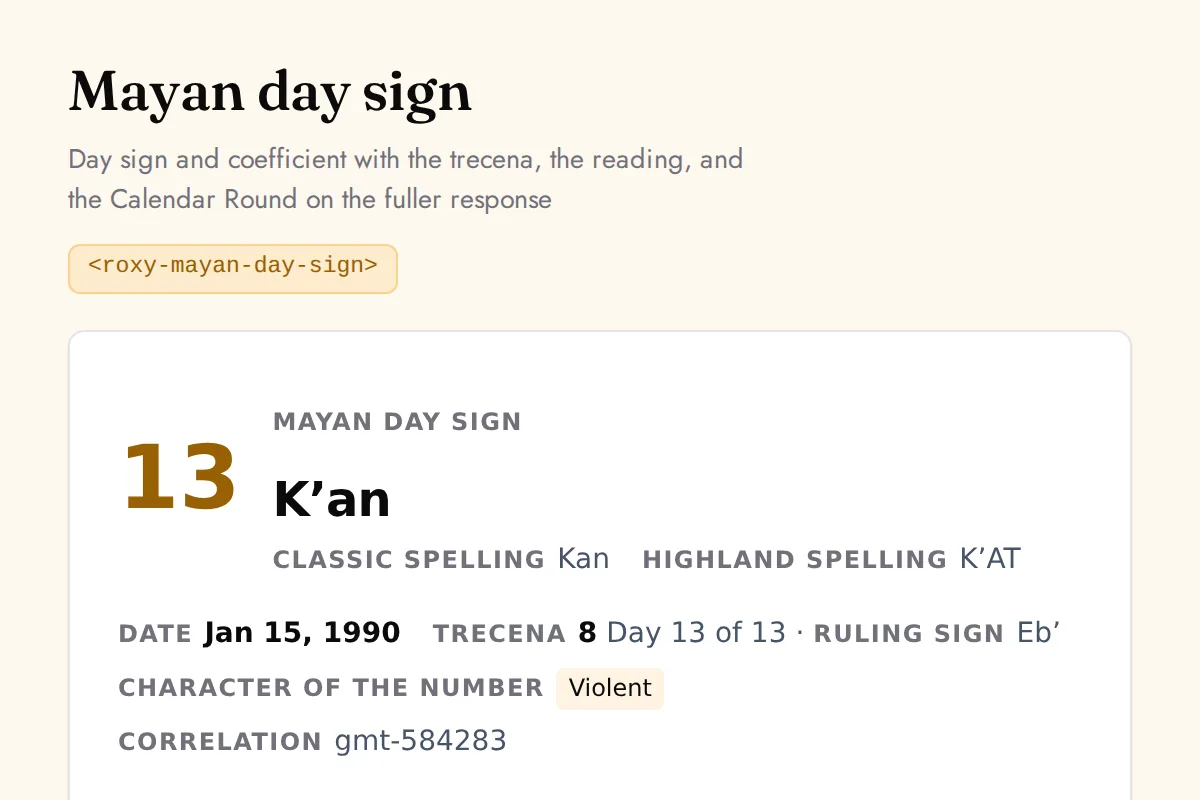
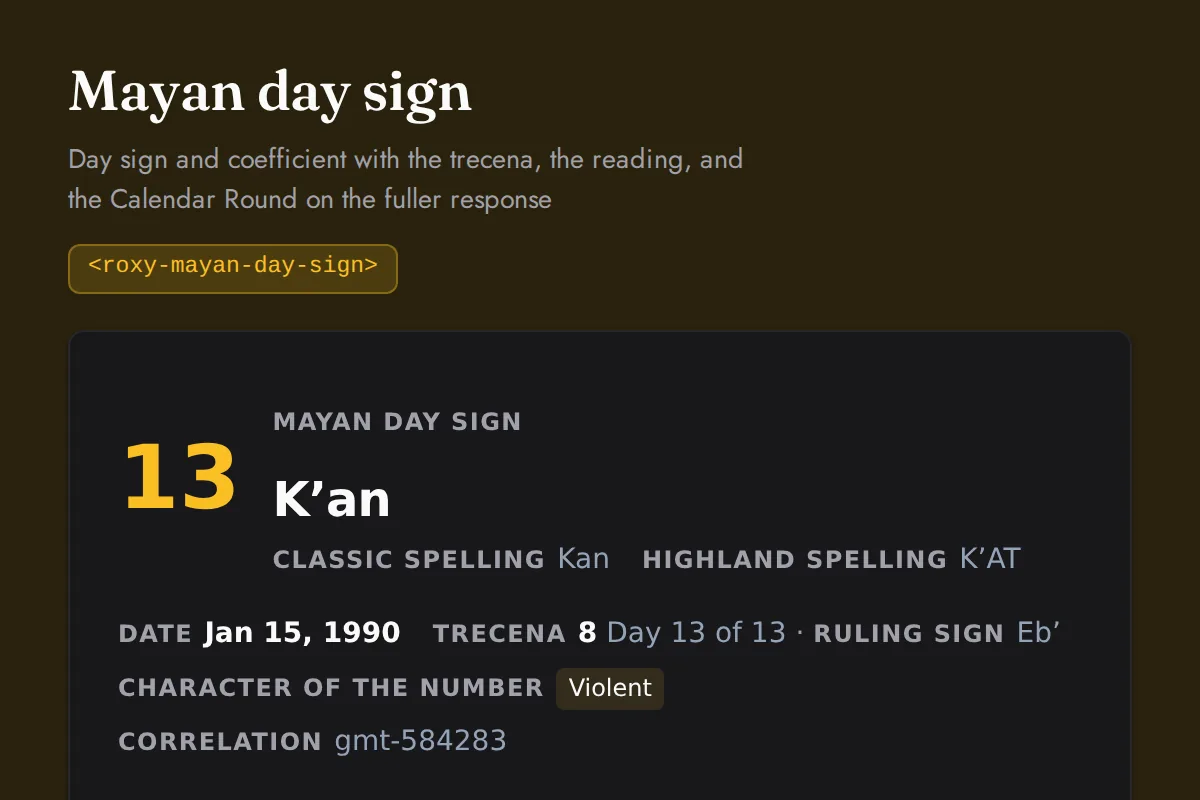
Mayan day sign
Day sign and coefficient with the trecena, the reading, and the Calendar Round on the fuller response
https://roxyapi.com/embed/mayan-day-sign?pk=pk_live_YOUR_KEY<iframe src="https://roxyapi.com/embed/mayan-day-sign?pk=pk_live_YOUR_KEY" title="Mayan day sign widget" style="border:0;width:100%;height:600px" loading="lazy"></iframe><!-- Optional: warm practitioner theme (drop this line for the default look) -->
<!-- <link rel="stylesheet" href="https://cdn.jsdelivr.net/npm/@roxyapi/ui@latest/dist/styles/themes/practitioner.css"> -->
<script src="https://cdn.jsdelivr.net/npm/@roxyapi/ui@latest/dist/cdn/roxy-ui.js" defer></script>
<roxy-mayan-day-sign mode="day" data-endpoint="mesoamerican-astrology/mayan/tzolkin" publishable-key="pk_live_YOUR_KEY" hide-sections="hint"></roxy-mayan-day-sign><script src="https://cdn.jsdelivr.net/npm/@roxyapi/ui@latest/dist/cdn/widgets.js" defer></script>
<div data-roxy-widget="mayan-day-sign" data-publishable-key="pk_live_YOUR_KEY" data-hide-sections="hint"></div>Vastu
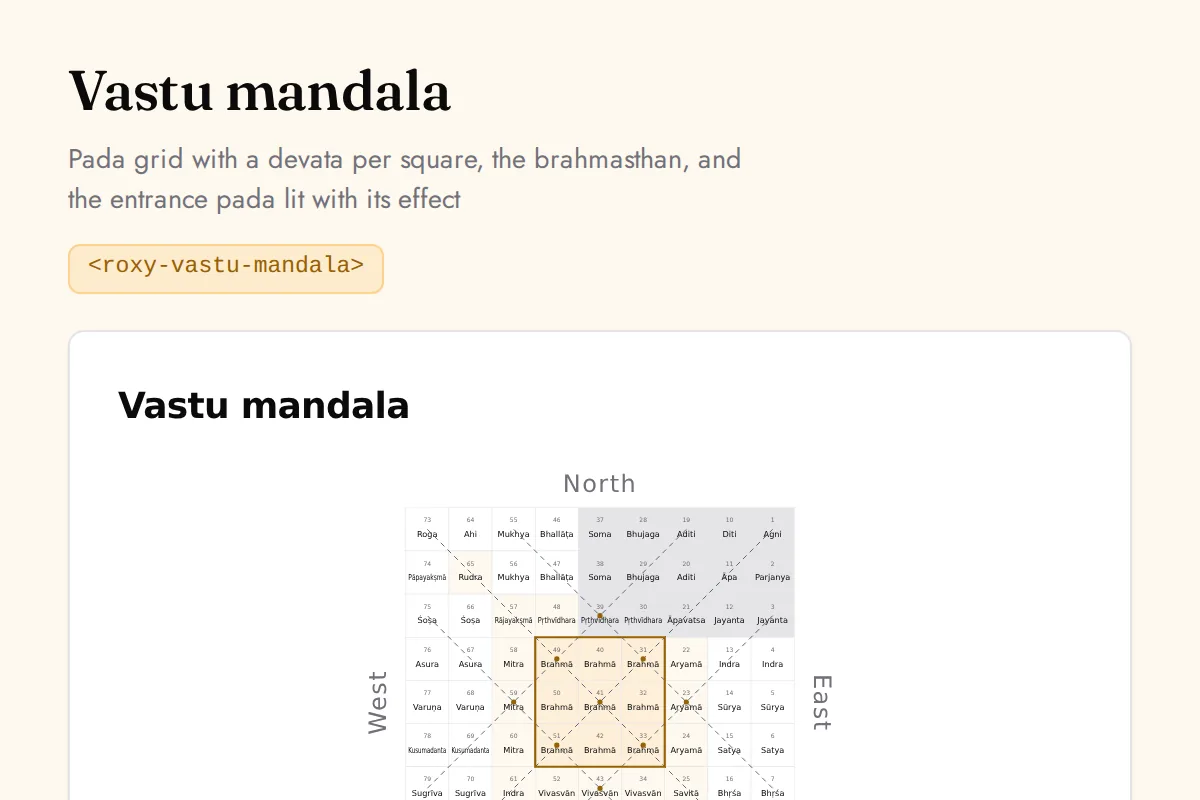
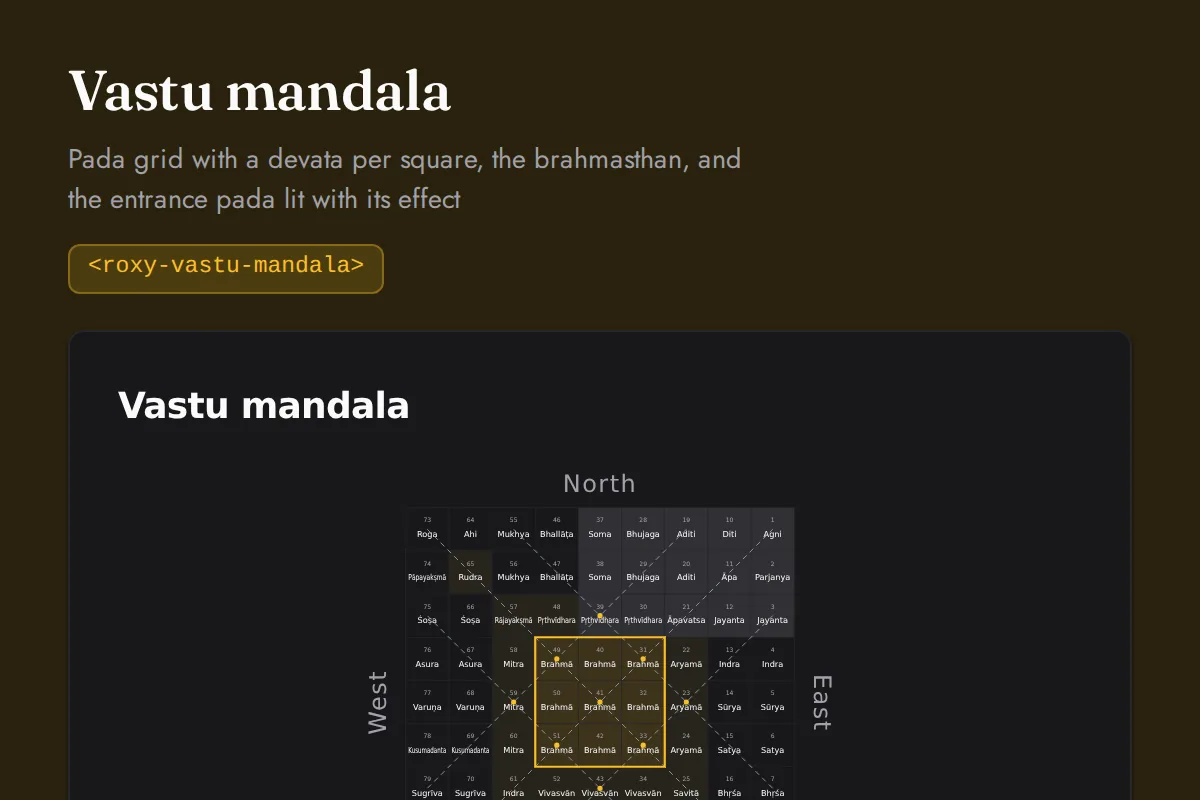
Vastu mandala
Pada grid with a devata per square, the brahmasthan, and the entrance pada lit with its effect
https://roxyapi.com/embed/vastu-mandala?pk=pk_live_YOUR_KEY<iframe src="https://roxyapi.com/embed/vastu-mandala?pk=pk_live_YOUR_KEY" title="Vastu mandala widget" style="border:0;width:100%;height:600px" loading="lazy"></iframe><!-- Optional: warm practitioner theme (drop this line for the default look) -->
<!-- <link rel="stylesheet" href="https://cdn.jsdelivr.net/npm/@roxyapi/ui@latest/dist/styles/themes/practitioner.css"> -->
<script src="https://cdn.jsdelivr.net/npm/@roxyapi/ui@latest/dist/cdn/roxy-ui.js" defer></script>
<roxy-vastu-mandala mode="mandala" data-endpoint="vastu/mandala" publishable-key="pk_live_YOUR_KEY" hide-sections="hint"></roxy-vastu-mandala><script src="https://cdn.jsdelivr.net/npm/@roxyapi/ui@latest/dist/cdn/widgets.js" defer></script>
<div data-roxy-widget="vastu-mandala" data-publishable-key="pk_live_YOUR_KEY" data-hide-sections="hint"></div>Numerology
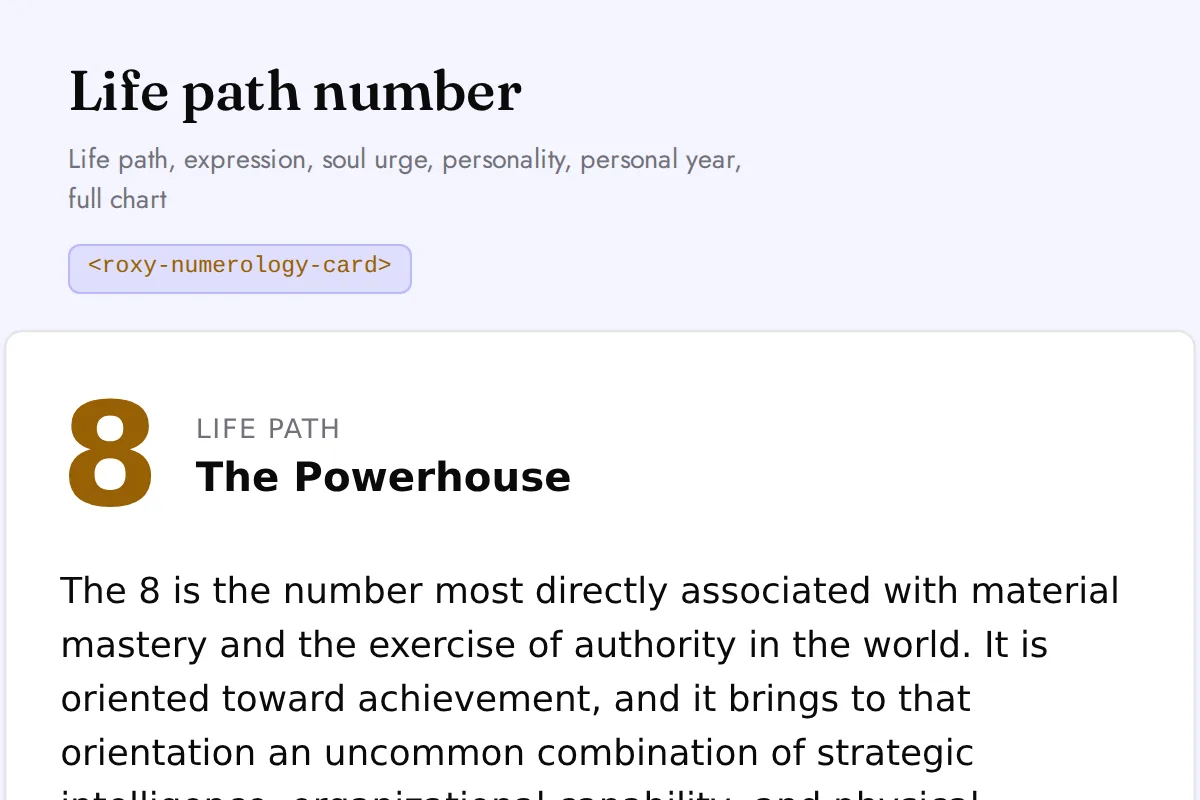
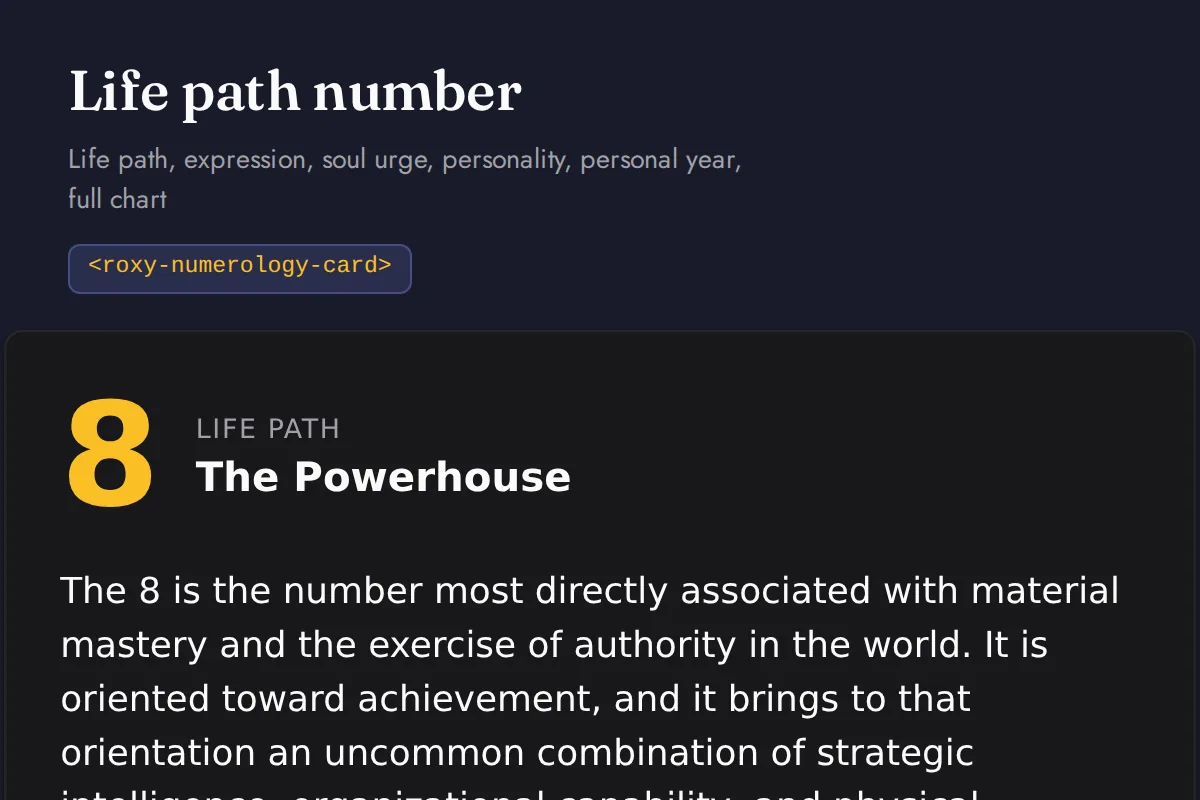
Numerology card
Life path, expression, soul urge, personality, personal year, full chart
https://roxyapi.com/embed/numerology-card?pk=pk_live_YOUR_KEY<iframe src="https://roxyapi.com/embed/numerology-card?pk=pk_live_YOUR_KEY" title="Numerology card widget" style="border:0;width:100%;height:600px" loading="lazy"></iframe><!-- Optional: warm practitioner theme (drop this line for the default look) -->
<!-- <link rel="stylesheet" href="https://cdn.jsdelivr.net/npm/@roxyapi/ui@latest/dist/styles/themes/practitioner.css"> -->
<script src="https://cdn.jsdelivr.net/npm/@roxyapi/ui@latest/dist/cdn/roxy-ui.js" defer></script>
<roxy-numerology-card type="life-path" data-endpoint="numerology/life-path" publishable-key="pk_live_YOUR_KEY" hide-sections="hint"></roxy-numerology-card><script src="https://cdn.jsdelivr.net/npm/@roxyapi/ui@latest/dist/cdn/widgets.js" defer></script>
<div data-roxy-widget="numerology-card" data-publishable-key="pk_live_YOUR_KEY" data-hide-sections="hint"></div>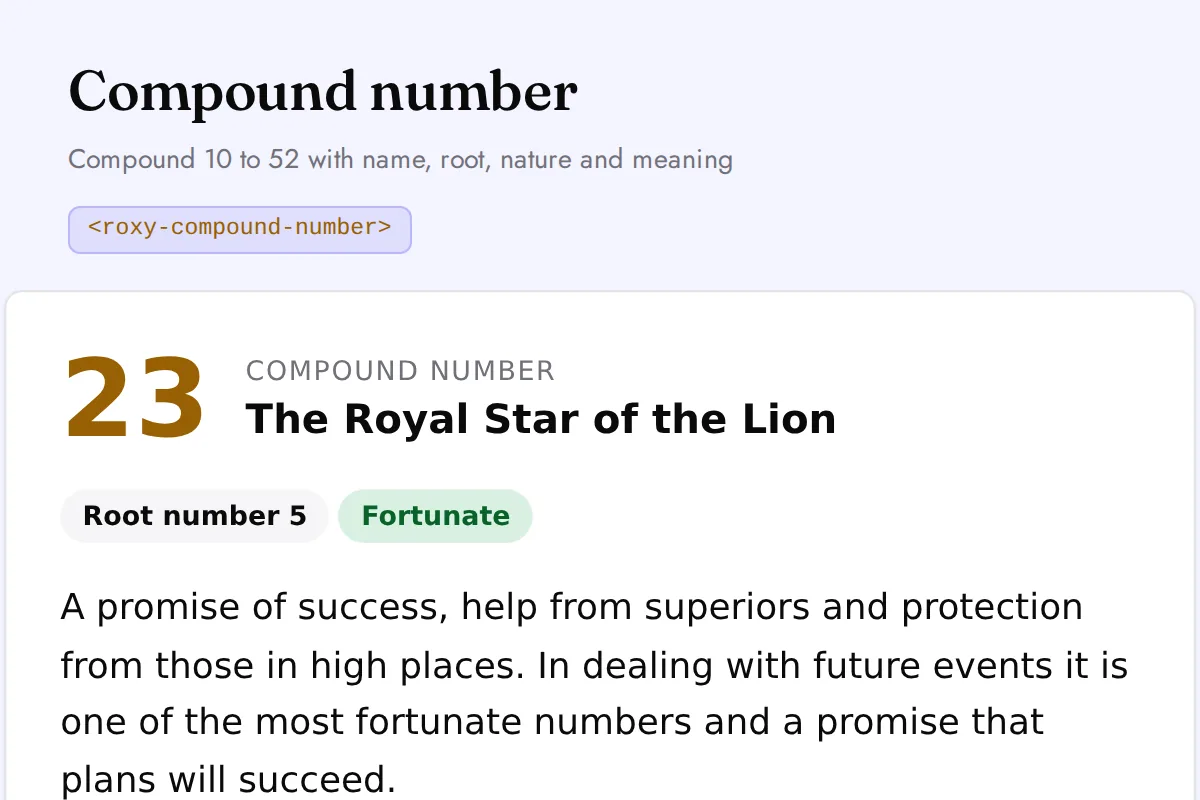
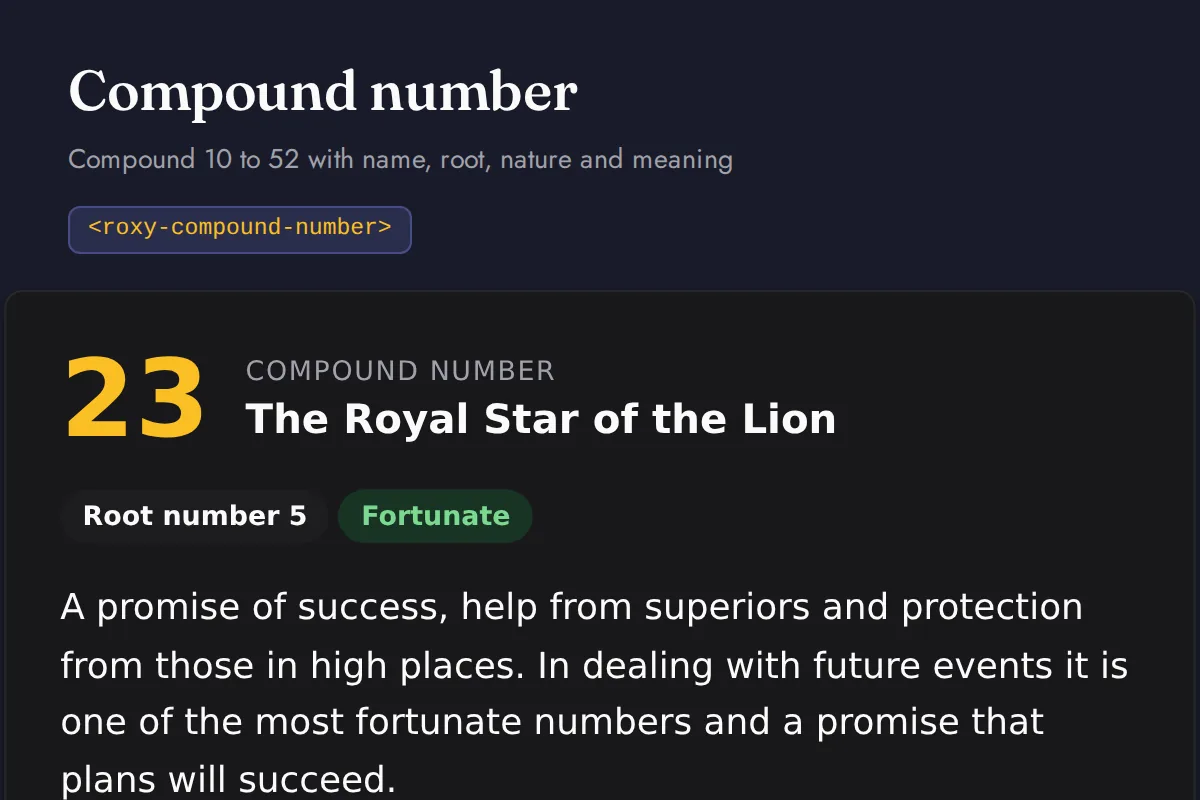
Compound number
Compound 10 to 52 with name, root, nature and meaning
https://roxyapi.com/embed/compound-number?pk=pk_live_YOUR_KEY<iframe src="https://roxyapi.com/embed/compound-number?pk=pk_live_YOUR_KEY" title="Compound number widget" style="border:0;width:100%;height:600px" loading="lazy"></iframe><!-- Optional: warm practitioner theme (drop this line for the default look) -->
<!-- <link rel="stylesheet" href="https://cdn.jsdelivr.net/npm/@roxyapi/ui@latest/dist/styles/themes/practitioner.css"> -->
<script src="https://cdn.jsdelivr.net/npm/@roxyapi/ui@latest/dist/cdn/roxy-ui.js" defer></script>
<roxy-compound-number data-endpoint="numerology/compound-number/{number}" method="GET" publishable-key="pk_live_YOUR_KEY" hide-sections="hint"></roxy-compound-number><script src="https://cdn.jsdelivr.net/npm/@roxyapi/ui@latest/dist/cdn/widgets.js" defer></script>
<div data-roxy-widget="compound-number" data-publishable-key="pk_live_YOUR_KEY" data-hide-sections="hint"></div>Kabbalah
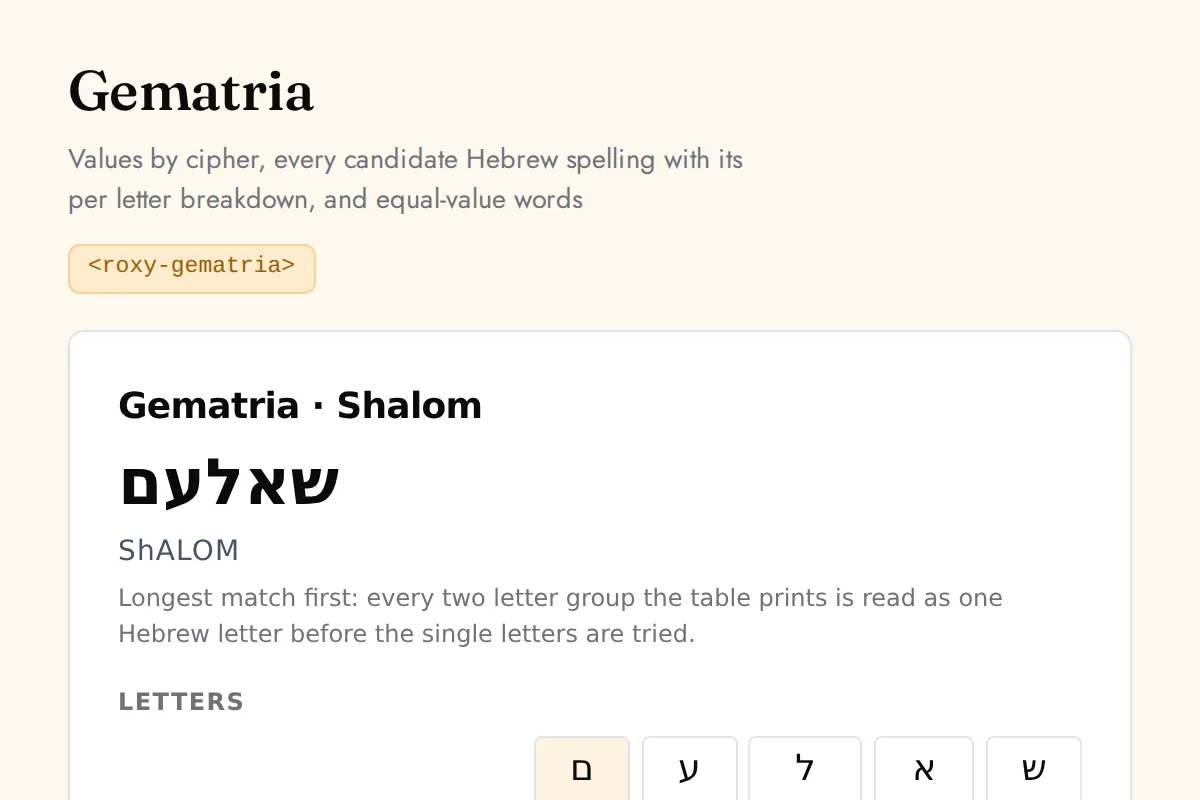
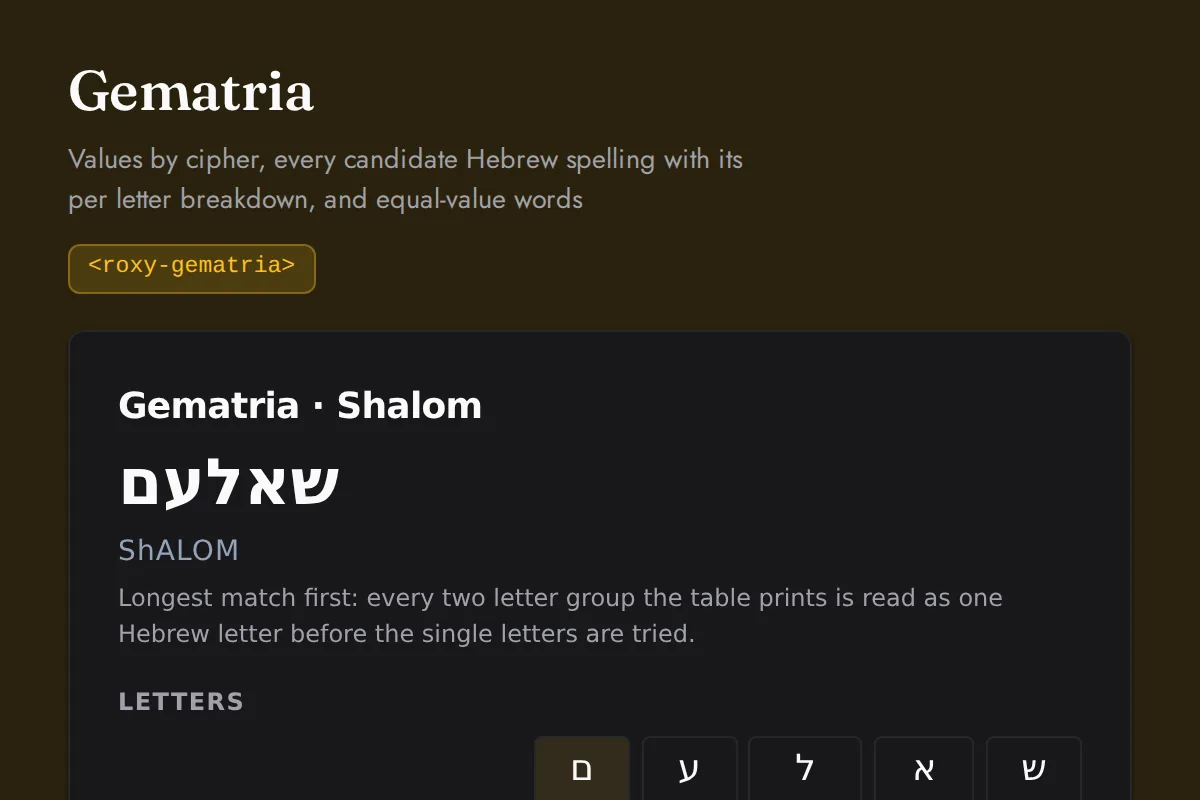
Gematria
Values by cipher, every candidate Hebrew spelling with its per letter breakdown, and equal-value words
https://roxyapi.com/embed/gematria?pk=pk_live_YOUR_KEY<iframe src="https://roxyapi.com/embed/gematria?pk=pk_live_YOUR_KEY" title="Gematria widget" style="border:0;width:100%;height:600px" loading="lazy"></iframe><!-- Optional: warm practitioner theme (drop this line for the default look) -->
<!-- <link rel="stylesheet" href="https://cdn.jsdelivr.net/npm/@roxyapi/ui@latest/dist/styles/themes/practitioner.css"> -->
<script src="https://cdn.jsdelivr.net/npm/@roxyapi/ui@latest/dist/cdn/roxy-ui.js" defer></script>
<roxy-gematria data-endpoint="kabbalah/gematria" publishable-key="pk_live_YOUR_KEY" hide-sections="hint"></roxy-gematria><script src="https://cdn.jsdelivr.net/npm/@roxyapi/ui@latest/dist/cdn/widgets.js" defer></script>
<div data-roxy-widget="gematria" data-publishable-key="pk_live_YOUR_KEY" data-hide-sections="hint"></div>Tarot
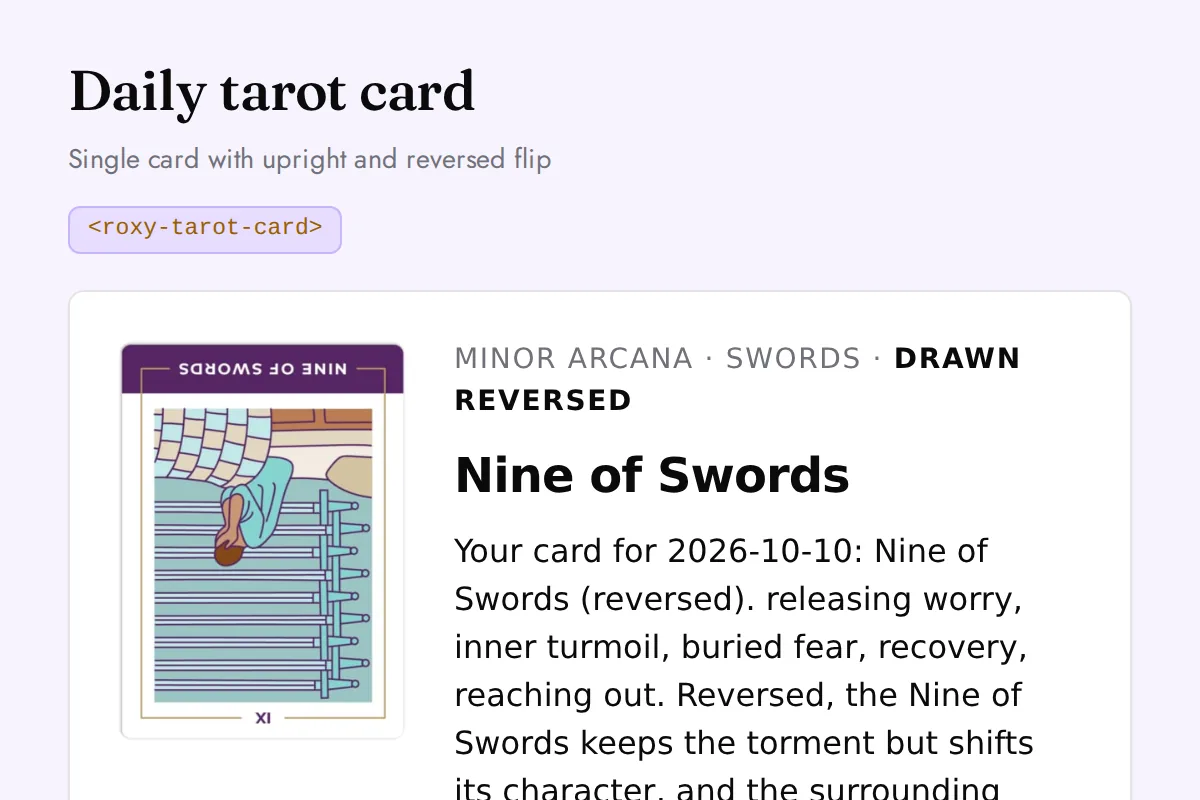
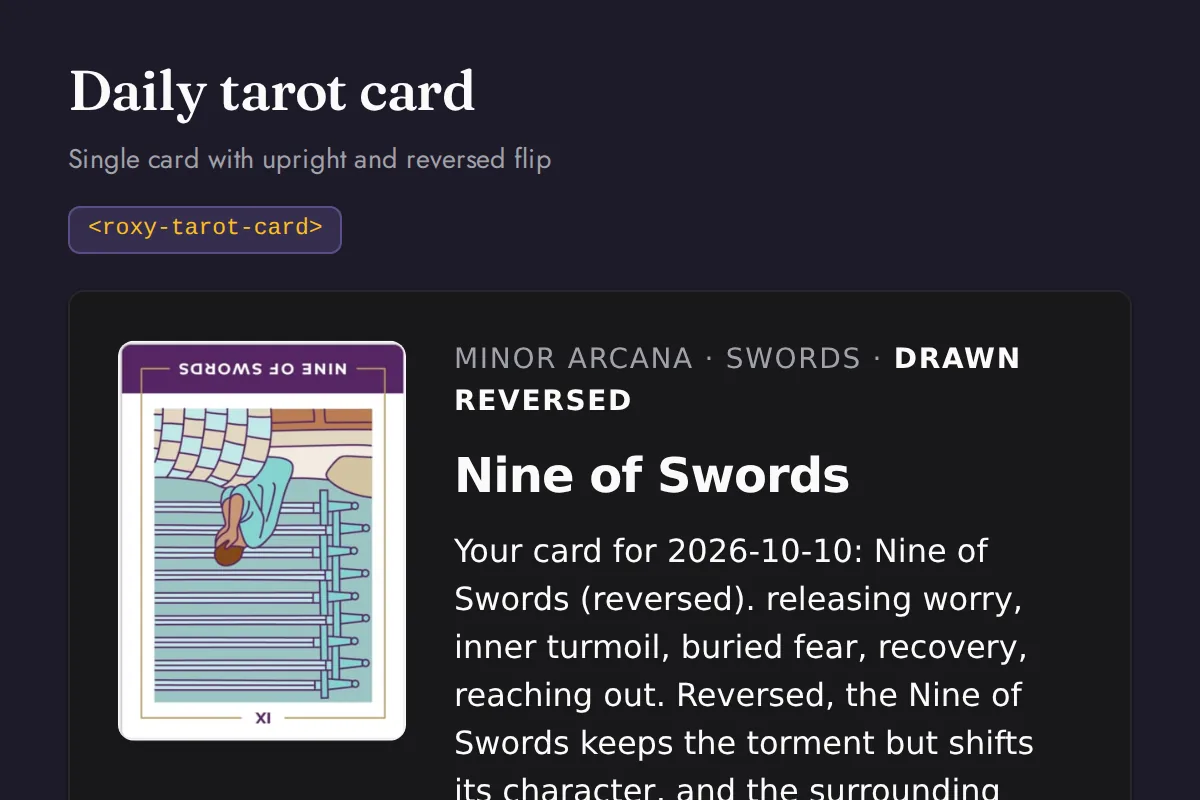
Tarot card
Single card with upright and reversed flip
https://roxyapi.com/embed/tarot-card?pk=pk_live_YOUR_KEY<iframe src="https://roxyapi.com/embed/tarot-card?pk=pk_live_YOUR_KEY" title="Tarot card widget" style="border:0;width:100%;height:600px" loading="lazy"></iframe><!-- Optional: warm practitioner theme (drop this line for the default look) -->
<!-- <link rel="stylesheet" href="https://cdn.jsdelivr.net/npm/@roxyapi/ui@latest/dist/styles/themes/practitioner.css"> -->
<script src="https://cdn.jsdelivr.net/npm/@roxyapi/ui@latest/dist/cdn/roxy-ui.js" defer></script>
<roxy-tarot-card data-endpoint="tarot/daily" publishable-key="pk_live_YOUR_KEY" hide-sections="hint"></roxy-tarot-card><script src="https://cdn.jsdelivr.net/npm/@roxyapi/ui@latest/dist/cdn/widgets.js" defer></script>
<div data-roxy-widget="tarot-card" data-publishable-key="pk_live_YOUR_KEY" data-hide-sections="hint"></div>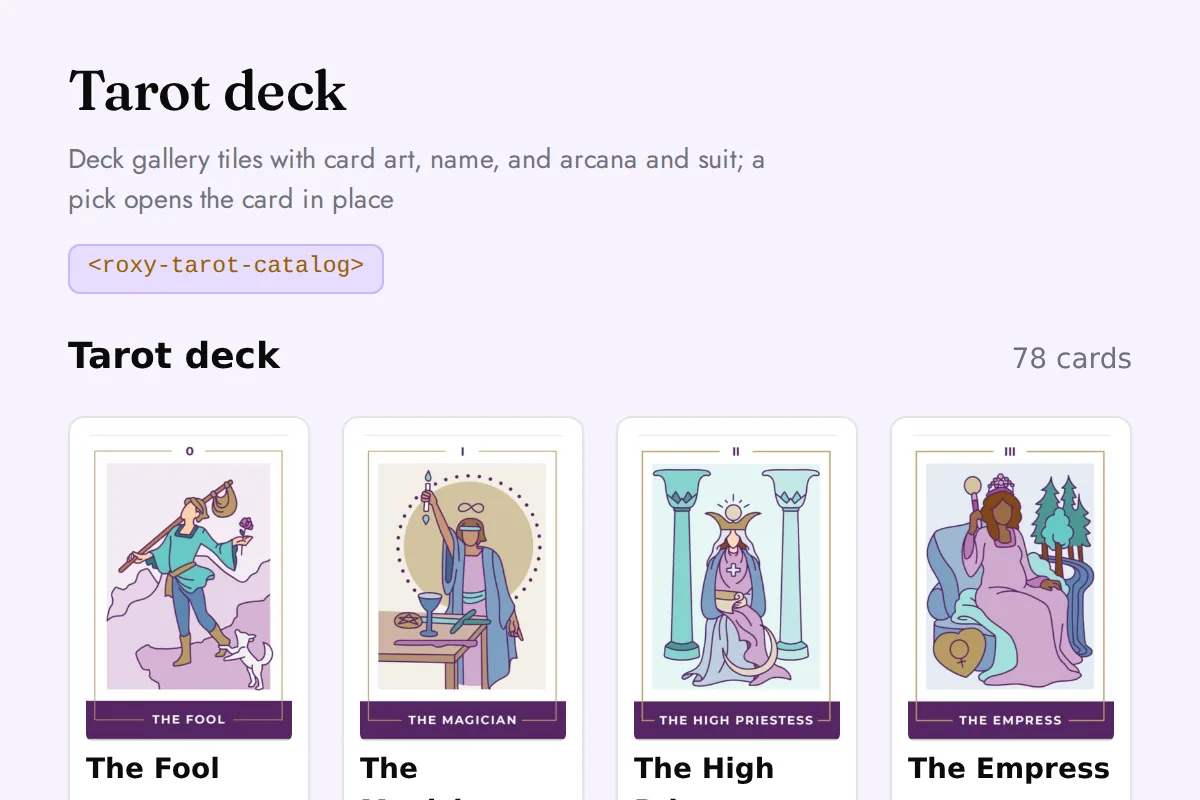
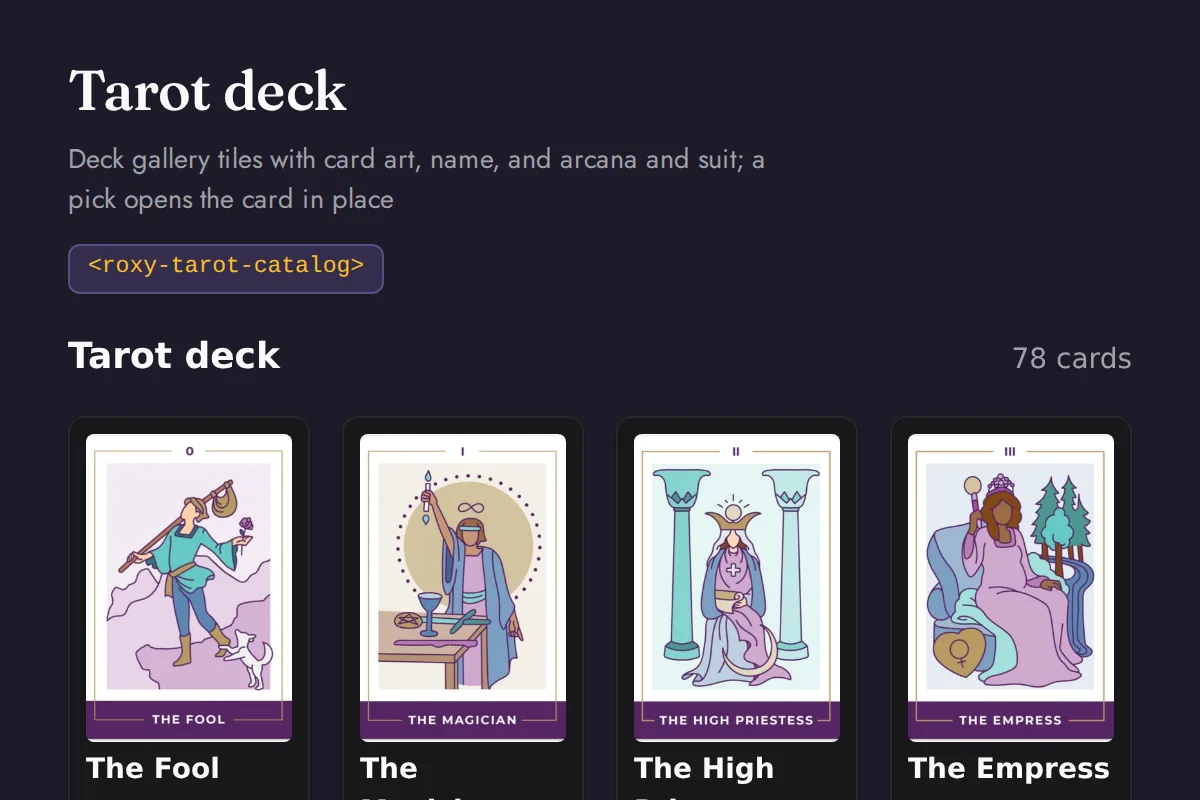
Tarot catalog
Deck gallery tiles with card art, name, and arcana and suit; a pick opens the card in place
https://roxyapi.com/embed/tarot-catalog?pk=pk_live_YOUR_KEY<iframe src="https://roxyapi.com/embed/tarot-catalog?pk=pk_live_YOUR_KEY" title="Tarot catalog widget" style="border:0;width:100%;height:600px" loading="lazy"></iframe><!-- Optional: warm practitioner theme (drop this line for the default look) -->
<!-- <link rel="stylesheet" href="https://cdn.jsdelivr.net/npm/@roxyapi/ui@latest/dist/styles/themes/practitioner.css"> -->
<script src="https://cdn.jsdelivr.net/npm/@roxyapi/ui@latest/dist/cdn/roxy-ui.js" defer></script>
<roxy-tarot-catalog data-endpoint="tarot/cards" method="GET" publishable-key="pk_live_YOUR_KEY" hide-sections="hint"></roxy-tarot-catalog><script src="https://cdn.jsdelivr.net/npm/@roxyapi/ui@latest/dist/cdn/widgets.js" defer></script>
<div data-roxy-widget="tarot-catalog" data-publishable-key="pk_live_YOUR_KEY" data-hide-sections="hint"></div>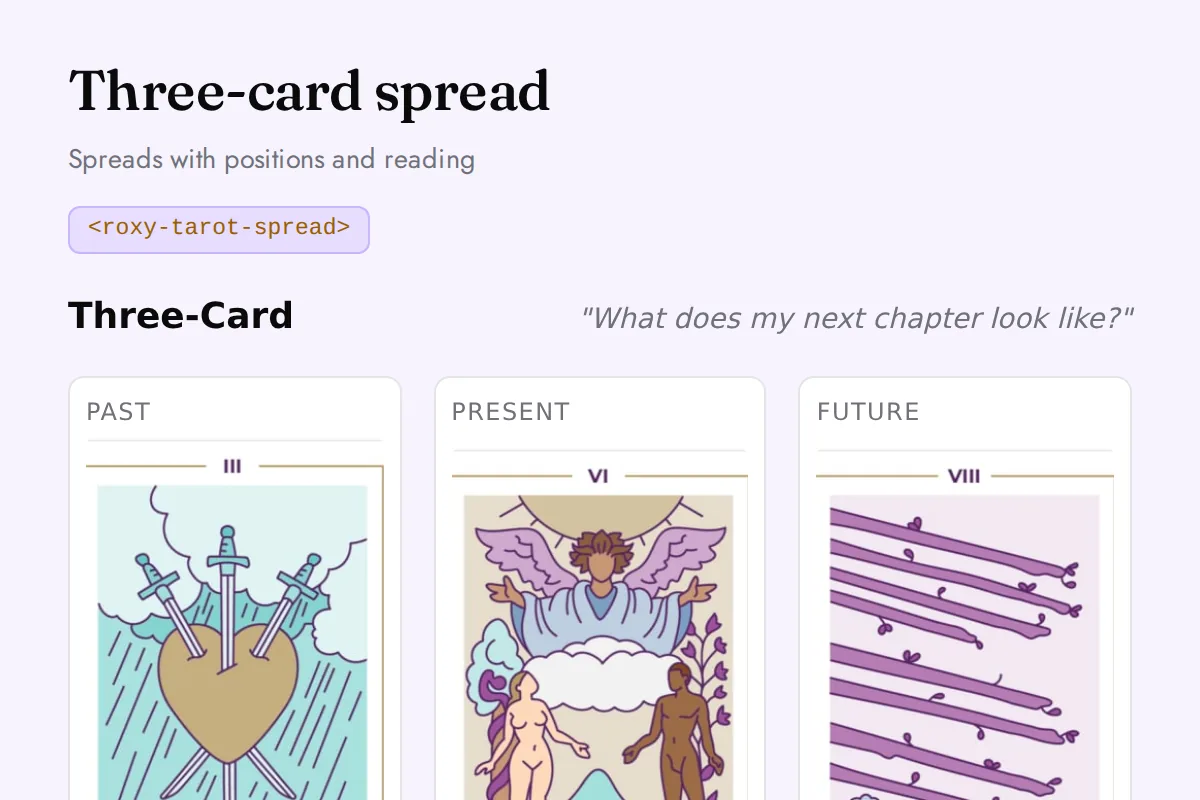
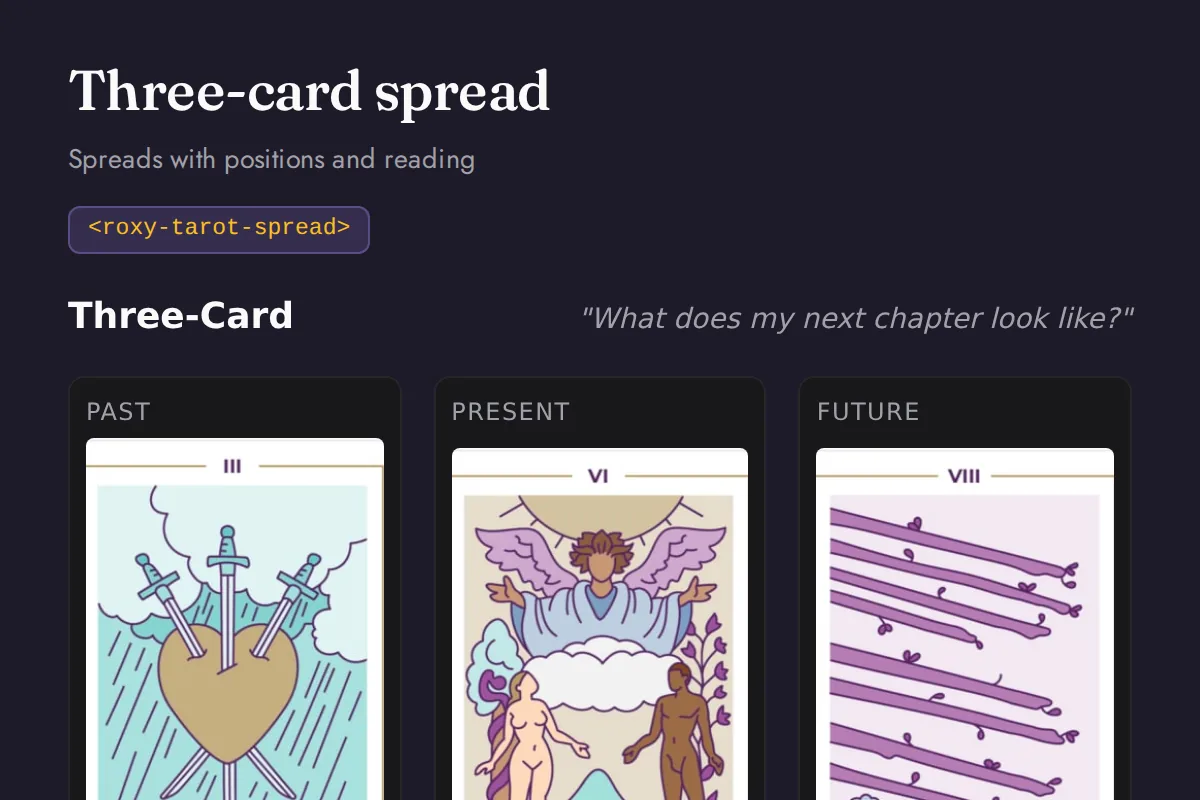
Tarot spread
Spreads with positions and reading
https://roxyapi.com/embed/tarot-spread?pk=pk_live_YOUR_KEY<iframe src="https://roxyapi.com/embed/tarot-spread?pk=pk_live_YOUR_KEY" title="Tarot spread widget" style="border:0;width:100%;height:600px" loading="lazy"></iframe><!-- Optional: warm practitioner theme (drop this line for the default look) -->
<!-- <link rel="stylesheet" href="https://cdn.jsdelivr.net/npm/@roxyapi/ui@latest/dist/styles/themes/practitioner.css"> -->
<script src="https://cdn.jsdelivr.net/npm/@roxyapi/ui@latest/dist/cdn/roxy-ui.js" defer></script>
<roxy-tarot-spread spread="three-card" data-endpoint="tarot/spreads/three-card" publishable-key="pk_live_YOUR_KEY" hide-sections="hint"></roxy-tarot-spread><script src="https://cdn.jsdelivr.net/npm/@roxyapi/ui@latest/dist/cdn/widgets.js" defer></script>
<div data-roxy-widget="tarot-spread" data-publishable-key="pk_live_YOUR_KEY" data-hide-sections="hint"></div>Biorhythm
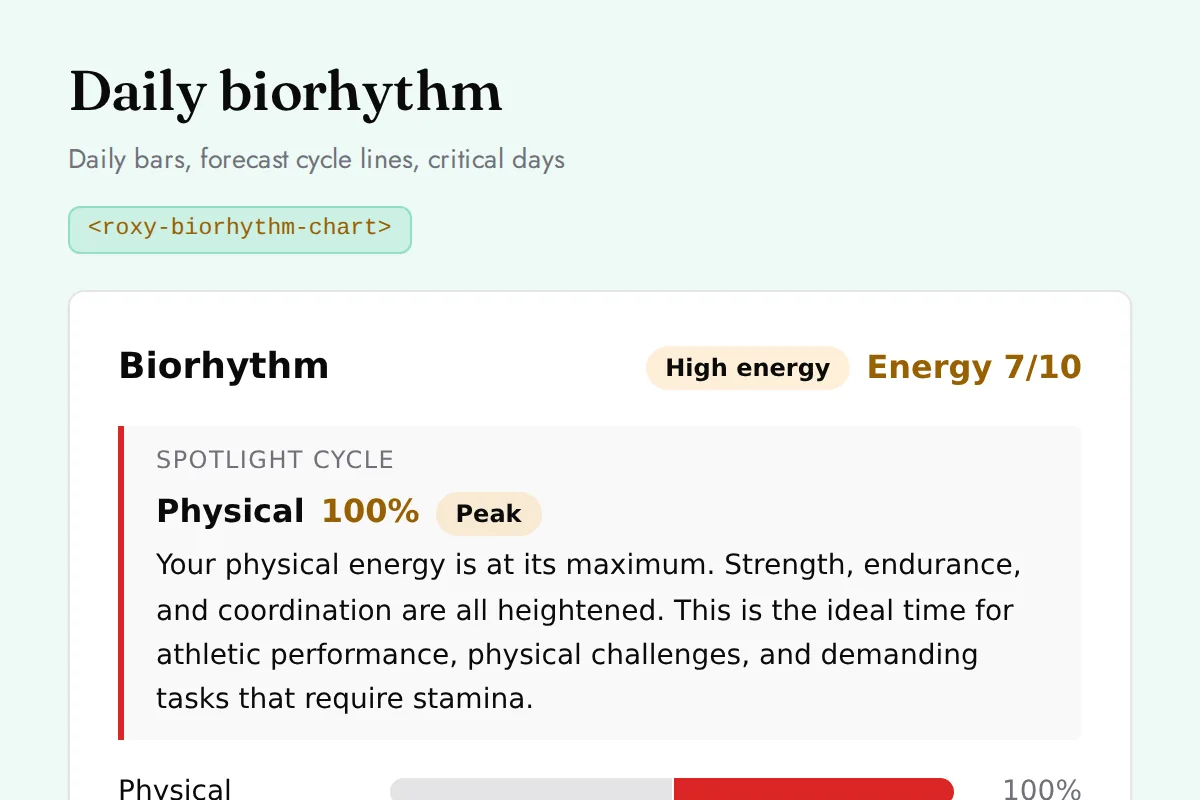
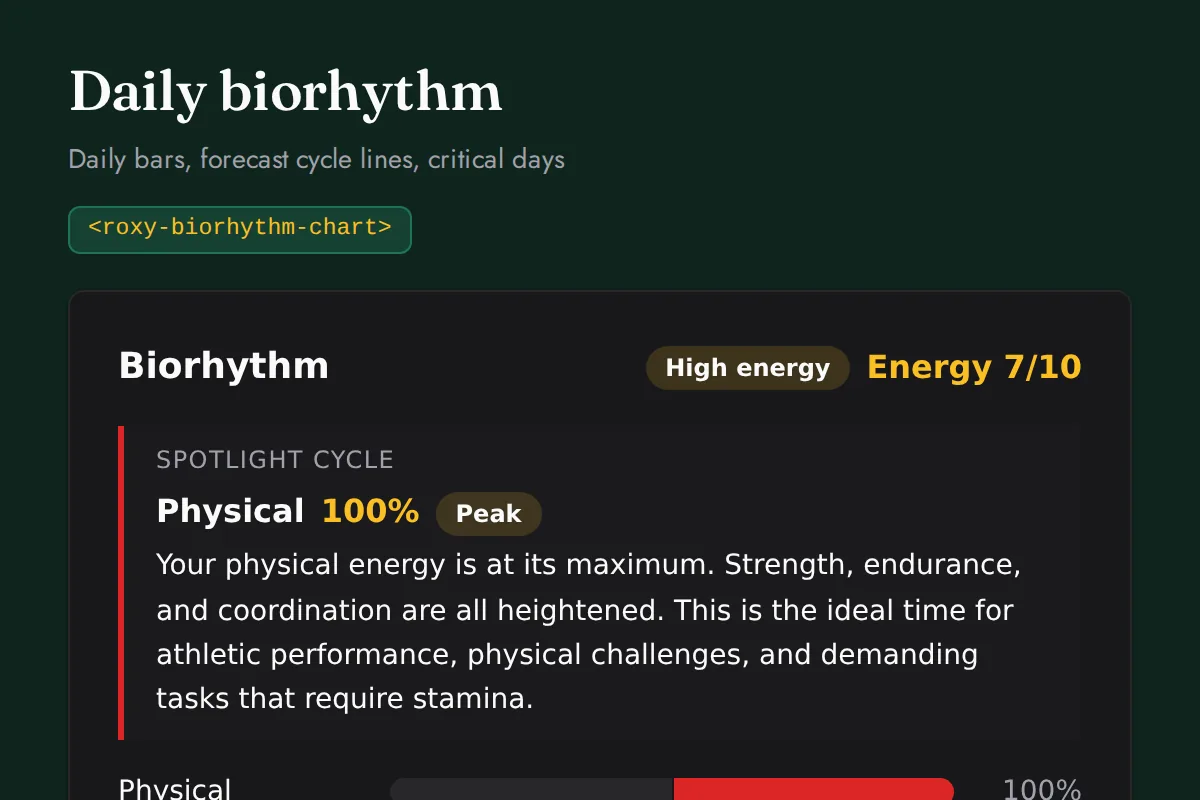
Biorhythm chart
Daily bars, forecast cycle lines, critical days
https://roxyapi.com/embed/biorhythm-chart?pk=pk_live_YOUR_KEY<iframe src="https://roxyapi.com/embed/biorhythm-chart?pk=pk_live_YOUR_KEY" title="Biorhythm chart widget" style="border:0;width:100%;height:600px" loading="lazy"></iframe><!-- Optional: warm practitioner theme (drop this line for the default look) -->
<!-- <link rel="stylesheet" href="https://cdn.jsdelivr.net/npm/@roxyapi/ui@latest/dist/styles/themes/practitioner.css"> -->
<script src="https://cdn.jsdelivr.net/npm/@roxyapi/ui@latest/dist/cdn/roxy-ui.js" defer></script>
<roxy-biorhythm-chart mode="daily" data-endpoint="biorhythm/daily" publishable-key="pk_live_YOUR_KEY" hide-sections="hint"></roxy-biorhythm-chart><script src="https://cdn.jsdelivr.net/npm/@roxyapi/ui@latest/dist/cdn/widgets.js" defer></script>
<div data-roxy-widget="biorhythm-chart" data-publishable-key="pk_live_YOUR_KEY" data-hide-sections="hint"></div>Ayurveda
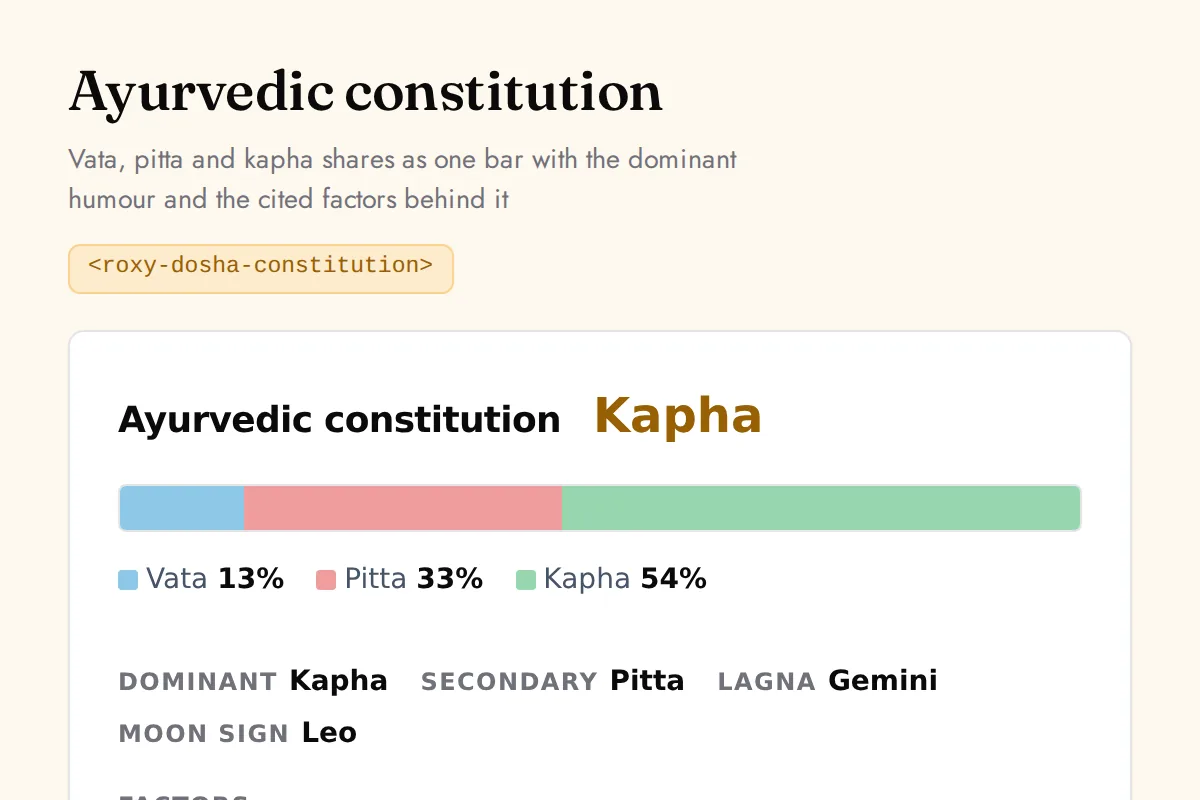
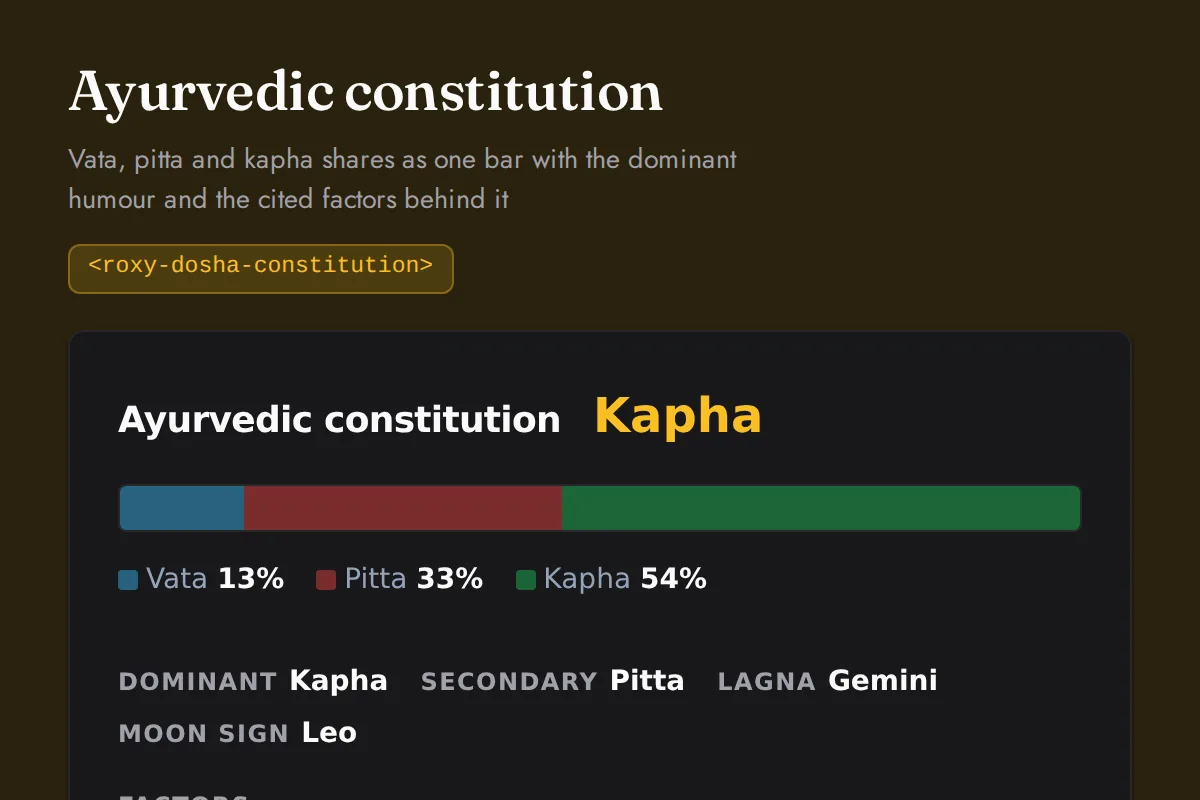
Dosha constitution
Vata, pitta and kapha shares as one bar with the dominant humour and the cited factors behind it
https://roxyapi.com/embed/dosha-constitution?pk=pk_live_YOUR_KEY<iframe src="https://roxyapi.com/embed/dosha-constitution?pk=pk_live_YOUR_KEY" title="Dosha constitution widget" style="border:0;width:100%;height:600px" loading="lazy"></iframe><!-- Optional: warm practitioner theme (drop this line for the default look) -->
<!-- <link rel="stylesheet" href="https://cdn.jsdelivr.net/npm/@roxyapi/ui@latest/dist/styles/themes/practitioner.css"> -->
<script src="https://cdn.jsdelivr.net/npm/@roxyapi/ui@latest/dist/cdn/roxy-ui.js" defer></script>
<roxy-dosha-constitution data-endpoint="ayurveda/constitution" publishable-key="pk_live_YOUR_KEY" hide-sections="hint"></roxy-dosha-constitution><script src="https://cdn.jsdelivr.net/npm/@roxyapi/ui@latest/dist/cdn/widgets.js" defer></script>
<div data-roxy-widget="dosha-constitution" data-publishable-key="pk_live_YOUR_KEY" data-hide-sections="hint"></div>I-Ching
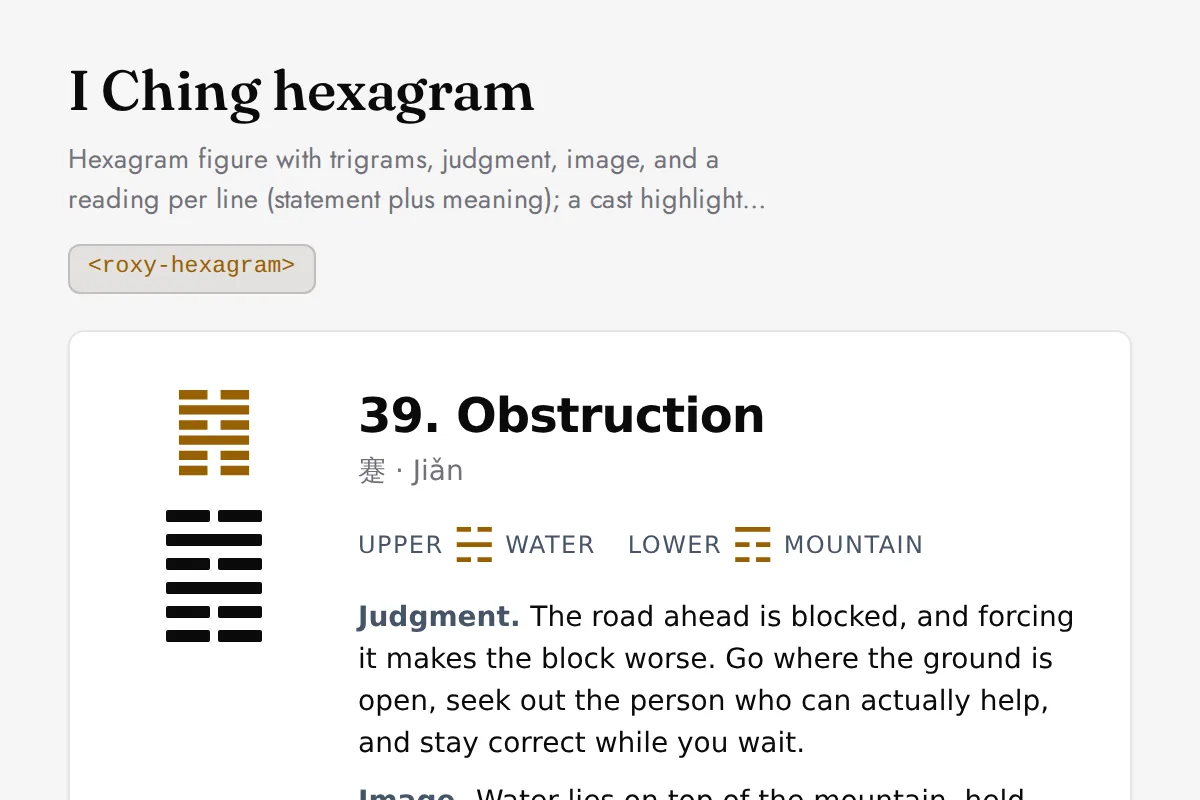
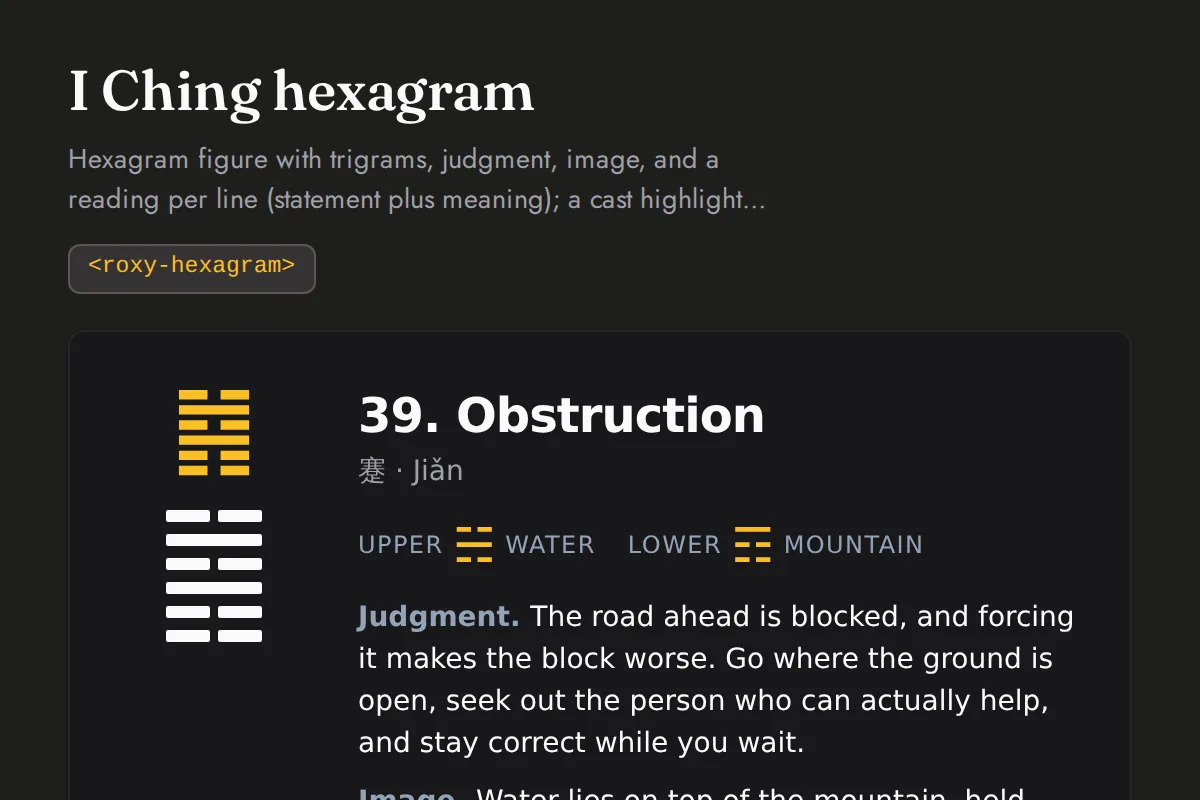
Hexagram
Hexagram figure with trigrams, judgment, image, and a reading per line (statement plus meaning); a cast highlights the moving lines and the resulting hexagram
https://roxyapi.com/embed/hexagram?pk=pk_live_YOUR_KEY<iframe src="https://roxyapi.com/embed/hexagram?pk=pk_live_YOUR_KEY" title="Hexagram widget" style="border:0;width:100%;height:600px" loading="lazy"></iframe><!-- Optional: warm practitioner theme (drop this line for the default look) -->
<!-- <link rel="stylesheet" href="https://cdn.jsdelivr.net/npm/@roxyapi/ui@latest/dist/styles/themes/practitioner.css"> -->
<script src="https://cdn.jsdelivr.net/npm/@roxyapi/ui@latest/dist/cdn/roxy-ui.js" defer></script>
<roxy-hexagram data-endpoint="iching/hexagrams/random" method="GET" publishable-key="pk_live_YOUR_KEY" hide-sections="hint"></roxy-hexagram><script src="https://cdn.jsdelivr.net/npm/@roxyapi/ui@latest/dist/cdn/widgets.js" defer></script>
<div data-roxy-widget="hexagram" data-publishable-key="pk_live_YOUR_KEY" data-hide-sections="hint"></div>Crystals
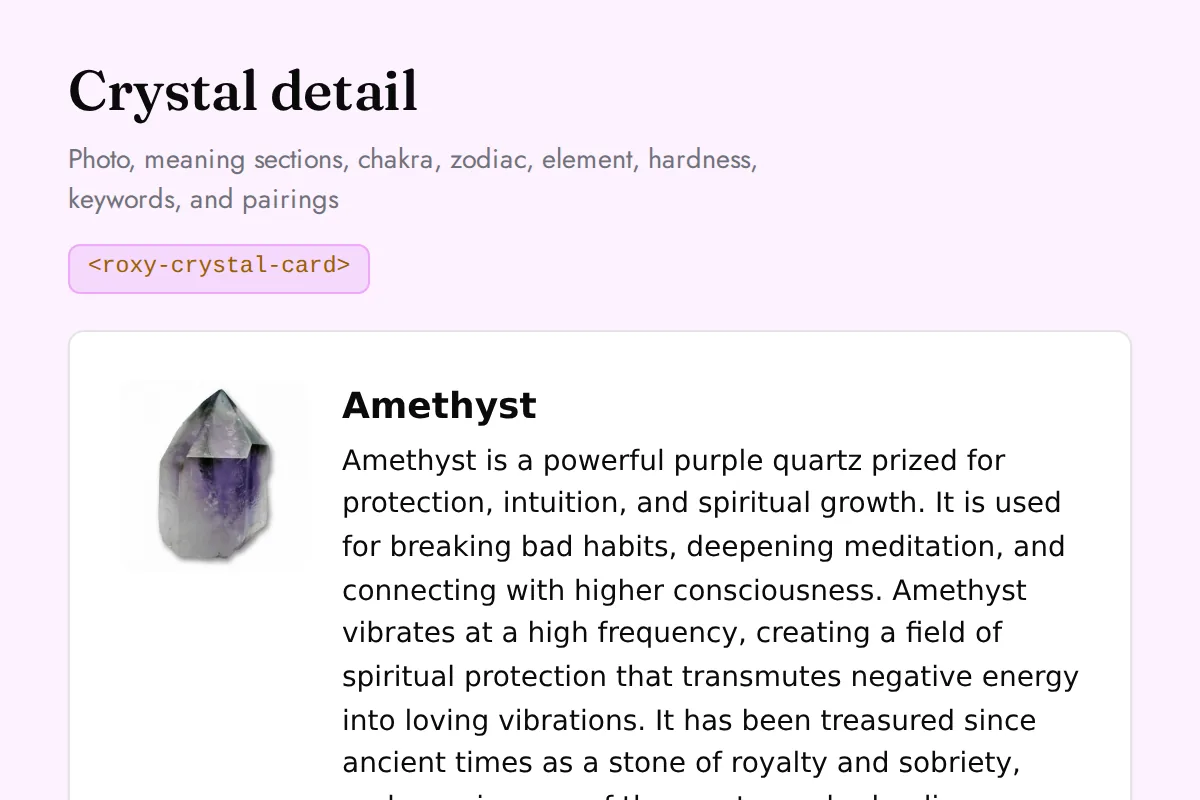
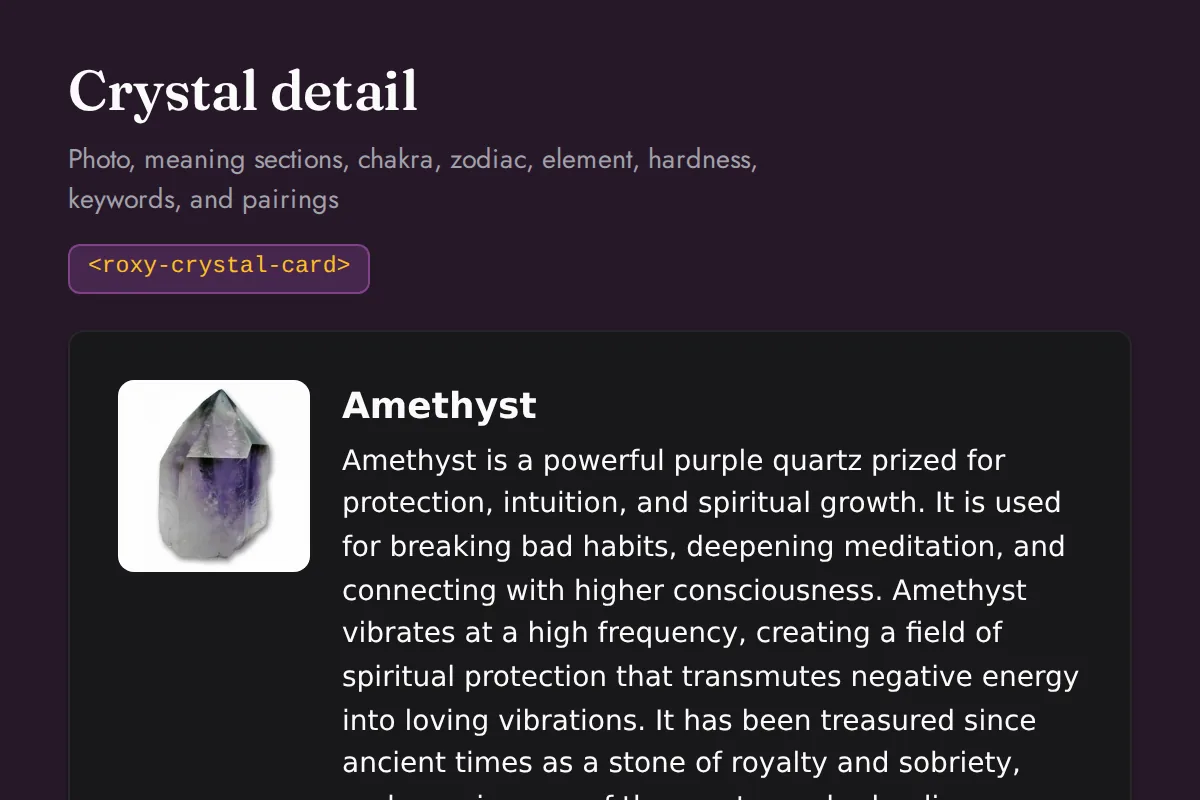
Crystal card
Photo, meaning sections, chakra, zodiac, element, hardness, keywords, and pairings
https://roxyapi.com/embed/crystal-card?pk=pk_live_YOUR_KEY<iframe src="https://roxyapi.com/embed/crystal-card?pk=pk_live_YOUR_KEY" title="Crystal card widget" style="border:0;width:100%;height:600px" loading="lazy"></iframe><!-- Optional: warm practitioner theme (drop this line for the default look) -->
<!-- <link rel="stylesheet" href="https://cdn.jsdelivr.net/npm/@roxyapi/ui@latest/dist/styles/themes/practitioner.css"> -->
<script src="https://cdn.jsdelivr.net/npm/@roxyapi/ui@latest/dist/cdn/roxy-ui.js" defer></script>
<roxy-crystal-card data-endpoint="crystals/{id}" method="GET" publishable-key="pk_live_YOUR_KEY" hide-sections="hint"></roxy-crystal-card><script src="https://cdn.jsdelivr.net/npm/@roxyapi/ui@latest/dist/cdn/widgets.js" defer></script>
<div data-roxy-widget="crystal-card" data-publishable-key="pk_live_YOUR_KEY" data-hide-sections="hint"></div>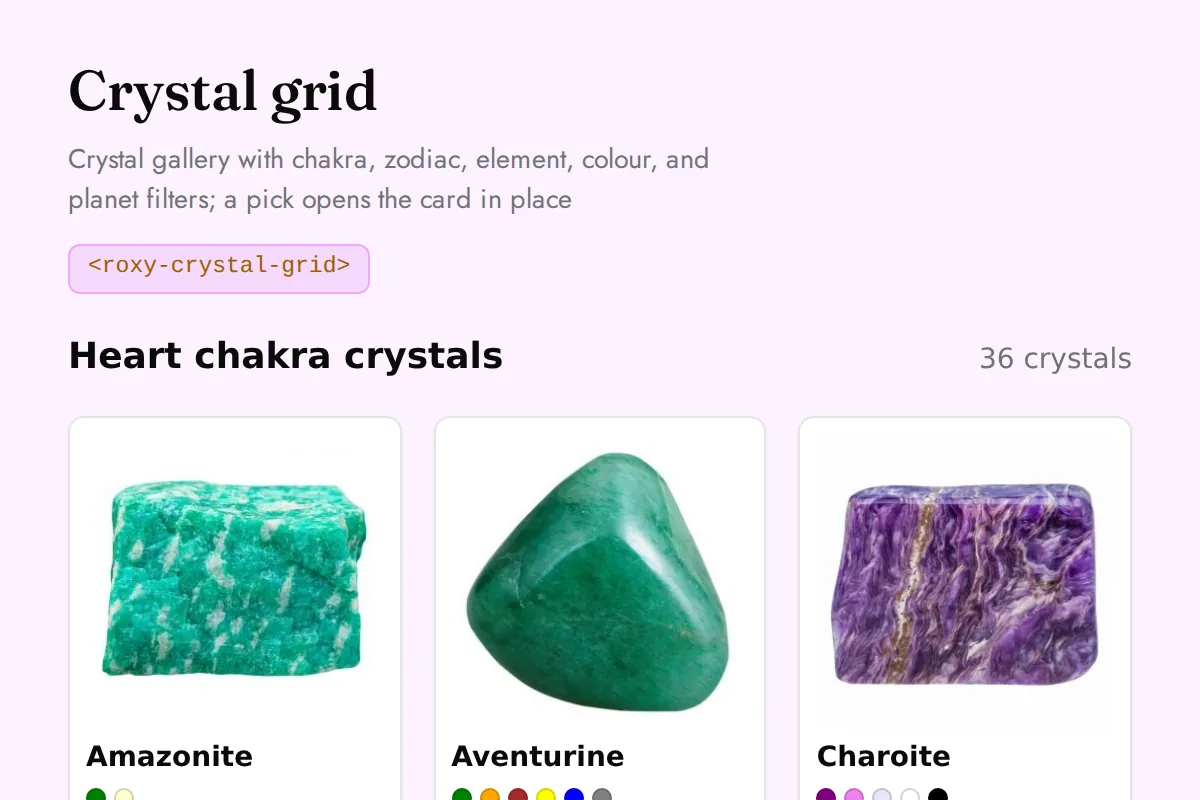
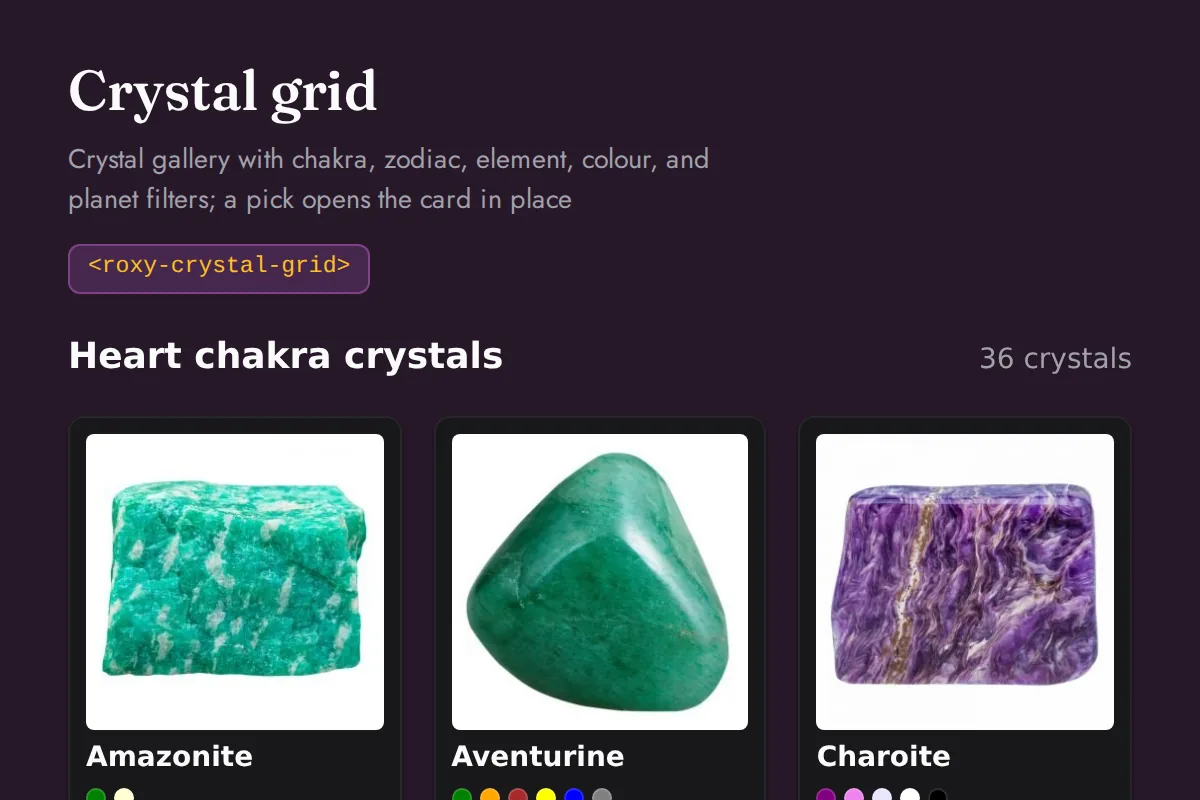
Crystal grid
Crystal gallery with chakra, zodiac, element, colour, and planet filters; a pick opens the card in place
https://roxyapi.com/embed/crystal-grid?pk=pk_live_YOUR_KEY<iframe src="https://roxyapi.com/embed/crystal-grid?pk=pk_live_YOUR_KEY" title="Crystal grid widget" style="border:0;width:100%;height:600px" loading="lazy"></iframe><!-- Optional: warm practitioner theme (drop this line for the default look) -->
<!-- <link rel="stylesheet" href="https://cdn.jsdelivr.net/npm/@roxyapi/ui@latest/dist/styles/themes/practitioner.css"> -->
<script src="https://cdn.jsdelivr.net/npm/@roxyapi/ui@latest/dist/cdn/roxy-ui.js" defer></script>
<roxy-crystal-grid data-endpoint="crystals" method="GET" publishable-key="pk_live_YOUR_KEY" hide-sections="hint"></roxy-crystal-grid><script src="https://cdn.jsdelivr.net/npm/@roxyapi/ui@latest/dist/cdn/widgets.js" defer></script>
<div data-roxy-widget="crystal-grid" data-publishable-key="pk_live_YOUR_KEY" data-hide-sections="hint"></div>Dreams
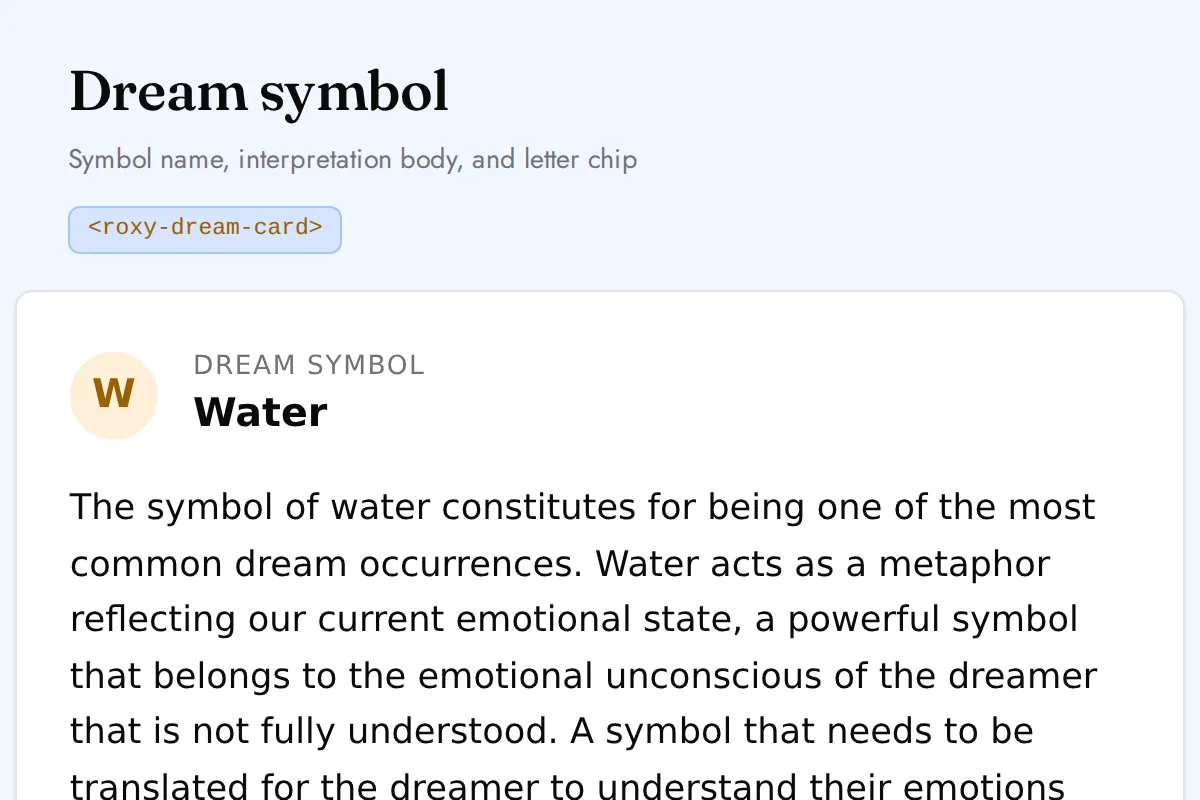
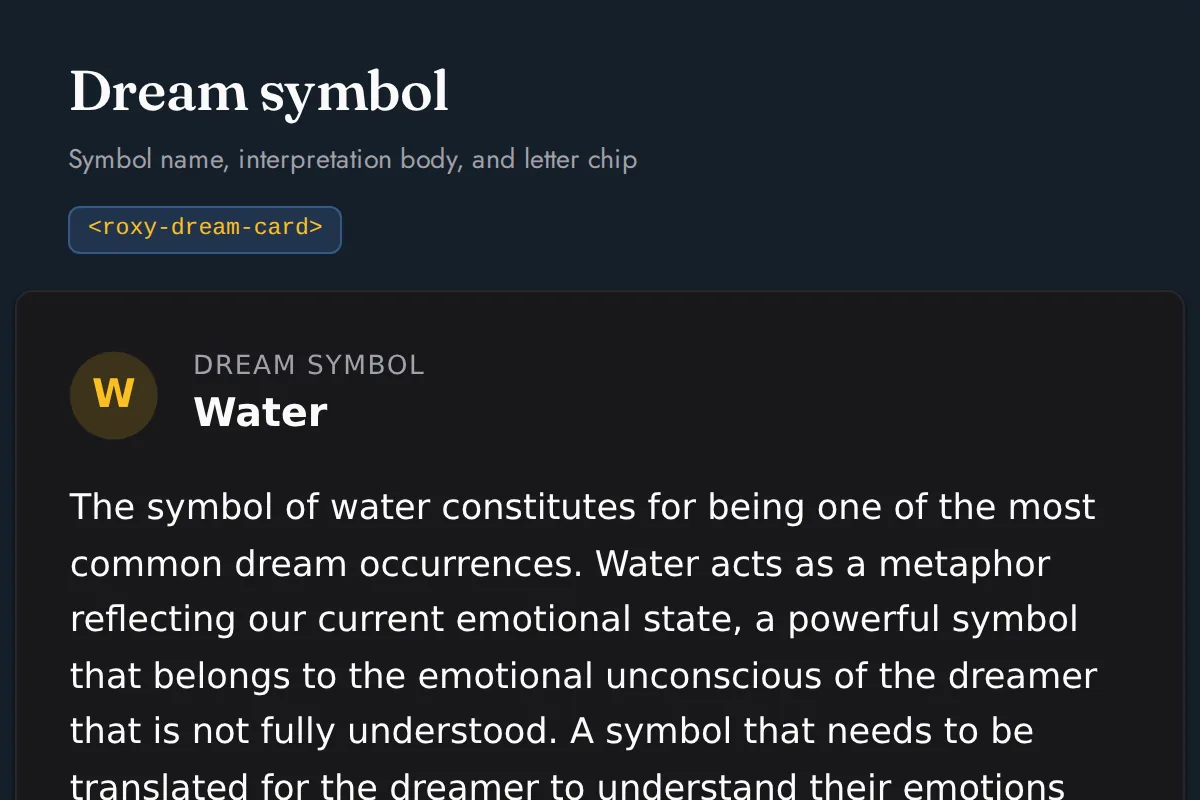
Dream card
Symbol name, interpretation body, and letter chip
https://roxyapi.com/embed/dream-card?pk=pk_live_YOUR_KEY<iframe src="https://roxyapi.com/embed/dream-card?pk=pk_live_YOUR_KEY" title="Dream card widget" style="border:0;width:100%;height:600px" loading="lazy"></iframe><!-- Optional: warm practitioner theme (drop this line for the default look) -->
<!-- <link rel="stylesheet" href="https://cdn.jsdelivr.net/npm/@roxyapi/ui@latest/dist/styles/themes/practitioner.css"> -->
<script src="https://cdn.jsdelivr.net/npm/@roxyapi/ui@latest/dist/cdn/roxy-ui.js" defer></script>
<roxy-dream-card data-endpoint="dreams/symbols/{id}" method="GET" publishable-key="pk_live_YOUR_KEY" hide-sections="hint"></roxy-dream-card><script src="https://cdn.jsdelivr.net/npm/@roxyapi/ui@latest/dist/cdn/widgets.js" defer></script>
<div data-roxy-widget="dream-card" data-publishable-key="pk_live_YOUR_KEY" data-hide-sections="hint"></div>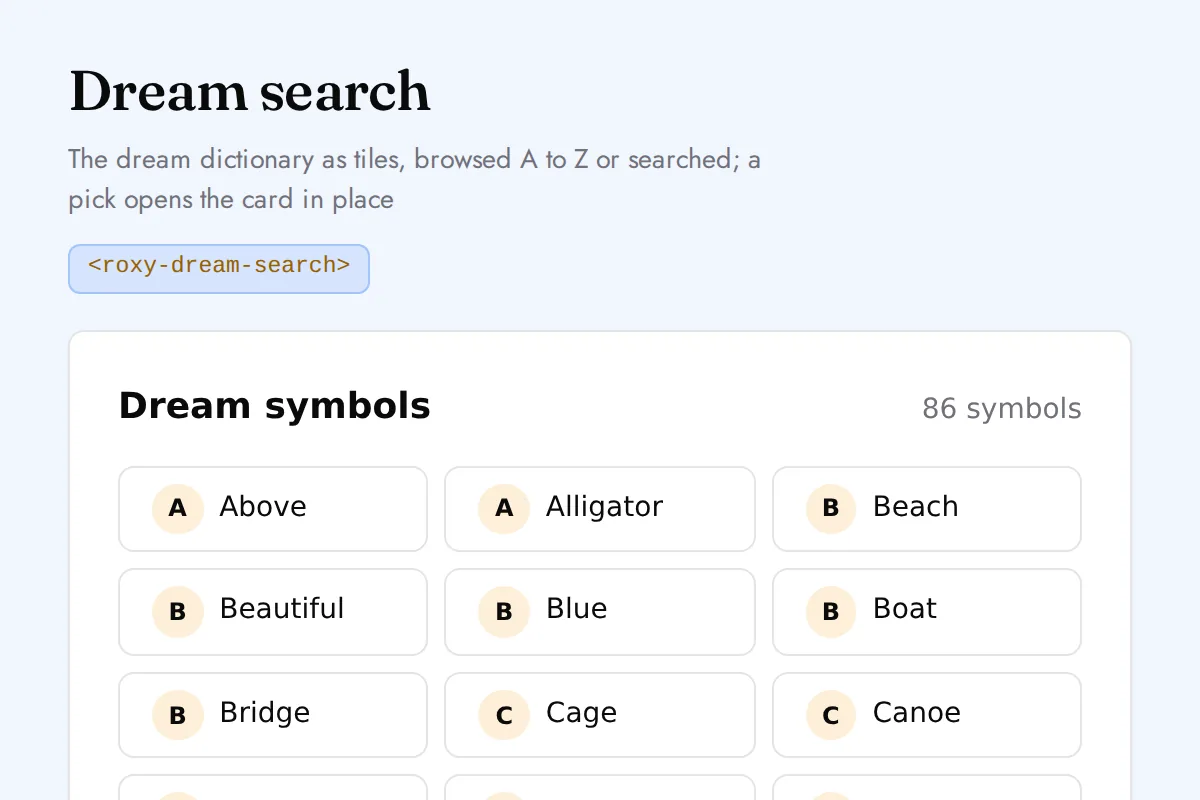
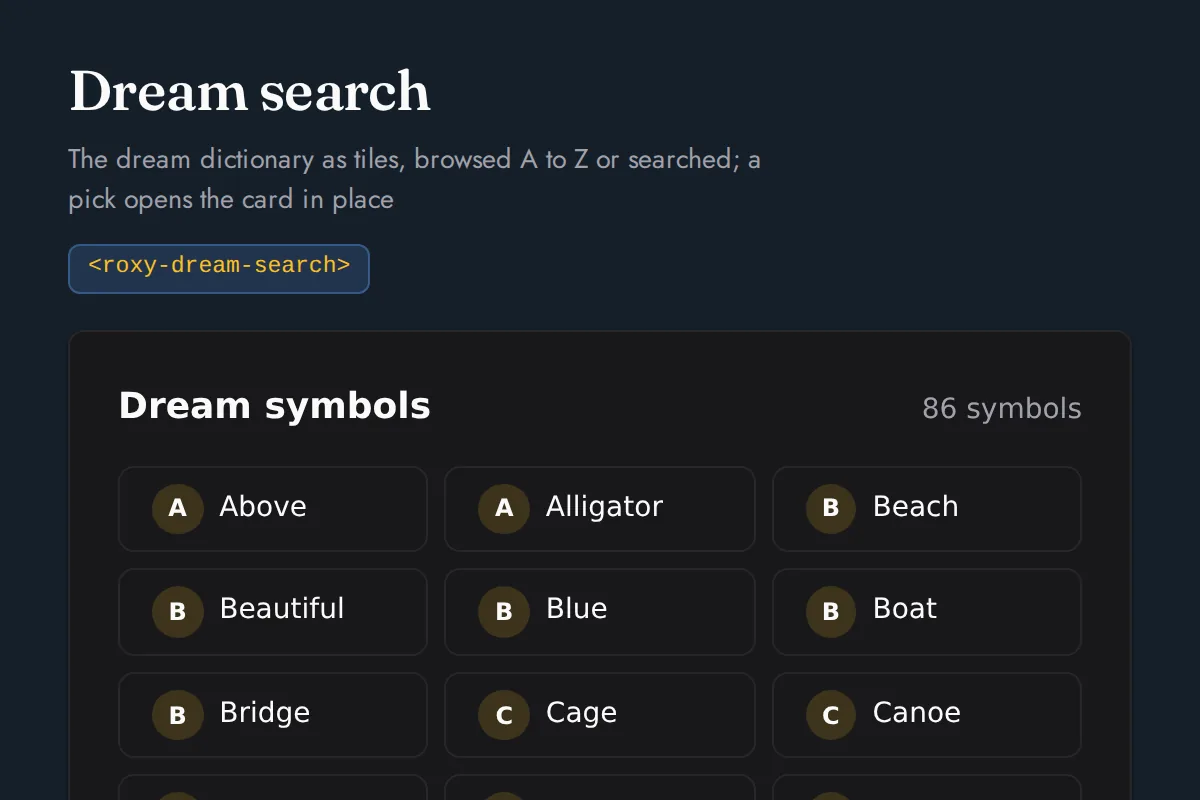
Dream search
The dream dictionary as tiles, browsed A to Z or searched; a pick opens the card in place
https://roxyapi.com/embed/dream-search?pk=pk_live_YOUR_KEY<iframe src="https://roxyapi.com/embed/dream-search?pk=pk_live_YOUR_KEY" title="Dream search widget" style="border:0;width:100%;height:600px" loading="lazy"></iframe><!-- Optional: warm practitioner theme (drop this line for the default look) -->
<!-- <link rel="stylesheet" href="https://cdn.jsdelivr.net/npm/@roxyapi/ui@latest/dist/styles/themes/practitioner.css"> -->
<script src="https://cdn.jsdelivr.net/npm/@roxyapi/ui@latest/dist/cdn/roxy-ui.js" defer></script>
<roxy-dream-search data-endpoint="dreams/symbols" method="GET" publishable-key="pk_live_YOUR_KEY" hide-sections="hint"></roxy-dream-search><script src="https://cdn.jsdelivr.net/npm/@roxyapi/ui@latest/dist/cdn/widgets.js" defer></script>
<div data-roxy-widget="dream-search" data-publishable-key="pk_live_YOUR_KEY" data-hide-sections="hint"></div>Angel Numbers
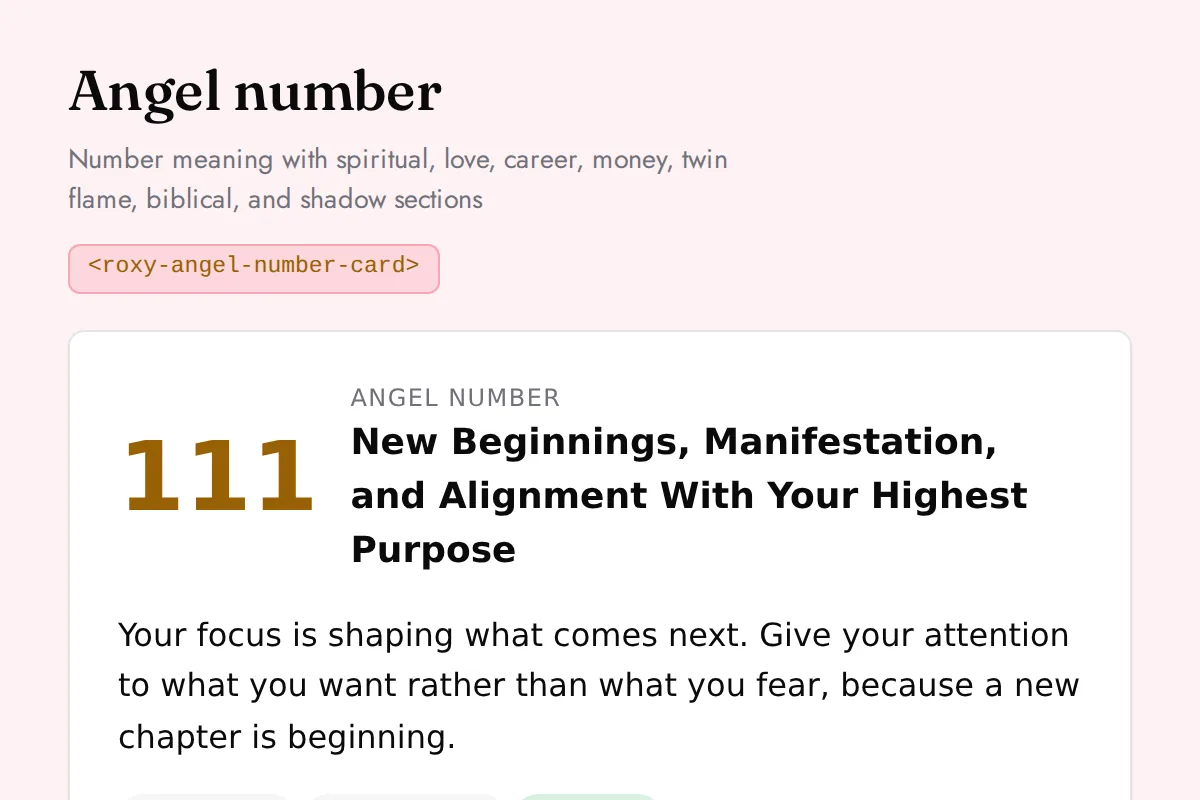
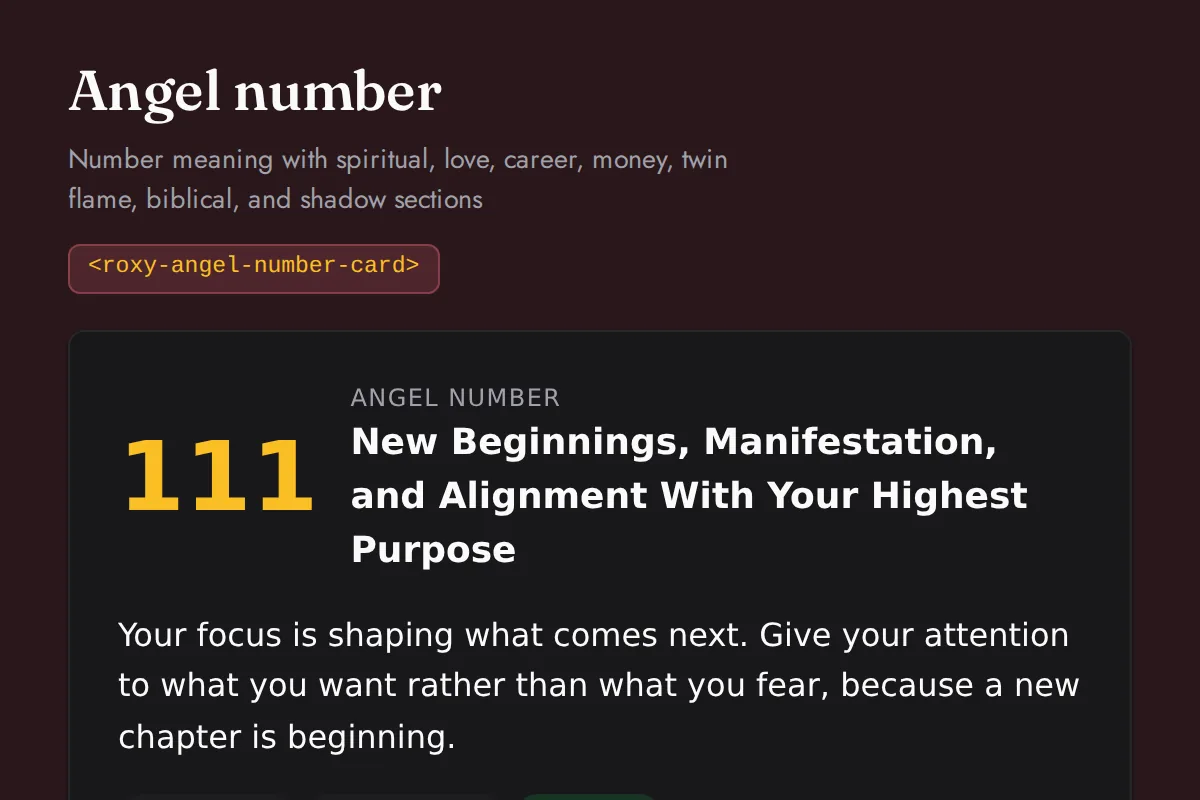
Angel number card
Number meaning with spiritual, love, career, money, twin flame, biblical, and shadow sections
https://roxyapi.com/embed/angel-number-card?pk=pk_live_YOUR_KEY<iframe src="https://roxyapi.com/embed/angel-number-card?pk=pk_live_YOUR_KEY" title="Angel number card widget" style="border:0;width:100%;height:600px" loading="lazy"></iframe><!-- Optional: warm practitioner theme (drop this line for the default look) -->
<!-- <link rel="stylesheet" href="https://cdn.jsdelivr.net/npm/@roxyapi/ui@latest/dist/styles/themes/practitioner.css"> -->
<script src="https://cdn.jsdelivr.net/npm/@roxyapi/ui@latest/dist/cdn/roxy-ui.js" defer></script>
<roxy-angel-number-card data-endpoint="angel-numbers/numbers/{number}" method="GET" publishable-key="pk_live_YOUR_KEY" hide-sections="hint"></roxy-angel-number-card><script src="https://cdn.jsdelivr.net/npm/@roxyapi/ui@latest/dist/cdn/widgets.js" defer></script>
<div data-roxy-widget="angel-number-card" data-publishable-key="pk_live_YOUR_KEY" data-hide-sections="hint"></div>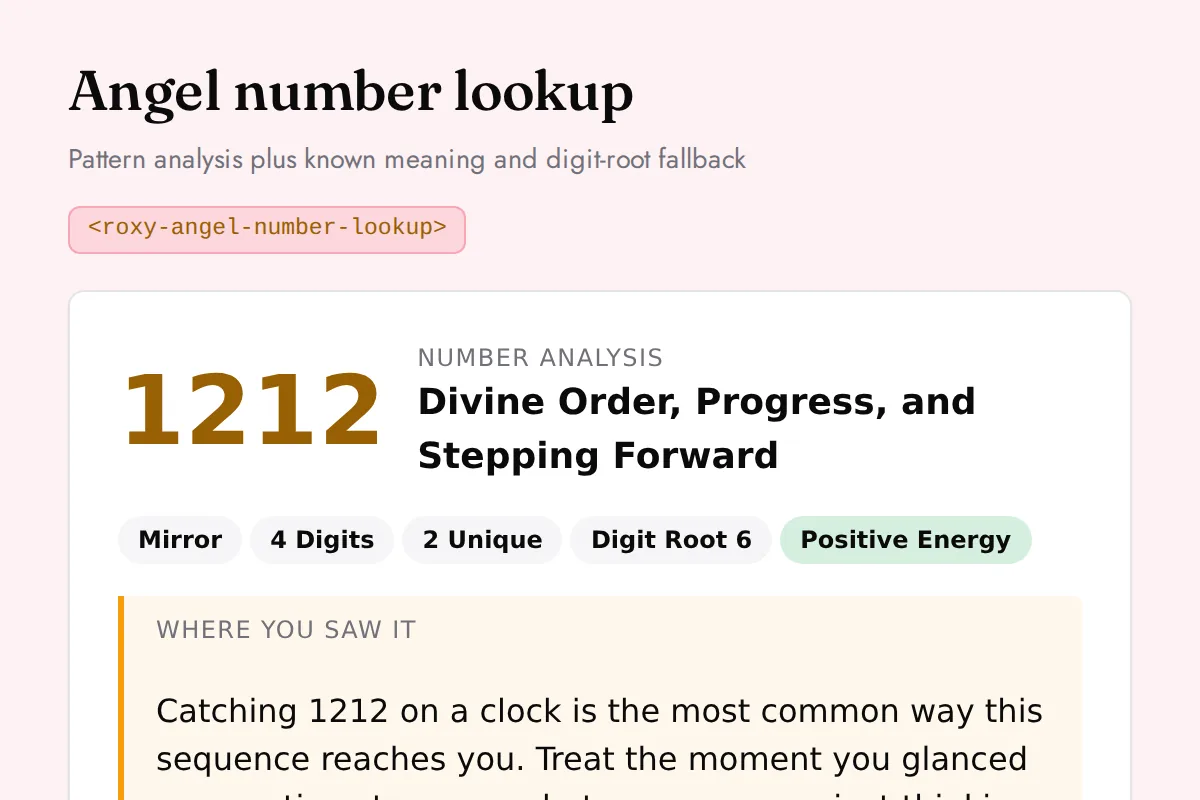
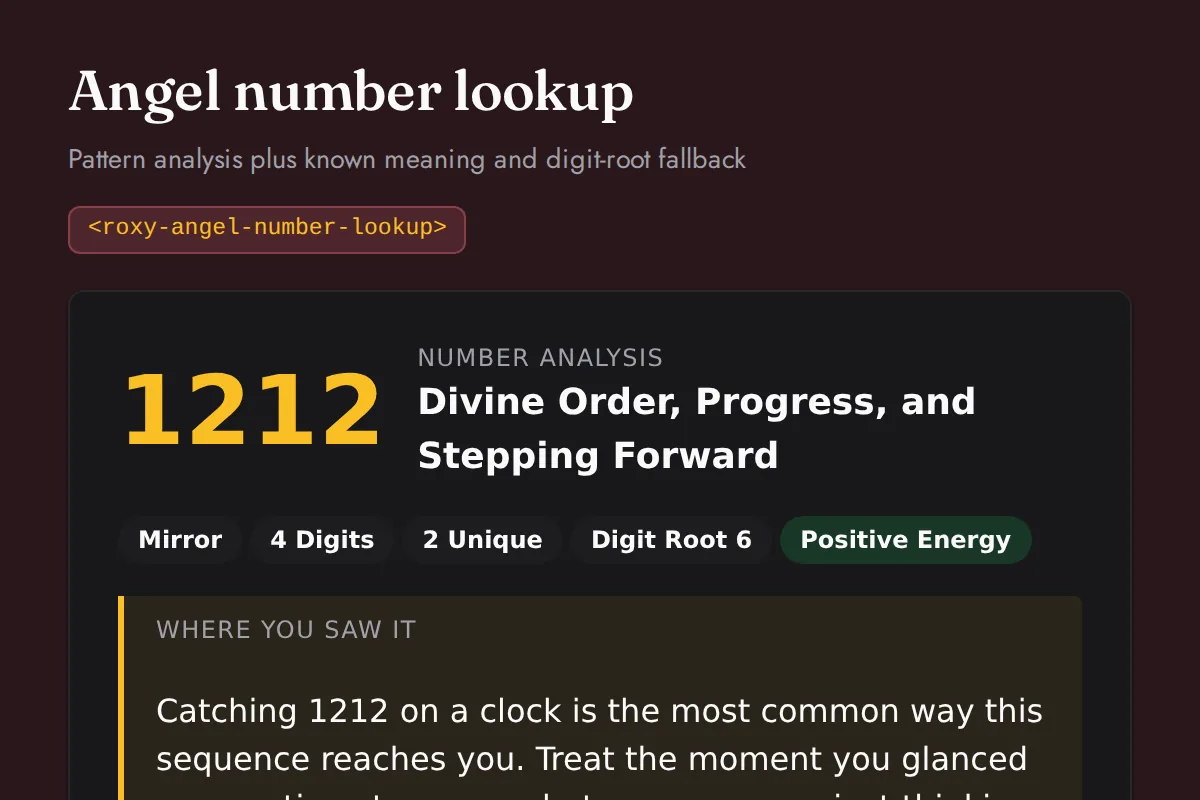
Angel number lookup
Pattern analysis plus known meaning and digit-root fallback
https://roxyapi.com/embed/angel-number-lookup?pk=pk_live_YOUR_KEY<iframe src="https://roxyapi.com/embed/angel-number-lookup?pk=pk_live_YOUR_KEY" title="Angel number lookup widget" style="border:0;width:100%;height:600px" loading="lazy"></iframe><!-- Optional: warm practitioner theme (drop this line for the default look) -->
<!-- <link rel="stylesheet" href="https://cdn.jsdelivr.net/npm/@roxyapi/ui@latest/dist/styles/themes/practitioner.css"> -->
<script src="https://cdn.jsdelivr.net/npm/@roxyapi/ui@latest/dist/cdn/roxy-ui.js" defer></script>
<roxy-angel-number-lookup data-endpoint="angel-numbers/lookup" method="GET" publishable-key="pk_live_YOUR_KEY" hide-sections="hint"></roxy-angel-number-lookup><script src="https://cdn.jsdelivr.net/npm/@roxyapi/ui@latest/dist/cdn/widgets.js" defer></script>
<div data-roxy-widget="angel-number-lookup" data-publishable-key="pk_live_YOUR_KEY" data-hide-sections="hint"></div>Cross
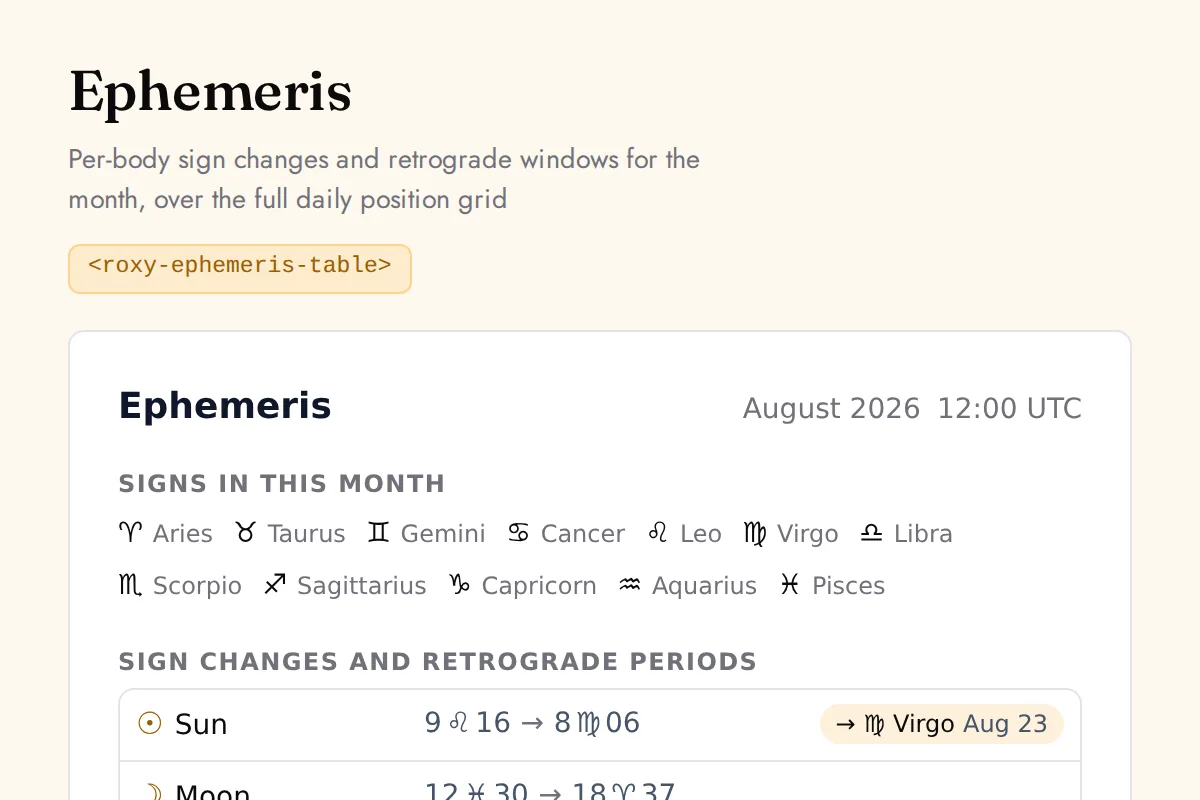
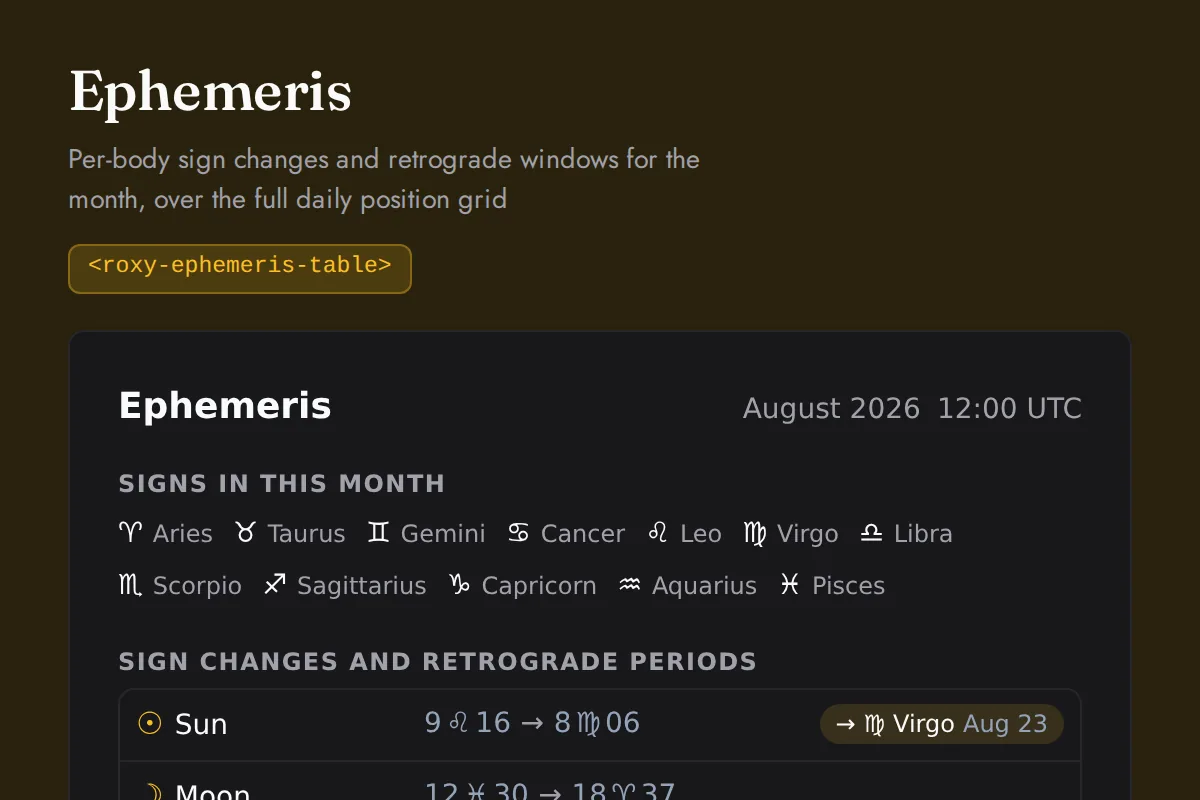
Ephemeris table
Per-body sign changes and retrograde windows for the month, over the full daily position grid
https://roxyapi.com/embed/ephemeris-table?pk=pk_live_YOUR_KEY<iframe src="https://roxyapi.com/embed/ephemeris-table?pk=pk_live_YOUR_KEY" title="Ephemeris table widget" style="border:0;width:100%;height:600px" loading="lazy"></iframe><!-- Optional: warm practitioner theme (drop this line for the default look) -->
<!-- <link rel="stylesheet" href="https://cdn.jsdelivr.net/npm/@roxyapi/ui@latest/dist/styles/themes/practitioner.css"> -->
<script src="https://cdn.jsdelivr.net/npm/@roxyapi/ui@latest/dist/cdn/roxy-ui.js" defer></script>
<roxy-ephemeris-table data-endpoint="astrology/planets/monthly" publishable-key="pk_live_YOUR_KEY" hide-sections="hint"></roxy-ephemeris-table><script src="https://cdn.jsdelivr.net/npm/@roxyapi/ui@latest/dist/cdn/widgets.js" defer></script>
<div data-roxy-widget="ephemeris-table" data-publishable-key="pk_live_YOUR_KEY" data-hide-sections="hint"></div>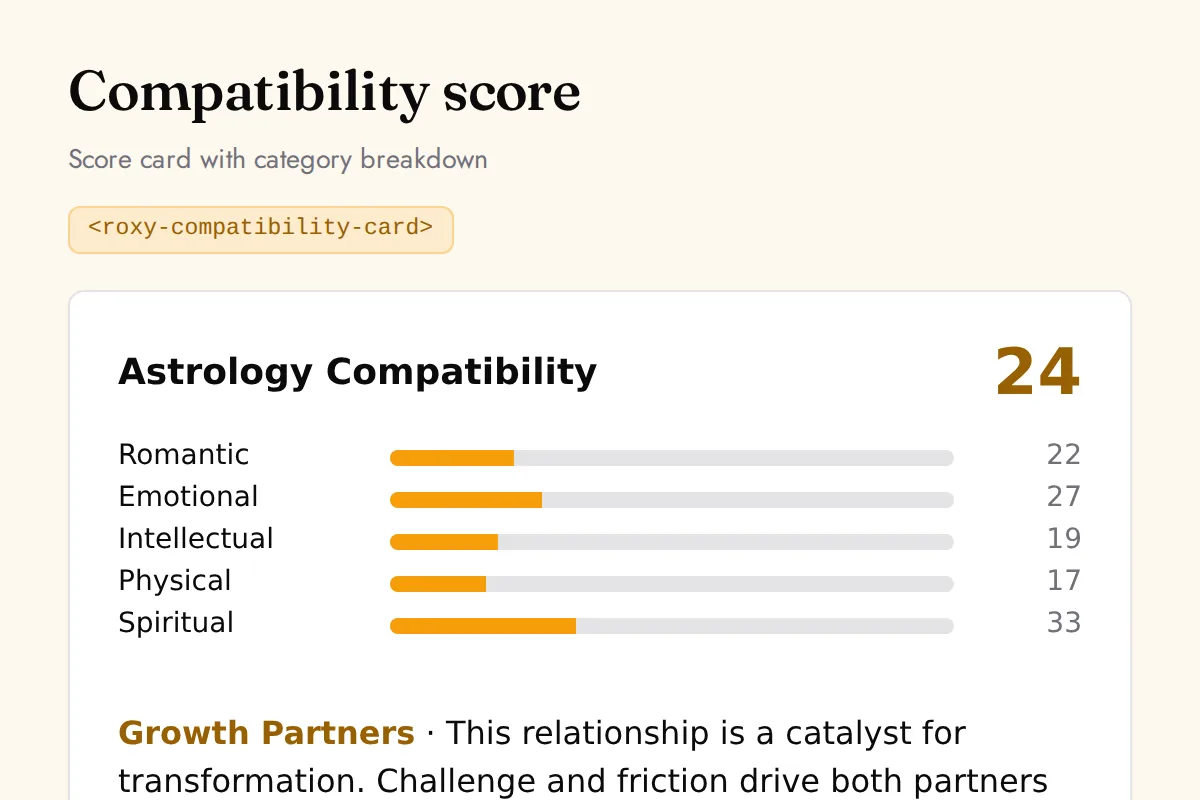
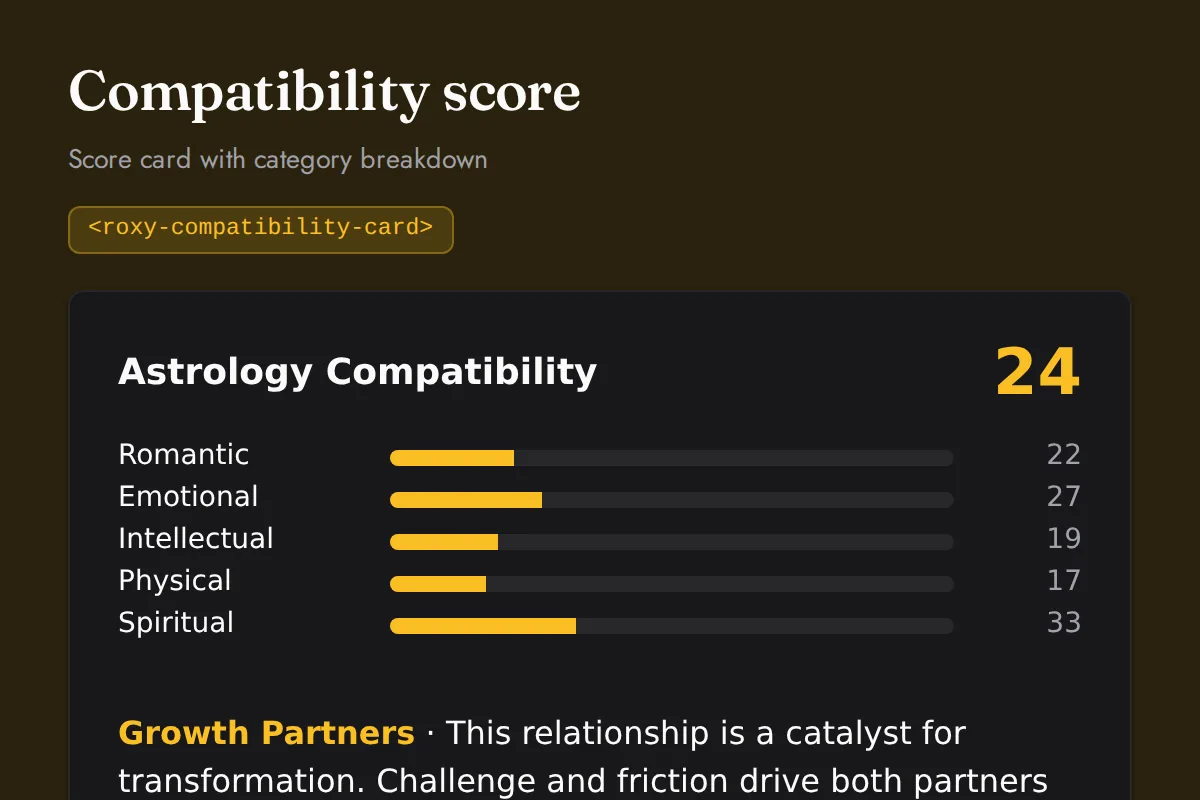
Compatibility card
Score card with category breakdown
https://roxyapi.com/embed/compatibility-card?pk=pk_live_YOUR_KEY<iframe src="https://roxyapi.com/embed/compatibility-card?pk=pk_live_YOUR_KEY" title="Compatibility card widget" style="border:0;width:100%;height:600px" loading="lazy"></iframe><!-- Optional: warm practitioner theme (drop this line for the default look) -->
<!-- <link rel="stylesheet" href="https://cdn.jsdelivr.net/npm/@roxyapi/ui@latest/dist/styles/themes/practitioner.css"> -->
<script src="https://cdn.jsdelivr.net/npm/@roxyapi/ui@latest/dist/cdn/roxy-ui.js" defer></script>
<roxy-compatibility-card mode="astrology" data-endpoint="astrology/compatibility-score" publishable-key="pk_live_YOUR_KEY" hide-sections="hint"></roxy-compatibility-card><script src="https://cdn.jsdelivr.net/npm/@roxyapi/ui@latest/dist/cdn/widgets.js" defer></script>
<div data-roxy-widget="compatibility-card" data-publishable-key="pk_live_YOUR_KEY" data-hide-sections="hint"></div>Reference
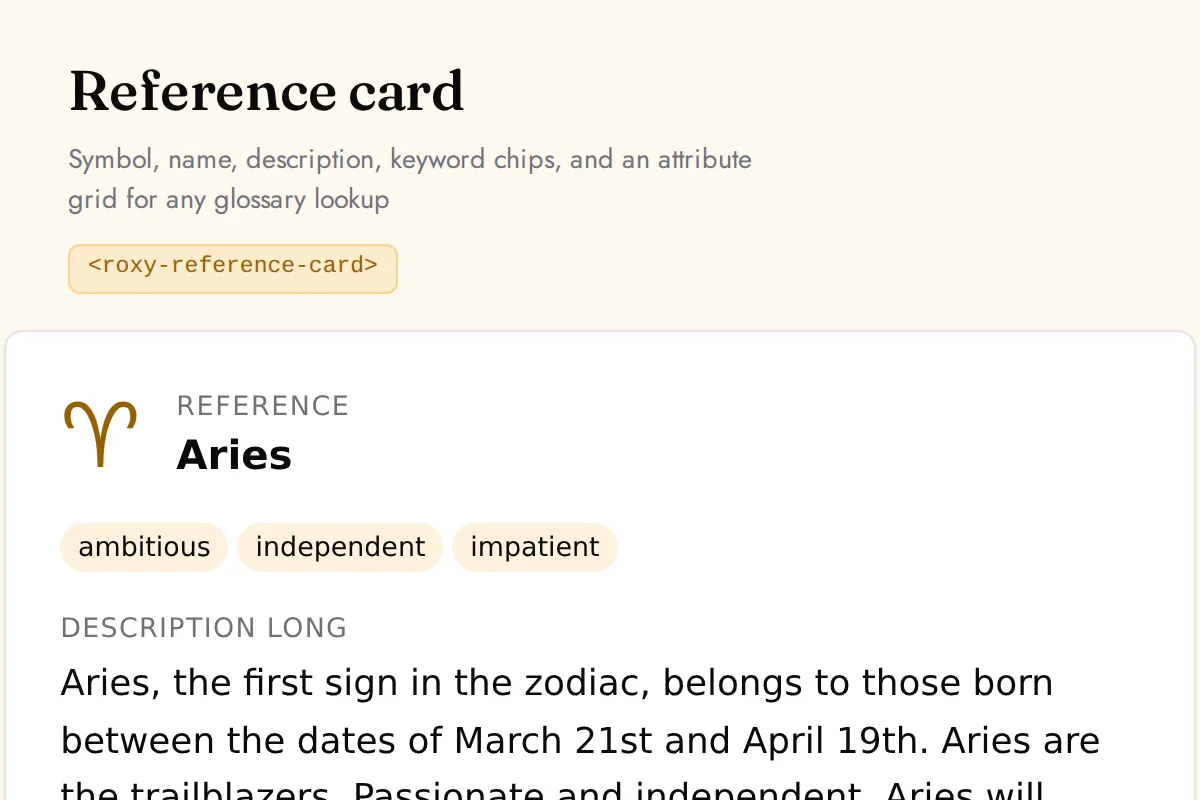
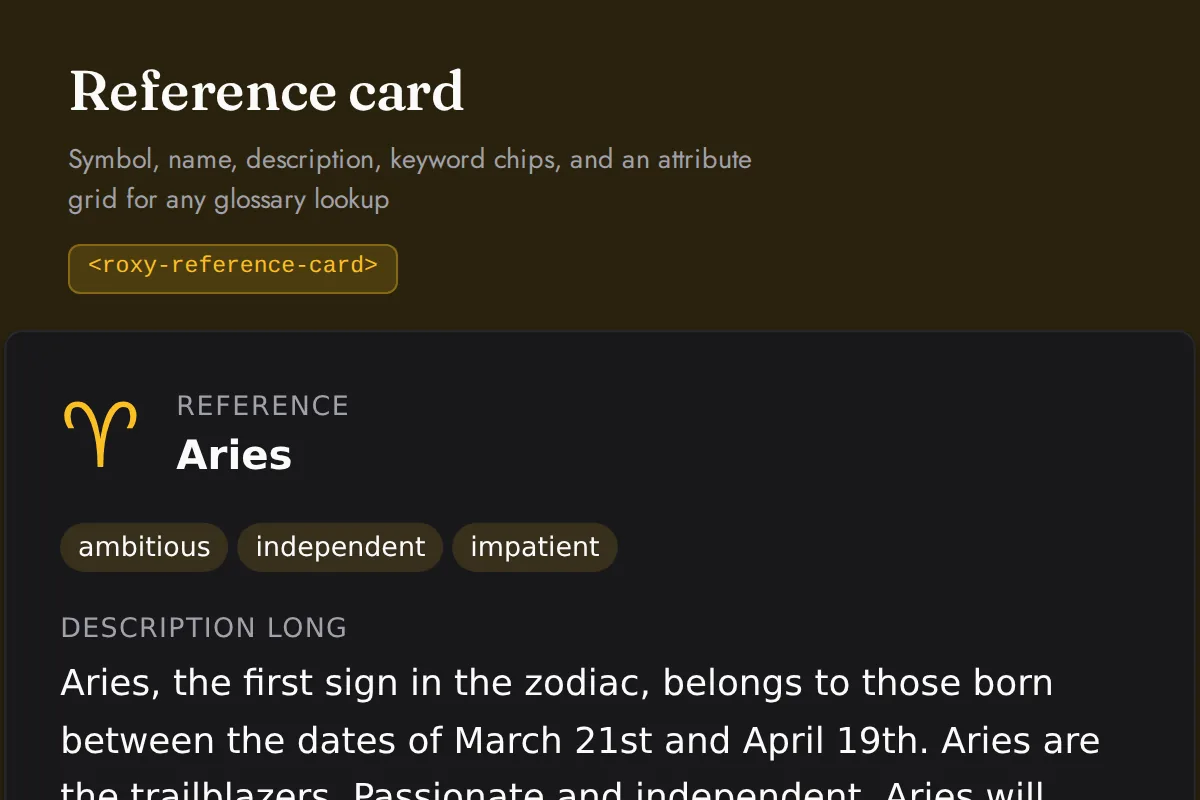
Reference card
Symbol, name, description, keyword chips, and an attribute grid for any glossary lookup
https://roxyapi.com/embed/reference-card?pk=pk_live_YOUR_KEY<iframe src="https://roxyapi.com/embed/reference-card?pk=pk_live_YOUR_KEY" title="Reference card widget" style="border:0;width:100%;height:600px" loading="lazy"></iframe><!-- Optional: warm practitioner theme (drop this line for the default look) -->
<!-- <link rel="stylesheet" href="https://cdn.jsdelivr.net/npm/@roxyapi/ui@latest/dist/styles/themes/practitioner.css"> -->
<script src="https://cdn.jsdelivr.net/npm/@roxyapi/ui@latest/dist/cdn/roxy-ui.js" defer></script>
<roxy-reference-card data-endpoint="astrology/signs/{id}" method="GET" publishable-key="pk_live_YOUR_KEY" hide-sections="hint"></roxy-reference-card><script src="https://cdn.jsdelivr.net/npm/@roxyapi/ui@latest/dist/cdn/widgets.js" defer></script>
<div data-roxy-widget="reference-card" data-publishable-key="pk_live_YOUR_KEY" data-hide-sections="hint"></div>Live in three steps.
No servers, no build tools, no framework. Get a key, copy a snippet, paste it where the reading should appear.
Get a publishable key
Create a publishable key in your account dashboard and add your site domain to its origin allowlist. It starts with pk_ and is safe to put in public page source.
Copy a snippet
Drop your key in the box above the widgets, pick a language if you want one fixed, and every snippet on this page updates. Copy the ready-to-paste snippet or hosted URL for the widget you want.
Paste it in
Drop the snippet into a code block, or paste the embed URL into any block that accepts a link. The widget renders its own form, fetches on submit, and shows the result.
Platform walkthroughs: Squarespace, Wix, Shopify, and WordPress.
One platform behind the widgets
Widgets are the no-code mode of the platform. One publishable key on your site, one flat subscription behind it, and the typed API, Remote MCP servers, SDKs, and UI components included when you are ready for code.
- Typed API: a complete result in one call, from a live typed OpenAPI spec
- Remote MCP: hosted agent tools over Streamable HTTP, no local setup
- Typed SDKs: TypeScript, Python, PHP, C#, and Go, generated from the spec
- UI components: natal wheels, kundli, bodygraphs, and spreads rendered from the response
- Embed widgets: paste one snippet on any site with a browser safe publishable key
- Templates: MIT licensed apps to clone, white label, and ship as your own
- Multilingual i18n: full interpretation text in 10+ languages, included in every plan
Every surface, across all 18 domains, under one flat subscription. No per-product fees, no per-request or token costs.
Common questions
Copy-paste widgets render live readings from the RoxyAPI catalog with a browser-safe publishable key. No backend, no build step.
How do I add an astrology widget to my website?
Choose an available widget at /widgets, such as a natal chart, horoscope or tarot reading. The gallery supplies a snippet or hosted embed link that you configure with your publishable key. Widgets fetch and display live readings without a backend of your own.
Do I need to know how to code to use RoxyAPI widgets?
The gallery provides copy-and-paste snippets and hosted embed links. Choose a widget, replace the sample key with your publishable key and paste the result into a supported block on your site. Interactive widgets supply the inputs relevant to their reading, such as birth details or a zodiac selection.
Which websites can use the widgets?
Use a script snippet on a site that permits custom scripts, or an iframe or hosted embed link where those are supported. Site permissions and content restrictions determine which option works. The official WordPress plugin provides another path for WordPress sites.
How do I get a publishable key for my widgets?
Create a publishable key in the account dashboard and allow the site origins that will host your widgets. Widget calls count against the subscription allowance, so review usage and revoke a key you no longer need. Keep secret keys on your server and follow the key guidance at /docs/authentication.
Do widgets need a backend on my website?
Widgets can fetch readings without a backend of your own. Configure the publishable key for your site origins and use an embed format your host permits. The setup guide at /docs/widgets covers script snippets, iframes and hosted links.
Can I match the widgets to my brand?
Widgets support CSS custom properties for colors, fonts, spacing and other theme choices. The gallery includes a practitioner theme and light or dark appearance options. Choose your theme before copying a snippet or embed link.
Is there a RoxyAPI credit line on the widgets?
Attribution is optional on every plan. Enable Credit RoxyAPI in the widgets gallery if you want a source link under the reading. Leave that option disabled to display the widget without a credit line.
Can I show a widget in another language?
Choose a language in the gallery to configure the reading and supported interface labels. API localization spans 10+ languages: English, Turkish, German, Spanish, Hindi, Portuguese, French, Russian, Chinese (Simplified), Chinese (Traditional), with coverage varying by domain and field. Some form headings and untranslated component labels remain in English; see /docs/ui for current coverage.
Are the widgets free?
The widget components are MIT licensed and free to use and modify under that license. Live readings require a RoxyAPI subscription and consume its request allowance. The same subscription covers the domains used by your supported widgets.
Get a publishable key. Ship your first widget today.
One key powers every widget on your site. All domains, one flat plan.