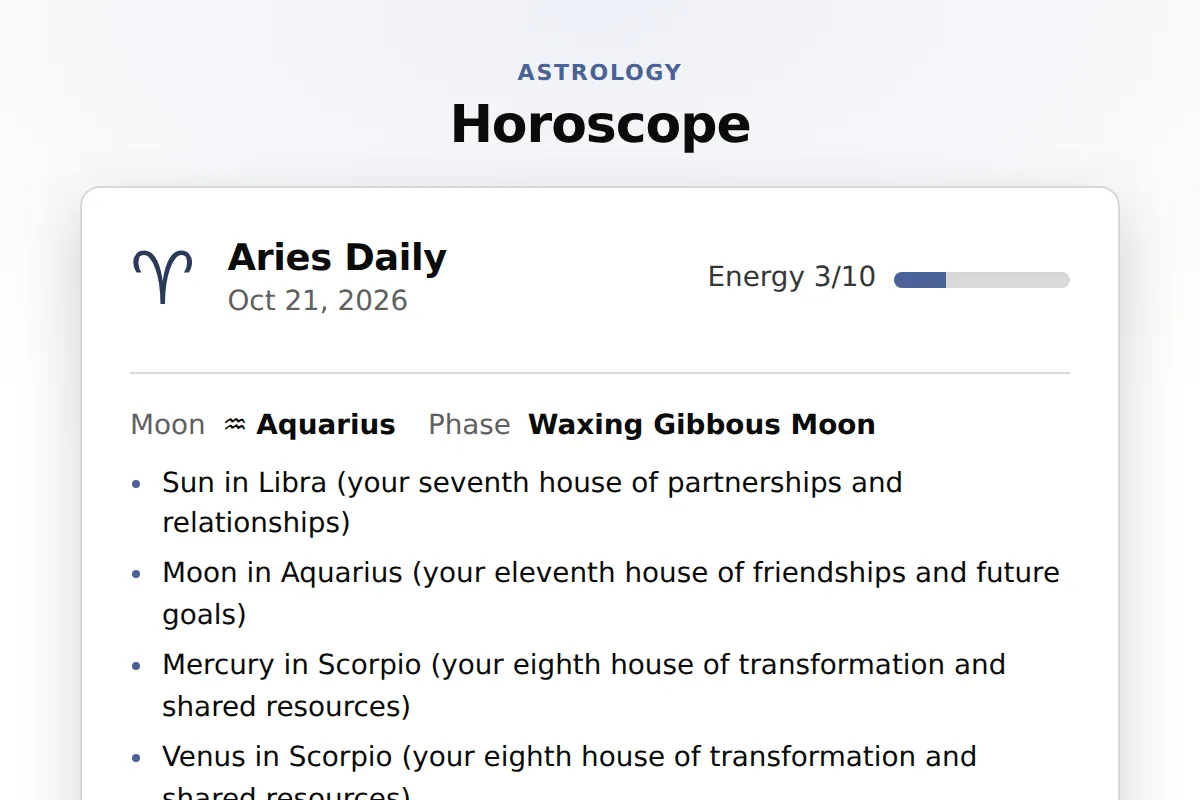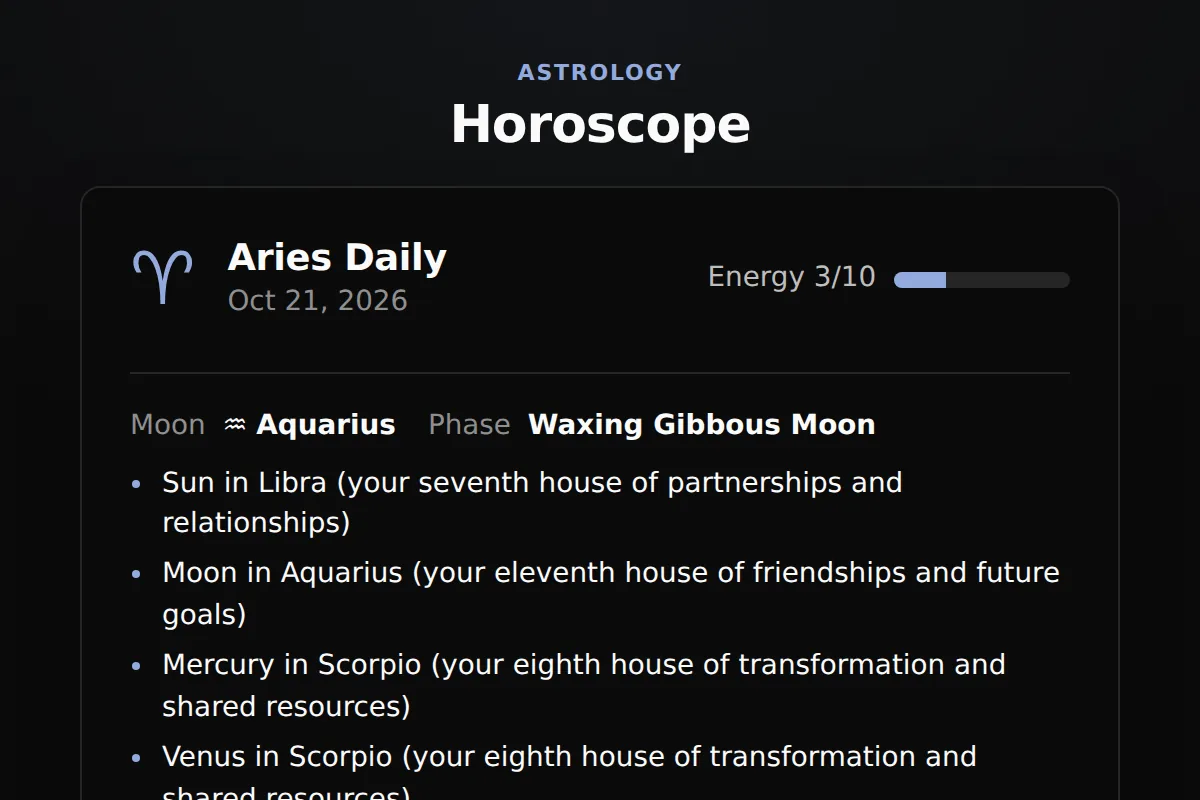
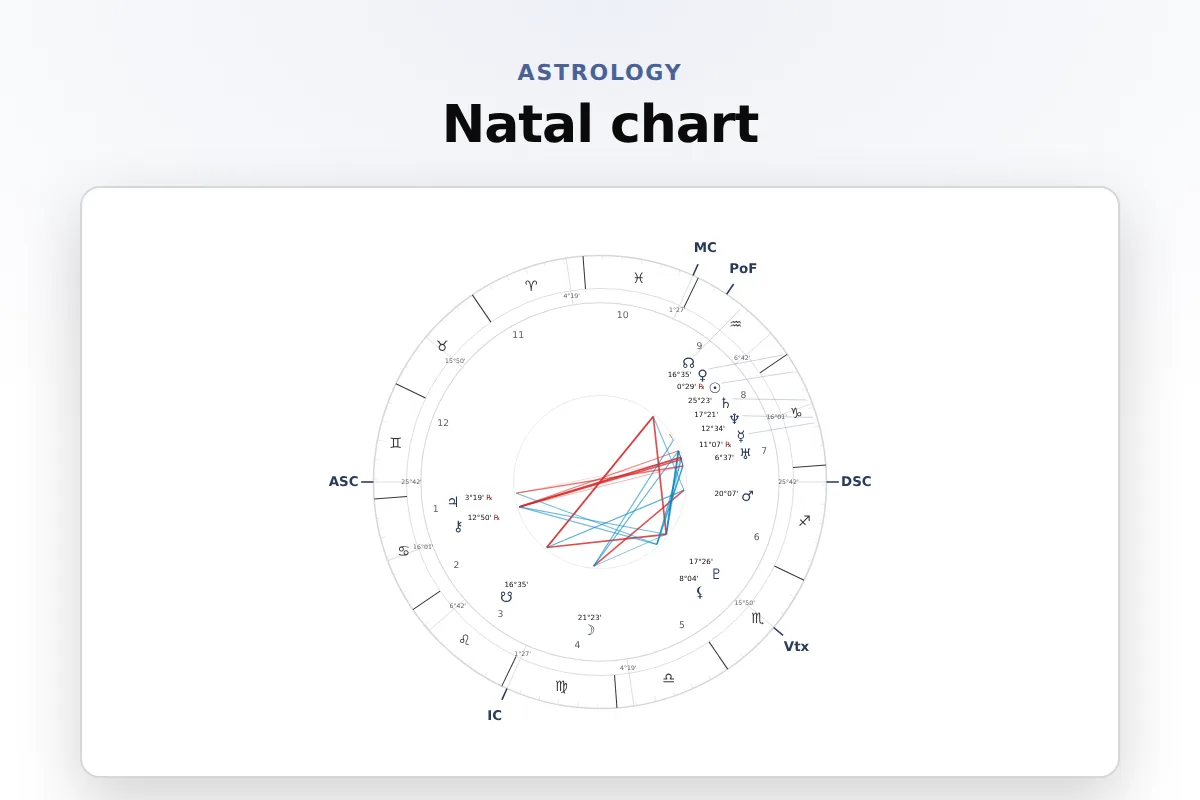
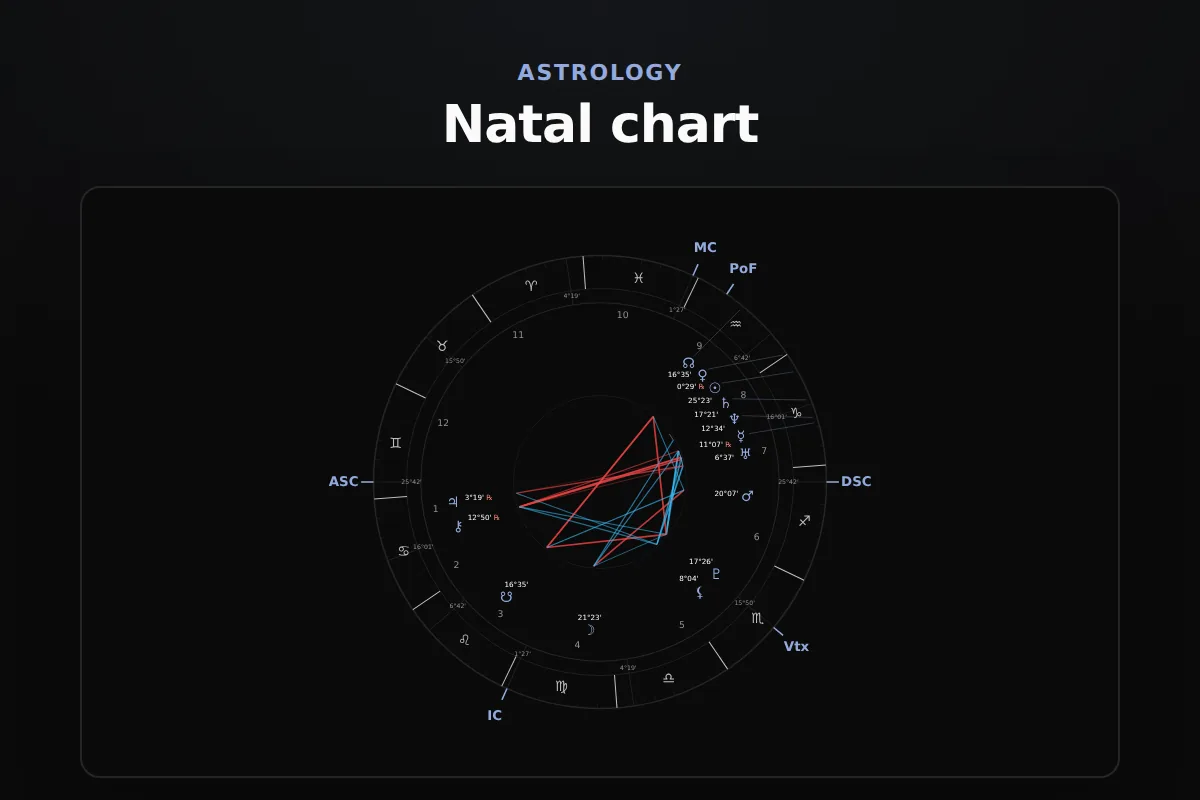
Website widgets
A birth chart widget lets each visitor calculate their own natal chart on your page: they enter a birth date, time and city, and the wheel draws with every planet, house cusp and aspect, plus a written reading. Positions come from the NASA JPL DE440 ephemeris at a median deviation of 0.05 arcseconds (0.00001 degrees) from NASA JPL Horizons. Paste one snippet into Squarespace, Wix, WordPress or Shopify.
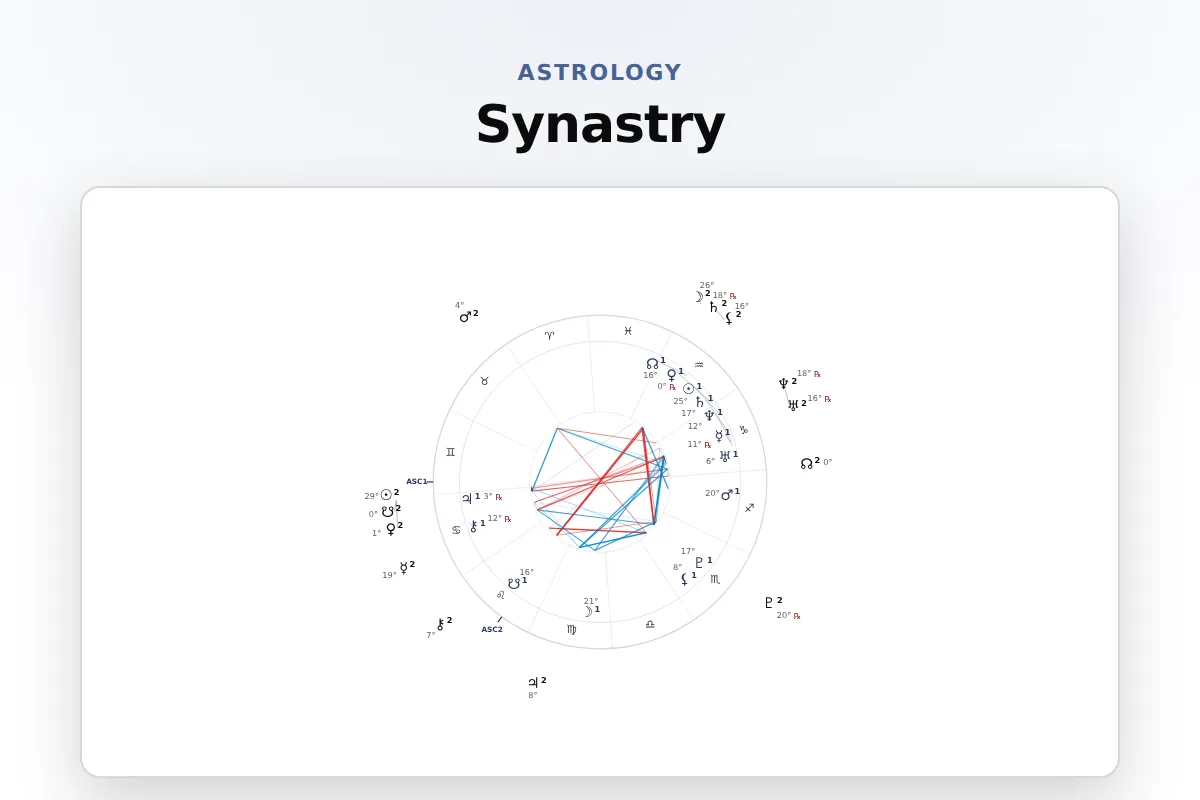
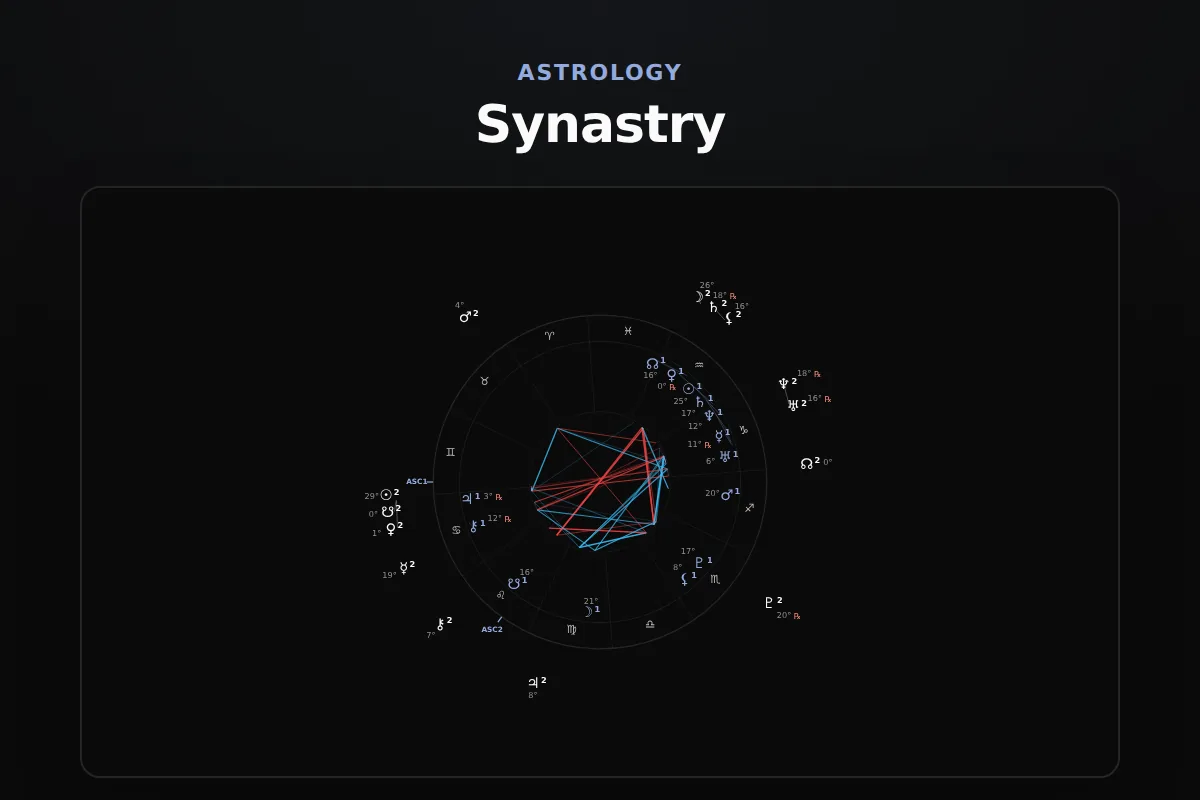
Sun through Pluto, both lunar nodes, Chiron and Black Moon Lilith, twelve house cusps, the Ascendant and Midheaven, major and minor aspects, and the balance of elements and modalities.
Visitors search for their city by name. The widget fills its coordinates and the time zone in force on the birth date, summer time and historical offsets included.
Every position reads the NASA JPL DE440 ephemeris and is benchmarked in public against NASA JPL Horizons, in a run anyone can repeat.
Needs a Squarespace plan that runs JavaScript in a Code Block, such as Core, Plus or Advanced.
In Wix Studio the element is Add Elements, Embed and Social, Embed Site.
On WordPress.com this needs a paid plan with plugins turned on.
Prefer the WordPress way? The free RoxyAPI plugin adds the same readings as a block or a shortcode, with your key kept on the server. Install the plugin
Your site builder must accept HTML with a script, often called an embed or code block.
Open the widget builder at widgets, pick the natal chart, choose a theme and add your key. Paste the code into a code or embed block on Squarespace, WordPress or Shopify, or paste the link into Wix. Your visitors fill in their birth details on your page and see their chart there.
Planet positions sit at a median deviation of 0.05 arcseconds (0.00001 degrees) from NASA JPL Horizons, measured on a public benchmark anyone can rerun (roxyapi.github.io/astrology-api-benchmark).
The Western tropical zodiac, with Placidus houses by default. Visitors can switch to Whole Sign, Equal or Koch houses, and choose the true or mean lunar node, in the form itself.
They can enter 12:00 noon. The planets in their signs stay close to right, while the Ascendant and the houses, which turn through every sign in a day, need the real time.
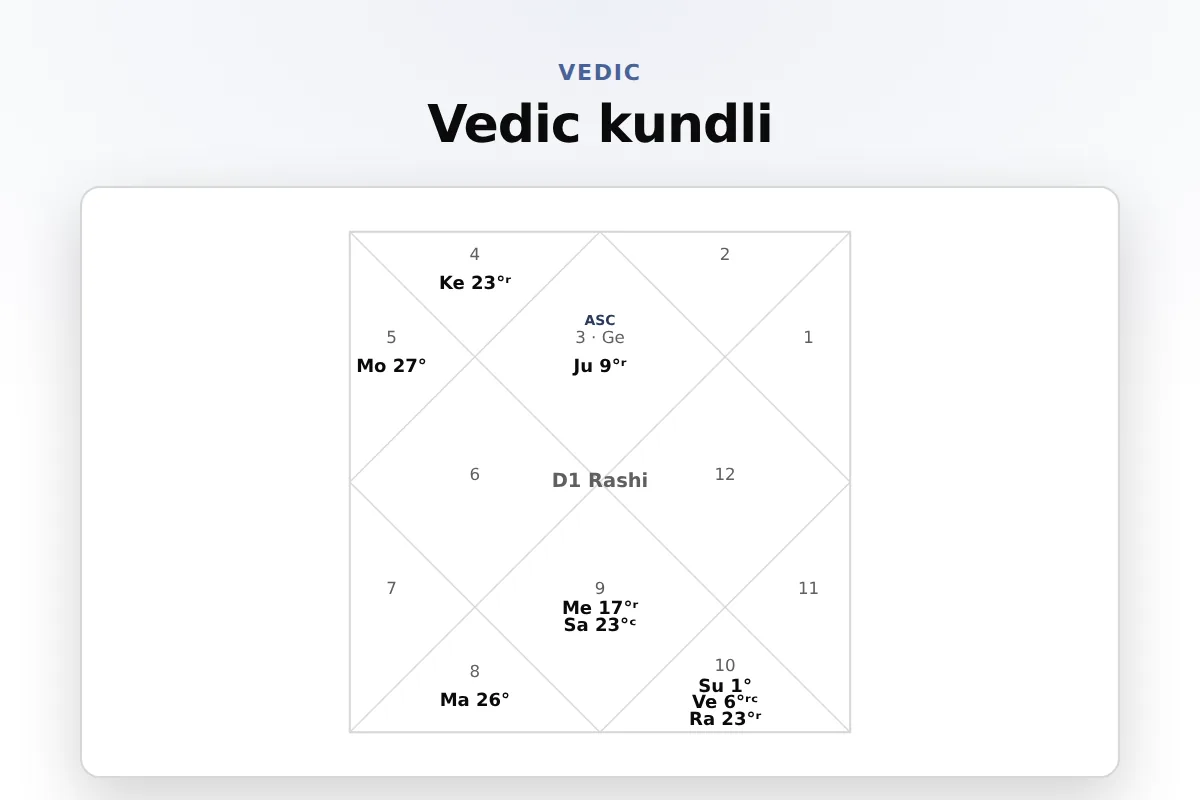
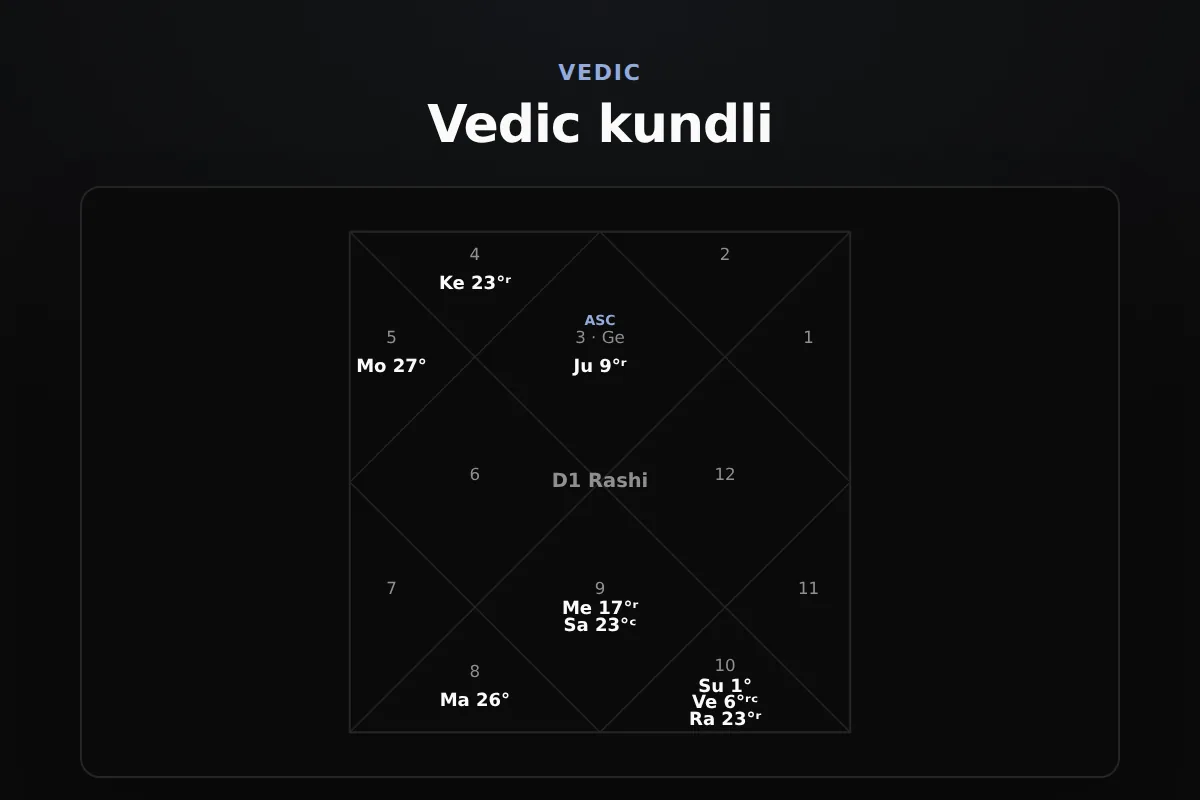
Yes. The Vedic kundli widget draws the South, North or East Indian chart from the same birth details. Pick it in the builder under Vedic.
Yes. Untick Show the written reading in the builder and the widget keeps the wheel, the positions and the aspects, with no interpretation text.
The widget code is MIT licensed and free to use. The live charts run on a RoxyAPI plan, and every plan includes every widget, the birth chart among them.
Hi, I am Rosie, your guide to the RoxyAPI insight tools.
Ask me to read your birth chart, pull a card, or map your numbers, and I will interpret what it means for you. Unlike most AIs, I never make the numbers up: every reading runs on real, verified calculations. Curious about the API, pricing, or docs instead? Ask me that too.