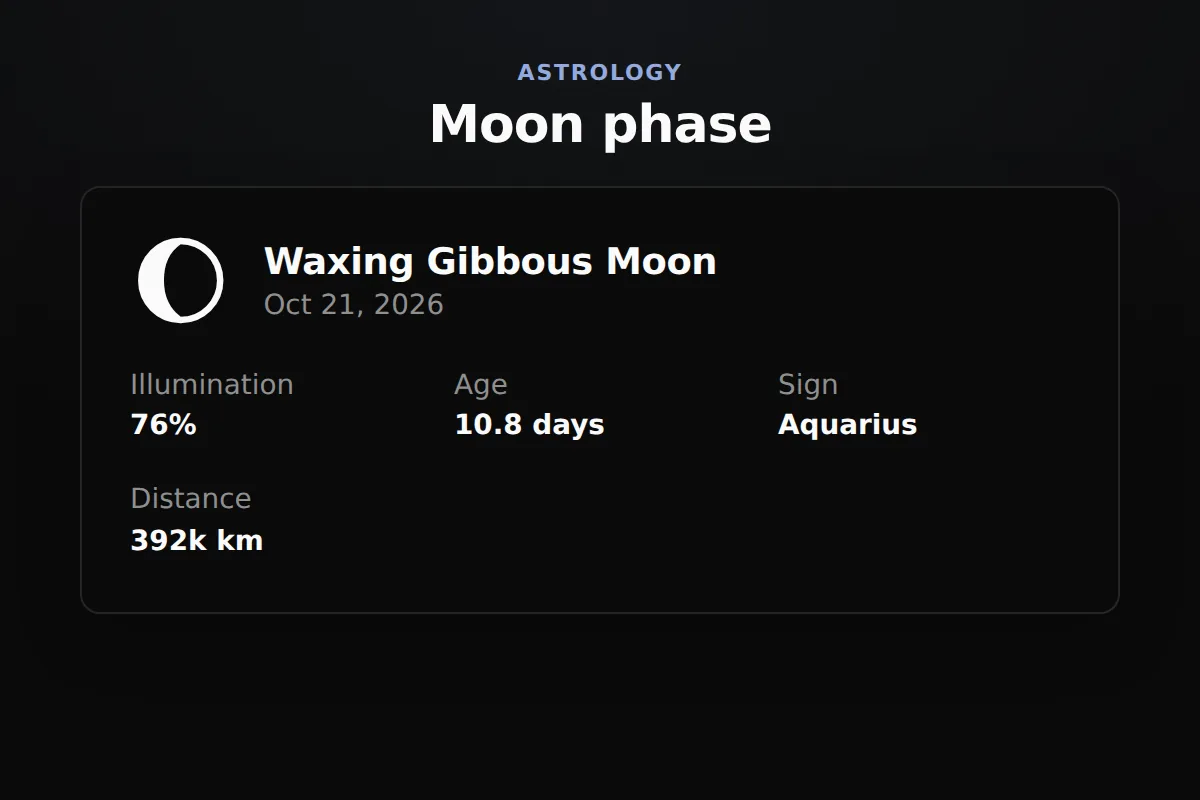
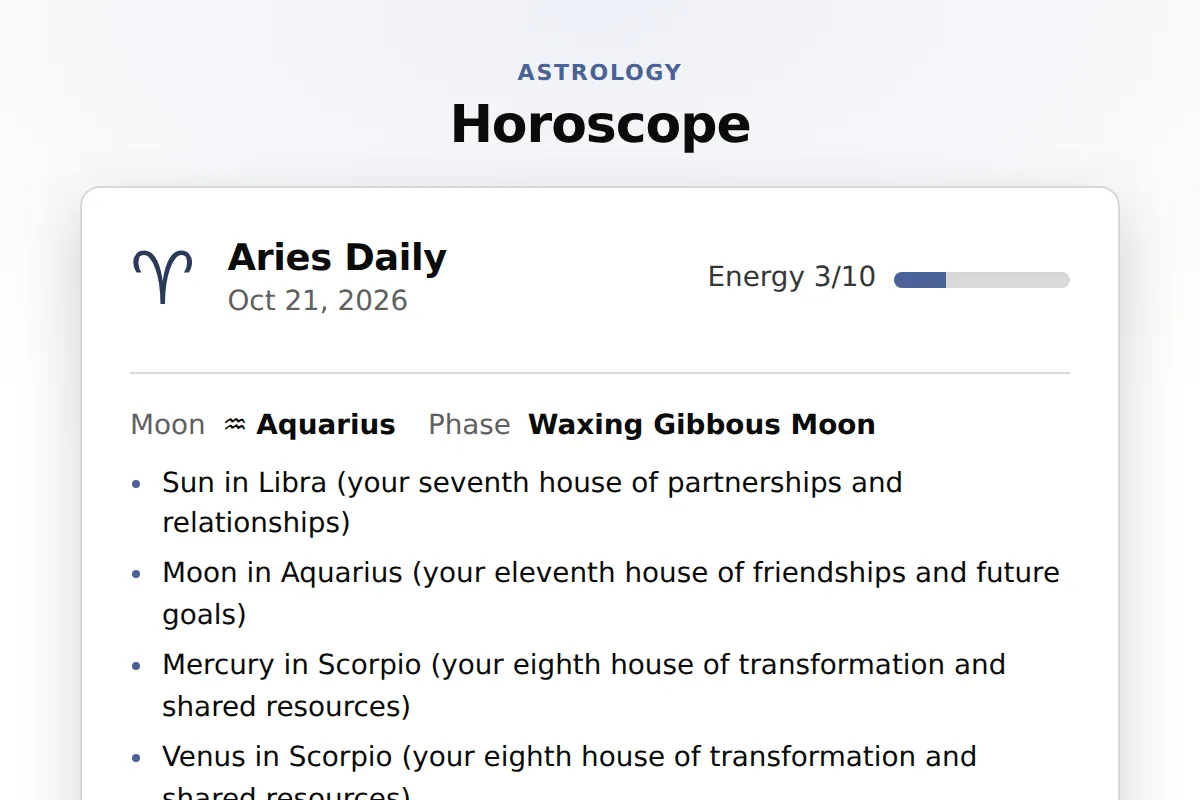
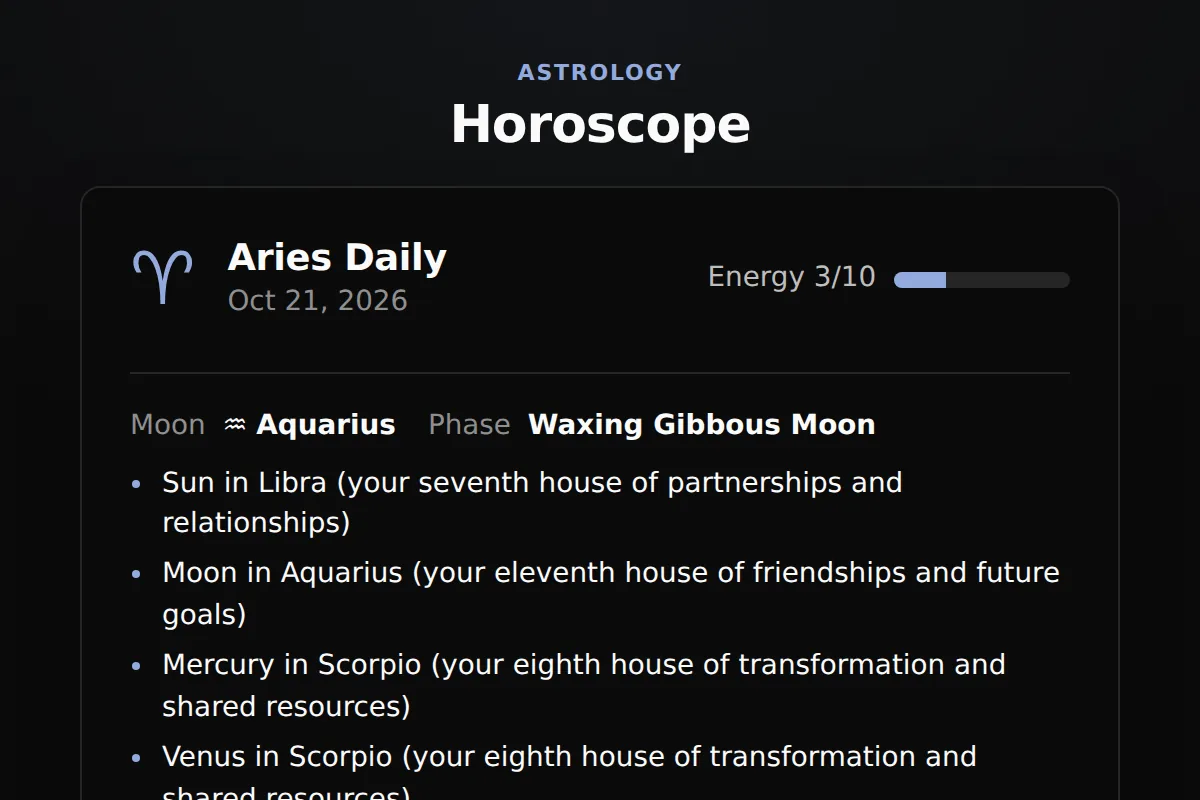
Website widgets
A horoscope widget puts a daily reading for every zodiac sign on your own page, written from the real sky and by no language model. Every planet, sign, house and date it names comes with it, timed to the second and checkable against NASA JPL Horizons. Paste one snippet into Squarespace, Wix, WordPress or Shopify.
It reads like a column by an experienced astrologer, written from the actual planets for that sign and date: the aspects, sign changes, retrogrades, Moon phases and eclipses.
Every planet, sign, house, aspect and date the reading names comes with it as data, each event timed to the second against NASA JPL Horizons.
No language model writes a word: a sign reads the same for every visitor on a date, no two signs share a line, and a new reading starts at midnight where your visitor lives.
Needs a Squarespace plan that runs JavaScript in a Code Block, such as Core, Plus or Advanced.
In Wix Studio the element is Add Elements, Embed and Social, Embed Site.
On WordPress.com this needs a paid plan with plugins turned on.
Prefer the WordPress way? The free RoxyAPI plugin adds the same readings as a block or a shortcode, with your key kept on the server. Install the plugin
Your site builder must accept HTML with a script, often called an embed or code block.
Open the widget builder at widgets, pick the horoscope, choose a theme and light or dark, and add your key. Paste the code into a code or embed block on Squarespace, WordPress or Shopify, or paste the link into Wix. Your visitors then pick their sign on your page.
Every day. The widget reads the visitor time zone, so a new reading starts at midnight where your visitor lives, never on a server clock.
Yes. The widget opens on the daily reading. To show another, add data-period="weekly", "monthly" or "yearly" to the widget line in the code you paste.
It follows the language of the page it sits on, so a Spanish site shows Spanish readings with no setting. To fix one language, pick it in the builder under Content.
Yes. The free RoxyAPI plugin adds the daily horoscope as a block or as the shortcode [roxy_horoscope sign="leo"], with your key kept on the server. Or paste the widget code from the builder into a Custom HTML block.
The transits behind the words. Each reading names the aspects, sign changes, lunations and retrograde stations of its date and reads them into the whole-sign houses counted from the sign, so twelve signs get twelve different readings, never one blurb reused.
The widget code is MIT licensed and free to use. The live readings run on a RoxyAPI plan, and every plan includes every widget, the horoscope among them.
Real astrology, and no language model writes it. Each reading is written from the aspects, sign changes, retrogrades, lunar phases and eclipses of its date, and every planet, sign, house and date it names comes with it as data, timed to the second and checkable against NASA JPL Horizons.
Hi, I am Rosie, your guide to the RoxyAPI insight tools.
Ask me to read your birth chart, pull a card, or map your numbers, and I will interpret what it means for you. Unlike most AIs, I never make the numbers up: every reading runs on real, verified calculations. Curious about the API, pricing, or docs instead? Ask me that too.