Website widgets
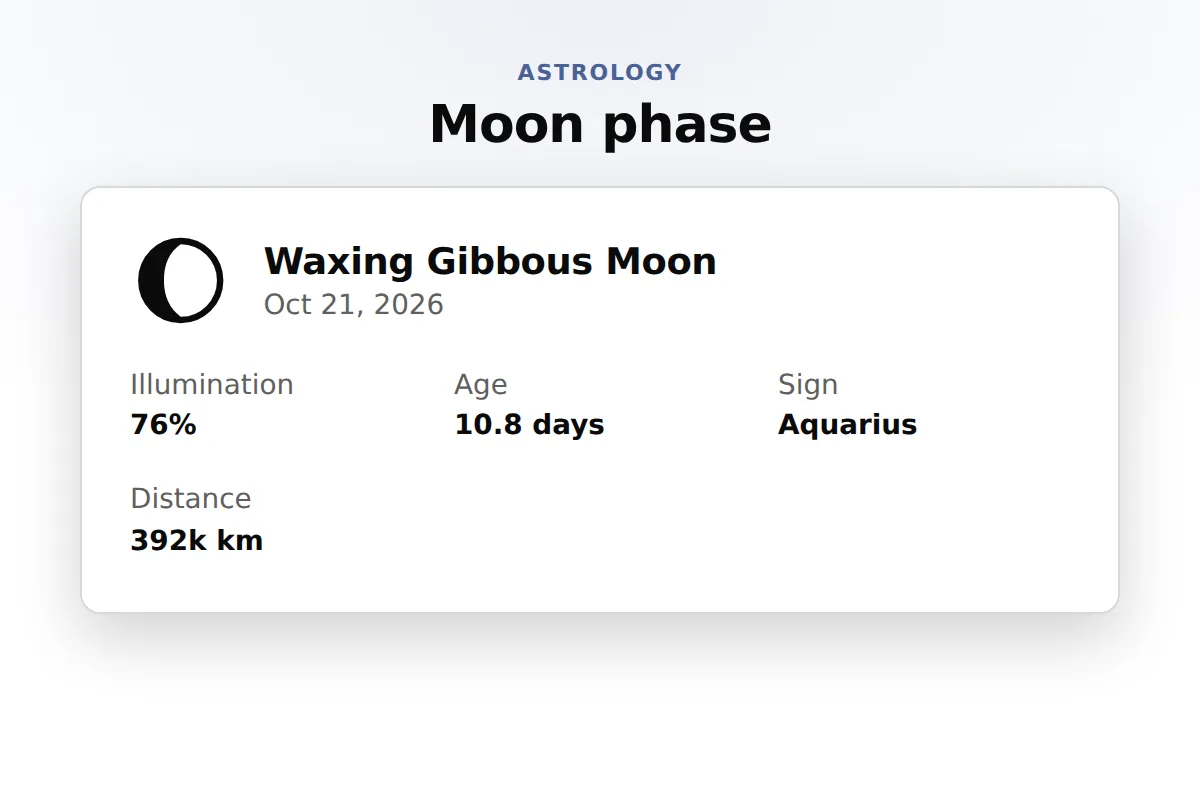
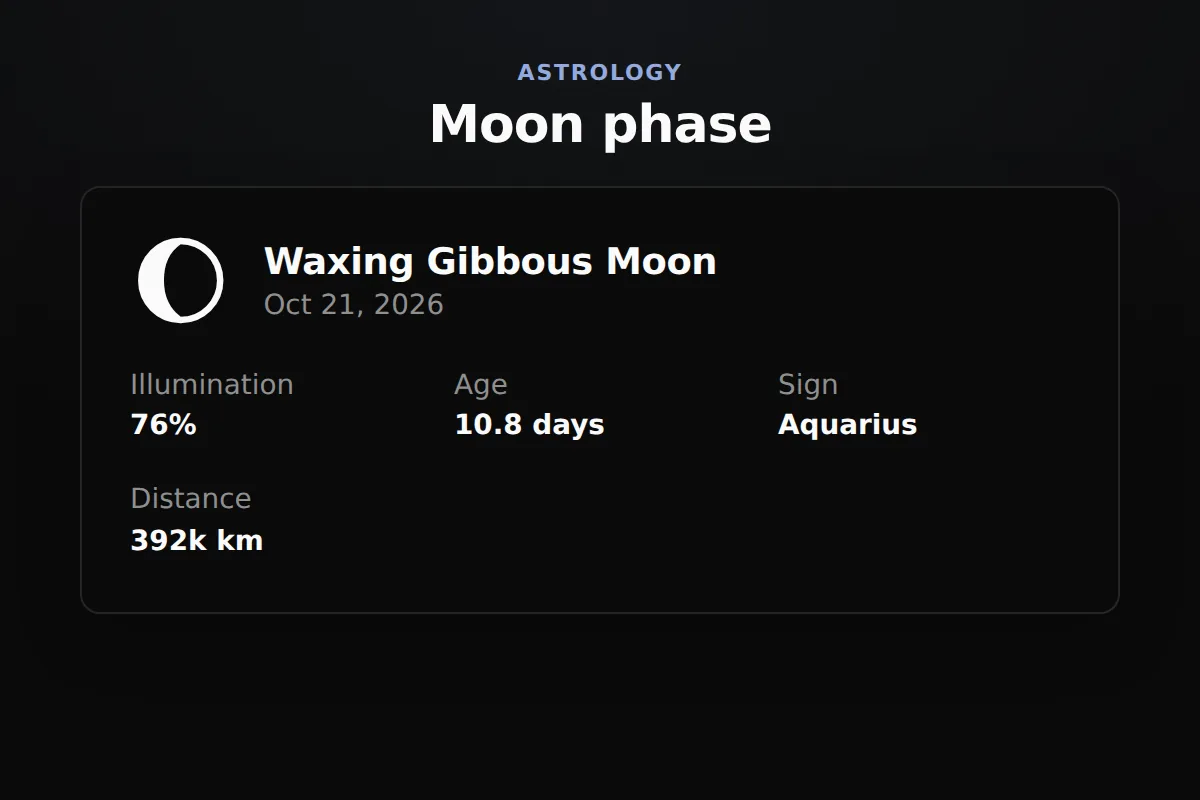
A moon phase widget shows the Moon as it is today where your visitor lives: its phase, how much of it is lit, its age in days, its zodiac sign and its distance from Earth. It reads the NASA JPL DE440 ephemeris, and visitors can look up any other date. Paste one snippet into Squarespace, Wix, WordPress or Shopify.
The widget reads each visitor clock, so the phase, the lit percentage and the date are the ones they see in their own sky.
Phase name, illumination, lunar age, the Moon sign and the distance from Earth, for any date and time a visitor picks.
The Moon today, the next new, quarter and full moons with their dates, or a whole month of phases as a calendar.
Needs a Squarespace plan that runs JavaScript in a Code Block, such as Core, Plus or Advanced.
In Wix Studio the element is Add Elements, Embed and Social, Embed Site.
On WordPress.com this needs a paid plan with plugins turned on.
Prefer the WordPress way? The free RoxyAPI plugin adds the same readings as a block or a shortcode, with your key kept on the server. Install the plugin
Your site builder must accept HTML with a script, often called an embed or code block.
Open the widget builder at widgets, pick the moon phase, choose a theme and add your key. Paste the code into a code or embed block on Squarespace, WordPress or Shopify, or paste the link into Wix. It shows the Moon of the day as soon as the page loads.
Yes. The builder writes a short block of HTML: the widgets script and one div for the Moon. It works on any page that accepts custom HTML, and the Wix link works where scripts are not allowed.
Yes. Add data-mode="upcoming" to the widget line for the next new moons, quarter moons and full moons with their dates, or data-mode="calendar" for a month of phases.
Yes. Every reading names the zodiac sign the Moon is in, beside its phase, illumination and age, which is what moon gardening and lunar planning sites need.
The Moon position reads the NASA JPL DE440 ephemeris, the same data observatories use, so the phase, the lit percentage and the sign match the real sky for any date a visitor picks.
The widget code is MIT licensed and free to use. The live readings run on a RoxyAPI plan, and every plan includes every widget, the moon phase among them.
Hi, I am Rosie, your guide to the RoxyAPI insight tools.
Ask me to read your birth chart, pull a card, or map your numbers, and I will interpret what it means for you. Unlike most AIs, I never make the numbers up: every reading runs on real, verified calculations. Curious about the API, pricing, or docs instead? Ask me that too.